Well, I rarely use toolbar functions other than the GSX, so I’ll pass.
I think this add-on could be useful for streamers and developers, but I personally don’t see much use for an average user who won’t be using even half of these features on a regular basis.
I tried the free version which essentially just replaces the standard toolbar. It’s OK. Potentially nice feature with being able to have plane specific “wheels”.
I use https://flightsim.to/file/9900/no-handle-bar mod on flightsim.to to hide the “handle bar” so that it doesn’t appear whenever the mouse moves on the screen, which works well for me.
I don’t have too many addons that are adding to the menu bar, so I’m not sure I see a lot of use for the paid features tbh.
Is there a way to add the “toggle flashlight” command (or any other standard MSFS command which is not predefined) to one of the slots?
I bought the essentials editon of flow.
Essentials doesn’t include the ability to create/import scripts. So you won’t be able to add to the functions it already has (like the ability to toggle the flashlight)
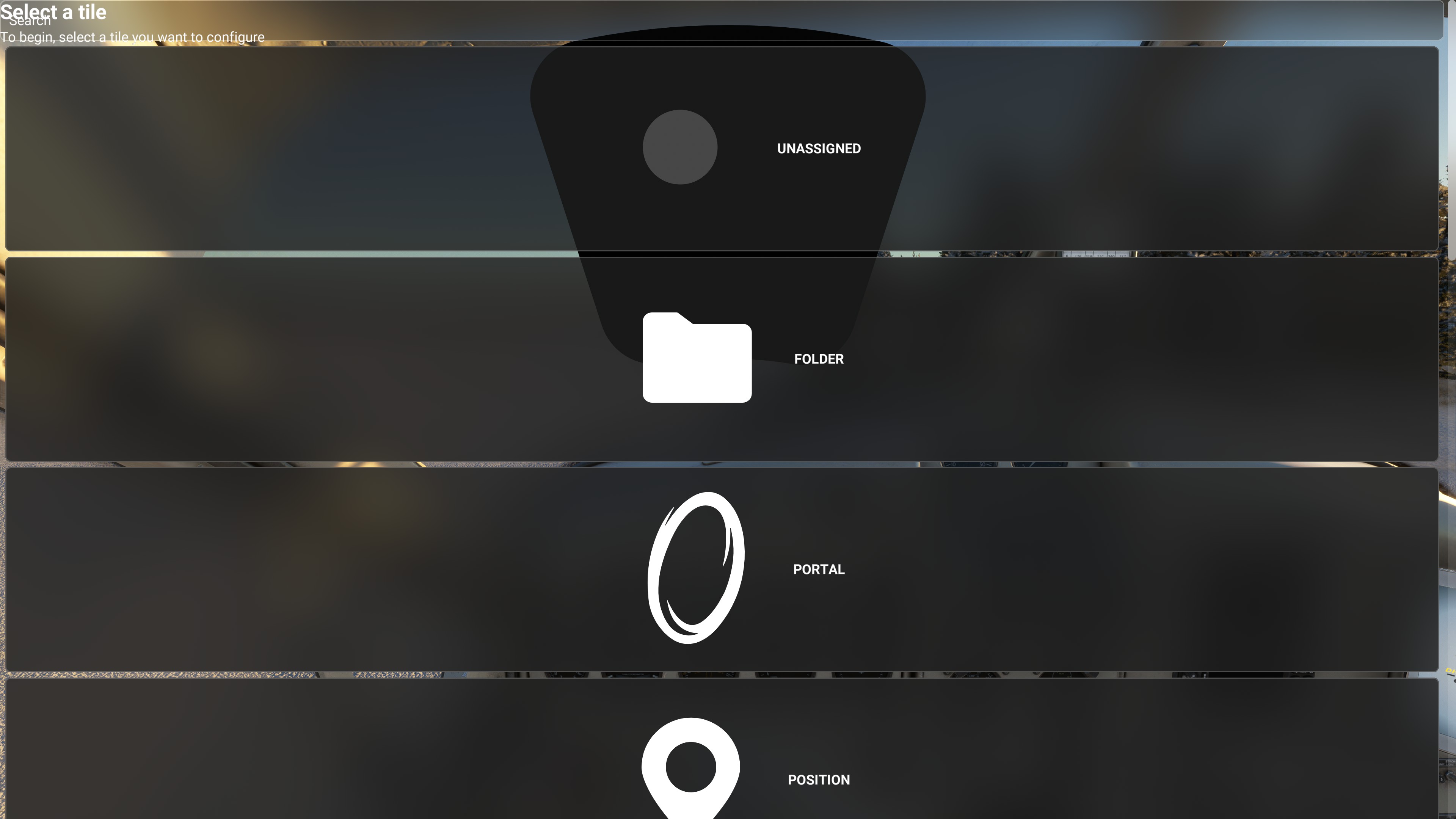
No update required. I managed to break it almost immediately. I spent the first flight configuring everything. Went back to the Main Menu and started a 2nd flight. Below is what my screen looked like on the 2nd flight. I couldn’t fix that without quitting & restarting the game. Upon coming back to the game, the below issue was resolved, but a new issue reared it’s ugly head. Almost all of my menu items (ATC Panel, Metar, TOD Calc, etc) wouldn’t work if I clicked on them. So, I ended up having to identify which menu items weren’t launching, and setting those up all over again. I haven’t flown another flight, so I can’t confirm yet whether they work this time or will require setting up every time I launch a flight.
I had to uninstall it for the time being. When ending a flight, the sim would hang on the loading screen to get back into the main menu. ALT F4 was the only way out. Hopefully they can iron the bugs out soon because it seems like a neat tool.
I’m still deciding if I should get this. I tried the free version, but it doesn’t really offer anything. I don’t use the toolbar very much; only to change the time to daylight since I always fly at night, and to change the fuel/weight. I do both these things upon spawning, and I don’t touch the toolbar at any point after. (I also use the “No Handle Bar” mod, like someone mentioned above)
This is a nice tool. I was looking for something like that since many time ago.
I was playing around with it and I have some questions, if someone knows. When I create a wheel config, where is it stored in my hard disk? I mean if I want to make a backup of my config, how can I backup and restore it later on?
So how flexible can this be? Is it possible to filter airports within a set range of your position, and with certain parameters like under 1000ft, not paved. And have those marked on a map or some way to select and navigate to a chosen one?
This is one of those things where I didn’t think I needed it until I bought it and now I can’t imagine not having it. It’s so well designed and a joy to use. If you have a gaming mouse extra buttons (e.g. I use a Razer Basilisk V3) you can just assign it to that to bring it up. I got the Pro version because I figured there would be some useful widgets in the future and there is already a GSX widget on flightstim.to I use. Highly recommended.
I’m thinking of getting the Essentials version, but I fear that some incredible Javascripts will be created and then I’ll wish that I got the Pro version (I have no idea on how to code). Will there be an official Parallel 42 forum where all of these scripts will be shared?
For an extra $10 I didn’t want to miss out on potentially useful widgets so went with Pro, but I’m pretty sure this will be the “official” way to publish/get widgets. I’m already using the GSX widget which is simple but useful. https://flightsim.to/c/user-content/flow-pro-widgets