my iGPU is inactive since i built this system in the bios.
then you are lucky mate, or simply lying.
i have like 20fps and between 30-40 on a very rare moment at cruise.
i used to get close to 60 and 60+ on cruise
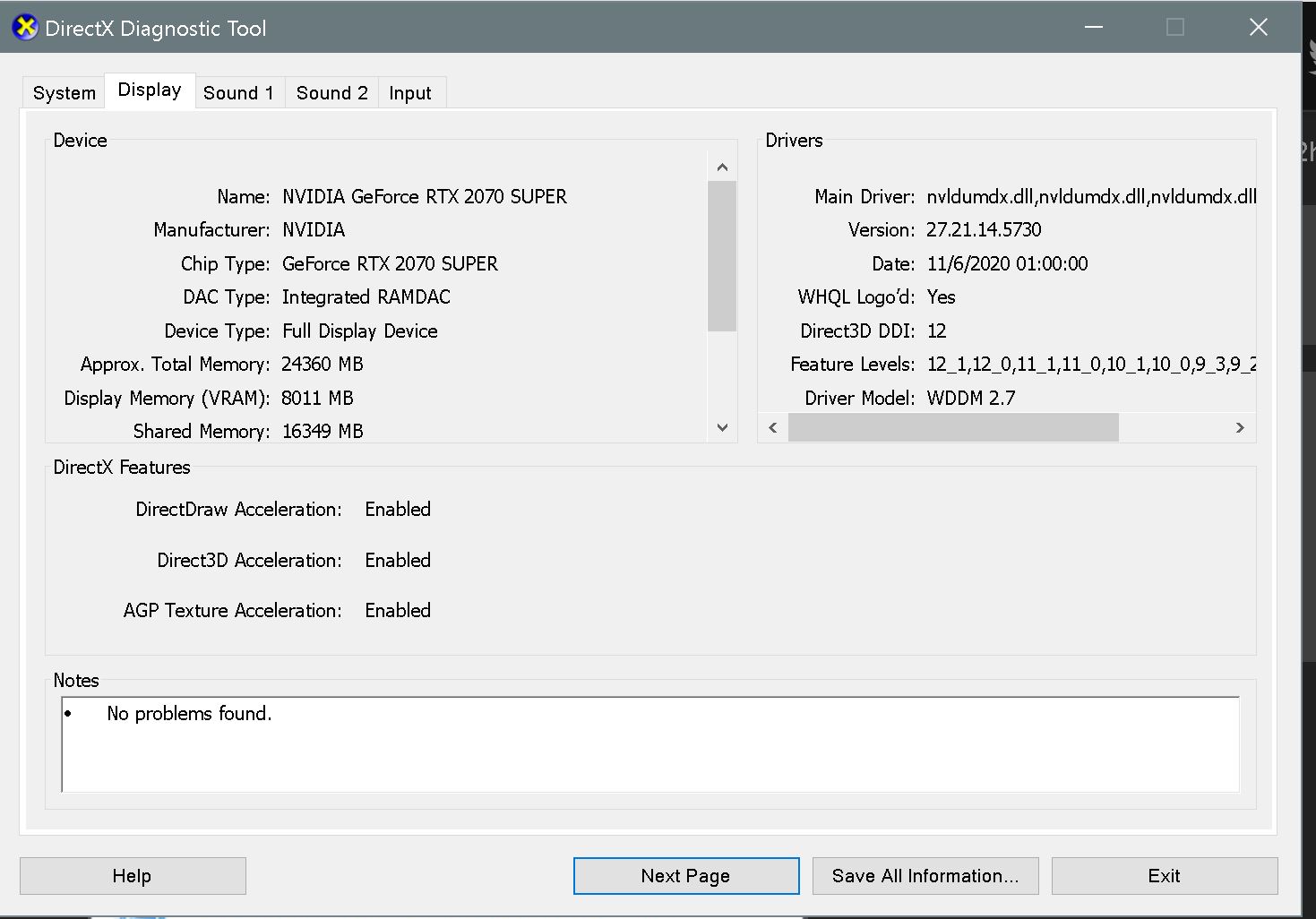
Can you please check with dxdiag? See the how-to at: Performance Degradation with 1.14.5.0. Upgrade - Bugs & Issues / Performance, Graphics & CTDs - Microsoft Flight Simulator Forums
The rat smell may be wrong. 
One of my PC’s has a i9-99900K, which as you know has an iGPU. That is however disabled in BIOS as part of the mild OC settings. But still has the 76T Bishop bug and massive FPS drops (from about 45-50 to 5-9 at certain location - repeatable) since the sim downgrade 3
I therefore cannot offer you a lucky guy or gal.
nothing there mate, i told you it’s disabled xD
i’m in the tech industry since 2008 I know my stuff (not to sound arrogant or anything just mentioning it)
just stating my experience here with my specs.
Can you also please check with dxdiag? See the how-to at: Performance Degradation with 1.14.5.0. Upgrade - Bugs & Issues / Performance, Graphics & CTDs - Microsoft Flight Simulator Forums
After two negative answers I give up and say: too difficult.
For you, yes. I am on my second Glenfiddich so it might take a bit. Will ask for help if required or if I want to play helpless lady.

Agree, I look for the wine!
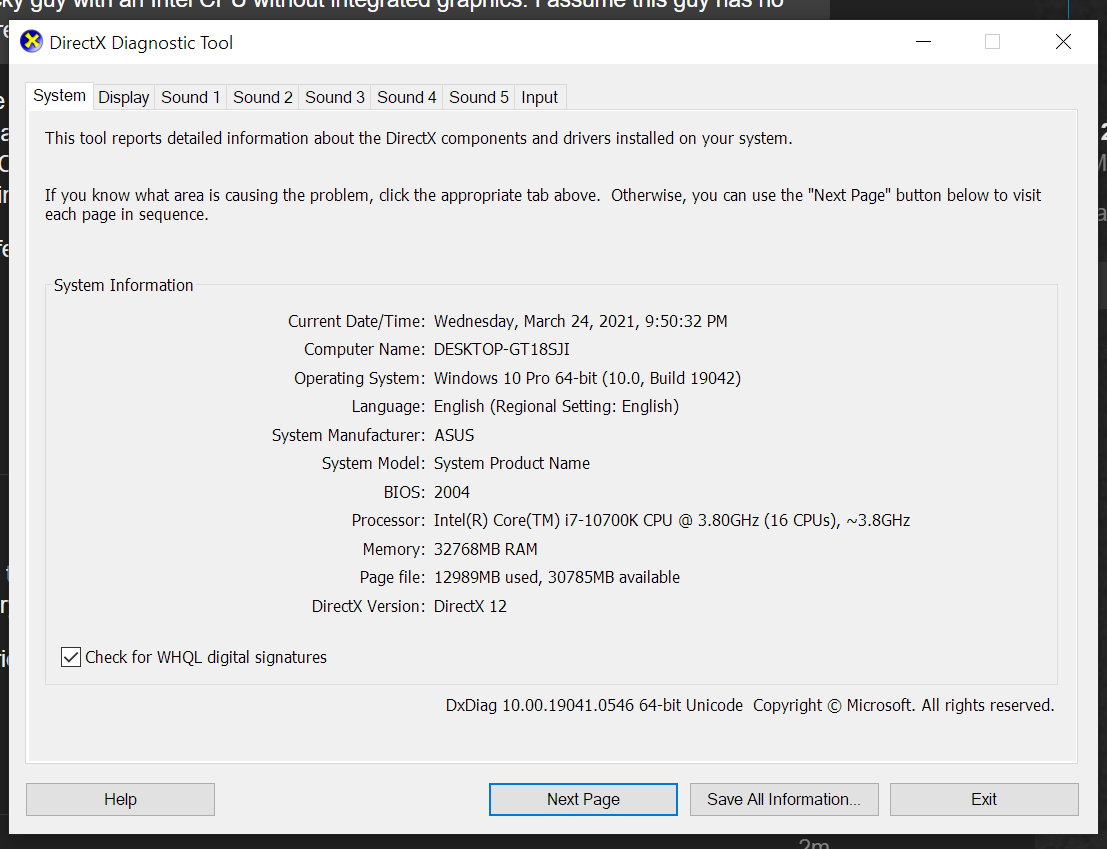
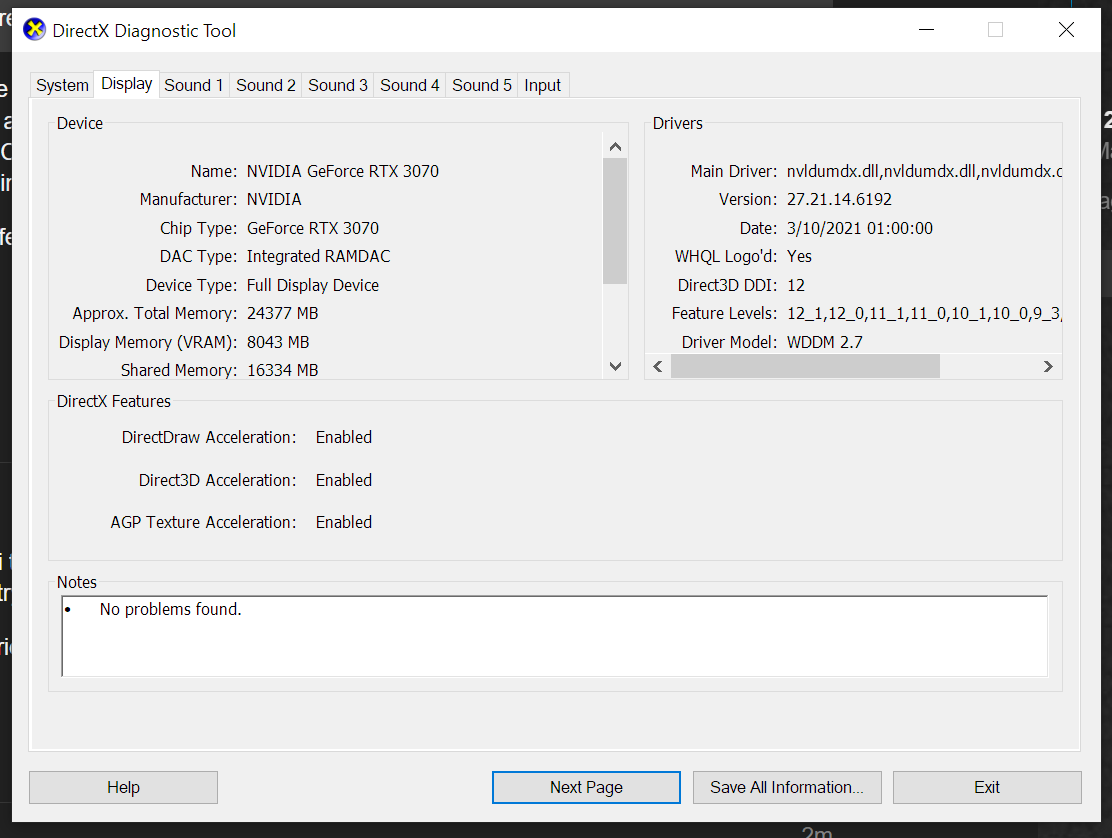
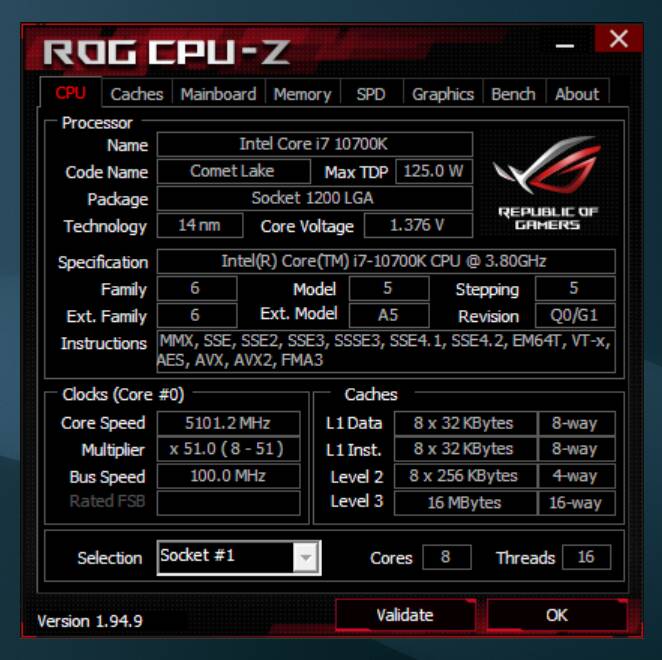
Thanks a lot! Now the next guy or girl can try their wits!
people keep trying to play the tech guy in here with solutions that have zero impact on the WU3 performance issue we are facing tho.
disable this, enable that, stutter fix this. (b-but it helped me… / no it’s a placebo effect)
this issue is on the code level of Asobo, frankly not much we can do than just wait and report where and how we get the issues.
post our specs and see if it helps them or not.
Spent an hour flying around the Maracaibo region. No performance degradation, no stuttering. Seems like no rhyme or reason to it, but I’m sure there is, we just don’t know what.
I have so high hopes in to the xbox port, honestly.
As those future pilots will play for 99,9% in third person view (as they know from forza or gow f.e.) i hope to see finaly a better mesh for my beloved baron in TPV then  .
.
Asobo should rename that branch ‘lukewarm’ fix. Hotfix implies it’s hot.
I was getting some pretty poor performance post SU3. Low fps, stutters.
I upgraded an add on airport and it was mostly not loading, so in trying to debug that I deleted and recreated my rolling cache. Not only did it fix the airport MSFS is giving me fps over dense scenery I could have only dreamed of. At 700-900 feet over Manhattan I used to be lucky to hit 20fps, now it’s 30+. I can still make it go down to the low to mid teens, but I have to get right down to roof top level. I can finally fly over big cities smooth and effortlessly. More testing is needed, I only tried a few cities. I do need a new CPU, it’s a I7-4820k from 2013. And I have a RTX 3080, so I am often CPU limited. Though I run 4K with almost everything at Ultra, so on occasion I can be GPU limited.
Anyways, this may not fix everybody’s lower fps flying everywhere across the globe. But seems like it has more than fixed my fps issues. So, I’d say it’s worth a try! Delete those old rolling caches! It may be a good idea to delete the rolling cache after any sim or world update, and probably after installing any significant new scenery or scenery update.
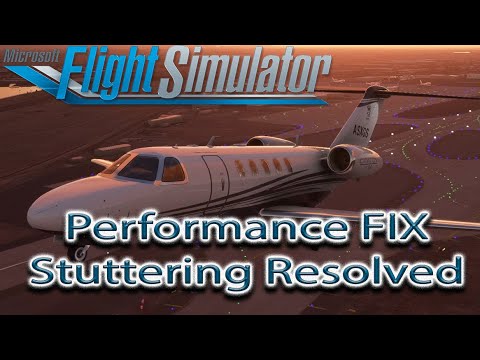
to be fair this video GENUINELY fixed 90% of the frame drops to 10fps I was getting. And it’s helped many of the other people I know. What it hasn’t fixed is the FPS across the game which I’ve had since the update before WU3.
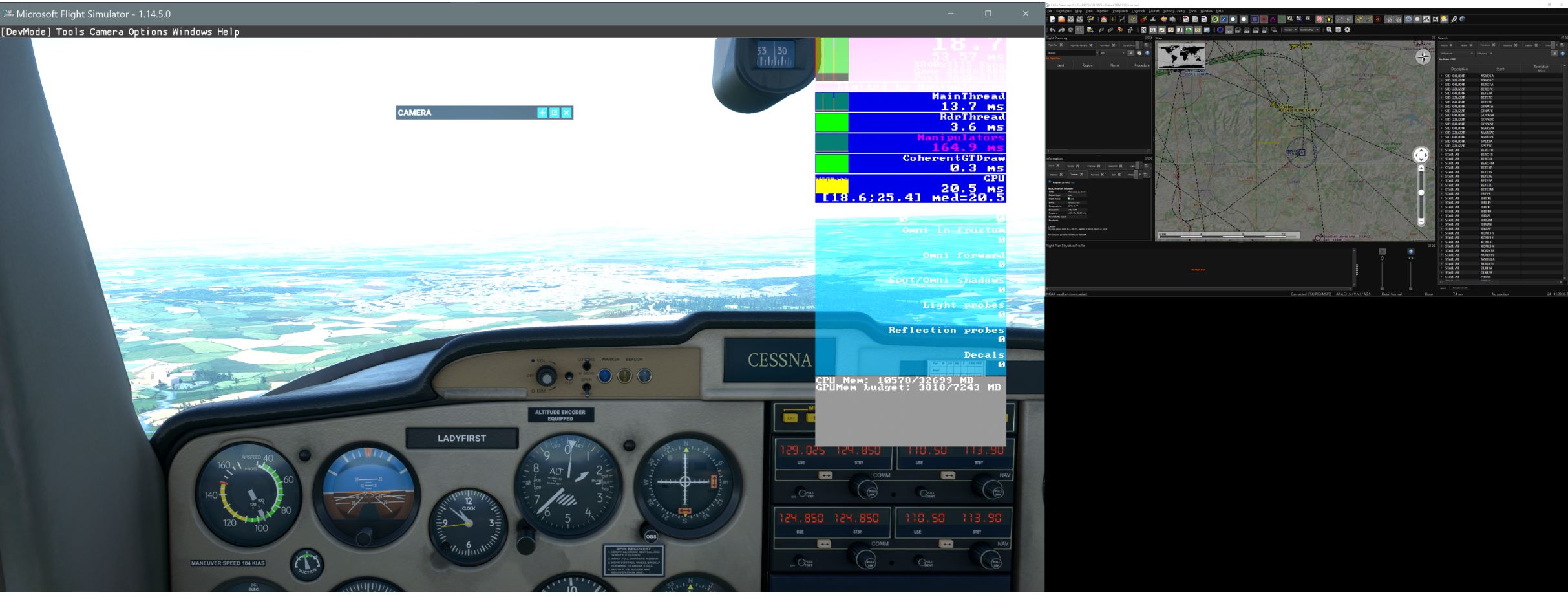
for me it’s the London City approach from the west. Absolute frame eater.
That didn’t do ■■■■ for me, but I didn’t have high hopes anyway. It looks like that “workaround” solves some specific PC configuration issues (maybe just for those who bought it through the Windows Store??) but not the real culprit which is in the sim’s code.
The only real trick so far has been enabling the Scenery Editor in Dev Mode, but to add insult to injury I was flying today and trying to change my approach and got a CTD. I’m just going to shelf this sim for a while. I can’t really enjoy it anymore in this state.
Intel 9600k @ 5 Ghz, RTX 2060, 32 Gb RAM, NVMe SSD