Performance Fix After Updates

Just found this video and it sure helped big time for me on fixing jitters/stutters. What this video explains makes a lot of sense, so make sure to try this out every time you update MSFS and try it now to see if helps you with any performance issues.

It did not give me any extra fps, but it sure made things a lot smoother.
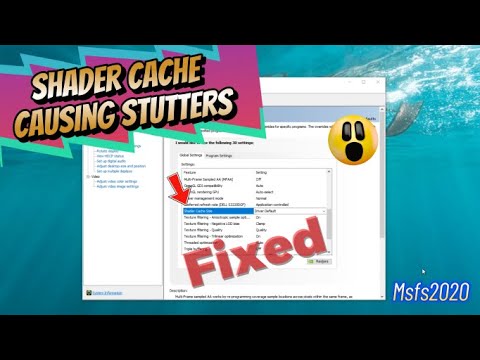
He doesn’t know how to delete cache correctly :wink:

1 Start your PC in safe mode

  • Click start
    1start

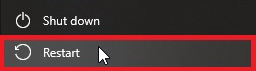
  • Click power icon
    image

  • Press and hold left SHIFT key and click restart
    image

  • Select Troubleshoot > advanced options > startup settings > restart

  • Select 4 - Enable safe mode

2 Click start and type

%localappdata%\D3DSCache

Press Enter
Delete all folders

3 Click start and type

%localappdata%\Nvidia\dxcache

Press enter
Delete all files

4 Type

%localappdata%\Nvidia\GLCache

Press enter
Delete all folders

Restart PC.

3 Likes

If I had a buck for every YouTuber getting tech wrong I’d be very rich.

5 Likes

This topic was automatically closed 30 days after the last reply. New replies are no longer allowed.