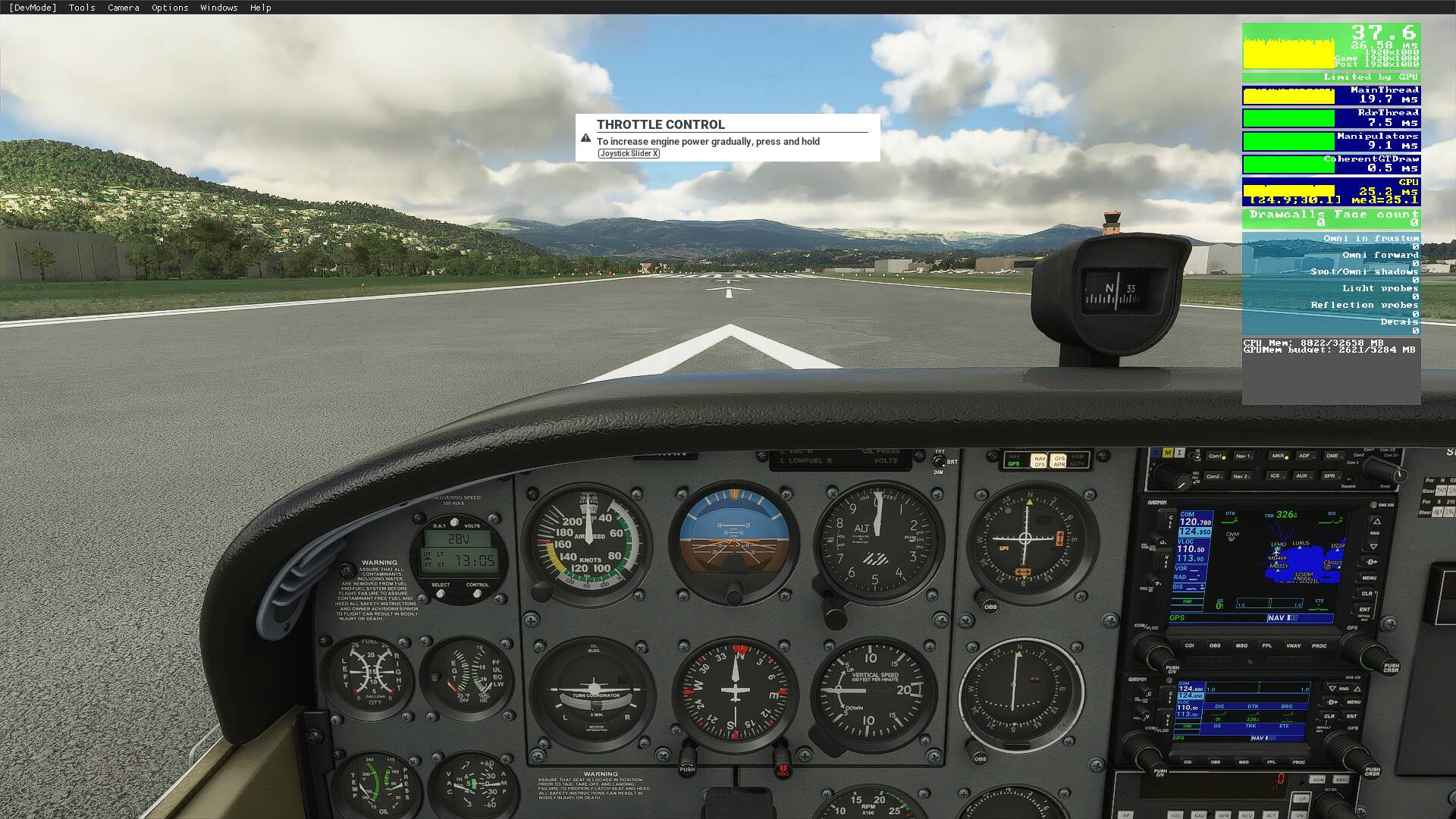
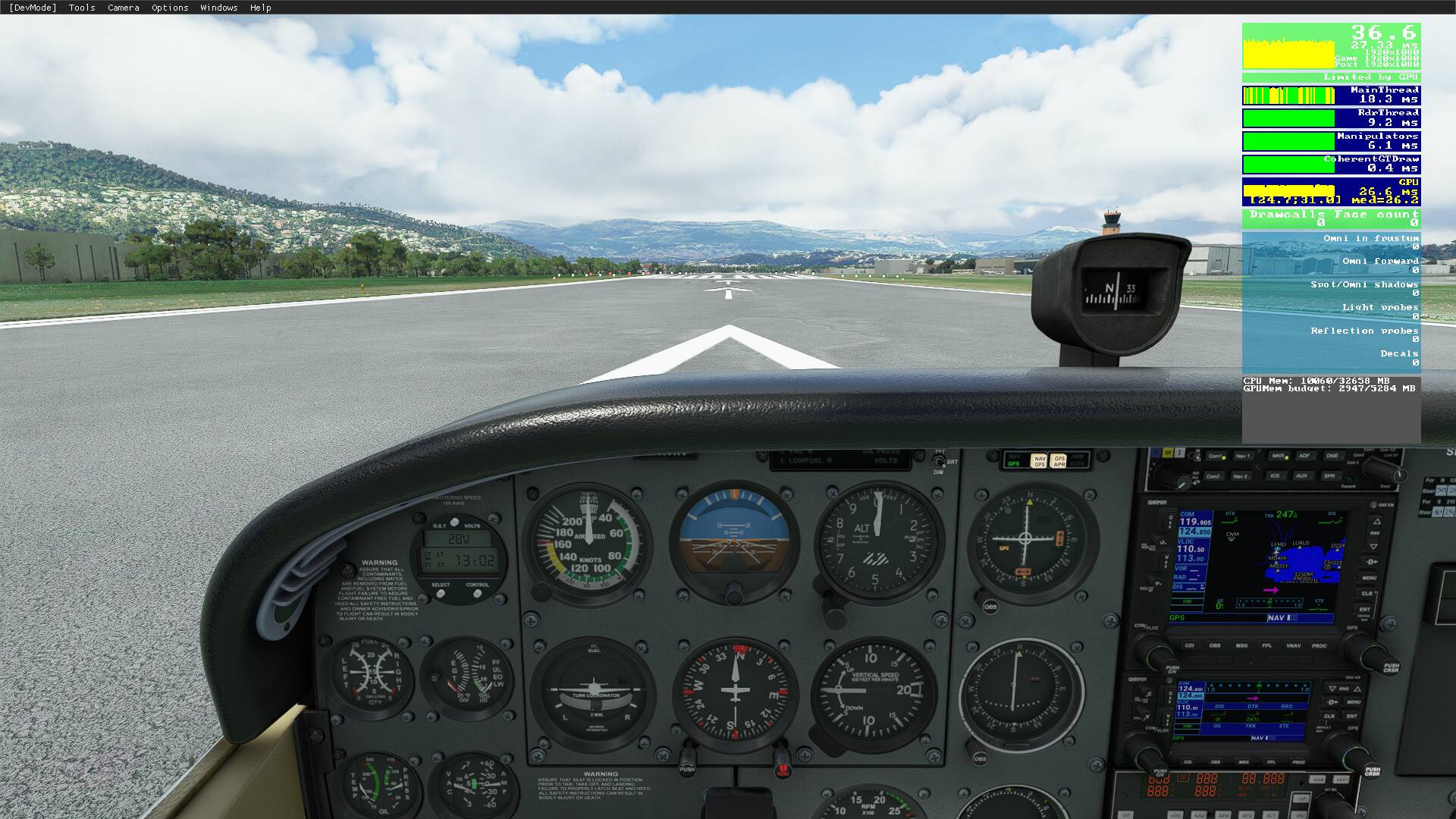
Agreed. My frames appear to be the same but never really had an issue except for some micro stutters here and there (8700k, 3080).
I did notice the PG seems to load smoother with less “pop-in”. So far no major complaints but I typically fly GA.
Agreed. My frames appear to be the same but never really had an issue except for some micro stutters here and there (8700k, 3080).
I did notice the PG seems to load smoother with less “pop-in”. So far no major complaints but I typically fly GA.
Yeah, I’m pretty happy with this. I’m not complaining about it at all.
I still with the promised CPU optimization would happen. This was NOT it.
Hi @KKbelos I have an Intel 9900K with a modest over-clocked to 4.3Ghz which as I have a watercooled CPU I can definately up if need be. The impression for performance was just a feeling not scientific but it feels smoother. I do have buildings turned down to 150 and shadows and reflections on lower settings as well. Most of my settings were taken from Digital Foundry optimised settings on YouTube if you want to google that video.
Increase for some decrease for others.
I’ve been searching for the sweet spot for my Pc which is a painstaking job, but I managed to get the optimal result and fly without stutters.
I tested today’s update using before- and after screenshots. After the update my fps-rate decreased by 1.
But the overall feeling is still positive. My Pc matches the medium settings and I use a 1080p monitor. Due to these limitations I didn’t (can’t) discover any grainy clouds or other bad details.
During the update I saw a few Airport changes that were implemented (Schiphol, Charles de Gaulle, Frankfurt) and a few others. So I still have some testing to do.
I did a quick night flight (sneak peek) and was glad to see the duplicated lightning bug has been fixed. I hope it stays that way.
I’m satisfied with the improvements and glad I have some spare Fps’s left.
CPU I7-7700
Gtx 1060
1080p
32GB
Before 1.11.6.0.
After 1.11.6.0. (November 24)
Btw The arrow “bug” can simply be solved by re-assigning them.
Happy landings 
Same here! Nice perf improvement, especially to the stuttering.
This is a great patch so far, with the A/P improvements and everything!
Florida looking great also. Having a ball flying in this sim. Thanks Asobo. Bring on the update for Australia …
It is a fairly noticable DECREASE for me. Last night was playing super smooth at 60 fps in medium airport areas. After update 40s and 50s fps in same areas with same conditions. Rig is 10700K at 5GHz, RTX 3070, 32 GB RAM at 3200 in 1440p
I just dont get it. No settings changed. Oh well.
Absolutely, I get around 50 fps over Tokyo after the update (around 42 fps before), with my laptop, 1080P and high setting (i5, 4,5 GHz / RTX 2060/ 32GB).
I don’t care too much about FPS, but feel it is an improvement & a lot smoother and more enjoyable to fly. 9900k, 3090, 32Gb in 4K with everything pretty much maxed. Loving seeing the new US POI’s, great update for me.
I looked for the keybinding to rebind the arrow keys but they didn’t seem to exist any more. Can you tell me what keybinding names I need to search for.
Why everytime there is an update my aircraft all yaw to the right when on autopilot??? someone please help me or im back to P3D
You mean these?
Down: DECREASE COCKPIT VIEW HEIGHT
Up: INCREASE COCKPIT VIEW HEIGHT
Left: TRANSLATE COCKPIT VIEW LEFT
Right: TRANSLATE COCKPIT VIEW RIGHT
Just an update, I don’t know if this is what helped, but I had a backup copy of my UserCfg.opt file that I felt had great performance in the last patch. I put that file back in place and it seems my performance is at least the same if not 3-5 FPS better.
I didn’t think to compare the files before I overwrote it… derp.
It’s most likely your deadzone sensitivity settings. Increase your deadzones for yaw.
I’m having a strange issue with the mixture the mixture is going full forward to well over 500% instead of 100%
Yep, I’m in the same boat except the performance degradation is so bad that the simulator is no longer enjoyable. I’m getting 10fps with stuttering and lagging–even the menus are lagging. Verified that none of my settings changed. I’m reinstalling and hoping that will solve the problem…
One of the key things that kills frames is if you pop out a window like ATC onto a second monitor!
I run a pretty smooth 60fps but if I pop out any of the drop down windows I immediately loose 5-10 fps for the first window and then 3-5 fps per additional window
So make sure when comparing versions that you take that into account
FPS performance feels the same for me with this new version
Check and make sure V-Sync is off. If V-Sync is set to 30fps, it caps you at 12fps-ish
LOL “I don’t care too much about FPS” says the guy with the 3090…OK boss..
Never had much stutter before butnow its awful. 4K ultra settings, mainly fly the A320 mod.