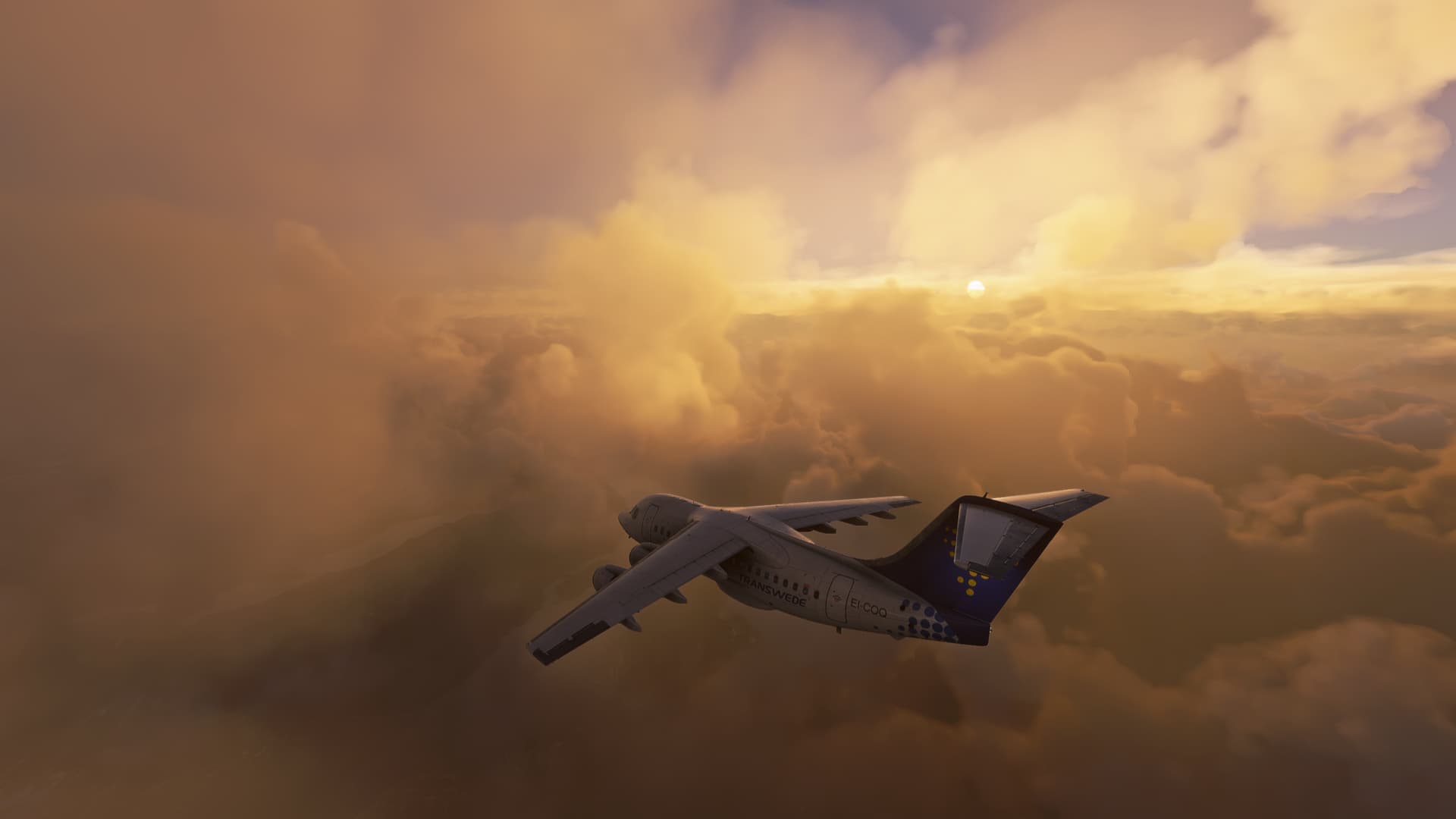
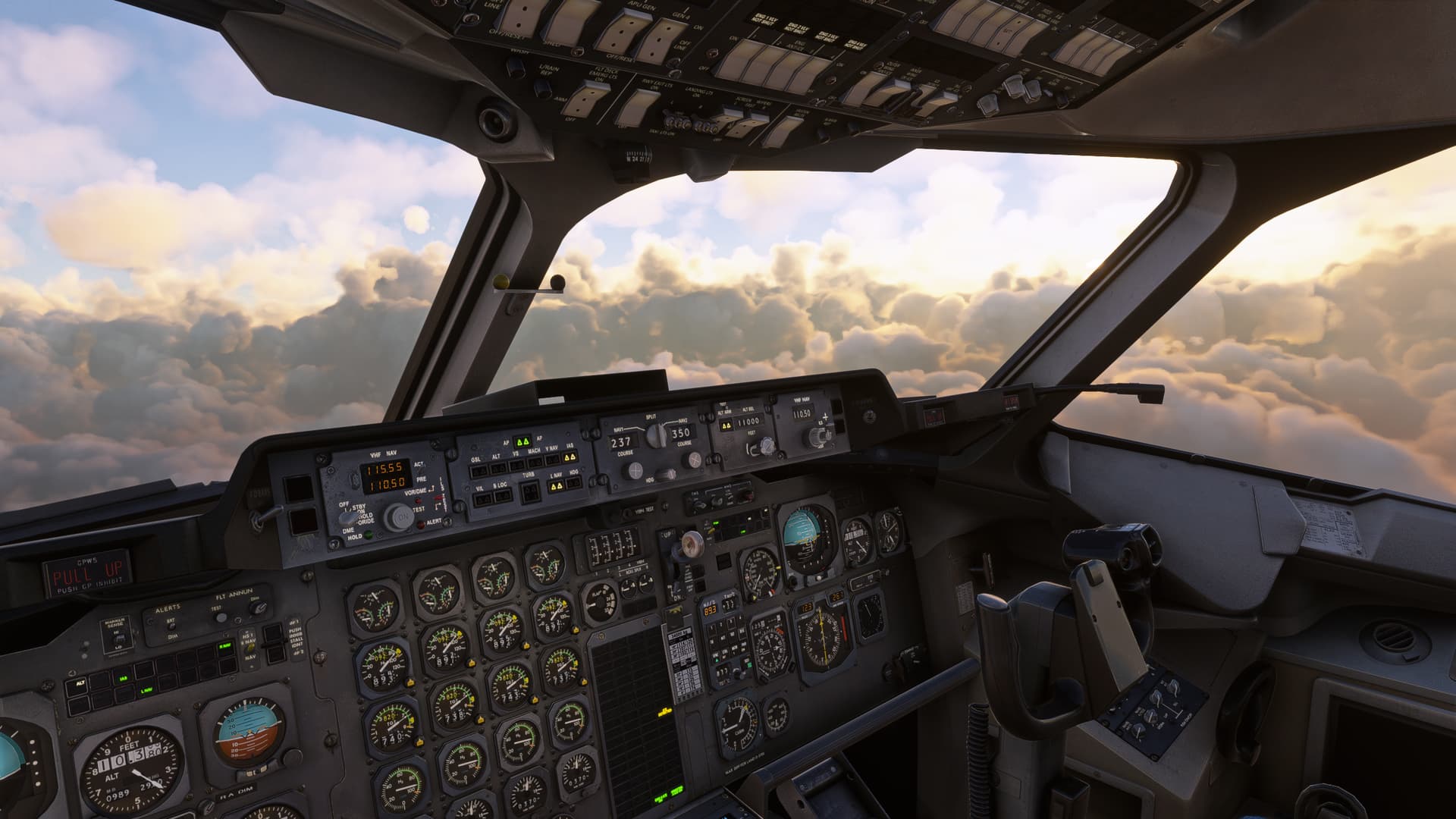
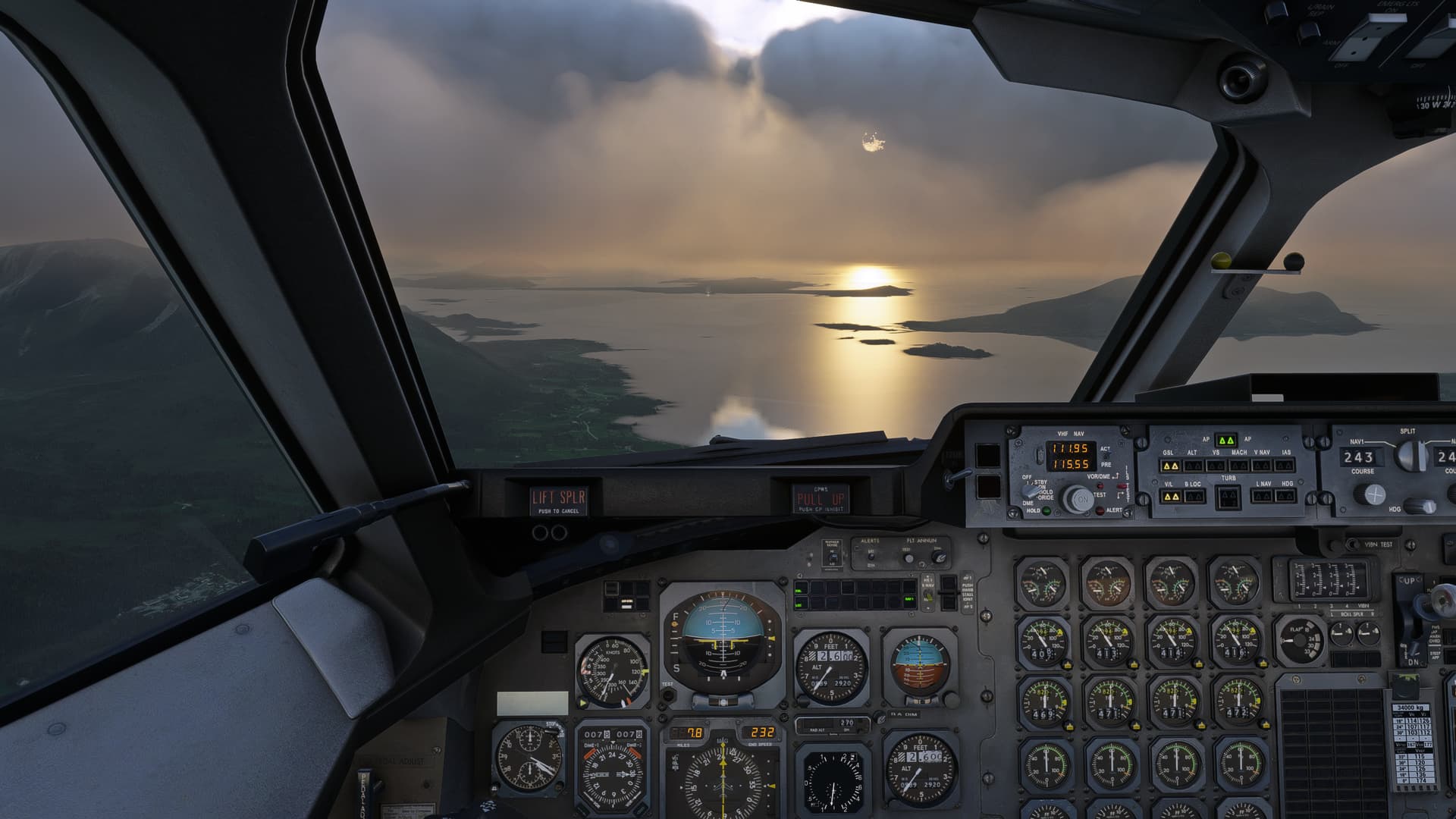
I would like them to have more density. Then if they has some grain to them i fine with. Can’t compare fsx clouds with msfs. Totally different things. I want realistic density like the wings dissapear while flying through clouds. I know that will decrease fps too but that will make the function of clouds more realistic. Then sun is not shining through the clouds and clouds casting more shadows if we have more density in them.
I think also the turbulence in clouds are affected by the density in clouds. As the clouds has got more transparent also the effect of turbulence in clouds has got less.
The clouds are so poor now, I actually checked my settings because I would have sworn they were on medium, they were so awful. They were absolutely fantastic at one time now they are mediocre to ■■■■■■. Asobo should introduce those two options!
To say like one person did, “you can’t have both”, at this point, is kind of narrow minded, considering it didn’t start like this. Just like the issue of AA. That didn’t start like this either but just somehow evolved? I believe Microsoft and Asobo changed things to accommodate the implementation of Xbox. Whatever the case, this sim is 2 yrs old and instead of getting better it’s getting worse.
I believe they should of held this thing until they were well into changing the code from FSX to the new platform. Remember, they said at release, this was 5 yrs in the making. And not to mention, they’re contracted for 10 yrs? That alone should speak volumes. But hey, they remembered to wear their sunglasses when Top Gun was released…that’s something! Just a few thoughts, stay well guys.
True, but the option of " you can have both " if your system can run it should be left for those who wanted to maintain the fantastic quality.
Regardless of all the world updates and 40 years of celebrations and Top-Gun, it’s all good, but I would pay good money just to get multi-screen on the sim without destroying the frame-rate.
I thank colleagues who believe that everything can be improved when it comes to “PC”.
Can’t have both? yes, you can, just Asobo believes it can, we have GPUs and CPUs for all tastes and my taste is quality.
FSX was ugly, it was beautiful after 3 to 5 years, but not because the old ACES team did it, in fact they didn’t even have time because MS let them go, but because passionate third parties believed in the simulator and FSX is still alive today.
I myself have a PC just for it because it runs better on CPUs with few cores, I did it because I like FSX, I invested a lot of money in peripherals for it, add-ons etc…
And I still fly with many friends online on FSX.
I will do the same for MSFS 2020, and I believe it will get better in up to 2 more years, whether Asobo helps or not, someone will end up improving what Asobo can’t or won’t.
I’ve been thinking lately (without really knowing what I’m talking about) about ways to improve the clouds without affecting performance at all.
It seems to me that all clouds need color and alpha information at the point of actual rendering and normally, for 32 bits, one would use 8 bits for each:RGBA … but which is more important, alpha or color? It seems to me that a few color bits could be sacrificed on behalf of increased alpha bits because I believe most of these pixellation problems are caused by too few alpha levels. The difference in color between any two pixels that are fading in or fading out is too great due to not enough available alpha levels. So instead of R8G8B8A8, maybe it should be R6G6B6A14 or something. Im not sure if that would screw up the data stream format but I bet it could be dealt with. and remember - I dont really know what Im talking about.
i can totally agree. the point is that the grainy/pixelated clouds havent been that bad in the past as it is now (since SU5/6 - about a year now). so i would say it is legitimate to complain about it.
Detailed steps to reproduce the issue encountered:
PC specs and/or peripheral set up if relevant:
Asus STRIX RTX 3080, i5 12600k, 16GB DRR4 Ram Corsair Dominator, 850W PSU bequiet, game is installed on an Samsung 1TB M.2, Asus STRIX Z690A Mainboard, CPU is watercooled NZXT X73
Build Version # when you first started experiencing this issue:
For anyone who wants to contribute on this issue, Click on the button below to use this template:
Do you have the same issue if you follow the OP’s steps to reproduce it?
Provide extra information to complete the original description of the issue:
If relevant, provide additional screenshots/video:
On Ultra setting they exhibit something that looks like macroblocking particularly when nearby. Extremely ugly compared to how they used to be. Used to love flying through the clouds in VR, now I’d rather turn them off.
At a distance they can look fine in a single frame, but in motion they can have flickering edges.
Check that you dont have any ‘filters’ turned on, on your monitor or TV. I’ve had this before a few times, and one of those times it turned out to be I had switched on Cinemotion and another setting and once I turned them off it all cleared up.
Another time that it happened was due to the hdmi cable not being seated correctly. And lastly if this just started to happen in the last week or so, it could be something to do with the ‘server migration’ that took place. I know ever since they migrated servers, PG will only run 1/2 the FPS that it used to. So theres even a chance it is related to that.
I don’t know if this is understood - but the engine doesn’t allow any improvement without the performance getting enormously worse (probably at the moment, was also explained by Sebastian during Q&A, but I don’t know exactly where and when) - you can’t change the number of “fine” pixels without affecting the performance in such a way that there is no impact - at least not with DX11 - unfortunately due to these “complaints” the cloud density in the LIVE weather engine was set to 0 (probably, was also reported as a bug) which has the consequence that the clouds have lost the “good” (but somewhat pixelated) look. They are practically transparent - unfortunately this is not a good solution!
 Thank you using the Bug section, using templates provided will greatly help the team reproducing the issue and ease the process of fixing it.


 For anyone who wants to contribute on this issue, Click on the button below to use this template: