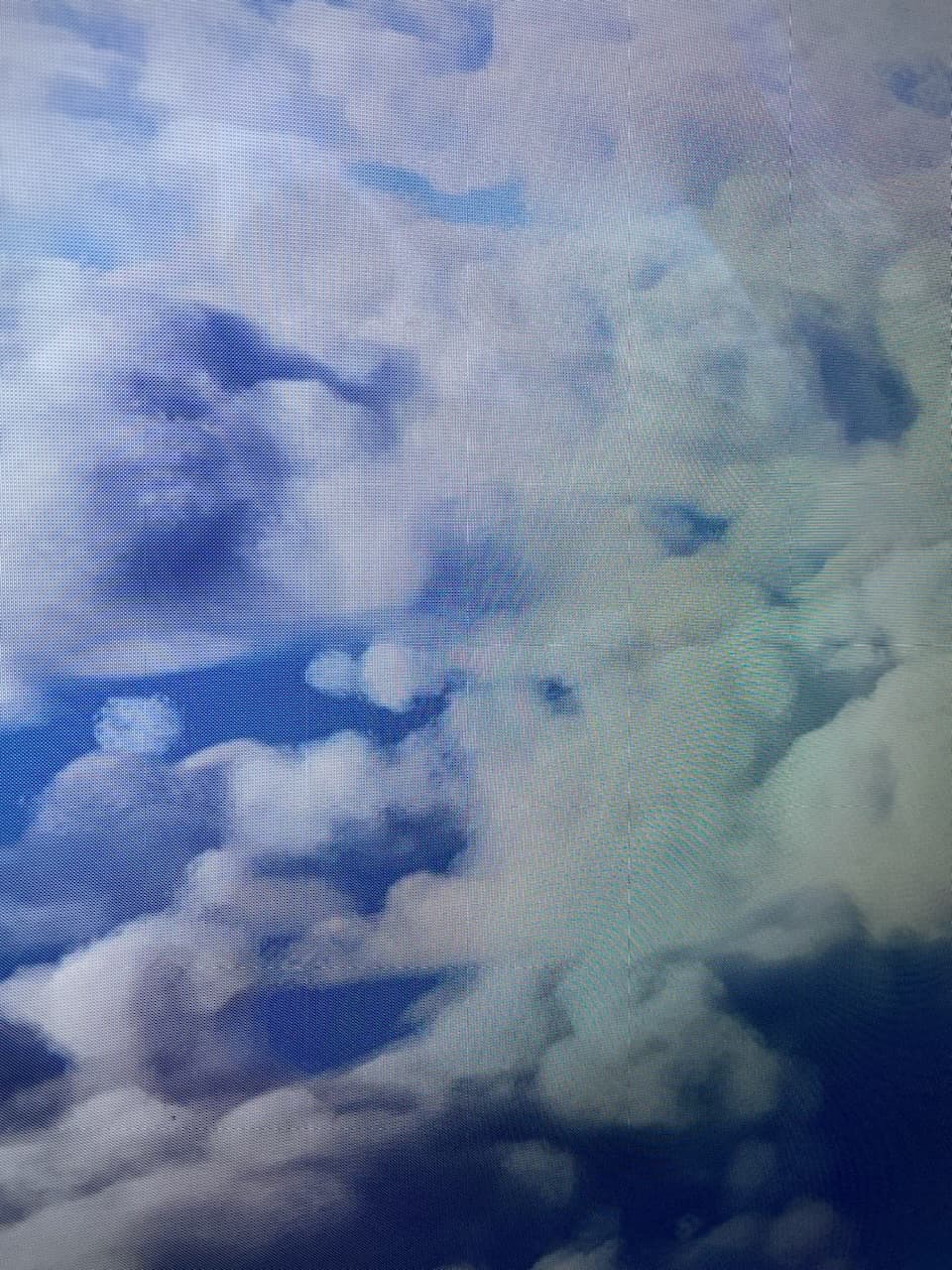
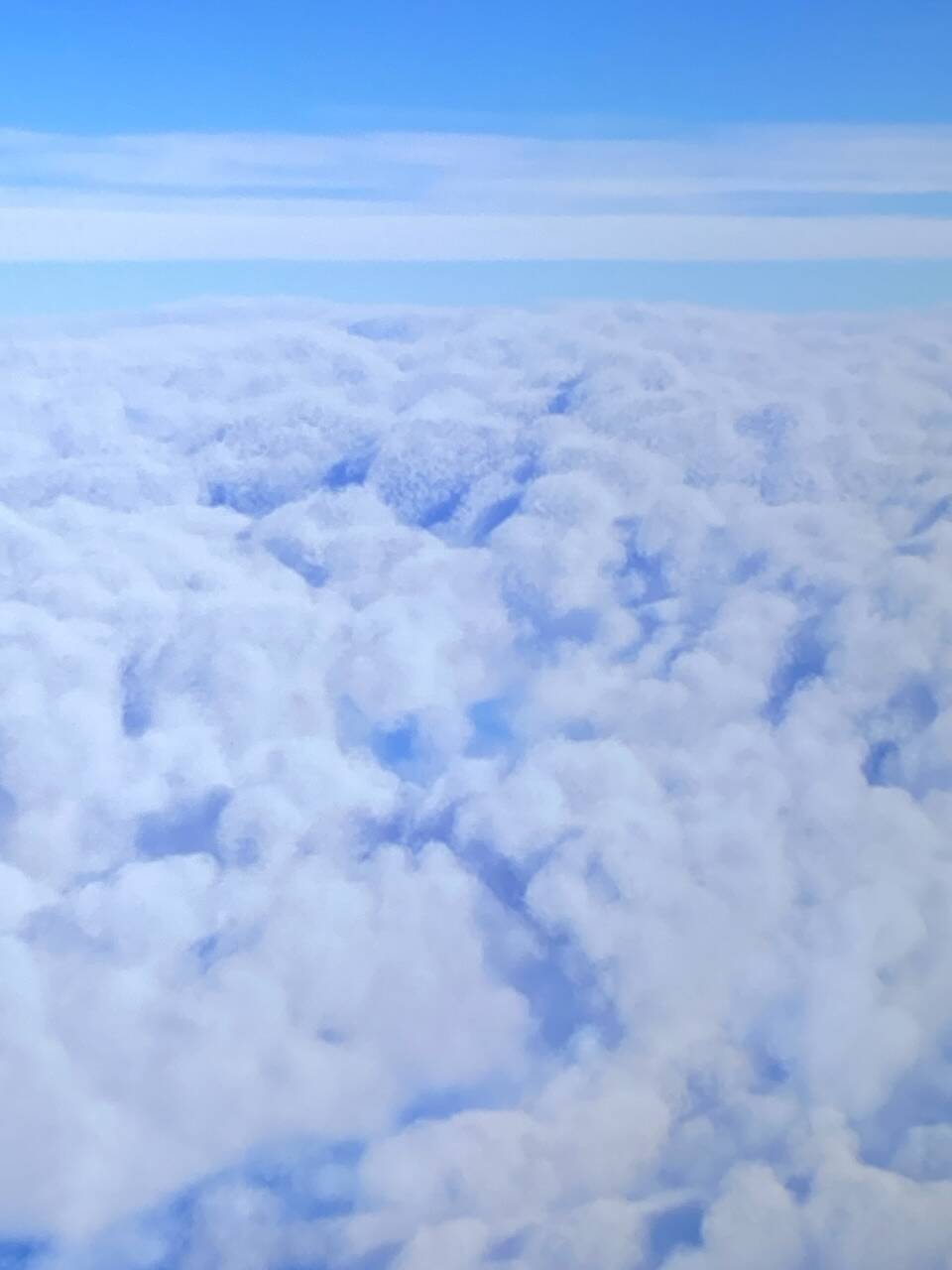
No tv no hdmi cable. I wont be my monitor nothing special is turned on. I wont be any hardware.
1 Like
We had better clouds, so I hope they will solve those issues!
1 Like
Today i fiddled around with the preset for the weather and for what ive noticed is when two cloud layers diferrent in thickness and density when overlayed with a third cloud layer and addeing to much density the some of the clouds become grainy and pixolated.
But if set in balance you get nice puffy fluffy clouds especially if u turn up humidity which add a nice hazyness over the clouds
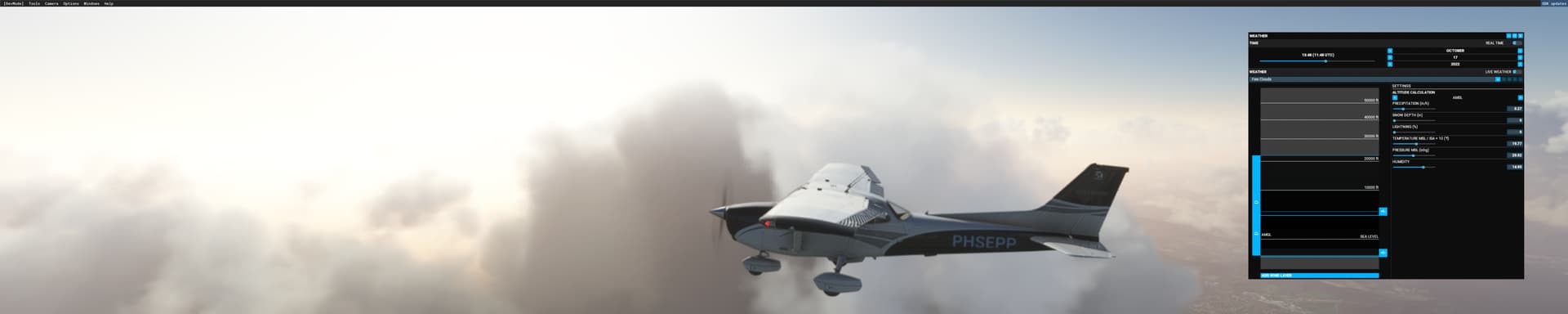
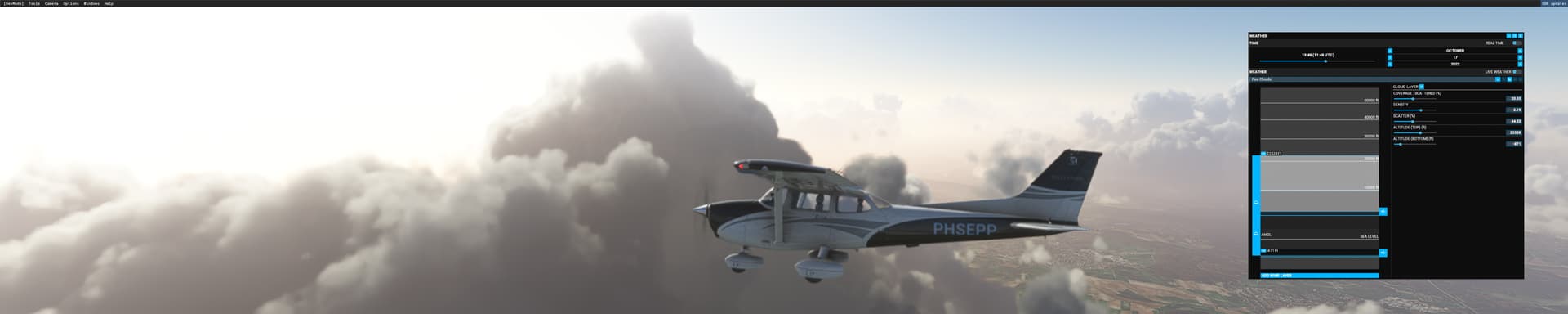
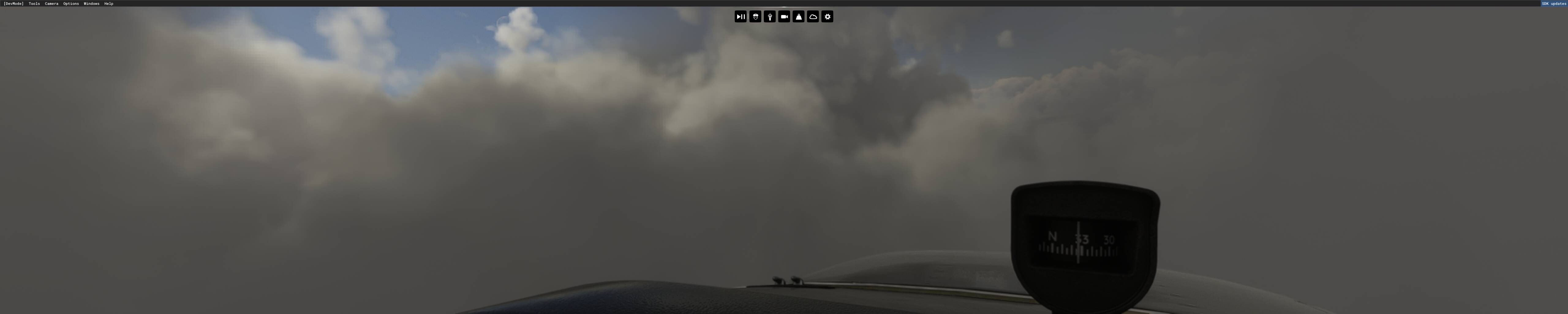

This is above frankfurt germany gpu nvidia 780 dx11
2 Likes

 no further comment
we need raytracing badly for this.
proper light rays on volumetrics + RT denoiser and it’s gg.
I also am having the could/grainy issue. It’s quite irritating as well..
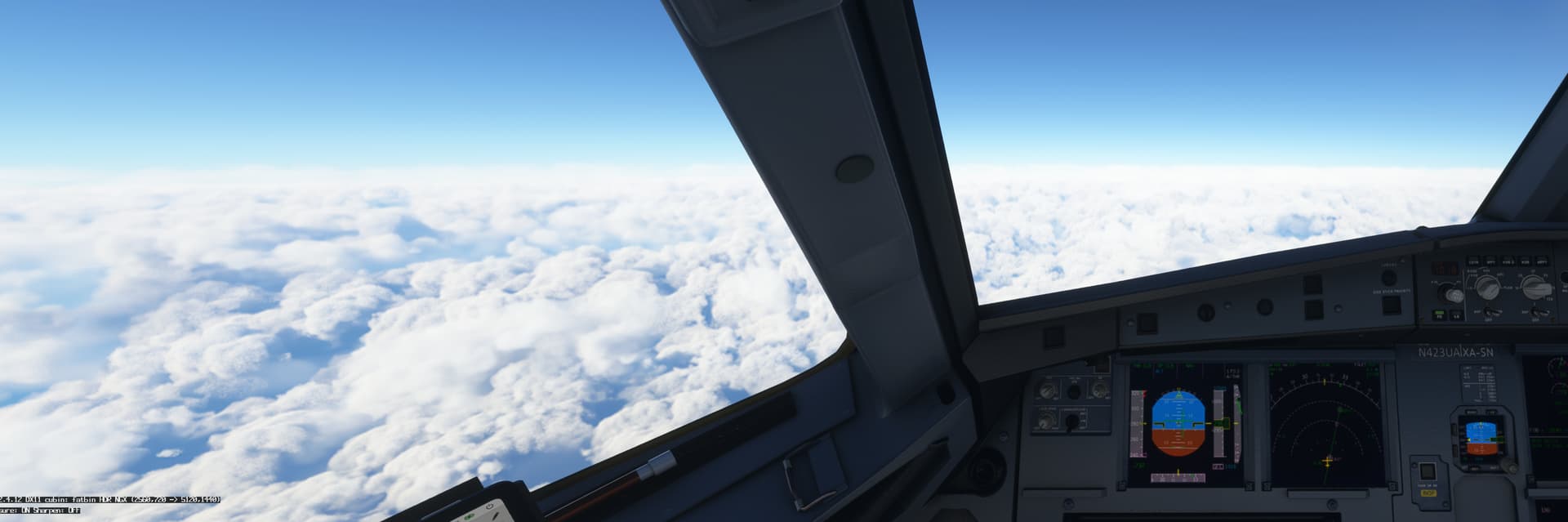

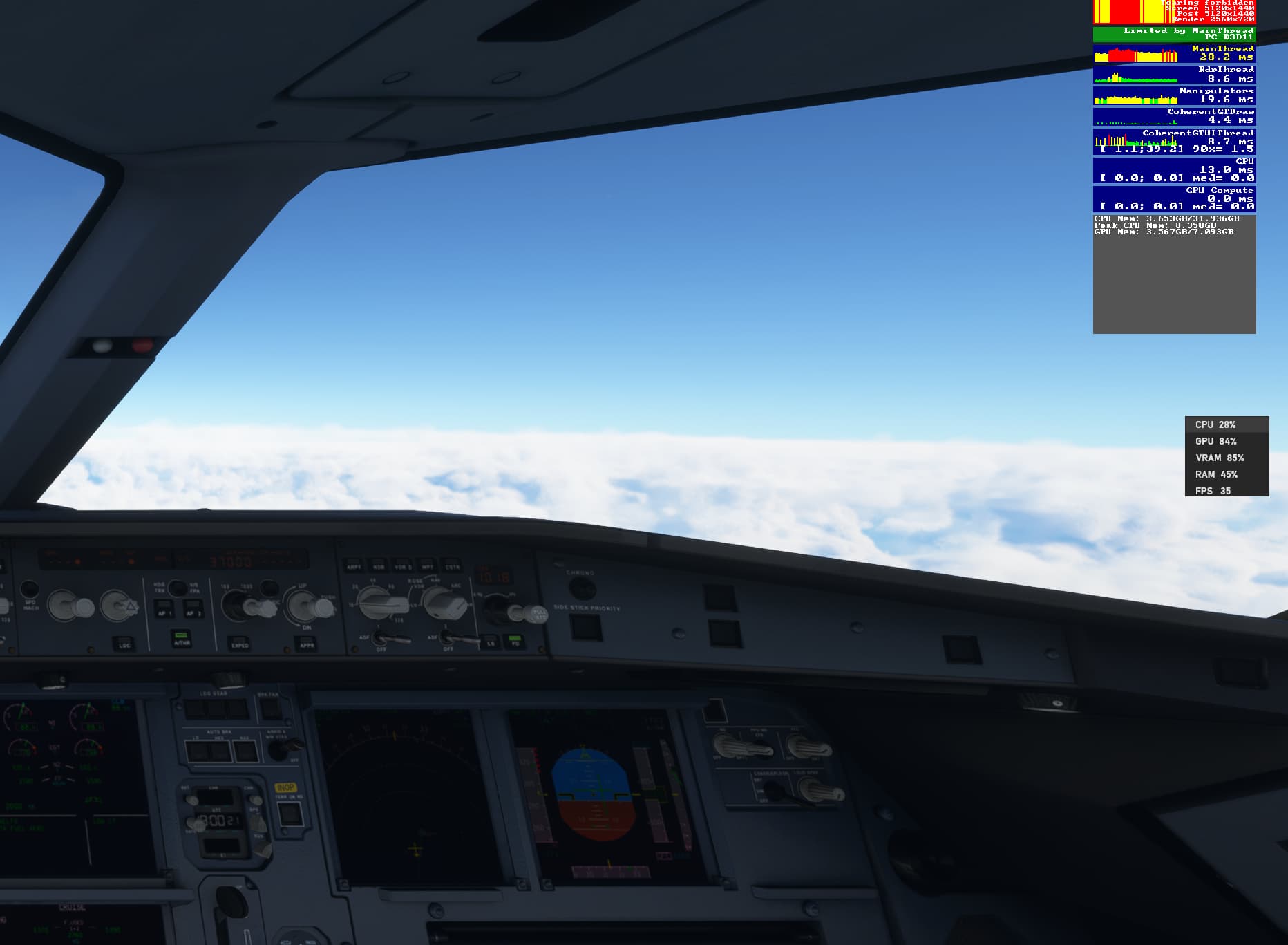
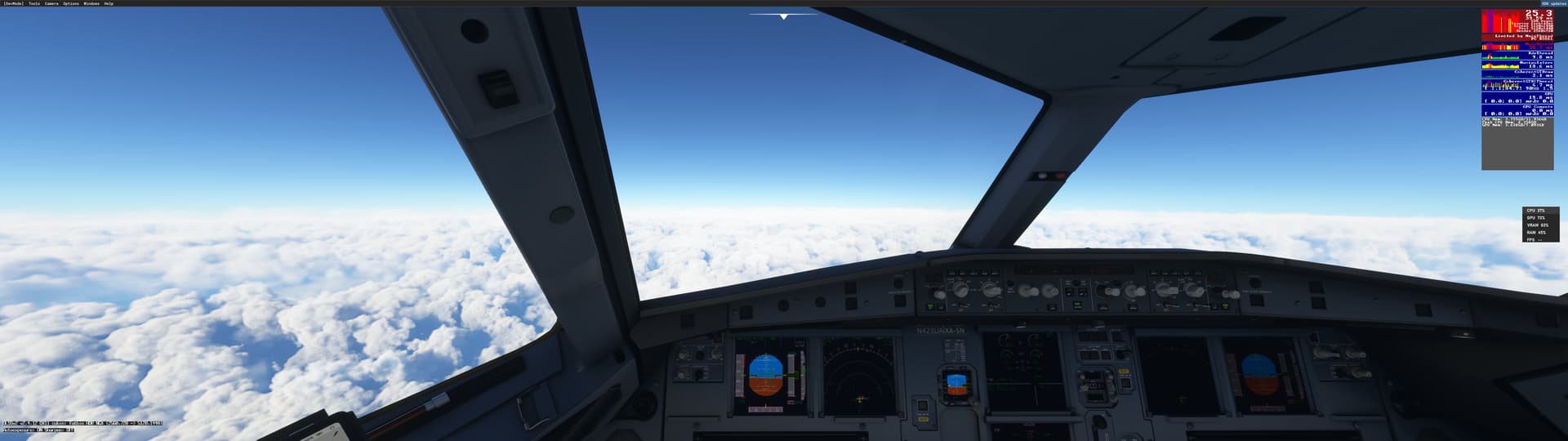

Specs: i7 8700
DLSS
DX11 (DX12 is just not ready for me yet)
I am on a Samsung G9
Optimized by Nvidia
just need to crack cloud issue.
Getting way less Limits by main thread as well. . . letting the settings in Geforce optimize.
After SU11 clouds are worse with pixelated edges.
2 Likes
Yesss its driving me insanne! Is there no work around yet?
1 Like
Nope mate.
Rolling back to the previous versions nvidia drivers doesnt help.
Clouds look fine to me. Not perfect but honestly not that bad 
Probably depends on the type of clouds, time of day not sure.

Im still playing with the settings and just at such a loss. I have a G9 as well so it would be amazing if this could just be fixed
That is what im currently flying through. Been doing test flights all day too

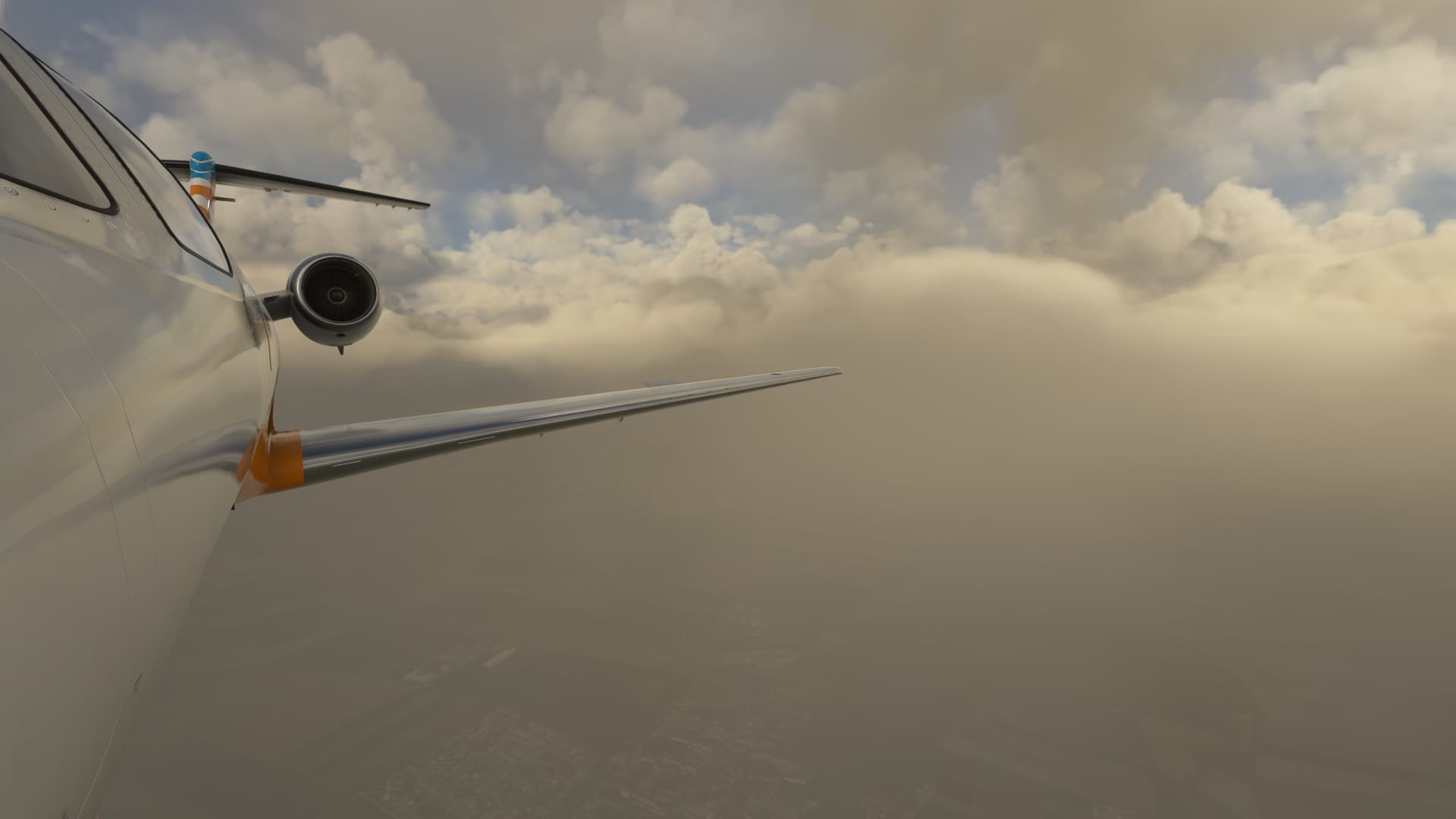
If onlyyy … are you on beta? Also, I did play around with the settings. So on preset for few/scattered. If you go to through and change the density level clouds deff look a TON better! But once live weather gets added back the pixels return.. for me it’s terrible to even fly through because the grains… still playin with settings tho haha
1 Like
I always fly on real live weather turned on. Somehow when I put the clouds on high setting, I see these small pixelated squarish thing, barely noticeable.. Fortunately when i go ultra cloud setting, it is all good.
Ya i prefer live weather as well. I’ve never used presets at all. Just switched to ultra and it’s a tad better but just still globby so odd. Im on Samsung G9 begining to think it might be the res of monitor ..
SO heres an update. Went through all the settings. Toggled between TAA and DLSS
TAA is still the goat by far, but with that it gives me like 20fps … but keeps a very crisper look.
So then within Nvidia control panel went through and removed sharpening and also from FS settings. Basically started bare settings wise. Turned off motion blur as well. (not sure why thats even a setting) lol
Ended up tweaking and testing
w/ DLSS on Balanced getting about 50-70fps.
Also tested different times of day and weather presets along with live weather.


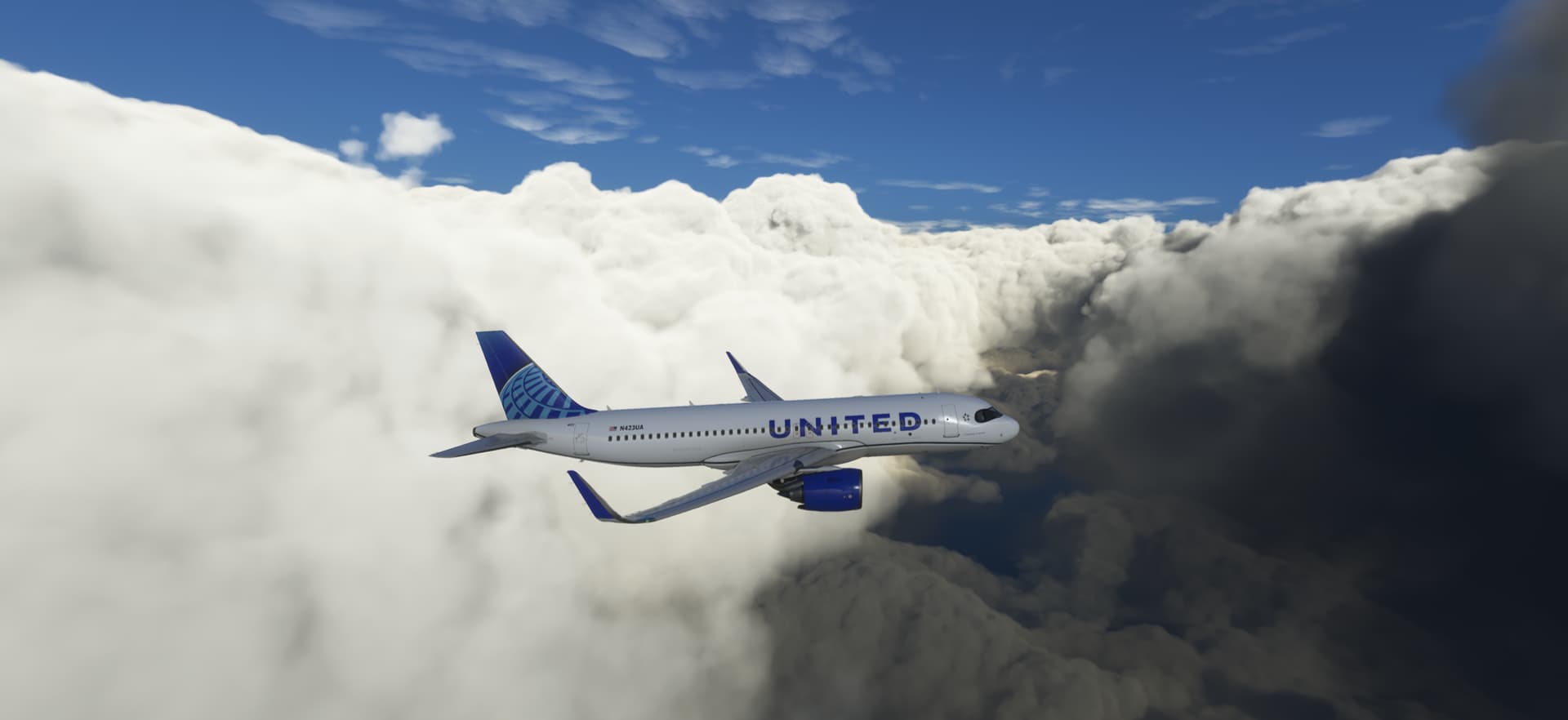
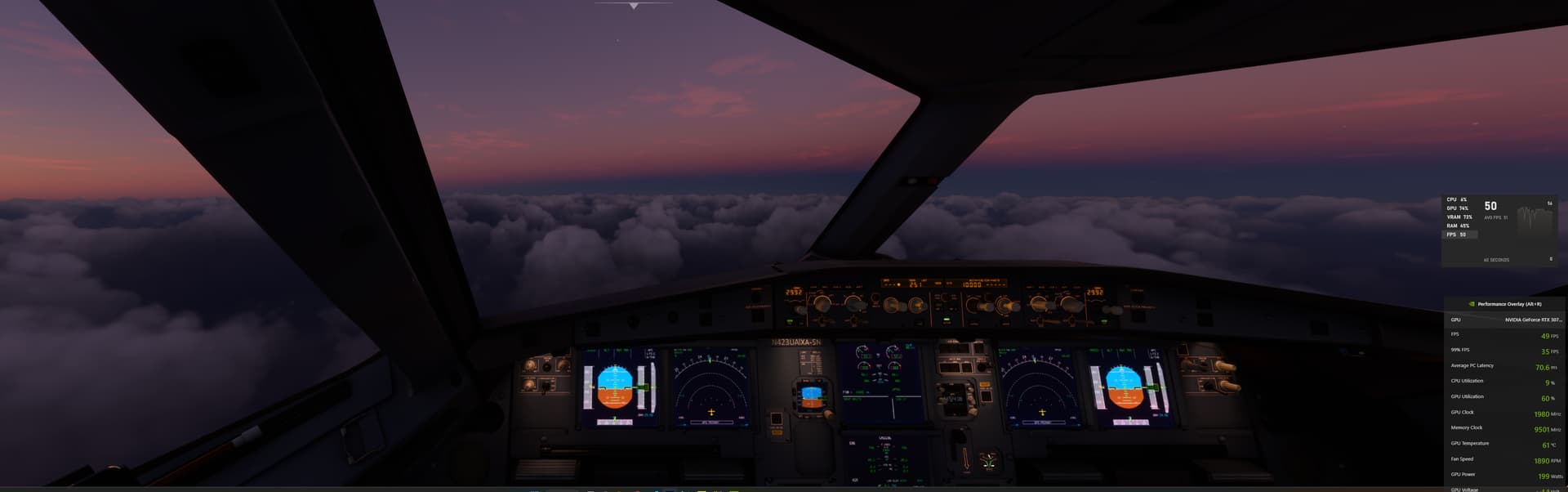
Looks good - the MSFS clouds consist of voxels - and not even NASA super computer would be able to render them in this quantity in a very fine resolution - the “density” of the clouds was already taken away whereby the basic “appearance” of the weather was somewhat " degraded". Unfortunately, you can not have everything (or not yet) - very fine cloud pixels and everything in 3D. When I look at other products, these clouds look wonderfully “unpixelated”. You can’t compare this with 2D textures - if you take away even more “density” then we soon have no clouds at all!
1 Like
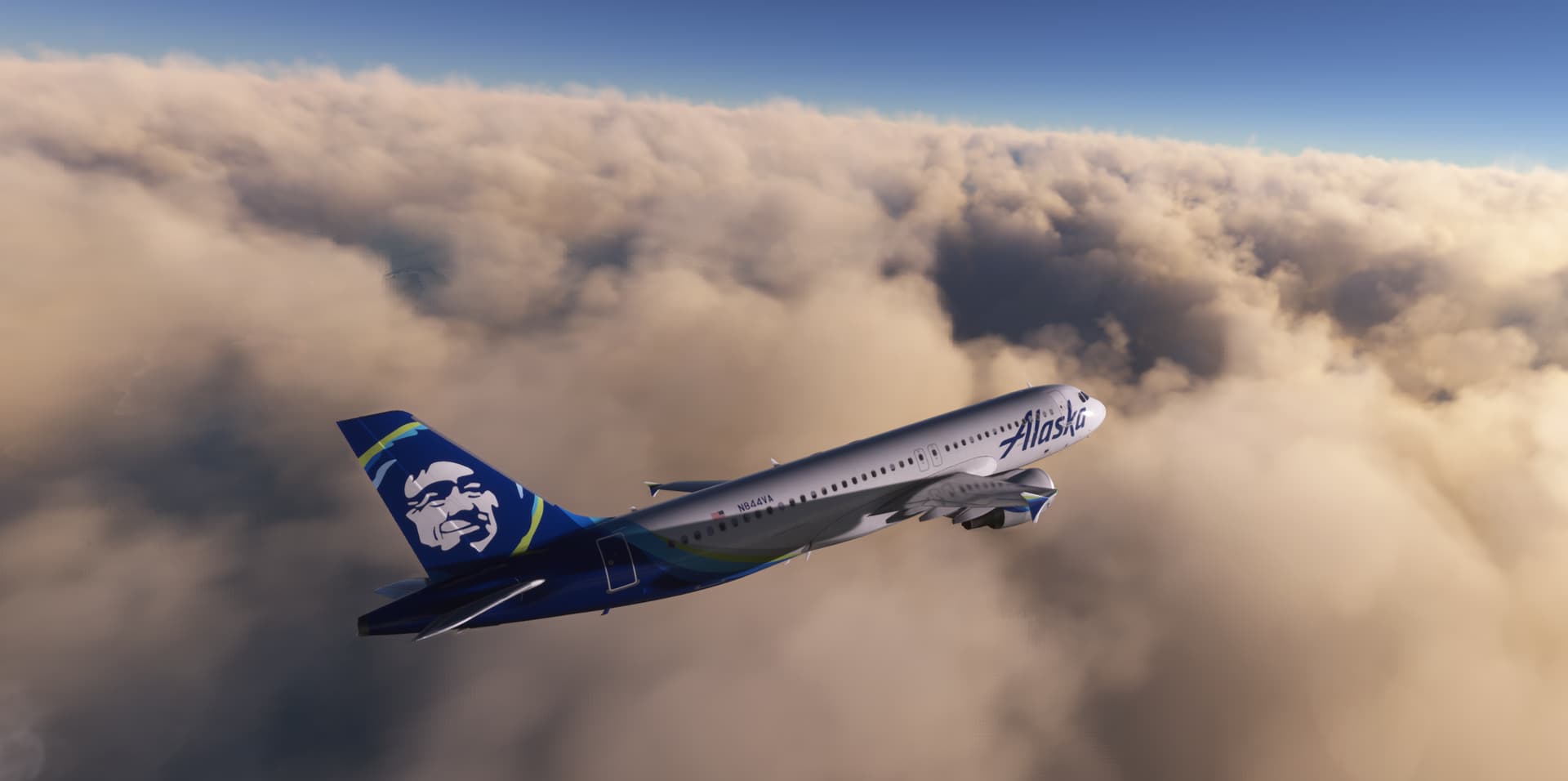
Ya with the way it looks and preforms now im just fine with. It’s 1,000 times better after playing around with the settings within FS and Control Panel. Flying in Alaska rn
Nice fluff
1 Like
Currently there’s a balance between crispness and mush (which I abhor) and while I agree some situations can look unatural I do reckon we are getting there.
Let us not forget this is not video rendering or static image scaling, the challnges throughout every height and condition are huge.
2 Likes