I don’t understand, I sent emails at ZenDesk support for about a week now, trying many options, and have not been advised of a driver list other than Nvidia drivers. Anyway, I am sure that with other software and video games everything is fine for me. Think that for MSFS2020 I made a Windows reinstalling…
Can you please tell me this list of drivers?
I have already tried together with zendesk support, the following options:
-
Installing latest graphics drivers and resetting to default all settings. But I don’t solve anything.
-
I did also a clean reinstall Windows 11 and Flight Simulator. The graphics problem persists!
-
I tryed installed the Nvidia 517.48 drivers and 522.25, as suggested, and manually changed the settings of the usercfg.opt file as suggested, (Sharpen 0, Fringe 0, Dirt 0, FilmGrain 0). No improvement! Always grainy reflected shadows with flickering pixelated edges, they persist!
-
Different Anti-Aliasing settings, go from TAA to FXAA etc. Do not fix.
-
Render scaling to higher. Do Not fix.
Please what other list of drivers to try you say?
A moderator is supposed to be impartial. Can you explain better what you mean? Seems to me just a way to distract from the problem your vague answer…because here it’s all people who pay Microsoft for its products. Not charity.
Report away but I doubt you’ll get anywhere without asking for a refund first
But before you do I suggest you check your monitor/tv is running with default settings
1 Like
Where do I choose sides then? Apart from the fact that I really don’t need to be.
I’m trying to help you. In my free time. On Christmas. But fine, I’ll stop.
The list I gave you, said more than video drivers. But you already tried a lot.
I find your answer a lot more vague.
I appreciate and thank so much your support when healthy and constructive. But your answer seemed to me intended to minimize the problem and to exclude a problem of MSFS2020 (therefore not impartial) despite the fact that there are almost 1000 votes by merging 3 topics that talk about the same graininess and pixellation problem. I attach another photo.
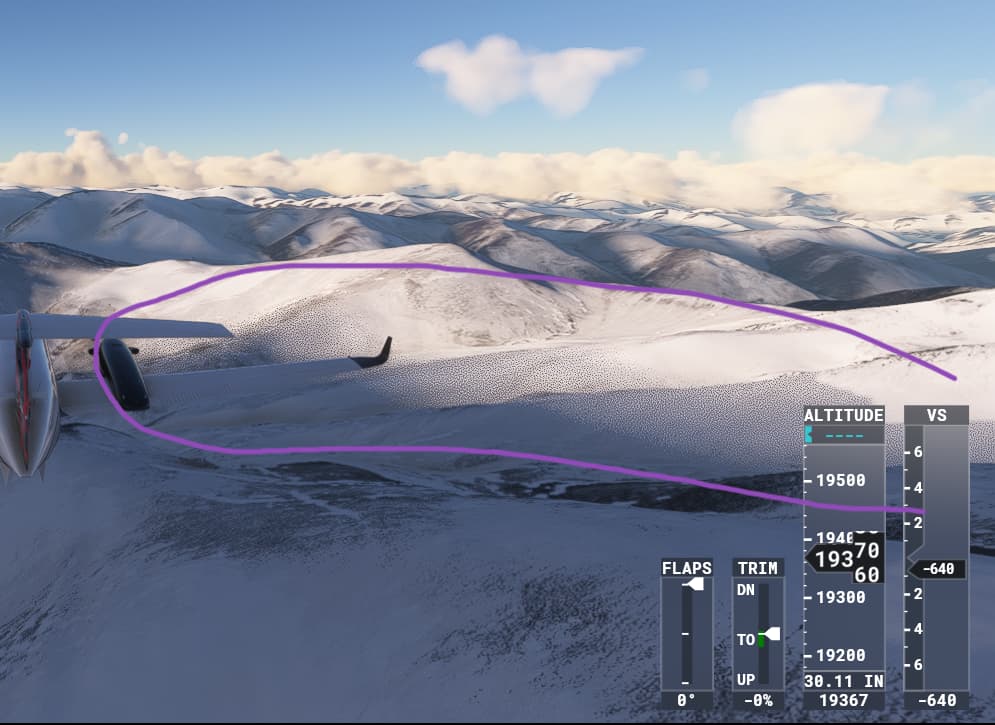
so it can only be a local problem - which antialiasing setting is used here, DX11, DX12 - resolution scale etc.?
I only use TAA and my clouds look like this:
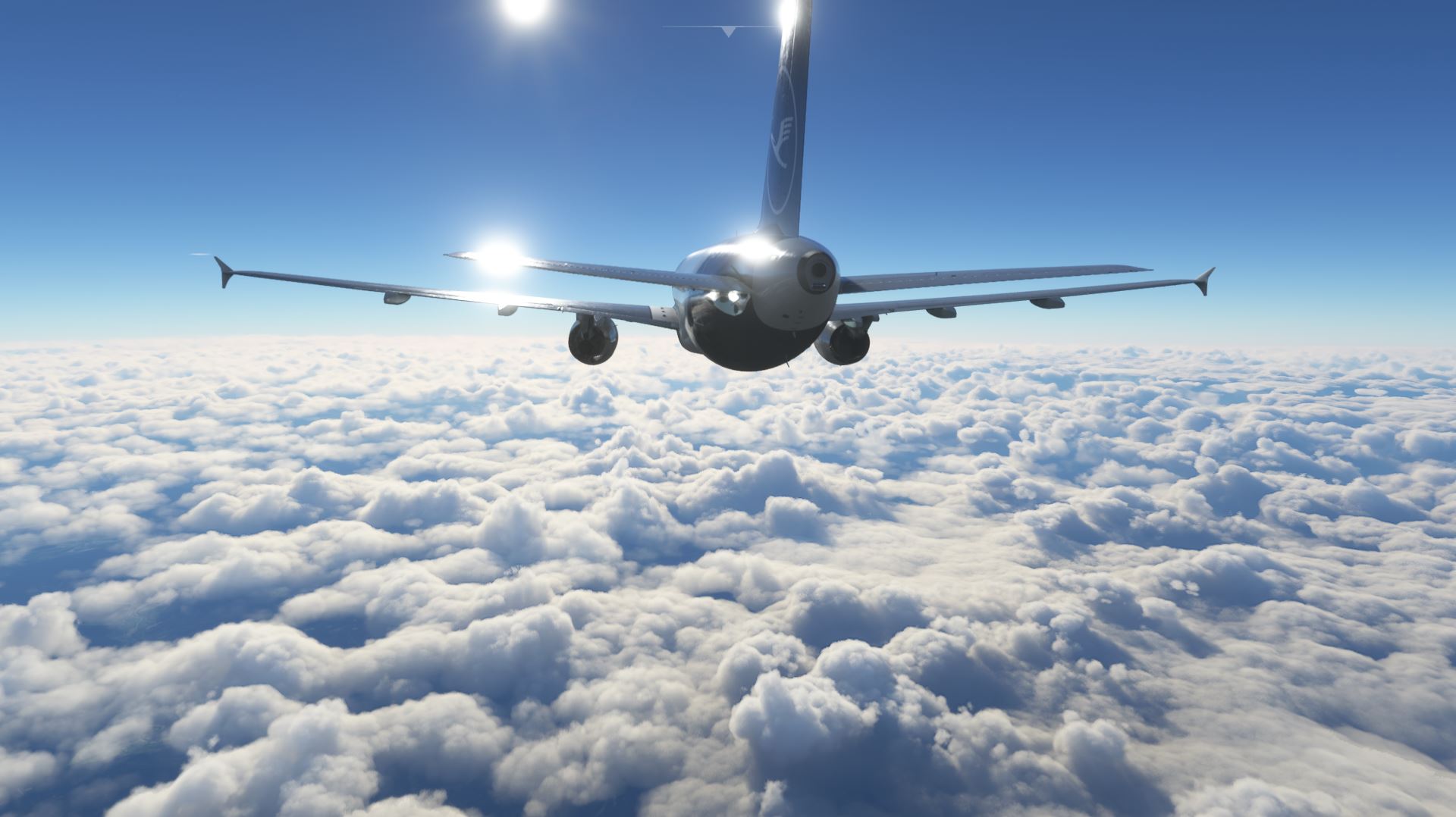
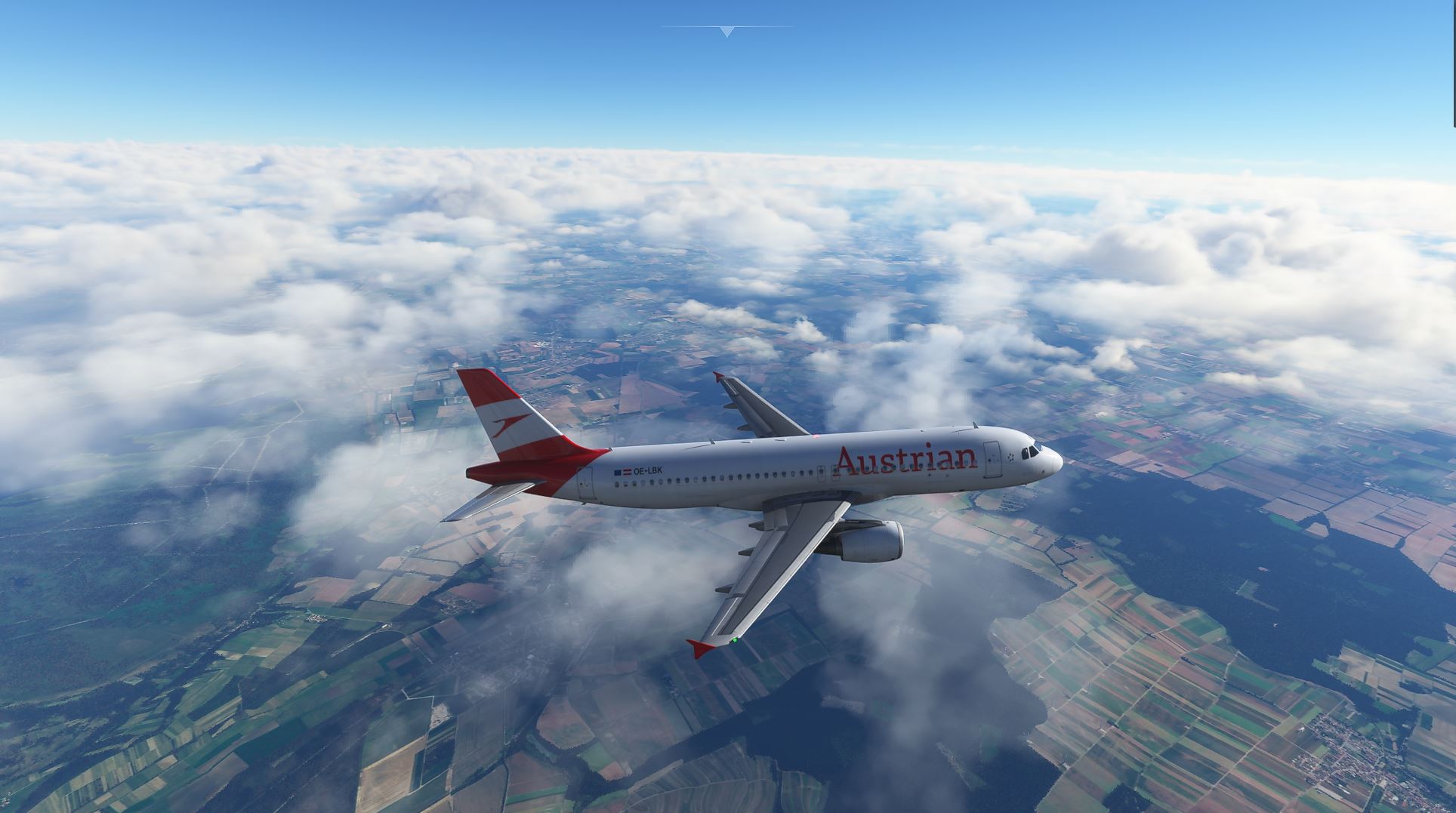
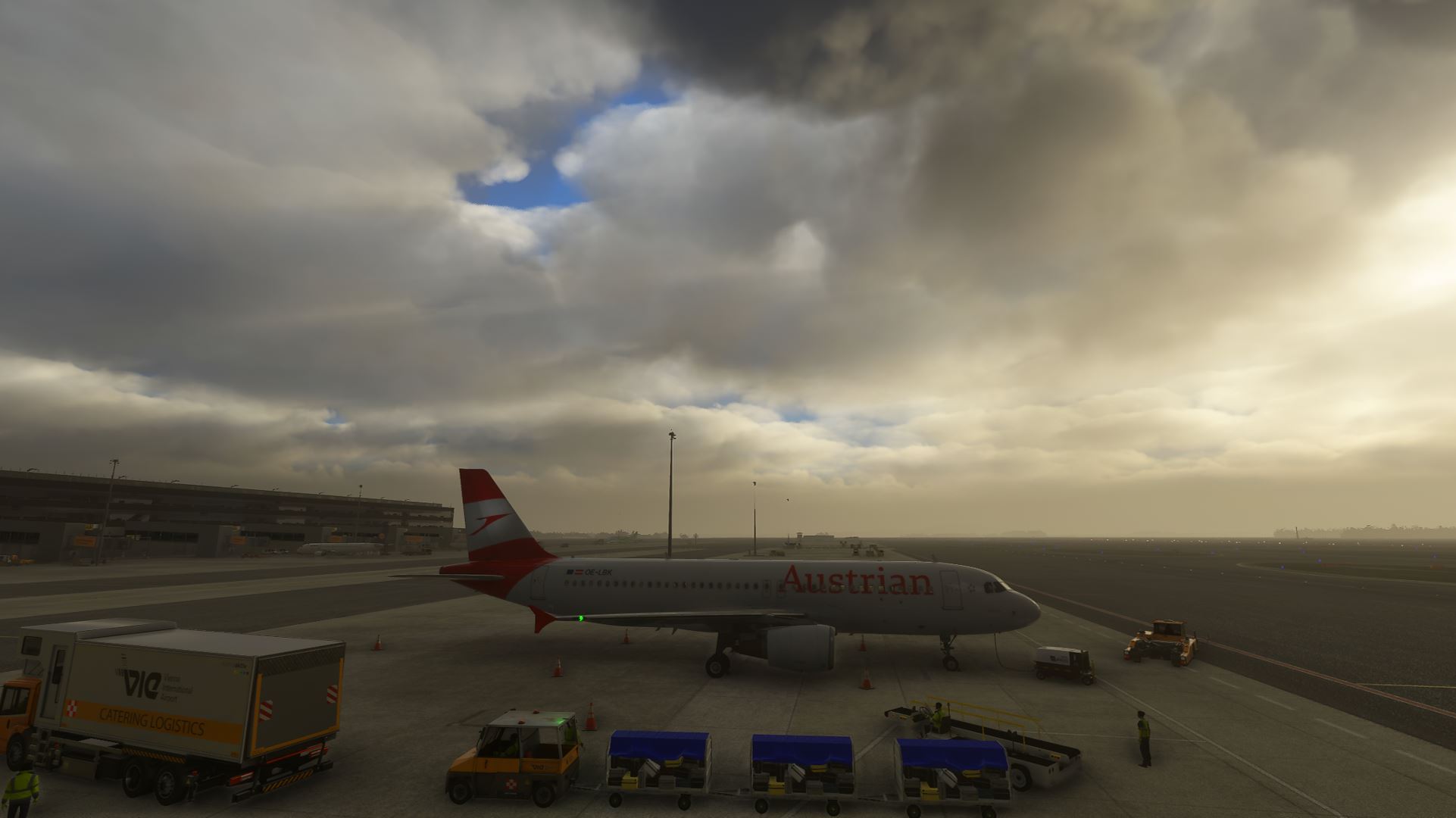
and by the way, the best looking clouds ever in a SIM (besides certain modifications since SU7), maybe the new DCS version can keep up !
and again, please read above: the clouds are rendered with some kind of voxel space engine due to the performance and quantity - sporadic pixelation and especially at the edges are NORMAL - these are not stupid bitmaps - and it is a subjective problem - not like the enri - it seems to me that there might be a hardware related problem here (eventually, or other settings) !
Yeah the clouds sometimes are horrible i dont know whats going on.
3 Likes
Last picture is 100% a terrain shadows problem and it would seem you are over-reducing settings with no expectation of quality loss. Try again with the ultra preset and default NVCP settings, any gliches will at least be less noticeable.
1 Like
Thanks for the explanation. But the problem lies in the shadow reflections which consequently appear when the clouds are as dark and shadowy as on any other surface. This happens with the latest MSFS2020 update. My configuración has never changed, I go smooth with 60fps and have no issues. But chances are you’re a developer troll to distract from reality…
Hi, thanks for your interest. I already have all the default settings, in Flight Simulator and in Nvidia control panel. I’ve already done a thousand tests. The problem is with the latest MSFS2020 update.
Hello, if you notice, the problem lies in the shadow reflections which consequently can be seen in the dark shady clouds and on any other surface shaded. When the clouds are clear lit directly by the sun it is not noticeable.
That’s as maybe but it’s entirely down to DX limitations. Aside from cumbersome raytracing there is little Asobo can do to improve it.
Well, how he broke it he can fix it. I repeat, the problem was not there before the latest MSFS 2020 updates.
Hello all,
I just recently purchased and installed MSFS 2020 Premium Edition.
I have an i7, with 16 GB Ram, I am running a RTX 3070. I have my settings set to PC with a few things ticked up a little bit higher.
Everything looks amazing and runs great, with the exclusion of my clouds. For the most part they look great, but occasionally, they have a pixelated looked to them.
I’ve read around on here and realized this may have been an usually a year or so ago. So, I figured I would start a new thread and see if this issue has been remedied… All the other posts about this topic have a lot of posts and replies and no quick way to see if there’s a fix or answer.
Any help or guidance would be greatly appreciated. Everything else is awesome. Just this wierd little issue.
1 Like
That’s because there is no fix. People try to minimize the pixelated look by getting rid of sharpening, but that makes the whole sim looks blurry and it won’t stop the rendering engine creating noisy clouds.
It is a byproduct of a volumetrically created clouds, I wish people would finally understand that. There’s probably ZERO way for them to get rid of the noise, unless they want to have a 50 FPS drop on the uppermost of upper-level gaming cards.
1 Like
I have every quality setting maxed including NVCP, 4k (using DLSS performance mode), LOD400. I do not suffer this problem and also not if I lower clouds to high.
R7 5800X, rtx3060(12GB)
My guess is the answer lies somewhere in an affected user’s own settings however that also extends to their monitors especially if using features designed for video rather than gaming e.g. Dynamic Contrast.
This has been a problem since SU5. SU1-SU4 had amazing clouds. They changed something with the Xbox release.
It still looks ok in pancake mode. In VR clouds since SU5 look awful.
2 Likes
Right the problem started since they released on xbox…so there is the culprit
No Xbox no MSFS, how does that sound?