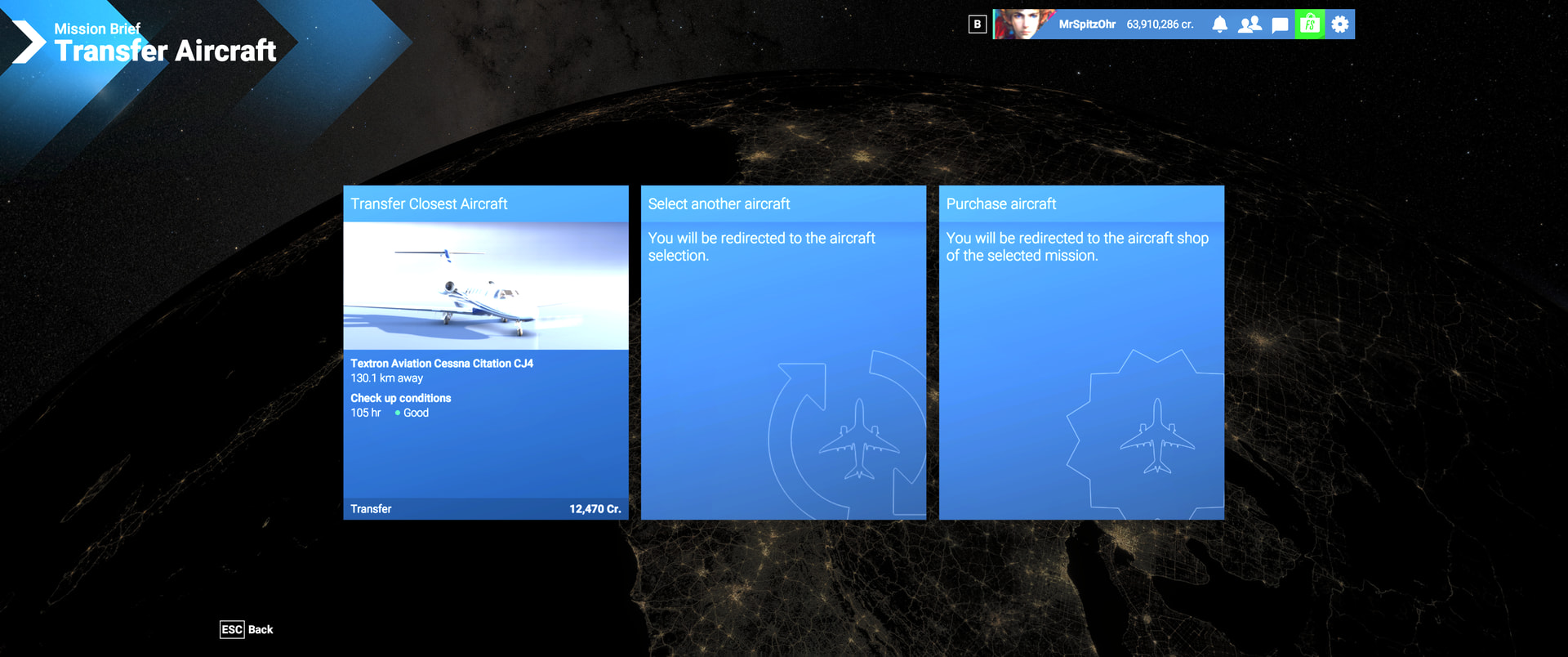
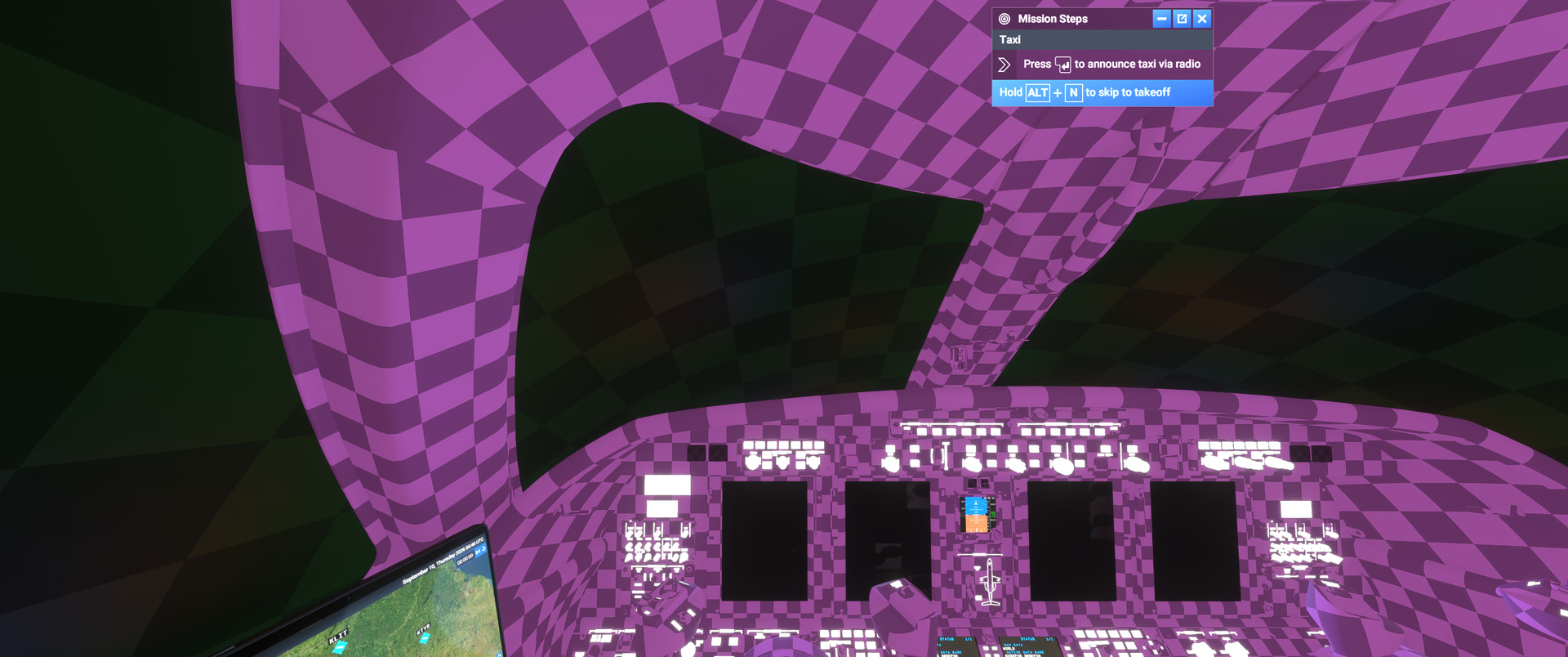
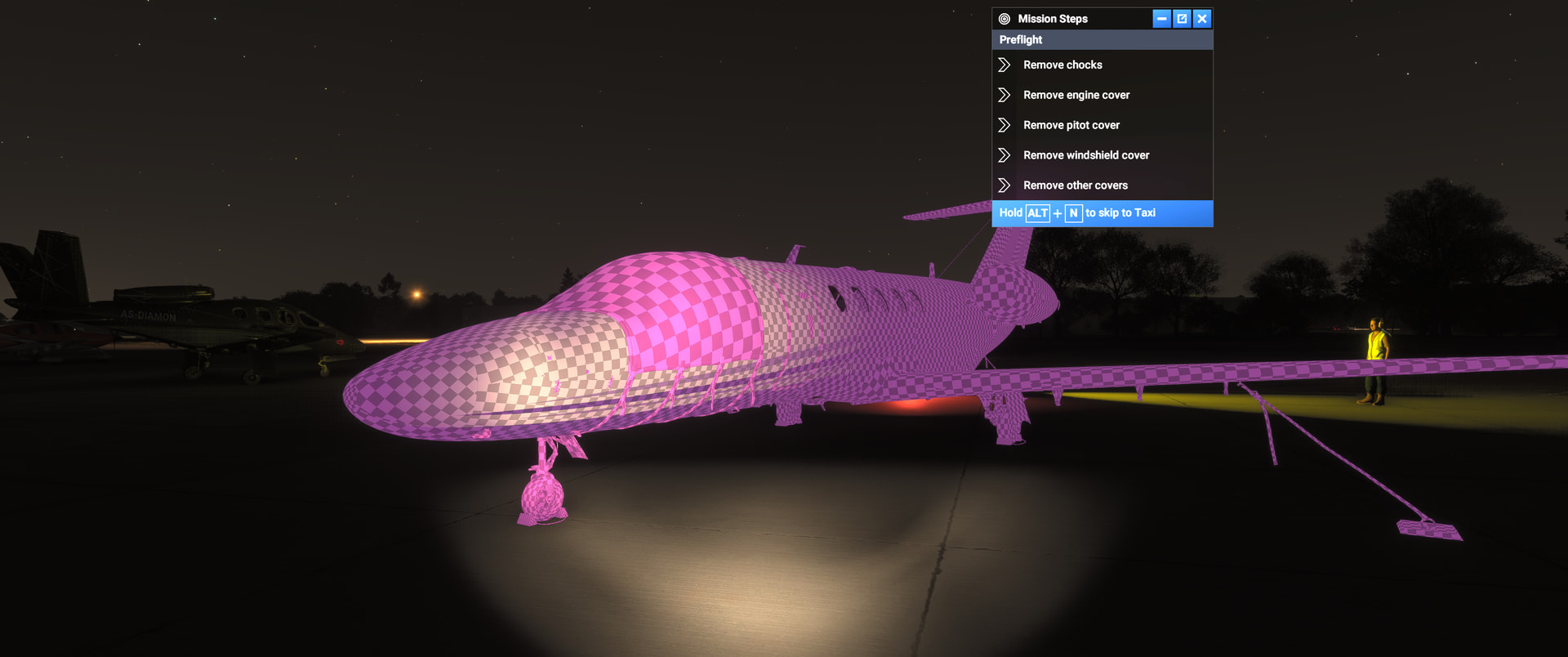
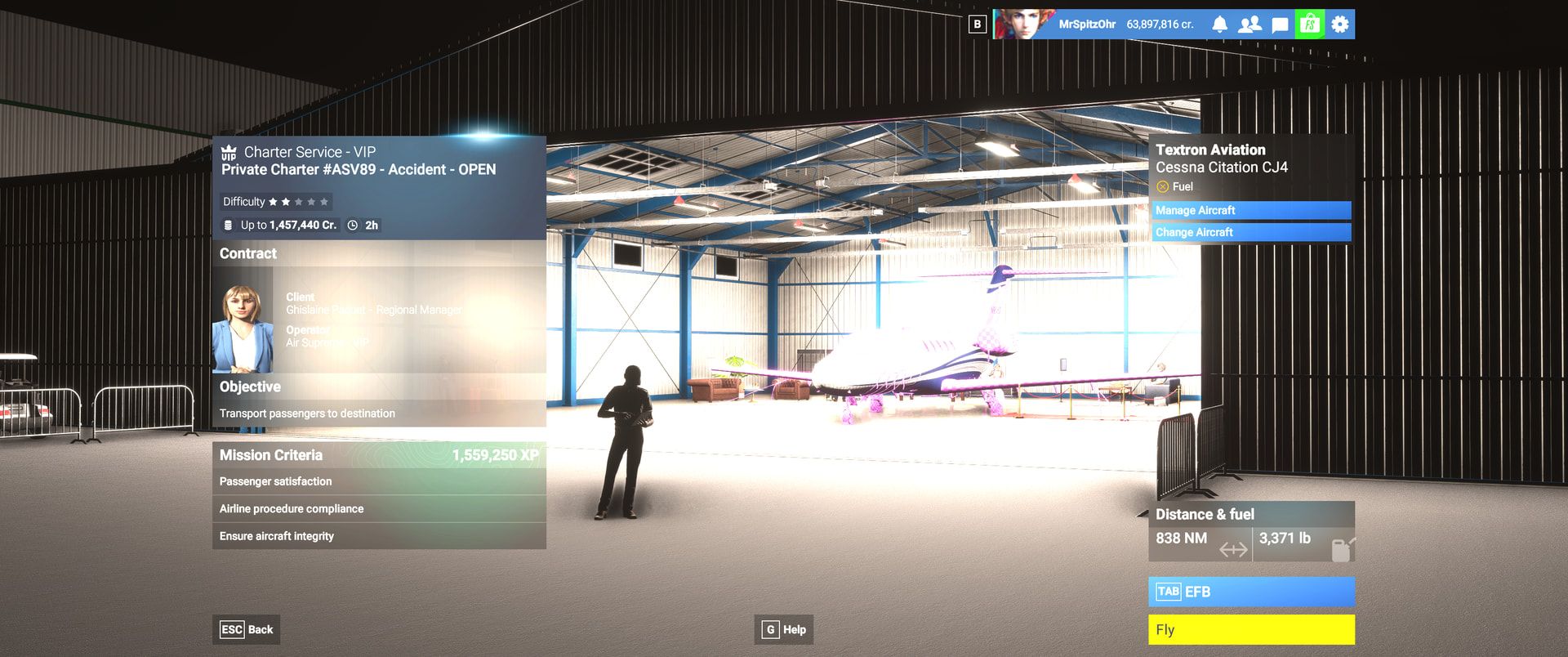
I just attempted to fly a Cessna Citation CJ4 in mission mode (I have done this before successfully), but the plane’s skin is now purple squares, and the cockpit in also not correctly loading. I tried uninstalling the plane and forcing it to stream, but no change.
FREQUENCY OF ISSUE
This is the first time this problem has occurred.
REPRODUCTION STEPS
I simply filter missions for the CJ4 and select a mission. When the mission loads, and I select the CJ4 as the plane to move to the airport, when the airport hangar loads, allowing you to wash the plane, check condition, refuel, etc. The plane skin shows as purple squares.
The only changes/add-ons since the last time I ran missions was updating the Koschi Germany tours 1-3.
[PC Only] What GPU (Graphics Card) do you use? MSI NVIDIA GeForce RTX 4080 Super
[PC Only] What other relevant PC specs can you share?
Microsoft Windows 11 Home - Version 10.0.26200 Build 26200
Thank you for this report. We’ve moved your topic into the User Support Hub.
The Bug Reporting Hub is for posting suspected or confirmed bugs that other users are able to reproduce without duplicating an existing bug report. Using the template or providing all the relevant information about your bug and sim setup is required in order to provide valuable information, feedback, and replication steps to our test team.
If you are not sure if your issue is a bug or need further input from the community, please use the User Support Hub category. If the community can replicate your issue, first search the Bug category to see if there’s an existing topic. If it already exists, contribute to that report. Duplicate bug reports will be closed.
If you believe it is a new report and no duplicate exists, then create a new bug topic using the provided topic template.
All issues caused by or involving third-party addons/mods should be reported to the third-party developer. Assure that no addons/mods are used when reporting issues in Bug Reports.