my god this issue is the 3rd time i get it in 2 days… im going nuts
You need to reboot between each powershell entry, then install at the end gaming service.
Success! Just got the updated “Gaming Services” package:
Gaming Services Microsoft.GamingServices_8wekyb3d8bbwe 6.69.16001.0
and MSFS loads right up!
i did the fix 4 times now, everytime it worked.
today again it asks me for a fkin disk, my god this is getting really frustrating now.
same here, despite having done the work-around earlier this week (and it worked), the same error message has returned. How frustrating!!!
I tried everything including resetting the time and location and the game suddenly worked, I don’t know what it was specifically that fixed it, or for how long.
To @FinalLightNL , @Claudio4901, @PaulG4791
Out of curiosity, what version of Game Services are you using? Currently the latest version is 6.69.16001.0.
I exited the beta two days ago returning to SU9 1.26.5.0 and with the previous version of Game Services (6.69.15001.0) I got the warning “… insert disk” which I had corrected once in the SU10 Beta. Now, in version SU9 1.26.5.0 with the latest version of Game Services everything runs smoothly with no warnings, stuttering or and / or slowdowns.
yesterday I was able to run the sim a couple of times. I didn’t make any of the tips here, it just worked. Today I’m having this thing again. These kind of issues with this sim are really getting way too common. Not happy with that.
Don’t forget that it’s a beta issue that doesn’t seem to affect the live SU9 version. You kinda voluntarily sign up for issues when you install a beta. 
I’m still in the beta @ClevererElm8055
I mean what version of Game Services do you have installed?
the latest version (not the insider build one)
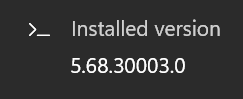
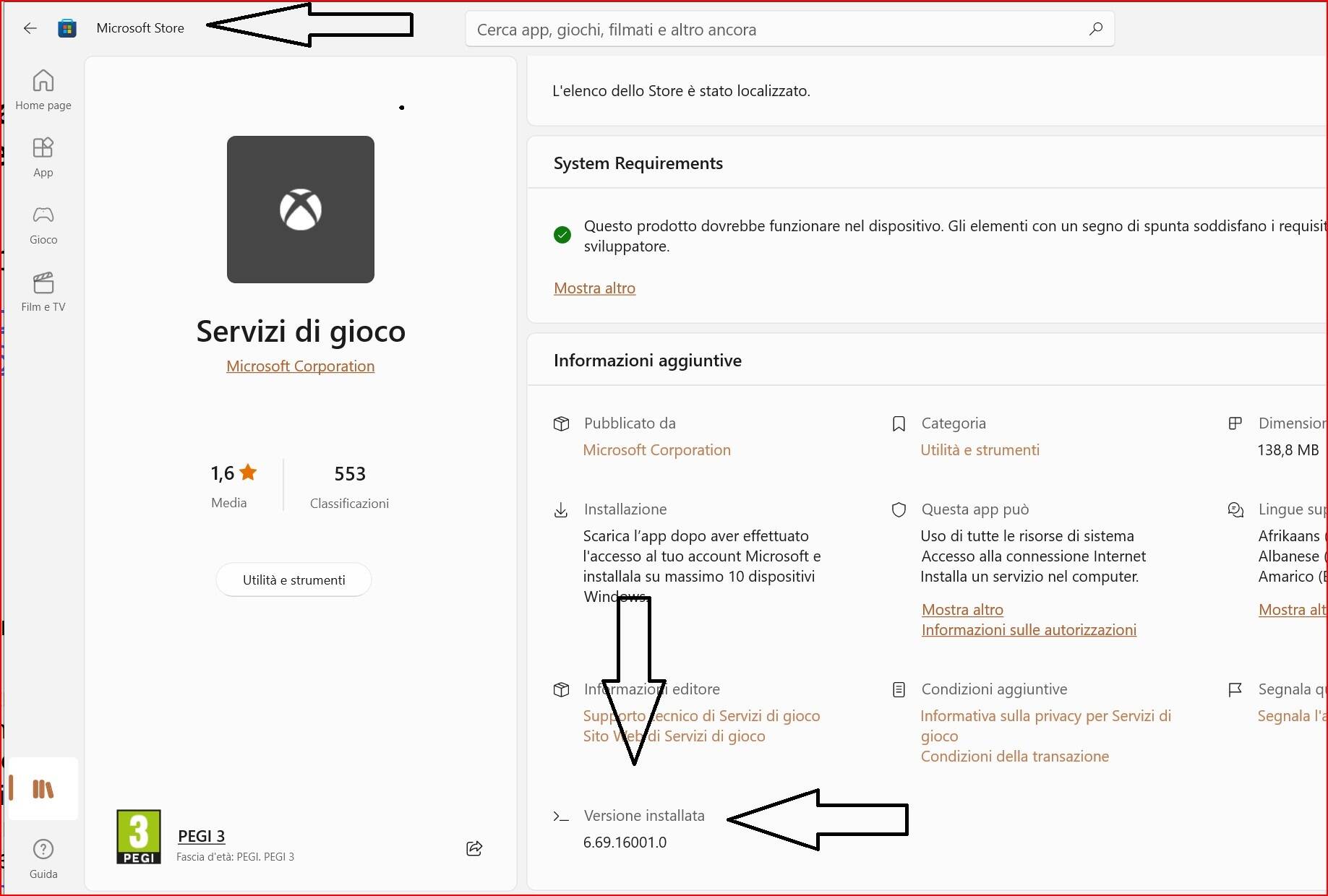
Good point, you are right!. However there has been similar issues with the release version in the past too, but I agree, in this case we’re in the beta.
are you enrolled into the insider build of it?
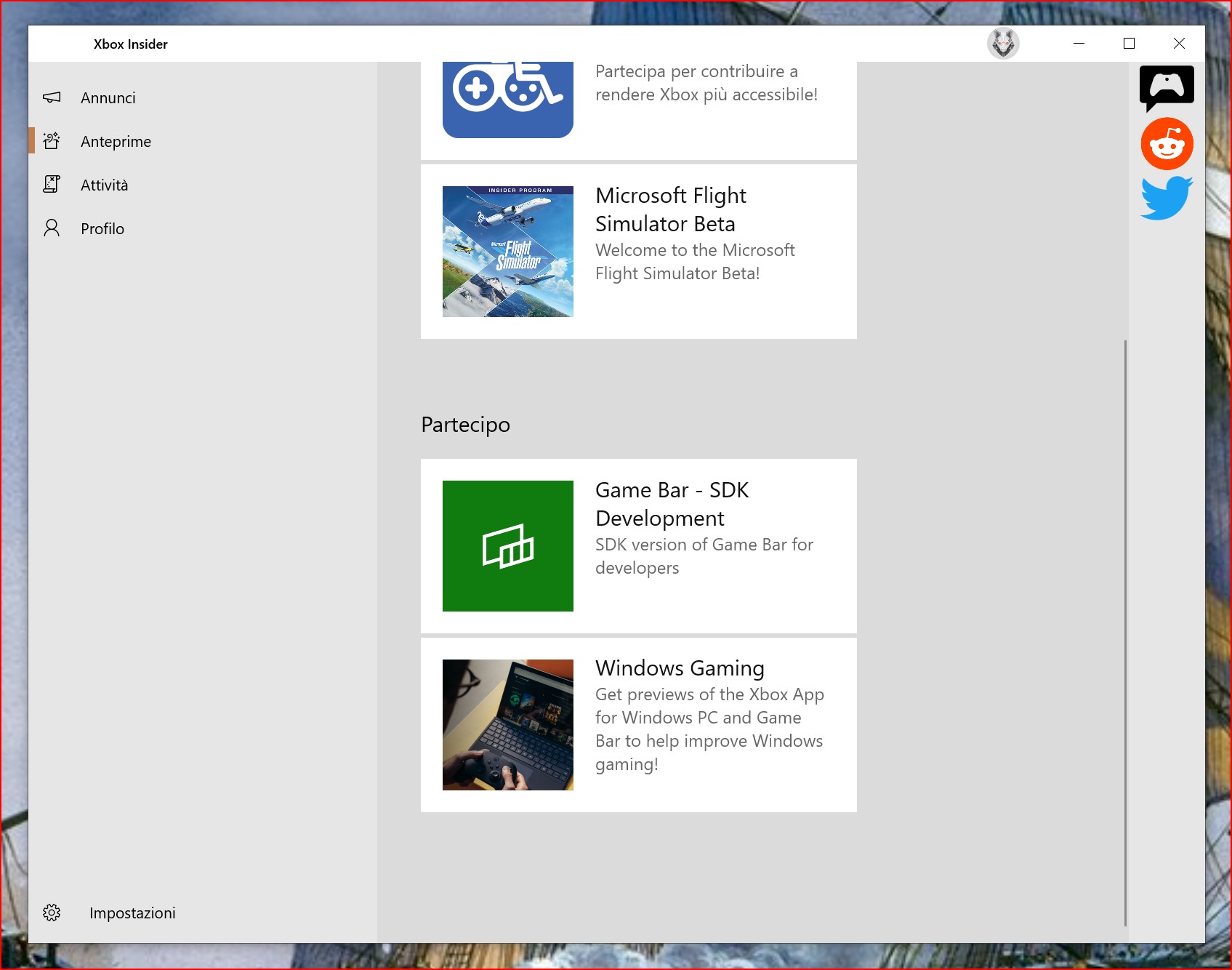
yeah i opted out of that like a few people here did
My God man, that was the fix. THANK YOU! I did have to push the powershell update even after 3 days but after doing that, IT WORKED!
Opting out of the Game Bar did not work for me sadly. Rolling back to an earlier version of Gaming Services after some jiggery pokery in the Registry did.