Definitely some weird behaviour or new sequence of setting and releasing the parking brakes to get used to in this aircraft even in ‘SIMPLE’ parking brake mode. I got stuck again at the holding point before t/o. Airborne now. 
Don’t forget to install the Navigraph module from the Navigraph-Hub (if you have Navigraph)!
Also on first impressions the 777 seems a tad more resource heavy for me than the 737. I was down at 20FPS in Ini’s EGLL with FSLTL AI traffic, on takeoff it dropped as low as 16, and now I’m airborne 26/30FPS at alt. (5950/3090, TLOD 100, 4K)
Hello all party here,
 many thnx PMDG for all, what a perfect morning here today. I must say that I was little bit worry about the price but what a present! Very happy!
- sign up at site, order - no problems.
- received email with link, ok but all I did inside PMDG site.
- yes
 many attempts with download and with authetification code, circa 20 times??? Here I decided to check Forum and have found clear solution from SteveKane
  many thnx. Problem generally with any web browser but no luck with Edge and Firefox. Chrome shows that blocking message and Steve’s help was solution. Quite solid download speed about 2MB/s so cca 15min waited for file.
 - no problems with installation and also run PMDG app Center for other look at. Same with Navigraph Hub and NAV data update for this beauty, perfect!
- no problems with MSFS start and select BAW livery But now dilema where to fly for first? I’ve picked EGLL-EDDF as little trip because also some cfg of 777 was expected of course.
- Ok, on EGLL stand. Great FPS to my old machine, no problems! Have spent about hour with familiar my self with aircraft and cfg of all options inside FMC, especially that important options as I have experience from 737. No problems.
- then start, I said my self that you don’t want any docs to read now, go and try what you think you need to do, you’ll see how it feels Yes some cfg also during flight, especially dest altitude warning +/- 1000ft I’ve forgot or better missed previously to set. Results? PEEERFECT!!!
- Did my first flight and landed at Frankfurt without any big problems, beauty feels fantastic and I’m abs satisfied.
Upd: Simbrief and other data manipulations without problems!
Many thnx again!
1 Like
Apologies if I’ve missed it but anyone else having problems with GSX pushback. Keeps saying the brakes are on?
Cracking product again tho thank you PMDG!!!
Yup. Just had this. Big bummer. Completely frozen.
1 Like
Even with simple Parking Brakes you have to set them off with the pedals (just brake shortly) and not the switch.
1 Like
Doing my first long haul flight British Airways EGLL-KSFO-APPROX 11 HOURS.
Real time with real weather. FL380
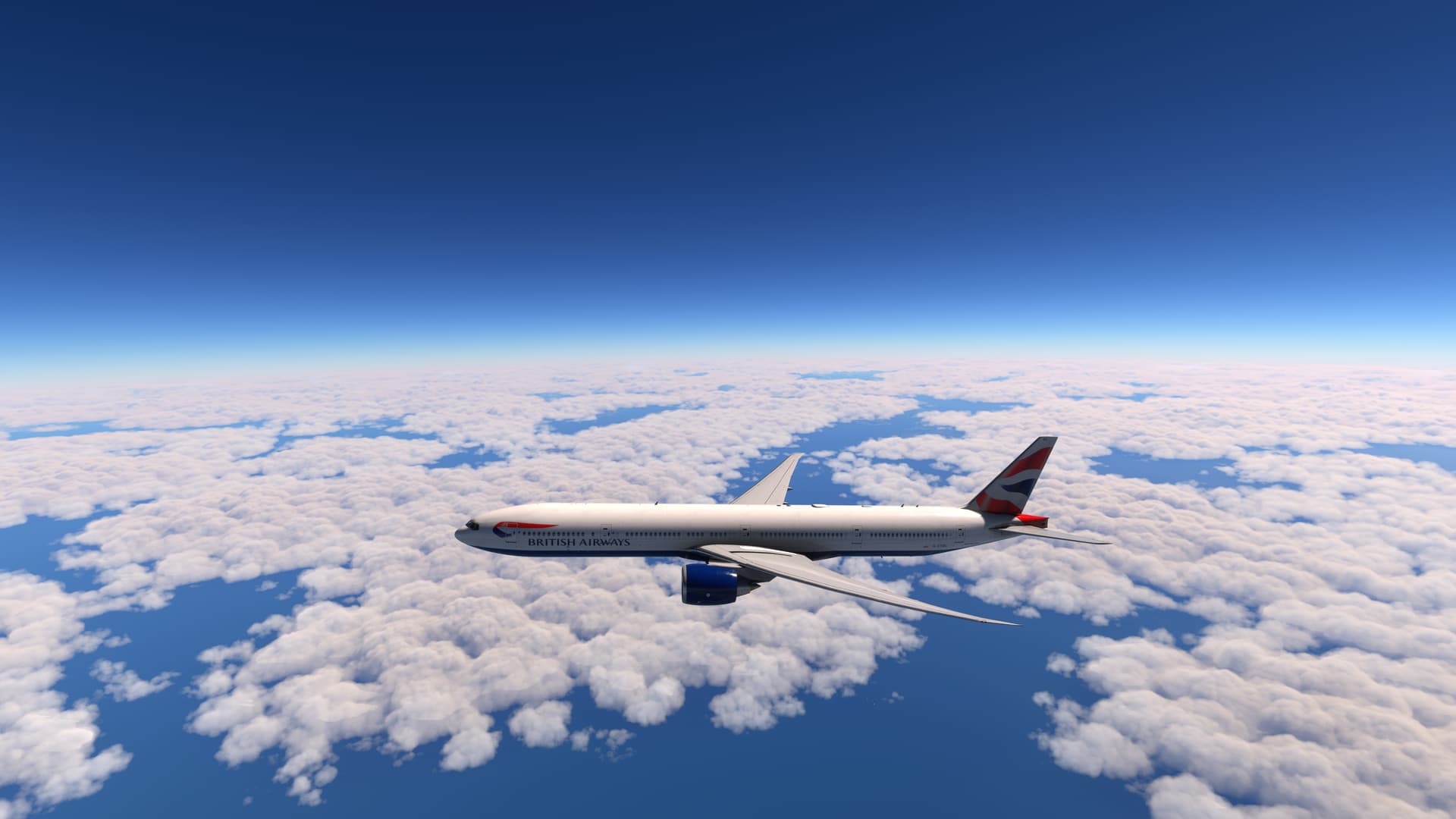
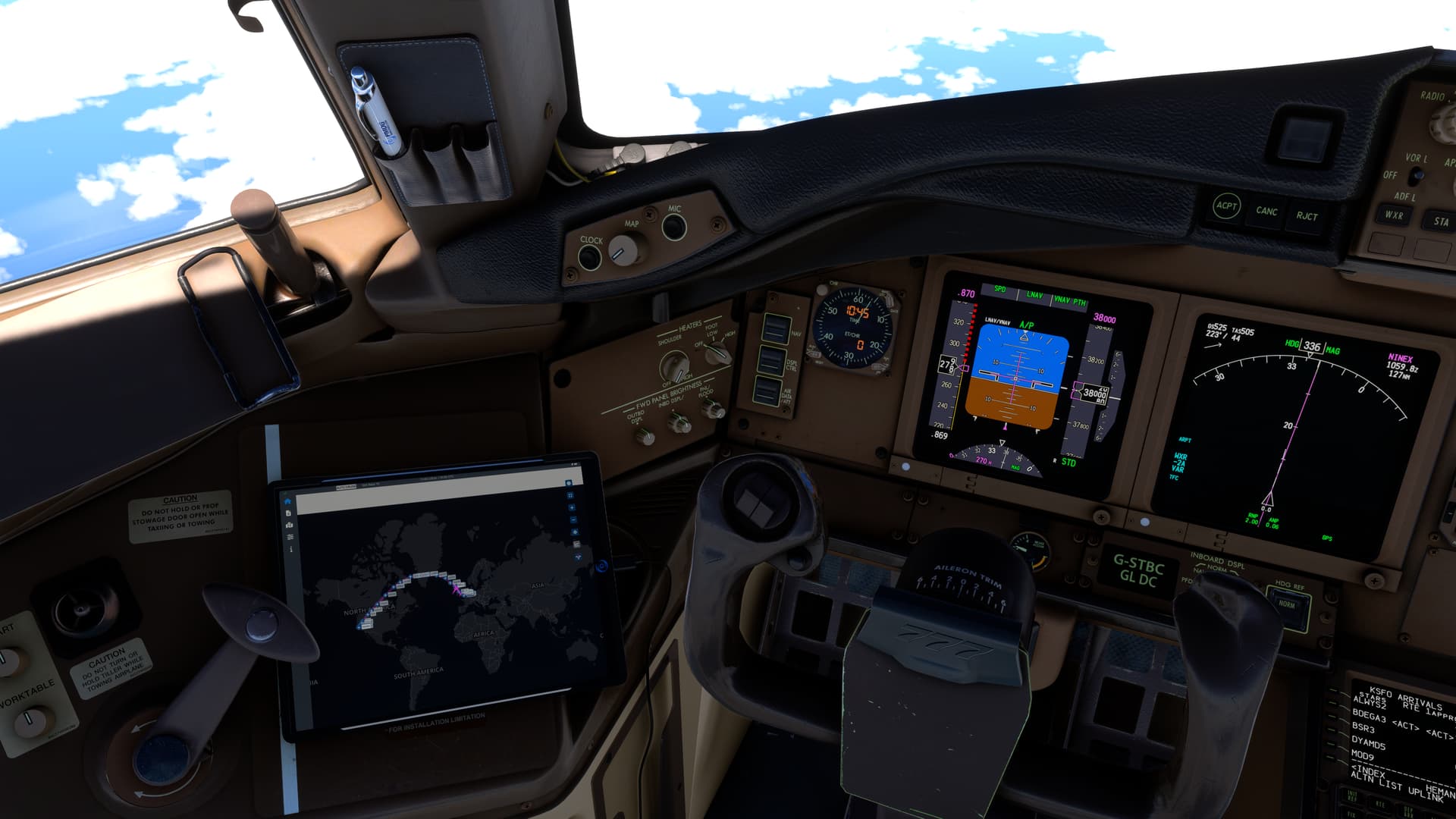
Now a bit of turbulence heading toward iceland.

Almost there

Had to go out..as life gets in the way..not sure if my pc crashed..but lost my flight on navigraph.

Gutted I am, if it has crashed
I mean my pc not my pmdg 777
Got home yep CTD nature of the beast…so annoyed but there are worst thing in life  .
.
Will attempt on my next day off
1 Like
Thank you. Do you know what the “REALISTIC” parking brakes do? It seems different from the 737.
1 Like
How would you guys rate the engine sounds? When I watched some very recent beta reviews the sounds were pretty much off the “real” sounds, so I’m kind of curious if they are close to reality now or not.
I just tested it , should be the same as in 737.
With parking Brakes at Realistic Setting:
Setting the Brake:
- press the pedals down
- pull and hold the Parking Brake Lever
- release the Pressure form the pedals so they snap in to the Parking Brake Set Position
- Parking Brake Lever stays pulled
Releasing the Brake:
- just press into the pedals
- Parking brake Lever snaps back to down position.
1 Like
This is being sorted in an update very shortly
It seems like some of those realistc things are what I encountered using the “SIMPLE” setting. Maybe I’ll go toggle to “REALISTIC” and back and test both modes out. It appears to me to be similar but different behaviour to the 737. I’ll figure it out eventually. Thank you for testing.
yeah but that airport kinda heavy to begin with…
True, but I have EGLL ‘optimised’, so think ‘SD’ textures, no landside cars, no gate clutter etc. I do have interiors on because who wouldn’t. Generally I see a steady 28-33FPS here in say the 737 or FBW A320NX. and 40FPS airborne (I have my system locked @ 40FPS with VSYNC).
It was kind of busy at EGLL at 10am (as you would expect), so I probably need to see how it goes at other airports. The 777 just feels on first impression heavier CPU wise. I was getting some significant CPU mainthread spikes even airborne but there were quite a few airborne AI around EGLL. Also taking off on 9L meant me flying over central London which is where it dropped to 16FPS even though my TLOD is at only 100.
I need more time to assess & compare. I was just surprised it didn’t hit 40FPS at FL320. I won’t be impressed if I hit 16FPS on landing though! (which I haven’t done yet). Full flight maybe later today.
I really shouldn’t have but I did…
I have to agree with Bragrain…
A little resource heavy but whats to expect from a laptop…
BUT…
WOW…
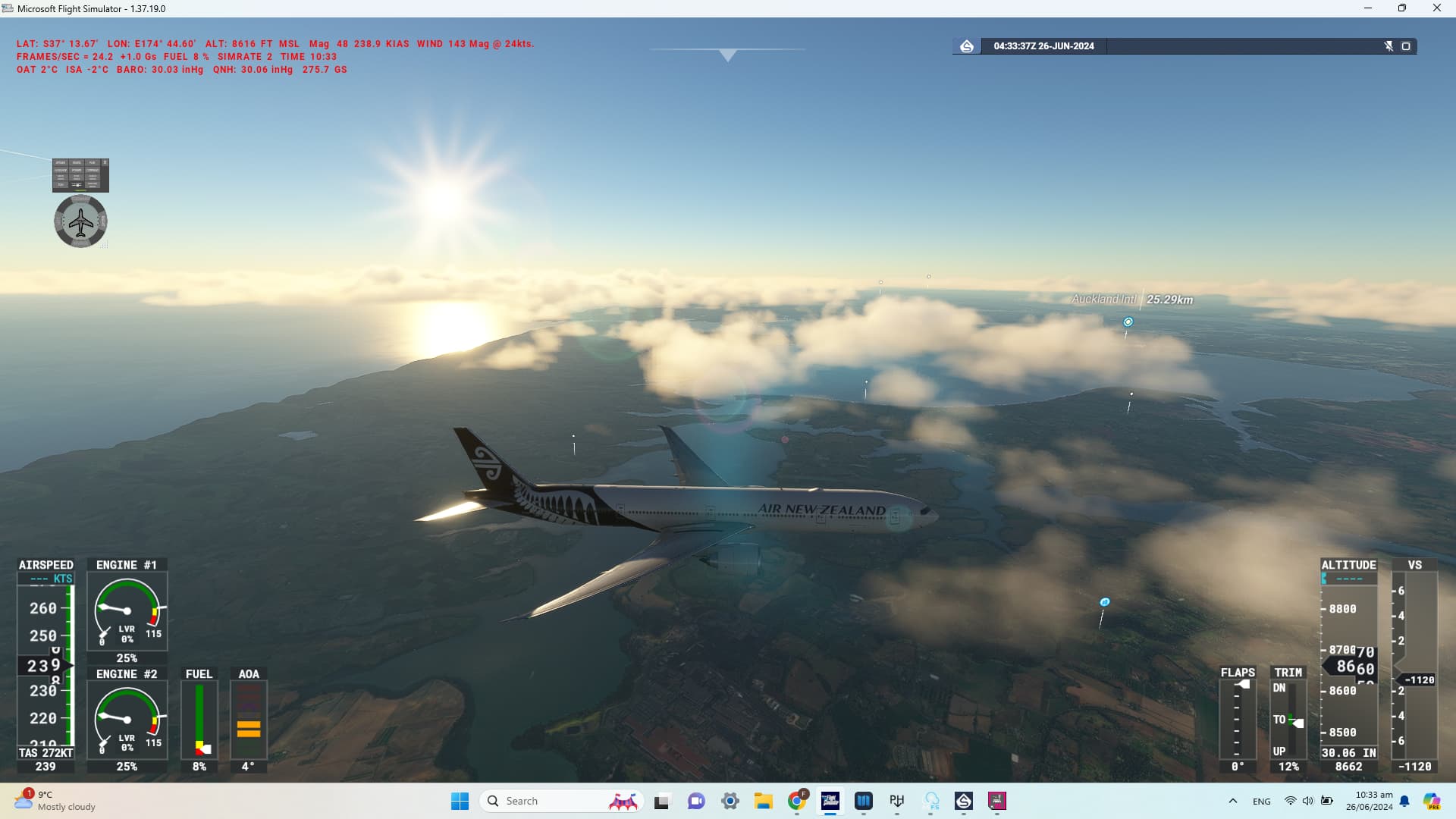
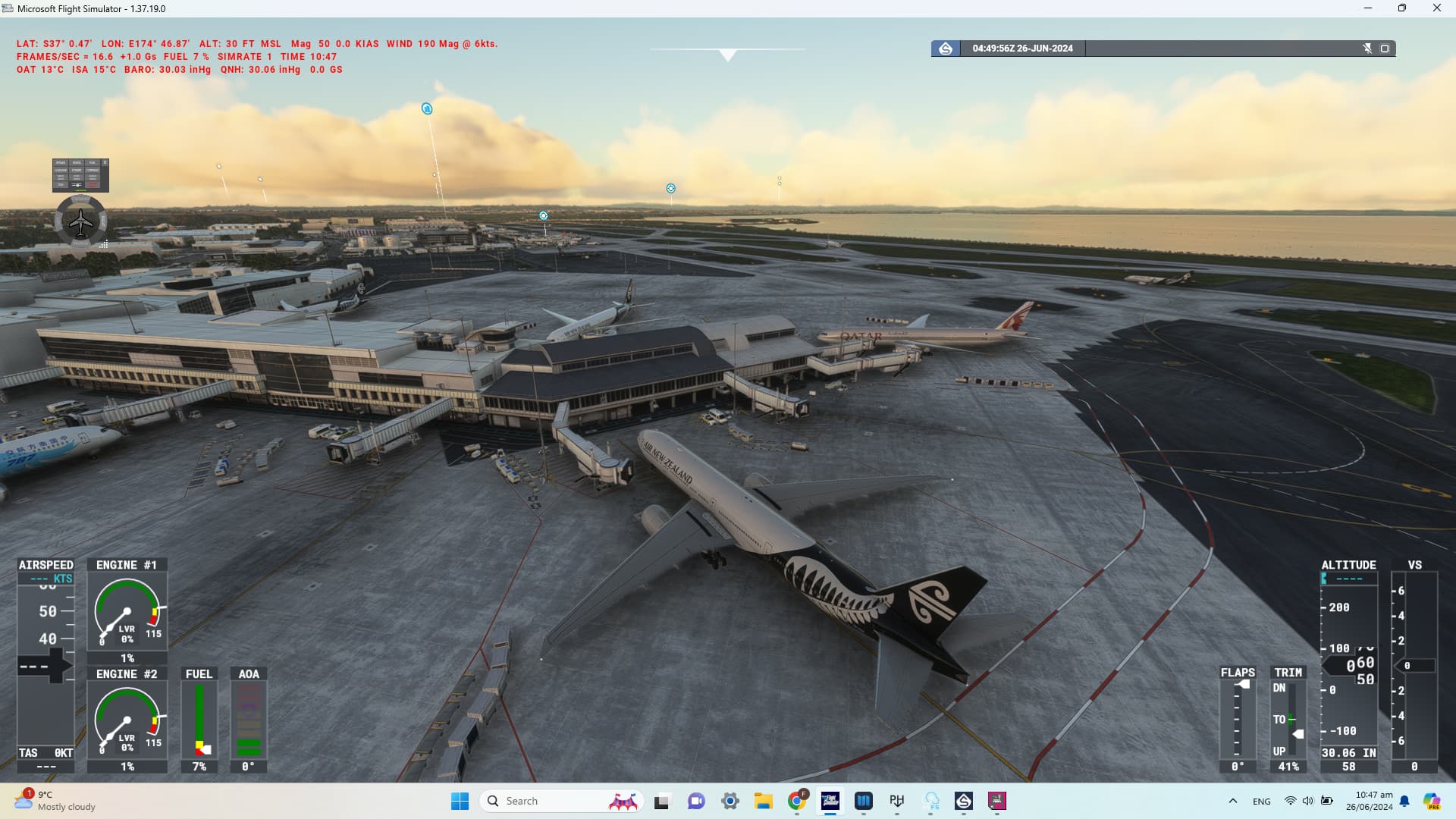
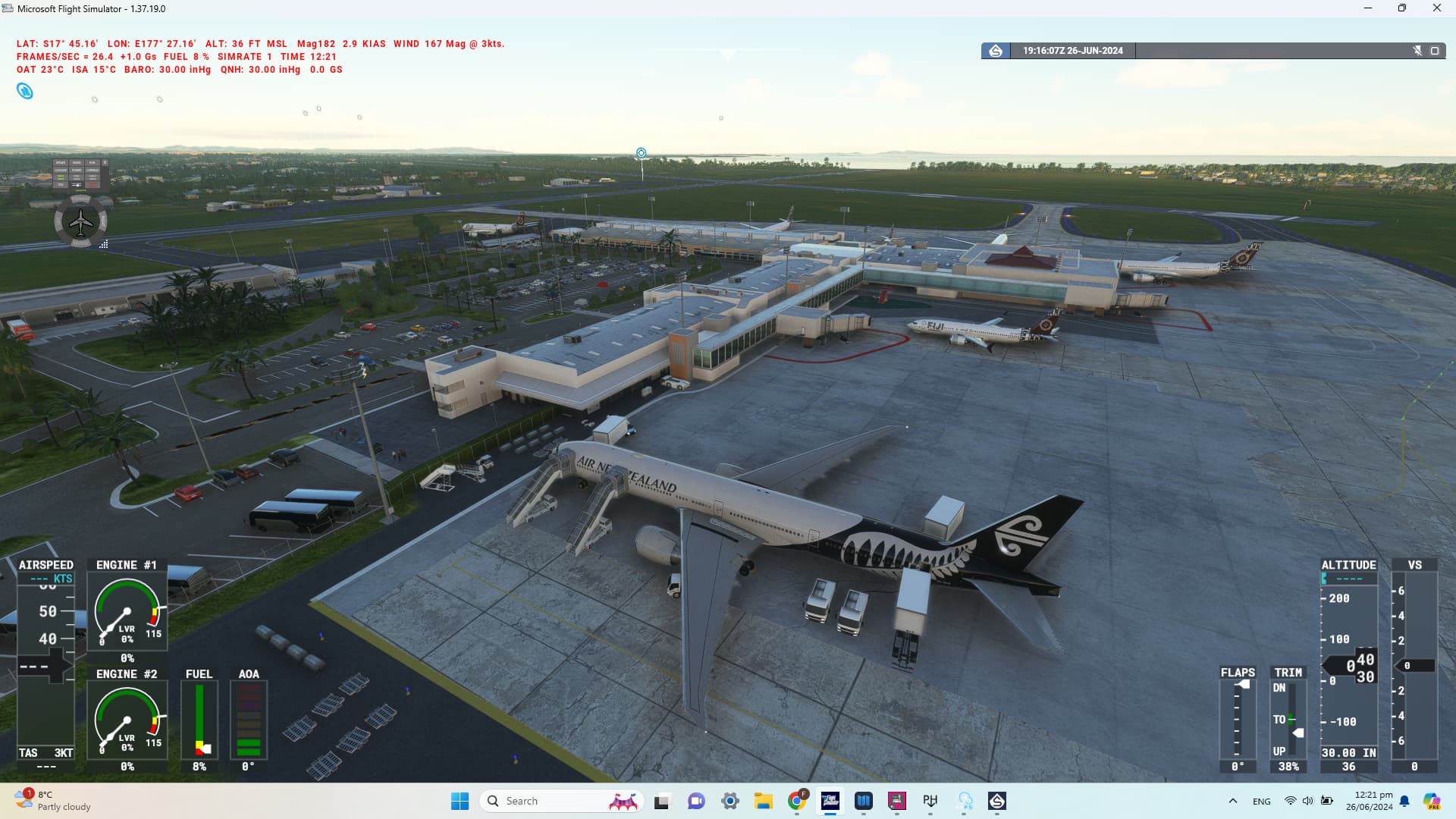
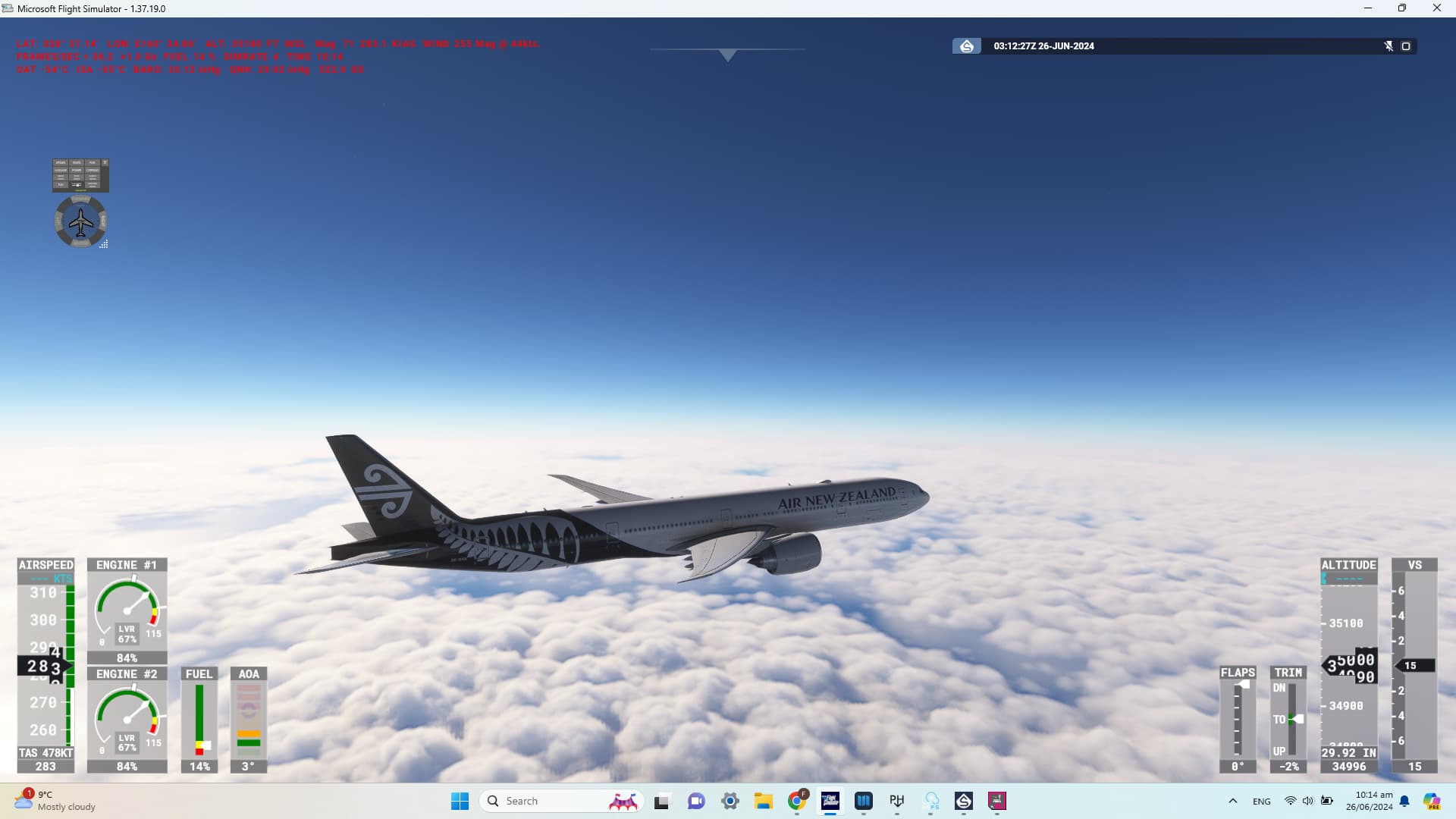
absolutely loving it and feels so much smoother than inibuilds A300, currently doing a wee practice flight from Melbourne to Auckland with the Air NZ fern livery (i’ll be going back to the much missed turquoise and blue…)
Once out of the resource heavy Melbourne, it is so butter smooth and performed a perfect, nice wee RnavS 23 approach into Auckland to really put her through her paces and a conventional ils turnaround flight to Nadi Fiji followed by a return to Christchurch, just to try out doing multiple legs…
Absolutely loving this..
One minor minor thing PDMG…
Could you have a wee look into mouse placement on scrolling the various knobs on the autopilot panel, they seem to be a tiny bit, let’s say not quite as smooth as Justflights Bae… with trying to find the placement trigger and the very fine margins you have placed as well as the VOR triple switch toggles, to enable the scroll wheel would complete this aircraft. Oh and those big clunly box highlights are just on the slightly annoying side of things…
TAKE NOTE Airbus developers (there must be an actual coding limit on those aircraft that prevents the many builders regarding the simrate functionality)
But anyone who loves SIMRATE… 4X is so smoooooooth even 8X!!! wow just literally checked it out now OMFG!!! 16x works as well but not sure if that looks great.. holds perfectly but the framerate drops and not sure if that messes with fuel and what not but wow… 16x works…
WOW I’ll be definitely doing mums flight from Auckland to Glasgow (I’ll have to sub the A380 for the Emirates 773 and I should do one of those delivery flights from Seattle…
What airline should I use for that flight???
p.s
After doing a couple of RNP approches..
I’m not sure how you fly a RNAV on the 777? not quite like the arm app on the 737, work around was to set speed all the way down to the MDA as, when I set my missed app early on and it started to climb to that?? then the other RNP, I clicked app and it kinda worked??
1 Like
You need to remove the wheel chocks from the ground services tab on the tablet.
Just to confirm and to make this a standalone statement…
Simrate works so smoothly like butter smooth and that is on a laptop.
Smooth to 8x and 16x was okay, not sure if the 777 is meant for that but not that pitch up and down like you get from other aircraft especially the Airbuses
1 Like
I hope you got this sorted out. I waited five hours before sending a support ticket. After I sent the ticket, they sent me my download link within ten minutes
Stop using ADDblocker programs for requesting or downloading anything from PMDG.