Are Asobo holding back any updates for this I wonder? Surely they aren’t going to wait until SU6.
Most of the MS aircraft use the in-game EFB which doesn’t support direct integration with Simbrief on Xbox. There is an easy workaround - cut and paste the Simbrief routing into the MSFS web flight planner, save it - and then simply import it in the EFB flight planner.
2 Likes
Thank you very much. There is another option, save the *pln (flight plan) in simbrief and then open it in flightplanner. If it is saved, you already have it on the web. I know him. But that doesn’t make it easier for you to payload or fuel, or integration with Simbrief. MS’s native EFB has a lot to improve.
In addition, in the FSR500, you can track the position of the plane on the tablet, since the developer has implemented an online tracking that makes things easier for those of us who cannot spend 5000 euros on a computer to simulate a flight.
Thank you.
1 Like
Has this not been updated with SU6? We know that the developer provided the update ages ago.
1 Like
I think typically SUs only update aircraft included in the base sim. Based on past updates, changes for first-party payware aircraft (Local Legends, Famous Flyers, and in this case, Expert Series) should be independent of SUs and able to release whenever MS/Asobo approves them.
Hello everyone,
I want to thank you all for your reports and feedback,.
Microsoft and FSReborn share a simple commitment: the aircraft you buy should keep getting better. We read your reports across the forums, Discord, and official channels, and we treat them as direct input into our development schedule.
We chose to release 1.0.6 today rather than hold it back — we know the community has been waiting on these fixes, and we would rather deliver them now than bundle them into a larger update later.
Work is already underway on the next release. Version 1.0.8 is in internal testing with further improvements, and it will ship as soon as it clears our validation process. Keep the feedback coming; it shapes what we work on next.
Thanks again, this is just one of many updates you will see for this aircraft.
All my love,
Raul
13 Likes
Curious to know what is coming with future updates. The exterior is better, everything seems to work now but the interior is still low res enough to keep me from buying it. I know you have to keep all platforms happy but is this going to be improved with 1.0.8 or later?
The interior is 4K textures for PCs, always have been, specially just in front where ther pilot pov is and across other areas.
We had an issue with the initial release where the console version was pushed to PCs, this is what caused the majority of quality issues reported, avionics mirrored, etc.
The aircraft will continue to receive updates across many areas, new features, etc.
Best,
Raul
1 Like
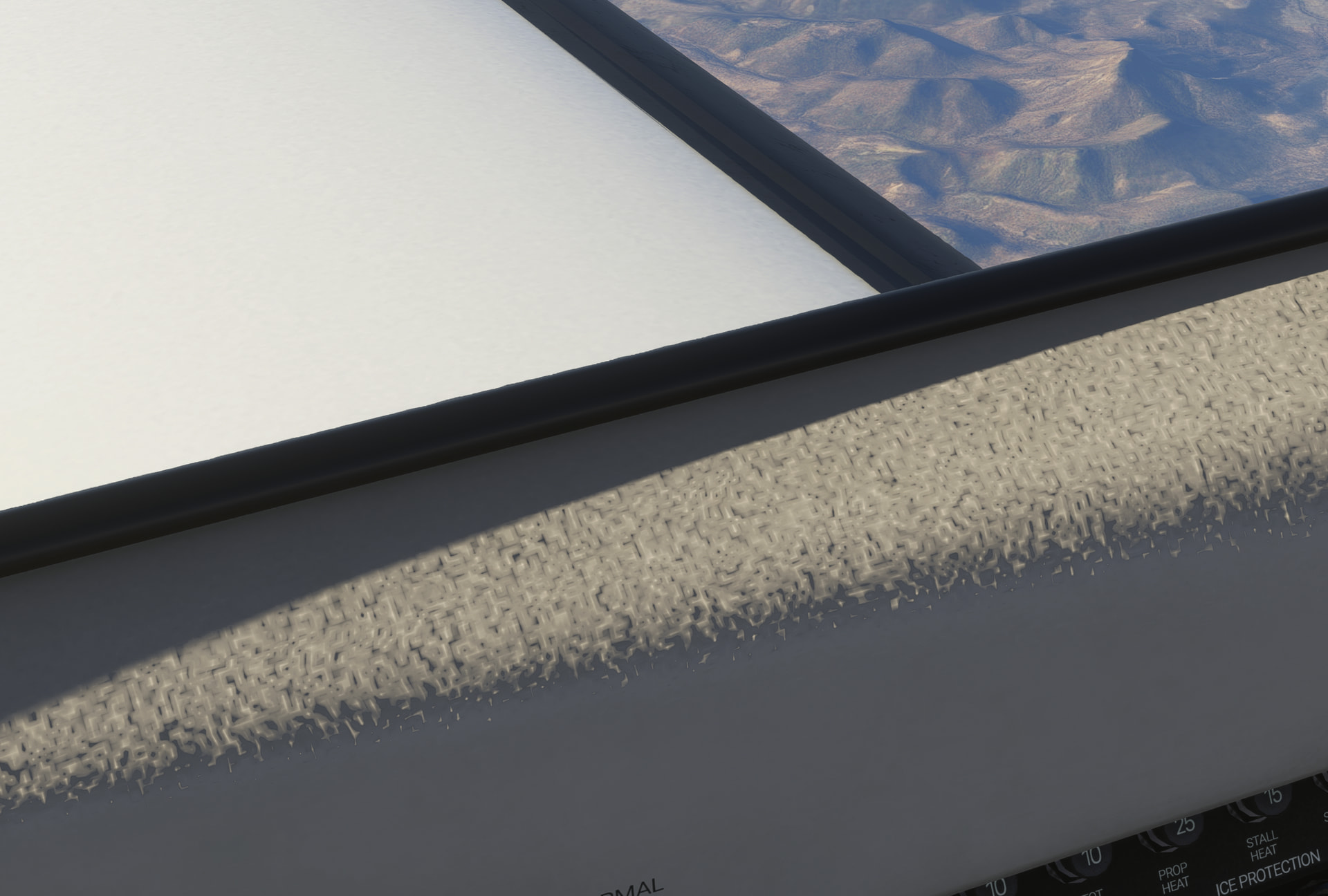
That’s how the cabin looks, is a normal map..
You have multiple interiors design as well.
R.
1 Like
The Nav lights don’t work.

1 Like
Are you saying that this is what the real cabin textures look like?
This is on PC, with texture resolution set correclty:
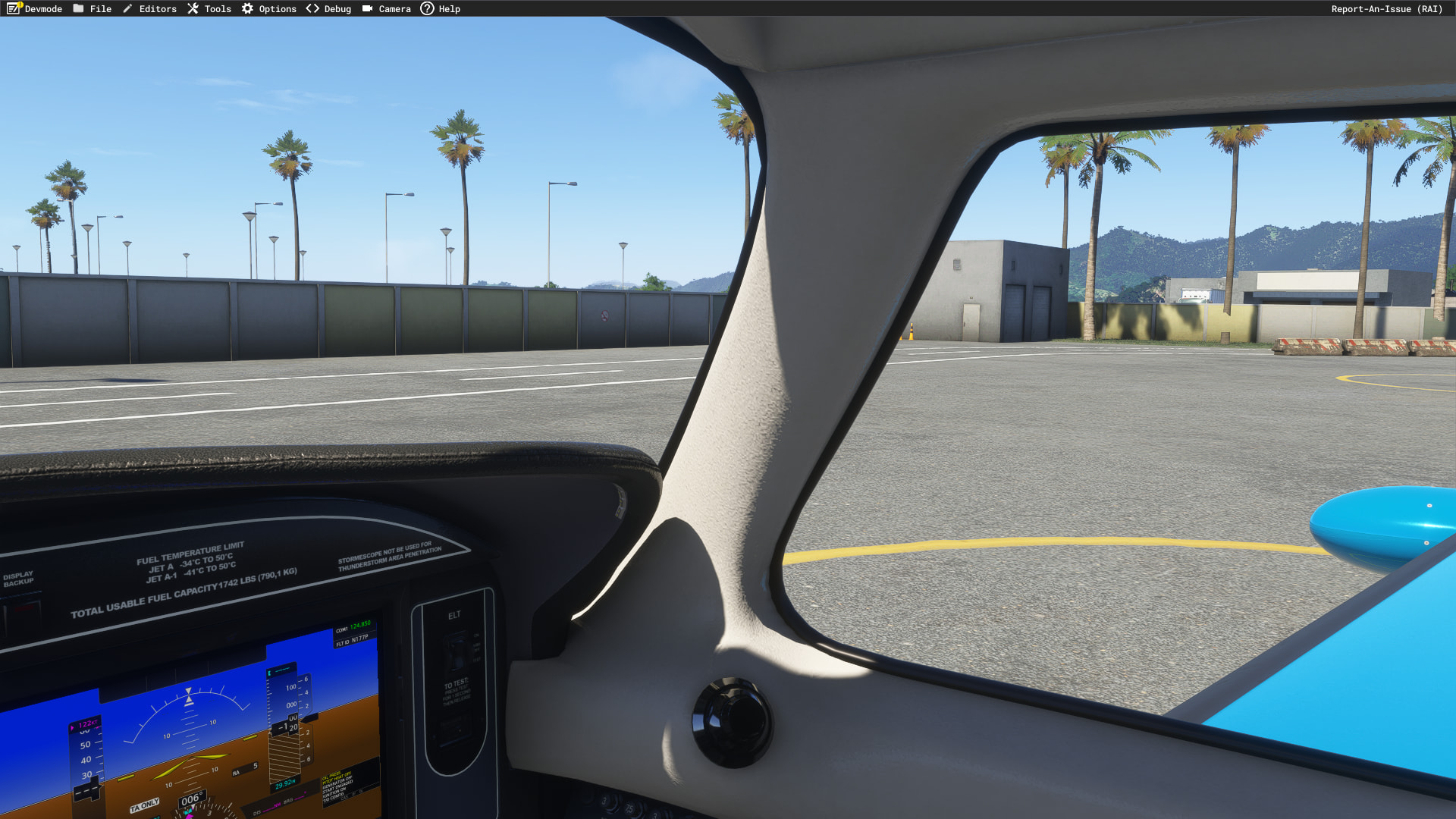
Some people set textures to medium, and it will load the next mipmap, if you have them set to high.. it looks as designed and intended.
Best,
Raul
Well mine are at Ultra on a 5090 and the textures are extremely pixelated as you can clearly see in the image provided. If this is how they are intended to look and there is no intention to change them in the future then fair enough, no further questions.
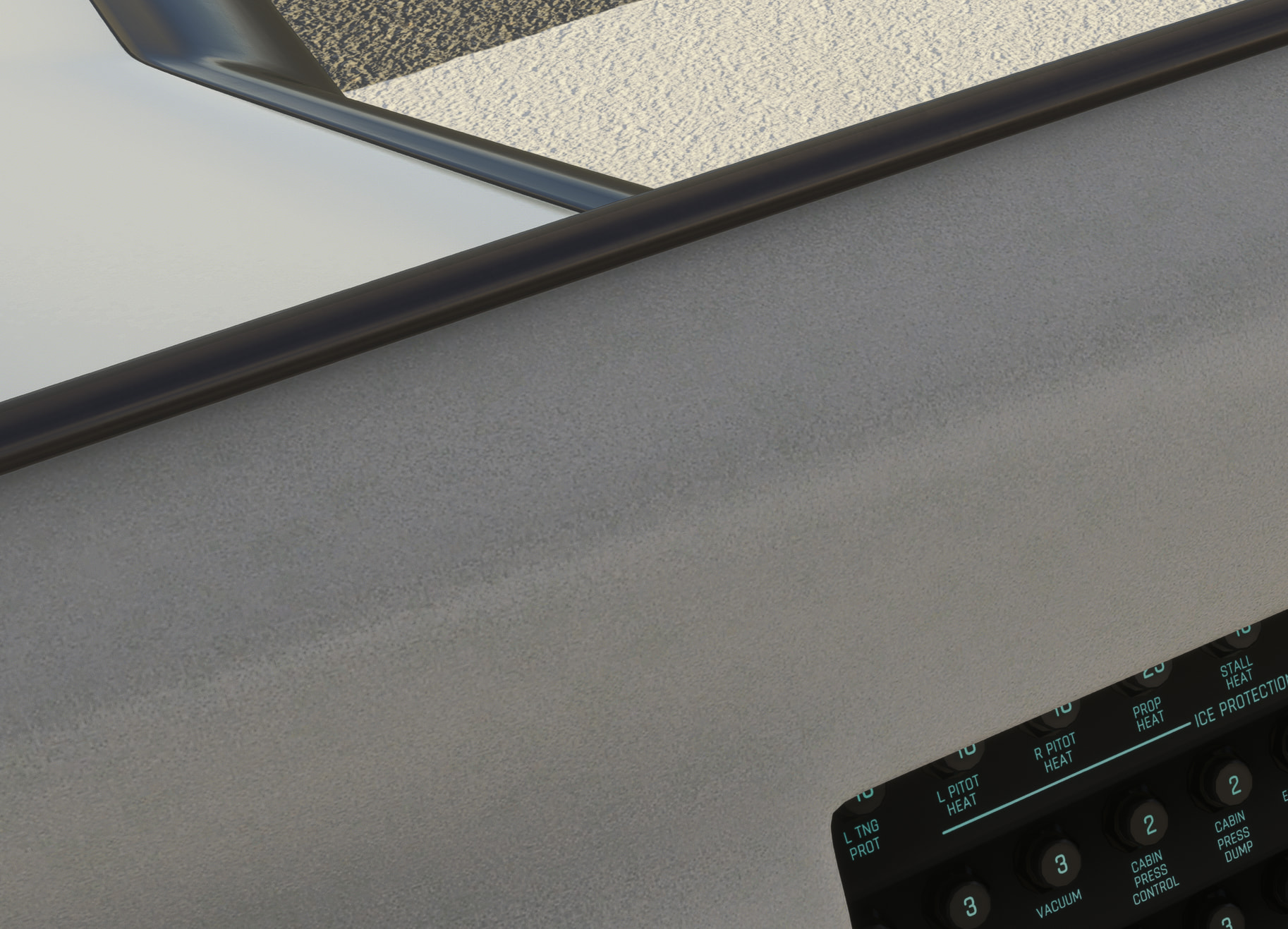
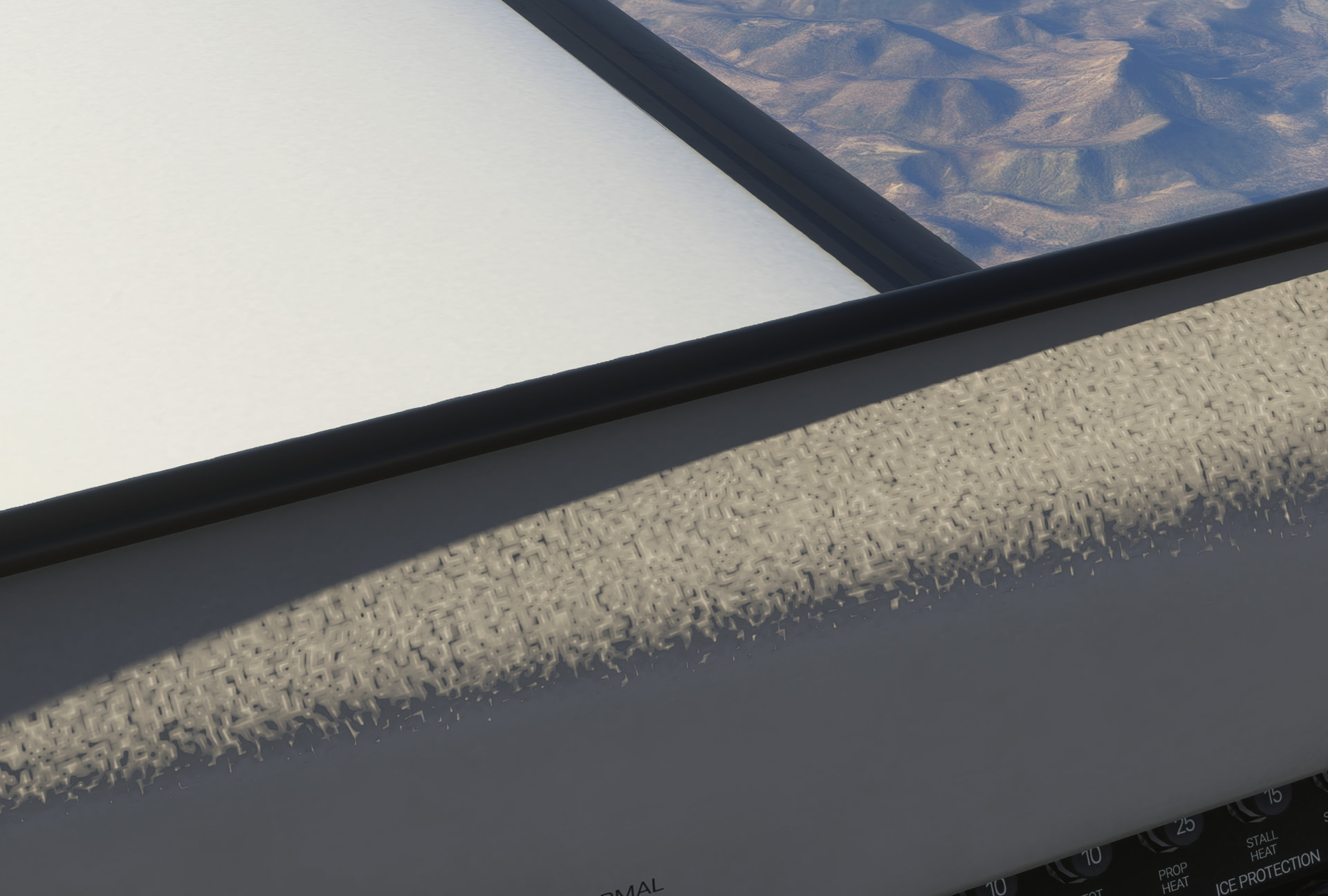
Same shot in the 500, for reference -
500
600
3 Likes
I will look into it when I get back from my travels and see if i can replicate it.
R.
Strange. I tried again, and the lights were working. I ended the flight and launched right back in. No lights.
Update: I needed to toggle the Nav lights off and on to get them to show, even though the switch was activated. Looks like an initialization issue.
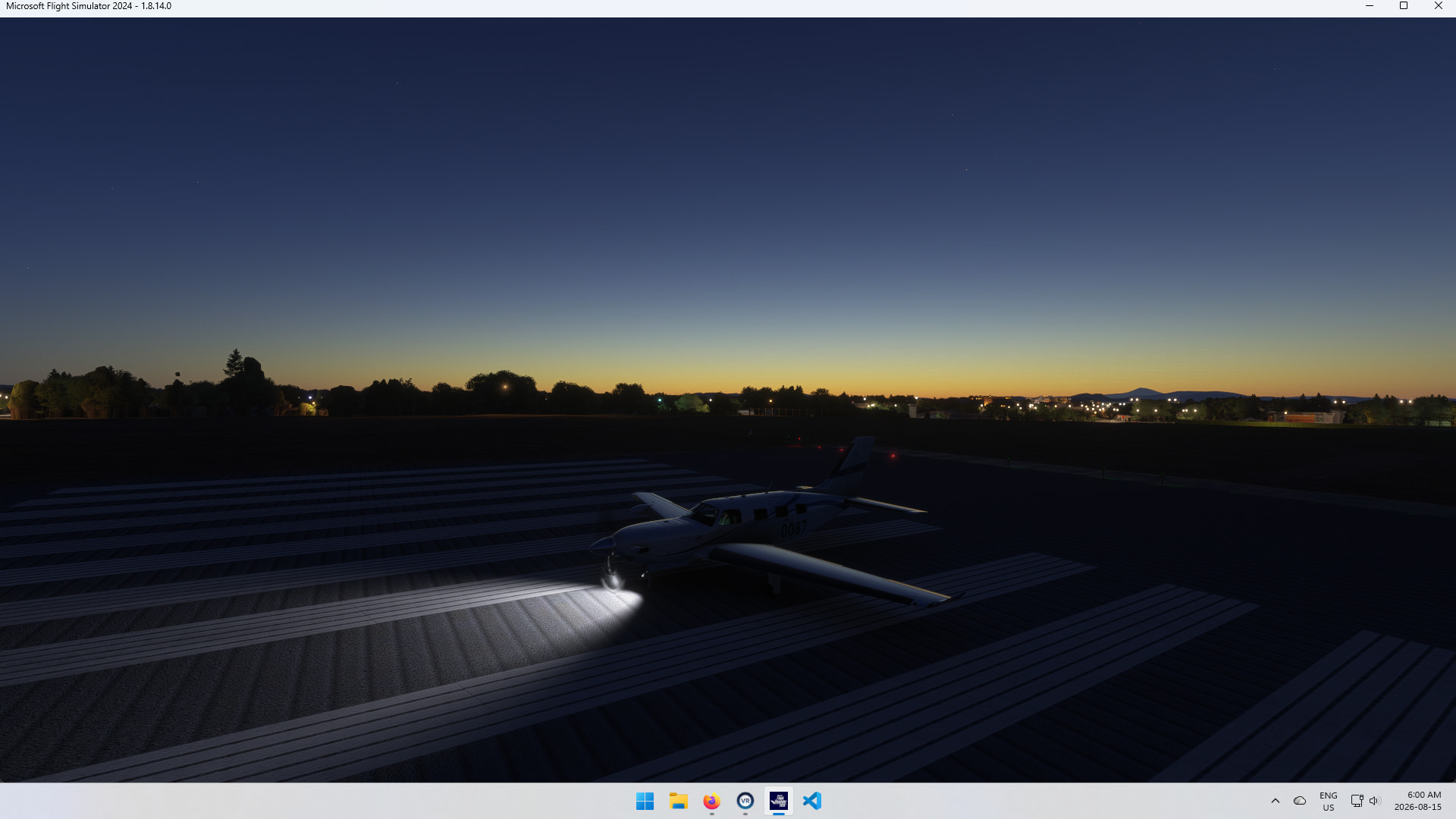
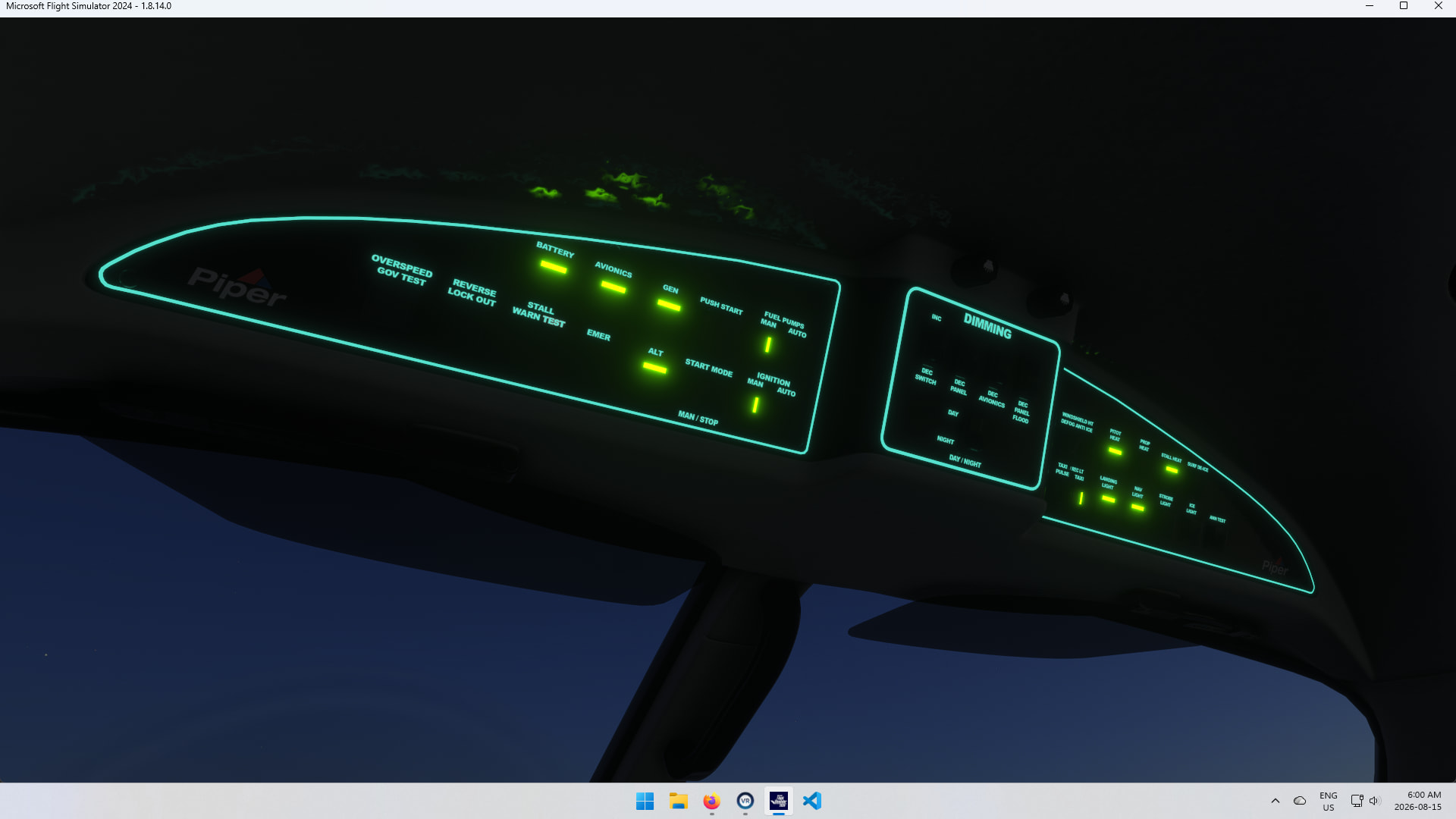
Give me and ms teams exact steps to replicate it, so we look at it.
R.
1 Like
I was up in a flight when I switched to external view and noticed no Nav lights. I reported the issue here. You said they work fine. I tried again, and the lights were working. I excited the flight, and then I launched right back into the flight. No lights. I tried a different aircraft (pc-12), then tried the M600 again. No lights. I toggled the Nav light switch off and on, and the lights showed.
I start on the runway ready for takeoff. You may be testing with cold and dark.
When the lights fail to show at launch, Esc->Restart causes them to show correctly. Looks like an initialization failure with launching to the runway.
Update: When I use Esc->Restart to get the lights on, if I end the flight and start a new flight, the lights are on. However, if I end THAT flight and start a new flight, the lights are off again.
Update: This is connected to the Firenze interior. I tested the Geneva and Sequoia interiors, and the lights worked fine. @SimbolFSReborn
1 Like