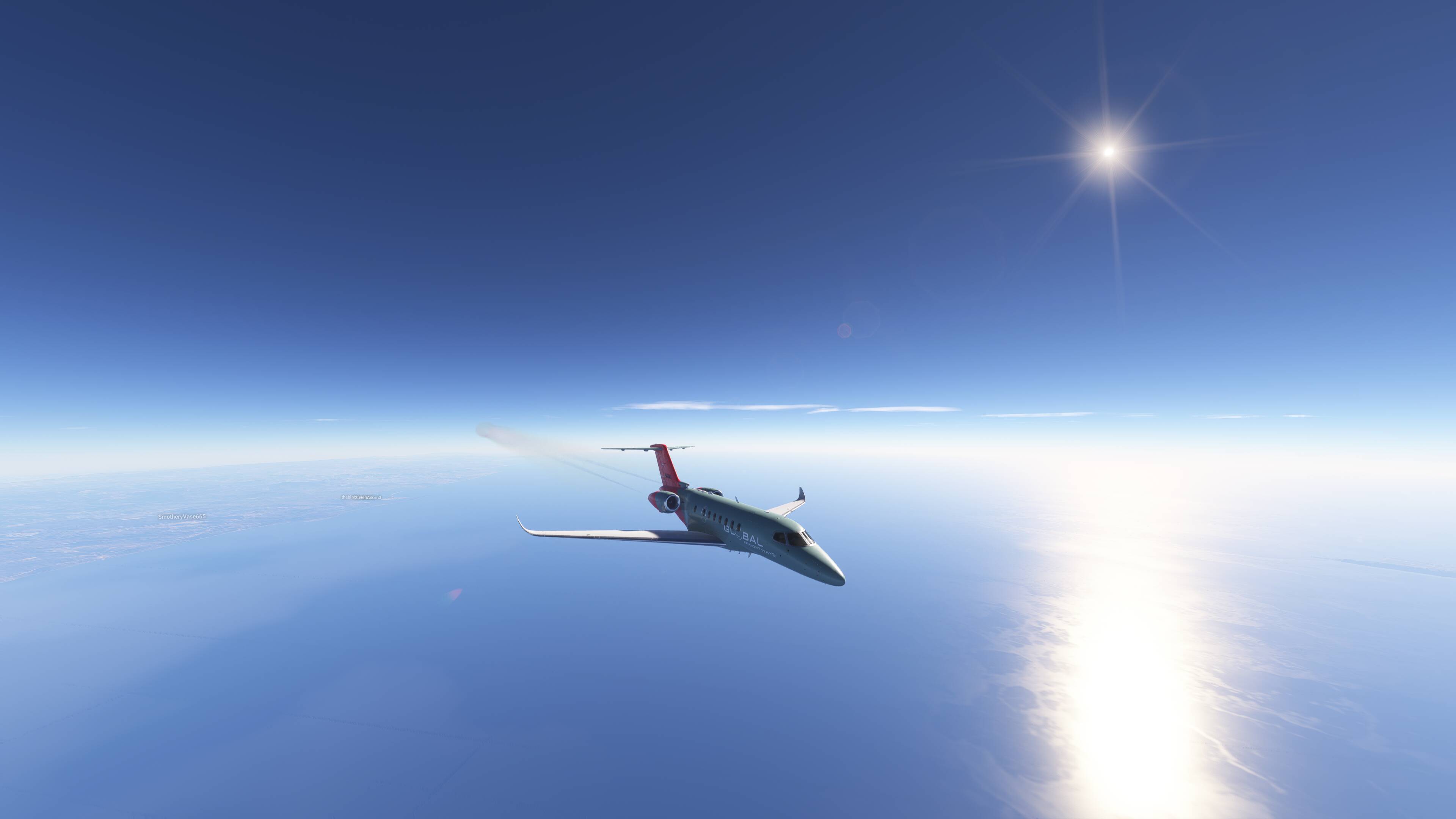
The LOD fixes on the Longitude are spectacular. So glad they were fixed.
I see you @SmotheryVase665 
Hi @BigHerbiezoid
For users with both 2020 & 2024 installed on their PC, there is a problem if 2024-only content resides in the Community folder. 2020, not surprisingly, does not know how to handle content designed only for 2024. So a new folder "Community2024"has been created. Content designed for 2024 should be placed in that folder. 2024 knows that folder exists, so will load the content. 2020 does not know about the folder, so ignores the 2024-only content - which, if it were loaded, could cause odd behaviors or even freezes & CTDs.
2 posts were split to a new topic: Moving Content between Community and Community 2024
Loving it so far.. THANK YOU MS-Asobo!
I am absolutely stunned what a difference in performance I got with SU4 !!! Just wow, no stutters and this with a 10700K and a 4060 TI. Everything is fluid, from menu to ingame. I bought a 7800 x3d but as I missed the cheap RAM prices…I will be staying with that 10700K for now, but that is no problem anymore with SU4 as it seems. Congratulations to the hard working team, I was reading some of the negative comments and I don’t know…they’re always trying to reach the moon with their specs and complaining about 3-5 FPS they lost.
Now, Asobo, I do have 1, I hope only 1, complaint.
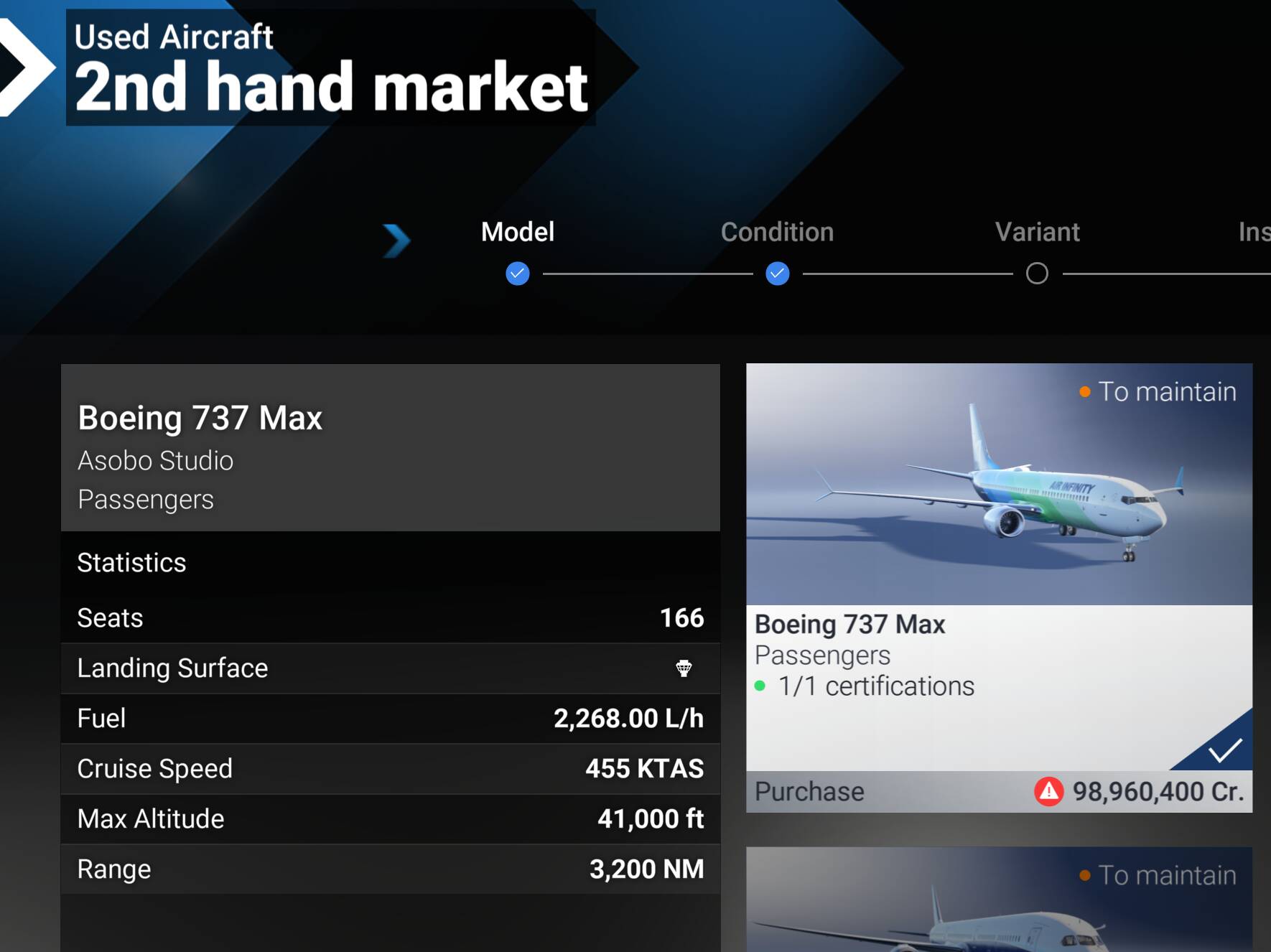
How can you charge almost the same price for a 2nd hand 737 max-8 in career mode as it is for a brand new one??? Brand new it costs 99,000,000Cr and as you can see
Warning light is out and the switch has moved to position 2 and is on all the time. And you cant move it but at least it is out.
Yes I noticed. I think it’s a good solution if they aren’t willing to add more depth.
It’s not funny anymore! Why doesn’t the download go beyond 97%?
I cant understand why they did not fix the cond levers. If you are doing something to a plane why not fix all the issues? It seems crazy we have to go cap in hand all the time.
I can only assume at this point that both Asobo and Carenado are just pointing the blame at each other, so nothing is getting done.
I’m glad they a least they fixed the PFD to show the actual flight path now. And I’m satisfied with how they handled the inverter issue.
I am not sure what is stopping yours. I have been inand out of the sim a few times - no problem. Try changing servers
The last time that happened the problem was on Asobo’s side and everyone just had to wait.
I basically can’t log in to the game. My download stops at 97%. And if before today’s update I could switch from SU4 beta to SU3 without any problems, as many times as I like, then today none of the methods are available to me. 8 hours have already passed, 0 results
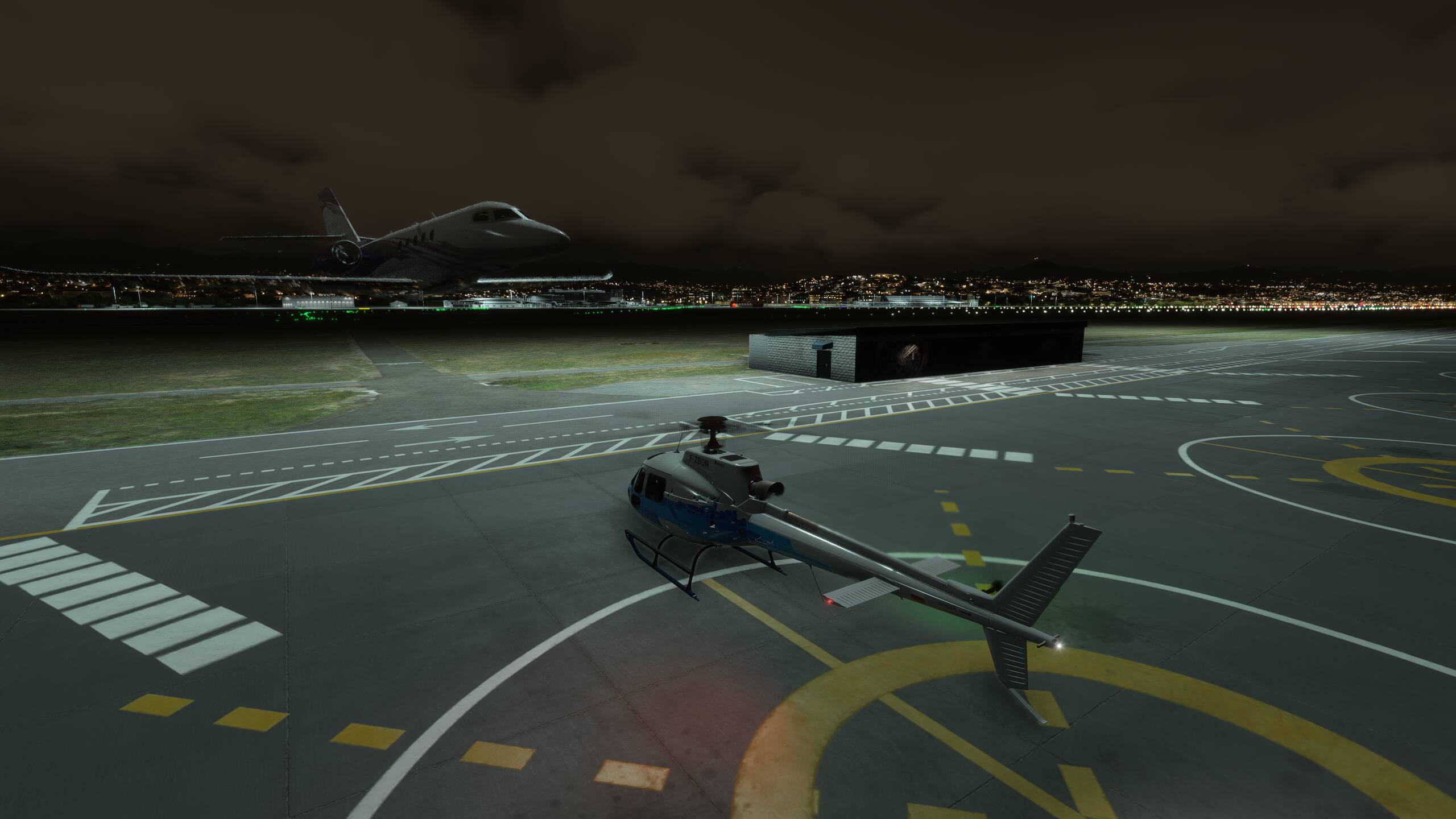
Spawned earlier at Heathrow, after coming out of beta and onto live. And still good. Absolute smooth take off in the 777
This can happen if he has a non stock livery that you don’t.
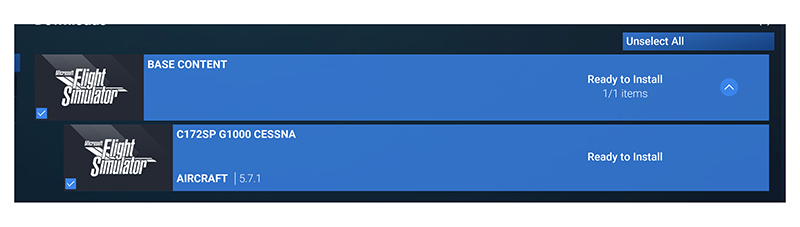
Issue with the update to C172SP G1000 Cessna fails to install. It is downloaded successfully but it is stuck in Downloaded section no matter how many times i hit “Install” .
I deleted it, closed the game, tried to re-download it and then install again but it is still stuck no matter how many times I hit “install”
The redbull races are really fun, well polished, the “hitbox” of the trigger of the gates are accurates, normally I’m not into that but I stayed 1 hour and half on the same first race, It’s easy to learn and hard to master so It’s perfect, I managed to do 01.04
The only complain I have is the loading between 2 runs, everything seems to be reloaded at every try so It causes slutters on the first seconds when we have commands, and the wait between 2 runs can be more than 10-15seconds It’s a bit breaking the rythm
Good job for this new mode
Delete the download, then goto your installation directory and you should see a StreamedPackages directory, find the 172 in there and delete it, then restart the simulator and try again.