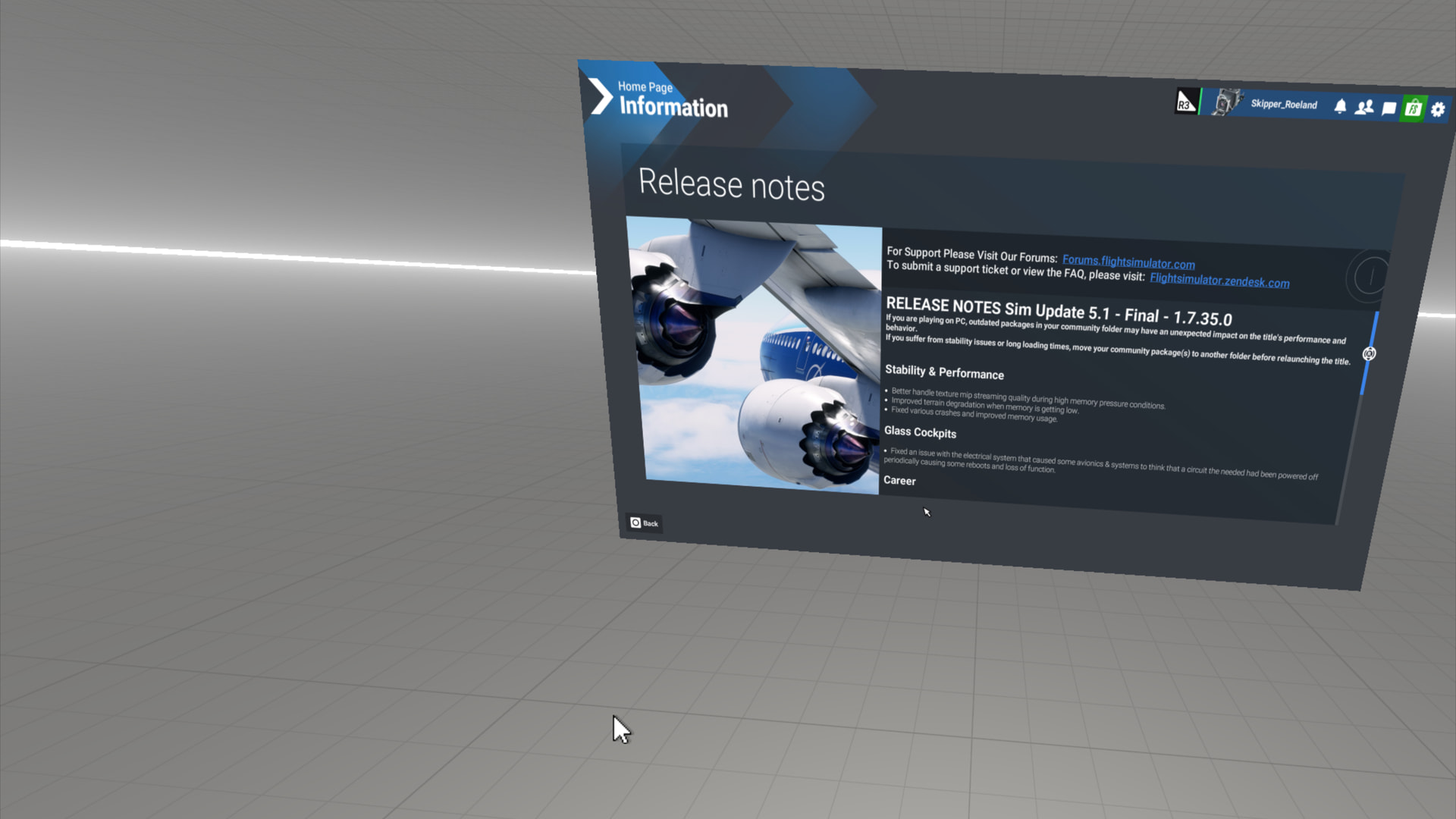
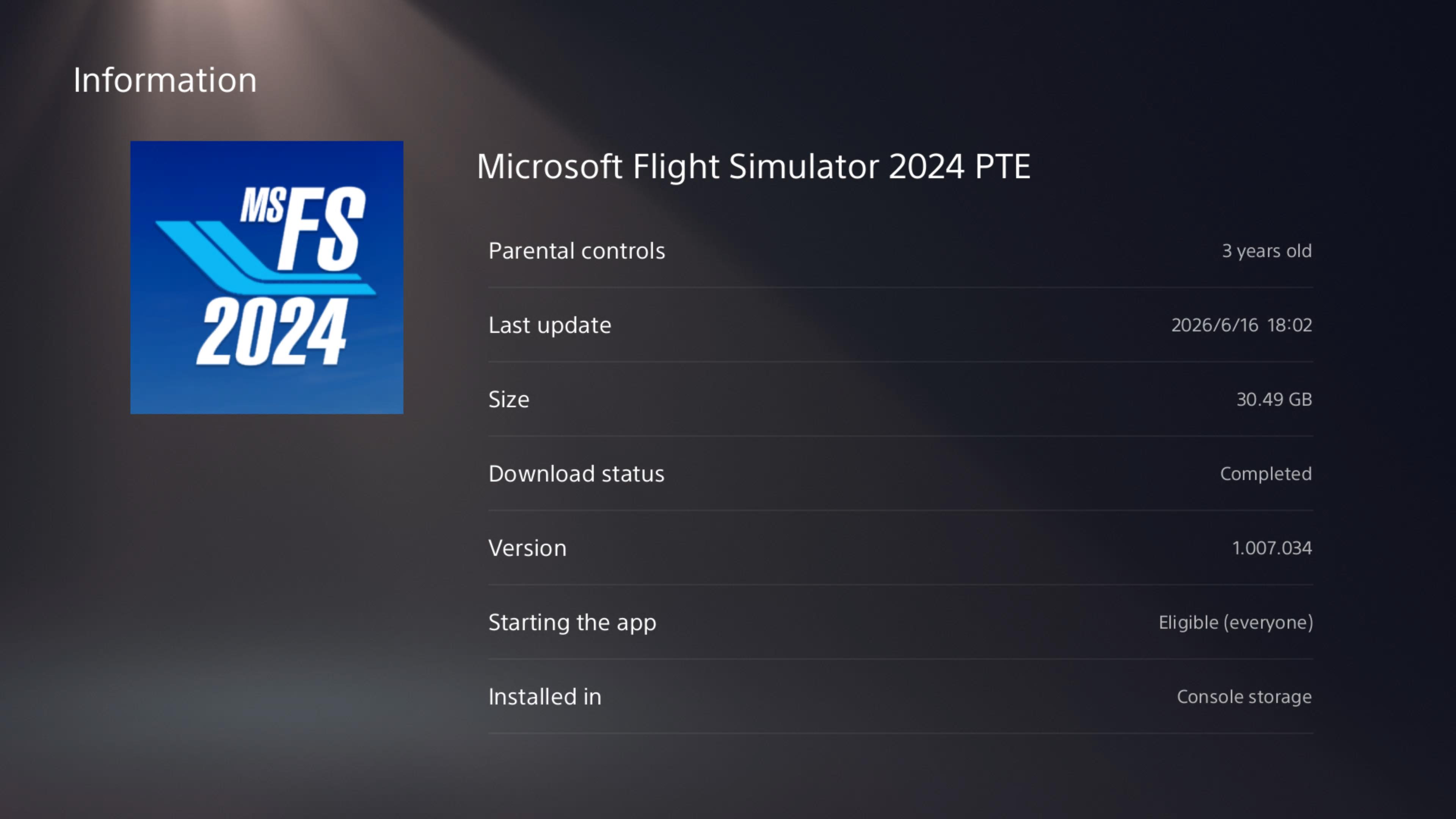
[Polls] Microsoft Flight Simulator 2024 Sim Update 5.1 Feedback (PC/Xbox/PS5)

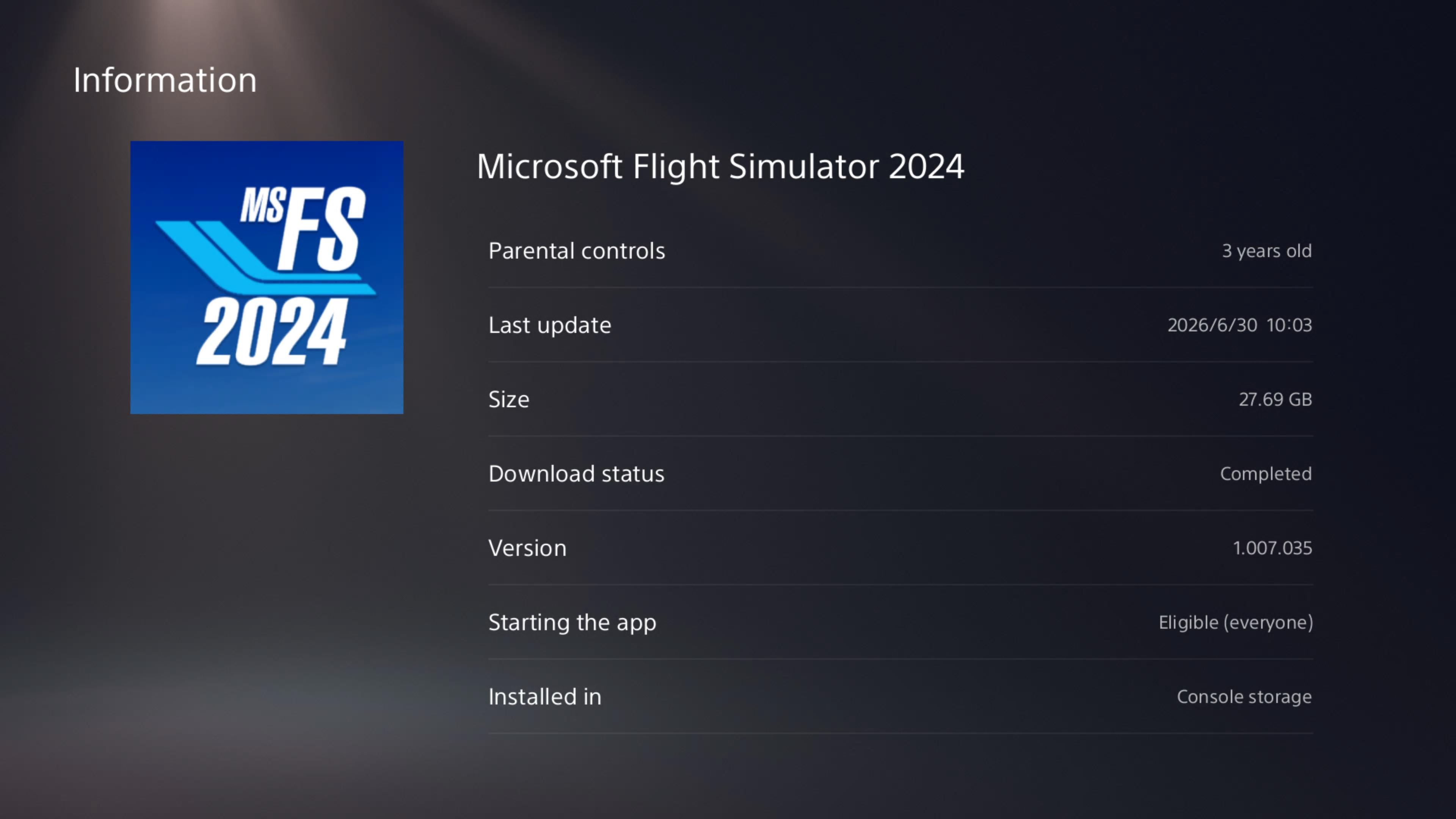
Please use this thread to provide general feedback and impressions about Microsoft Flight Simulator 2024 Sim Update 5.1 (v1.7.35.0). For feedback about specific aircraft, please post in the appropriate forum topic.

If you would like to report a bug, please create a new topic (or upvote an existing topic) in the Bug Reporting Hub section of the forums. Please use the full bug report template when creating a new bug report.
What was your experience downloading and installing SU5.1?
  • The installation of SU5.1 completed successfully, and download speeds were fast and smooth.
  • The update installed successfully, but download speeds were slower than I expected.
  • The download and installation of SU5.1 did not complete successfully for me.
0 voters
On a scale of 1-10 (with 10 being best), what is your Overall Rating of Microsoft Flight Simulator 2024 Sim Update 5.1?
  • 1
  • 2
  • 3
  • 4
  • 5
  • 6
  • 7
  • 8
  • 9
  • 10
0 voters
On a scale of 1-10 (with 10 being best), how do you rate the flight model, avionics, and aviation realism in Sim Update 5.1?
  • 1
  • 2
  • 3
  • 4
  • 5
  • 6
  • 7
  • 8
  • 9
  • 10
0 voters
On a scale of 1-10 (with 10 being best), how do you rate the quality of the World Scenery in Sim Update 5.1?
  • 1
  • 2
  • 3
  • 4
  • 5
  • 6
  • 7
  • 8
  • 9
  • 10
0 voters
On a scale of 1-10 (with 10 being best), how do you rate the quality of the weather depiction, including Live Weather in Sim Update 5.1?
  • 1
  • 2
  • 3
  • 4
  • 5
  • 6
  • 7
  • 8
  • 9
  • 10
0 voters
On a scale of 1-10 (with 10 being best), how do you rate Career Mode in Sim Update 5.1?
  • 1
  • 2
  • 3
  • 4
  • 5
  • 6
  • 7
  • 8
  • 9
  • 10
0 voters
On a scale of 1-10 (with 10 being best), how do you rate World Photographer Mode in Sim Update 5.1?
  • 1
  • 2
  • 3
  • 4
  • 5
  • 6
  • 7
  • 8
  • 9
  • 10
0 voters
On a scale of 1-10 (with 10 being best), how do you rate Challenge League in Sim Update 5.1?
  • 1
  • 2
  • 3
  • 4
  • 5
  • 6
  • 7
  • 8
  • 9
  • 10
0 voters
On a scale of 1-10 (with 10 being best), how do you rate Red Bull Air Racing?
  • 1
  • 2
  • 3
  • 4
  • 5
  • 6
  • 7
  • 8
  • 9
  • 10
0 voters

On a scale of 1-10 (with 10 being smoothest), how do you rate the Performance of Microsoft Flight Simulator 2024 Sim Update 5.1 on PC?
  • 1
  • 2
  • 3
  • 4
  • 5
  • 6
  • 7
  • 8
  • 9
  • 10
0 voters
On a scale of 1-10 (with 10 being most stable), how do you rate the Stability of Microsoft Flight Simulator 2024 Sim Update 5.1 on PC?
  • 1
  • 2
  • 3
  • 4
  • 5
  • 6
  • 7
  • 8
  • 9
  • 10
0 voters

On a scale of 1-10 (with 10 being smoothest), how do you rate the Performance of Microsoft Flight Simulator 2024 Sim Update 5.1 on Xbox Series X|S and Xbox Cloud Gaming?
  • 1
  • 2
  • 3
  • 4
  • 5
  • 6
  • 7
  • 8
  • 9
  • 10
0 voters
On a scale of 1-10 (with 10 being most stable), how do you rate the Stability of Microsoft Flight Simulator 2024 Sim Update 5.1 on Xbox Series X|S and Xbox Cloud Gaming?
  • 1
  • 2
  • 3
  • 4
  • 5
  • 6
  • 7
  • 8
  • 9
  • 10
0 voters

On a scale of 1-10 (with 10 being smoothest), how do you rate the Performance of Microsoft Flight Simulator 2024 Sim Update 5.1 on PS5?
  • 1
  • 2
  • 3
  • 4
  • 5
  • 6
  • 7
  • 8
  • 9
  • 10
0 voters
On a scale of 1-10 (with 10 being most stable), how do you rate the Stability of Microsoft Flight Simulator 2024 Sim Update 5.1 on PS5?
  • 1
  • 2
  • 3
  • 4
  • 5
  • 6
  • 7
  • 8
  • 9
  • 10
0 voters
On a scale of 1-10 (with 10 being most stable), how do you rate the PS VR2 feature of Microsoft Flight Simulator 2024 Sim Update 5.1 on PS5?
  • 1
  • 2
  • 3
  • 4
  • 5
  • 6
  • 7
  • 8
  • 9
  • 10
0 voters

On a scale of 1-10 (with 10 being smoothest), how do you rate the Performance of Microsoft Flight Simulator 2024 Sim Update 5.1 in Virtual Reality mode?
  • 1
  • 2
  • 3
  • 4
  • 5
  • 6
  • 7
  • 8
  • 9
  • 10
0 voters
On a scale of 1-10 (with 10 being most stable), how do you rate the Stability of Microsoft Flight Simulator 2024 Sim Update 5.1 in Virtual Reality mode?
  • 1
  • 2
  • 3
  • 4
  • 5
  • 6
  • 7
  • 8
  • 9
  • 10
0 voters

Thanks,
MSFS Team

Please note: most polls are currently closed to allow players to experience Sim Update 5.1 first before voting.

We will open all of the polls to allow voting within the next 24 hours.

Edit at 12:00 UTC on June 30th: All polls are now open for voting!

2 Likes

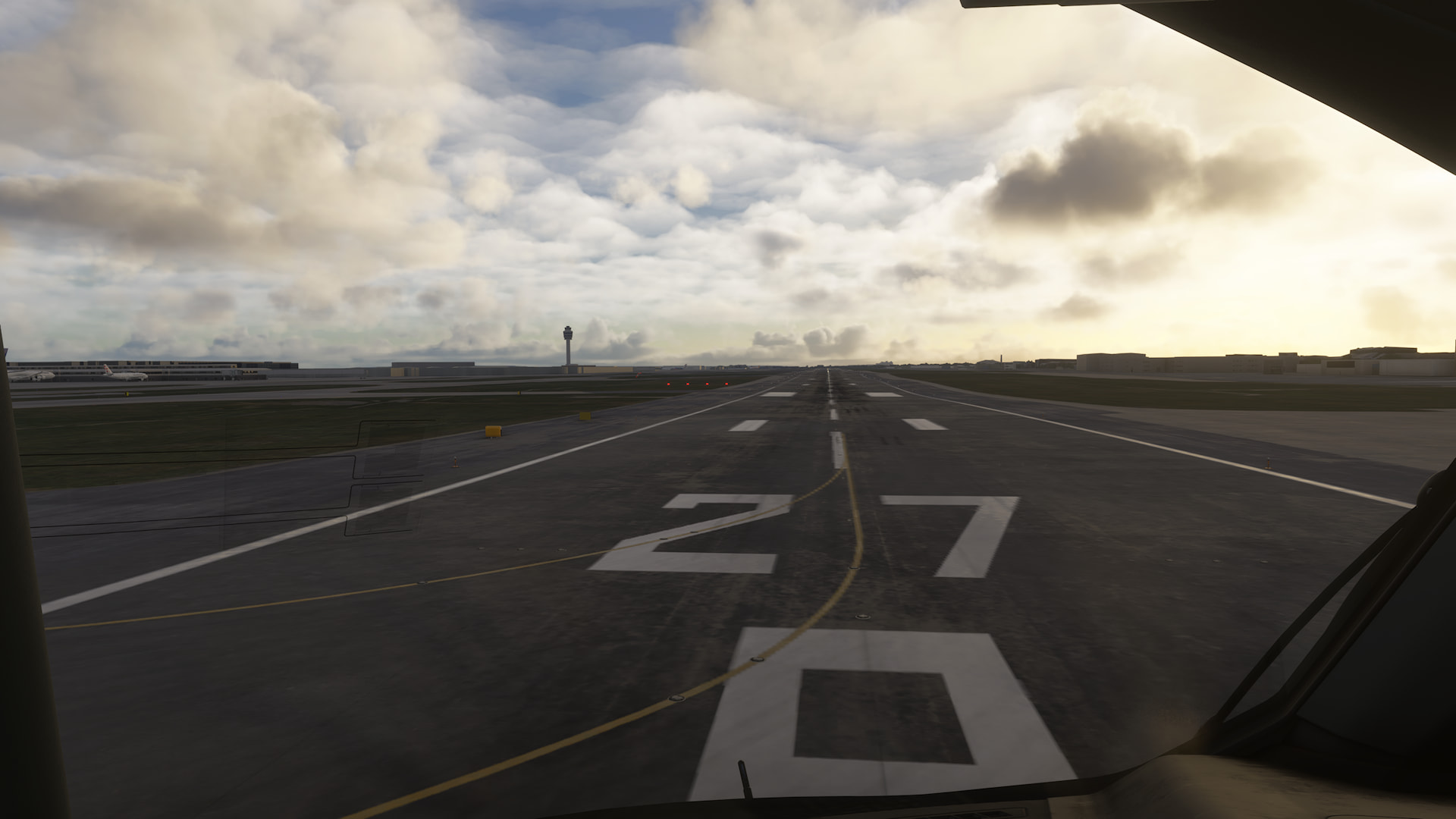
No difference for me at all. Performance is good, visuals / terrain are bad. Here is me starting on the runway for departure at EGLL - quite blurry.

1 Like

Is anyone able to see live traffic or multiplayer traffic while flying? Mine doesn’t seem to be working. And also when I can see someone after 5 NM The plane disappears!!!

I see live traffic, did not check multiplayer one. On PC.

On my system with a below specs CPU and RTX 4060 8Gig. RAM 16, 4K monitor DLSS in QUALITY (like 2K), FG AMD, flying complex GA aircraft like Asobo PC-12NGX and LOD TLOD 105 LOD 90 I have steady FPS 40 with almost all of the settings on HIGH except cache preloading and traffic settings on LOW (parked aircraft OFF). Only Graphic queue is in red (35-55). Main thread is about 18-22. I have a kind of a few sec freeze or stutter after take-off (no stutters during the flight/landing) which I am able to get rid off lowering TLOD/LOD to 55/65 - Graphic queue goes yellow/red and no stutters in flight/landing. If I lower textures to Medium and restart - Graphic queue goes to yellow.
Flying Asobo 737 M8 I have to reduce some settings to medium/low if I fly from a complex airport + a complex PG scenery.

One thing to notice - some times when I start a game and flight I experience stutters+low FPS like 18-22 on the same settings and at the same place/conditions as when I have good stutter free FPS. Restarting the Sim helps to restore good performance.

Did not try yet long (longer than 2 hours) flights.

2 Likes

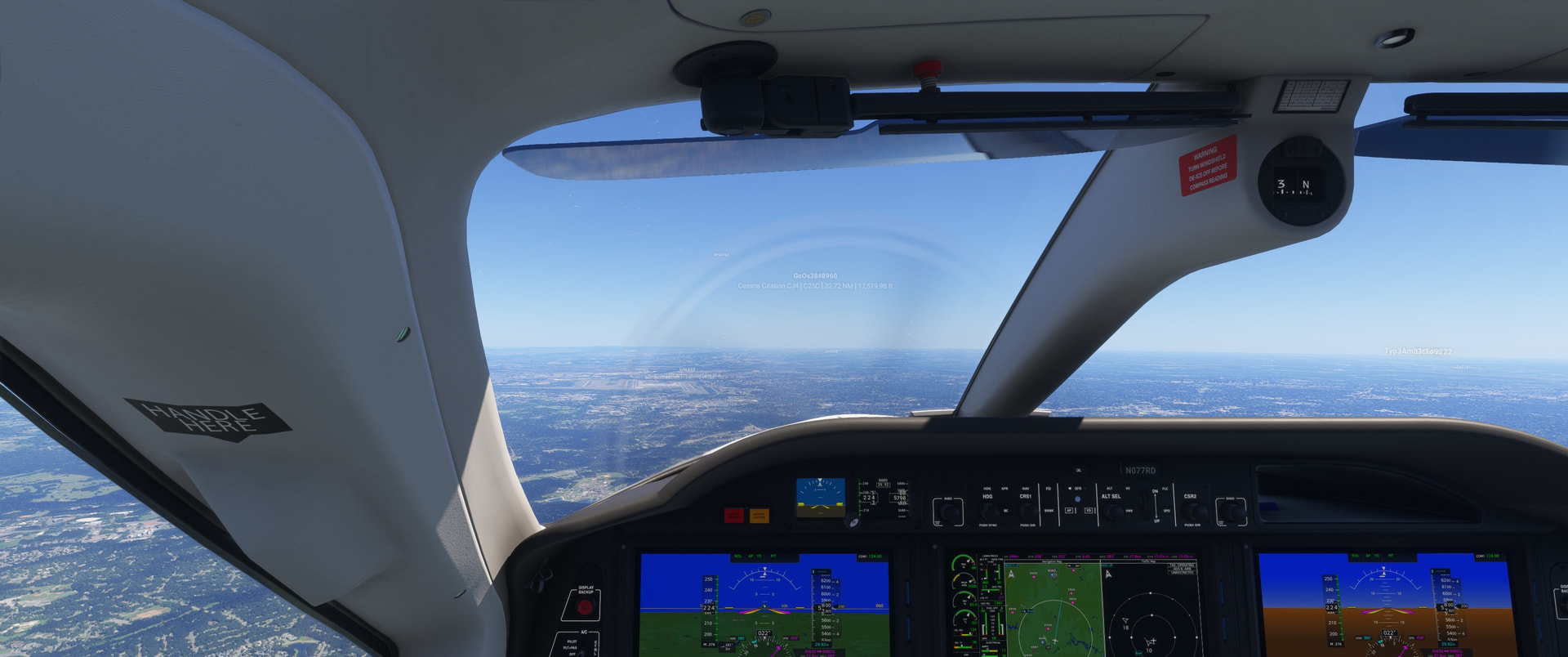
I’m seeing both live traffic and multiplayer traffic. There have been previous reports of planes disappearing from a short distance. In the screenshot I’ve included, I can see the player’s ID box from 32nm, but as I would expect, I can’t see anything like a plane from the distance. But I’ve also had planes disappear when they go by me and I’m seeing a “plane” and then just goes to the ID box a few miles away.


Regards
P.S. Just to clarify, some of my “live” traffic is just showing their flight number, with no real airframe visible, even when fairly close. So it’s a bit sporadic as to when I see an airframe, and when I don’t, even for live traffic. And the longer I’m flying, the more I’m just seeing flight numbers, and nothing resembling an airframe with the ID info. Sigh…
1 Like

Weekend tests in .34 (same as .35):

iniBuilds A350

CloudSurf Asia RPLL - CloudSurf Asia WSSS

Severe runway/taxiway/apron blurring on both airports, terrain quality improved only slightly as the 3rd party airport was further away, laughably small “tree circle” in Singapore (worse than current Nordics), and the autogen city didn’t load in at all during the approach. Check the 4th flight to see how big the difference is in less demanding aircraft.

Default A400M Jed Studio livery

Sim-Wings EDDH - MK Studios EFHK

Perfect PG in Germany and a very enjoyable experience overall. In Helsinki the airport surroundings didn’t suffer nearly as much as they did in the .32 A350 flight, though the draw distance reduction was noticeable even if tile disappearing/reloading was minimal. The ground blurries on the airports were less pronounced than usual.

Default F/A-18E Aerial Simulations livery

Aerial Simulations F/A-18E Payloads

Touchingcloud Airshow Assistant

Miltech Supercarrier (CVN-78 San Diego)

Testing the Airshow Assistant in heavy PG areas to see if it kills the terrain as the memory consumption increases. I went up to 3 wingmen with no change in graphical fidelity, and it felt like I could have pushed it even more if I had the time. Descending back to the carrier, I expected perfect performance in the middle of an ocean; however, what I ended up getting was worse than the most stuttery A350 landings on the heaviest 3rd party airports. The frame rate recovers as soon as the busiest parts of the deck are out of view—this has been an issue for a long time now (not beta related). It was so jumpy and choppy that the landing was just pure luck, not exactly a satisfying ending.

Default A400M Jed Studio livery

The Secret Studio WBKK - CloudSurf WSSS

This was everything I wanted the 1st flight to be: No blurries at any point, not even when close to the airports. Big “tree circle” blended nicely with the terrain, and a respectable amount of the city appeared during approach. I wish the graphics quality didn’t change this much from aircraft to aircraft.

Default 737 Salt Lake Simulations livery

Verticalsim KBOI - FlyTampa KLAS + Strip

Everything OK until about 20 nm from Vegas, then the terrain deteriorated enough to be completely immersion killing (not a single detailed tile in view). Runway/taxiway/apron textures in KLAS didn’t load at all, and the plane initially went inside the runway before it slowly climbed back on it at the end of rollout. Worst Vegas flight in a long time.

1 Like

I have not voted yet, but an initial 2hr flight in the Longitude was very good. High end PC with triple screens. The notable part for me is that in SU4 I could only run 3 screens as 2K - 4K - 2K (the side screens with lower resolution). In the incremental progression of SU5 and SU5.1 testing, the performance and memory optimizations now allow running triple 4K screens. I think there may be some tradeoffs to this gain in performance, but it’s remarkable to be able to do this.

2 Likes

I’d love to be able to run a single monitor in 2K, lol. One day!

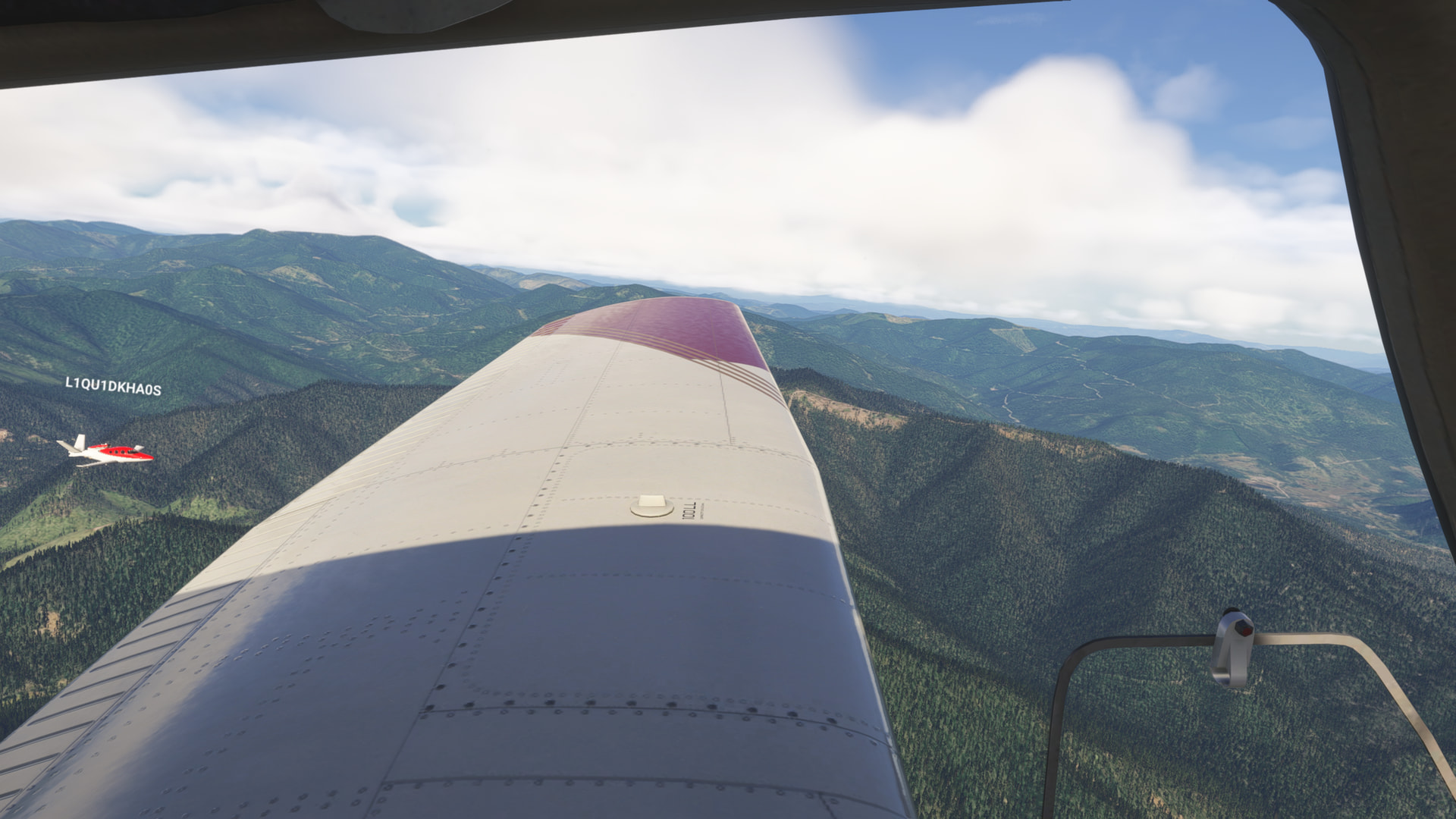
I flew almost daily during the SU 5 and 5.1 betas. Installed 5.1 official (.35) and spent about an hour in my Just Flight Warrior in southern Oregon. Flight was very smooth, scenery and airports loaded with no issues, multiplayer aircraft were visible - a Vision Jet flew in formation with me for one leg. System specs are in my profile.

sorry I don’t say that XBOX

Butter for me still.. :+1:. :smiley:

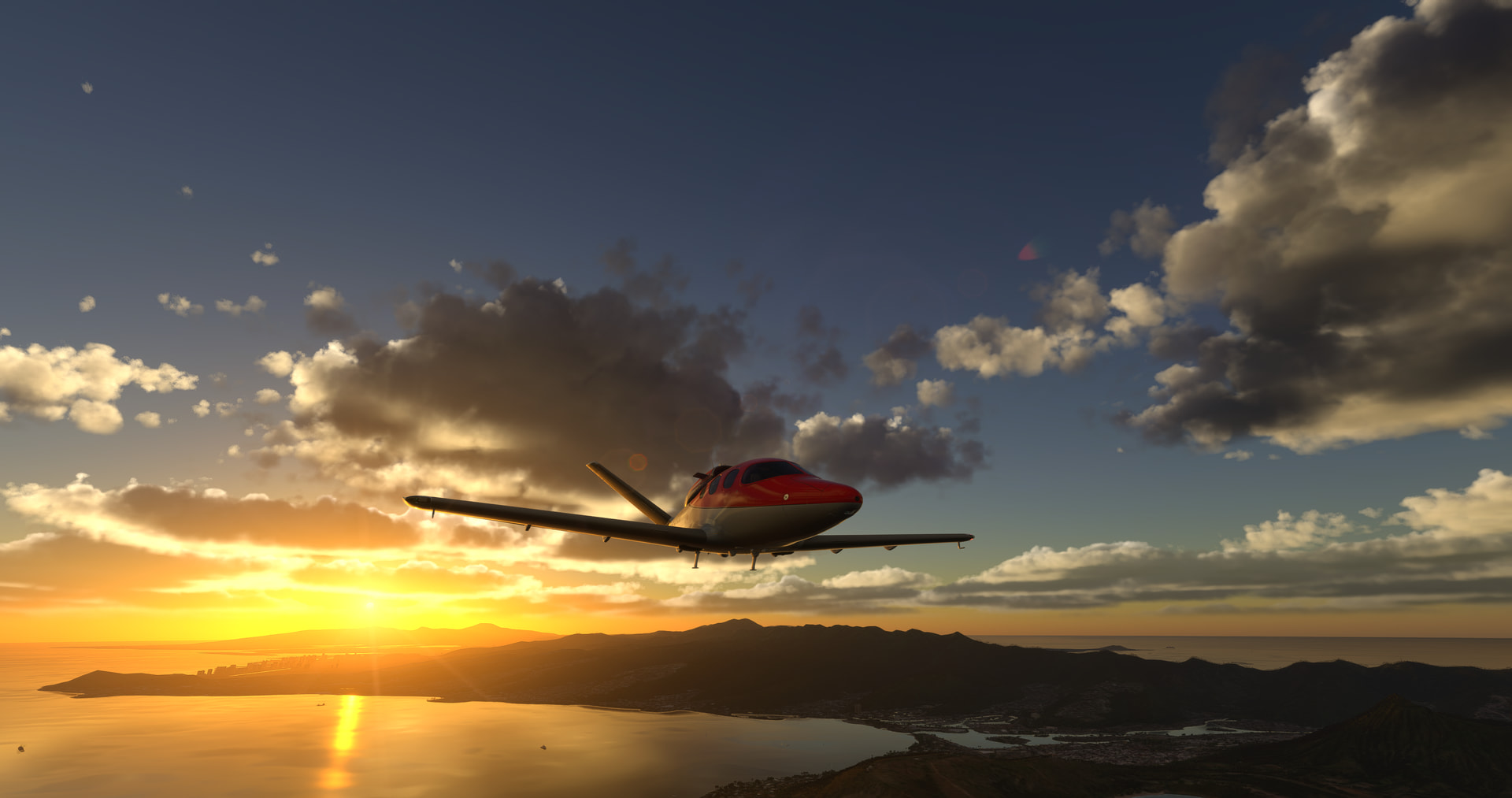
Heading out to LAX from PHNL…see you at Dawn Cali…

2 Likes

The “Configure” button for the aircraft still doesn’t work.

Just completed a LIMC–LIMJ flight (using a small third-party airport) in the B737-800 following the .35 update.
All detail settings on “Medium,” except for particle effects; wildlife disabled.
Photogrammetry enabled.
AI traffic and real-time weather active.
Wired 1 Gbps connection dedicated to gaming.
The LOD has certainly improved at the departure airport and during the flight—even though you can clearly see ground details loading as the plane passes over—marking a step forward compared to before.
However, issues persisted at the end of the flight; the runway appeared very blurry during the approach. After touchdown, while taxiing to the gates, textures were extremely low-resolution, and stuttering was still present.
Performance deteriorated significantly by the end of the flight; after shutting down the aircraft, the view became choppy when panning the external camera.
Now I’m going to clear out the Rolling Cache yet again and see how it performs.
It takes so much patience!

1 Like

BIG THANK YOU MSFS developers - the 5.1 update seems to have resolved many / most of the critical bugs. I flew a VIP-charter career mission on PS5 (PS5 digital edition, oldest PS5 version), in the Cessna Citation Longitude. Not one single avionics disconnect incident (not a single red-X), and not a single auto-throttle disconnect. Previously, those would have happened at least 30-50 times during a single mission. So this has been resolved - great! Also, the graphics and scrolling are much smoother - much less stuttering (or almost none), when moving the external camera around. The game is now fully playable and enjoyable again.

PS One small thing which remains faulty is that on PS5, in all menus, the user is encouraged to use the R3 stick to scroll up and down on pages. You can see a little R3 stick icon to the right, which indicates you should use it to scroll up and down. However, nothing happens when you move the R3 stick, so it is not possible to scroll down pages. The user needs to use the d-pad instead. Annoying, but not disastrous.

1 Like

Hey @EchoWisky3959

Do you mind going into a bit more detail as to what you mean by this? I can take a look at a Bug Report if one has already been submitted for this topic!

Cheers
The MSFS Team

1 Like

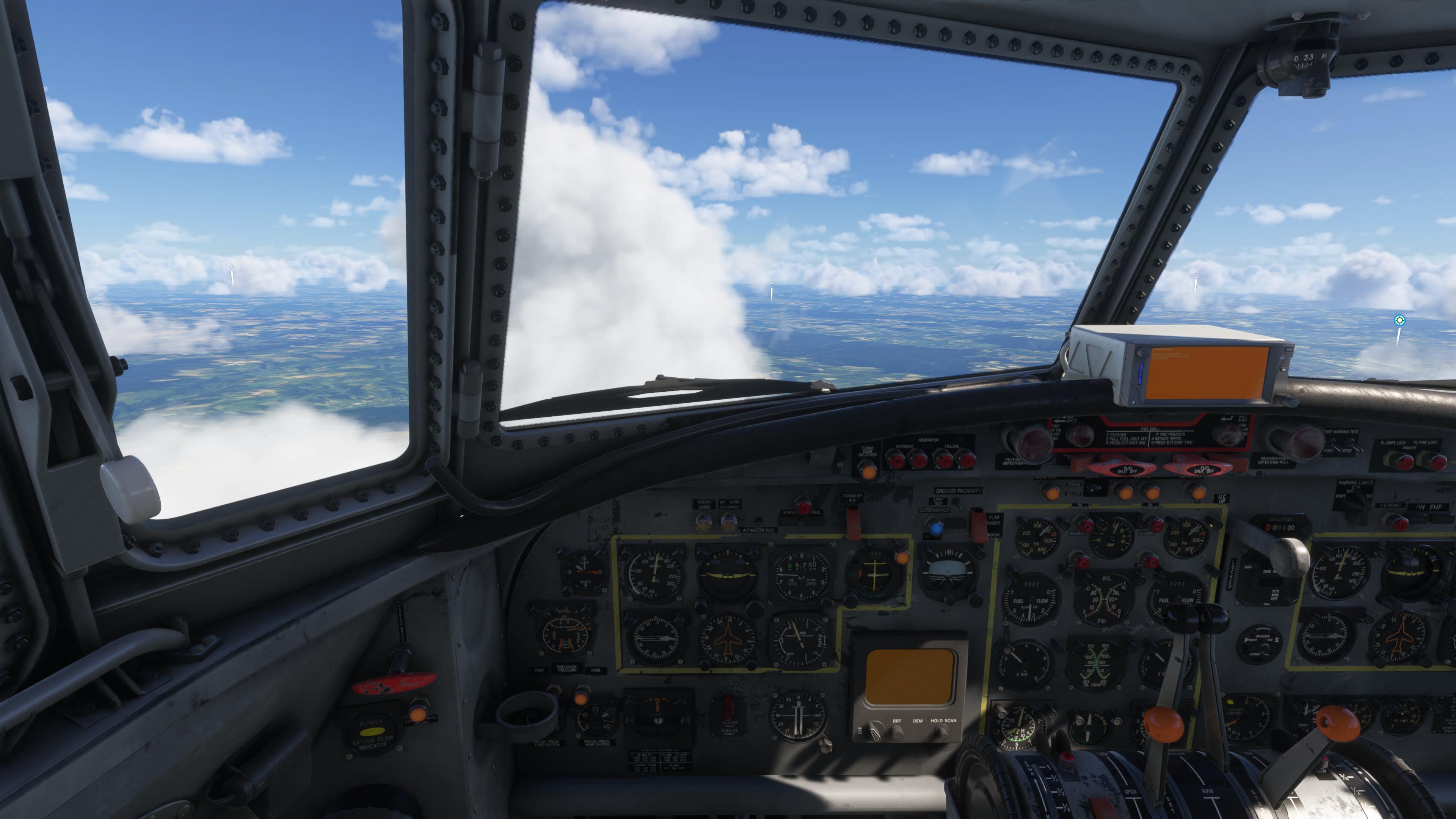
Not good on PS5. Avionics orange screen remains (was ok in the Beta), problems with previous build do not seem to be fixed.
This is the new build:


-–

This is the Beta. An older build, but here the avionics work:

Please see here for a more detailed description:

Hi, if I try to click the “Configure” button, nothing happens…

Go to free flight, select an airplane and try to click the Configure button, nothing happens…