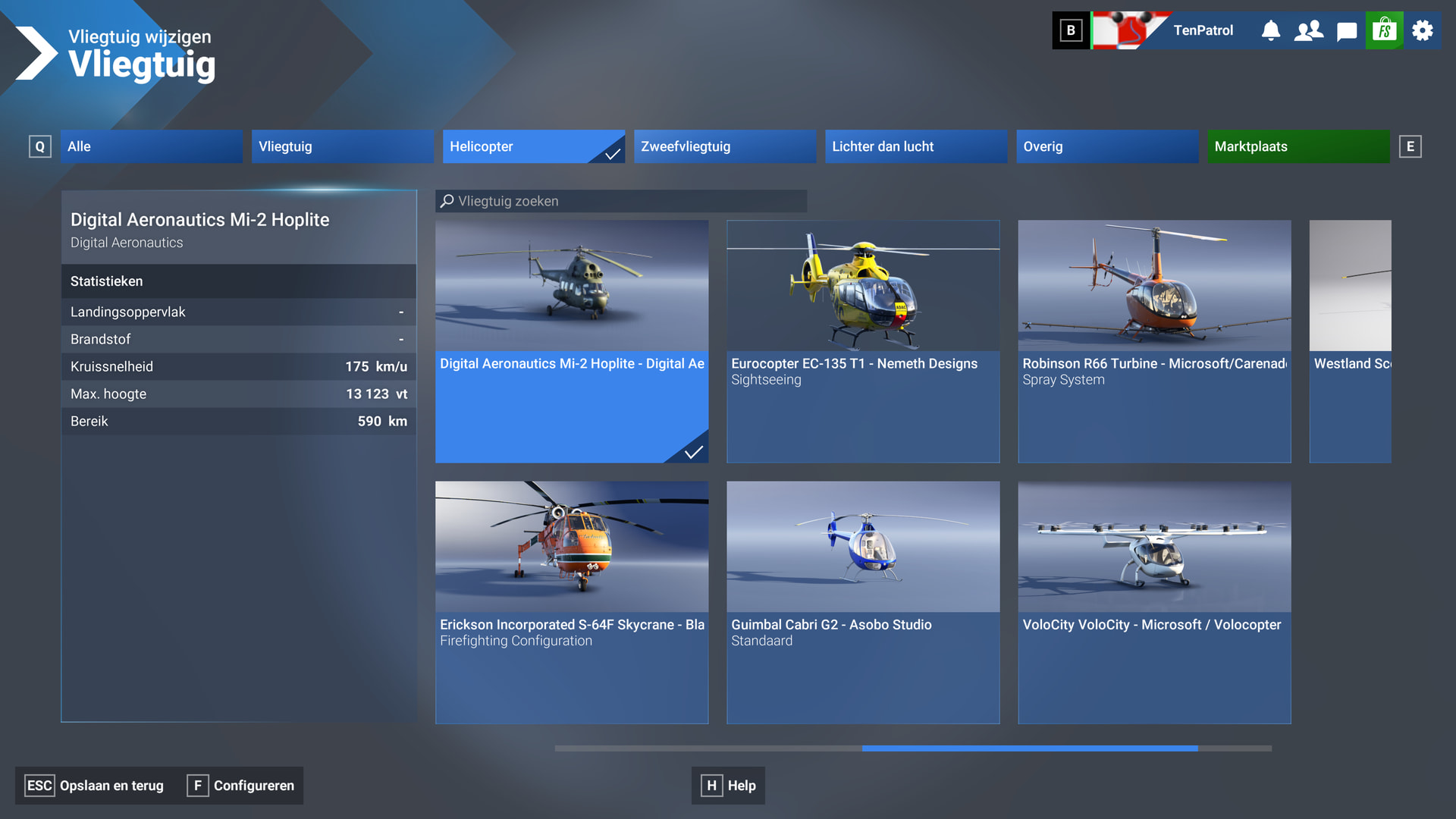
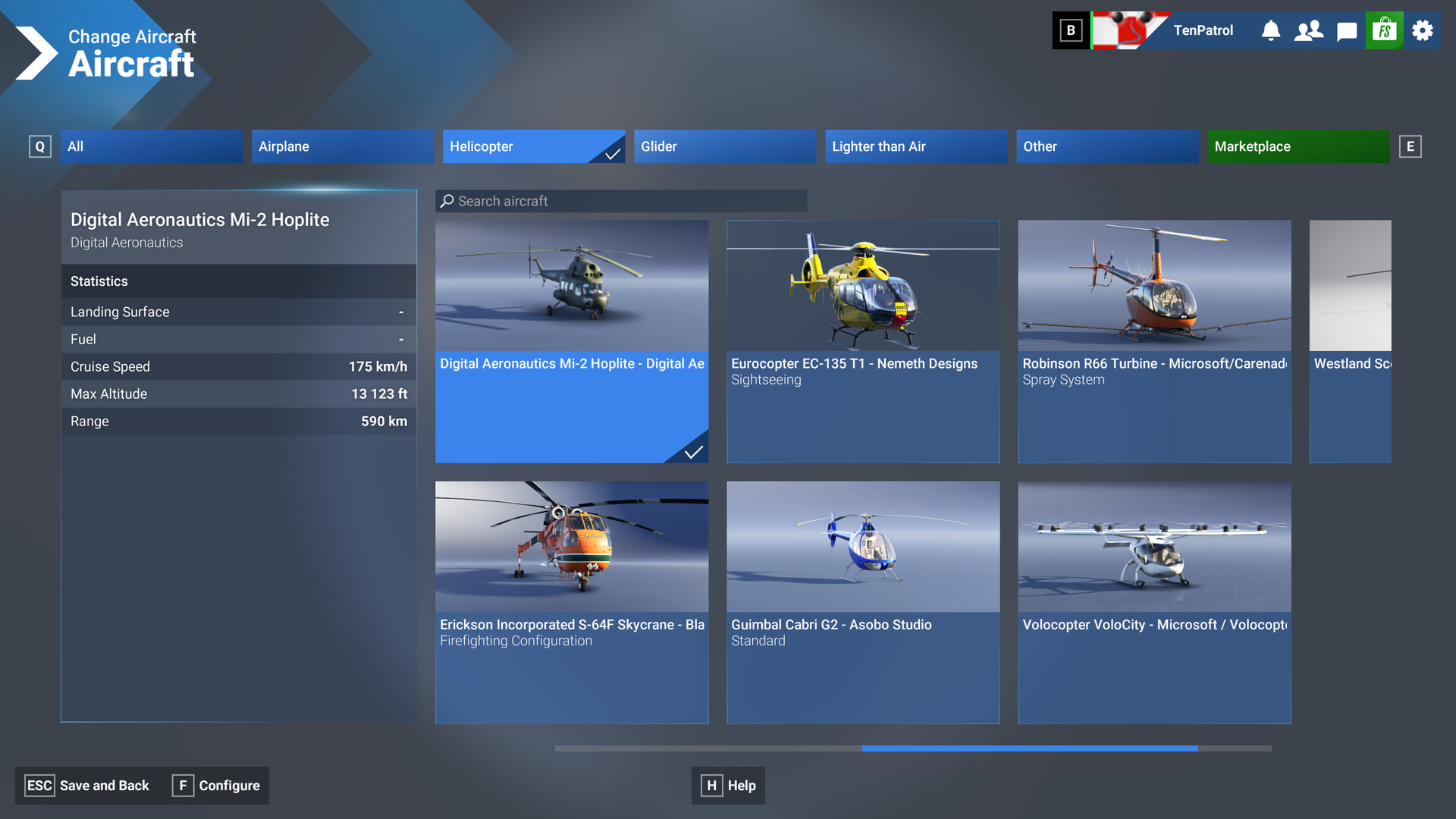
There is an obvious difference between my UI and yours. The “Configure” in my screenshot is clearly a different length, which suggests a mod or UI modification may have changed the "Configure"on your side.
I agree from what I’ve seen also in 4k on my PC with 5.1 final. On top of that, I can finally use FSR 4.1 upscaling on my 7900xtx using a 3rd party tool which provides even more clarity (but at the cost of a few more fps which I think is worth it).
Was not happy with the last beta build but was curious to see how the release build performed. I am on a Series X, wired connection, 900 mbps.
First flight was VHHH-EGLL in the PMDG 777. Airport textures remained decent but the outside terrain LOD was just terrible, arrival into London even worse. But I figured inibuilds Heathrow was to blame so today I did a full re-install making sure to delete all saved data beforehand. I have no global graphics add-ones other than Season Enhanced. I don’t use the EFB or ATC, and generally avoid opening any MSFS panels at all for the entire session.
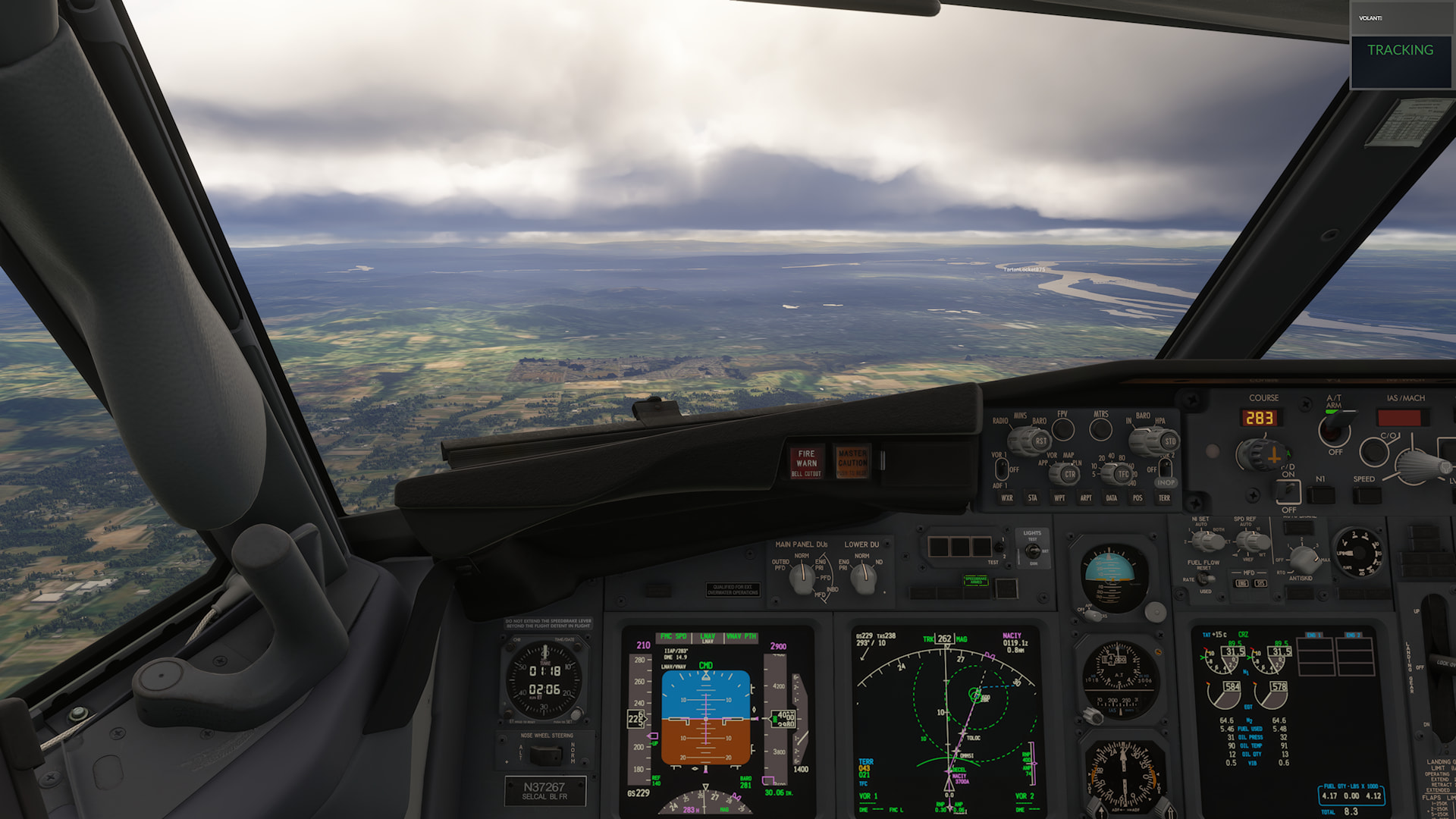
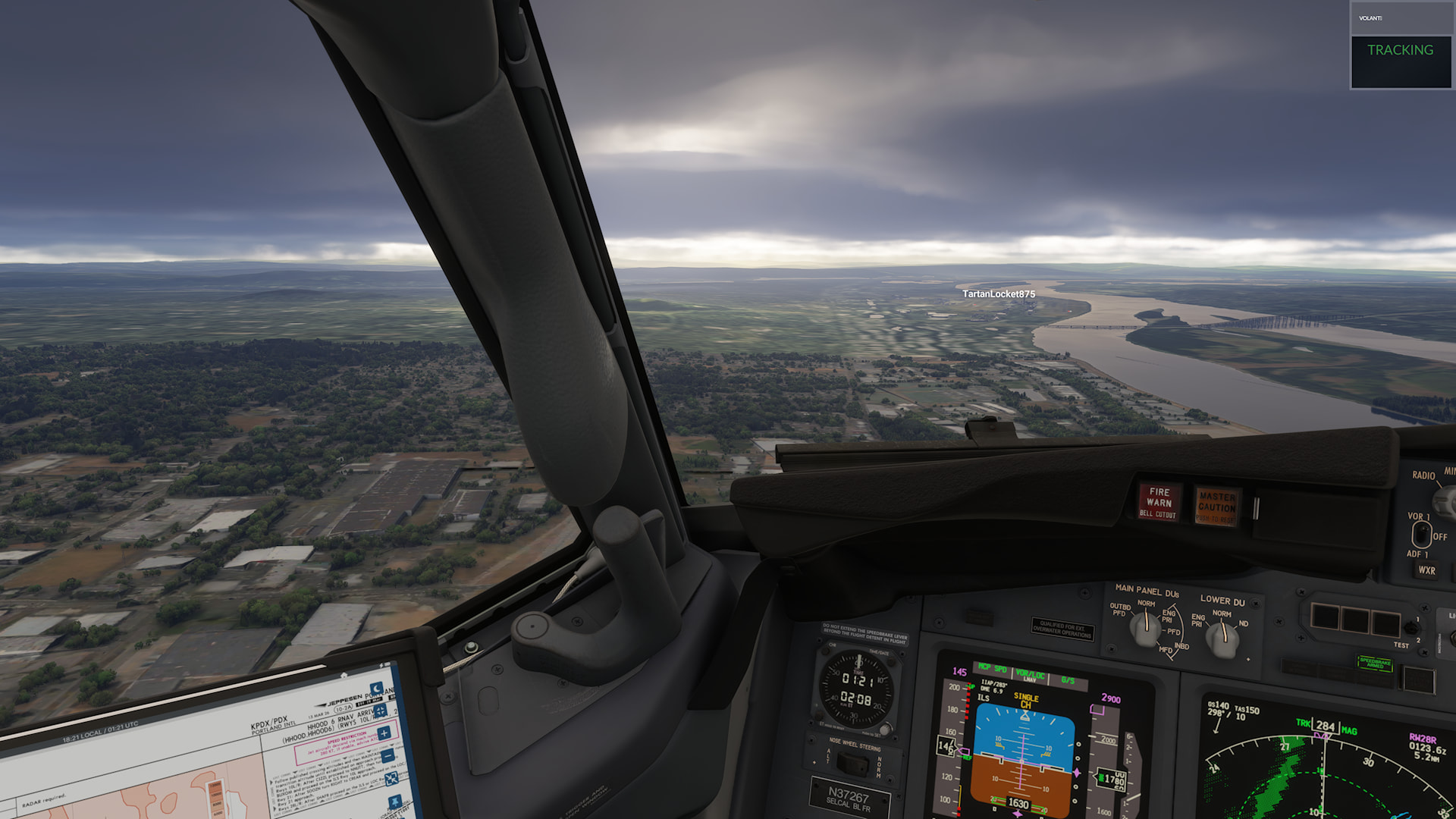
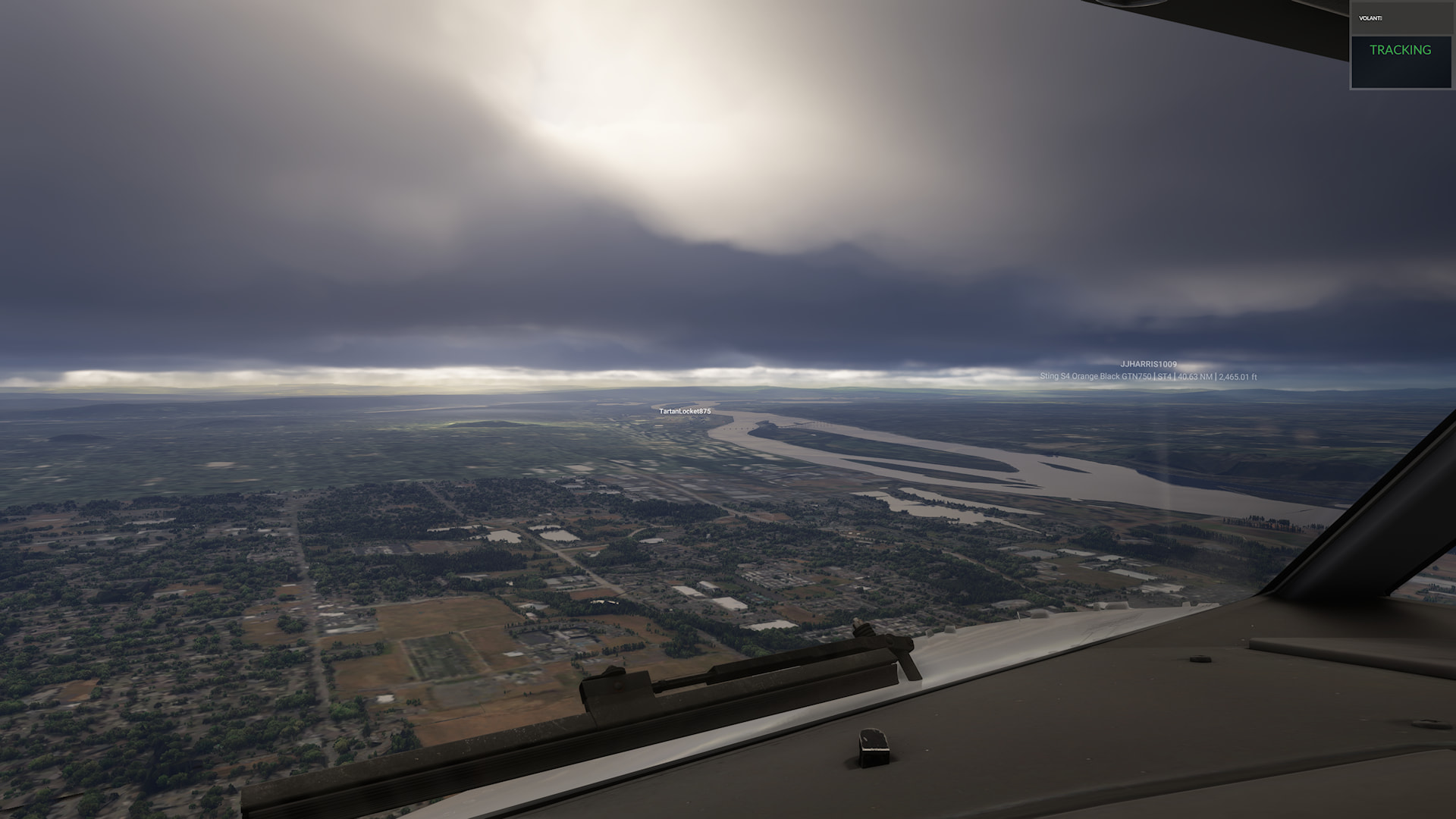
I tried KDEN (XCodr) to KPDX (FlightBeam) in the PMDG 737, which I installed locally along with the liveries and Boris sound pack. Airport textures were decent, certainly not great. Scenery leaving Denver was again alright at a very close distance, very rapidly deteriorating further away. Even at cruise altitude where LOD can often recover pretty dramatically, the ground was not as sharp as I’m used to seeing. And arrival into Portland was again just awful, you can see for yourself.
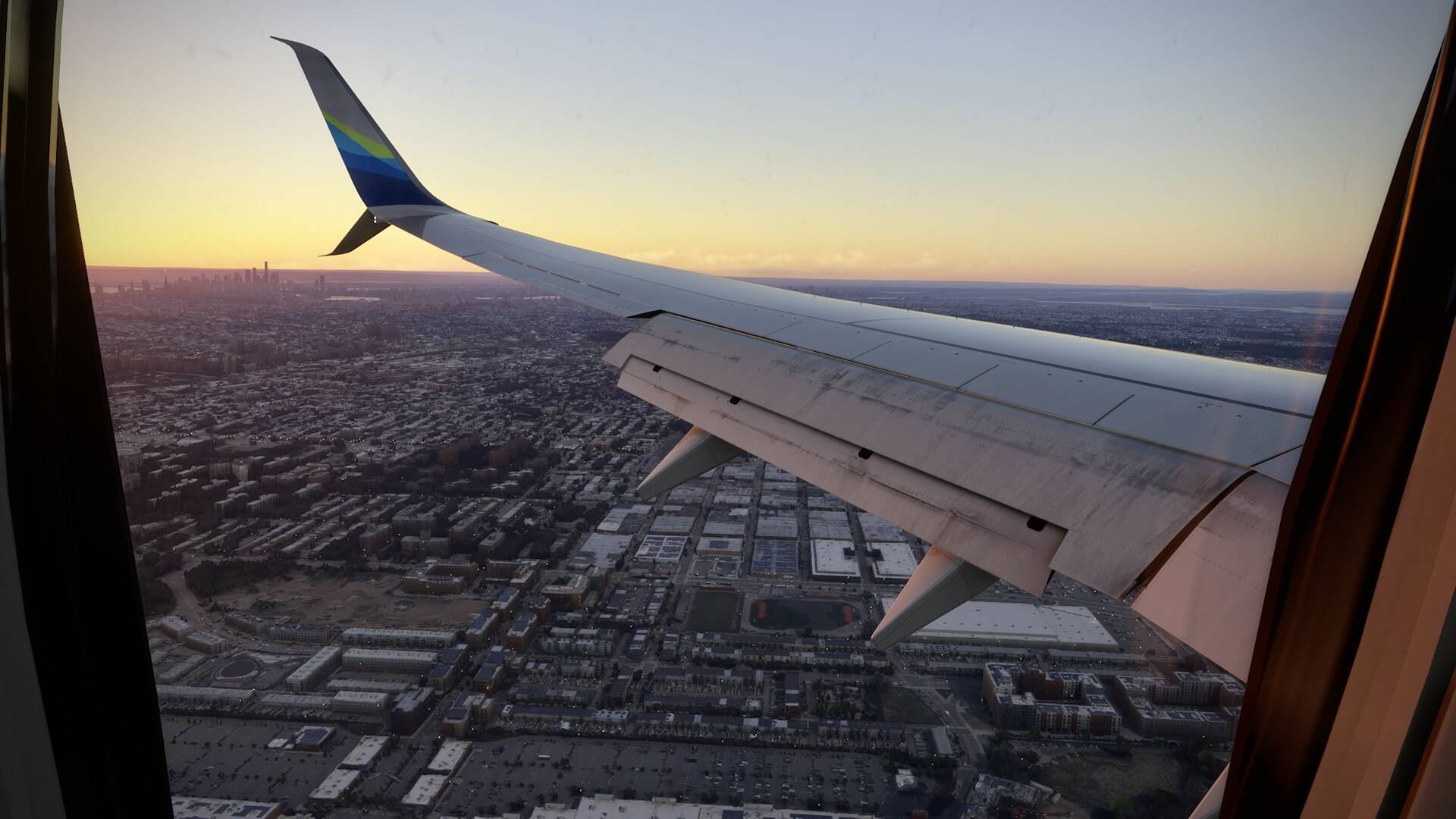
I’m also on Xbox X with 600 Mbps fiber and I concur. The LOD is seriously degraded in 5.1. I’ve done a clean install and tested by disabling everything possible. Even no add-ons after a full reboot, the scenery pop in is worse and near complex scenery like NYC, the stuttering following any movement of the camera is severe.
I’m nearly to the point of giving up on the title. I’m left holding out hope that GeForce Now will eventually add support for my VelocityOne yoke or Asobo corrects the problem with conflicts between more than one controller so I can remap it with Joystick Gremlin. I experimented with GeForce Now and it looks fabulous except for the peripheral limitation.
I want to say a giant THANK YOU to the developers for Sim Update 5.1. I made several posts on here as a PS5 Pro simmer about SU5 issues, and all of them have been resolved in 5.1. I fly mostly airliners, and I haven’t had any problems. No memory errors anymore. Everything is working as it should.
Thank you for fixing the problems and making this playable on the PS5 again. I’m back to having a great time with the sim again.
I just ask that things stay this way please, and don’t get worse with SU6.
This is exactly what I am seeing. I also did a long haul into Heathrow (although from WMKK) in the 777 and saw exactly what you have seen. But it doesn’t even need to be a long haul into Heathrow for me to get this. It’s not great to start with but definitely gets very quickly worse over the course of a flight which screams “memory leak”
It does make me wonder what they consider “Expert” about them, and how they differ from Local Legends or Famous Fliers, quality wise. Where is the expertise here?
I am reading many complaints about SU5 .35, complaints I fully share.
We went through a period during the beta phase, so we appreciated the fact that the latest build was free of CTDs and “out of memory” errors. That’s a good thing.
But at what cost?
The LOD (Level of Detail) has worsened significantly compared to SU4; so much so that some PC users are accusing Asobo of lowering the overall level of detail just to get the software running decently on consoles.
I believe—and hope—that the servers are separate, making this an unfounded accusation.
If SU4 offered excellent detail, it proves the console can handle high-quality graphics. As has been pointed out repeatedly, developers need to optimize memory management rather than simply lowering the LOD like this.
It might be the quickest and cheapest route, but it certainly won’t pay off in the long run.
Most PS5 and Xbox users are dissatisfied; they invested in a product advertised as revolutionary, only to find it struggling—leaving them feeling fundamentally let down.
Compared to the PC version, the graphics, scenery, and aircraft are naturally less detailed—which is to be expected—but we should at least try to get the most out of our hardware.
It is worth remembering that the PS5 costs nearly $900 in Italy, with the Xbox Series X costing just a little less; while it is natural to accept significant compromises compared to a mid-range PC, there is a limit to how far that should go.
I had a similar problem at the gate in LIML Linate. Fortunately with a lighter plane (Pilatus pc-24) nothing serious happened, but yes it bounced from high.
Scenery is awful throughout, blurred and mushy.
The lights at night in the towns are not clear but blurred and fuzzy. Don’t like it at all. Airport runways are lit very well at night now where there is a night mission. Thanks for that though.
On PS5, I have switched to the lowest settings I can or off to improve graphics. So it is definitely not my settings
On PC, they are worse too.
My mouse clicks on pretty much everything very well except for the cockpit dash of the CJ4. I have to literally argue with my mouse in the CJ4 but not in other aircraft or clicking around the sim.
I’m on PC MS-Store, reasonably powerful rig - i9-10900K, 64GB RAM, 5080, 1Gbps internet playing in 4K with settings High/Ultra. I was doing my typical test flight which is the Extra 330 from London City to Heathrow.
It plays well - pretty smooth most of the time, but occasional quite significant stutters which felt scenery loading related.
For the first time in ages I noticed a significant degree of distant scenery loading in as I manoeuvred around, flying over London at around 2-3000ft. It looked a bit blurry before better scenery loaded.
Strangely, I thought it was running slightly worse than the last SU5.1 Beta in regards to stuttering and scenery quality.
Overall perfectly happy with where 5.1 has landed, its flyable for me.
Simply rename your Community folder to something else to at least prove that this is not a core sim bug but rather an addon conflict. Then just consider the addons that affect your UI - no need to worry about aircraft, airports, sceneries, liveries, etc., as they will not be the culprit here.
I agree with the memory leak theory. All my flights start out great for the first few minutes, with the only noticeable pop in being far in the distance and hardly noticeable. But then it starts happening right next to me. As soon as my view shifts away and then returns, the level of detail of the ground, streets and buildings (both PG and generated) has dropped and then it all pops back in again. It does it every time you look away and then return to the view.
Over complex scenery, rotating the view gets very stuttery and takes several seconds to smooth out once you stop moving your focus.