Hohe Salve looks good, as a frequent visitor to that mountain, it’s quite accurate. Sadly though now, users of “We Love VFR” now have 2 masts on the Kitzbüheler Horn. The Asobo one which looks great and the one that was already there from the addon. Shame to have to disable the entire “We Love VFR” addon just for the one mast. I hope a solution becomes available.
3 Likes
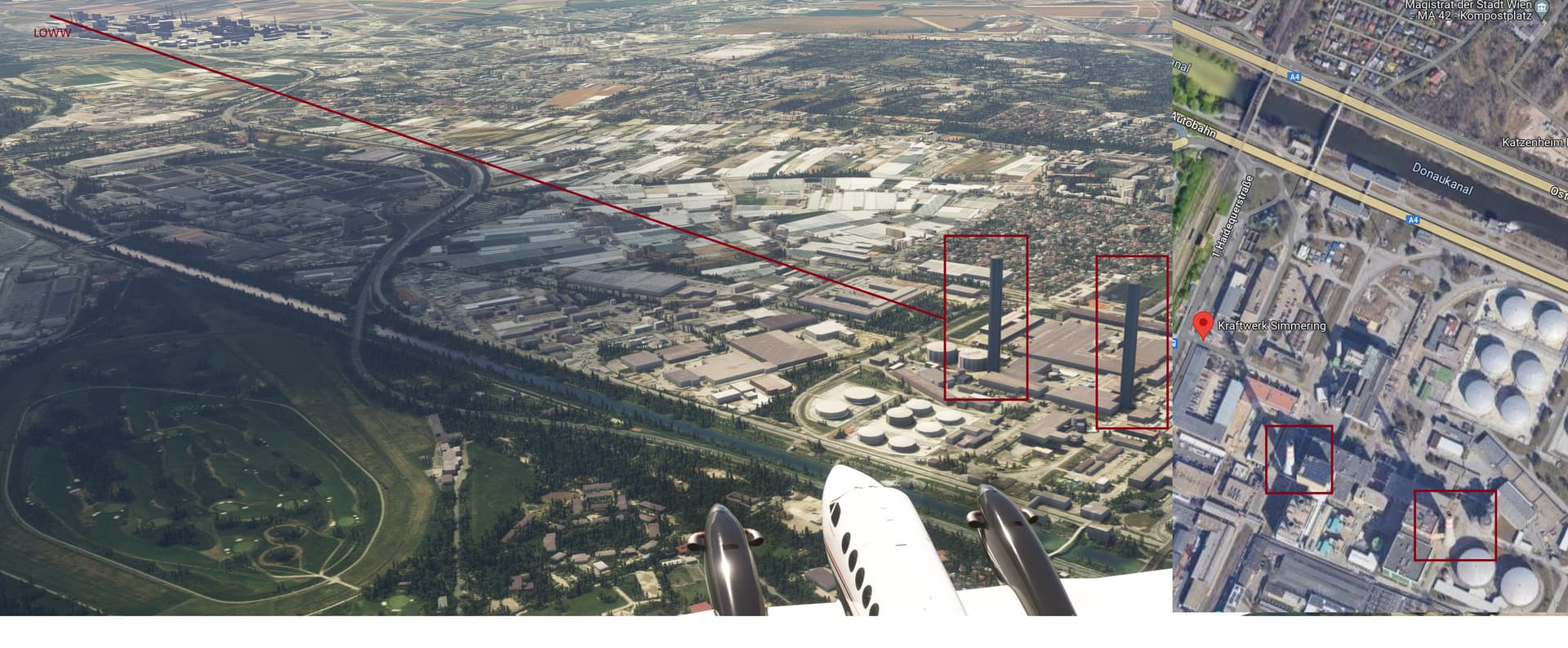
I’m not using pg, maybe this is the cause and i can’t remember what it looked like before this update… but do power plant chimneys look like normal buildings in mfs??
Approaching RWY 11 LOWW, power plant Simmering
Get the simwings Aerosoft EDDM. Is very nice !
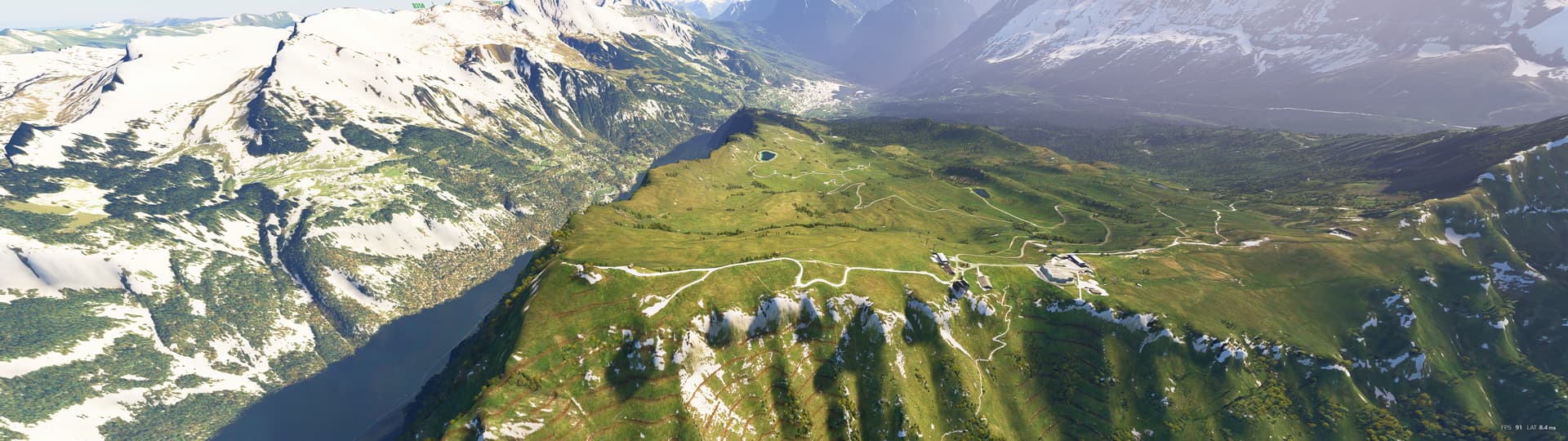
This is your sim or the preview shot?
from my sim, med settings, PC
1 Like
Download speed was good  First flights produced some mixed results:
- Rheinland-Pfalz near Trier had low-resolution textures like before, but the DEM is at least noticeably better. Roads on hillsides are now horizontal instead of tilted along the hill.
- EDDM looks okay, but no traffic using FSLTL, which is a no-go for me. So will probably install the sim-wings version again.
- Mecklenburg-Vorpommern on the Darß between Ahrenshoop and Wustruw, we finally see the cliffs instead of just flat ground. Textures are quite good as well.
- Bayerischer Wald from Cham to Bad Kötzting was really nice, vibrant and crisp textures, really good hill contours (DEM).
Looking forward to explore the Alps and Berlin in the next few days! Hard to believe these World Updates are free, very happy about them and always a motivation to start the sim 
7 Likes
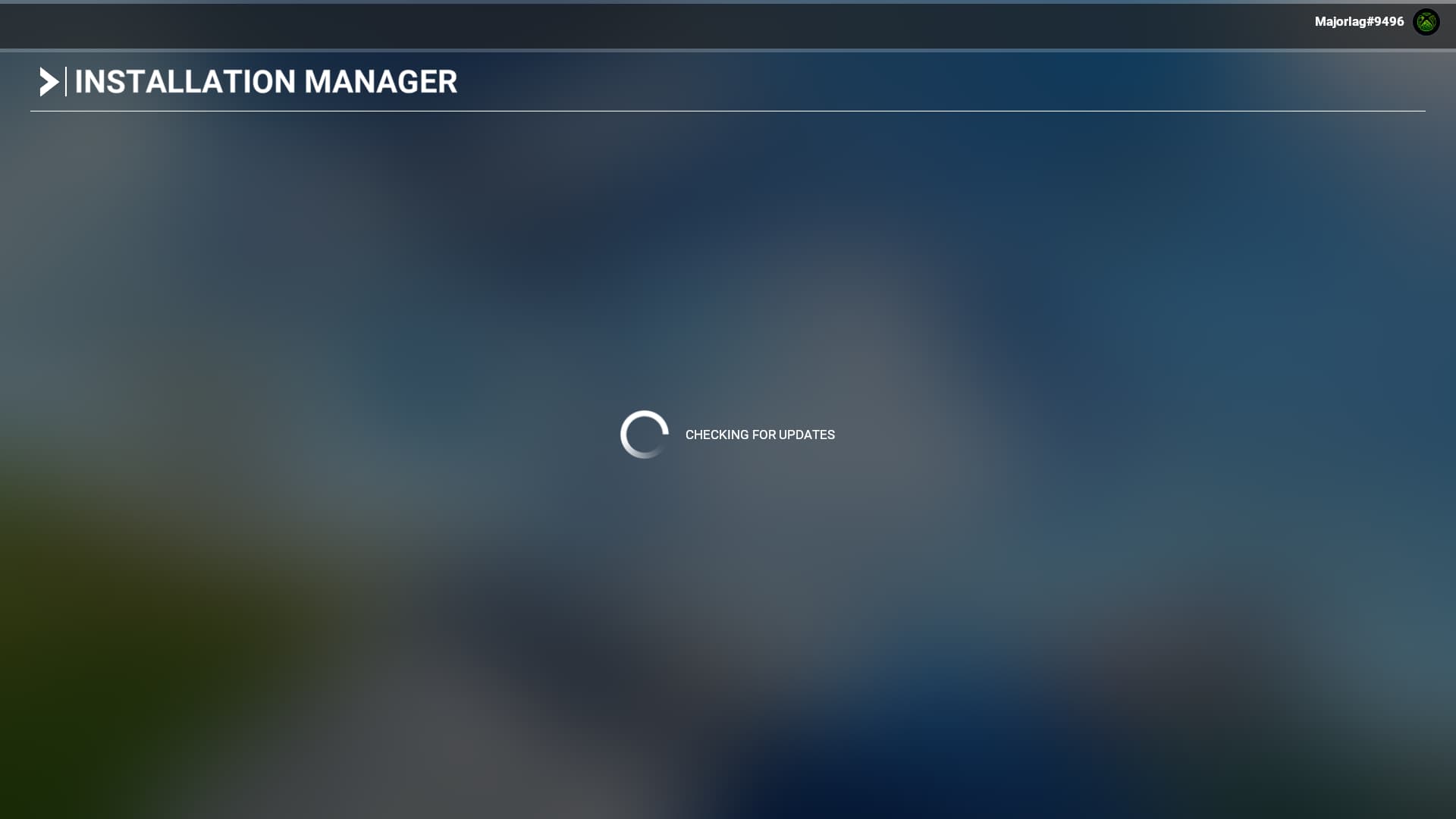
I think you might need to restart your Sim as it should only take 30sec on that checking for updates screen. Have you had the screen showing the actual World Update Available and clicked download?
If not try restarting your Sim in Administrator Mode.
I’ve had this problem in the past and that’s always fixed it for me.
Ok must be some problem with the other guys installation then
So I was in the sim loading in. I knew the update was available but I didn’t install it. I update EGAA only
Then the sim froze as I was choosing departure from the world map. I noticed the world map was spinning very slowly right to left so was unable to chose ab airport. Then it froze. I turned the PC off and then back on and that when it is stuck on this screen
1 Like
Right. I have had that happen to me before when I’ve been flying and when there’s been a World Update or Sim Update that I’ve forgotten was getting released. Went to select another airport after my flight and had the same thing. World spinning slowly so all I did was re booted PC and my flightsim, you might want to empty your community folder too, but I never do lol and never had problems, but make sure you right click on the Flightsim icon so you can start it in Admin Mode and it should get you past that checking for updates screen. The next screen you’ll see will be the update itself with its size etc.
If you’re still can’t get past that screen there are posts on this Forum that can give you more things to try. Just search “stuck on Loading Screen”
1 Like
The new arial imagery is what we’re getting with FS2024 but I don’t think the trailer was captured in FS2024.
Similar experience. Its ponderously slow here in Scotland, and I’ve got ultra fast broadband. So far only 1.5GB after about 30 minutes downloading.
Short summary from my side after having a look at everything (except the many POI of course):
- the new elevation data is a game changer to me, just much more detailed and realistic. I bought the ORBX Himalaya a while ago and found that great; was disappointed how bad the Alps look compared. They look great now

- nice handcrafted airports, especially munich is insanely good
- 3D cities are also very good for the most part (see negative points below)
- not sure yet, but the POI seem to blend better into the environment (?)
Not so good in my opinion:
- the Swiss 3d cities are disappointing. The 3d shows much less details in comparison to the other cities; also the building textures are blurry and often hazy
- bridges this time don’t have sanbanks but kinda badly masked water below them. I understood from the dev stream that it’s not possible to do it better in FS2020. But then I wonder why e.g. Golden Gate bridges etc. have perfect water below (my guess: they are completely removed and a 3d model is set on top?)
- trees are on rampage again in some areas, especially Berlin…
Edit: and btw, some stuff from the Germany CU was fixed, for example the giant gap in the Heidelberg river
4 Likes
That didn’t work either. I will take a looks as you say and figure it out.
It just asks me to start either in safe mode or normal. Either way, it just sticks on checking for updates.
1 Like
the game no longer loads, I emptied my community folder and it’s the same, it loads endlessly, and as said by others after the update I was unable to click on a track to launch a flight, and so I restarted, and the game no longer loads, small update of the update of the update just to be able to make a flight, thanks in advance
Hope you can get it figured out. I remember it took me a a while trying a few suggestions that others suggested.
1 Like
Well maybe we can work together to figure it out
Wonder if it is actually a server issue
Sounds like you are experiencing major lag!
I will see myself out now…
2 Likes
The number of people who will encounter the problem will be significant, they will have no choice but to realize that something is wrong, let’s give the devs a little time
1 Like