Sadly no. But it will in time I’m sure.
Sure it does. Use the free beta. No issues
Not yet it should be ok in September they said
Here is Air Manager 4.0 beta
WORKING in MSFS 2020
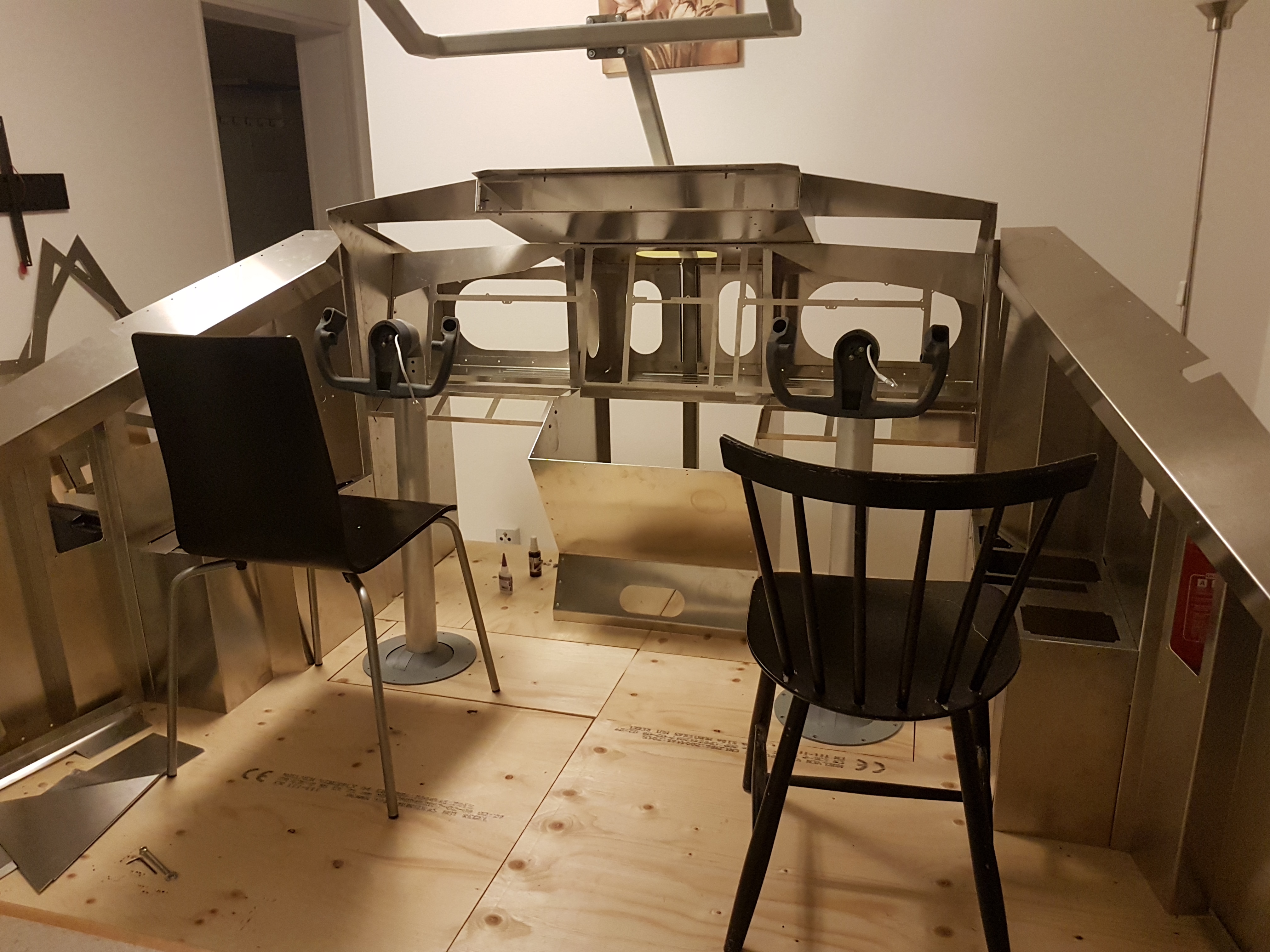
A future Boeing 737?? 
Ok i Know but airmanager is connected to flight SIM 20 but thé panel is not working ? What do i forgot

Next level!!!
I did That of course and I am connected to thé sim ?
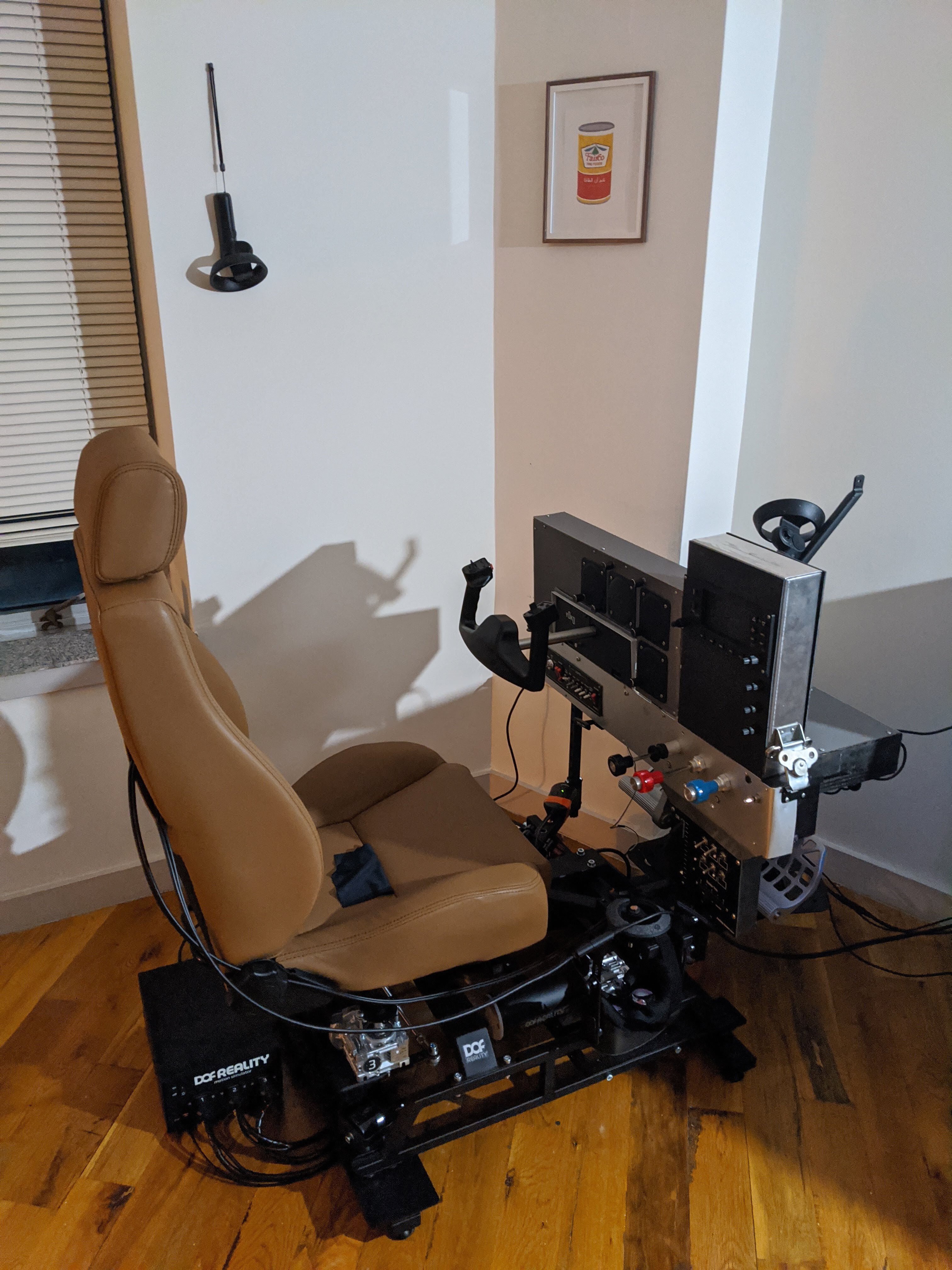
I hope you are welding that yourself! Very nice. I should think about welding up a frame.
 :
: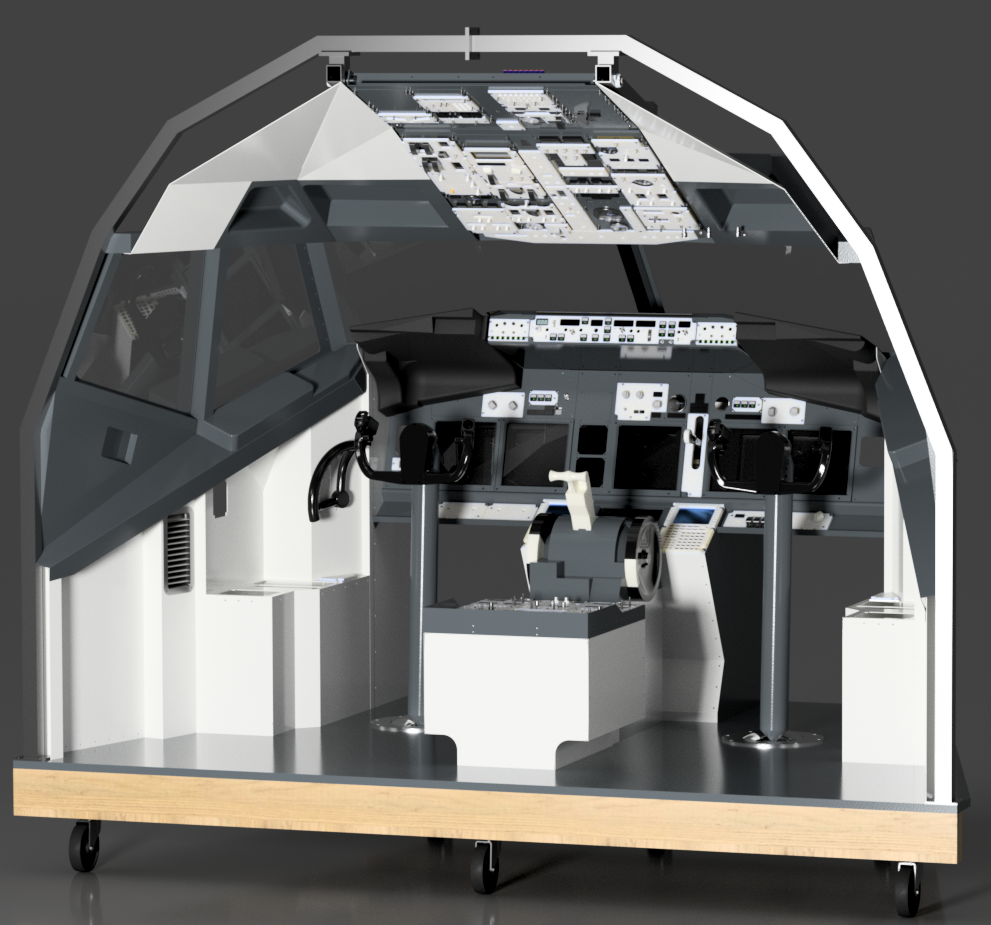
I have only welded the main load carrying frame, the rest is laser cut sheet aluminum that I’m riveting or bolting together. Welding a frame would be nice, however that would require more welding skills than I posses, and would probably not be accepted in the basement
Are you using MSFS 2020 ? Saitek panels are working ?
Very nice. Where did you get these gauges please. I am building a cockpit and would like to use these.
I was flying in X-Plane 11 in the photo. The Saitek panels are working currently in MSFS via a few different plugins but the official plugin or drivers from Logitech have not been released yet. I am using SPAD.neXt currently in MSFS and it’s been great.
Edit
Well, now it appears the official plugin/drivers from Logitech have been released. So there you go.
It’s home made.
Hardware:
What you need is plywood and a couple tools to cut holes (jigsaw, drill)
10 rotary encoders bought on Amazon (less than $10)
A monitor of 23" or so. (used one is fine)
Arduino MEGA 2560 ($15)
Software:
Air Manager 4.0 (BETA)
Thats it! Air Manager does the work for you, simple drag and drop from there, and some pin identification for the encoders. Not difficult at all.