Oh man, she deserves to fly! And I say: it’s possible. Think about…
1 Like
So many people say that, and I am sure with the right level of expertise something could be done, but I have no technical skills whatsoever, there is a lot of electrical work that would need to be done and I cannot see how the instruments could be made to work. I am happy to keep it as a static display. I have managed to get the cockpit lamp to work and also make it appear as if the map display is functioning but that was a simple case of shining a light through a lens at the back!
When I saw the photo you posted, I remembered that I had the privilege of flying in the back seat of a Tornado a long time ago. I was still in the Air Force of my country and was assigned to serve in London for 2 years (bureaucratic mission). But, you know… pilot is pilot, so I made some friends at the RAF and… bingo! I’m grateful cuz your post brought me memories, those wonderful ones. Time ago (a lot of years lol) I joined some friends and we set up an MD-82 home cockpit. Parts of the real plane were bought and we worked almost 3 years to adjust things. This HC still flies, on X-Plane 11, using Rotate’s MD. Today I live in Brazil and this HC is in Europe so I missed it. Now, I’m going to ride my fifth and maybe last HC, but it’ll be from scratch. In any case, thank you again for the post. I wish you luck, health and success.
1 Like
Main advantage: can be assembled and disassembled in 10 min. Saving me from divorce 
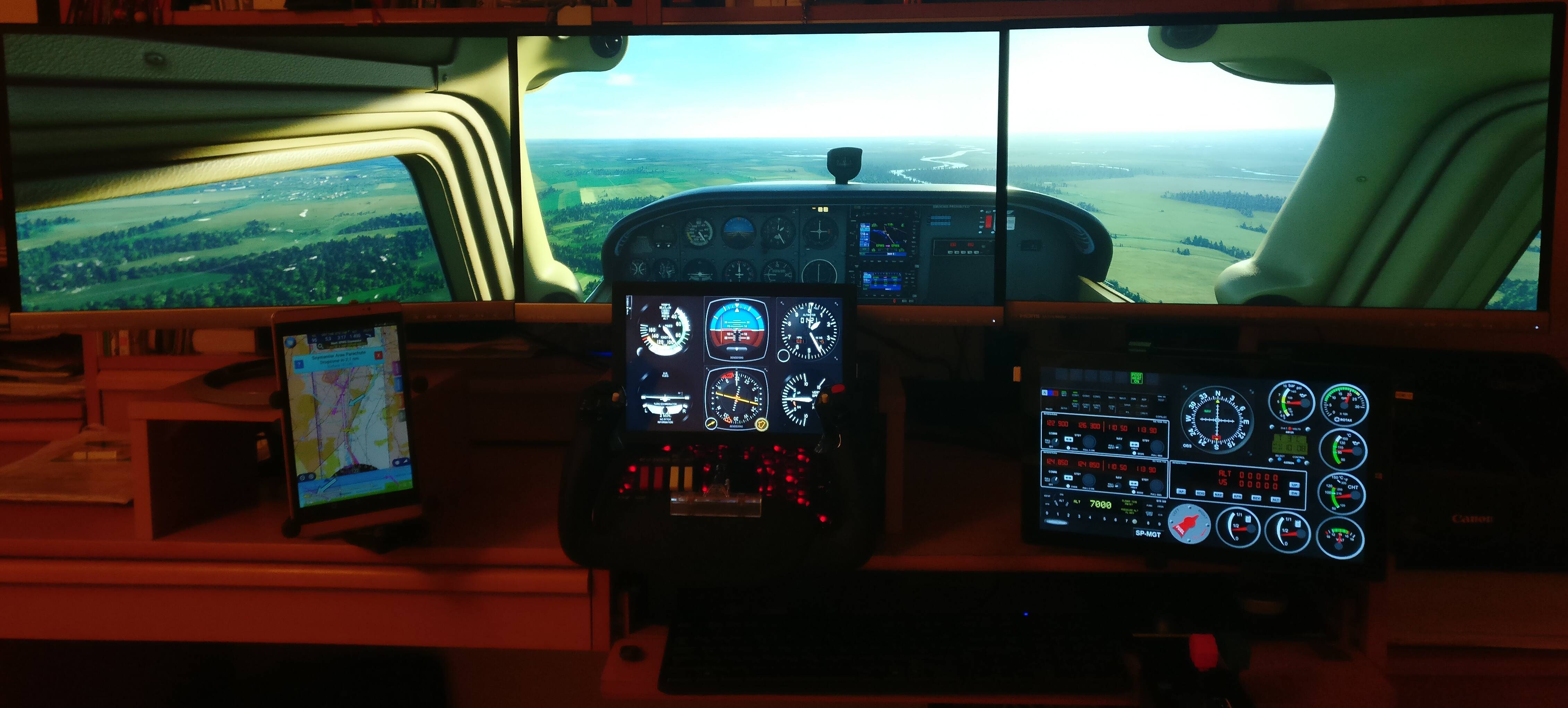
AirManager 4 beta running on touch Windows 13" tablet driving also external 10" touch display. TrackIR to allow looking even further lef/right or down.
11 Likes
That is awesome!!
1 Like
Which monitors are those, stekusteku? They look nice. I am assuming you are using a 2080Ti?
I posted my in a laptop thread, but I’ll put a pic here too. No where near as cool as some of the cockpits in this thread, but I think it’s pretty good for a laptop setup!

9 Likes
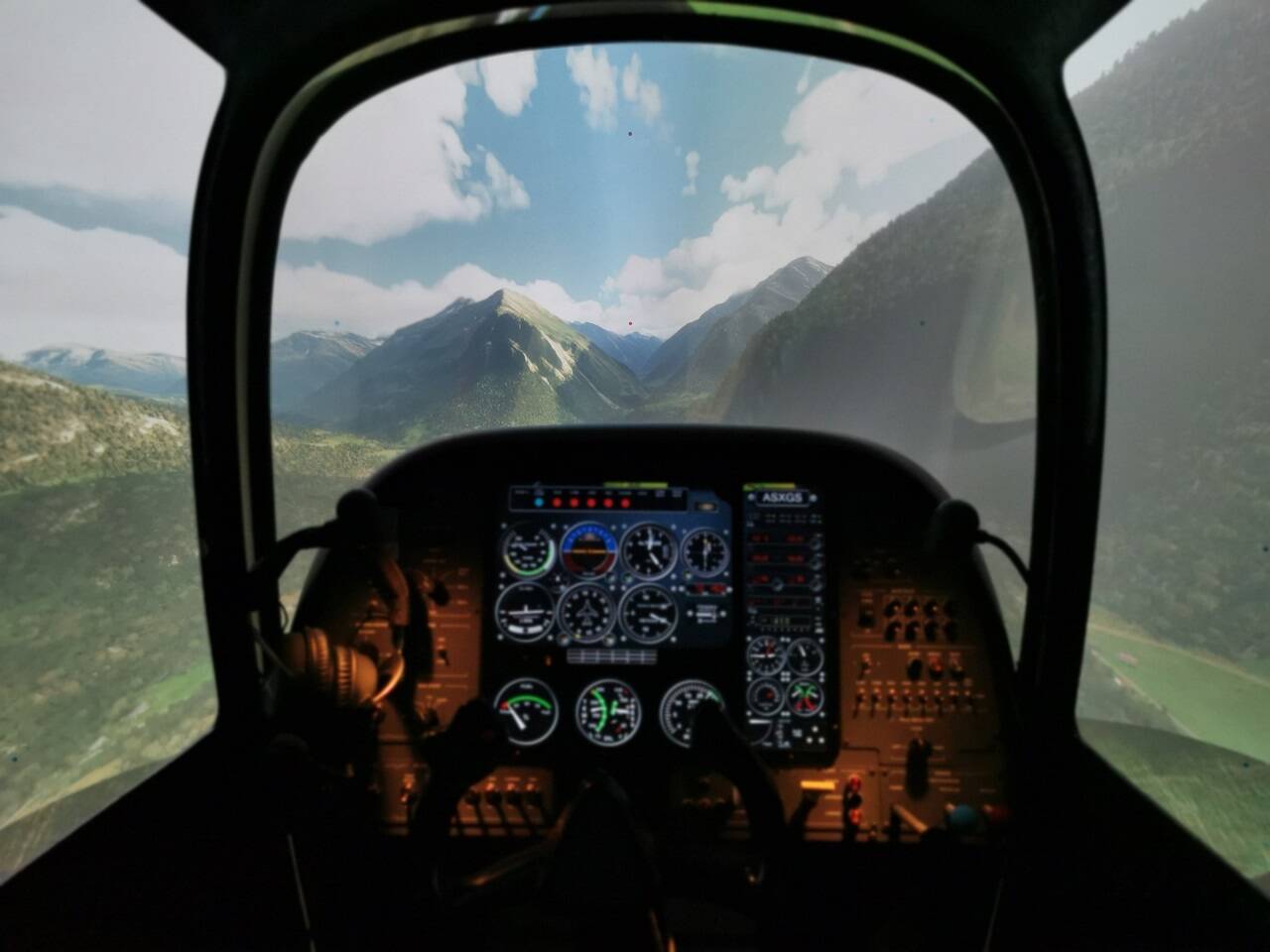
I had the chance to refurbish an old professional GA simulator with a 210° screen and updated its interface so that it works with PC flightsims. Unfortunately MSFS doesn’t support yet such large FOV, however the immersion with MSFS is still amazing and for the moment I can live with the distortion on the side.

10 Likes
Hi Norman - looks very cool.
I see you are using the Honeycomb Alpha yoke and Bravo throttle quadrant along with a Saitek radio panel.
Have you managed to get the Nav and Com on the radio both working as they should do?
If so, have you done this via Spad.Next?
Or perhaps by removing all assignments to the switches on the yoke and throttle?
Or do things just work 100% for you without any “messing around”?
I ask as I have the Alpha yoke (Bravo TQ is on order) and my two Satiek radio panels misbehave!
I am thinking of downloading Spad.Next, so any comment(s) you care to make would be most welcome.
Regards, Alasdair
1 Like
So far things seem to generally work. I downloaded the latest Saitek/Logitech MSFS plug-in, and you have to have that running alongside MSFS, but the radio panel works correctly.
I still have the 10° and 1000ft increment bug though. Hopefully that gets fixed soon.
Ok - thanks for the reply.
I have downloaded the latest MSFS plugin, and it is the same as the one I am currently running.
Will try disconnecting one of my Radio Panels to see if the other one works ok on its own.
Like you, I also have the increment bug, but would really like to get the frequencies on NAV and COM to behave.
Maybe one day MSFS/Asobo/Honeycomb will get this sorted so we do not need to resort to trying external fixes like SPAD.NEXT… (I alwasy was an optimist!).
Regards, Alasdair
1 Like
did you extend your diagma panel to the right ?
I am jealous. Love your Cessna!
Thought id share my setup here.
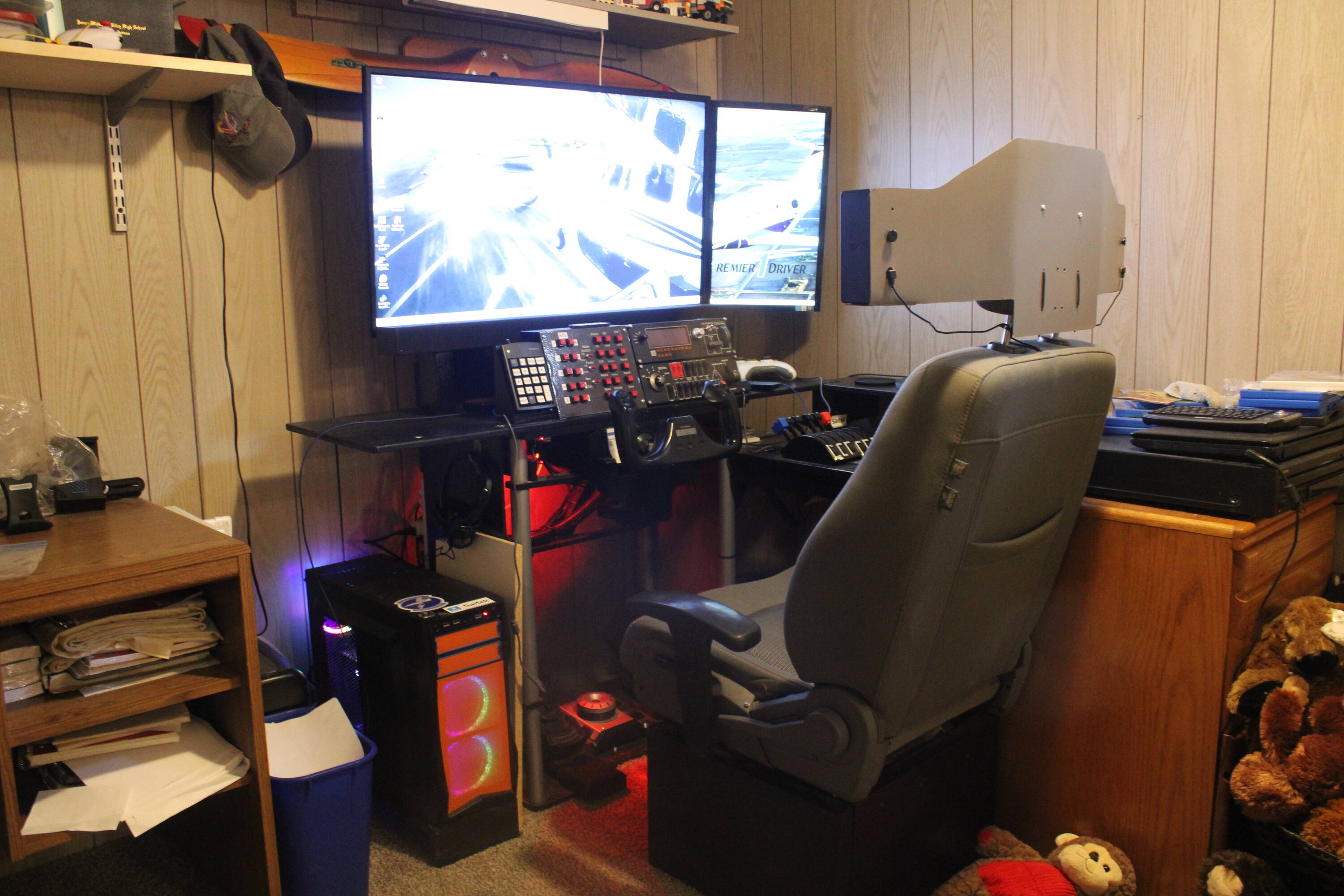
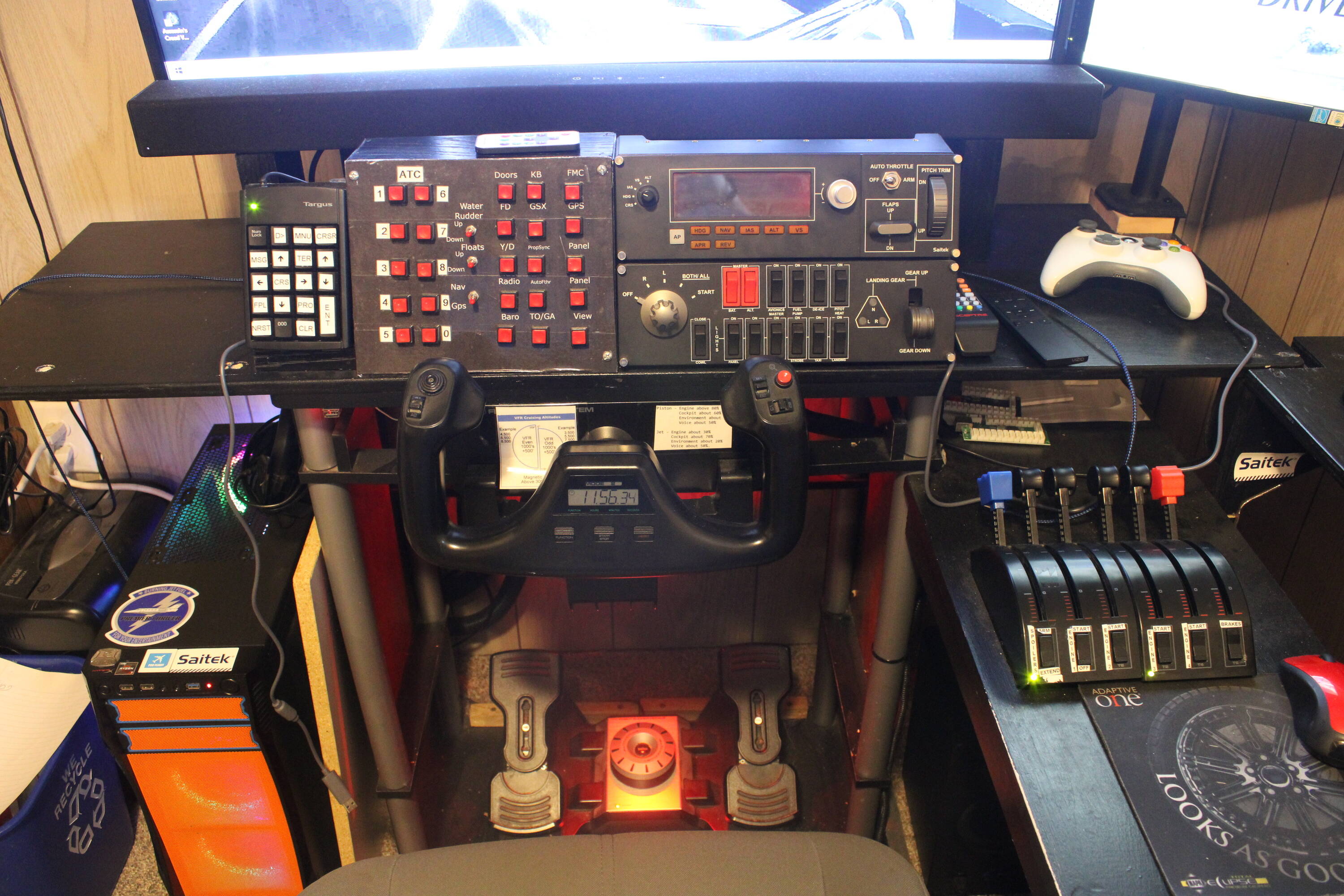
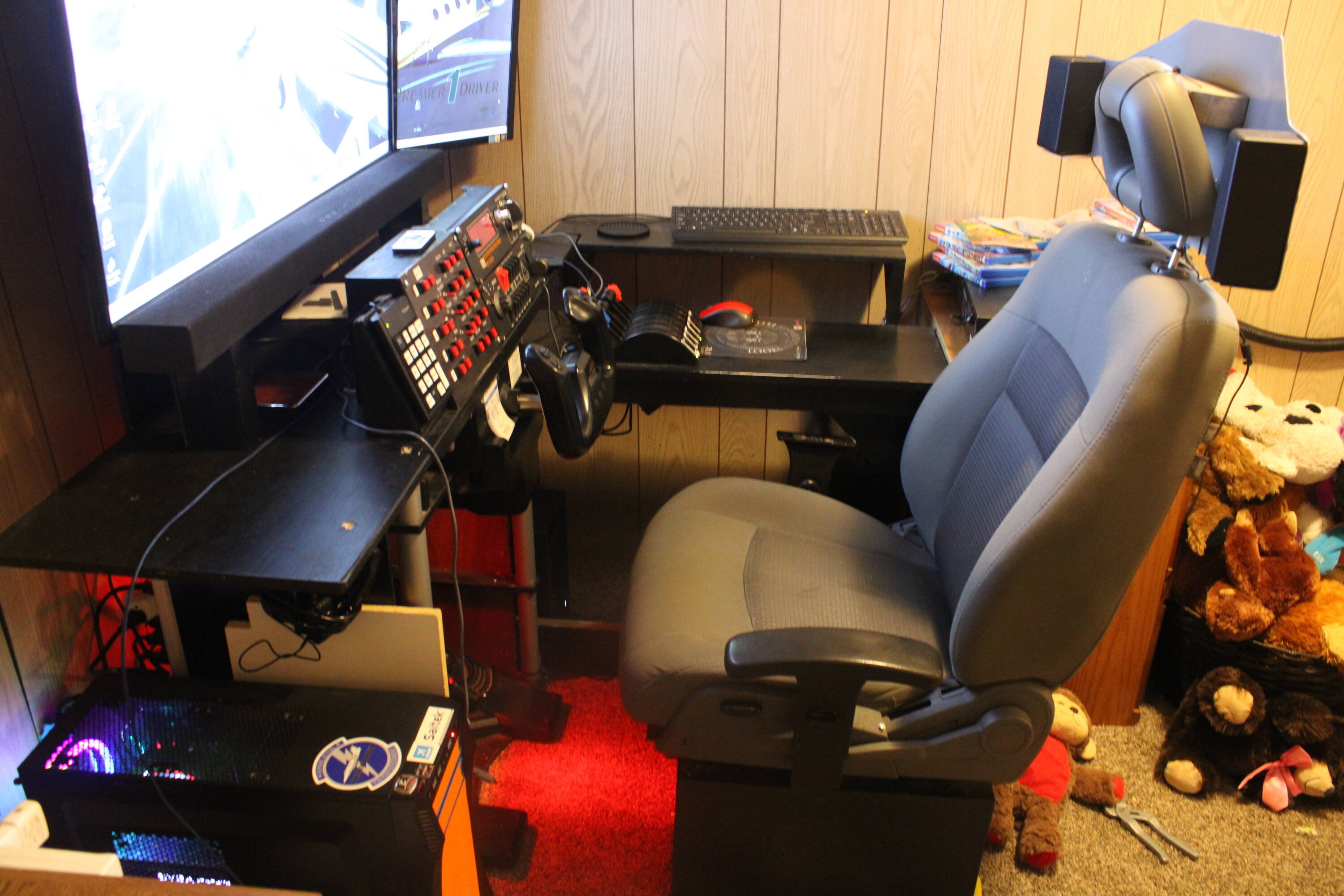
and yes… that is a car seat from a car… and it has 12 volts supplied to it so the power seat functions work.
7 Likes
Here is an Actuator build from an Existing one using AC servo drives.
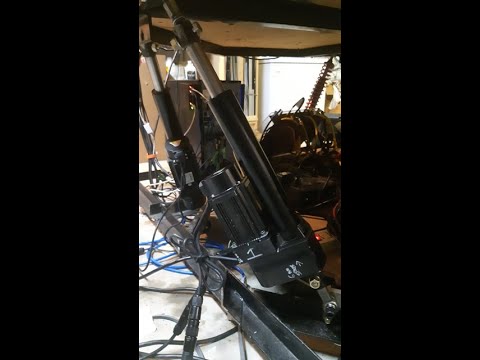
1 Like
Thats cool. I need to have a fixed seat. I hate having to strap my seat to the desk so it won’t slide back when using the rudders or the toe brakes.
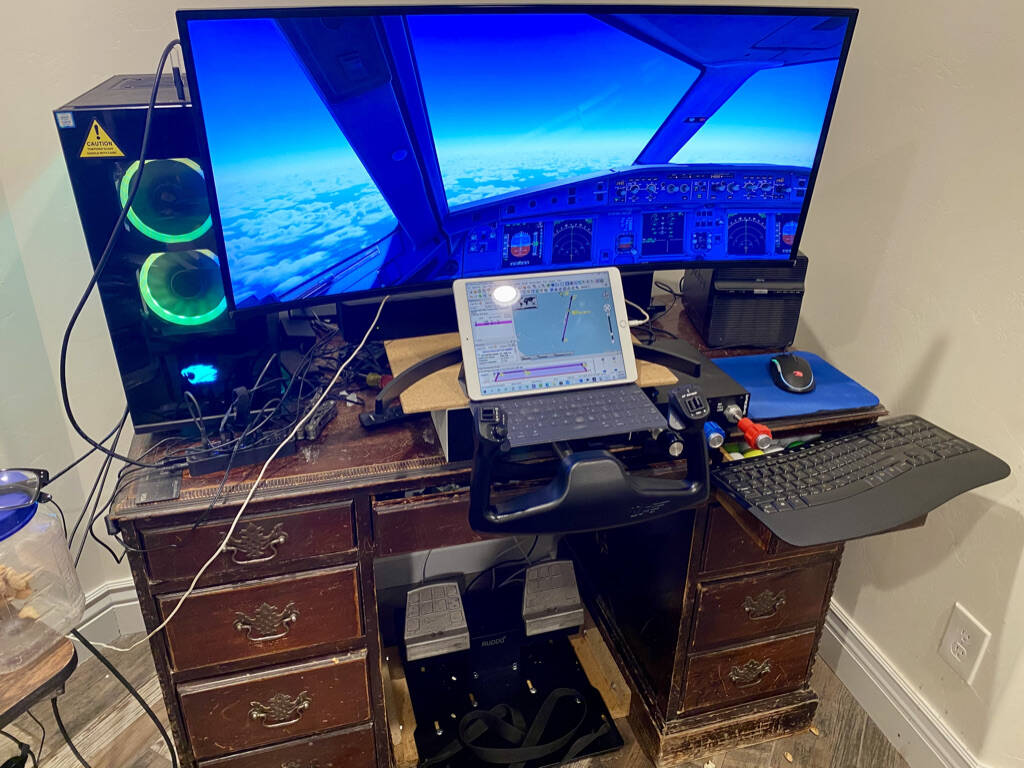
Here is my setup. New PC, i9, 2080ti, 34" diag monitor, VF Yoko+, V3RNIO, Ruddo+. Mounted Ruddo+ to a base that is bolted to the desk. Yoko+ is also bolted to the top of the desk. Was playing one time and monitor started tipping towards me because I was pulling back to hard. IPAD showing Little Nav Map with course and current position. A bose sound bar behind the monitor. It is fun cranking up the soundbar with the Cessna 172 and feeling the engine vibration on the yoke.
Have been playing with flight simulators since Bruce Artwick’s (sublogic) flight simulator on a Radio Shack TRS-80 in 1980-81. Have had every version of MS flight simulators with each PC/graphic card upgrade based on the FPS of the newest version of the flight simulator. Really enjoying this version…
4 Likes
Here’s mine. Hoping to build a dedicated sim cockpit with some higher end peripherals at some point down the line. For starting out, I’m just use my gaming rig / desk with the peripherals I’ve been lucky enough to get my hands on.
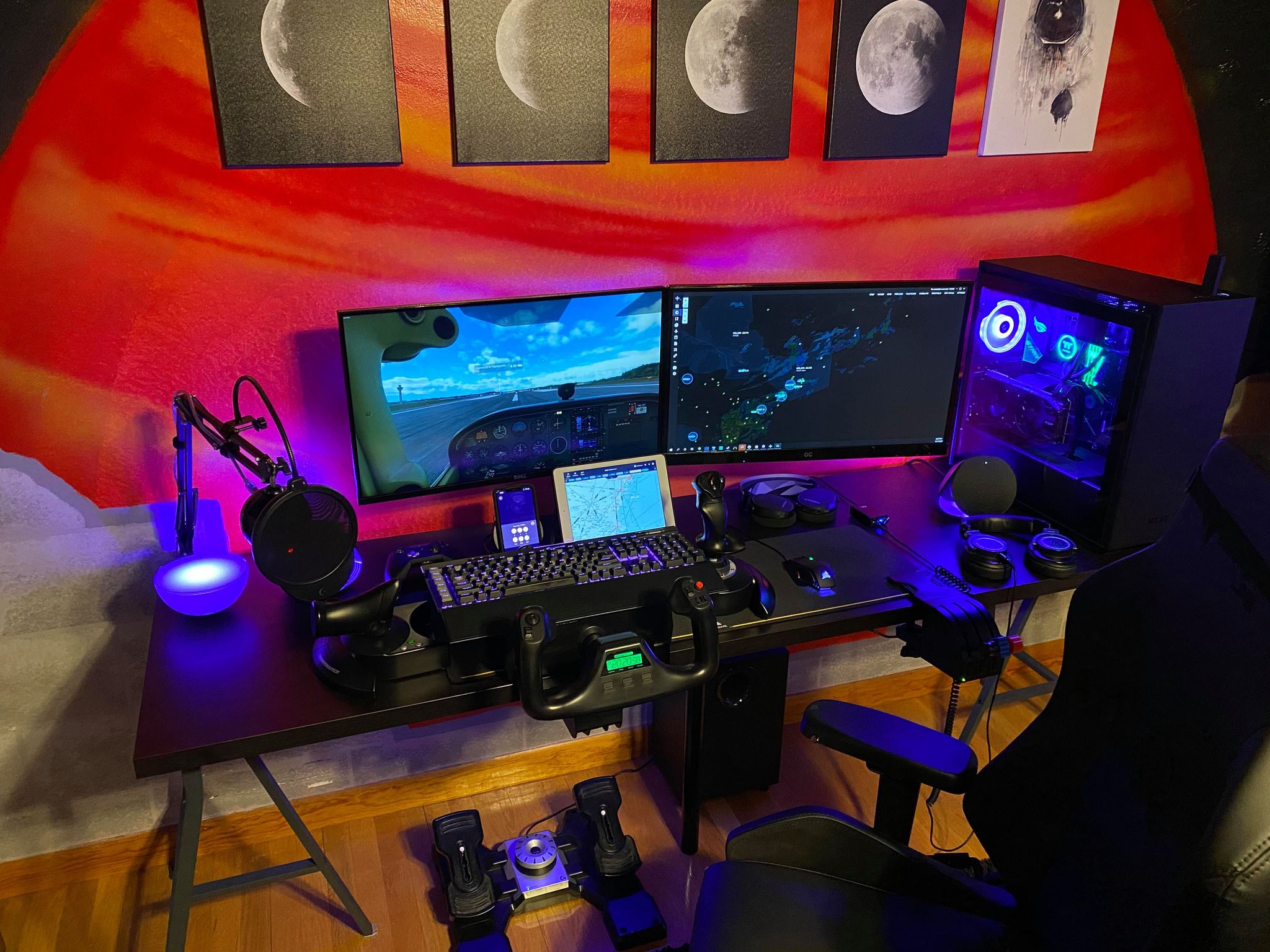
3 Likes
How is the Brunner Yoke for Fs2020?
Ditto on the sliding office chair when braking, which my wife thinks is hilarious!
What setups do you all have for fixed or semi fixed seats?
1 Like