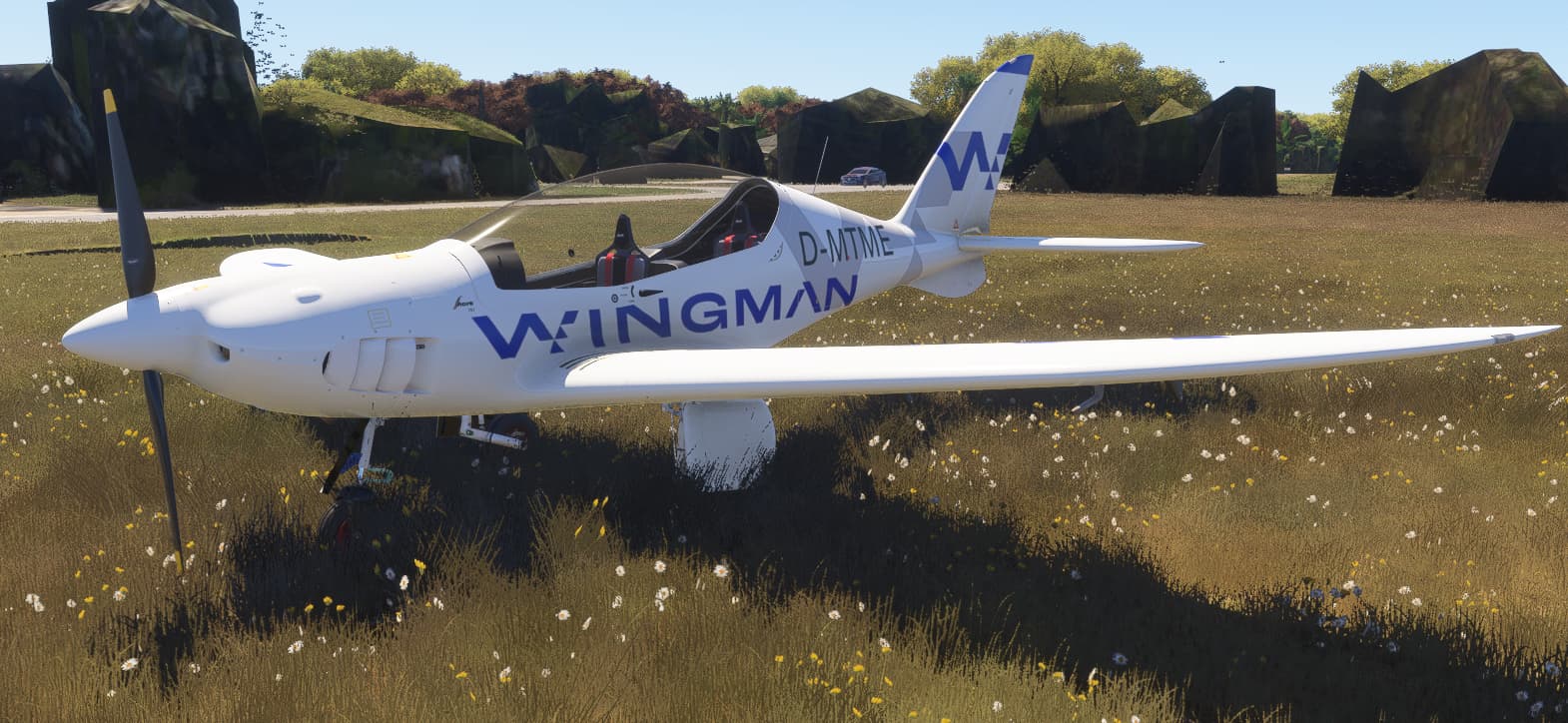
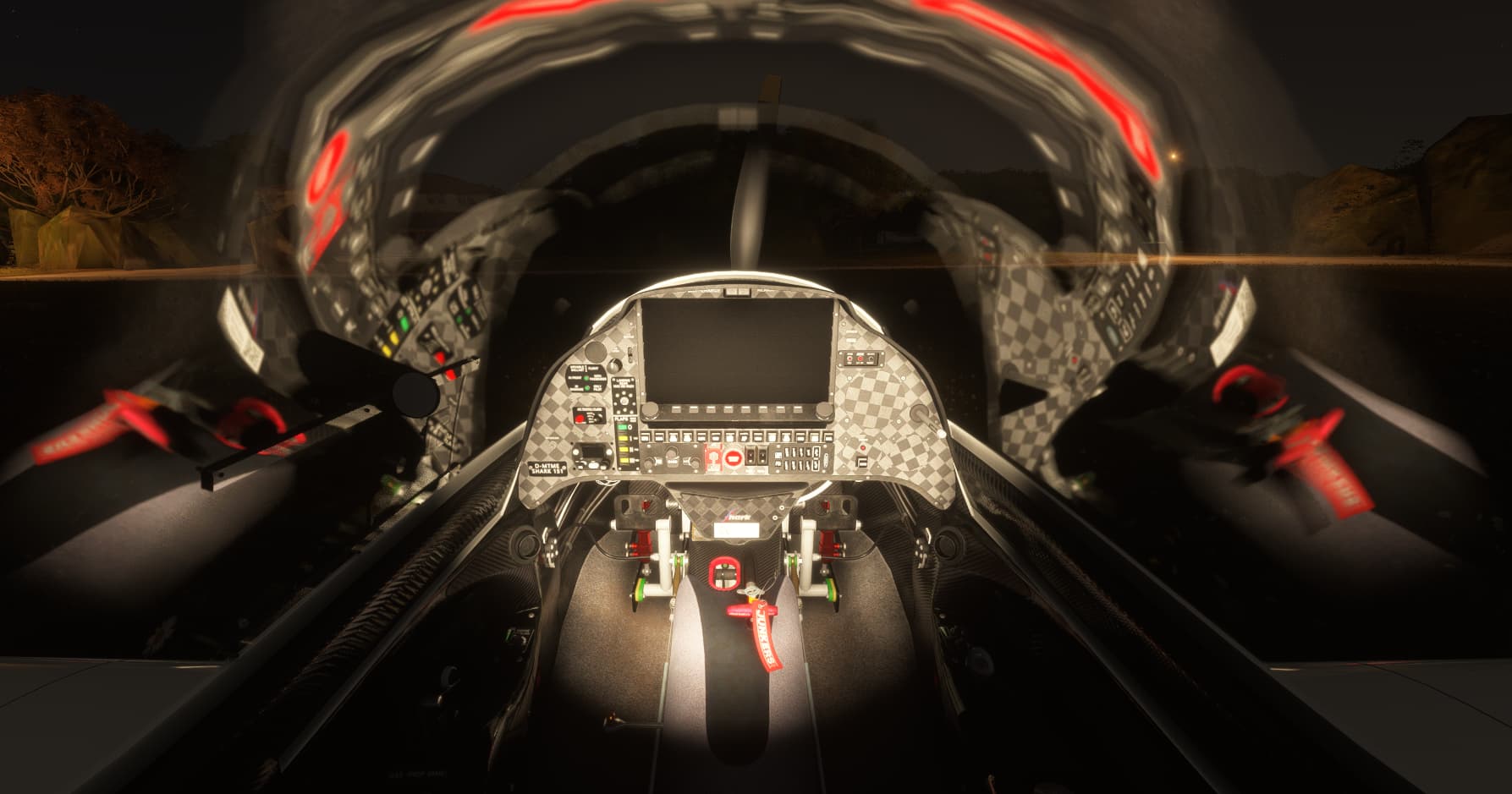
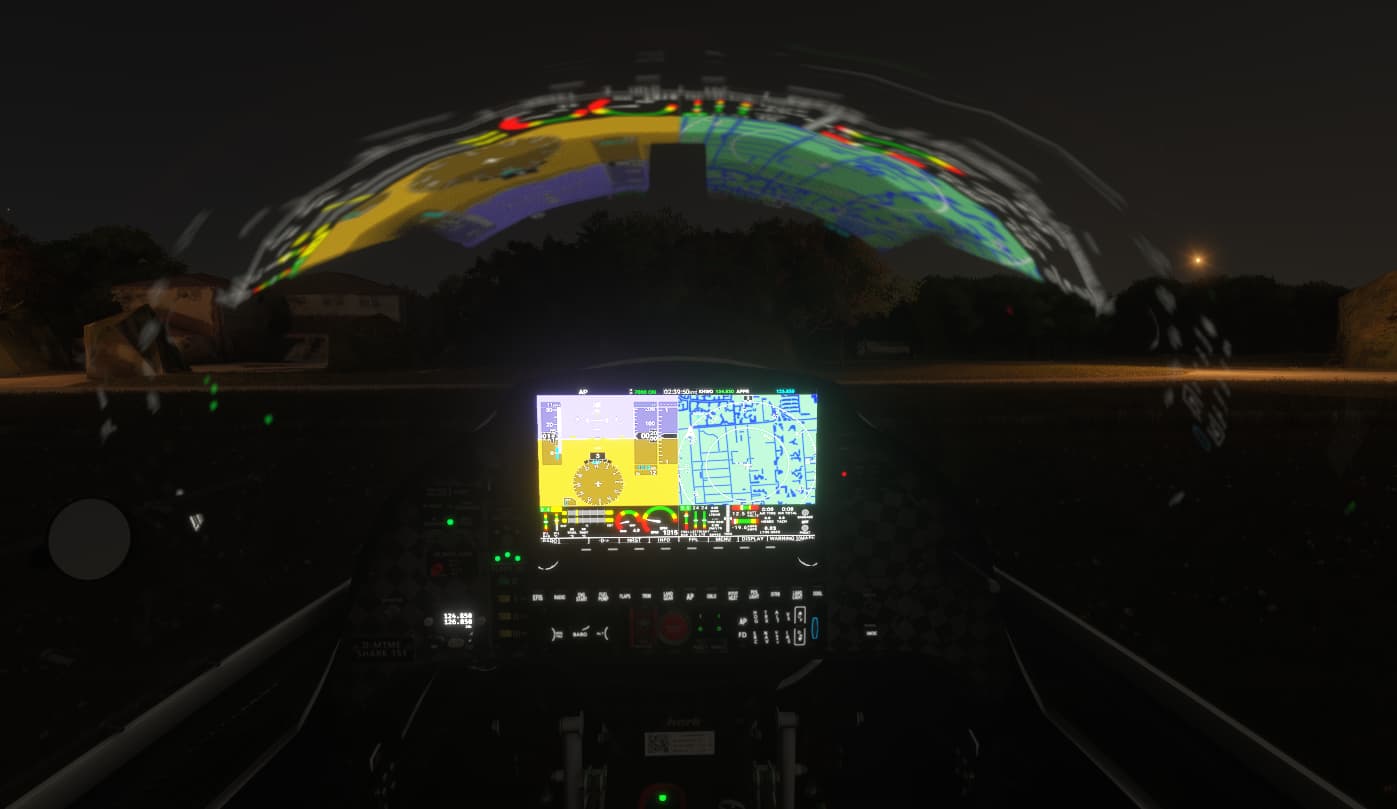
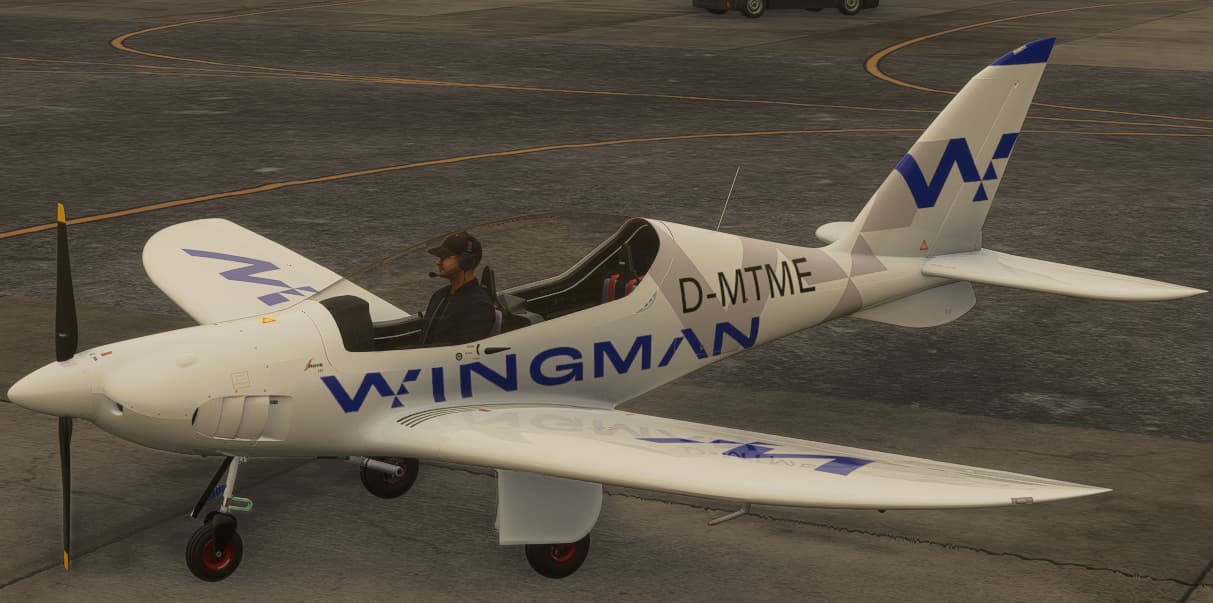
Some details on this plane:
https://www.sharkaero.com/specifications
Since it was only £5 plus tax, which for some reason didn’t come through on my email receipt, I thought I would give it a go.
The model seems very nice.
In the walkaround you can clip right through the wings, and tail.
External textures seem very well done, unless you get really close.
The canopy has some weird flickering on it. I’m using 2024 so that may be an artifact of that.
Internal texturing is quite nice as well, though flying at night could be annoying as it has those canopy reflections.
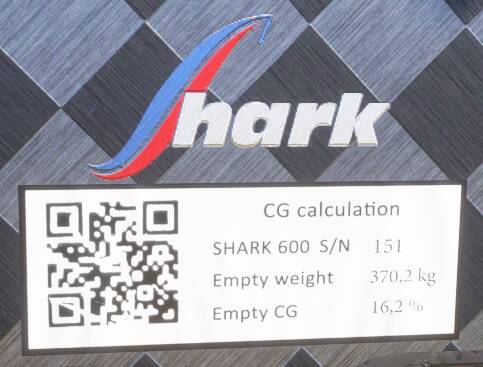
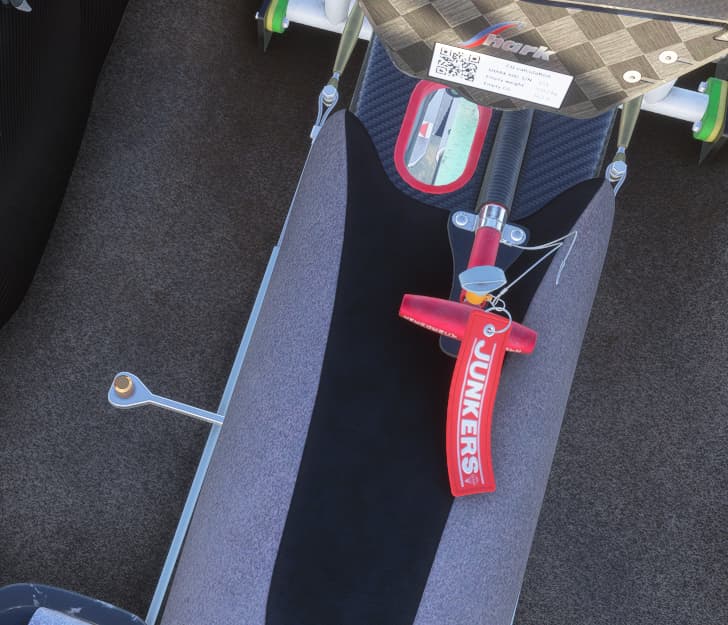
I couldn’t get this QR code to work though.
It has some weird quirks with the cameras. For example, if I go to one of the outside camera views, then back to the cockpit, my view has changed. Sometimes I am zoomed in to the panel, other times I’m looking down at the floor, but seems inconsistent in this. It may be something I am doing.
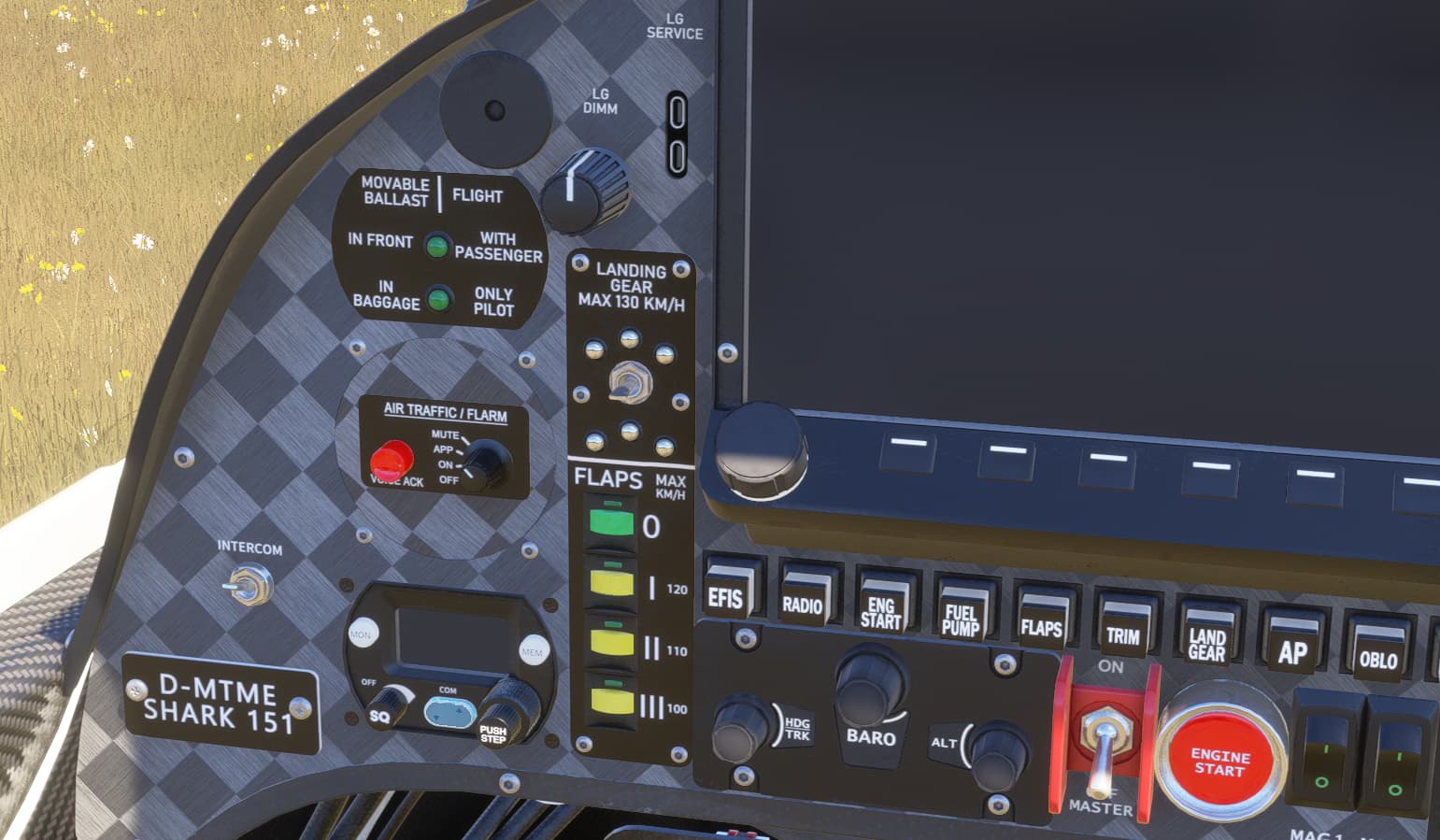
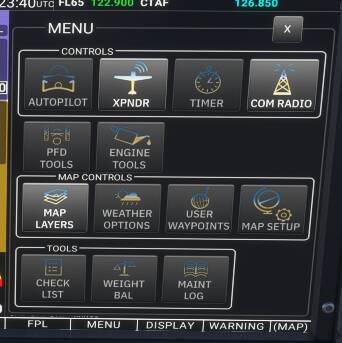
GPS is pretty bare bones as mentioned already. There are a lot of buttons beneath it, but only two of them appear to work. Actually scratch that, it’s only one, the Menu button.
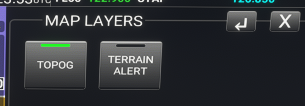
There aren’t many options here.
Changing the map layers options from anything other than the default will put you into an epileptic seizure.
Turning on Terrain Alert makes the ground on the moving map flash. Turning off Topog makes the entire screen flash even faster.
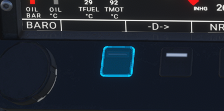
This button highlights but doesn’t appear to do anything.
COM radio appears to work okay.
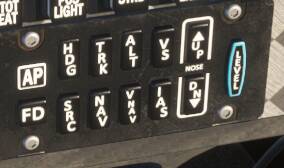
AP only seems to do HDG, and ALT. So you can set an altitude, and it will capture it, but you can’t use the VS button as it is INOP, like the majority of the others.
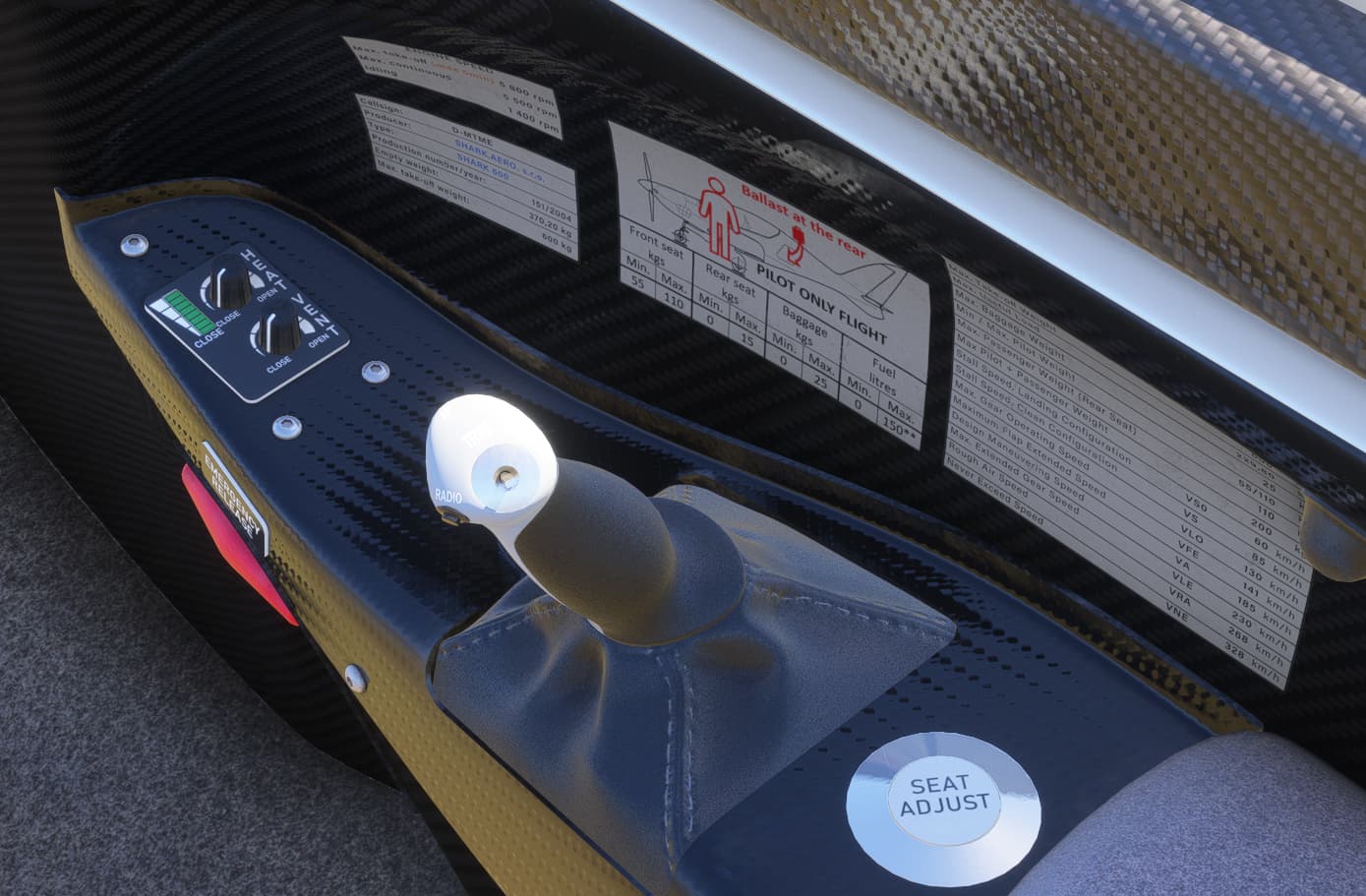
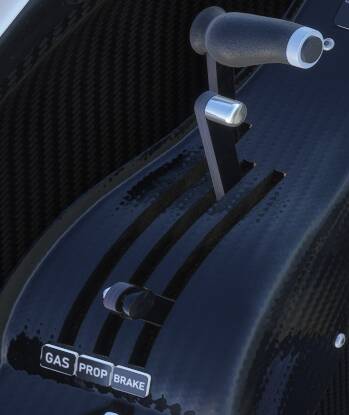
It has a Brake lever, next to the prop, and power lever, marked Gas here.
It’s not the Parking Brake though as that pops out from the centre pedestal when engaged.
I thought it might be an air brake, but moving it into either position doesn’t seem to make any different to my airspeed, or the external model.
Smoke works.