Exists. look under managed cache and you can manually download scenery for regions between low, mid and high resolutions. Bring a large disk
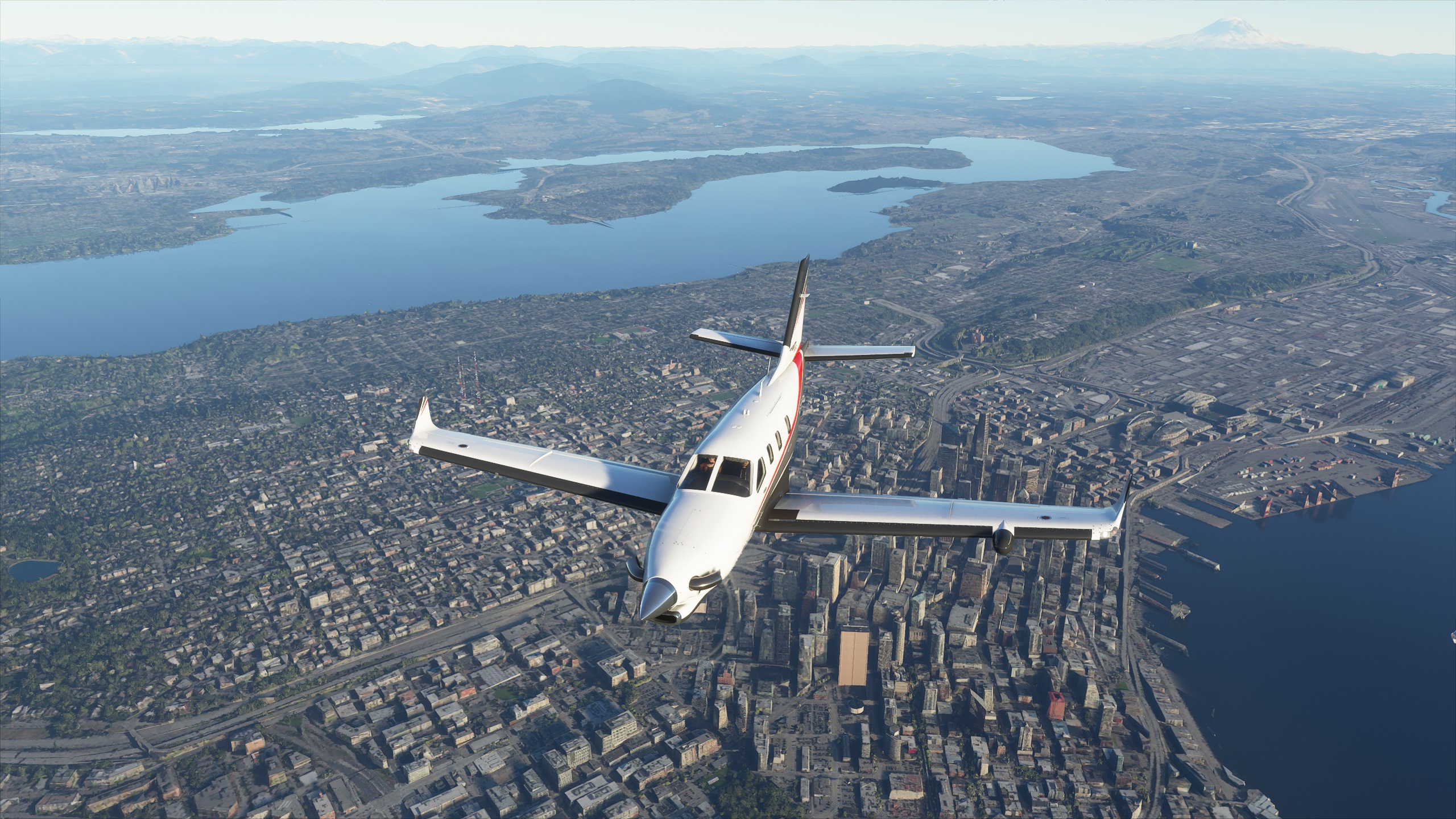
This video looks like a LOD much higher than 200.
And a little of the footage appears from a fairly high altitude. The LOD at 3 did make a difference on my PC, but I need some new hardware to push this sim. Your thoughts on this vid and crispy clear scenery?

It exists but it sucks, sucks, sucks, to use. 2 Main Problems.
#1 It needs to allow you to preselect the resolution and just draw on the map. Zooming in and out takes way too long when you want a high res cache of a city
#2 Once you build a few caches, the map loading lags terribly
It needs to be fixed before it’s useful, unless you are only wanting to paint very very very small parts of the world. Even covering a airport alone with ‘high’ takes far too long as you scroll and paint, scroll and paint..
So the 3090Ti with 24Gb RAM will come in very handy 
Thanks for the feedback. Saved me whole lot of time!
Yes that’s the conclusion I’ve drawn on the GPU… Plus 64 GB OF RAM…(I saw 45 Gb used in one test !!!)
For anyone that can’t get it to work, even after setting the usercfg to read only. Open the usercfg and look if the preset is saying Ultra (or any other preset) and remove that and type ‘Custom’
So now the user cfg should say: Preset: Custom
Save it, put it back to read only and now it works. At least for me. Somehow it won’t chage to custom if you have a preset applied in the settings. So it won’t read the new configured file with the higher lods.
Thank you, this turns out to be a good solution. It set both entries to 4.0 and it makes a huge difference. Ground looks so much better at high altitudes.
I put this up to 3.0 today but still had this issue.
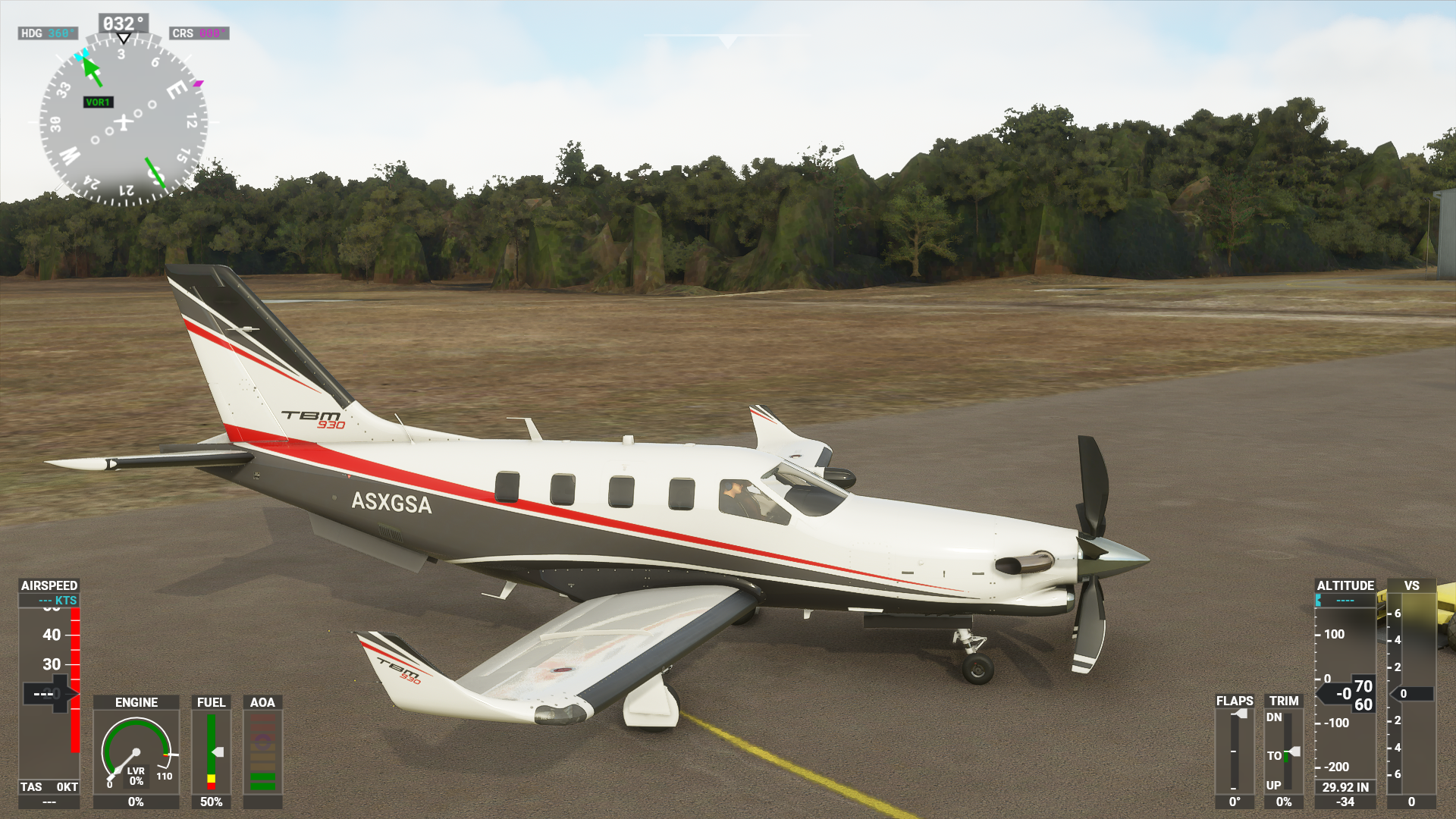
I don’t know what else to do, but when flying into smaller airports it’s rather annoying as there’s like 50/75 foot green walls (that are supposed to be trees) around the airport. The solution is turning off photogrammetry but I shouldn’t have to do that, and, the sim looks terrible without it in the areas that I’m flying.
I also have the entire area downloaded in high quality, and a rolling cache set up. Same problem.
Submitted a zendesk ticket 6 days ago, no response. This is the major issue for me right now, I have no problem waiting for the simconnect and wind issues to be sorted out, but this just makes the game completely unrealistic.
Does anybody else experience the same thing?
Done the same and it’s amazing now even at +30000 feet
I cant run even 3/3, and i have 9900k/2080ti/32GB.. Takes too much FPS.
2 works well for me. Much better than 1.
I have a 8700k 2080ti 32 go ram (4k) and in amsterdam I have 29 fps
What you are looking at there, no level of LOD is going to fix. That is photogrammetry and it just does not look good on the ground. Nothing that YOU can do will fix that.
So after adjusting my User.cfg file with LOD Terrain at 4 and Objects LOD at 3 I’m getting an average of 30 FPS on 1440p. Using Nvidia to lock my frames at 30. Better details of building and more Autogen visible further out to about 10 miles. My GPU (1070ti) performance throttles back a bit and my ram usage went up to 60-70 percent (32GB). Might have found the middle ground for now but it definitely seems much better than before.
Also I’m constantly downloading in the background. Before it would only download once every 5 mins or so…
That’s crazy. Some of the airports I can’t even taxi out of because of how close the green walls of ridiculousness are.
Have you tried just turning the photgrammatery off completely, when there’s areas that bad close to an airport I tend to just fly with it off and let the AI do the work
It’s a trade-off. My local airport looks quite bad. However, once I take off my area is just beautiful from 200 feet and up. It is truely VFR and everything I know is there. I think what happens over time is that airports will get updated to not be photogrammetry. That may happen slowly via Asobo or likely through 3rd parties. With that said, I spend more time in the air around my home field than I do on the ground so I just kind of deal with it for now.
I have the same specs. FPS are a little lower, but still 40fps.