I just stick to 4000 per eye. This is running in TAA mode via VD.
1 Like
cool!
And mostly Ultra settings in the sim?
72hz?
A mixture of high and ultra and 72Hz in he headset using SSW.
1 Like
72hz would be the most perfect performance related setting, but…I’m the sensible one  . In bright environments/sky/clouds I can see a flickering.
But 80hz works great for me.
1 Like
Same here.
Oh… Eyes are funny, I can’t see any flickering at 72hz, at least not on the Quest 3.
But 80hz is great too, I’ve been using 80 and 72 for a while.
1 Like
I’ve set mine at 120Hz and just let the sim do its thing as frame rates fluctuate. I know I’m not maintaining that, but is there a benefit to that vs arbitrarily locking at a lower frame rate and leaving performance on the table?
1 Like
Actually, just checked and headset is running at 80Hz.
SOLUTION FOUND: AirLink or Direct cable works fine after rolling back the nVidia driver to version 535.98. I have occasionally allowed the nVidia driver to update - sometimes the link breaks afterward. I roll back the driver and everything works well.
Don’t know how to create a new topic so will put this here because this is the headset I’m using.
I lose functionality of LT, RT, A, and B on my XBox controller whenever I look at anything interactable.
LT - Left Rudder Axis
RT - Right Rudder Axis
A - Throttle Up
B - Throttle Down
I removed all other bindings.
When I look at the nav panels - I lose function of those buttons and instead they try interacting with the nav panels
Pressing C does not create a new topic and I don’t see any buttons to creat a new top, any assitance is appreciated. shrugs
Have a question as a Quest 3 newbie coming from the G2.
(5800xrd, 4080,32gb), VR medium/high, Link cable
At 90Hz with 1.1 resolution and ODT all default except Pixel Density at 2, the performance monitor shows me that the Headset is trying to maintain 22.5, 30 or 45fps (1/4, 1/3, 1/2) depending on what plane I use and where I am in the flight.
This leaves me with the best clearity I have so far seen in VR and it’s like the ‘set and forget’ solution because it looks very good from 22.5 to 45 fps, no stutters.
Does that mean the headset is doing a great job managing the fps automatically and all that tweaking (hate it!) is not worth it?
@GrapeJuice12345 As much as it is a pain to tweak settings, this will usually give you the best results imho. While doing this you should learn to understand the effects that settings have regarding clarity and performance.
With Link I’ve found it best to avoid relying on ASW to find its own fps as this can cause stuttering and artifacts. I have similar PC specs and I’ve found it best to use 80Hz refresh rate with the res slider fully right. I only add a little pixel density (1.20x) in order to improve cockpit clarity when using DLSS/balanced. I also use the Force 45fps option and, with 80Hz refresh this results in a fixed 40fps (without ASW) with smooth performance and good clarity.
Up to you but since you are fairly new to using a Q3 I suggest you at start off with the settings I’ve found work well with both my Q3 and QPro using Link.
Anyway, good luck mate and cheers.
Many thanks for your detailed response, will definitely try your settings.
1 Like
I think this is probably the right thread to post this.
I have a Quest 3, 7800X3D and a 4080 super. My limited experience with VR has been frustrating and I’m sure it will never end. At first I used the Octalink but ended up going down the VD route where I have a dedicated router just for the Q3. The VD is far better imho than the link. I have tinkered with all settings, apps etc but having become quite satisfied with what I had got ther have been stutters developing every 3-4 seconds in VR. Normal 2D is unaffected.
I have searched high and low for the cause but still cannot figure it out. I will reinstall W11 once FS2024 is released and start again.
Secondly, after watching countless videos on Youtube I look at the screenplay and it often looks amazing akin to what 2D looks like. Although, the cockpit on mine looks fantastic in VR I find that outside the cockpit it is nothing like what I am seeing in the videos.
I have messed around with all the settings but nothing has come close. Do other people experience the same? I thought at first it was the battery saver issue but this wasn’t selected and just in case I sent the Q3 back to Amazon to be replaced. The second Q3 is exactly the same, both boxes were sealed and protection for lenses etc in place.
I would be grateful for any Q3 users to let me know your thoughts or experience with the Q3 display in MSFS.
quest 3 with link cable here. AMD 7900x3d and 3090 nvidia.
msfs was absolutely stutter free until SU15 arrived. now my subjective feeling is that something is borked. stutters and low fps in landing sometimes which i did not had before. but i am not going to do enhanced trouble shooting, either they get it working or if not then also fine, will do more x-plane then.
1 Like
Remember the capture in the videos on YouTube are 2D captures, they aren’t representative of what you see in the headset. On your screen, each pixel is, say 1 metre from your eye, so takes up a tiny degree of your overall field of view. In the headset, those pixels are a couple of inches from your eye and the overall picture takes up around 100 degrees of your field of view, so the pixels appear much much bigger and therefore the image doesn’t look as sharp. Don’t expect the same clarity in your headset as what you see in 2D videos.
As for your stutters, do you run any monitoring software, like MSI Afterburner? The only thing which cured my “major” stutters was turning this off. Of course, there are smaller stutters when you are pushing your hardware to the limit, but the really big ones I had were caused by Afterburner.
1 Like
Hi there,
only VR pilot here, using 7800X3D OC, (for testings) 7900XTX, Quest 3, Win 11.
Quick feedback:
Made a fresh Win 11 installation, OC my CPU and RAM, using Quest 3 (80 Hz) with link cable, Oculus tray tool. Nothing more.
Result: Get the best mostly stutterfree flights since flying in MSFS.
Happy landings
Ron
3 Likes
Thanks for your input and advice.
Never worked for me link cable. I have 7800x3d and 4080. Care to share how did you oc cpu and ram ?
Youtube will give you all answers…and depends, which mainboard you use 
My example: OC and undervolt 7800X3D on ASUS ROG STRIX mainboard:
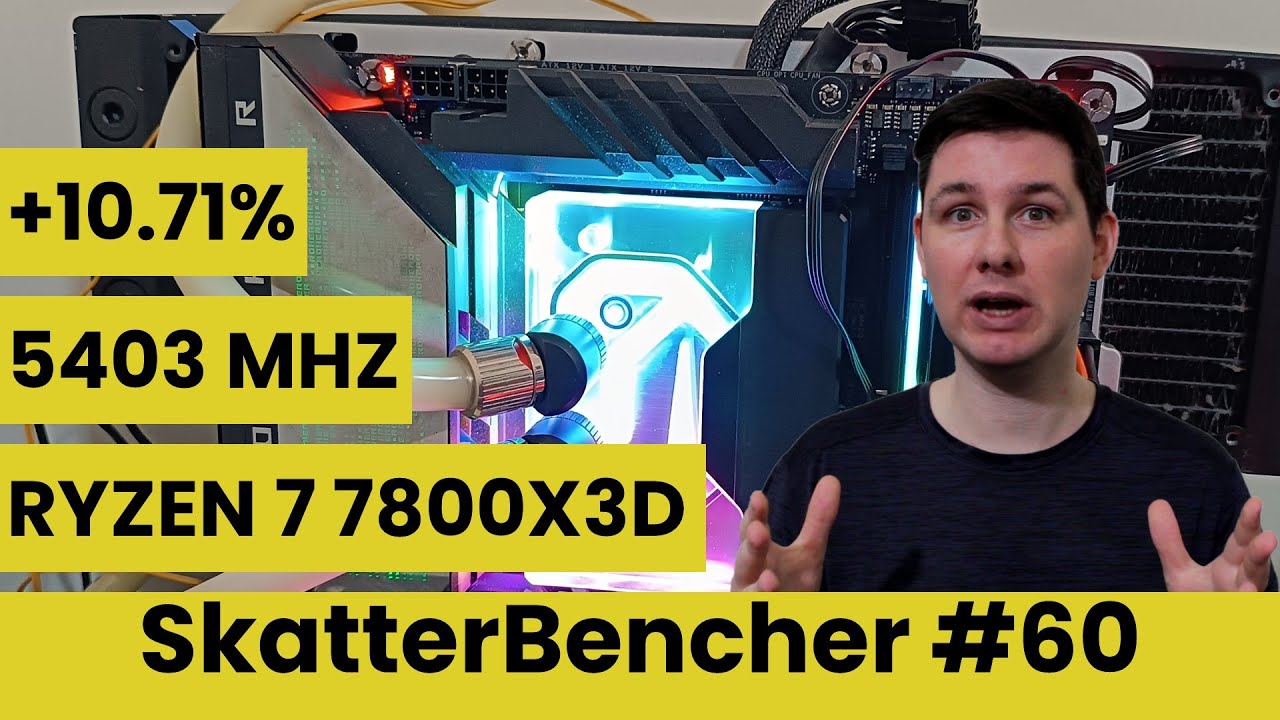
OC your RAM:
Enable the XMP profile in your BIOS
Have fun
Ron