RMA. see screenshot from help desk
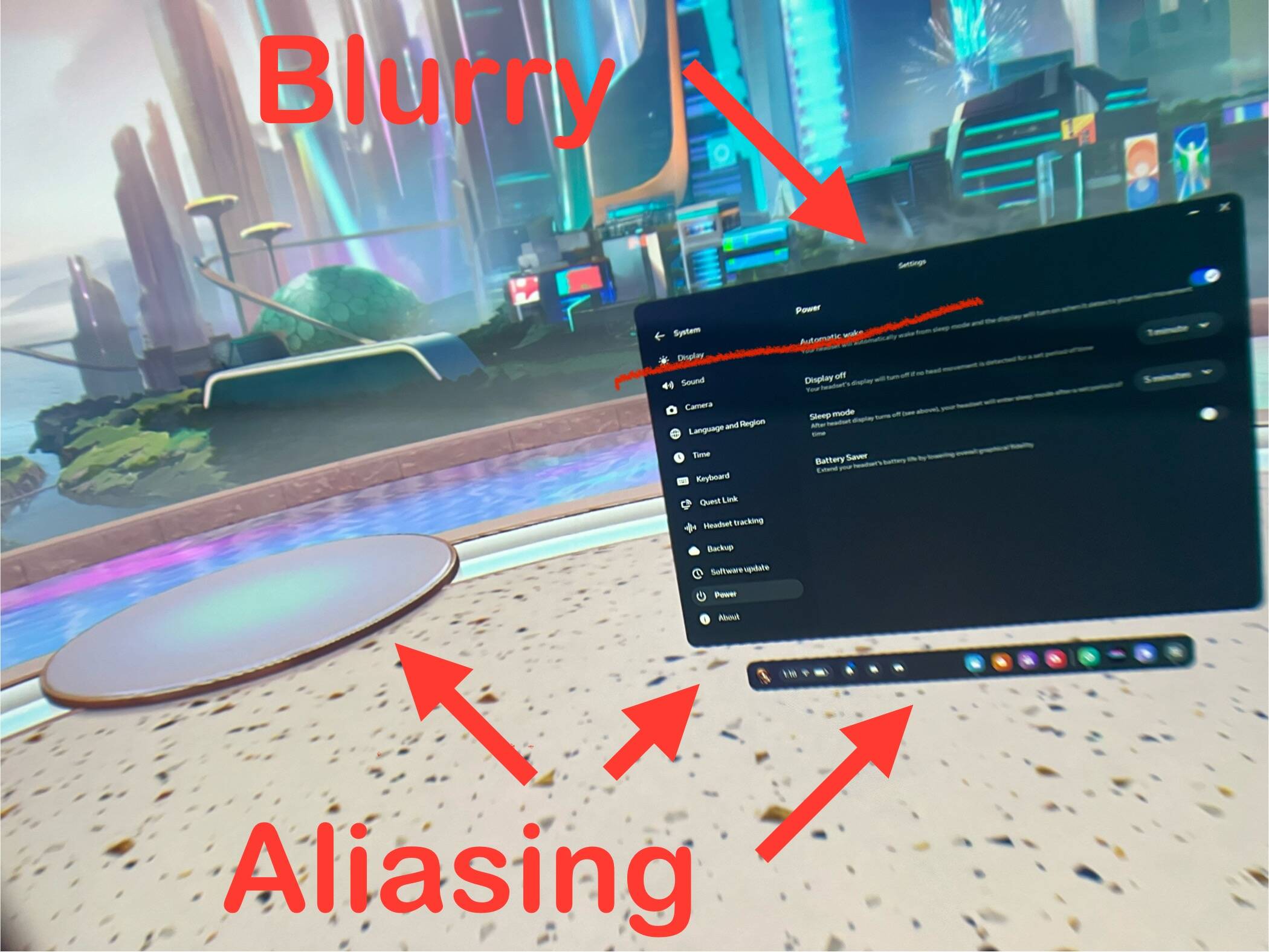
If you are enjoying it, that’s all that matters, don’t stress. Just keep the power saver turned off. If things look very aliased, that’s what it is.
That’s the bug.
Interesting. I wonder if the bug is only on wifi. I was using virtual desktop but didn’t try link cable.
Using 2 handcrafted airports LJLJ and EDDM. Both are very predisposed for antialiasing. I don’t see the same intensity of shimmers as I’ve already experienced.
■■■■ !!! I have this !!!
I’ve watched closely some videos and they are sharper…
I,ve then decided to do the ultimate test : put the infamous power saver switch on. Nothing changed…So I was already in low res mode.
I’ve emailed meta support. I know there is actually no fix but I want to be a drop pushing to a solution (I can dream…)
RMA. That’s what I did. Their support knows all about it if you say power saver bug. They will pretend they don’t know about it and do some lame trouble shooting and then they will admit they know about it and send you a new one.
I have the aliasing on the podium bases but text appears clear, so I am unsure if I have the problem or not. Don’t really want to turn on battery saver mode and then actually create the issue I might or might not have !!
Thats the point I am at too.
I spoke to Meta, they said , turn on power save and see what happens, ummmm, not without any indication of an imminent fix
I did, and it changed nothing.
(or nothing changed…)
Guys, maybe a little visual help for you to get a more crispy/clearer visual in VR (and in the Quest 3 - with or without this bug).
By chance I just noticed that the image becomes sharper if you set in OXRTK > System > Field of view: Simple > Adjustment: +/- 85%.
If you lower the percentage < 85% the visible image will be smaller, you will get a black frame in your view, the visuals become sharper and sharper.
85% gives you sharper visuals without a frame in your view. It’s worth testing!
PS: Unfortunately it doesn’t improve your performance
Yes, I have set mine at 85 for a while now. This works best in conjunction with an amvr facial interface.
I have the aliasing, text is ok, if I got to YouTube app and select a HD video it looks amazing, so I don’t know what to think
I’m thinking if it looks mostly ok, then you are fine. A lot of VR scenes like the Meta home scene are probably just low resolution since they aren’t really meant to be high fidelity. There’s no need when you only use it to get jumped off to other games and videos.
The best way to know is to switch the battery saver on and to see how it looks in low resolution and in normal resolution. I did it. And there was no change !
And I first believed that my res was normal.
Some apps can activate the battery saving options and also an overheating of the headset. An Meta said that with battery saver on, the resolution in the center of the screen should not be affected.
I found out there is a site hosting all the firmware update files for the various Quests. The site name is a little suspicious sounding, but people on Reddit are saying the guy running it is legit and respected in the VR space. I won’t link it here due to the site name, but not that hard to search it out.
Anyway, I’m wondering if anyone has tried downloading and side loading one of those firmware files to basically re-flash the system in an attempt to fix this bug. My thought is a factory reset can maintain corruption, but re-flashing may re-write everything and overwrite the problematic code and at least restore performance until an official bug fix is in.
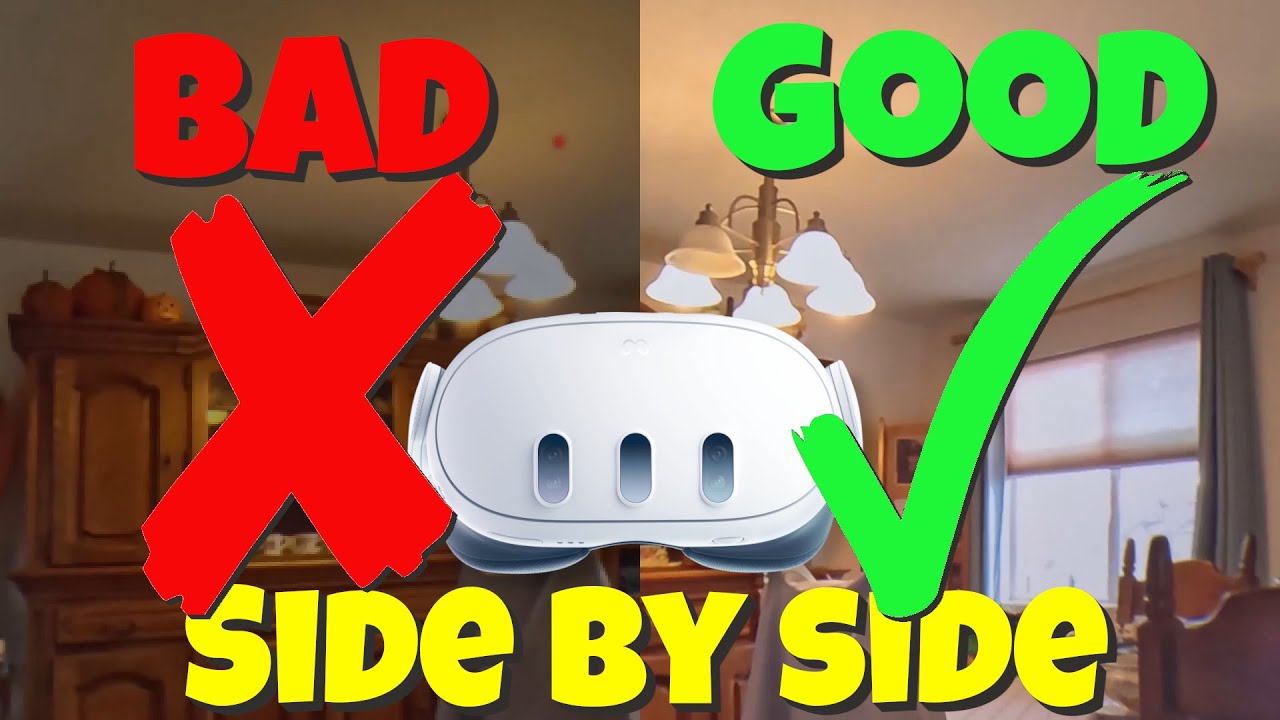
I guess in some respects that it’s a testament to the power of the Q3 that i didn’t realize I was impacted until I did some thorough testing. Here’s a decent side by side comparison of what pass through looks like with and without the bug in effect.
That video was still a bit hard to tell other than the display dimming with battery saver on (though you can at least manually turn up the brightness), but here’s another demo video of pass through on a correctly working headset that shows a lot more detail than I’ve ever seen in mine.
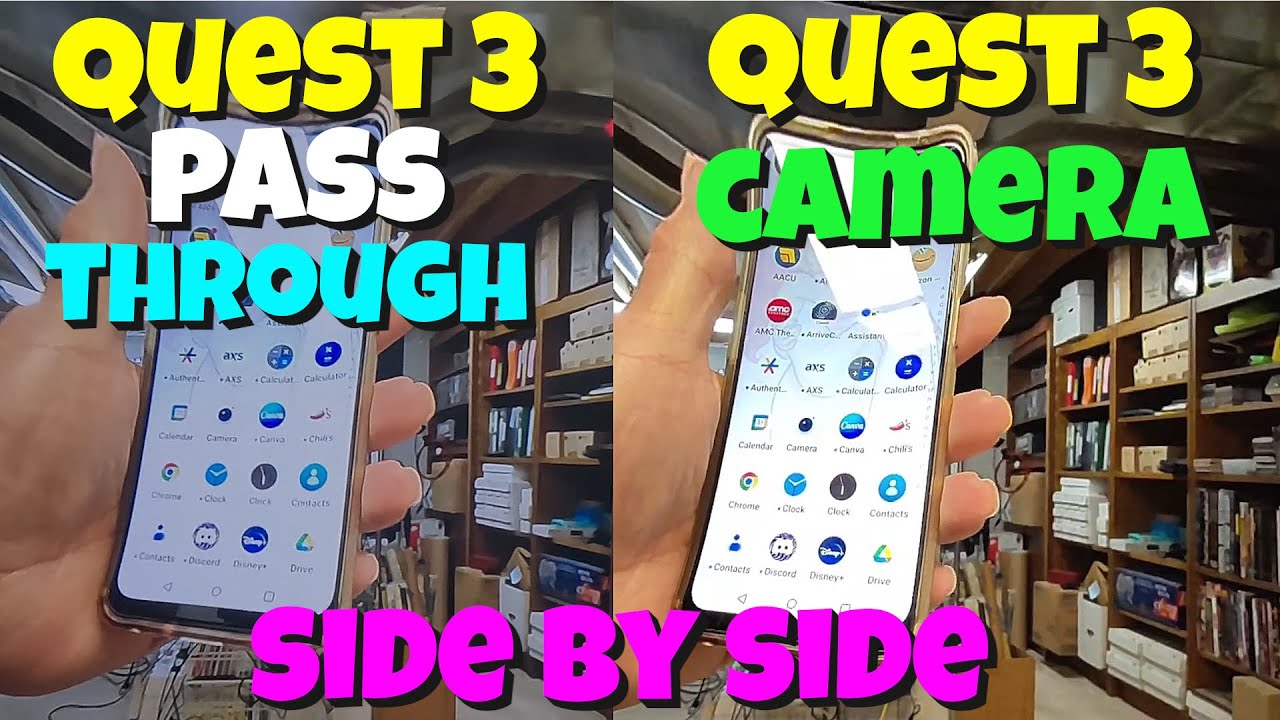
Looking at those videos, I think my Q3 may have the bug, the pass-through looks very grainy and dim, I’d struggle to read my phone through it.
Are you looking at your monitor (I mean the monitor is in front of you) when you use pass through?
If so I think the refresh rate of the monitor (unseen to human eyes) really messes with it. I have the same but if I look at other parts of my room it’s a lot clearer.