Asaaaah, thx that was the problem. For some reason I got the main archive with everything inside… thanks for the hint!
1 Like
You’re welcome, glad that helped.
1 Like
Ref G1000
When VS mode is activated, does the G1000 set its initial VS to the current VS of the aircraft ?
If so “please” what is the js code line that gets & sets this ?
Been evading me all day 
1 Like
Autopilot failed on turn to final, and then instruments froze up, landed manually as plane controls on C208 were not effected. Is this just a ongoing sage, or issue with the WT G1000 Mod since the last update?
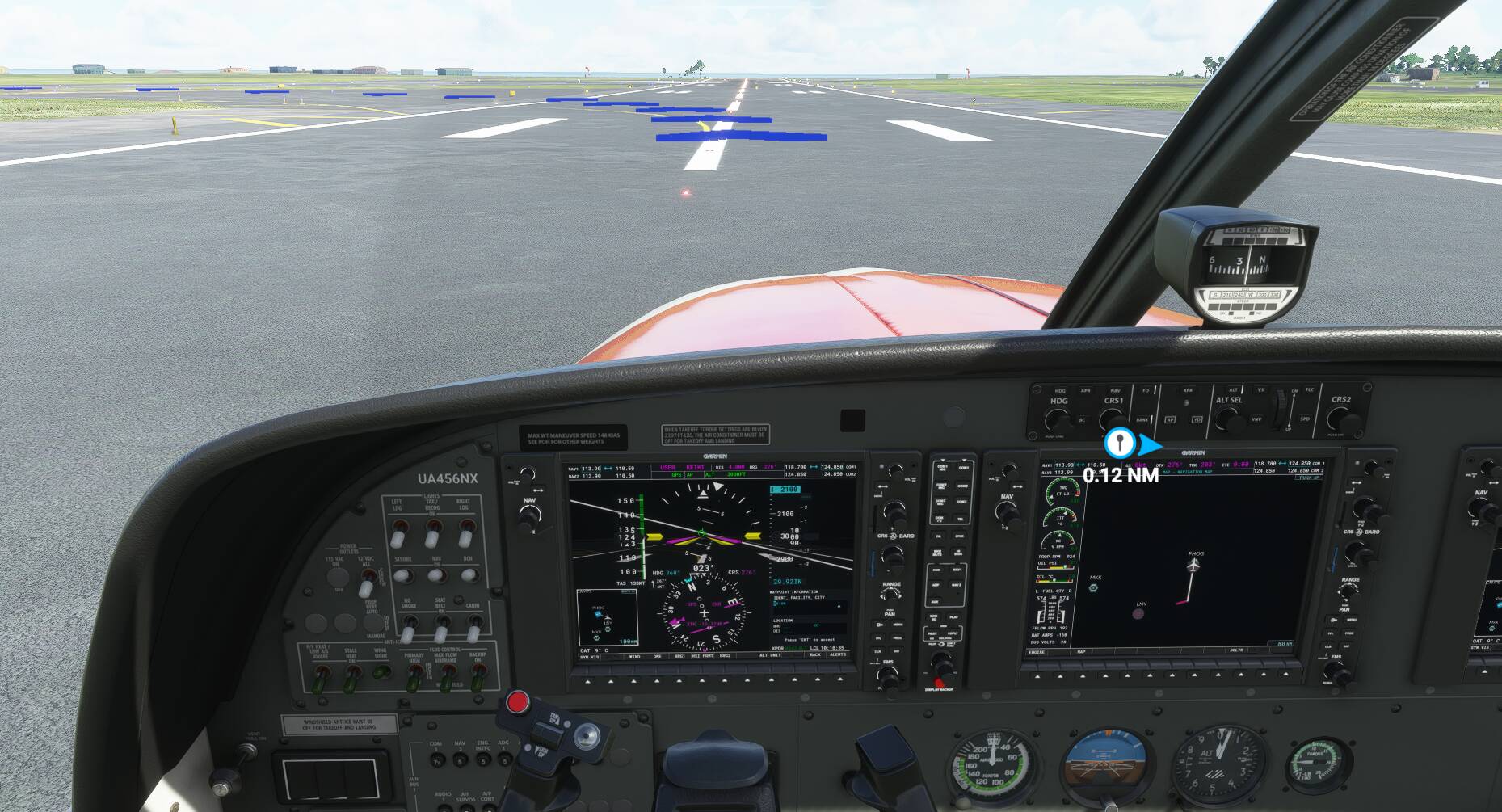
anyone else having issues sometimes with the zoom function on the map with the G1000? when I click the knob to zoom in or out, it sometimes just keeps on turning, zooming all the way in or out. I can actually can see the knob turning.
I have seen this with both the Bonanza and DA62.
Yeah, that can be added. 
It does not; we intentionally isolate as much code as we can to avoid messing with other mods (or having them mess with us) to the greatest degree possible. It wouldn’t be difficult to apply the same changes globally if one were interested. I’d be happy to give advice on that, but I wouldn’t want to be the one doing it / maintaining it right now; I have enough other projects on my plate already.
Your understanding on the limitations of hardware inputs it correct. I’m not sure what you mean by the last bit, though. Is there something new that you are now unable to do, but you don’t have to if you cycle the avionics bus?
Let me check on that after work and get back to you on it.
I’m fairly certain that’s just Asobo doing Asobo Things™. It’s really had to try to troubleshoot things like that in this environment though.
That’s an odd one. It sounds as though for some reason your sim is missing or failing to process some mouse events. I’m pretty certain that’s not due to any change we’ve made as we don’t modify anything at that level, but it’s still frustrating to hear about. Perhaps larger hit boxes for the controls would help? It’s something I’ve been meaning to look into doing.
This sticky button/scrolling issue has been happening universally on all aircraft since the patch. It’s on Boeings, TBM, Garmin units, anything that involves knobs.
Thanks, much appreciated.
Keeping your own code specific to your own Mod would seem to be the safest.
eg,
Your fastToFixed is left justified, I needed a fastToFixed that was right justified (ie so DP stayed in a fixed location) so even if yours was global, it would not have been correct for my use.
Global mods would be a nightmare maintenance issue for all involved and make one mod dependent on another,
Hi @ZeraKnight , I hope I’m not sounding like an impatient little b*tch, but since I’m one, here it comes : any update on the display performance improvements you taunted us with last month ? 
Thanks for your work (past and future) with the WT team !
Feature-Future inquiry:
Would there be plans to emulate the Nxi feature of virtual glide path depictions?
Thanks!
Still working all day on getting the rebuild done, it’s a lot of work unfortunately but it’s really getting there.

Here’s a screenshot of the PFD as it stands currently. Altimeter has now been fully rebuilt along with the HS Indicator and Attitude indicator. The airspeed is mostly all that remains here.


Some window previews.


I’d show airways too but I’m currently refactoring them a bit
17 Likes
Wonderful ! I’ll shut up and let you work now, thanks for the feedback.
2 Likes
Pst, if you want to keep up to date more on it join our discord  Working Title Simulations
1 Like
Oh of course … I will !
Any way the Kingair 350i can get it’s weather radar that Asobo have left out ?
1 Like
Yes, but with a limitation. Since the King Air’s MFD setup isn’t modeled correctly (because in reality it’s a ProLine system) there isn’t a “menu” key to pull up the map menu. I’m going to be adding a workaround for this in a future version.
However, someone else discovered that, due to our settings storage and the way the MFD initializes, if you turn on weather radar on the PFD when it’s in “split” mode, the next time you load the plane the MFD will have it, too.
Obviously that’s far from ideal. But’s an option until I model an alternative method.
3 Likes
Looks amazing. 
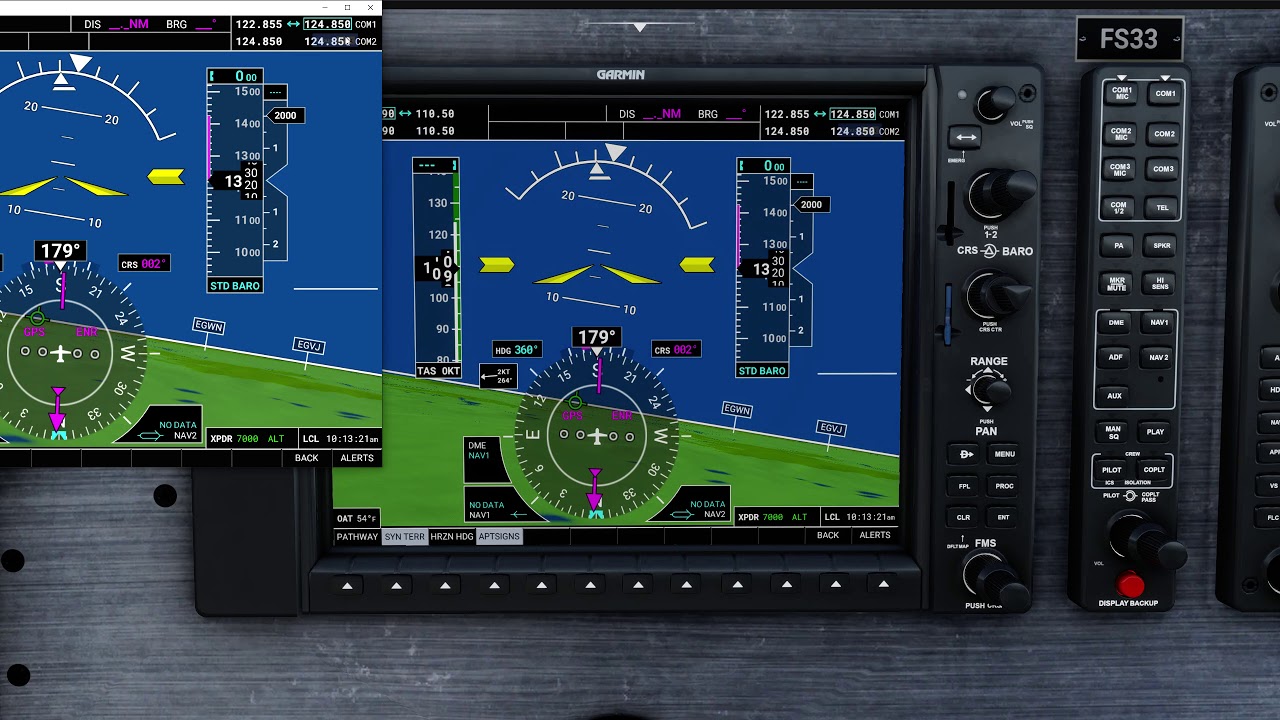
Annoyingly my flight path marker broke and I had to restart but here’s a video showing some of my PFD work
3 Likes
While using the Caravan with no addons, while in the MFD screen, with the FREQ hi-lited. If I place the mouse on the right knob and press the mouse button, the game locks with the mouse frozen. Only complete power shutdown ends the game. Happens every time.
Hi, Can anyone help, I’ve download the three mods, G1000, G3000, and GX lastest versions to community folder and also labelled them “00” so that they load first but in the aircraft I am getting blank screens.
How do I fix this, any help appreciated