Are you in 2020 or 2024?
Have you tried uninstalling it and reinstalling it?
I assume you started at a parking spot?
Are you in 2020 or 2024?
Have you tried uninstalling it and reinstalling it?
I assume you started at a parking spot?
Yeah, if you’ve got the yoke on, that’s going to totally affect your feeling about how it feels in roll given it looks to you like you’re turning more than you’re used too. But, even without that, I’m only familiar with Pipers for low wing aircraft, I agree it feels slow in reaction to roll input, and I had the yoke turned off.
The problem with depending on flight simmers for beta testing is they often have opinions about flight dynamics that don’t translate to reality. I think I understand you to say the Grummans actually are “twitchy”? Which makes sense because their fuselages are relatively short. And wingspan. It’s also super hard to get feel right, too, because there’s zero physical feedback. The problem for developers is flight simmers are their target market, lol.
On a side note, It’s not a big deal at all, btw, but I’m more used to individual control of the yoke visibility, personally. But, really, that’s a 6 of this half dozen of that decision.
In 2024 and I have just reinstalled it. My starting point was EHRD and I also tried Brac island. I am truly out of ideas why the AA5 does not start without the engine covers. Maybe I should try flying with these two little flags in my front view…? Help!
Hi!
Yes it’s happening to me as well. Make sure you use your up and down arrows on your keyboard along with the ctrl key to position yourself. I thought it was my controllers but to your point, I think this is a glitch
I love all that you have stated here. I was a beta tester for JF’s Arrow since I have real time in an Arrow. The developer kept sending me files to try until he “nailed it”. To this day, I still take pride in hearing the excellent reviews for this aircraft since it behaves so nicely in the sim, knowing I helped to play a role in it. I also love how quickly the developer jumped in and addressed each of your concerns, so again, thanks for your honest review!
/plays “Brass Bonanza”
I wouldn’t say “twitchy”, but rather “sharp”. Where a Piper drives like a pickup, a Grumman drives like a sports car. It’s because of the torque tube’s, instead of cables and push rods. So control and feel is very direct. Again, I have no idea how to translate that into the Sim.
I would say more authority
@BlueSky6514 Thank you for your wonderful aircraft! Over a year ago I wrote to JustFlight suggesting they do an updated AA5 to fill a niche in the market. You just hit one out of the park in case you don’t know that already.
A thousand years ago I was a creator of panels and aircraft myself. If you’re gray & decrepit like me and have been in the hobby for a few decades you might remember PROPELLERhead panels & aircraft aka PhD Panels from version 5.0 through FS98. After Microsoft put out their first SDK (hard to compete against free) I broke away from sims completely and finally got back into the fray after I retired thirty years later. Of course, the design bug bit me again. My first foray into modifying was improving, as best I could, the BRSim Design Tiger. I’m not going to knock it. Everyone knows its drawbacks. But it was from another era (FSX originally, I assume?) and I’m sure it was a groundbreaker at the time, but that time had come and gone.
So once again thank you! And, since you asked for input here’s mine. This is what I have found so far.
2020:
- Collins Audio does not identify Morse code in either the VFR or IFR panel configuration. I didn’t check the comms (COMM 2) but maybe an issue too? The FS Engineering and G1000 worked fine regarding NAV ID’s.
- Range rocker switch on GNS430 is reversed. Up arrow should increase range and vice versa for the Down.
- Century AP is buggy at best. I do realize it’s a glorified heading hold. It did work with both NAV 1 & 2 however it somehow seems to prefer NAV 1. Not something I can really put my finger on but it sort of “ran home to mommy” when I switched to NAV 2 once I was already established on the NAV 2 radial heading toward it (course heading between the two VOR’s was about 20 degrees different). On both 1 & 2 it would do fine for a while and then started drifting away from the course even though I had zeroed out all wind and had standard altimeter and temperature set at 3000 feet. Wing wasn’t dipped. I also was not using HI as I do understand the difference between ballpark and approaches. I did all as described in your manual. It did work and then it just got to a point that it appeared to decide on its own “I’m outta here!” It started drifting while still about 30 miles out in the case above. I let it get off course on its own a few times and eventually it would do a gonzo turn back to intercept…that’s when the airshow started. 
2024:
Disclaimer: I still hate 2024 but am getting used to it in fits & starts.
- All issues appear to be the same as in 2020. Although on one occasion the NAV’s did not work as if they weren’t picking up any signal but I chalk that up to 2024 and not the AA5’s. They worked fine this morning.
Wishlist:
- Old style knobs as an option for the throttle stack.
- Add a DME to the GNS430 panel option. Only way to see DME is if you show direct to a navaid using the GPS (not VLOC).
- Make the map light movable.
- Brighten up cockpit lighting just a tad. Aim more toward left edge of pilot side panel.
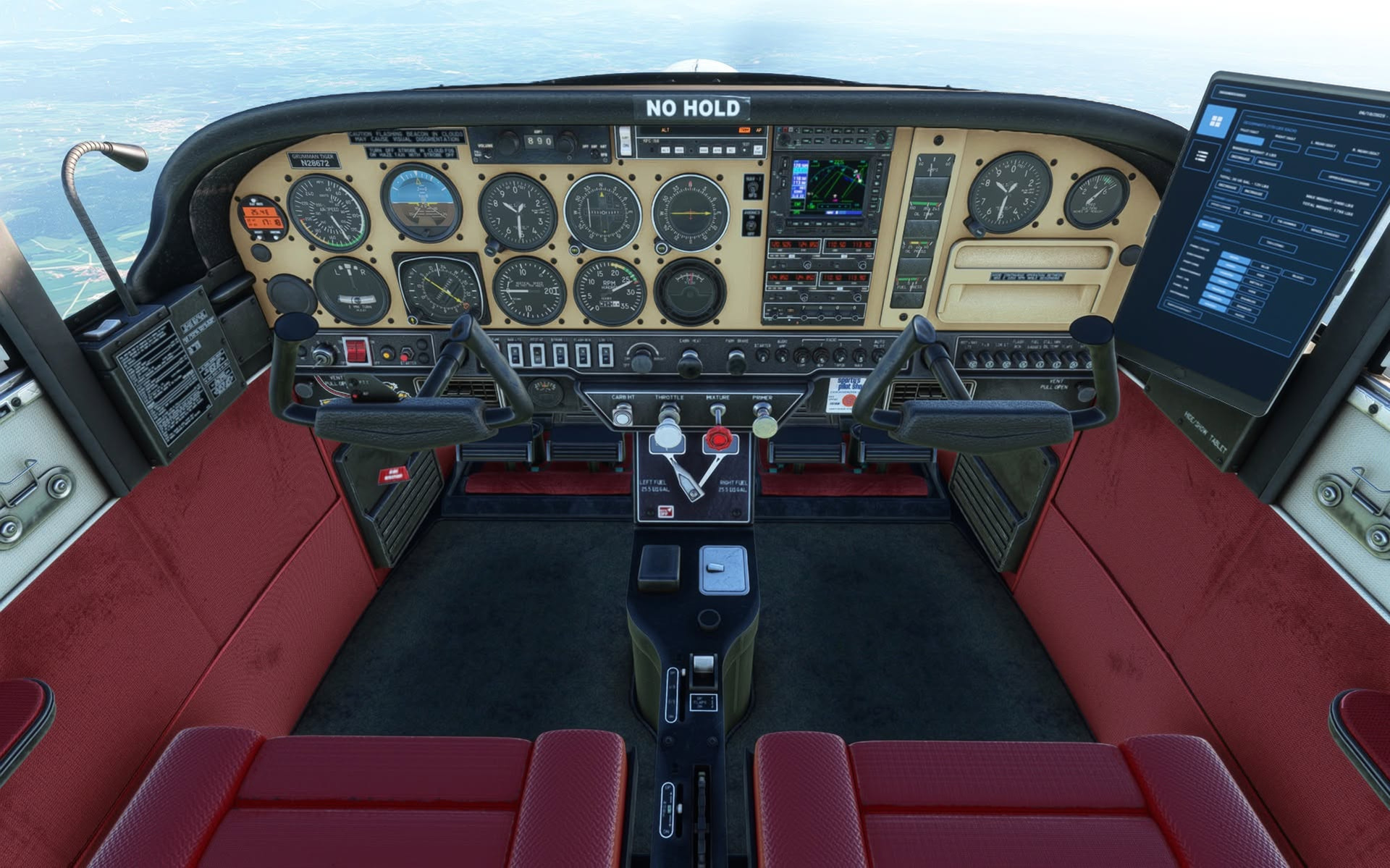
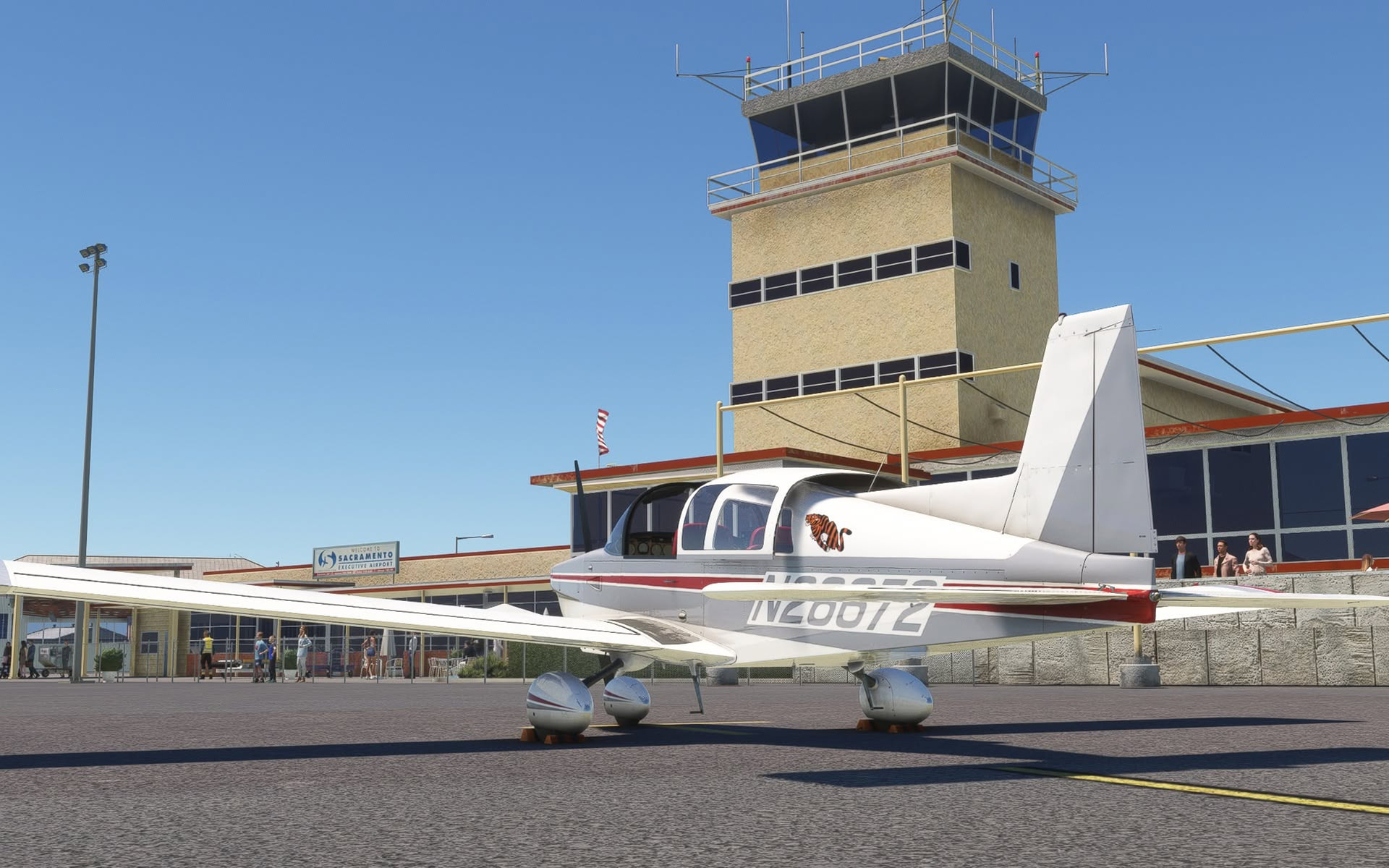
Well, that’s it for now. Below I’ve attached a couple images of my mods to the old AA5. I tweaked the engine.cfg on that one too. I spent at least 100 hours on it using Paint.net and very sloppy texture files. Half that time of course was waiting for the sim to start up after each adjustment. Also include a shot of one of the sets I made for Cessnas of my old PROPELLERhead stuff. I had various other ones as well. Had to do a lot of trompe l’oeil (fool the eye) back then as I couldn’t break apart the radio stack. BTW, I used to work at that tower as a controller in the Grumman shot. Cheers!
@BlueSky6514
Would you consider support for a TDS GTN650 option to replace the GNS430 in the “modern IFR” panel? That would be an extremely common mod , these days as the GNSs are no longer supported by Garmin.
I also noticed that the new Expert Series M600 from FSReborn has a GI275 as the standby instrument… is that something that’s now supported by WorkingTitle?
Tried everything, but I cannot start with engine covers removed. Very disappointing. BUT I found that beginning on the runway is an option: engine already running, engine covers already removed, G1000 and it flies! Very unrealistic of course but I can live with it for the time being. Hope the developer will find a solution for this somewhat weird issue. Thanks in advance. Ben
I’d rather the PMS version, but this would be a nice alternative.
You actually beat me to this suggestion! I was going to ask for a TDS GTN Xi 750/650 combo option(or freeware PMS50). Because this plane is IFR and the 750/650 are the hottest items out there, even older model planes in the sim have them nowadays. They make navigating and shooting IFR approaches a breeze. This is the first plane I have purchased that doesn’t have it as an option. Whenever I am eyeing the specs of a release and if I don’t see that as an available option, I will skip the plane altogether. But I really wanted this model.
I’m really enjoying the plane, but one small problem: I can’t find any way to add my selected 2024 co-pilot to the plane, although I can add rear seat passengers (the co-pilot seat doesn’t show in the EFB, and adding weight to the co-pilot seat using the Legacy Weight and Balance mod has no effect). Hardly a deal breaker, but I find it a bit more immersive at times not to fly alone.
The other request is more a matter of personal preference: I wish there were one or two generic liveries with each variant that had dynamic registration, like Just Flight did with their Tomahawk. I suppose most people don’t even notice, but for me, it always seems strange, for example, to to be flying a GA with German registration in Northern Australia.
Anyway, a great little plane to sight see across the world.
Hello, I too am having the issue where I can’t see the copilot visible, but I also have a corrupt install file. I went to JF forums but I haven’t seen a subcategory for the Grumman AA5 yet. The reason I know I have a bad file is that the manual which allows me to make the changes to the panel, wheel pants, etc. doesn’t work. Only one page shows. So I decided to download the 2020 version and install it into 2024 and everything shows up as it should. However, I can’t click the exterior features from the walk around, it has to be done from inside the cockpit.
Oh I notice.  It’s why I haven’t bought this plane. There’s too many other planes that do have it for me to settle for ones that don’t.
Seems like a great plane otherwise. I love the idea of opening the canopy and sticking my head out in VR to look behind me 
Yes happening to me as well. You can open the view menu in VR and select Pilot and it goes to the seat position but if you go to the menu or an external back looking at the back of the pilots seat you go.
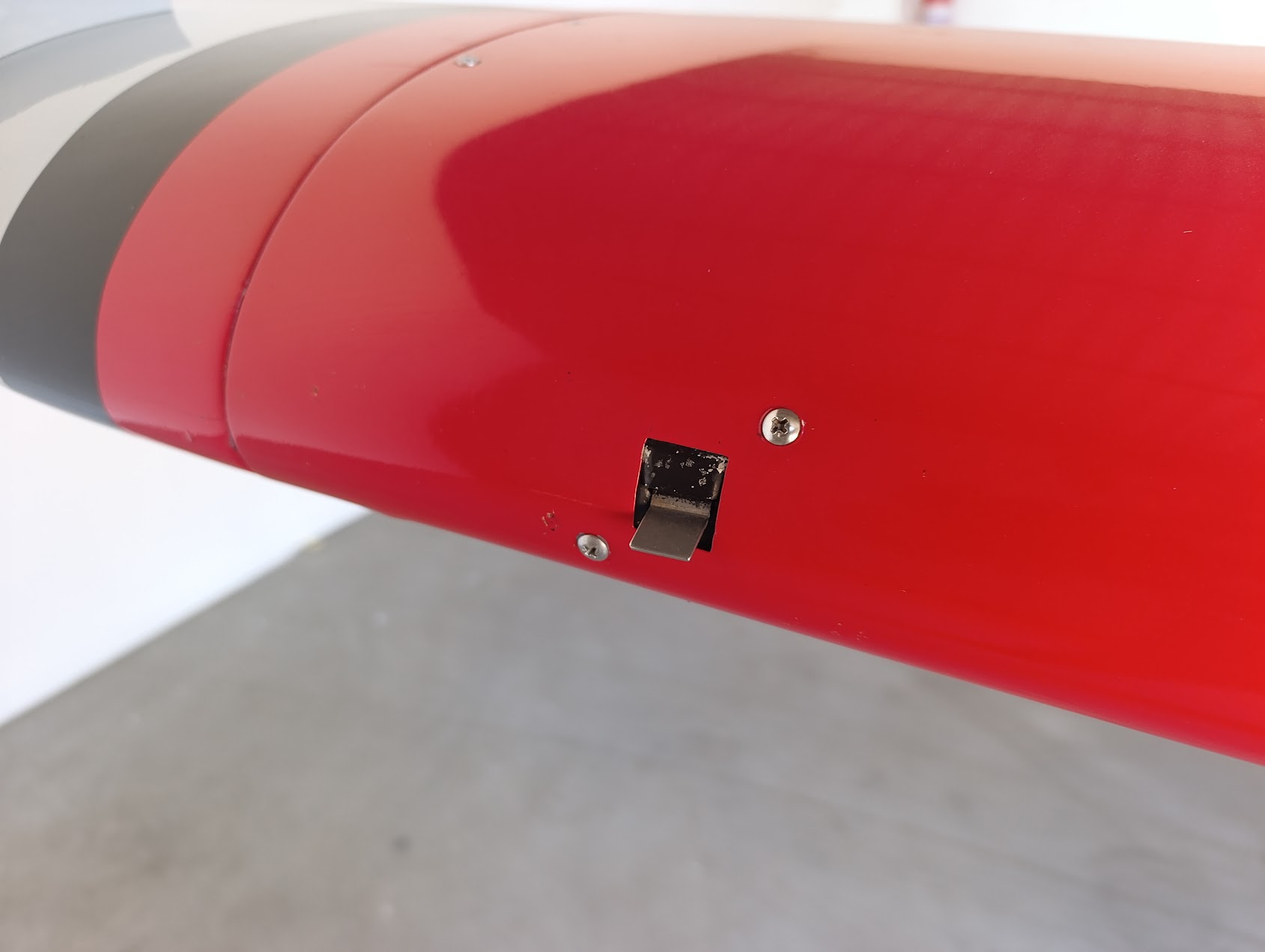
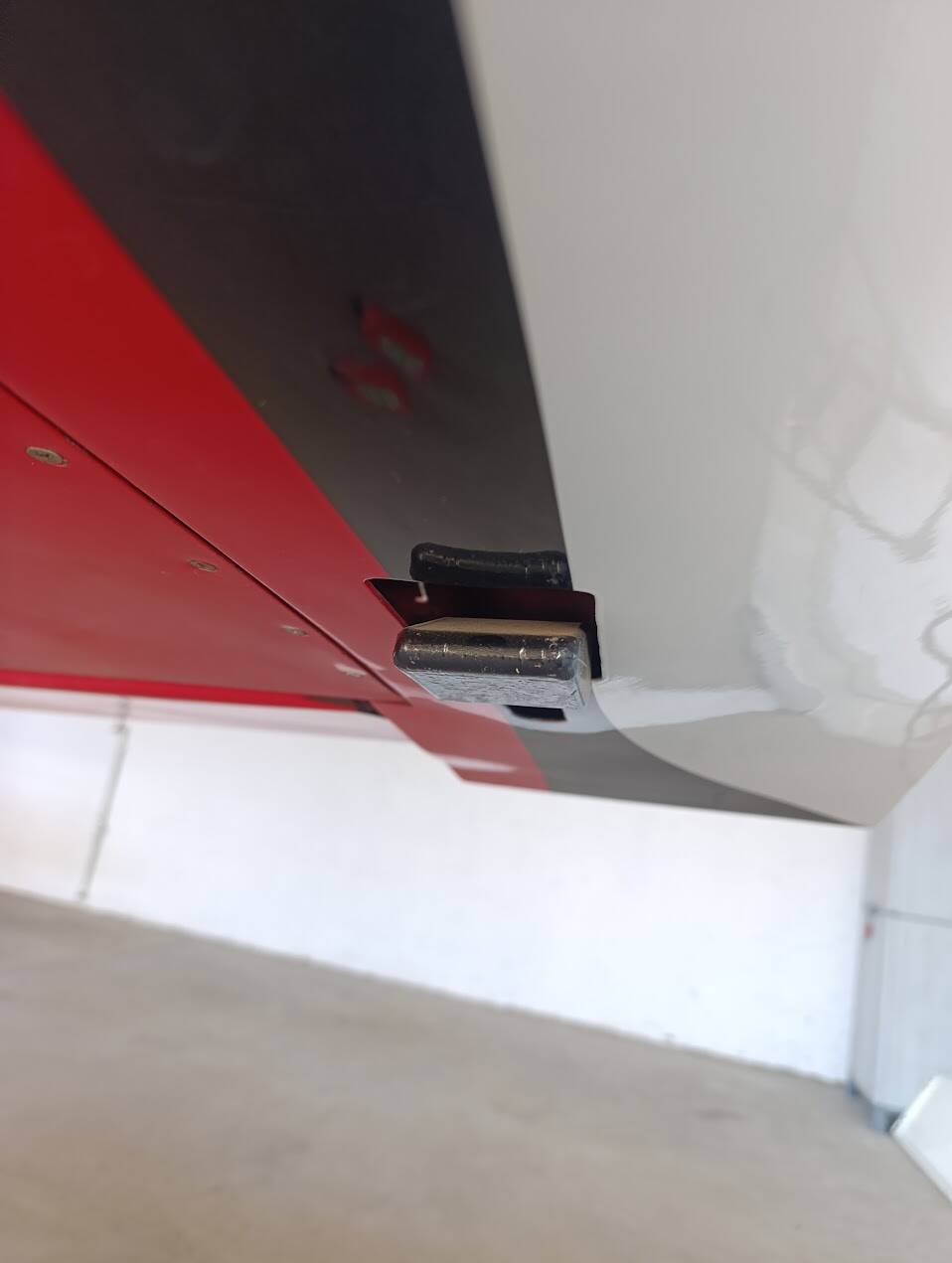
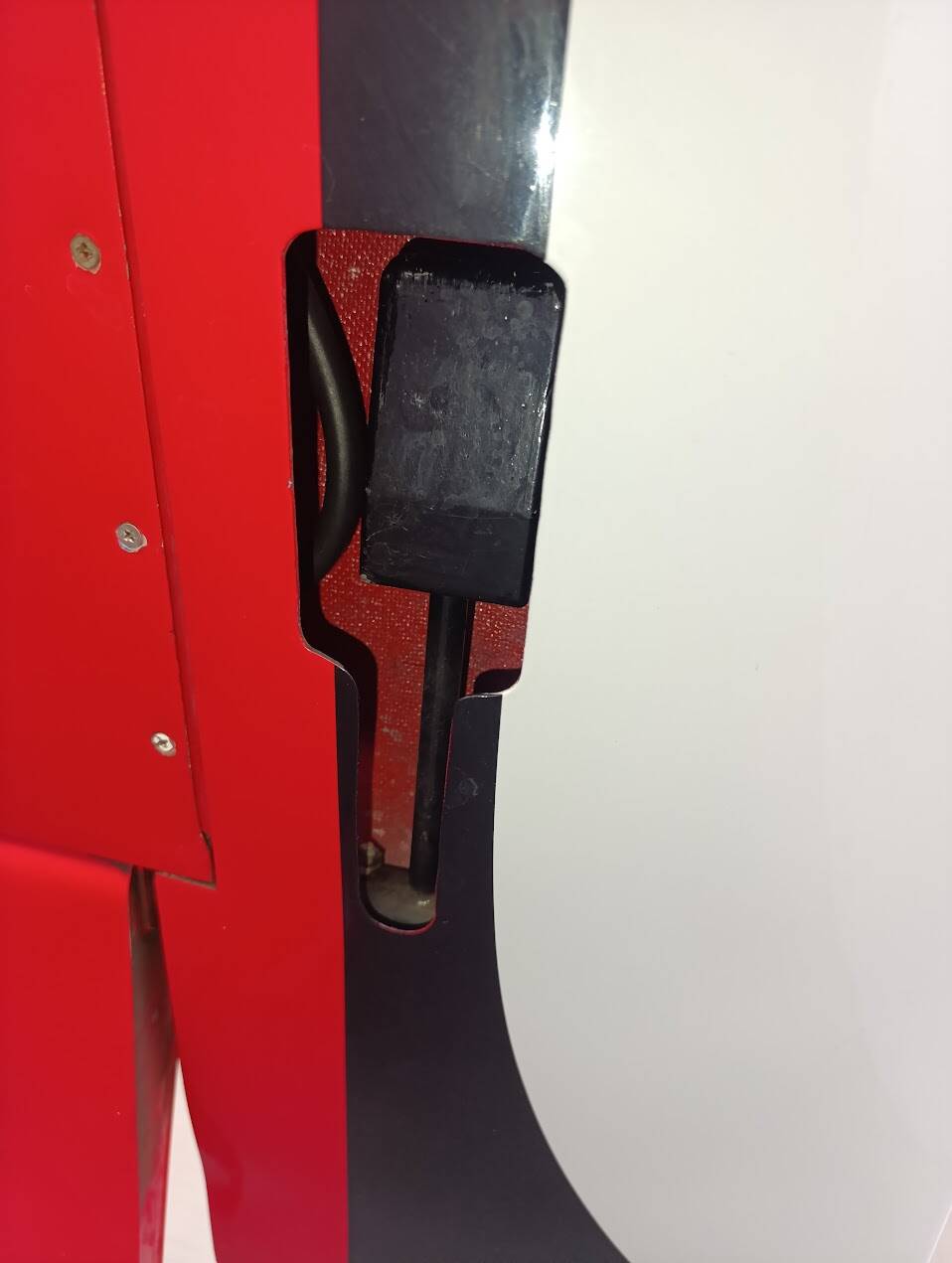
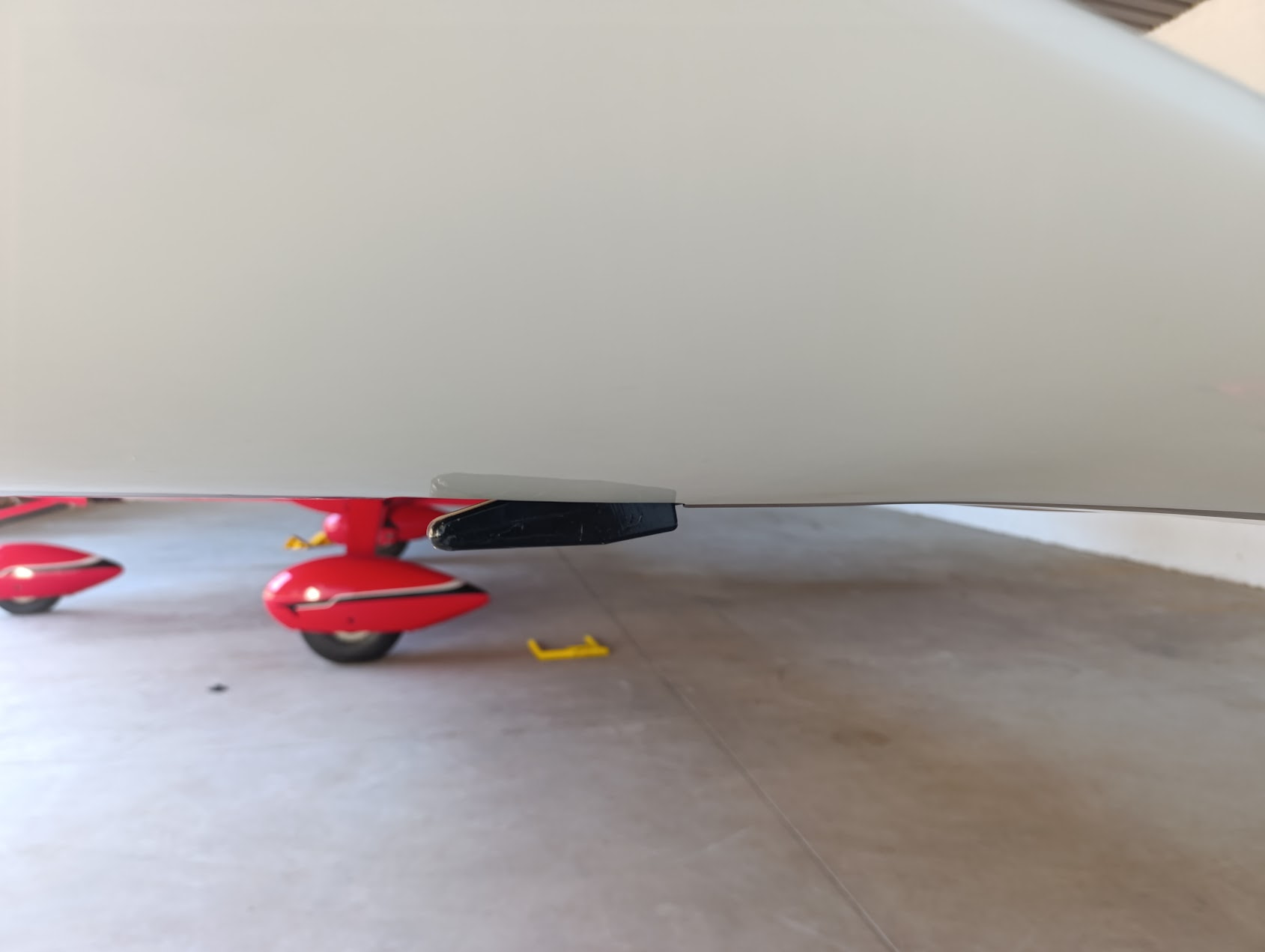
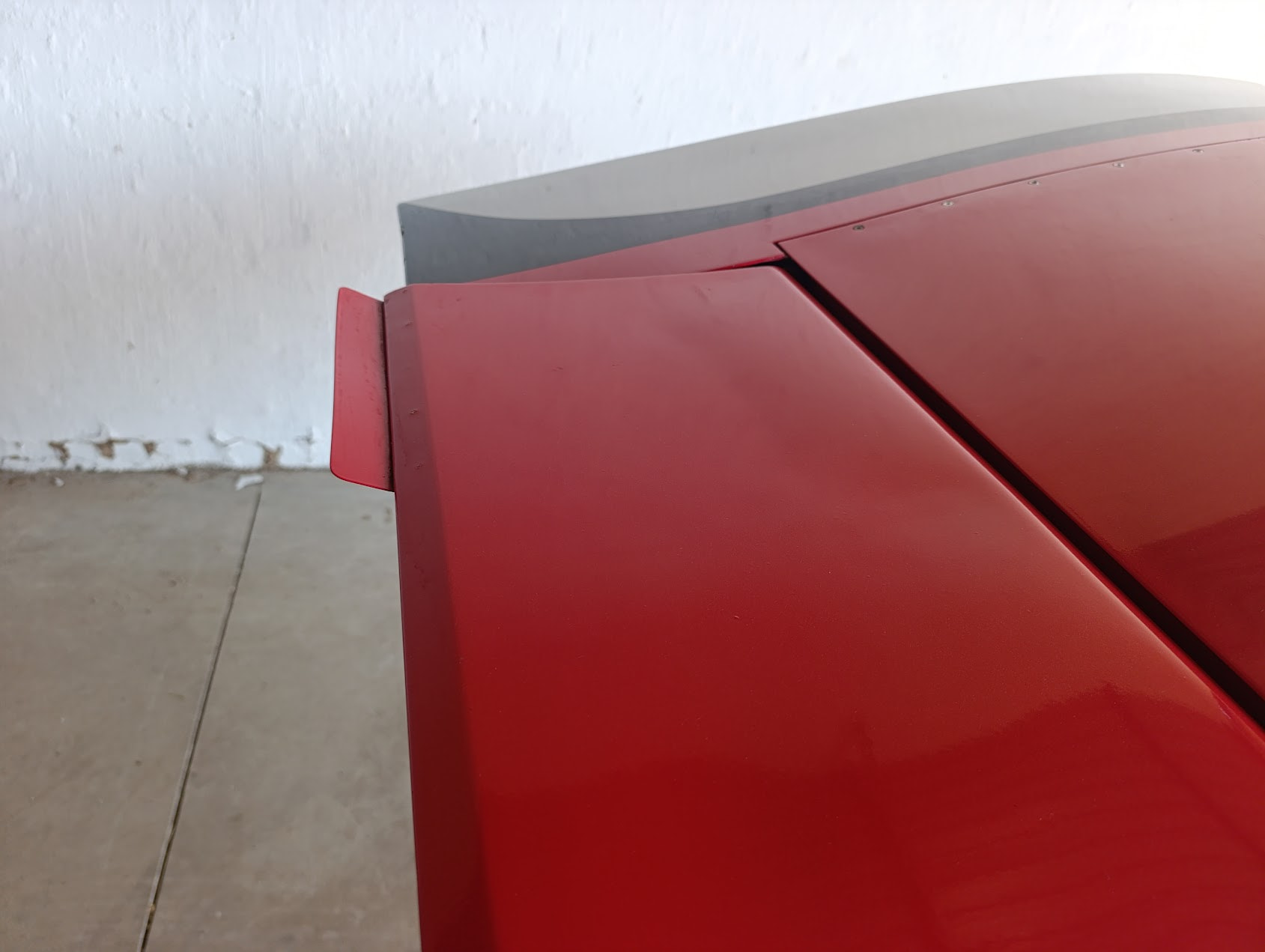
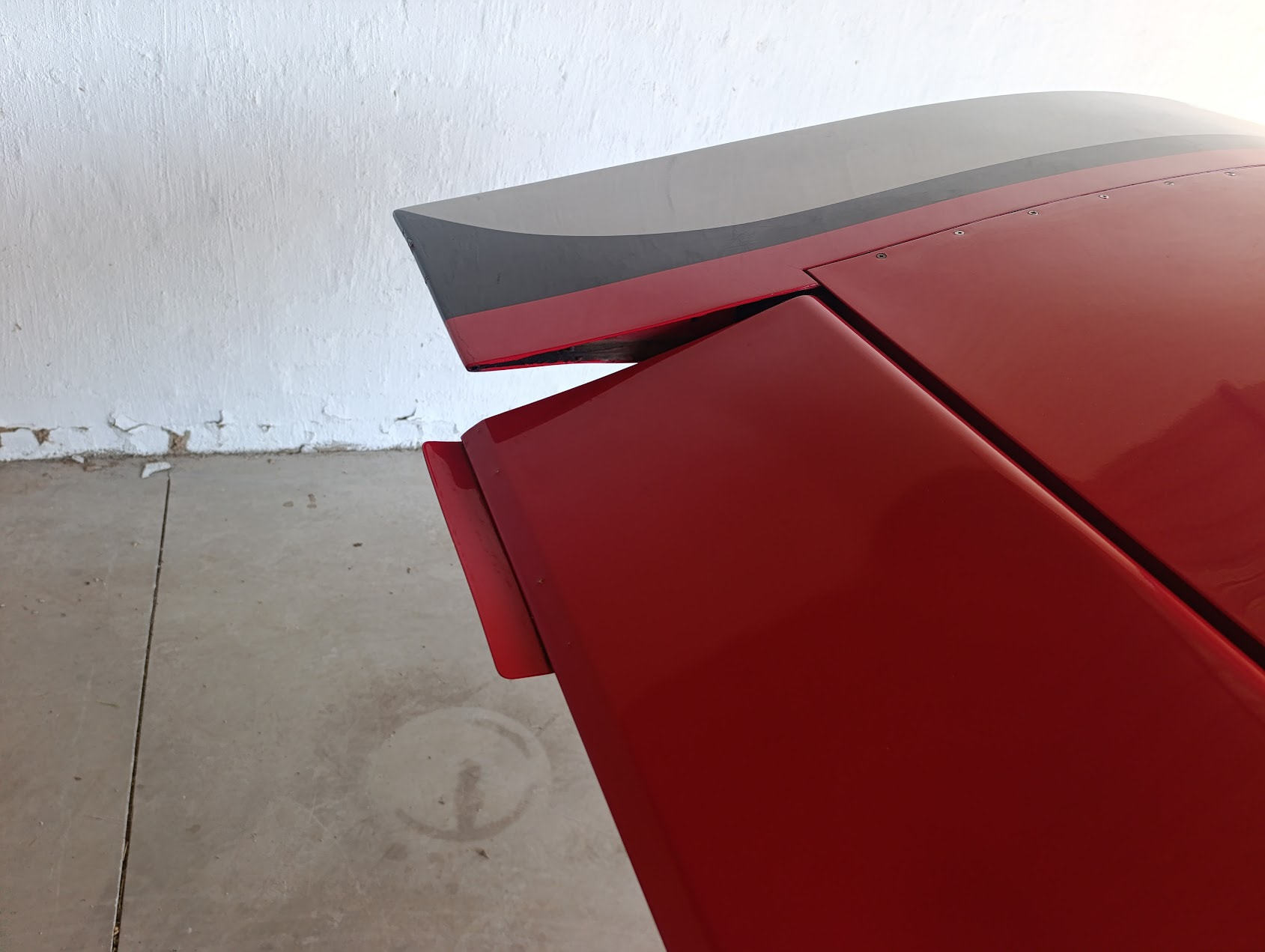
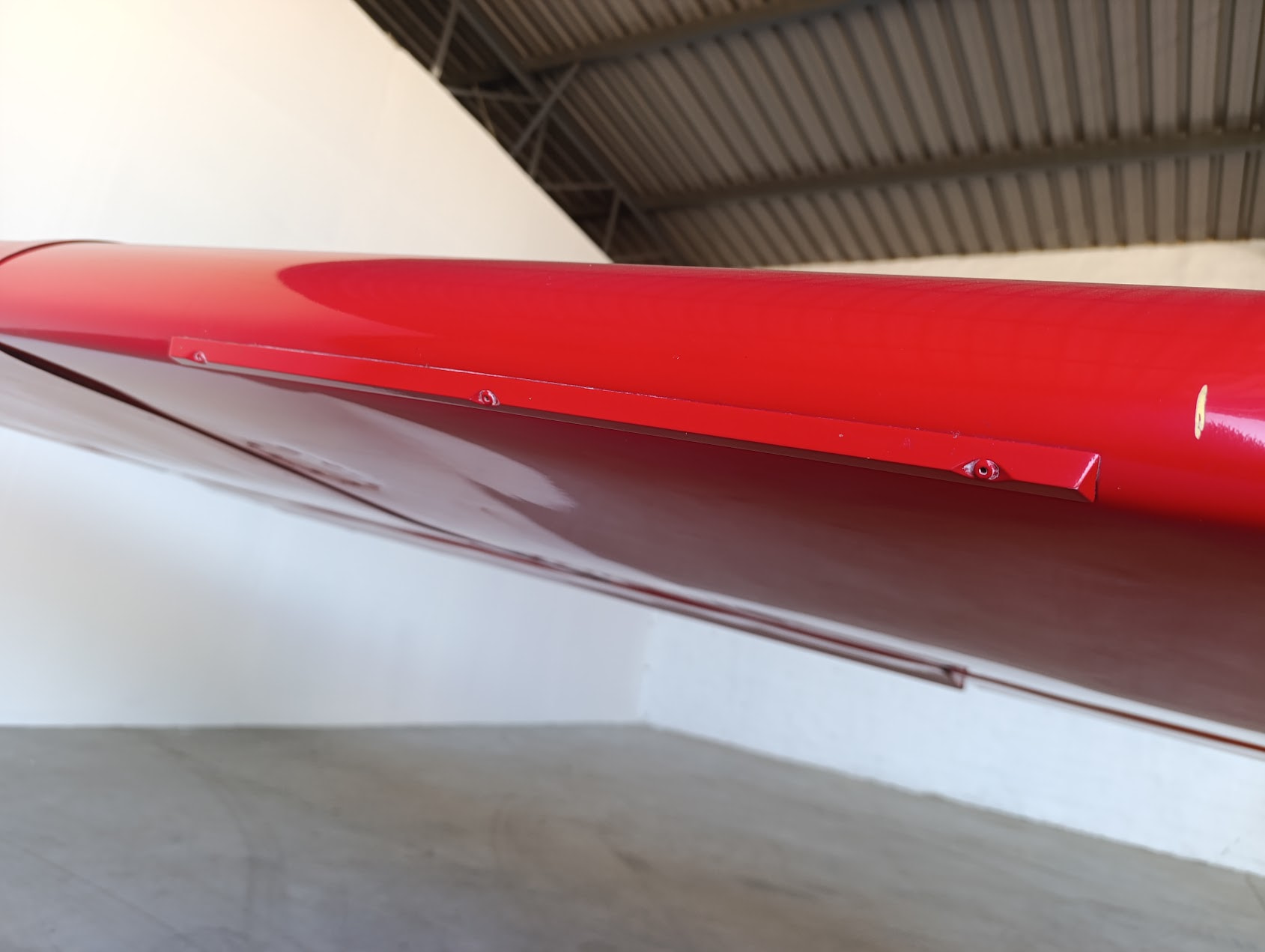
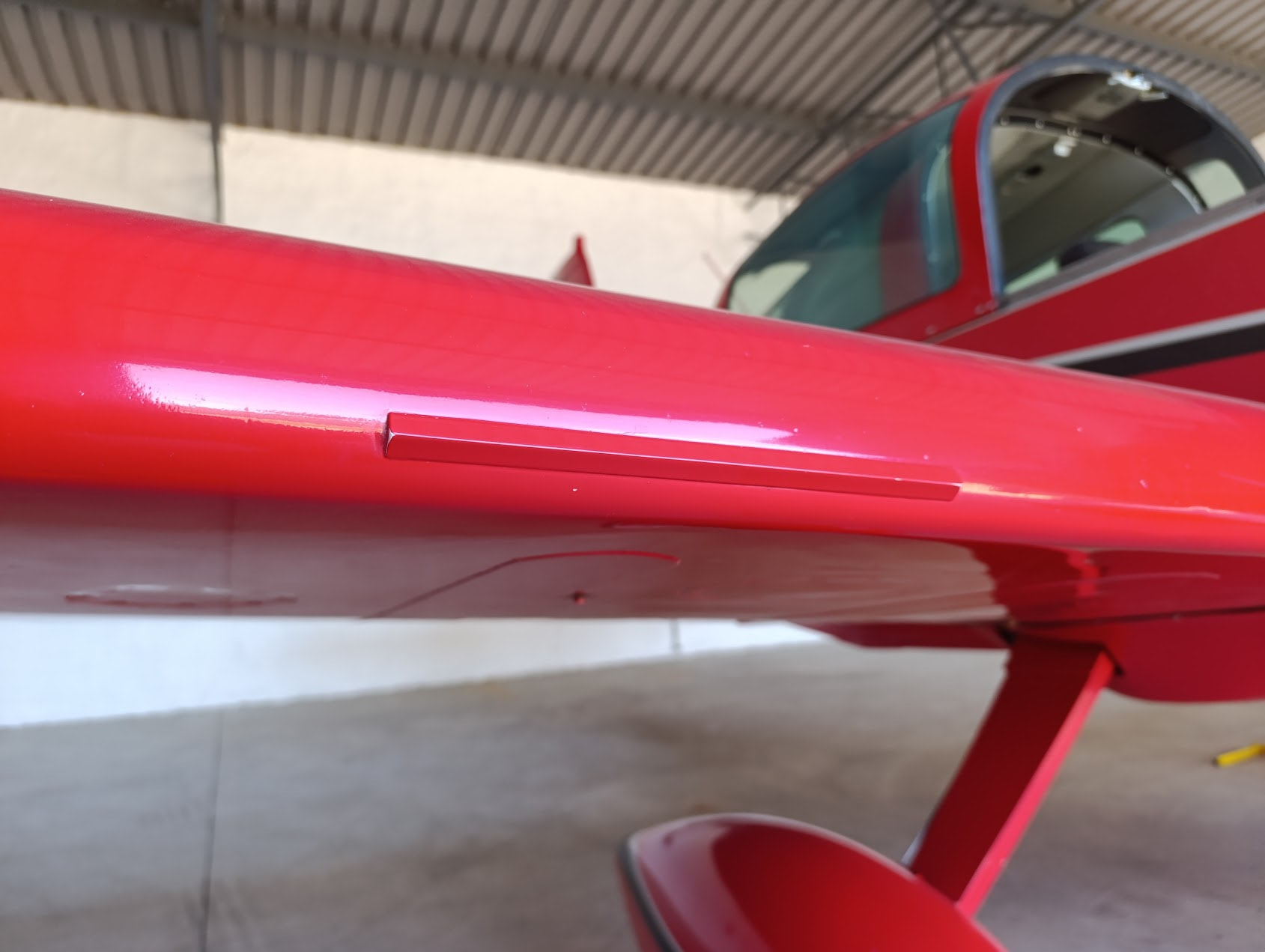
And to be clear, Grumman American moved the stall warning tab on the Tiger further inboard, as @RoosTaZA already mentioned.
Hello everyone! Once again, thank you so much for all of your input and kind words! Before replying to each of you individually, let me just address the couple of bug fixes I’ve already implemented and what I’m still going to implement. I hope to have a patch ready by late next week, if everything goes according to plan.
Already implemented:
Still to implement:
@SirWMittyEsq Thank you for your kind words and review! Unfortunately, I’m still too young to have been around for FS5 - I only started flight simming in FS2002 (if you can call taking off in a 737 from Meigs flight-simming  ). I will take a look at why the Morse code identifier is not working, and I already fixed the GNS430 zoom keys, so thank you! As far as the Century-1 bug, that’s actually a bit worrying. Do you still remember what VOR you were tracking and where you were coming from, so I can try to reproduce the bug? The fact that it bugged out 30NM out is concerning, since it should be quite stable at those distances. I’ve tried to code it as close to real life as I could - it basically tries to make a slight turn into the VOR needle (the bigger the deflection, the sharper the turn) and, when it detects the needle is stopped, it then attempts to go wings level untill the needle goes back to the center, at which point the process starts over again. Essentially, it will always go in a sort of an S-pattern, even though it should be barely noticeable at all if it’s properly established. My guess is that it got confused between the modes somehow? But the code is pretty simple, so it should be sort of bullet-proof, or so I hoped. I’ll give it some more testing, especially since it’s not meant to pull any sort of harsh maneuvers despite how far away from the needle it is. I will also correct the cockpit lighting, but making the map light movable is a bit out of the scope of this initial bug-fix patch. But I can take a look at it for a future update. Once again, thank you for the review, and I’m glad you’re enjoying it!
@ur2tall , @FndrStrat06 , @Iflygary : I will take a look into this, but I can’t make any promises if it’ll get integrated in this first patch. I’ll be honest, I only fly on analog gauges myself so I barely know anything about these products. As far as I understand, they’re both payware products that can be integrated in an airplane? Like I said, I know very little about these units, so I guess I can get in contact with their developers and see how I could integrate them. And also, any extra information you guys can give me about them would be very much appreciated.
@FiftyImpala2376 Thank you for the kind words! I’ve fixed the copilot bug today - luckily it was just a small error in the node numbering in the navigation_graph_pilot.cfg, so you should be able to toggle them on and off via the EFB in the next patch. I will try to see if I can make a couple of generic liveries with dynamic registration, but no promises it will be included in the next patch as this first one is more focused on ironing out bugs rather than adding features. I totally understand what you’re saying though, it does look wrong flying with the wrong registration in the wrong part of the world.
@Iflygary Well, that’s concerning. Have you tried to redownload the file from JustFlight? The POH should be clickable at all times, so it’s quite weird that it doesn’t work for you. Are you on VR or standard 2D? The MSFS2020 version is fully compatible with 2024, but you will be missing on some features like the walk around, and the aircraft selection process will be a bit more wonky. If you can, can you please re-download the file, do a fresh install and report back?
@RoosTaZA Those pictures are awesome references, thank you so much! I’ll be sure to add those details to the wings 

 )
)