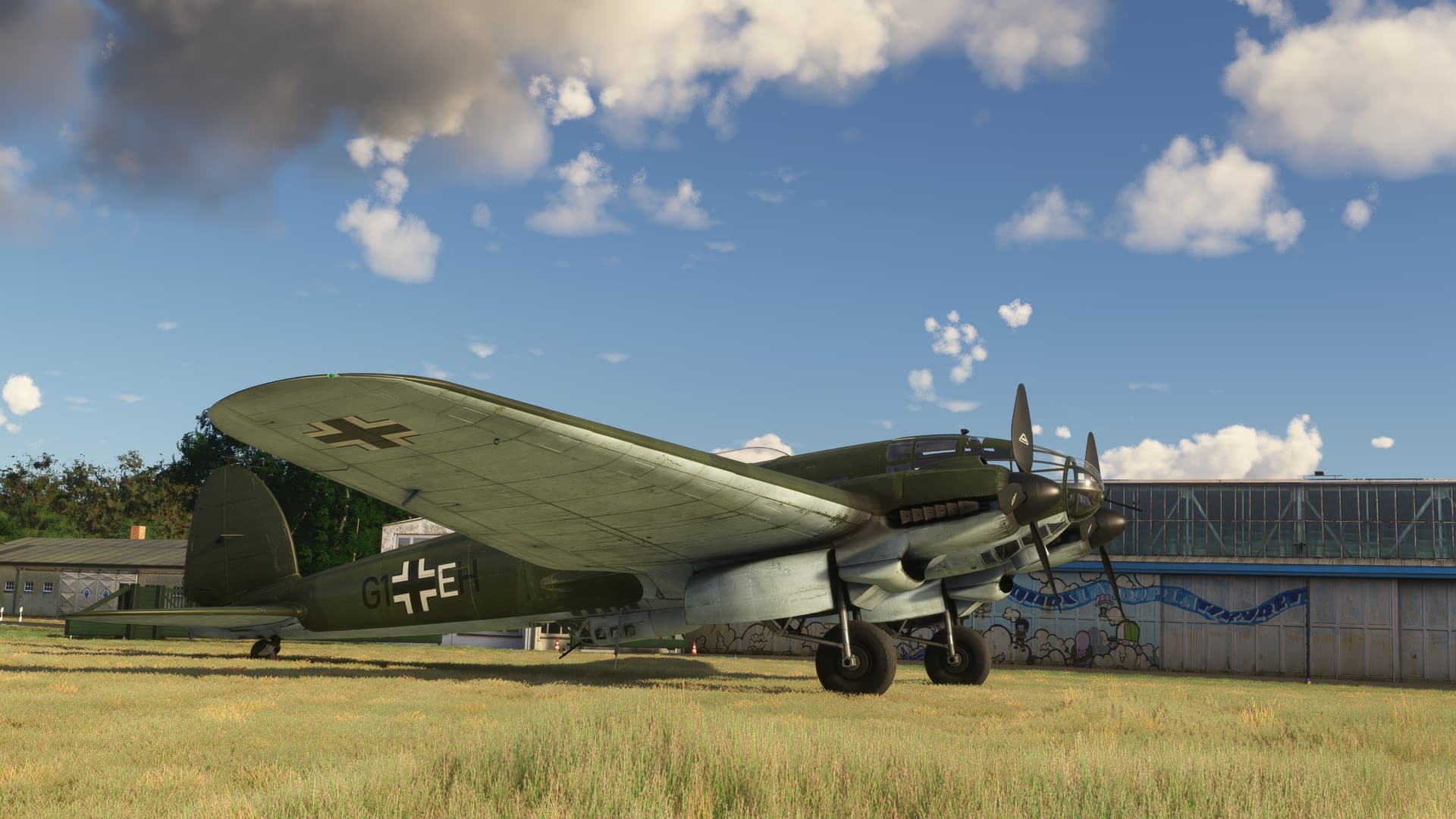
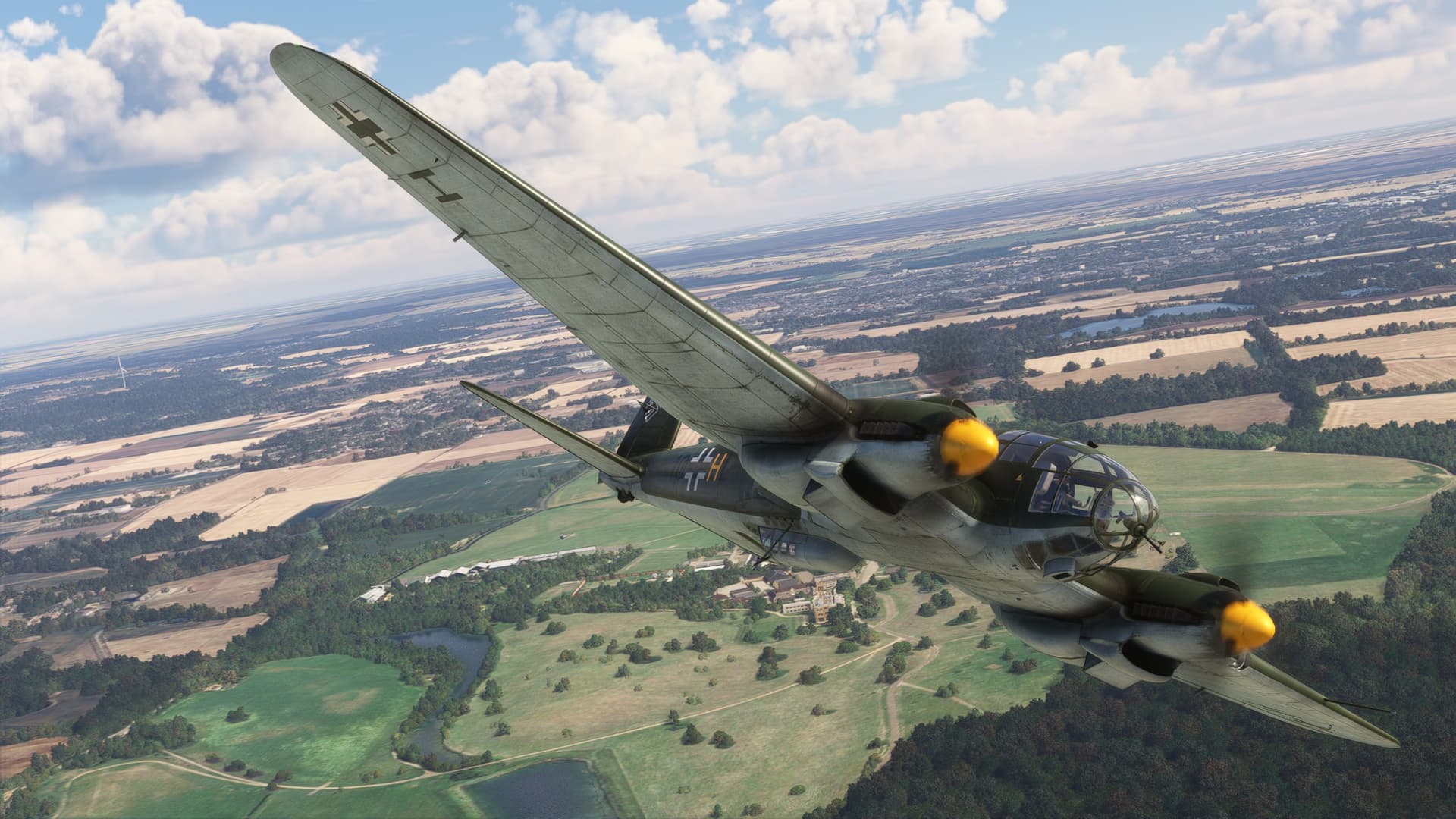
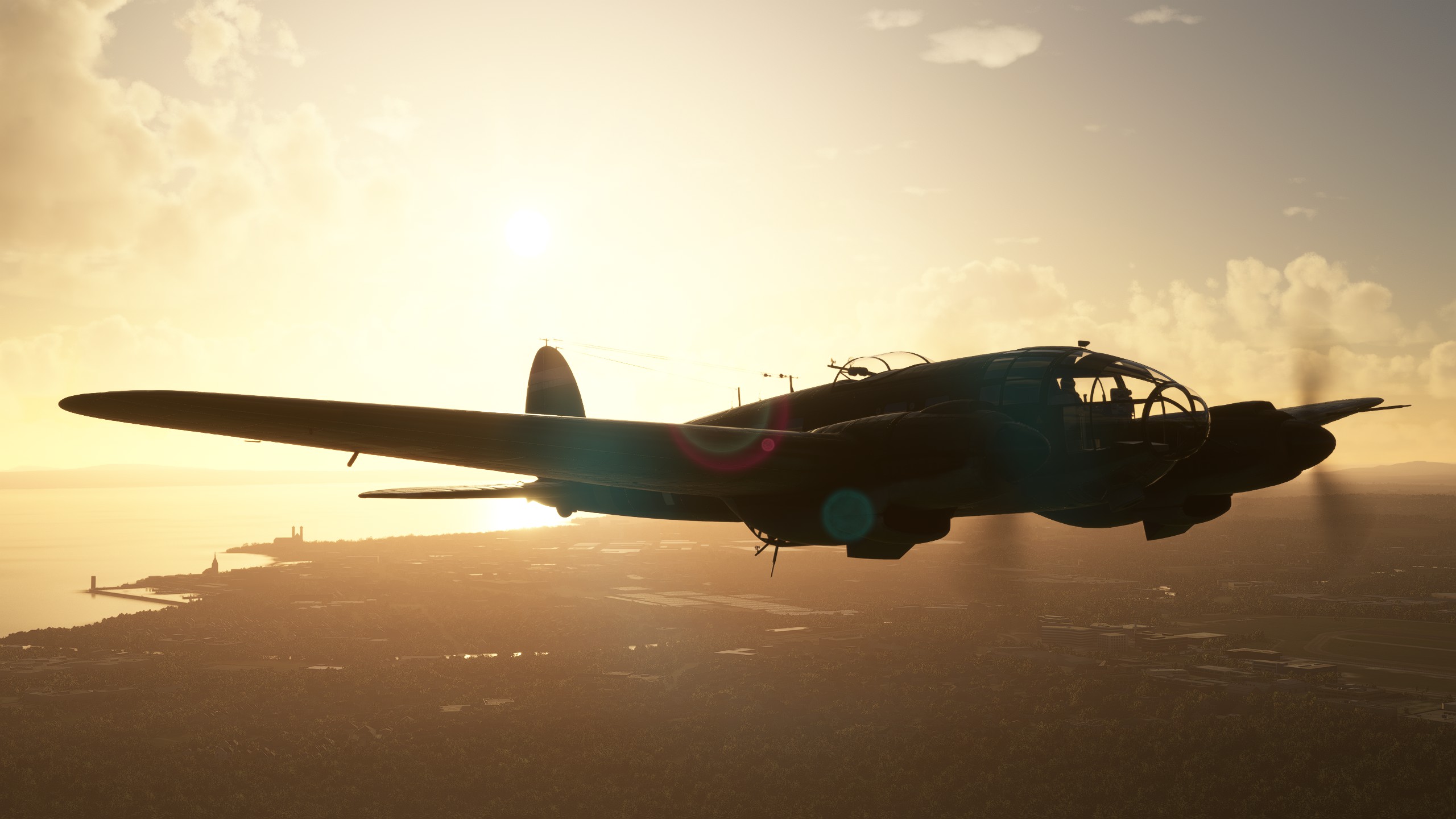
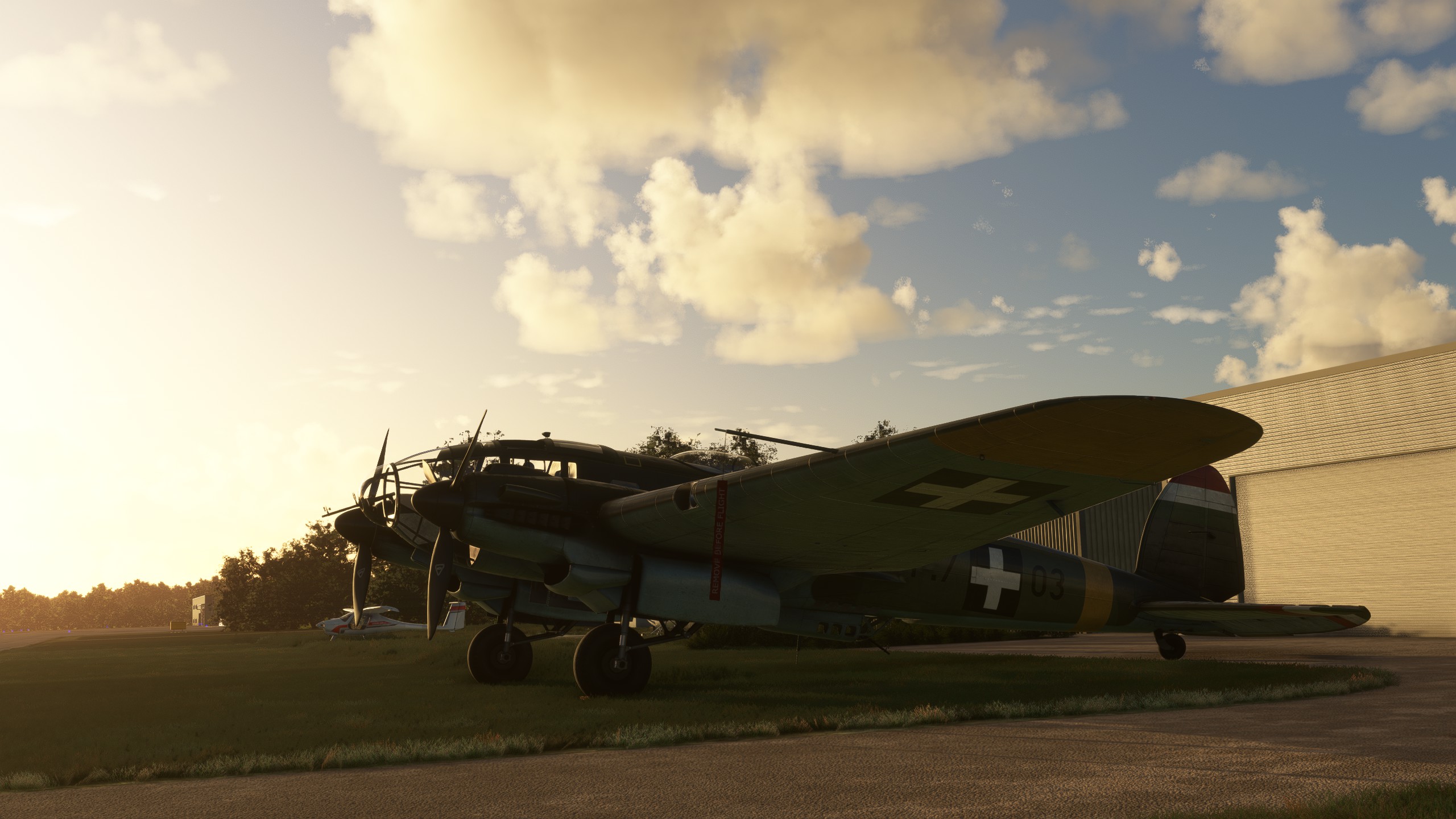
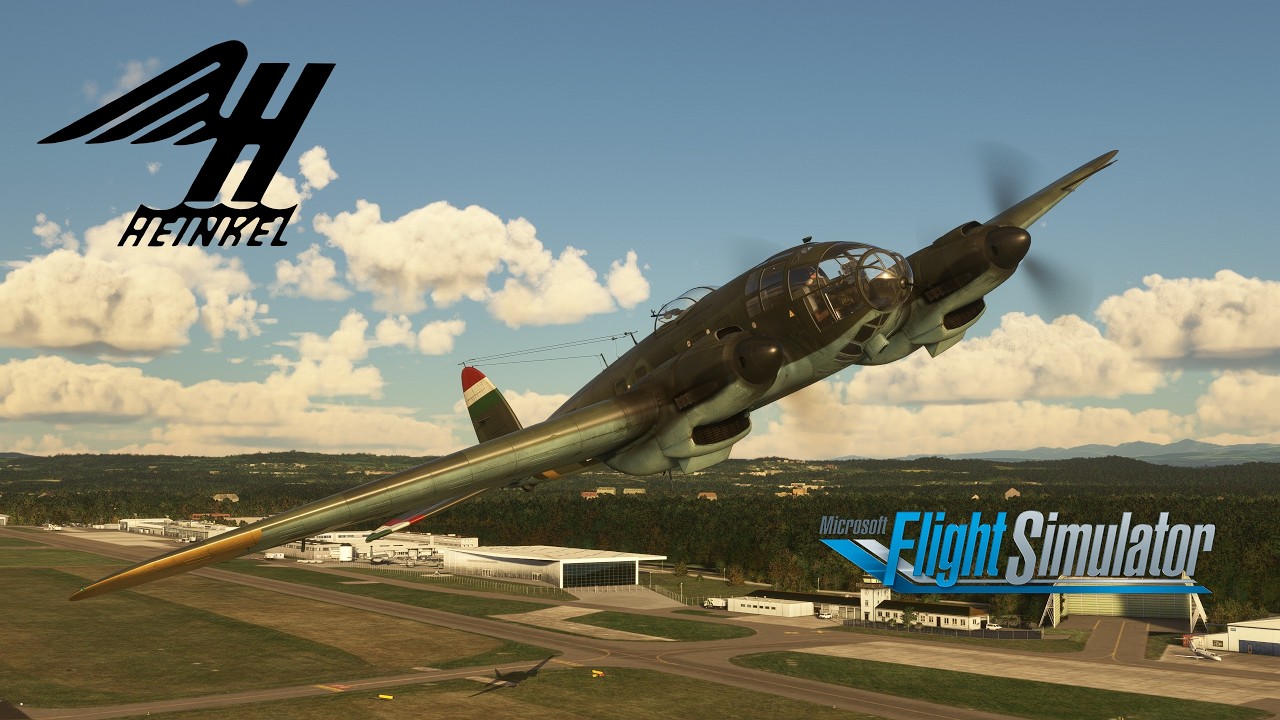
Captain Sim had another surprise release with the Heinkel He-111 a few days ago.
It’s available here (or in the in-game Marketplace):
I’m familiar with CaptainSims unfortunate nickname, but I have to say this is my third purchase of one of their recent releases and so far, I’m positively surprised. The visual model of the Heinkel both on the in- and outside is fantastic, the flight model feels fitting for a bomber of its size, the texture work is great and there are plenty of nice visual extra features, like curtains, chocks, ground equipment and so on.
There are of course a few minor things that could be improved. The only major thing I could find that I really hope will get fixed is that the altimeter currently isn’t adjustable!
The sounds used are from the DC-3, which isn’t perfect, but probably the best solution currently available, since there aren’t any airworthy Jumo 211 to record from available at the moment.
Comparing it to the two other Captain Sim products I own, I would rate it slightly below the C-130E and definitely above the Spad S.XIII.
If you’re looking for a study level aircraft this isn’t for you, but if you’re looking for a casual simming experience of a unique and historic aircraft I can recommend the Heinkel!
And an added bonus…Jankees has already released four liveries for it =)
Here are a few pictures and a video I made earlier showcasing the flight model, including external views for takeoff & landing and a ground/“spectator” view at the end:
It’d definitely a beautiful model of the Heinkel He.111. The sounds I can live with, though like you said aren’t ideal.
My issue is charging a decent amount for the aircraft and then only having one livery and having to pay more for a livery pack. I think it should have least have come with a couple and then buying a livery pack doesn’t feel as money grapping as this does. Yes, flightsim.to will surely have a number of free liveries but I just don’t think you should have to rely on freeware addons for a payware product. It just isn’t a good look and not something the Spad S.XIII came lumbered with.
But this is surely the only He.111 that will come to the Sim. I really love this aeroplane, its so different with its greenhouse style cockpit, hopefully it will see an update to address some of the issues you have brought up.
Wonderful display that you’ve done here though. Very reminiscent of the way the Aircraft Restoration Company fly their Blenheim, with a good amount of gusto!
I 100% agree, there really should be more than one base livery and that we shouldn’t need to rely on the community to fix that! But luckily Jankees has already created four very nice liveries. I think a practice that wouldn’t make it look like a money grap would be to include the first liveries with the airplane and then release further livery packs down the road for the hardcore enthusiasts.
Overall, I think 18 Dollars is a fair price for the Heinkel. It seems to be even cheaper in the Marketplace (in Germany it’s at 16,79€).
Thank you very much! I’m a big fan of ARCo, so that’s the best compliment I could hope for =)
It’s nicely done model and flies fairly well for the short time I’ve had it. One major gripe though is it doesn’t have a communications radio so you can’t use ATC for clearances, taxi instructions, etc. I think that’s a fairly glaring omission and was a disappointment. I’m sure there are lots of tasteful ways it could have been done without distracting from the historical look of the plane. I do hope Captain Sim will update it with some kind of communications radio in future.
When I got no immediate replies I went ahead and got it. It has a couple serious issues but the engine dying is not one of them. I flew it for… 4 hrs? However long it took to fly from Los Angles area to Seattle area. Used around half the fuel I think which is about right.
My problems were these, and I’ve posted on Sim’s Forum about them.
1: If you start cold and dark the autopilot is disabled. There is no way to turn it on. Starting on the runway appears to fix this.
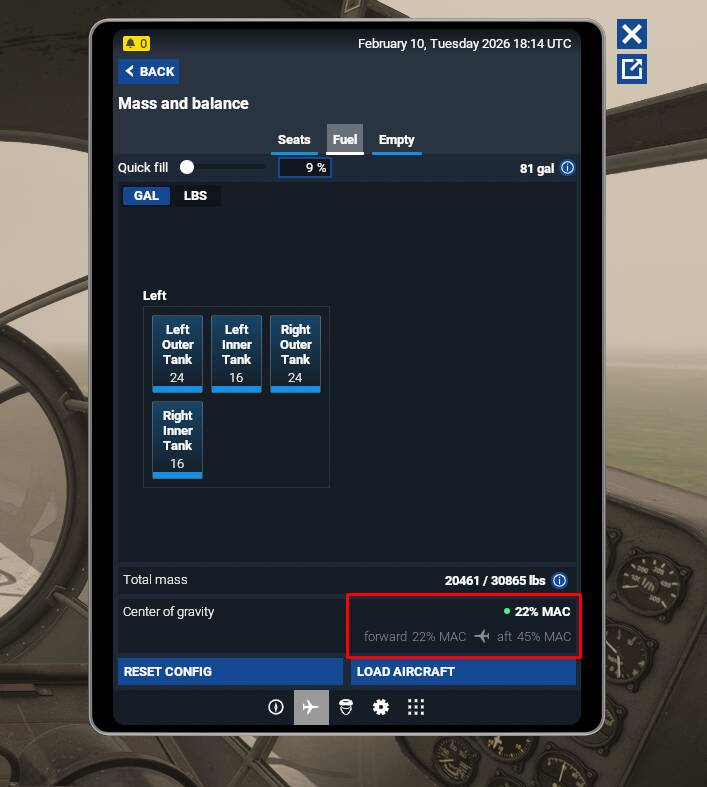
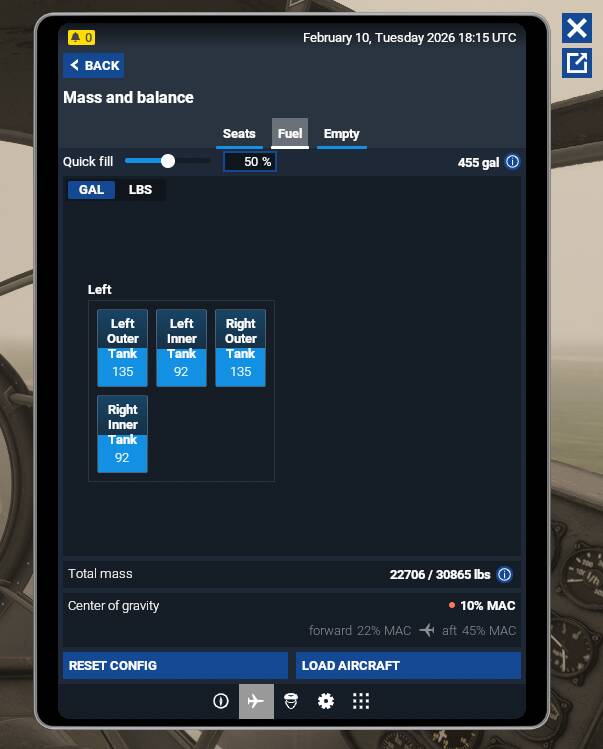
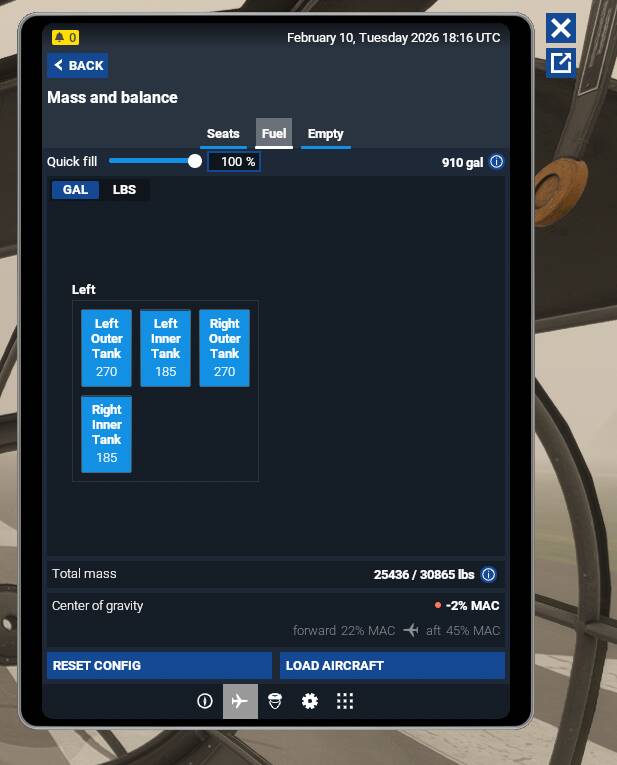
2: The balance is way off center. If you fill the fuel tanks all the way up, you’re so forward heavy that it is difficult to take off and it requires the full 12% (or degrees?) of trim to even fly level. As you use fuel, it slowly pulls back. But at only 9% fuel it goes out of bounds forward. Hoping they can fix this especially.
3: This is minor to me, but the heat on the engines work off the left engine I believe. The left cowl (or whatever you call what this plane has) cools both engines. The right one can be completely closed. If you leave the left closed, the right seems to have little to no effect at all. Sim said this is a sim thing but that’s nonsense I think since no other twin engine planes that I’m aware of have this problem.
Aside from being way too heavy forward, it flies pretty nicely though. While it’s not the best model, I’m fairly happy with it because it’s so unique and is one of my favorite WWII era aircraft.
It’s definitely there. I can’t recall right off where exactly but I did find it in the aforementioned long flight. I’ll try to remember to screenshot it for you and report back.
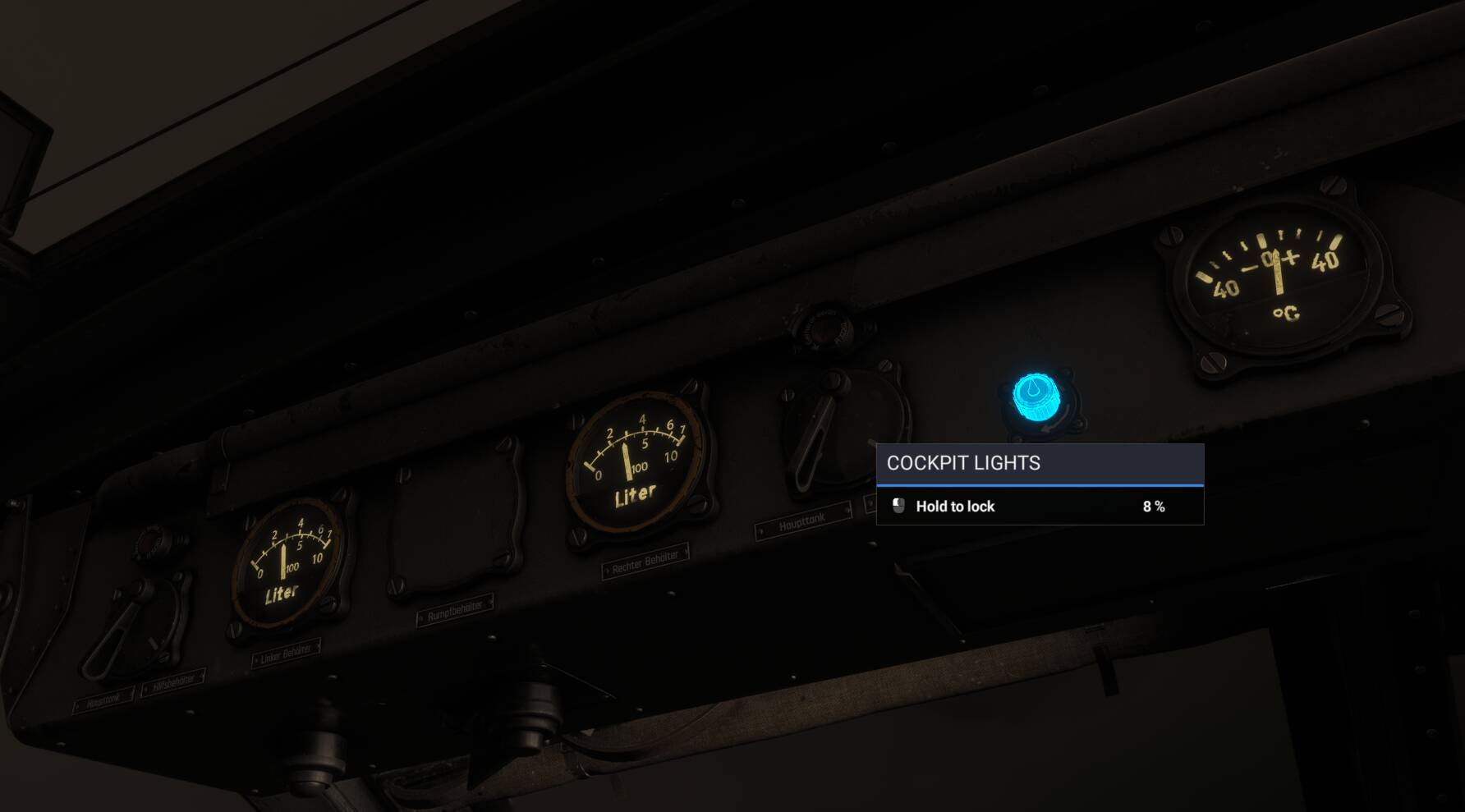
The cockpit lighting doesn’t work until you press L a couple of times (for lights) so that’s another bug. I had not noticed that the other day so it may be an intermittent or system state related thing like the autopilot.
If this is true, compare the apron.flt file to the runway.flt file and see if you see any differences regarding the autopilot/avionics. I’m not at my FS computer so can’t check myself at the moment. I use a program called Winmerge for tasks like this.
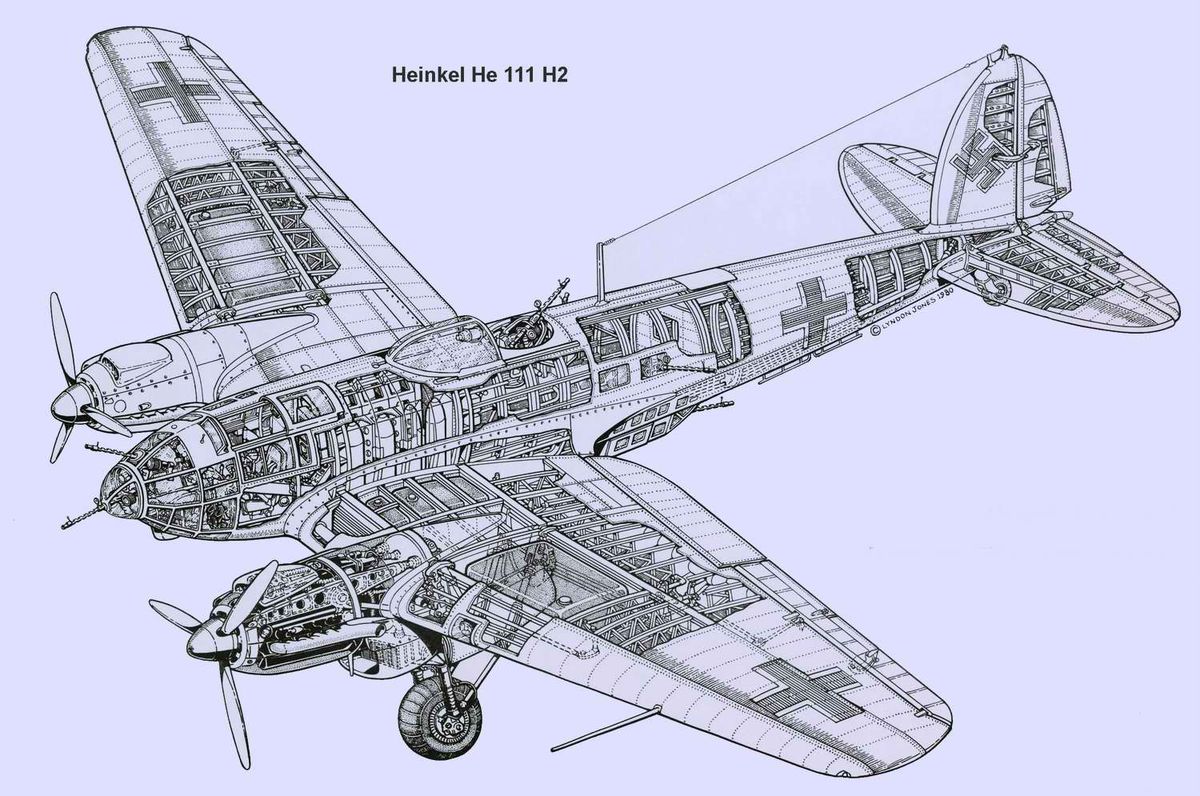
Regarding the Fuel CG issues, I’m going to assume FS assumes the fuel is always centered in the fuel tank and a “Cube”. So perhaps the fuel tanks are sloped in the real bird so the fuel sloshes towards the CG as it empties, and the cross-section of the fuel tanks puts more fuel towards the CG? I’m going to imagine the only way CS could simulate this would be multiple fuel tanks that act as one, feeding from the upper fuel tanks into the lower fuel tanks if you get what I mean, kind of like this…
It looks like my guess on the fuel tanks is correct… From this section view, it looks like the vary in cross-section from back to front, and they’re also sloped towards the fuselage. I don’t know if the SDK allows fuel tanks to have weird shapes like this. My idea works for steady level flight, but, it doesn’t work so well in other flight/taxi attitudes.
Of course, the other solution is to calculate the CG location of the fuel based on the amount of fuel and geometrically also calculate where the fuel is in the tank depending on acceleration and attitude of the airplane… but I imagine that’s a decent amount of coding to do….
I don’t think there’s any advanced simulation going on with the tanks. Remember even 9% full it goes out of bounds. I think the tank weight is centered too far forward unless I’m totally misunderstanding something.
Each wing has an inner and outer tank. The engines pull from the inner tanks and there’s a fuel pump with cross feed to fill from the outer tanks.
Here you can see with only 9% fuel you’re on the very edge of the forward COG.
It’s so far forward it’s on the edge of being unmanageable. The tail lifts almost immediately and it wants to nose plant into the runway, but if you pull back you can take off. You have to hold the wheel/stick back, though, and the trim which goes to 12% has to be at max at level flight. I could only get the trim to make it climb at 200 ft/min or so.
And as I said above, the more fuel you use, the more in-line CoG becomes and the easier it is to fly.
I’m fairly sure it’s just a simple adjustment they’d need to make, but I’m not aircraft designer I’ll admit - either in or out of the sim
Regarding the autopilot - I can’t see the file system as I bought it on the Market. That was perhaps a mistake with this aircraft - and something I didn’t really consider before purchasing. Every aircraft I can stream is several GB I don’t have to have storage for + I like MS getting money as it supports the sim. On top of that, the only way I’d ever have purchased this was being able to try it and I’d rented it making it cheaper.