Landing gear is not really a condition - the two conditions are airbrakes must be extended and drag chute handle in the extended position (its the white handle on the left side of the cockpit, full forward position)
For airbrakes, make sure you are using TOGGLE SPOILERS keybind, not a spoiler axis.
Airspeed must also be above 40kts, under that speed the drag chute does not extend
Tracking this issue, as well as flickering on airspeed gauge. Its due to graphic settings (likely antialiasing or filtering, I’m unable to reproduce on my end - but we can resolve it by just increasing the distance between nodes in 3D software. Will be addressed in the next update, hopefully (we will only know for sure from community feedback as we cannot reproduce internally)
For the airbrakes I made the indicated association and it works normally in any condition both on the ground and in flight. In general I never associate the airbrakes with a joystick axis: it usually generates unpredictable results. When I move the airbrake handle I notice that in the relative animation the lever stops momentarily at half travel and then resumes movement until the end of the travel. Is this normal? Below what speed can I use the brake parachute? maybe that’s the problem…
Another thing: the oxygen level indicator always indicates an empty tank situation and the nearby lever seems to have no function. I think you have not implemented the oxygen system and this could seem like a secondary lack but after all we are talking about a high altitude Mach 2 aircraft and therefore a minimum of functioning of this aspect is not secondary, taking into account that products of other brands such as Spitfire Mk1 and Spitfire Mk2 or Gustav reproduce (maybe even in a not entirely satisfactory way) this aspect too
This is normal, just a result of the euler rotation animation. It could be smooth out for a more linear movement.
Drag chute will deploy at any speed above 40kts. No max speed cap
Oxygen tank simulation isnt natively supported in MSFS - any simulation would be entirely cosmetic (eg. Oxy qty depleting over time, perhaps alarms/warnings but not much than that - though youd likely run out of fuel much faster than oxy). We’ll log it for the future
Thanks for considering the proposal regarding the simulation of oxygen supplies, I hope you implement this. Could you temporarily and in an absolutely “cosmetic” way set the oxygen tank to “full” at the beginning of the simulation? The needle of an indicator in a red field is still distracting, even if you know it is not true.
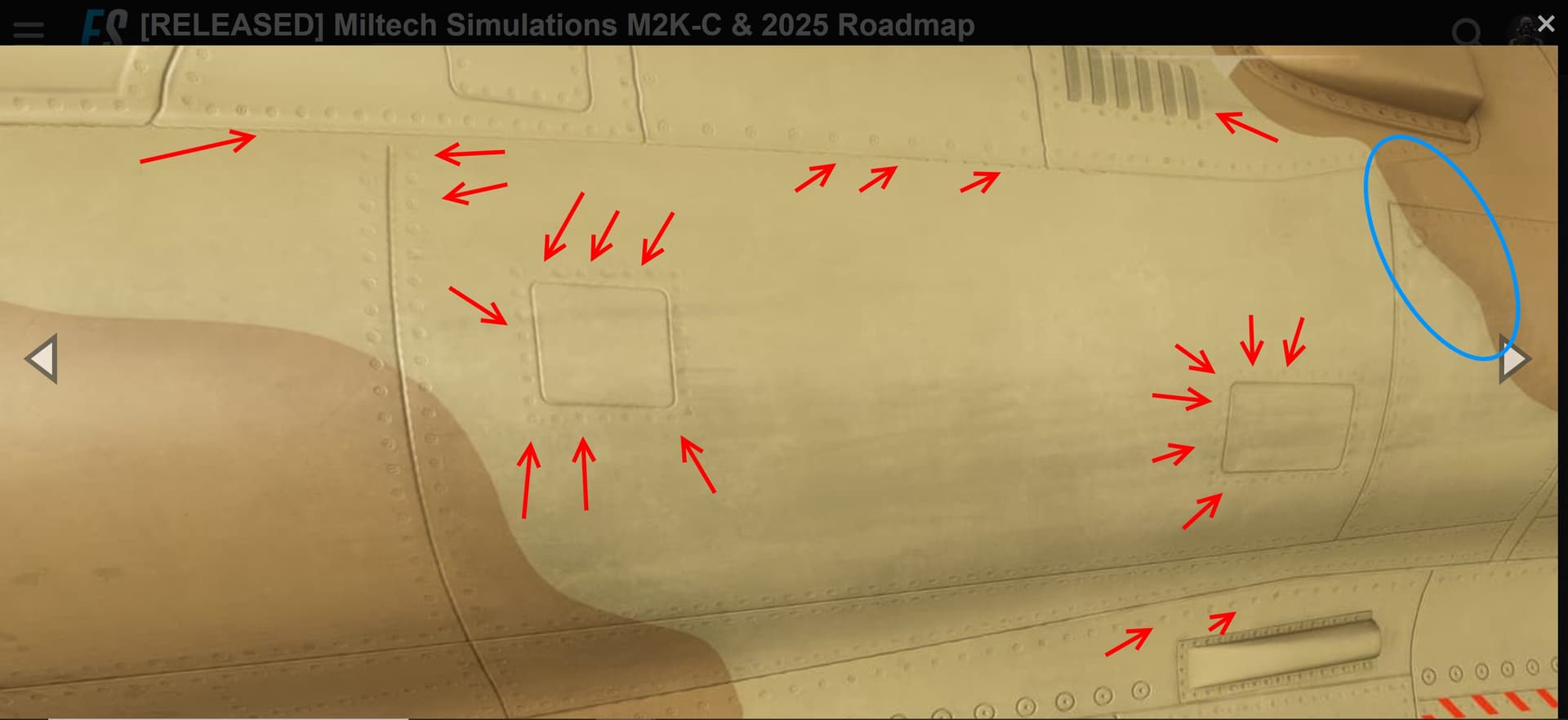
I like the Mirage 2000 very much, but i think the skins and the external Model are very low res. I hope for the next updates to make it a little bi better. I think 30€ is much money for this Quality. I understand the reason for firing Weapons etc. But the Quality of the Skins are terrible,
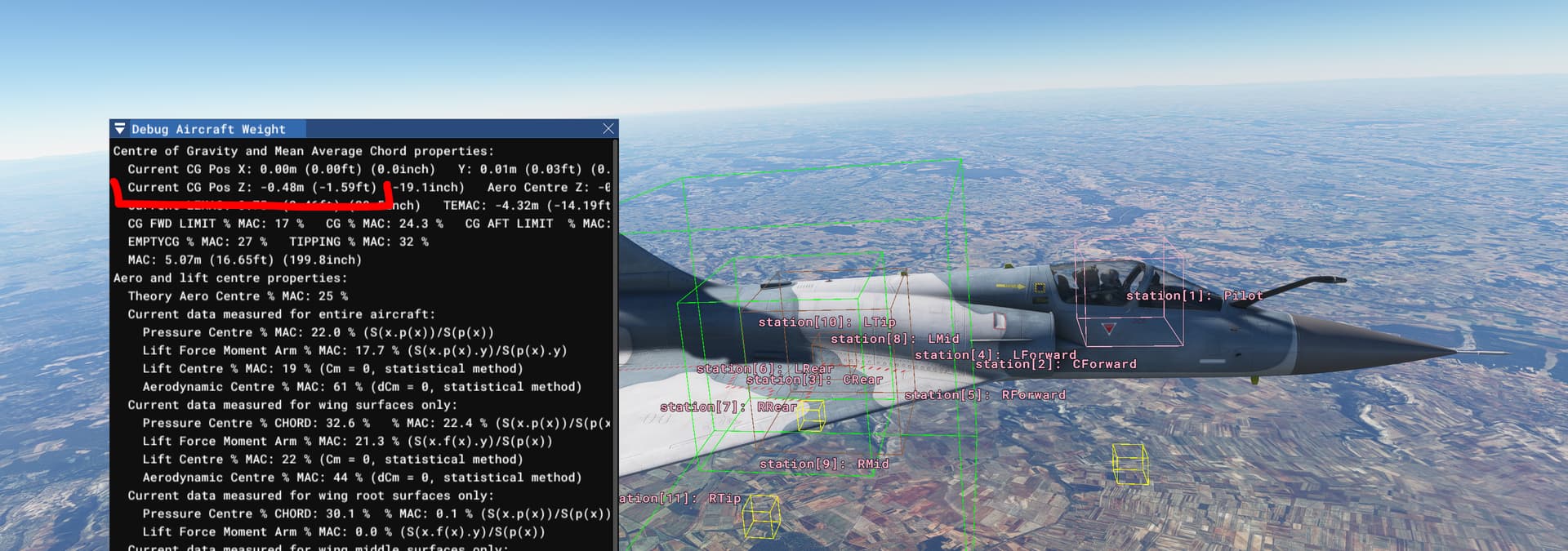
I’ve watched this video yesterday, where the aircraft shows very peculiar behavior when rolling. It’s as if the center of gravity is way out of the aircraft, with the Z axis displaced:
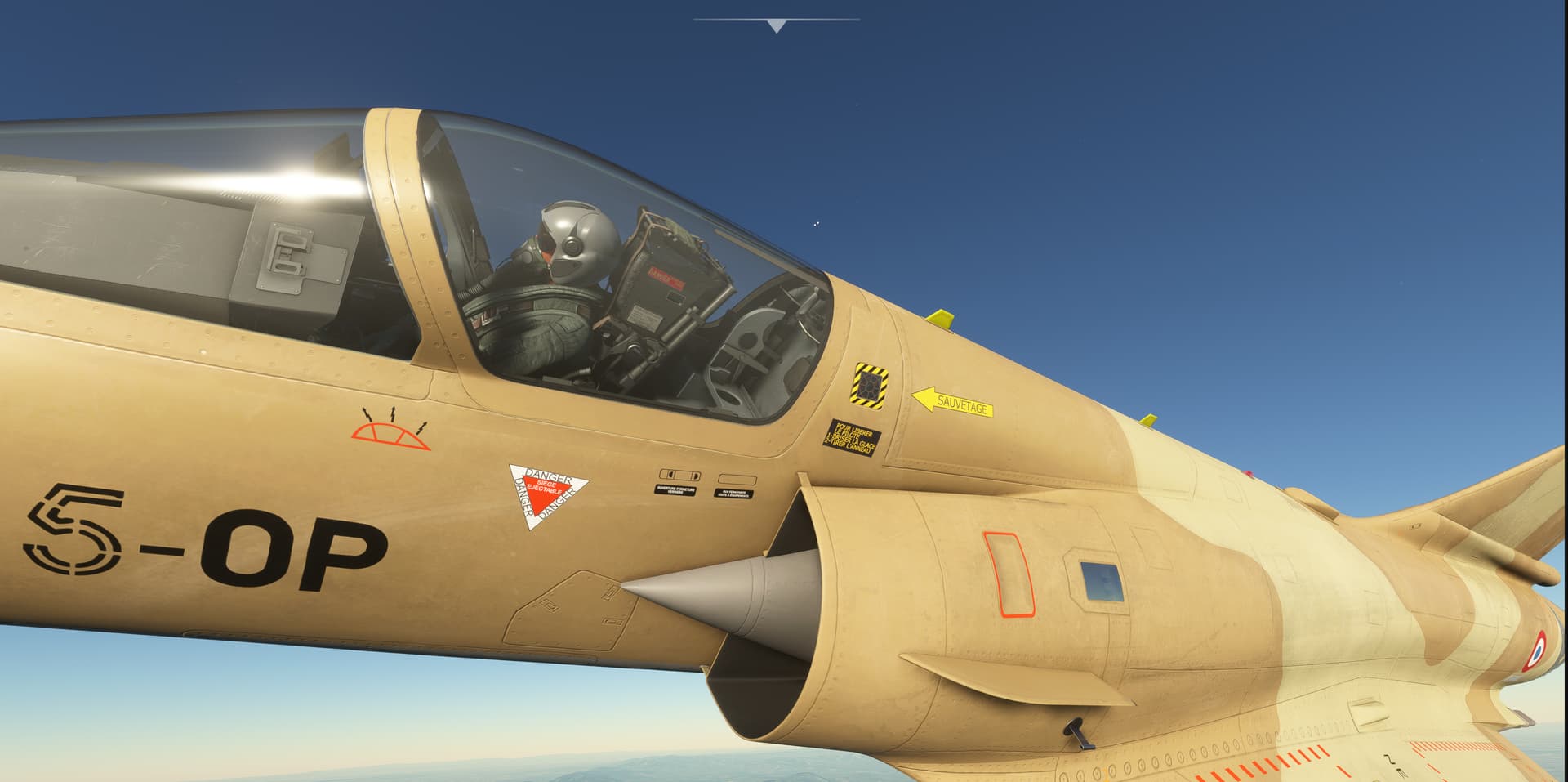
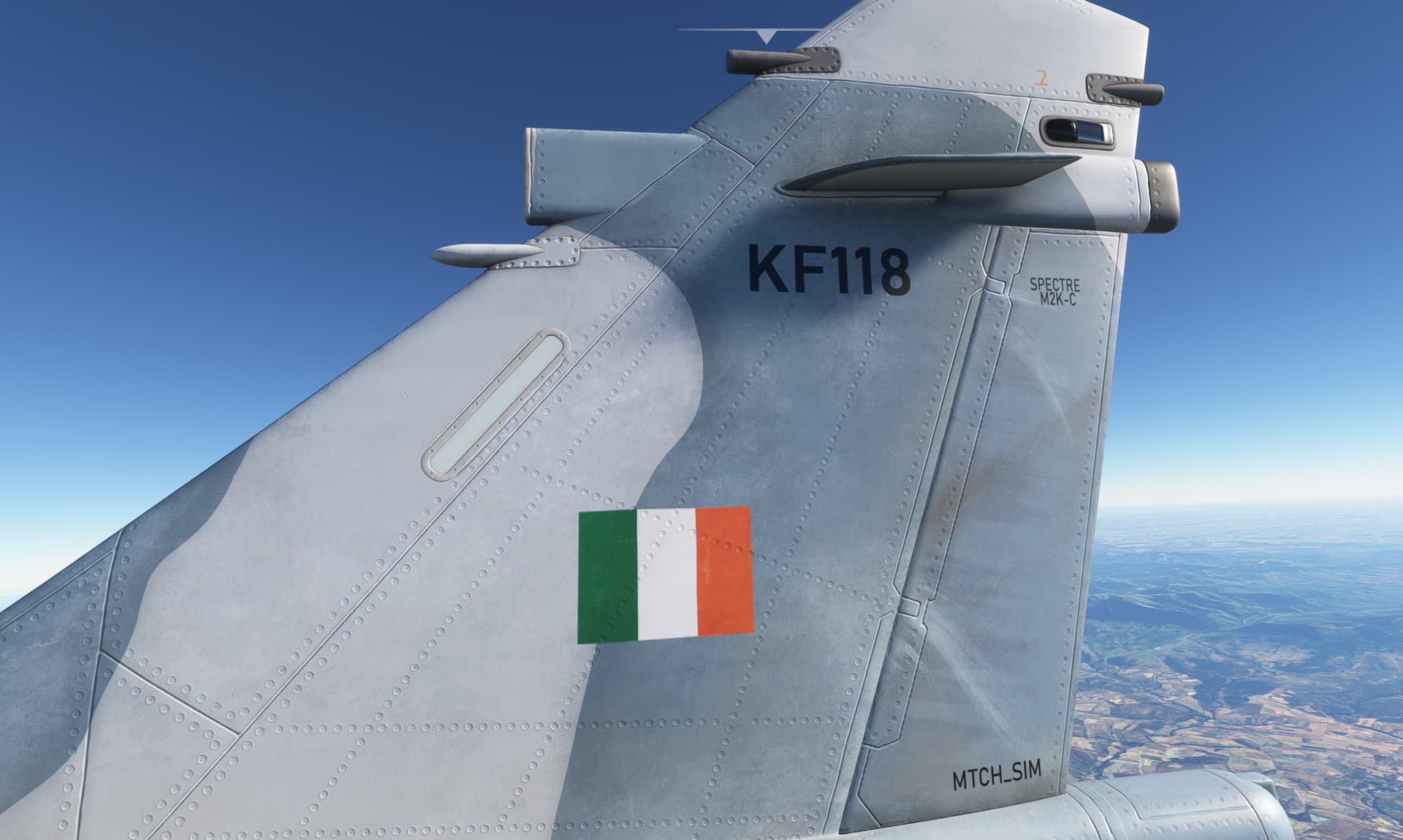
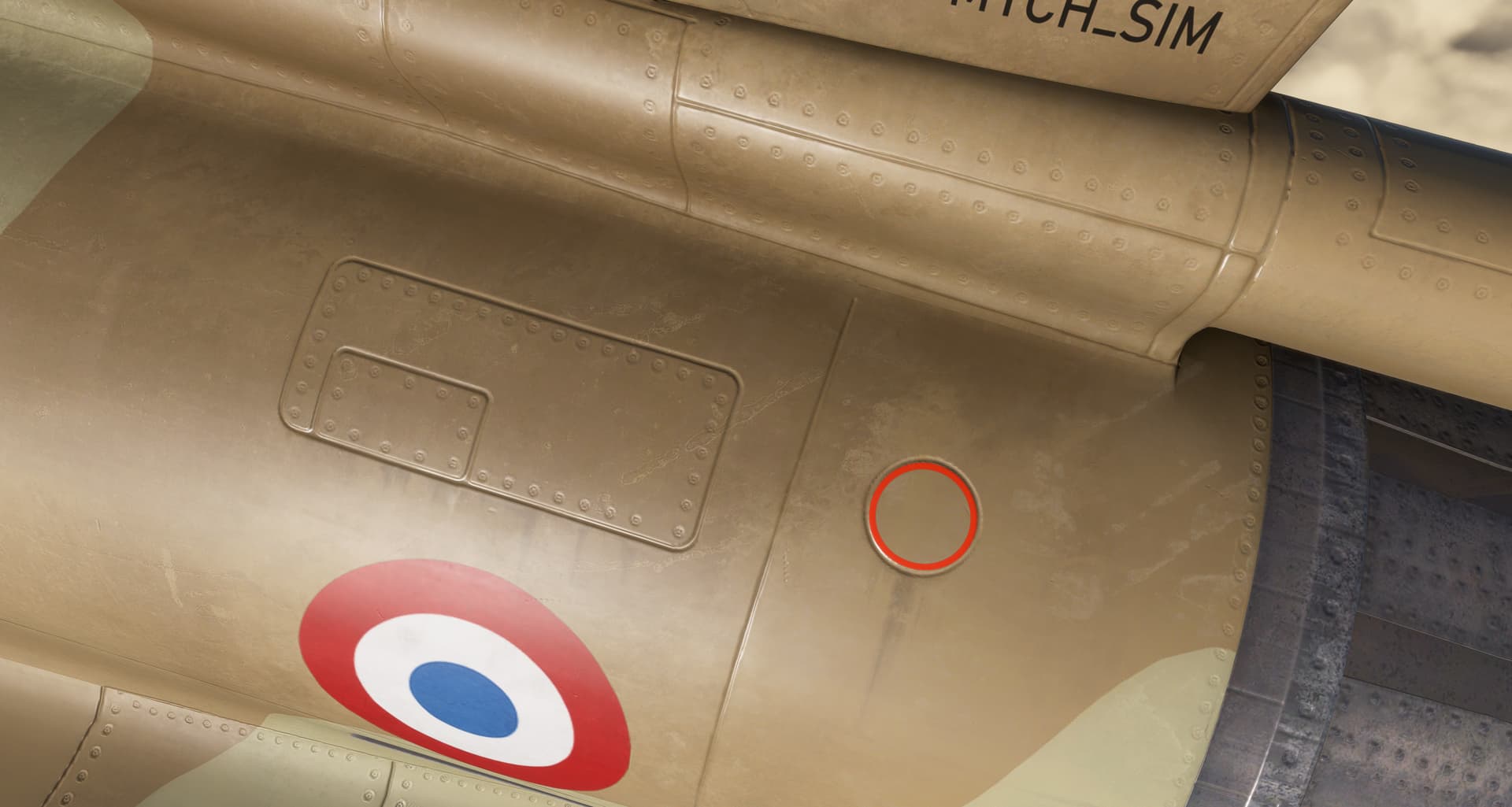
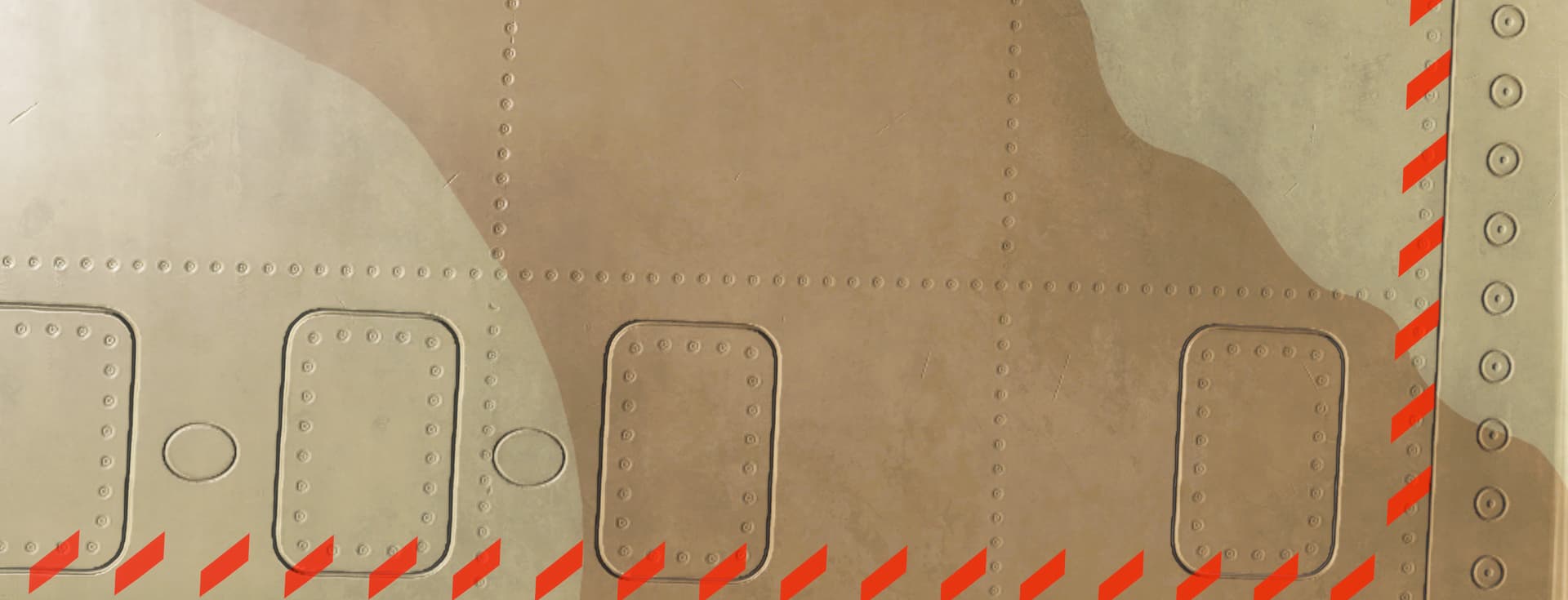
Liveries are all in 8K - as high resolution as it can be in MSFS. If the user has their texture resolution settings set to Low/Medium, the textures will be automatically downsized by MSFS to save memory.
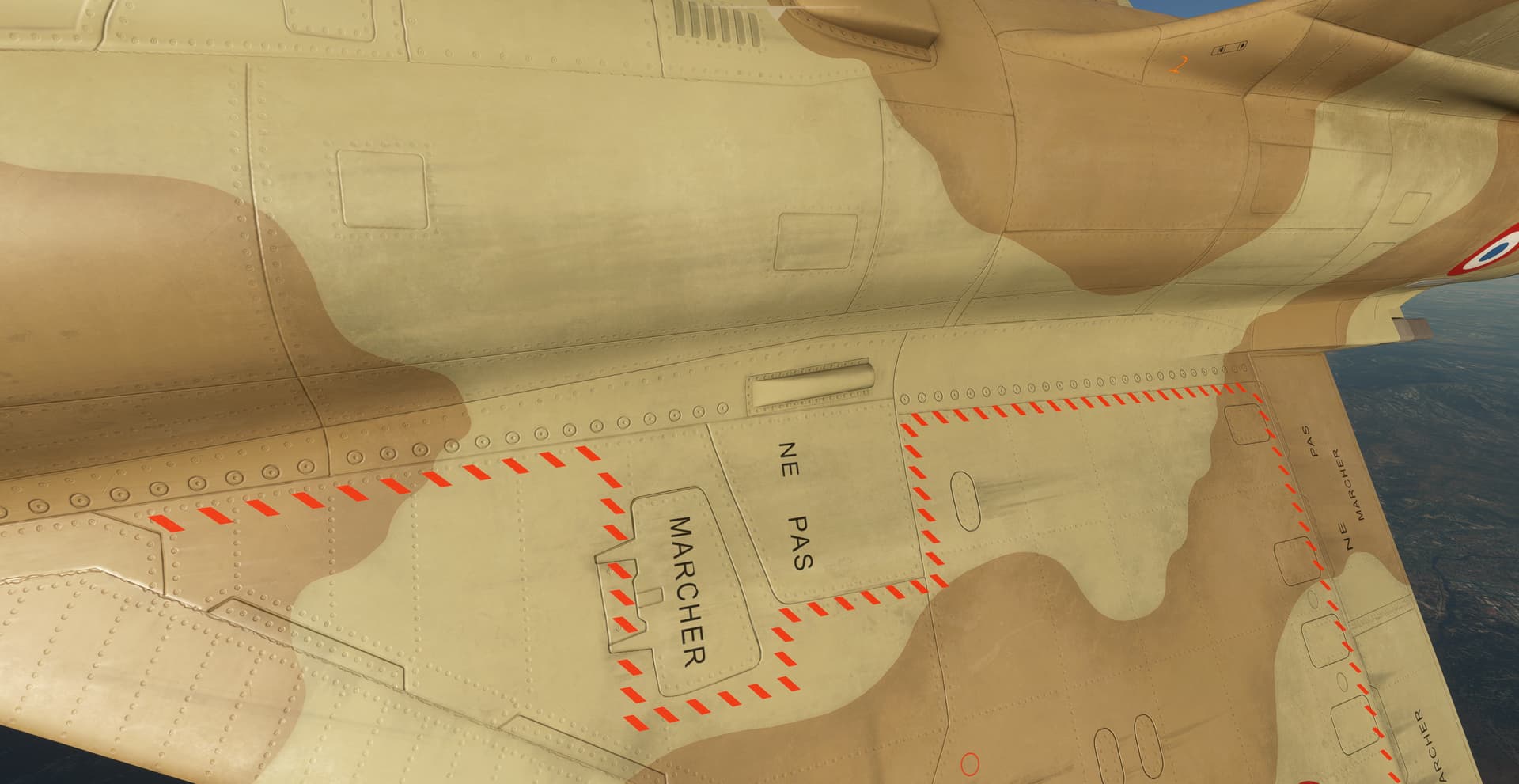
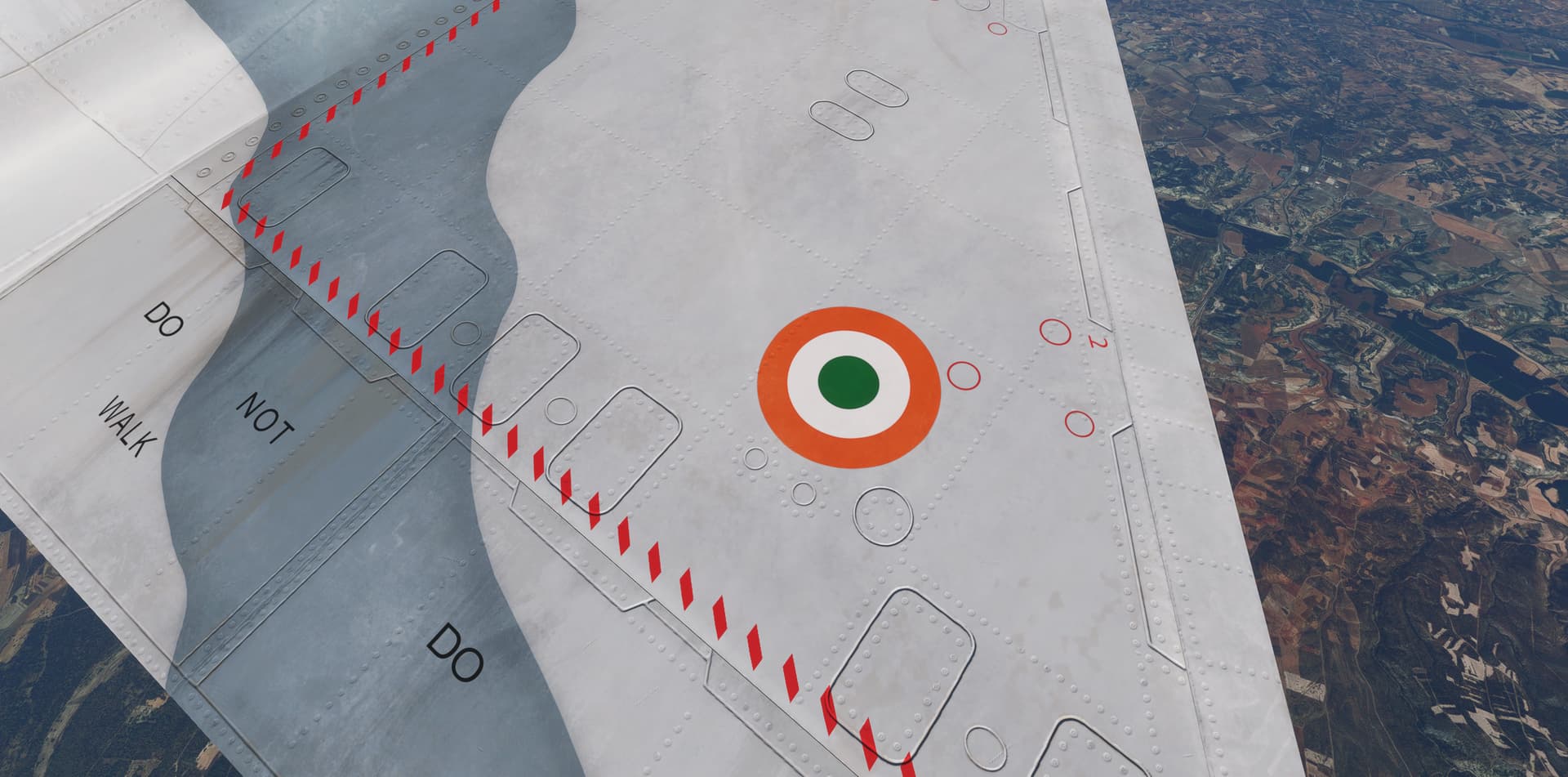
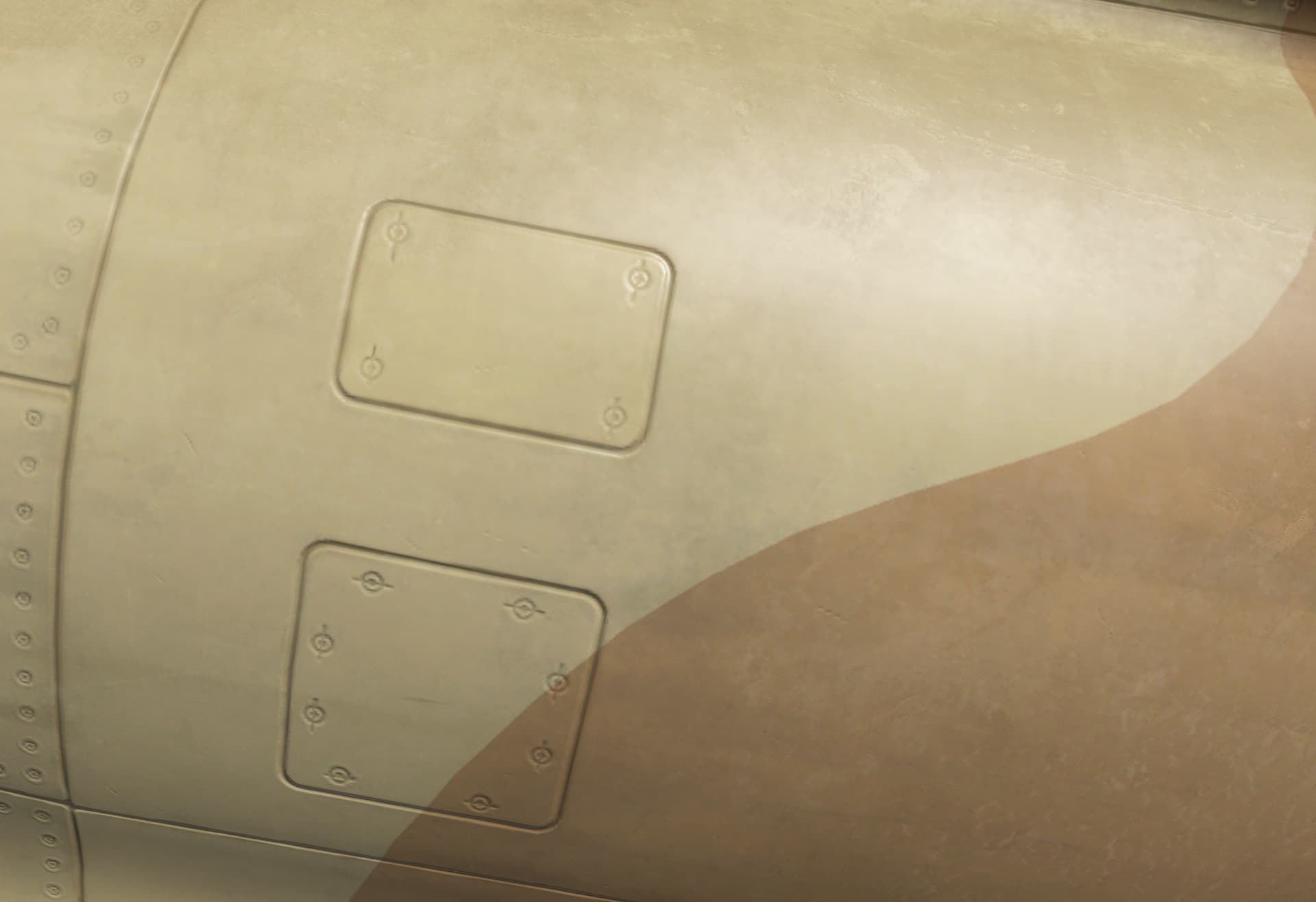
An example in full 8K Rendering resolution - really as good as it can get in MSFS without blowing the memory consumption.
Not sure where you saw low res texturing, but I can assure you its very much not the case. Its done to an extraordinary level of detail and care.
This has been improved significantly on v1.0.1 - had nothing to do with the CG, but in fact it was a controller issue with the FBW.
Edit: reviewing the CG position, its about 50cm below the centre of axis, which can induce a slight moment on rotation. Will move it aligned to axis to fully eliminate it completely, though it has been significantly dampened already
Again, as sharp as it gets without blowing the memory consumption to the roof. In this industry is always a delicate balance between quality and performance. We have a texel density that is highly appropriate for MSFS, where you will never look at an aircraft this close, and yet keeping a VRAM Consumption under 2GB.
Make sure that your sim texture resolution settings are High or Ultra, otherwise you will not see the textures in full resolution. The sim will downsample them, and this is likely why you are experiencing blurry, low res textures.
v1.0.2 is well underway and expecting a release mid-next week.
This will also be the release version on MS Marketplace and Xbox, due to release later in February. I cannot provide a release window at this time, given uncertainty with MS Markerplace processing times and the upcoming release of FS24 Marketplace. But rest assured, it’s coming soon.
ADDED: Weapon/Tank jettison is now supported
ADDED: ILS Needles on main ADI
ADDED: Blue DIRAV light is now lit to indicate NWS
ADDED: Conditional to prevent spoiler deployment or retraction after complete shutdown.
ADDED: A and F lights now light up to indicate speedbrakes extension.
FIXED: Spoiler Clickspot on Throttle now functional
FIXED: Mach Tuck overmodeling has now been compensated, aircraft will not have a strong tendency to pitch down to sustain level flight.
FIXED: Euler rotation of chute handle has been linearized.
FIXED: ALT AFF Default V/S Increased to 2500fpm
FIXED: Oxygen Lever Indicator no longer displaying 0
FIXED: Flickering on G Force and Speed Tape should be fully resolved now.
FIXED: Readjusted CG on Z axis to fully neutralize the off-axis aileron roll.
FIXED: Nav Lights emissive texture stuck in “always on”, even when the lights have been turned off.
FIXED: Adjustments to reflectiveness, some dirt layers migrated to the PBR Roughness layer for increased depth of textures.
FIXED: Various discrepancies on tooltips resolved.
FIXED: Default External Camera Distance position has reset to a slightly closer value.
Under Investigation, planned to incorporate on this update:
Jerky/nonlinearity/FBW overcorrection of elevator at low speeds
What a great rendering of that French delta wing. Am I the only one that find the front canopy excessively reflective. When going through snowy valleys I mostly see white flashes through the front window.
Planned for the next version. However you shouln’t be flying with the chute lever on
Only web-based manual is available. We only release PDF manuals after the aircraft has matured (eg. after a few updates have been released), since the manuals are iterated and frequently edited over the first few weeks.
We add new info nearly daily based on feedback/frequently asked questions, and only having an online manual allows us that flexibility. Having an online manual also streamlines our support since many questions are repeated.
Rookie question here, but how do I trim for level flight. The trim wheel on my joystick has no impact.
The trim appears to be automatic/ out of my control.
I’m using increase elevator trim/decrease elevator trim keybinds, and those work just fine for me. Unfortunately, I don’t have hardware to verify if a trim wheel creates any issues, but it shouldn’t.
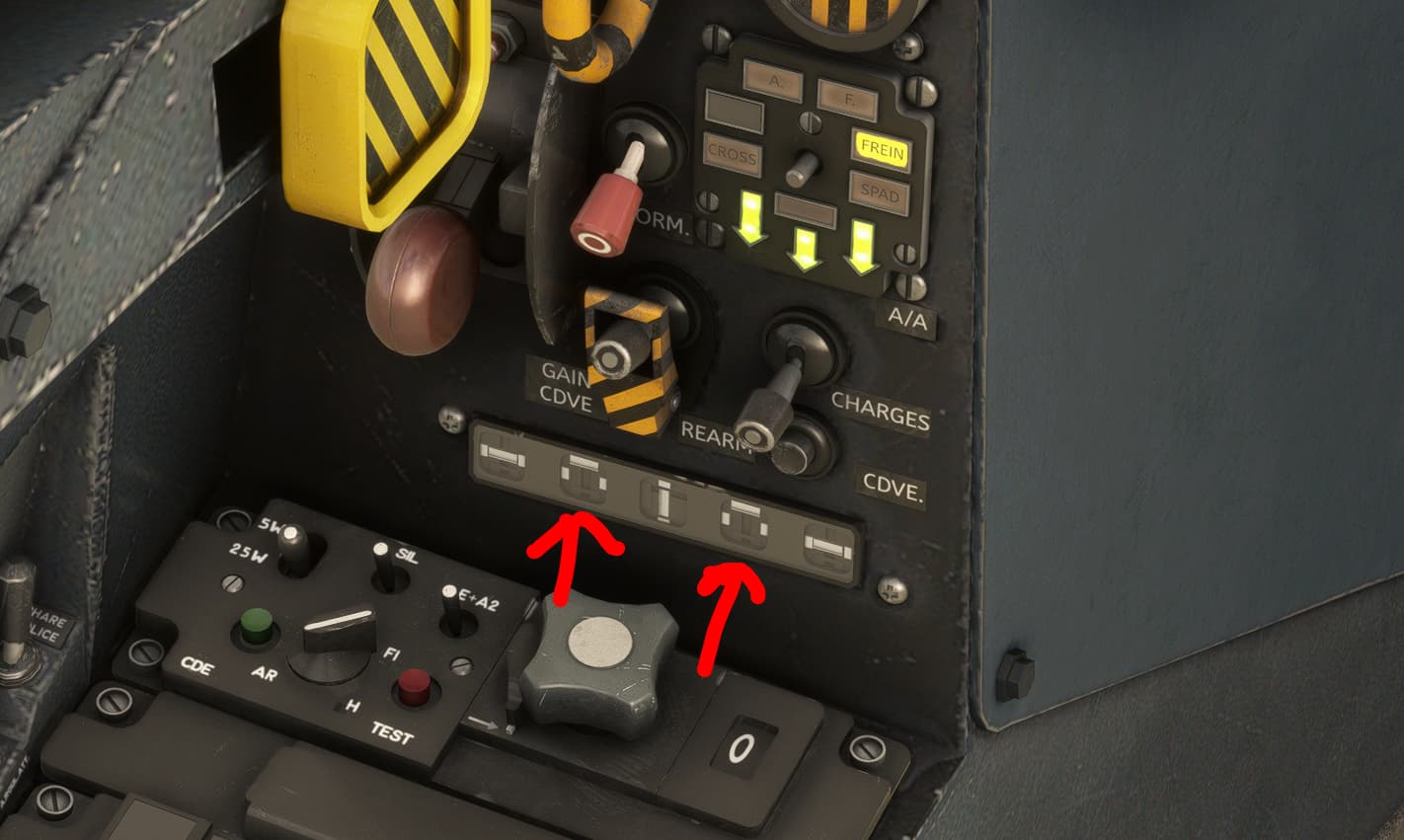
You can verify the position of your trims here - for example, I’m in full up deflection on this screenshot
Thanks, I’ll have a look at it shortly. I’m using a Velocity One flightstick which has a trim wheel at the top. Fairly sure I have no auto trim switched on.