Tablet / Bose
Thank you, but wat does that mean ?
I never had a tablet in this aircraft and I don’t see one now.
If you have updated this since yesterday, look down and to the left. Click on the tablet.
There’s a manual that comes with the plane.
The answer you seek is contained there-in.
1 Like
I will have a look, thank you.
I realy wished all developers would bother to create manuals for their addons.
1 Like
Yes, as do many others like us.
Where can I find the manual ?
I have no manual in the folder of the aircraft in the OneStore folder.
Roger that.
If on console, should be found (manual) on developers/publishers webpage.
If on desktop, in your community folder…I believe.
Just checked the developers website.
Confirmed manual can be found/downloaded from there…direct!!
I’m on PC and since this a marketplace purchase, there is nothing in the community folder.
Also no manual in the OneStore folder of the aircraft.
Found the tablet now, headphones are gone, thanks again for that advice. Never noticed this aircraft has a tablet. I am sure one could turn the headphones off in the FMC until now.
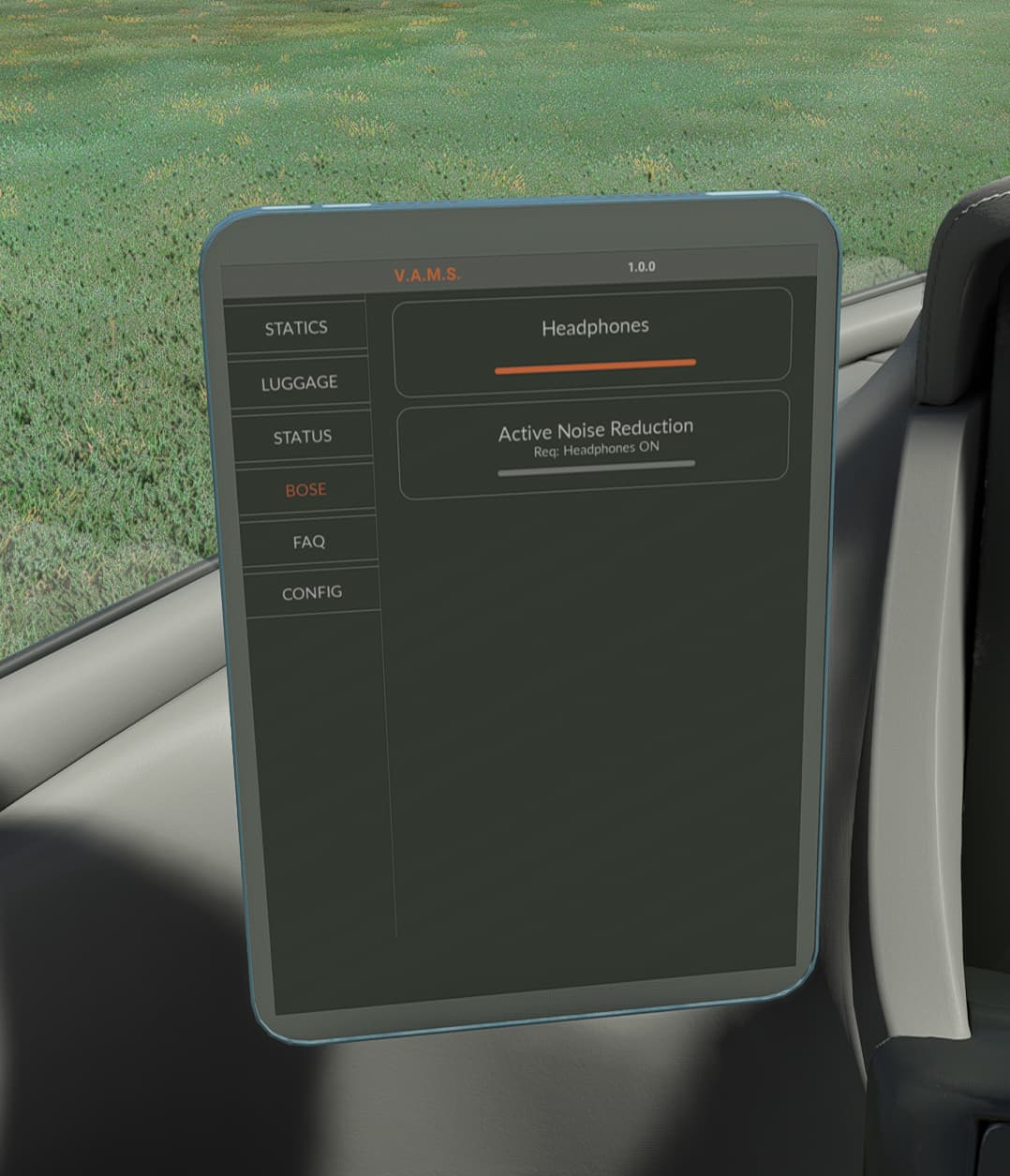
Haven’t fired the bird up since update .
I now remember it’s been moved to the tablet.
That’s because VAMS used to be an icon in the MFD GTC menu. By popular demand the developer moved it to a tablet.
There is a link to the Manual on the FlightFX Product Page for Vision Jet:
https://www.flightfx.io/portfolio/sf50-vision-jet
Part of the team is on the road and haven’t updated the manual yet since yesterday’s launch. The Discord Support Channel is very active with new and returning Vision Jet pilots - we’re actively answering questions there, do feel free to join in.
(Disclaimer - I am a volunteer Beta Tester for the product)
3 Likes
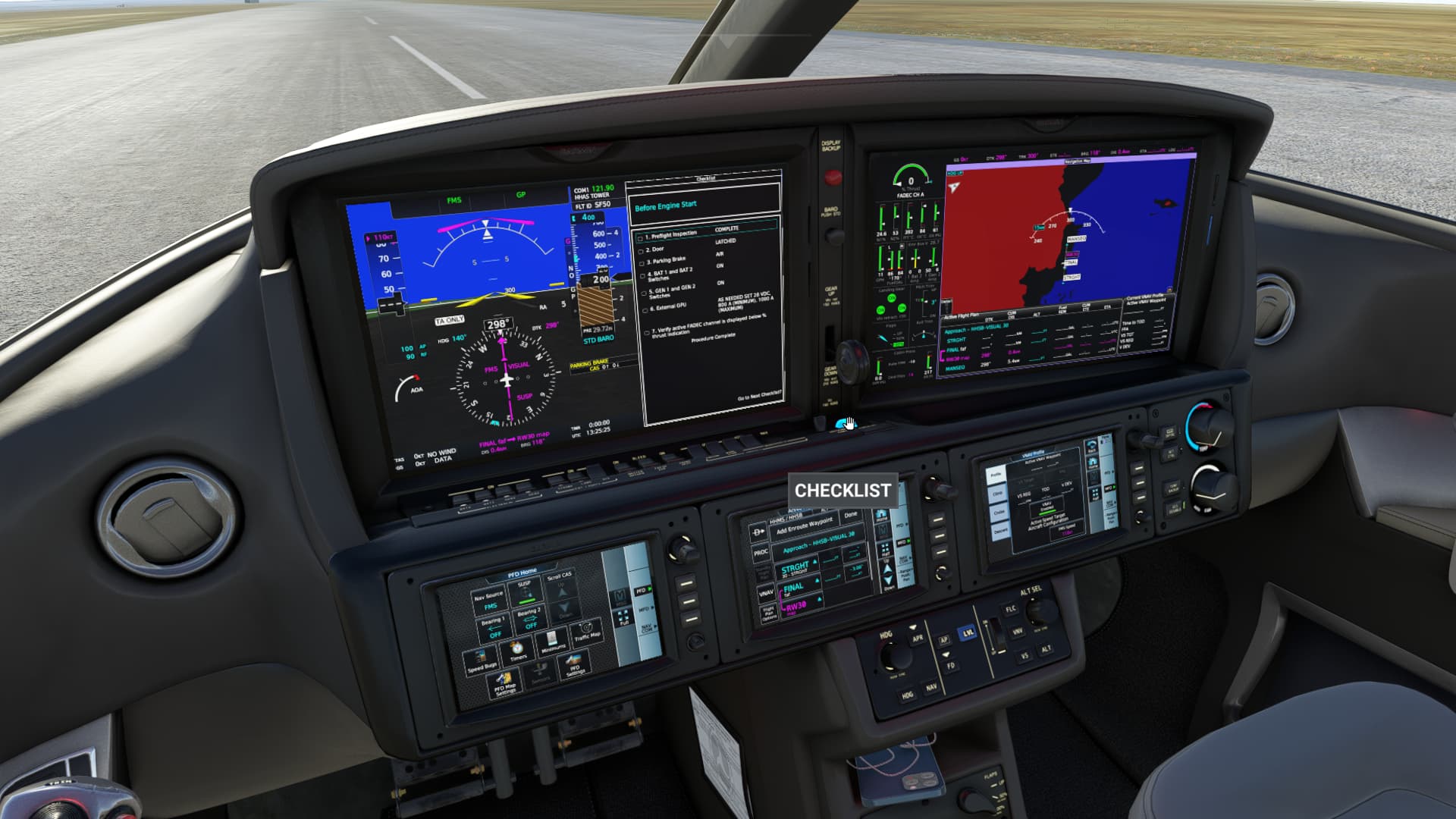
I find the checklist (on the MFD, not on the toolbar) guided me through the flight pretty well. The manual on the website is a tad outdated and is a bit barebones, but honestly I was able to get to grips with the aircraft after a couple run-throughs of the in-MFD checklist. Just need to right click on this checklist scroll wheel underneath the gear lever, follow through on those, and you should be all set!
2 Likes
Honestly, written documentation has mostly gone the way of the dinosaur. Devs wanna dev, not write docs. 
1 Like
You are right, that was before the update. The update added the tablet and improved avionics. If you have a Navigraph subscription now you have navigraph charts available in the plane screens and you can also load a simbrief flightplan directly.
As stated earlier, some of the FFX Team are on the road and will update the manual to align with 2.0 when they return.
1 Like
Hello.
Can someone tell me pls how i get rid of the Bose Headphones in front of the windshield in the Cirrus Vision One Jet Cokpit after start?
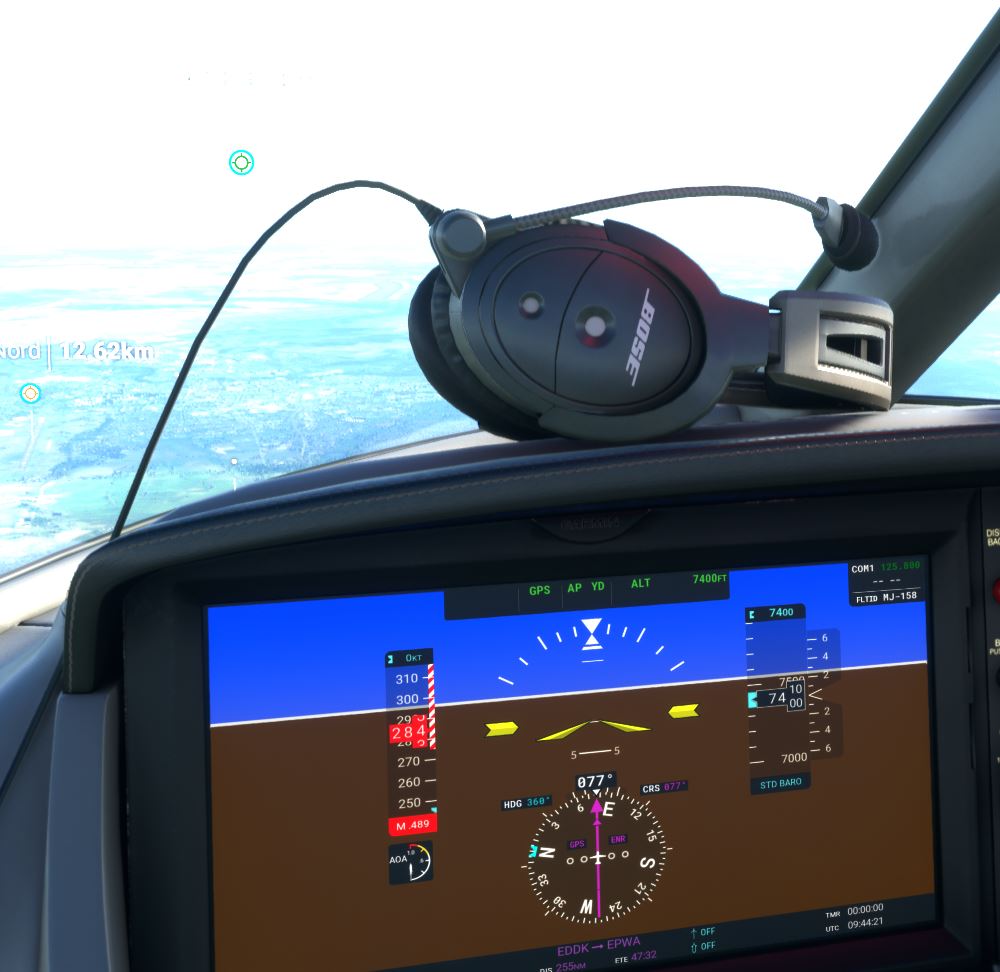
I use automatic start procedure shortcut so maybe it has something to do with it i just dont know. If i do a “warm start” directly from the runway they are gone.
Thx for help
Greetings
Michael
Lower Centre Display / MFD / VAMS / BOSE
4 Likes
If you use Flow (Pro) this widget is handy! Ignore the screenshots. It actually does more than those show now since some updates.
1 Like
I like your avatar btw. That’s my favourite car of all time!
2 Likes