From what I have read so far, if they were it would be somewhat trivial to implement.
Implementing it to MSFS ourselves I mean.
nothing that a hex editor can’t solve! if we know the current 6 values it shouldn’t be too hard to find
I doubt they would be exposed like that either, but if they were that would have been an option.
Hmm the default coeficents: with very pink and purple the first one of those 2 pictures can be quite close to many sunrises here on the westcoast of Norway , but probably we have a lot of the “required condions” perhaps?  also see at lot of pink into red/orange if the weather dies call for it?

But we seldom get those bright orange/red (hallowee. Style) sunsets, usually uniform yellow-orange(if its clear sky and hot in the summer) or / blueish-orange og pink/orange types
 I think I live in a great area theese sightings.. I love it!
For ozone absorption, the current values should be 6.5e-7, 1.881e-6, 8.5e-8 per meter for red, green and blue respectively, but it’s possible that it has a different unit like per kilometer or even per megameter.
Just out of curiosity Maya,
Will the yellow moments we see in X-Plane happen in MSFS as well with those calculations?
Cuz i am not really a fan of the bright yellow moment i saw in XP12.
So is there still an excuse for Asobo to not ship this with SU13 (at least as experimental feature)?
No. Hehehe…
I’m on the Store version, no risk of that for me. 
If someone figures out a way to do it for the ms store version let me know pls 
Just gave those values a go, but I’m not entirely sure they took. At first glance seems to be a bit too much green in there?
For anyone curious about the location (for the live weather part of the equation) , this was at Wake island.
Sunrise (into and away from the sun, live weather);


Sunset (into and away from the sun, live weather);


Sunset, clear skies preset;
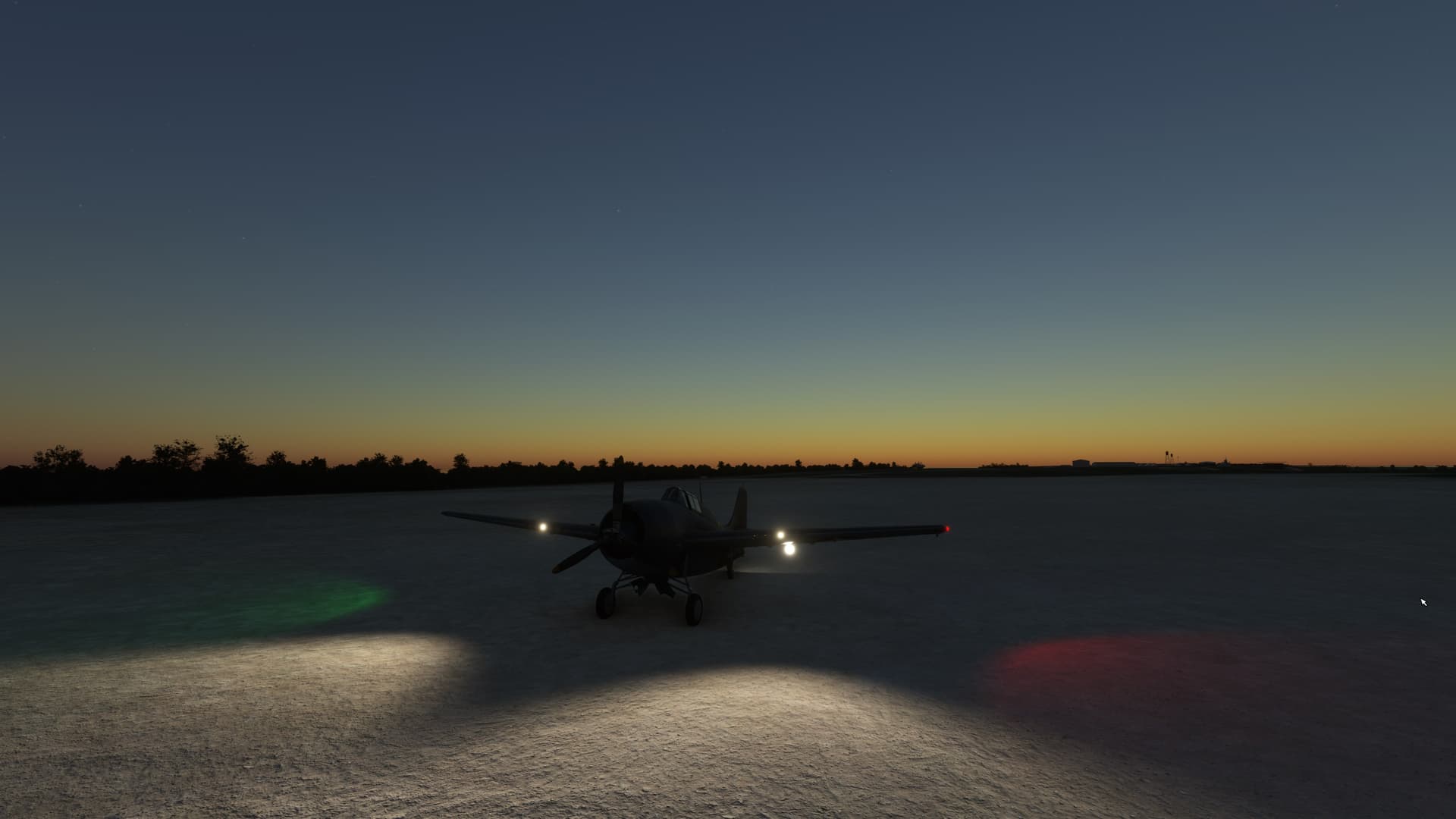

It looks great! Keep them screenshots coming 
That looks okay to me, but it’s possible that MSFS has a different ozone distribution than the one I calculated the coefficients for, which would mean not enough ozone and hence too much green. You can try multiplying them with 1.5 or something to compensate for it.
Another issue is that multiple scattering doesn’t seem to be enough (which is an issue in XP12 too, they boost multiple scattering artificially because of that), which could improve the results as well. But as I don’t know what the original value of the multiple scattering multiplier is (or even if it exists), there is no way for me to change it.
Yes all of them.
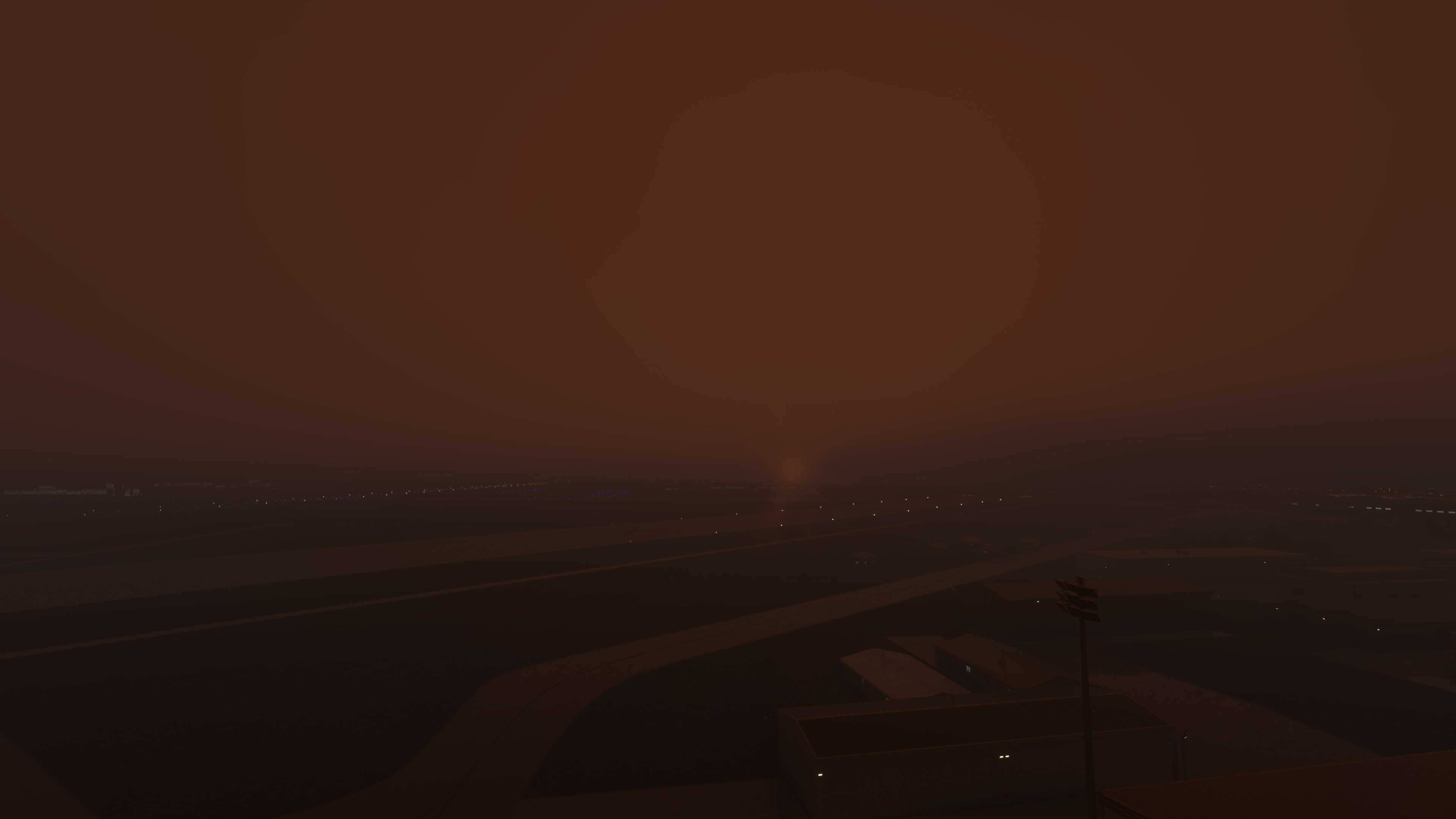

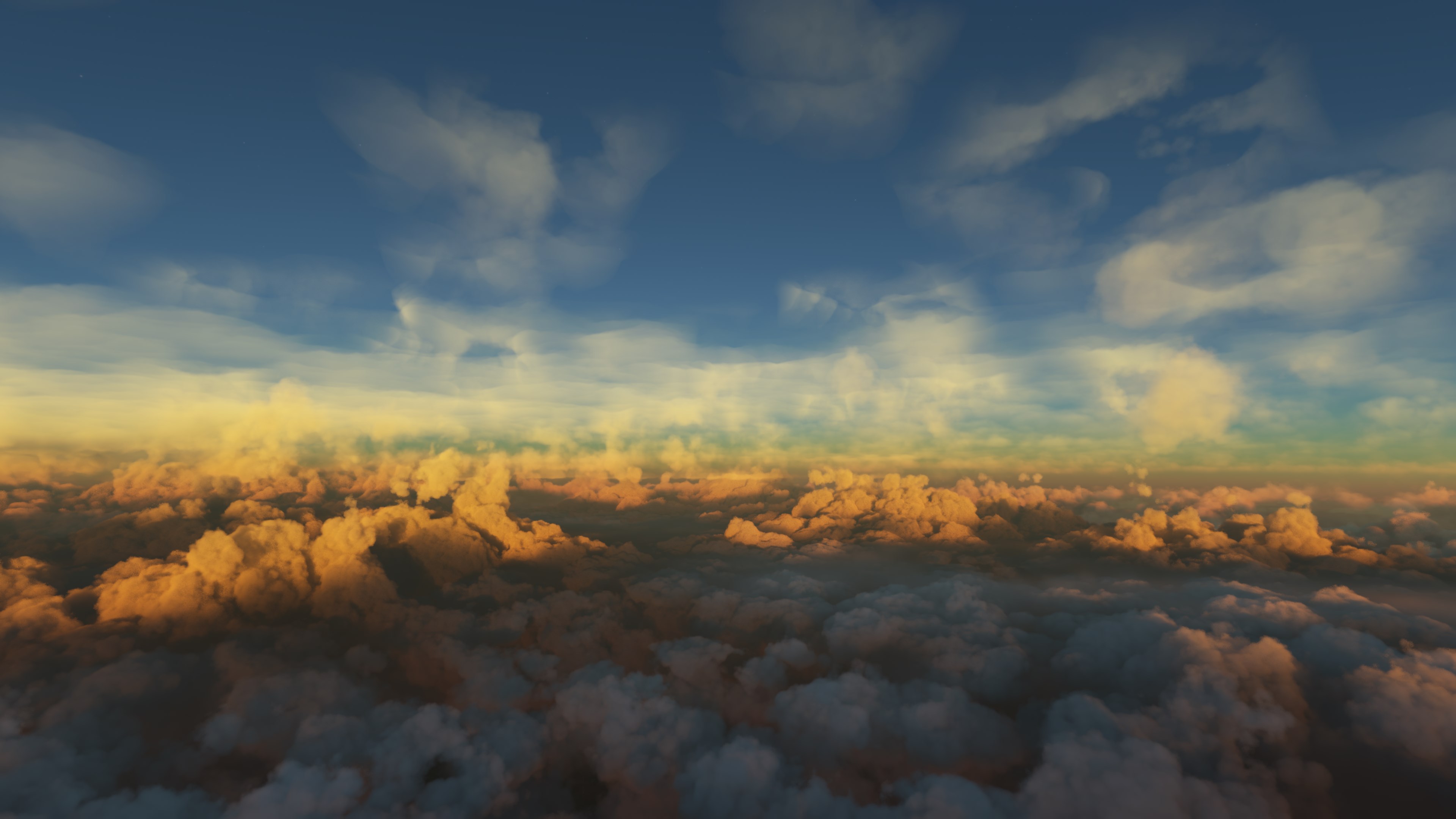
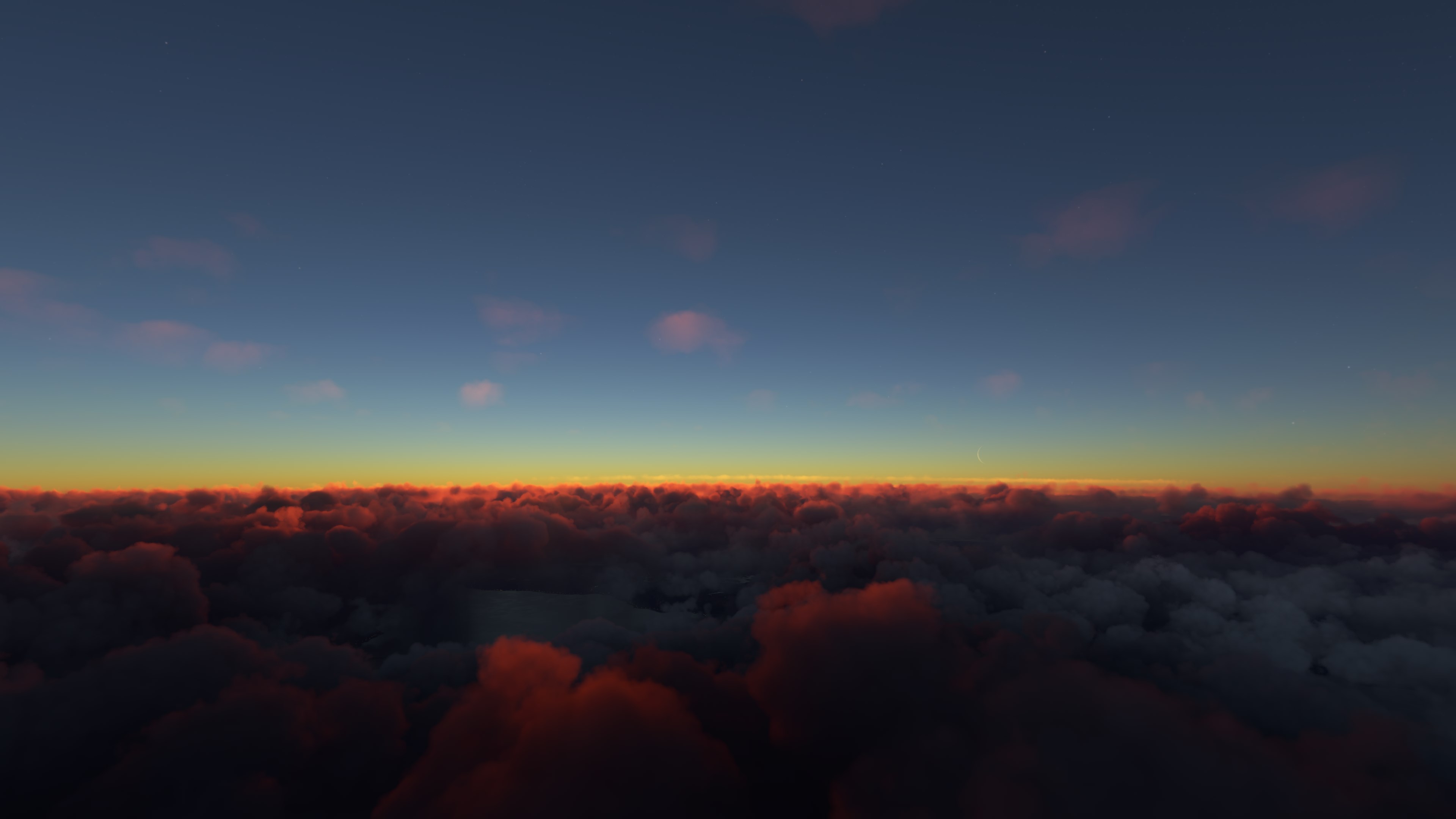
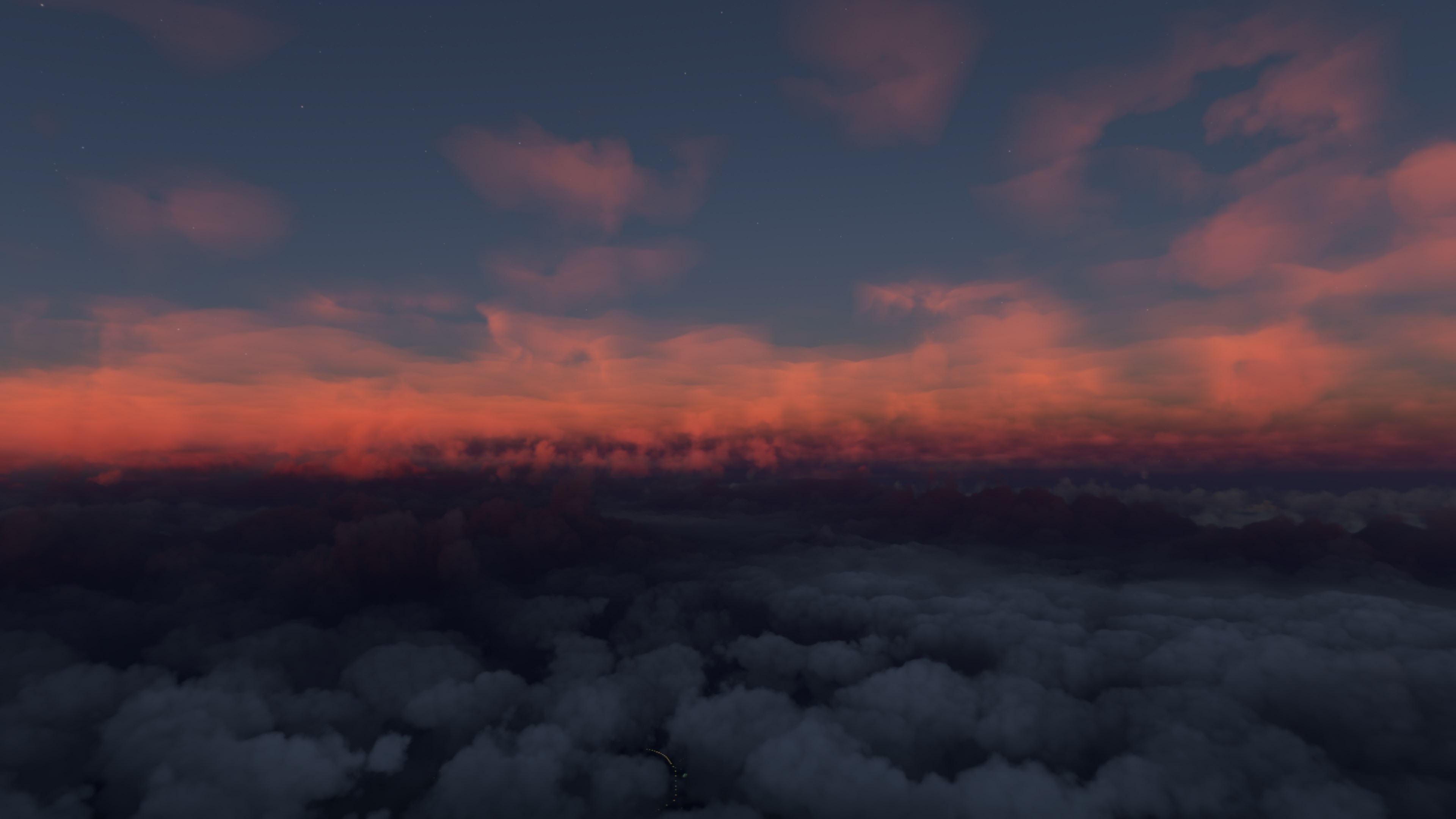
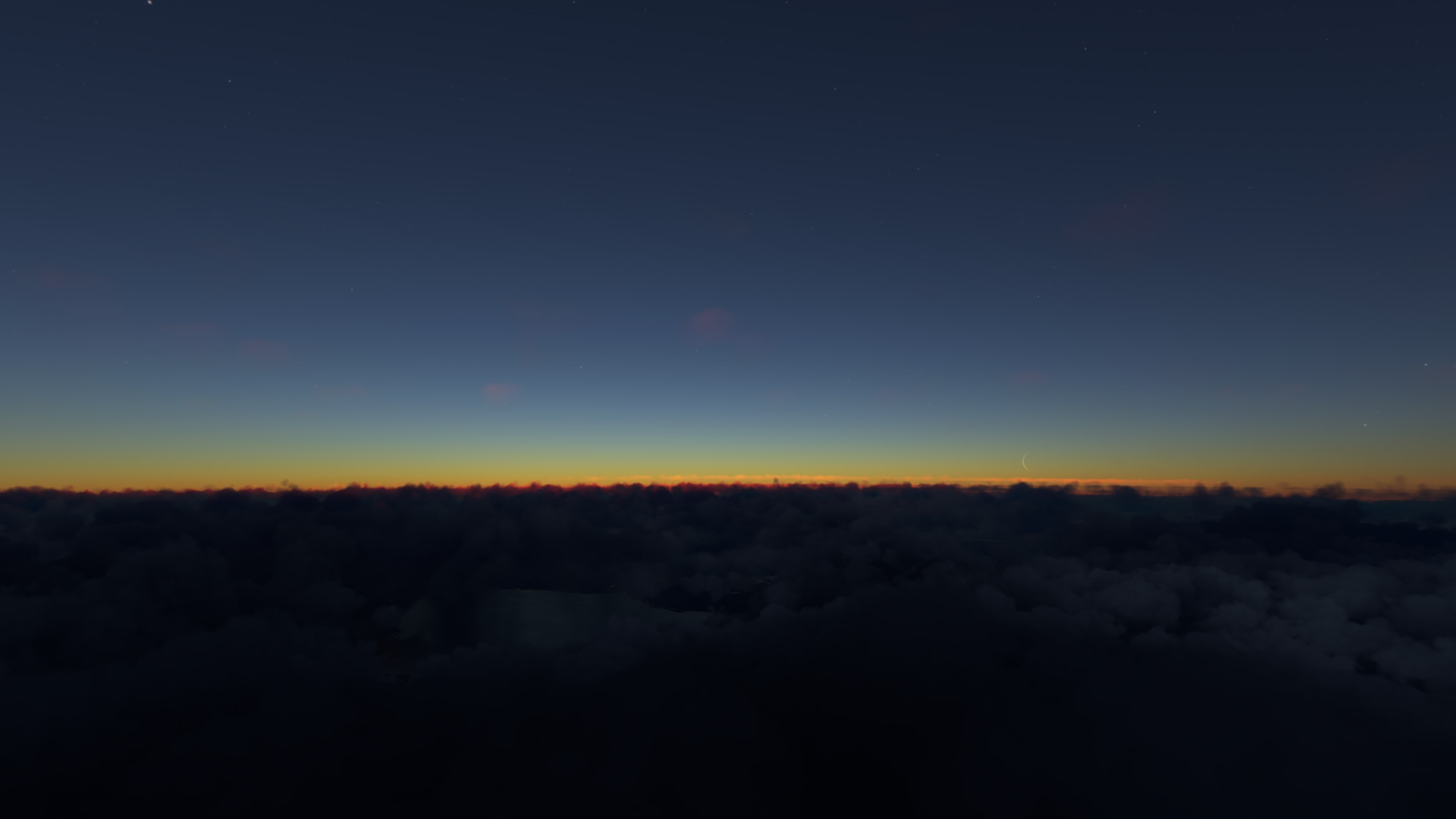
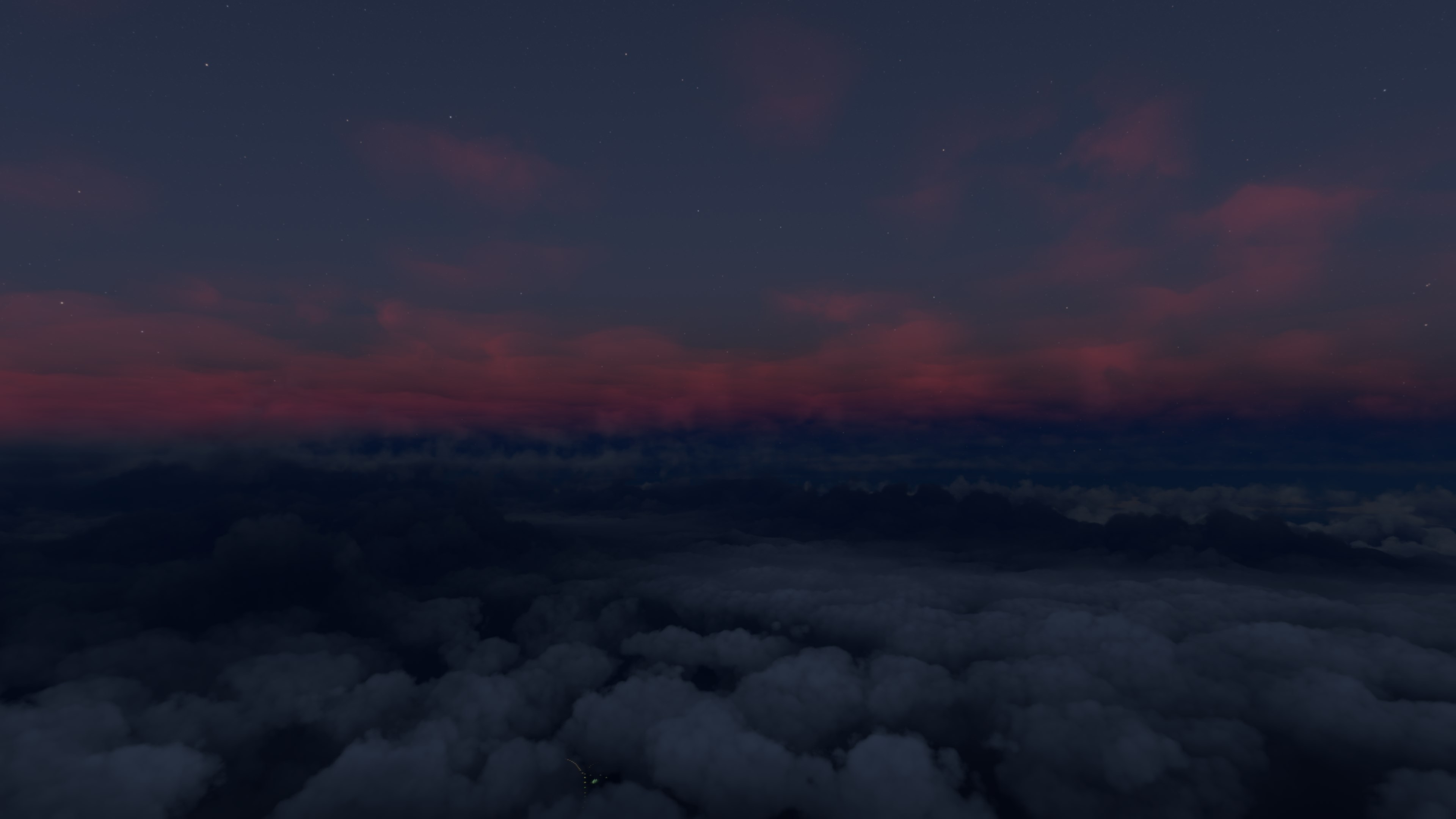
OMG YOU DID IT !!! CONGRATS 


Amazing what a hexeditor can fix, it’s abit like
a games .ini-file crayzy
Yes it certainly needs some boost for multiple scattering contribution.
Wow guys great job!!
Could one of you provide the offsets of where you changed it, next step I think would be to write a little bat/poweshell script to patch up the exe for the less technically gifted