That’s really cool. Maybe if other sites cover this, it will generate enough buzz so that Asobo gives this (more) attention.
I guess if they really want to implement it, it’d be in the form of adjustable graphic settings. And that’d take a bit of time to implement.
Exactly. It has to be done carefully. It needs adjustment to other params aswell. Its not just copy/paste.
lol, I got credited there 

Yes, Julius (the author) contacted me this morning about the screenshots.
In case you speak or atleast, understand german. You have to listen their Podcast “Die Simulanten”, its funny and amazing. Its on every Podcast-Streaming platform. 

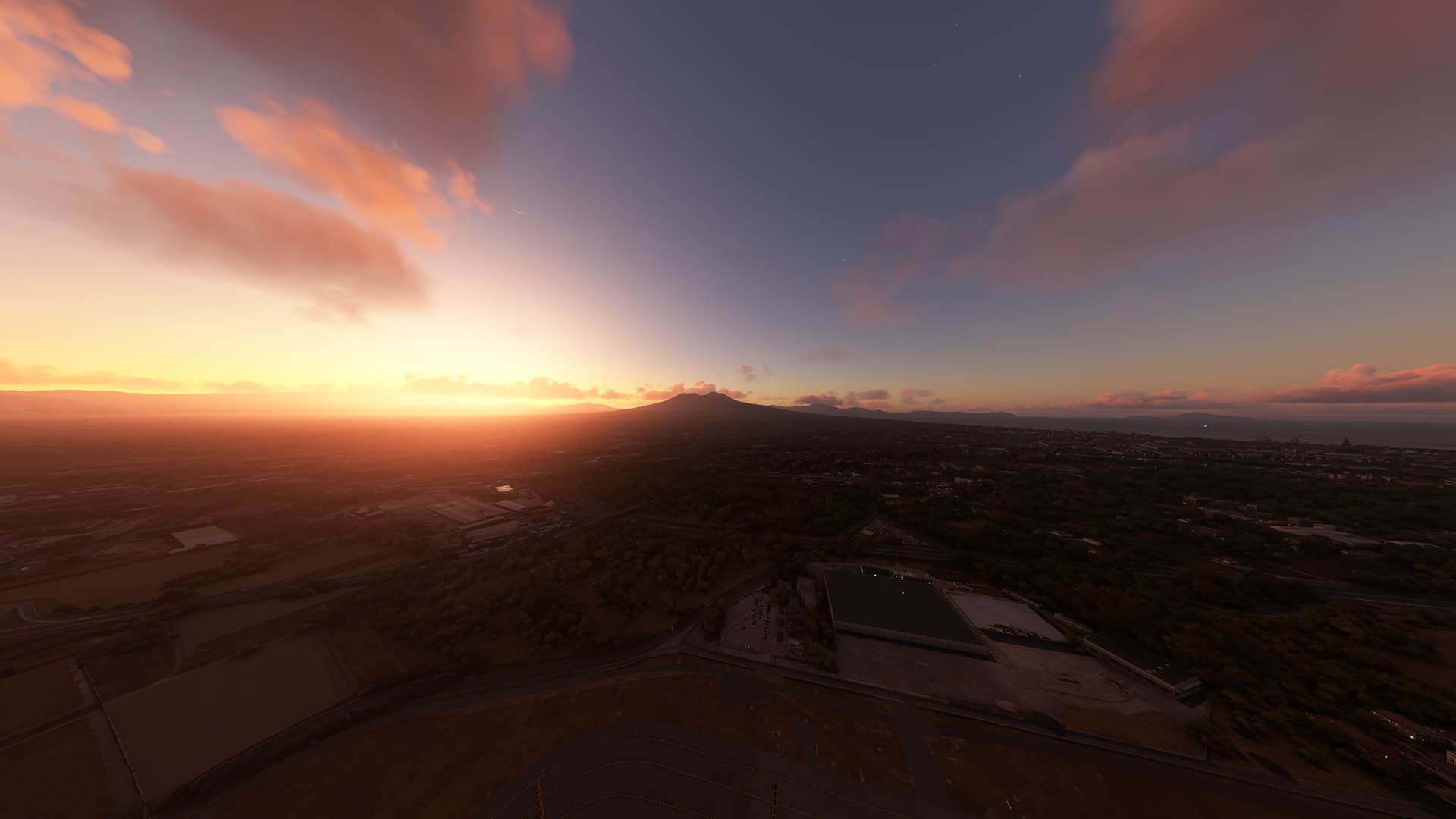
Hope the shots in post 21 is possible when Asobo works on it.
It looks so good
It’s night, and day different. Kind of like wearing glasses or contacts for the first time. You couldn’t quantify what you were missing until you did.
Awesome colors !
That’s why I hope they add this ASAP, even if it’s not fully tweaked yet and other parameters might still need some work, it looks so much better than vanilla. So Asobo, please add this as experimental option now and fully implement it when you’re done tweaking
I must say, this is pretty impressive. The only real issue I see, besides Asobo getting their feelings hurt because some people think they got the sky wrong, is that everyone has a slightly different opinion of what’s “right” when it comes to the sky colors, and clouds. This is the reason there are soooooo many reshade profiles for P3D, and when it was allowed from a technical standpoint, soooooo many reshade profiles for Ex-Plane 11.
At some point, and rightly so, the developer has to make the artistic interpretation of the sky, and how it displays in the simulator. Asobo for lack of a better term, is the supreme court, and will make the final call.
Now, if I were a betting man, I’d have lost a pile of money last night, because A-Aron went down on play 4 with a season ending achilles heel injury, but my gut tells me that Asobo will look at this, and meld their current vision, with this new data, and teak their way to a compromise.
In those MSF screen shots, I wonder about something. Seb at one point said the overall color of the clouds, and the criticism that they look at times like volcanic ash, was not shader related. It was the actual properties of the cloud make up, light refraction model, etc…, so it would be a total re-write of the clouds, to make an impactful change. He went on to say that just changing shader values had some positive effects, but also washed out details with the clouds. and the rest of the sim, so that wasn’t a real option for cloud enhancement.
So…since the clouds are depicted based on light scattering, and other properties, I wonder if changing to these atmospheric values will have a positive effect on the clouds, i.e. having a whiter top, less grey bottom.
Didn’t Asobo use the exact same coefficients as other simulators? I don’t think it was about artistic vision and neither should the new values be.
I completely agree with this. The scattering and absorption coefficients are all physical constants determined by the composition of the atmosphere, so they are physical real-life values, and because of that using anything else doesn’t make sense as it wouldn’t be describing our atmosphere anymore. Asobo also seems to think that way, with them saying “we don’t fake stuff” multiple times.
I genuinely believe that using a physically based approach is better, as otherwise things would quickly turn into a tweaking mess, simply because given that the calculations would have no physical basis, tweaking one thing likely wouldn’t affect the other thing as it should, which means there would be no consistency. Using Asobo’s words, not faking things prevents that.
Well I really hope they can do something with the clouds, they look absolutely awful a lot of the time unless the lighting conditions are right.
I think the current daytime sky looks pretty good. It just needs some additions like global haze and many more cloud variations that are properly colored. The current clouds actually have pretty good colors on my system (XBX using RGB full, 12 bit, non HDR and sRGB mode on a BenQ monitor) but they could definitely be improved through variation, definition and improved coloration.
I wouldnt want these changes to take away anything good that we already have and no one has shown what these changes do to the daytime sky so for all I know, it may end up being a green sky with green clouds and nobody wants that. Nobody should want that?
Hi @Biology2394,
First of all thanks for the great work. I hope this finds it’s way into the sim ASAP.
In your original post you mentioned that you converted the spectral values, if I understand correctly, to sRGB.
My question is, what happens with HDR10 and Dolby Vision. So DCI-P3 and Rec.2020 colour spaces?
Are any adjustments needed for the values?
Also - and mind that I’m only amateurishly reading on that so my understanding might not be correct - I was wondering if your approach for this… mastering so to speak, is also taking into account either a gamma power value or PQ EOTF, for the appropriate greyscale. How would each approach affect things, if so?
Cheers
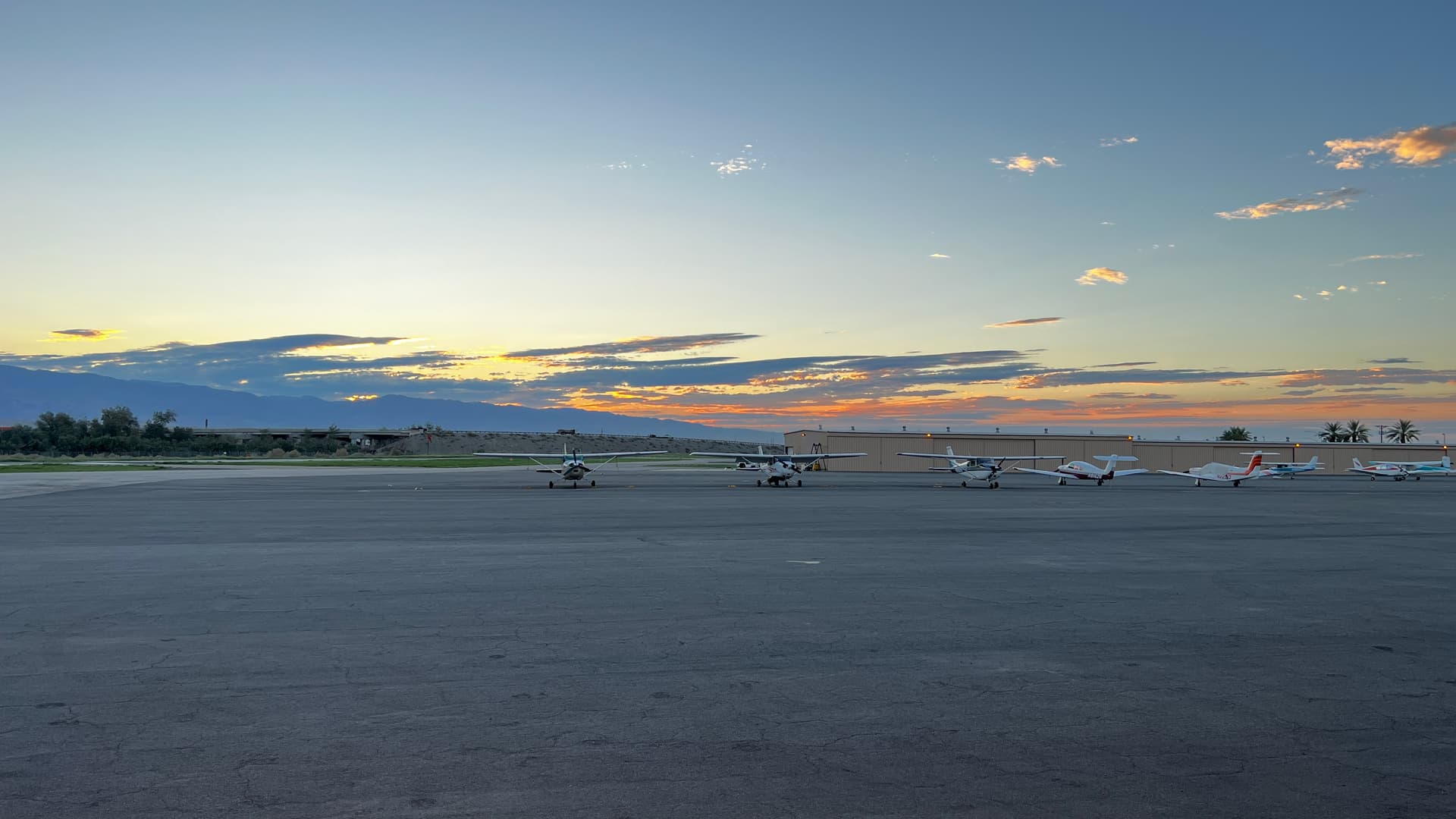
This is reaaly great example of difference between balanced photorealistic look (the first one) VS too much orange/ping unrealistic “filter” which is coloring almost everything to “martian” apocalyptic orange, which is really not so much realistic (at least not on our Mother Earth).
Notice the still pinkish enough clouds on the top left corner of the first modified coefficients screenshot. I’m 100% convinced that it really needs some tweaks, ideally in form of “ingame menu tuning settings” so everyone could ajust to their preferences…
Shouldn’t the preference be “reality”, and there is only one?