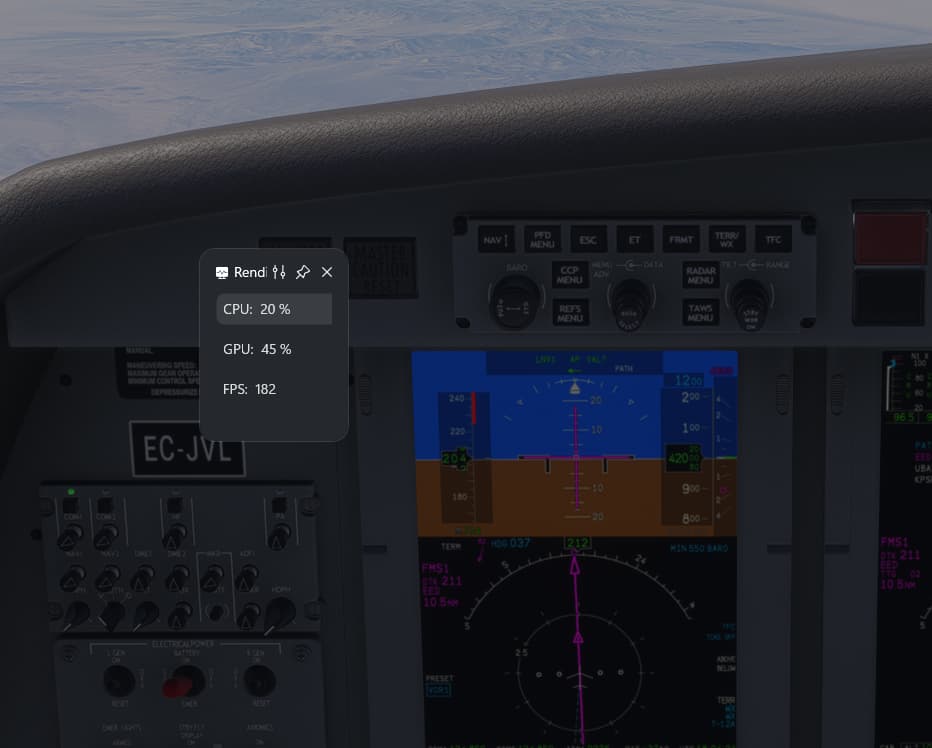
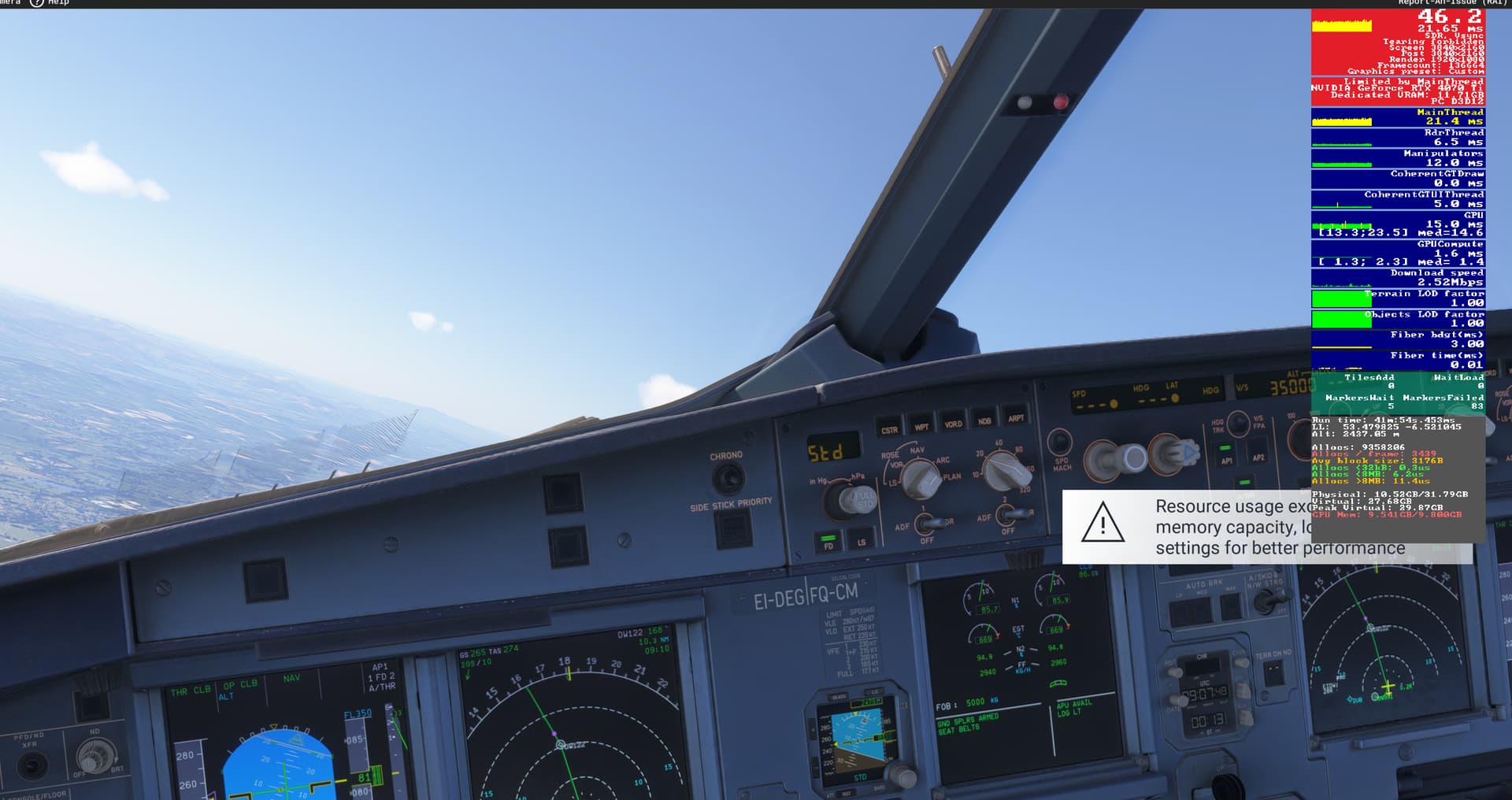
I’ve tried adjusting my settings to almost minimum and it is still coming up. It came up every now again (still too often) before the latest update but now it is almost every time I move my camera. I have a 4070ti and with high/ultra my frames seem fine apart from occasional stutters, but the message doesn’t allow for any tolerance at all. I’d love a way to either turn this message off or have it appear only once, because it gets quite annoying. Thanks
I get the same message when starting each game, regardless of settings. VR headset also buggy prior to entering game in the link menu (Quest 3), so my problems start before I’m in game- which is unique to 2024. Game is unplayable for me at this time regardless of settings/tray tool tweaks.
I can get decent frames, but dropping frames like crazy when you look at the data, and -80 to -100% headroom. Motion sickness and overall not sharp.
Compared to FS2020 (which plays fantastic with +20% headroom, and clear gauges)
They seem to have a baked-in performance problem for my system (maybe the 4070?), while others seem to be playing fine. Not to mention, if I ignore all of this, buttons still cant be pushed, and everything is a washed out mess. The gameplay bugs are still there, waiting to be discovered.
FS2020 is running 100% and is an amazing experience right now, not sure why I cant get 2024 to work.
was having really smooth performance before but today with newest NVIDIA drivers and maybe the latest beta build, I get this msg and it crashes… need to reboot PC. I’ll try to play with it some more and test what could be the problem.
I’ve never seen this message on 4090 before last fs2024 beta update … my driver is still 572.83. But I don’t get any crash and game is usable after message
Sorry to gate crash but can we PLEASE have an Option to turn this message off? I find it intrusive, annoying and ultimately pointless when the game itself is so poorly optimised. That’s the real issue here, not users settings.
Just to echo something said before, this message may or may not be working as intended, but it’s the repetitive nature and inability to turn it off when whatever it is warning about doesn’t affect my gameplay.
Agreed, was just curious what is actually occurring to see whether or not this should be treated like a bug or a wishlist item.
I believe in your case it’s a bug as the GPU memory is not exceeding capacity (close, but not literally exceeding) so the message itself is false.
I’ve observed other cases where the capacity is being exceeded (not by much, but it is) and performance is unaffected - this is a case where removal of this warning would be a wishlist item, not a bug.
I analyzed this popup and commented in another thread about it, but basically it seems as if the resource load measurement is being taken at times that should not matter, like when the scenery is loading upon spawning. Resource usage is expected to peak at levels far exceeding regular, stable gameplay usage during loading, and should not be the metric for this measurement to display the popup.
While I do think it could be useful for some users if applied correctly, I also think it should not pop while spawning into an airport, but rather a minute or so after loading is complete and the resource usage has settled. Until then, it is just another useless, nuisance popup that causes more confusion.
I get the popup when loading with an 11900K, 64Gb DDR4 3600/CL16 and a 4080S, on settings that are otherwise smooth and stable once loading is complete. So the message is not only wrong, but intrusive, which, to me, is worse than useless.
I understand what they’re trying to do, and feel like it could be a good tool if they adjust the timing of when it samples resource usage.
120fps, all look great, good sim experience… so I do not care about why that message pops up, handle it in code, don’t bother me as user with this stuff. Remove or hide that message as long as it all looks great. “Lower settings” - Why, all looks great and more fps as I got on FS2020 so why would I lower my settings? Makes no sense… if something needs to be throttled or set different, take care of it under the hood.
I would love to have an option to remove this message. Despite my graphics card is sometimes working on its limit, rarely I can feel it so the message becomes an immersion killer to my simulation. It is annoying doing an amazing and realistic approach and suddenly receive this message related to computer issues which doesn’t exist.
I am still quite baffled as to why Asobo feels the need to put these messages up and offer no way to suppress them.
Did they learn absolutely nothing from the 2020 offline/online/offline/online/etc. messages that we all complained relentlessly about?
I am quite tired of feeling like there is them and then there is the rest of us who actually use the simulator and find these sorts of design decisions terribly one-sided.
Where is the Steve Jobs figure in this project who is looking out for poor user experience?
Just, please, stop making bad decisions about functionality like this. Give us a suppression method.
So another baffling bit about this message - I saw it for the first time ever during an earlier SU2 beta build at X-Codrs KDEN, an airport I have used and tested performance at in FS’24 for a couple months. Never an issue with VRAM there - while allocation was high, I never had performance issues.
So this message pops up every time I loaded in one Sunday a week or two back. Never saw it before, at any airport or any situation, even when testing places that had higher VRAM usage.
Anyway, I loaded in there to check something after the most recent Beta build. No message AND my VRAM usage has dropped by like 2-3GBs. Why? Who knows?
And in typical Asobo fashion this is still an issue. Ive literally sat here with over 120fps and my vram no where near full and this message pops up. Sigh…
I may be dumb as it’s been 15 years since I worked in videogames, so long ago we used to write our own graphics engine. However, even then, it was considered a developer matter to load textures into available VRAM, and not exceed it. We basically would calculate what we needed to load in, then if necessary, scale down the texture set to that it would fit in. Why can’t they do that now?? I understand things are very dynamic now in MSFS, but even so, maybe they should go back to fundamentals if they cannot cope with that situation? It is just absolutely unacceptable to put complex technical matters such as the management of VRAM into the hands of the customer/player.