Test machine specs: MSI X670E, AMD Ryzen 7 7800X3D, AMD Radeon RX 7900XTX, 48gb RAM
Version reviewed: FS2024 (native)
Add-ons: Taburet Northern Hemisphere Summer Mask, BATC, GSX Pro, GFX, Global Shipping '24
I became personally acquainted with TaiModels only a couple of weeks ago, when I purchased their excellent Bengaluru Kempegowda. Being very satisfied with it, I decided to take the plunge and buy my second TaiModels scenery: KMCI.
DETAIL
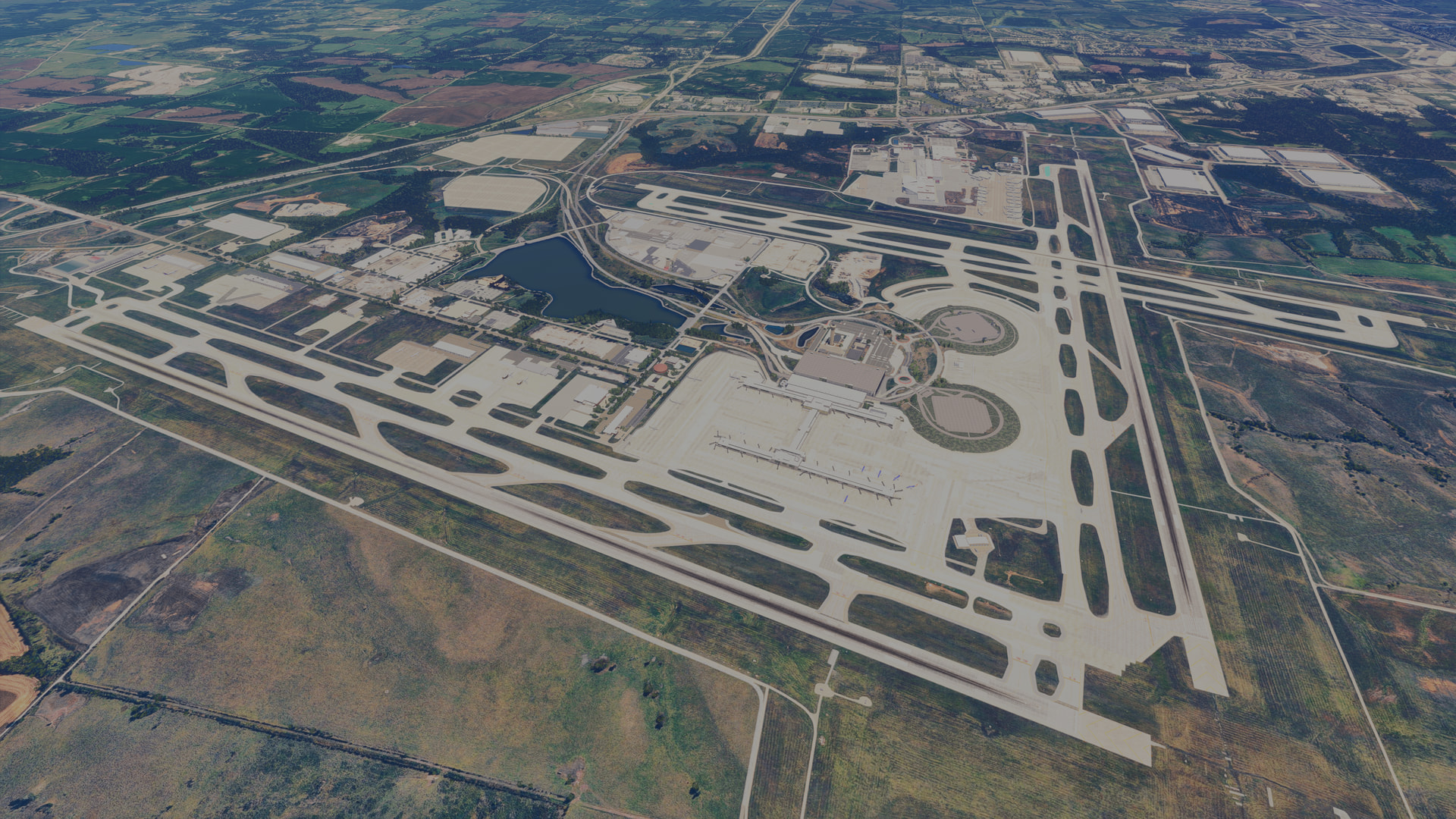
As always, I chose to fly into my new airport from elsewhere; in this case, Ini’s KDFW. After a flight of roughly an hour, my AAL 737 graced the asphalt at KMCI. Runway textures are very good but not really anything special in 2026. I found the taxiway/apron textures much better, with plenty of wear-and-tear and ground markings that look like they’ve been run over a million times by aircraft tyres. Particularly pleasing is the randomness of the dirt and grime, with no noticeable repetition (this also applies to the dirt/grime on many buildings across the scenery). Some of the textures, however — particularly on the shoulders besides taxiways — are lower-res, and therefore do look a little out of place. Furthermore, the airfield lighting is entirely default, which is a weakness for TaiModels and evident in promo images/videos for all their products. The entire airfield has an elevation profile, which feels convincing to me.
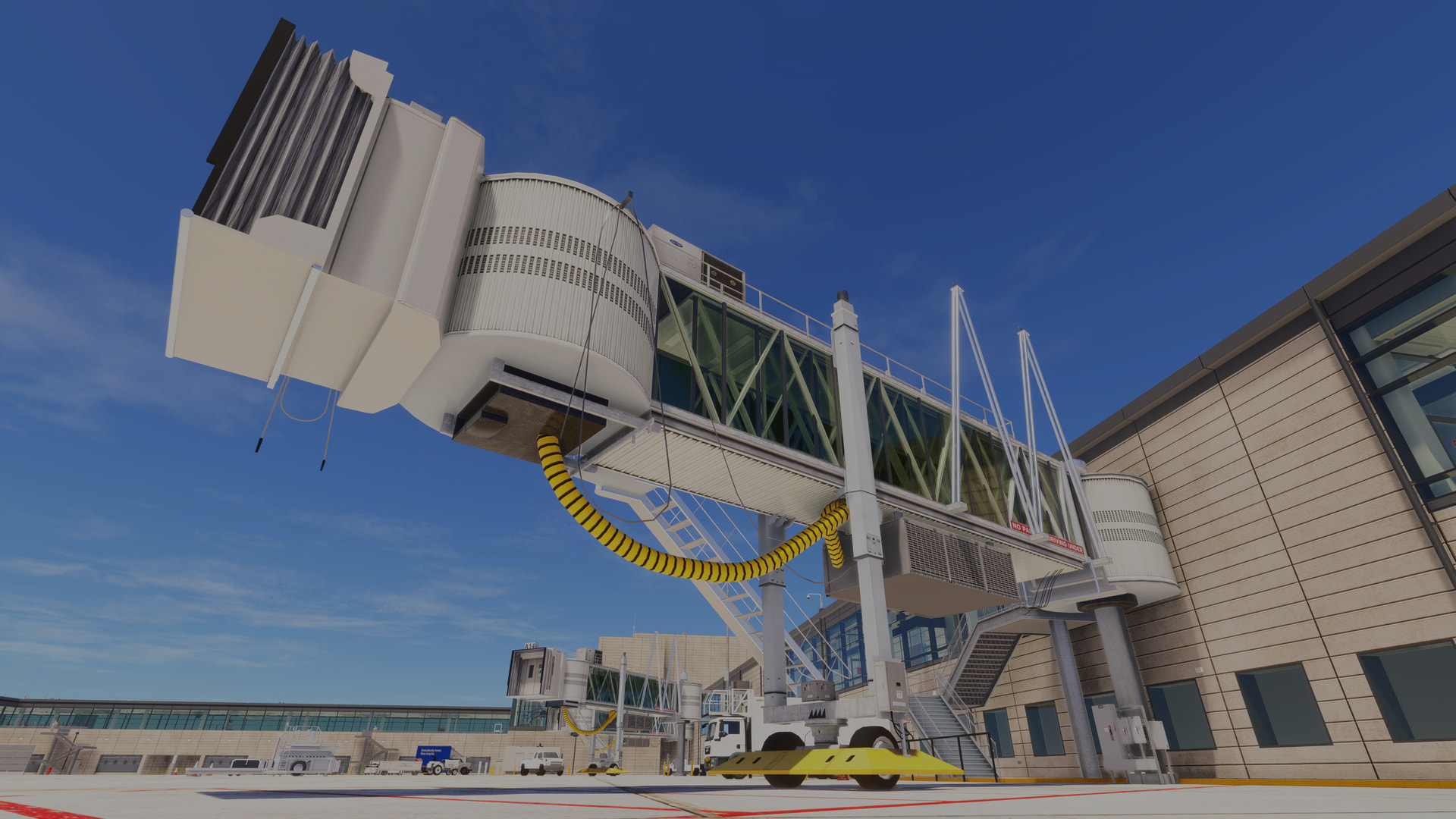
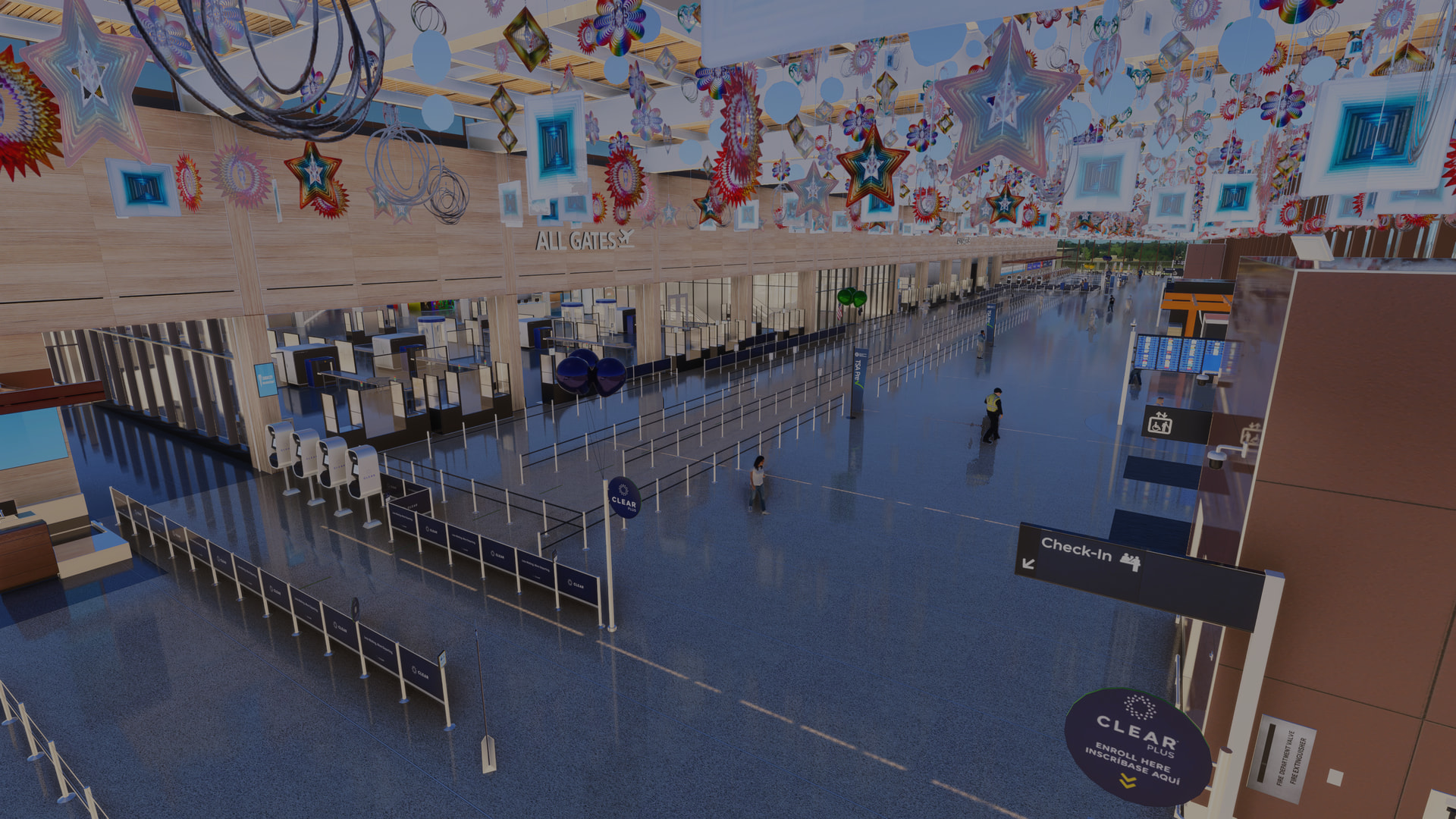
I arrived at gate A3, following BATC’s instructions (BATC compatibility seems fine, based on what I saw during my taxi in and subsequent exploration with the drone cam). Immediately, what struck me was how gorgeous the terminal looks. It’s modelled in extreme detail, inside and out — right down to the medallions dangling from the ceiling in the check-in concourse, which gently spin in the ambient air typical of a hall this size. The detail inside really is insane and includes numerous animations (escalators, TV screens, flags, passengers); while outside, flags flap in the breeze and air-con unit fans do their thing in the humid summer air. Honestly, I’ve rarely seen detail this intricate, but it didn’t really come as a surprise since Kempegowda is very similar.
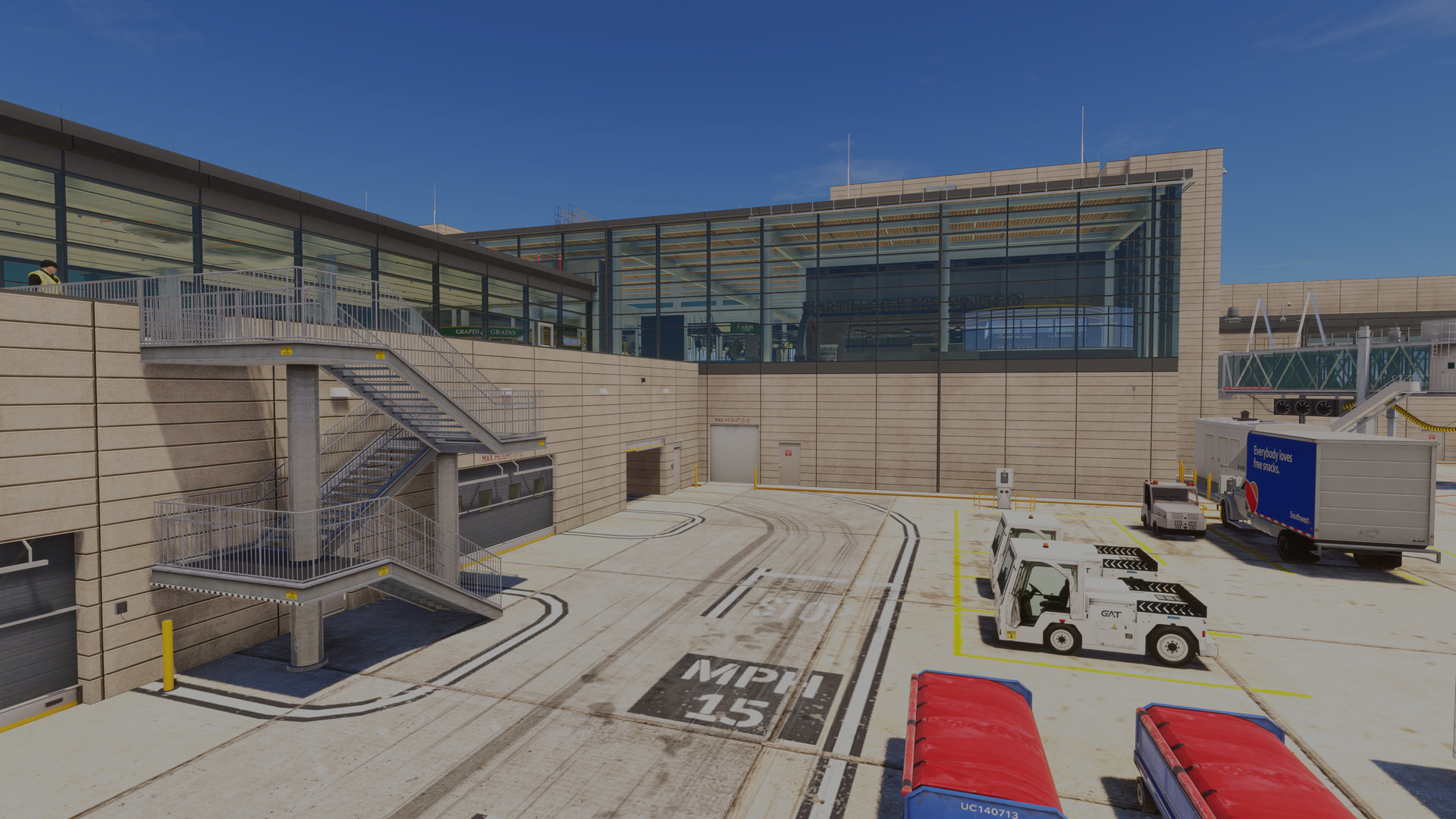
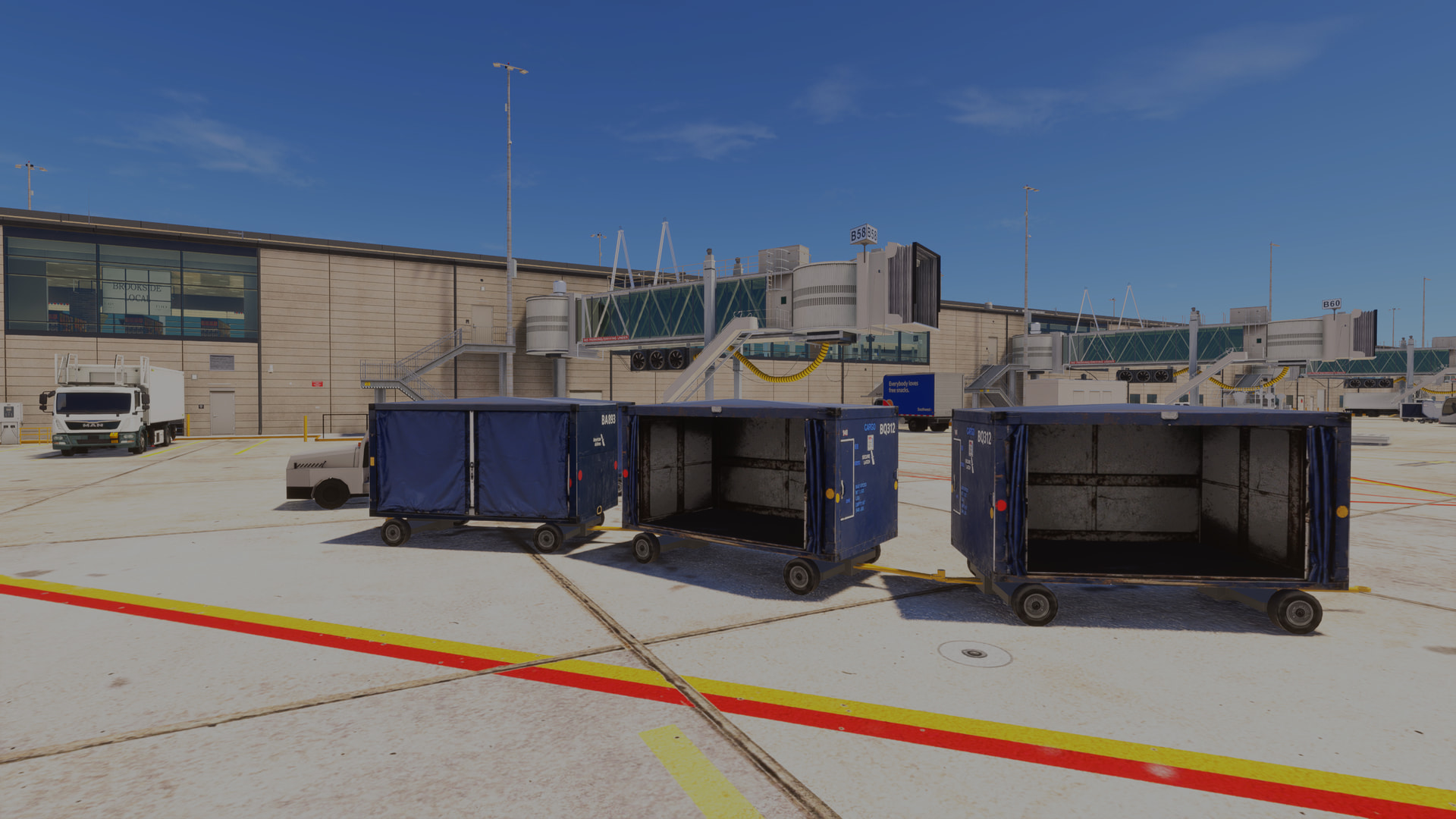
Out on the aprons, there’s an excellent variety of GSE clutter, although some of its placement isn’t quite true-to-life. Still, I’m not going to complain too much because it makes the airport feel truly alive. There are a few animated ramp workers, too, which is a worthy detail so many devs fail to consider.
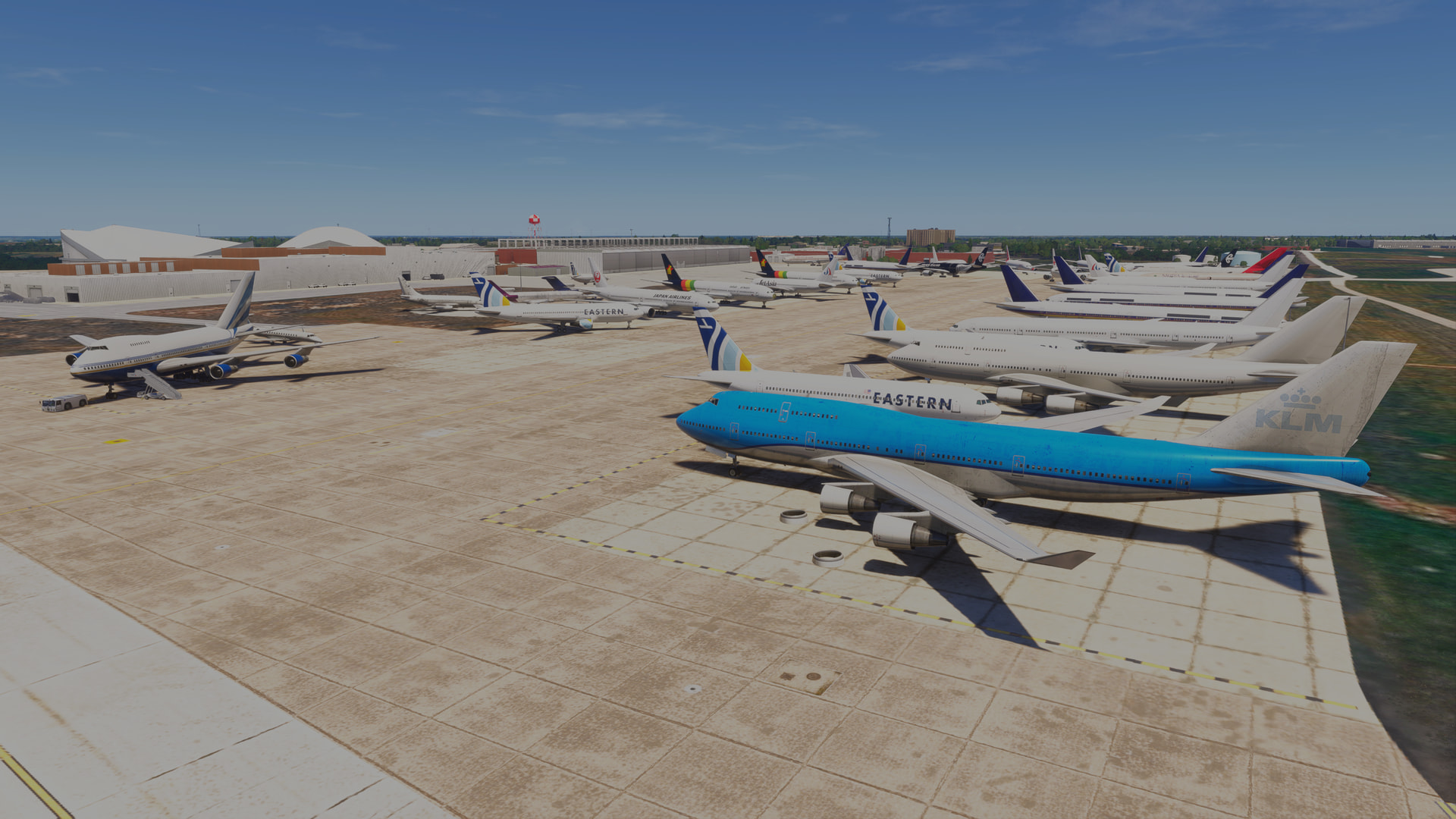
Moving away from the main terminal, the detail does get toned down slightly but it’s still of a standard well above average. The cargo areas feature custom GSE, albeit again some of it misplaced (Southwest baggage dollies on a UPS ramp?). There’s a huge maintenance/storage facility east of the terminal/runway 01R and TaiModels have populated it with some beautifully-crafted statics, including airliners in various states of stripdown. Of course these inmates will in reality change over time but it’s detail that helps make the place feel like a functioning airport. The only real issue for me are the statics placed at the terminal, but these shouldn’t interfere much with third-party traffic mods. An option to toggle these (or all) statics would probably have been a prudent move.
Moving across the airfield into its more remote corners, a decent level of detail continues to be maintained. It really is an enormous airport, and TaiModels have gone to great lengths to ensure every inch of it gets some love. It’s so large, in fact, that I didn’t bother following the perimeter fences to confirm their completeness. I did, however, check in every few hundred metres and I failed to find any gaps. One minor annoyance is that long sections of the fence have the crank-neck leaning INTO the airfield, when of course it should lean outwards.
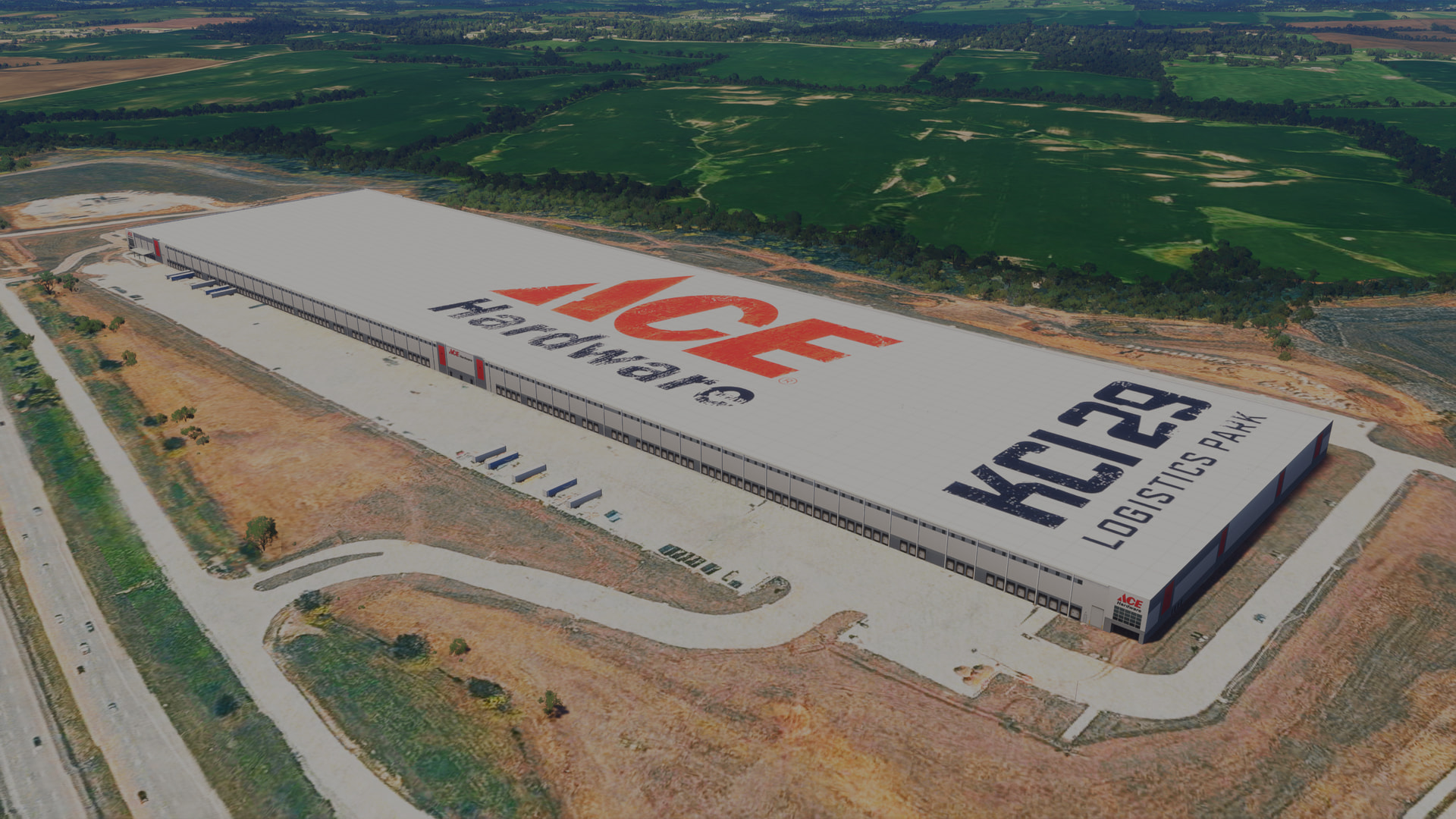
Outside the airfield perimeter, TaiModels have modelled various warehouses and cargo depots, plus highways and auxilliary roads (complete with traffic signs, streelights, overpasses, etc.).
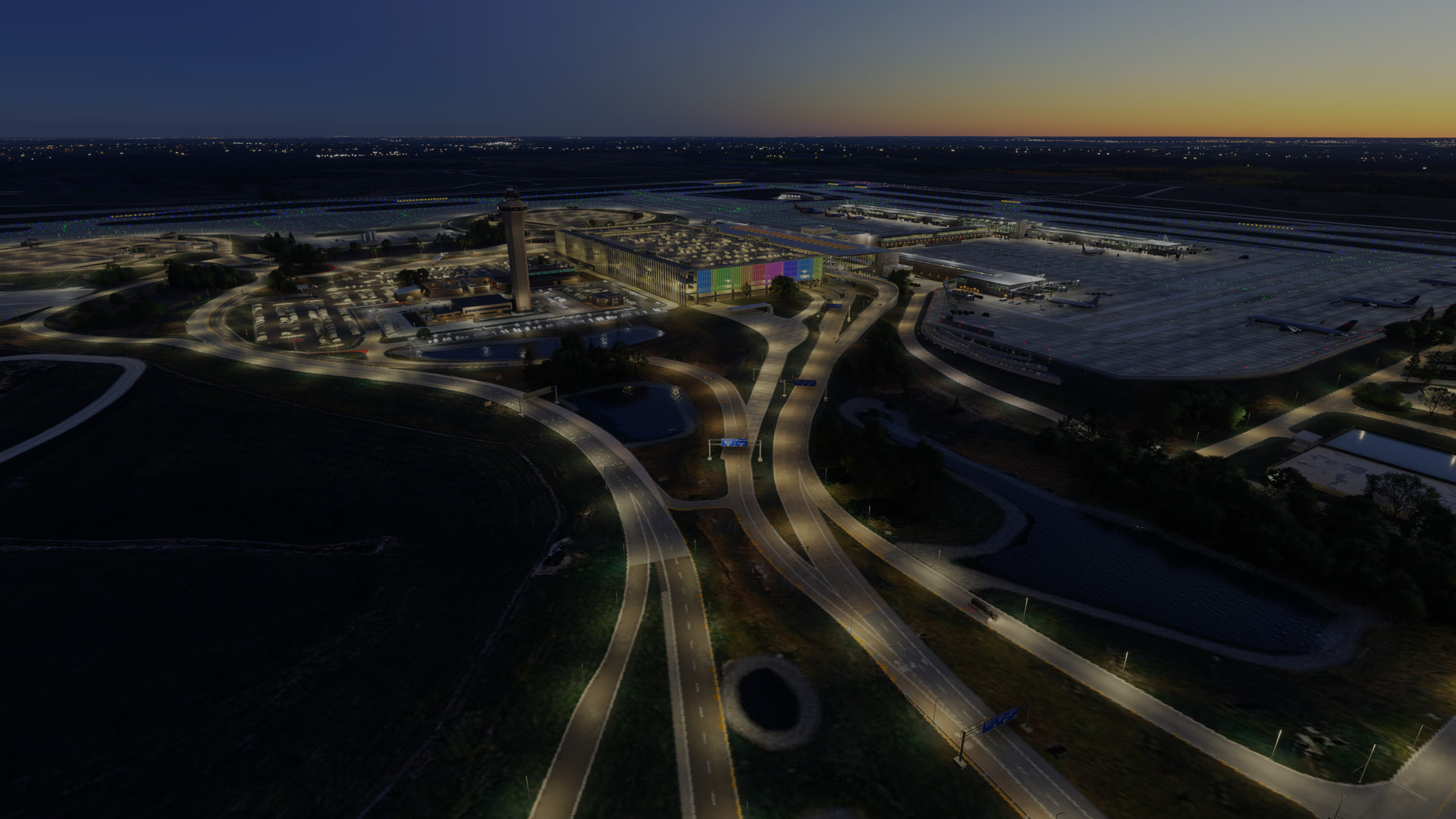
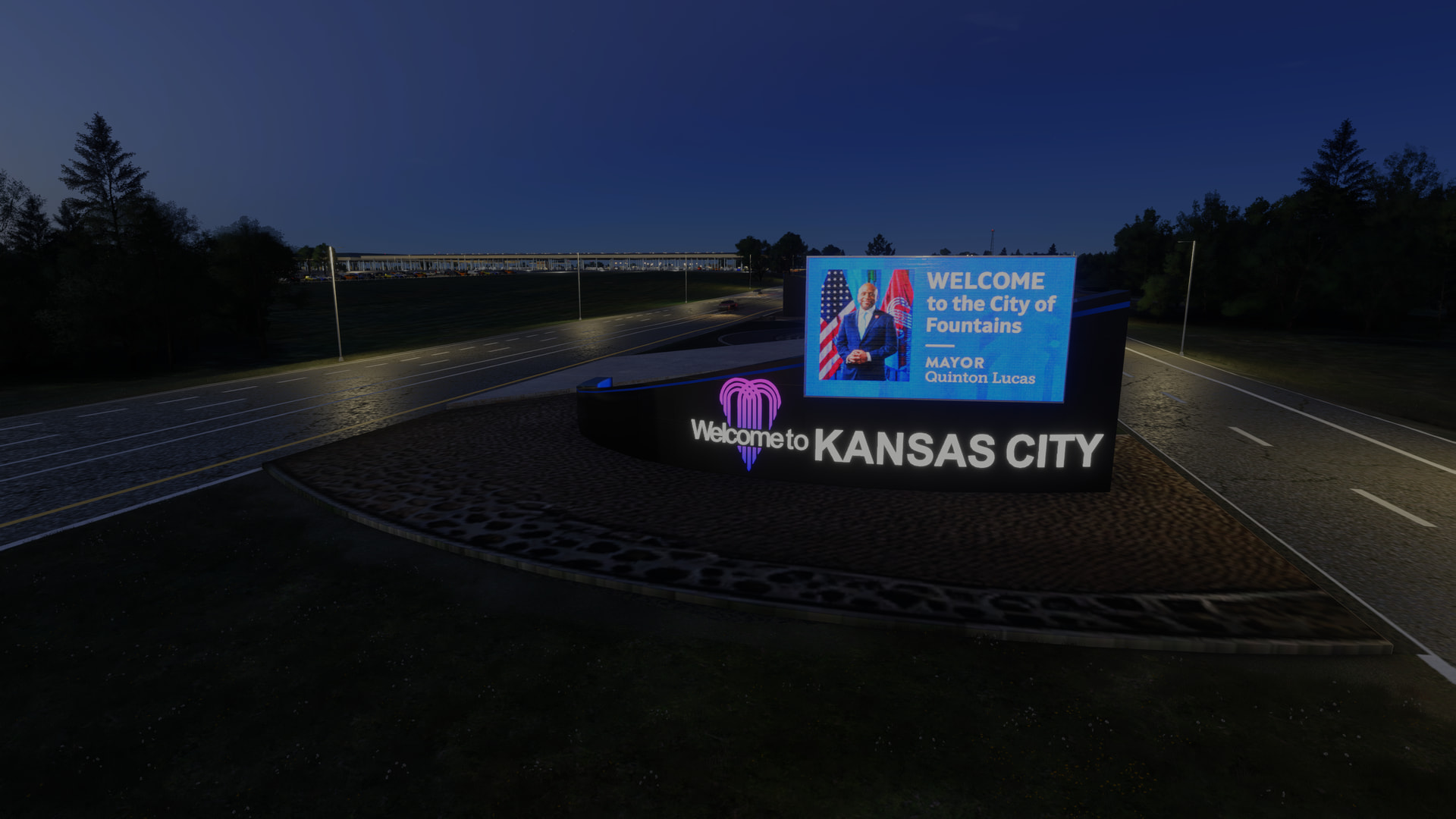
Like Kempegowda, the airport’s night-lighting is sublime. We’ve seen a massive improvement in night-lighting since the introduction of FS2024 but this is seriously something special… although with a caveat: some of the outdoor illumination (particularly in the outlying car-parks) pops in as you approach it. A tad disappointing, given the otherwise stellar quality.
PERFORMANCE
Given the detail, I found performance good. I did experience a few stutters: one on final approach, then quite a few while taxiing to the terminal (I was at this point using the exterior cam quite furiously, though!).
I have to be honest: I wouldn’t like to run this scenery with anything less than 24gb VRAM (although modern cards with less may well handle it okay). Perhaps approach with caution if you’ve an older or less capable machine. Ideally, some of the detail should be toggleable, so the airport can run on a wider range of systems.
VERDICT
My first experience with TaiModels (VOBL) was largely positive. This airport goes further in every way, delivering a level of detail and immersion that’s rare, even in FS2024. However as nice as the fine detail is, I’m left asking myself whether we really require it all, in light of the stutters I noticed while taxiing. Do I need to see every spinning AC fan? Every item in a shop window? Medallions dangling from a ceiling, gently rotating in the terminal’s ambience? I have to admit, the detail is lovely from an exploration perspective, but how many times after the first are we going to enter the terminal and marvel at the insane detail and the accurate opacity of the window tint? It’s a bit of a conundrum, because I do love this kind of detail… but at the expense of a bit of performance, is it perhaps superfluous?
But I don’t want to attach too negative a vibe to a scenery that is clearly expertly made. TaiModel’s KMCI sets several new standards for airport development, and they’ve quickly become one of those creators whose next airport I very much look forward to. Many times, I’ve looked at an airport and instantly decided the cost is too high for what it offers — however in this case, it didn’t take long for the justification of the price to become apparent. “It’s just a regional airport”, I heard one commentator say. And while that observation is ostensibly correct, one must consider the size of the airport, and the scale of the work done. Around £18 (depending on where you shop) isn’t unreasonable for the workmanship exhibited here.
If you’ve a system capable of running such a complex package, you’ll have lots of fun with KMCI. Sure, there are a few annoyances — most notably the default airfield lighting, a few lower-res ground textures and the pop-in of some of the night-lighting — but this is an innovative scenery that delivers an experience that’s on another level. Re the airfield lighting, I think TaiModels are at the stage now where they should be considering a custom system. They should also at least investigate the use of animated GSE, which is a feature consistently implemented by several of the very top developers (and arguably more immersive from a pilot’s perspective than dangly bits in terminals).
IMAGES