you have 10 GB of VRAm right?
1 Like
Yeah its otherwise a standard 3080
1 Like
I would have to agree with this statement. I have a 3080 10Gb, 10900k, and 64Gb of RAM (5120 x 1440).
On Ultra preset 100% terrain LOD and 125% object LOD. I get like 9-15fps flying really low in New York.
Most of the rest of the time I am running around 30fps flying at a couple of thousand feet.
4K Pixel Count: 8294400 (~8.2 MP)
32x9 Pixel Count: 7372800 (~7.3 MP)
I should be getting better FPS than a 4k monitor.
Something ain’t right! I have a 9 3900X, 32 GB, and a 208ti. LOD and TOD are 125. I use a blended mix of Ultra and High settings usually live weather and real world traffic. At 4k flying both the New York and London Discovery Flights, I get between 30 and 35 FPS. My GPU runs between 95 and 100%.
This does seem “off” somewhat. I have similar configuration (RTX3080 10GB, Ryzen 7 3700X, 32GB of RAM), running a 32" 4K monitor at 100% 4K scaling, essentially all Ultra, 200 terrain and object LOD. I had not flown around NY recently but after seeing this I did a quick flight. I turned on the GeForce Experience FPS indication to see what it looked like.
I still find it disappointing that the forum no longer allows 4K images so these images are 4K resized to HD. Frame rate is shown on the bottom left of the screen. First off: at 2,500ft:
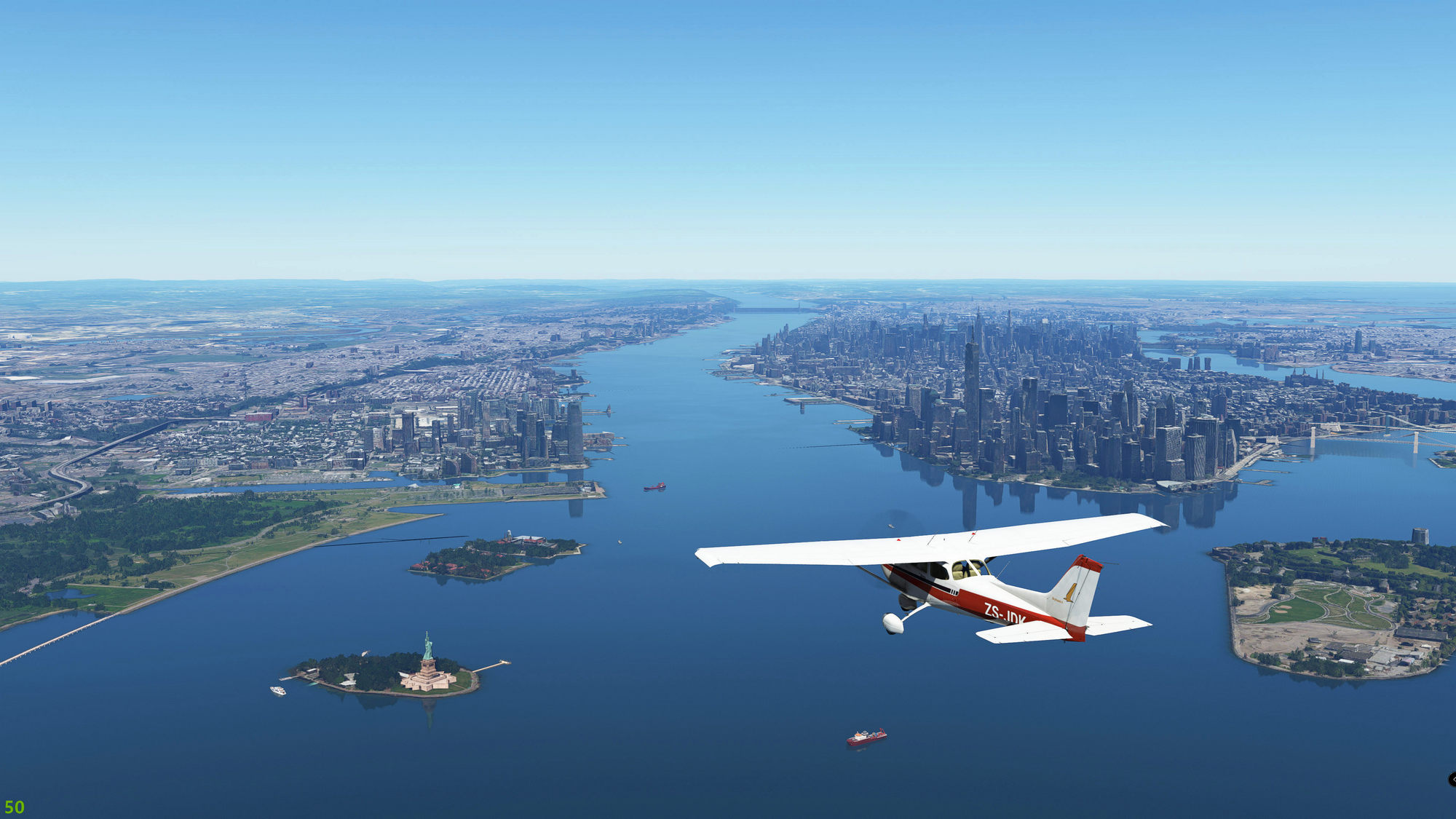

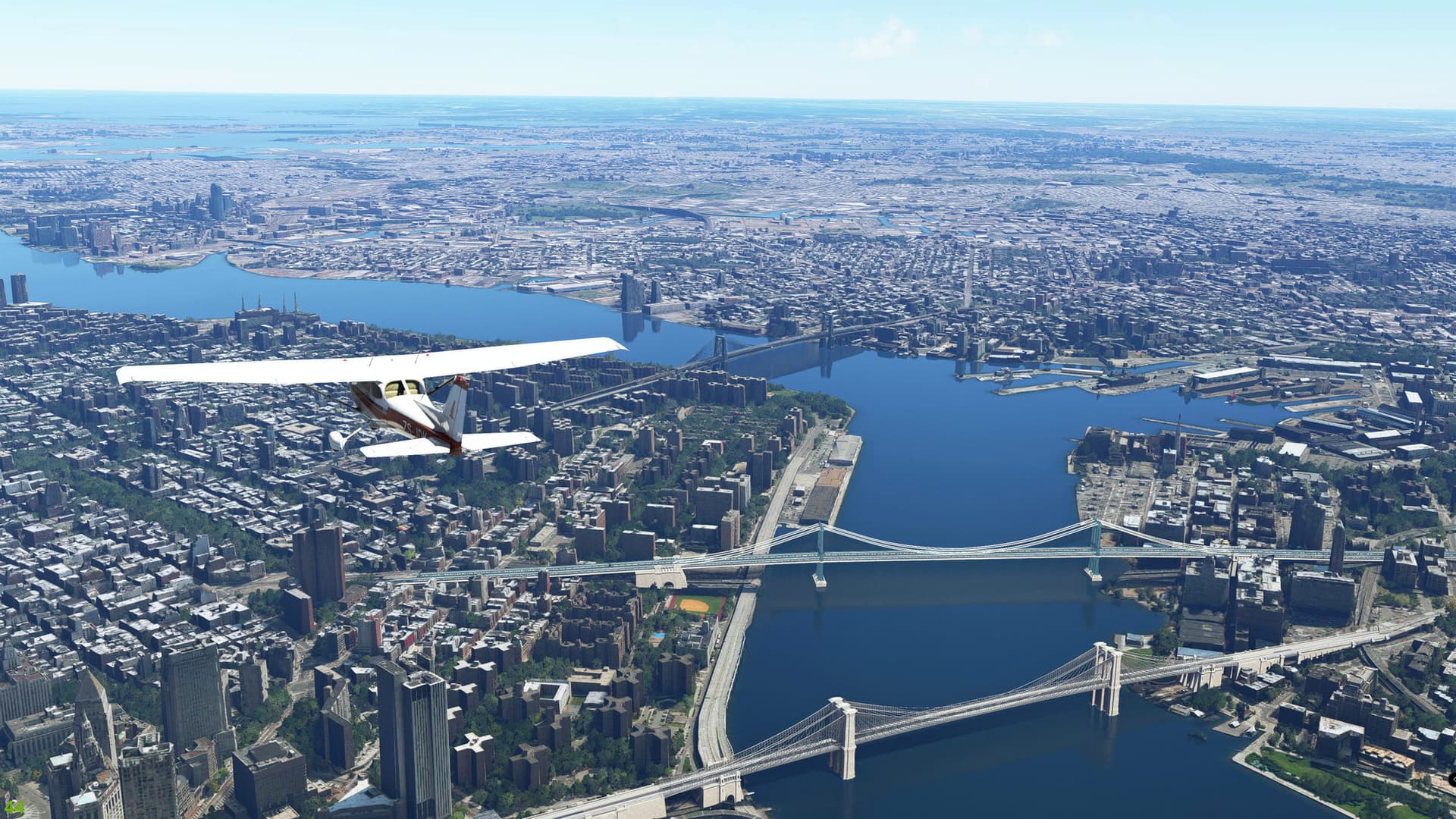



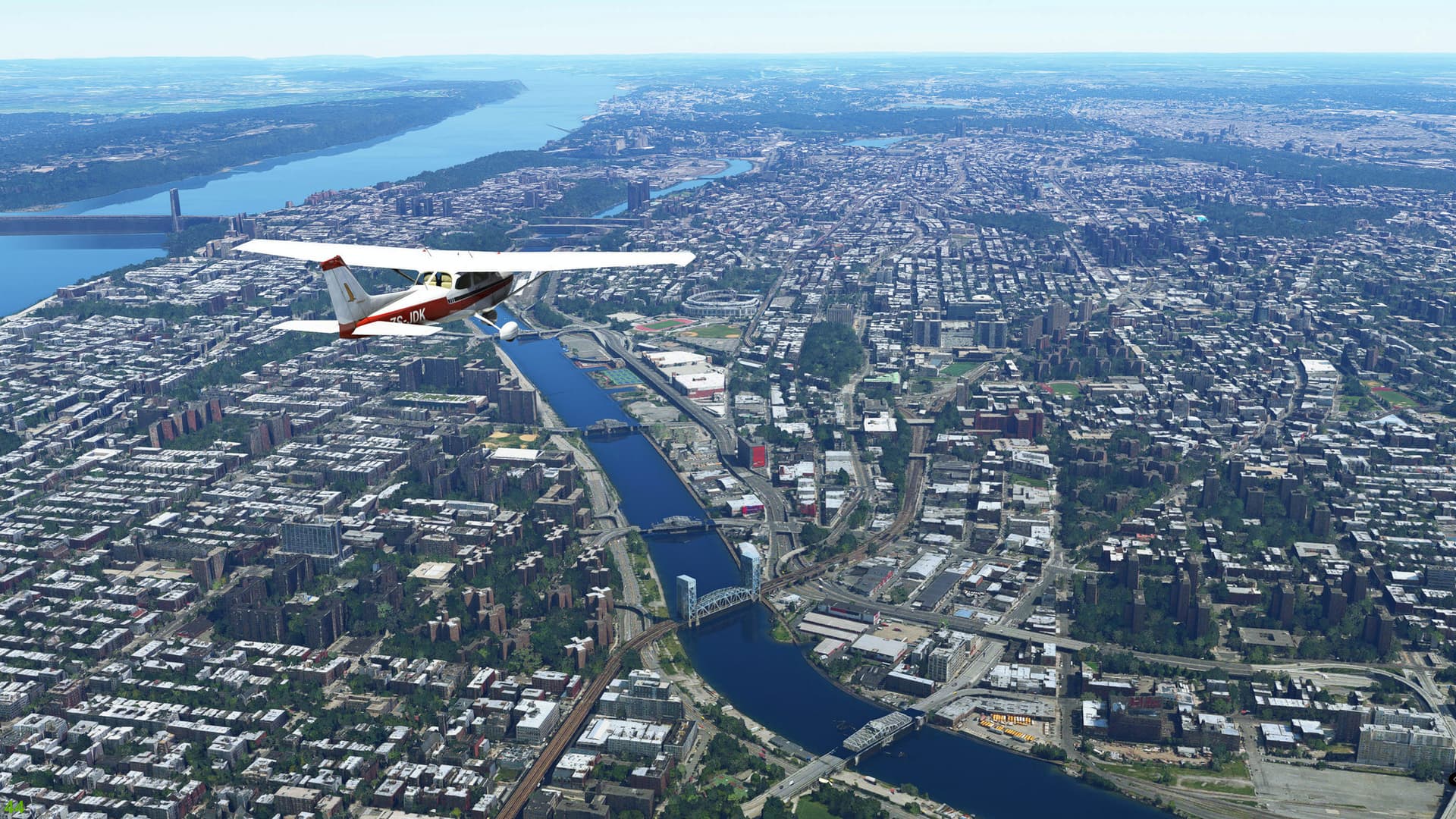
Then descended to 1.500ft:
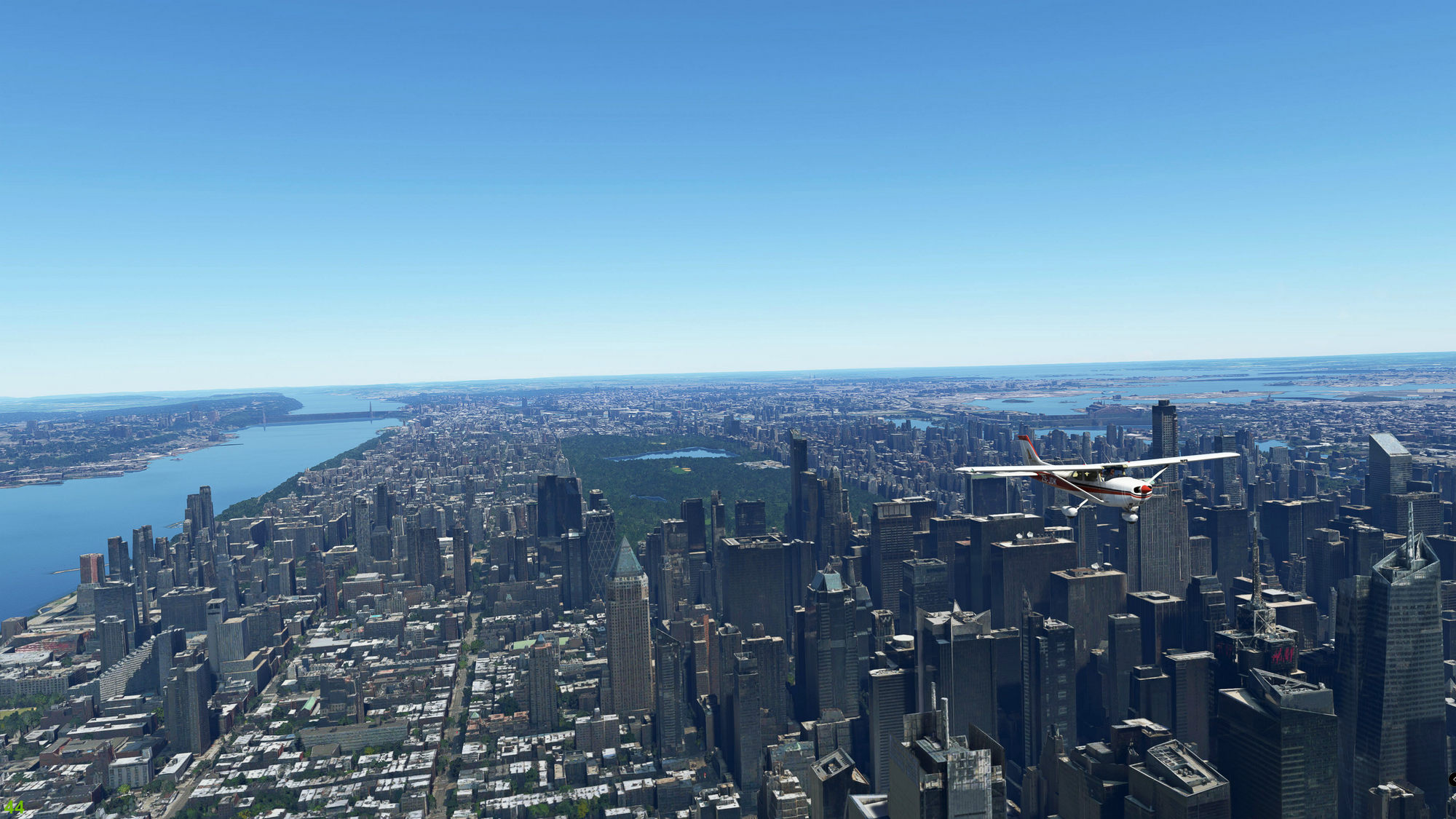
Frame rates are generally in the mid 40’s with one at 38FPS. I then landed at La Guardia and the frame rate definitely dropped badly to 22 - 24 FPS near the terminal. Rather surprising because the terminal is not all that detailed and I do not see a similar drop at for instance the VERY detailed CYVR Vancouver by FSimStudios.
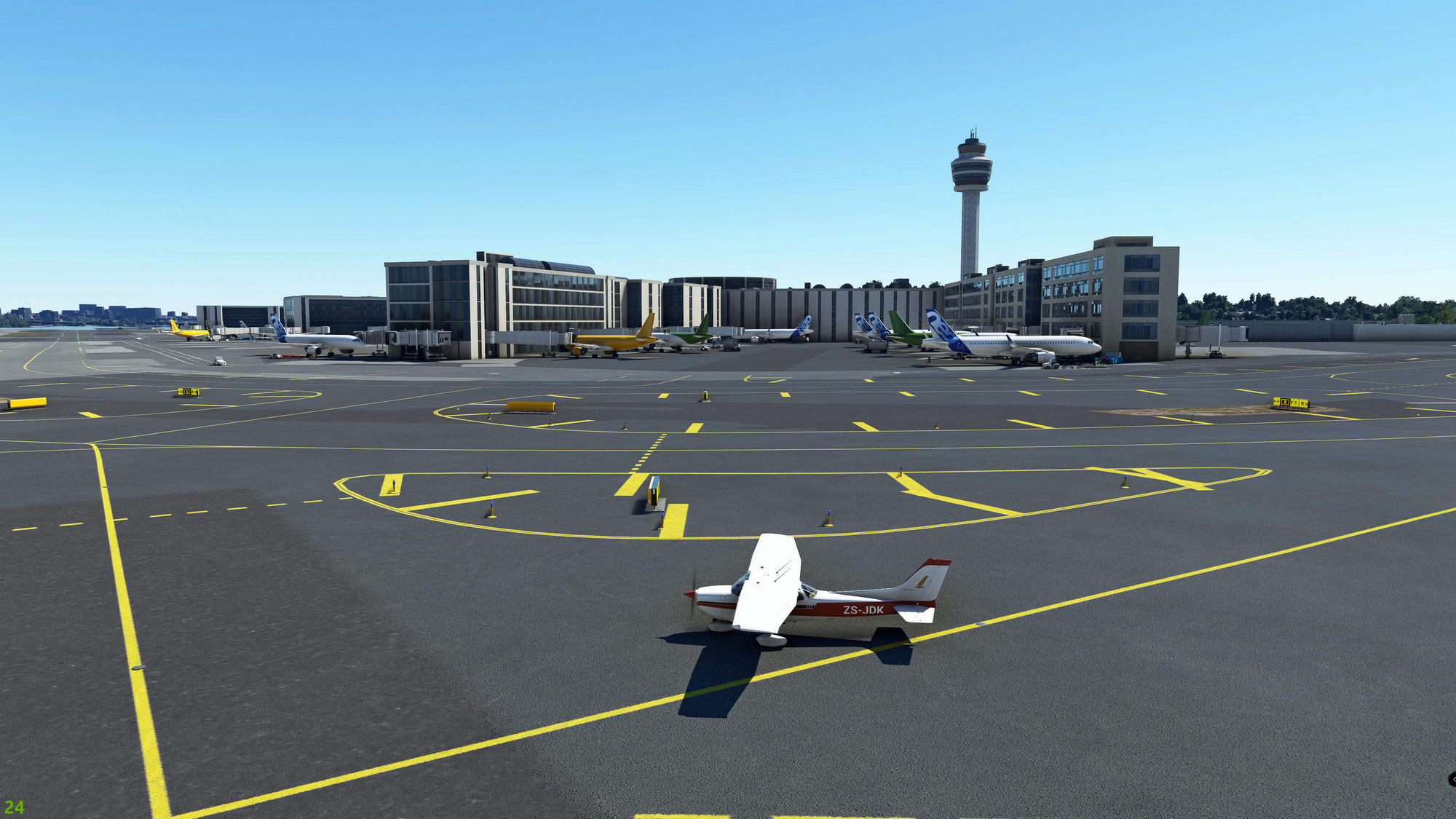
Taking the drone camera bit higher restored the frame rate
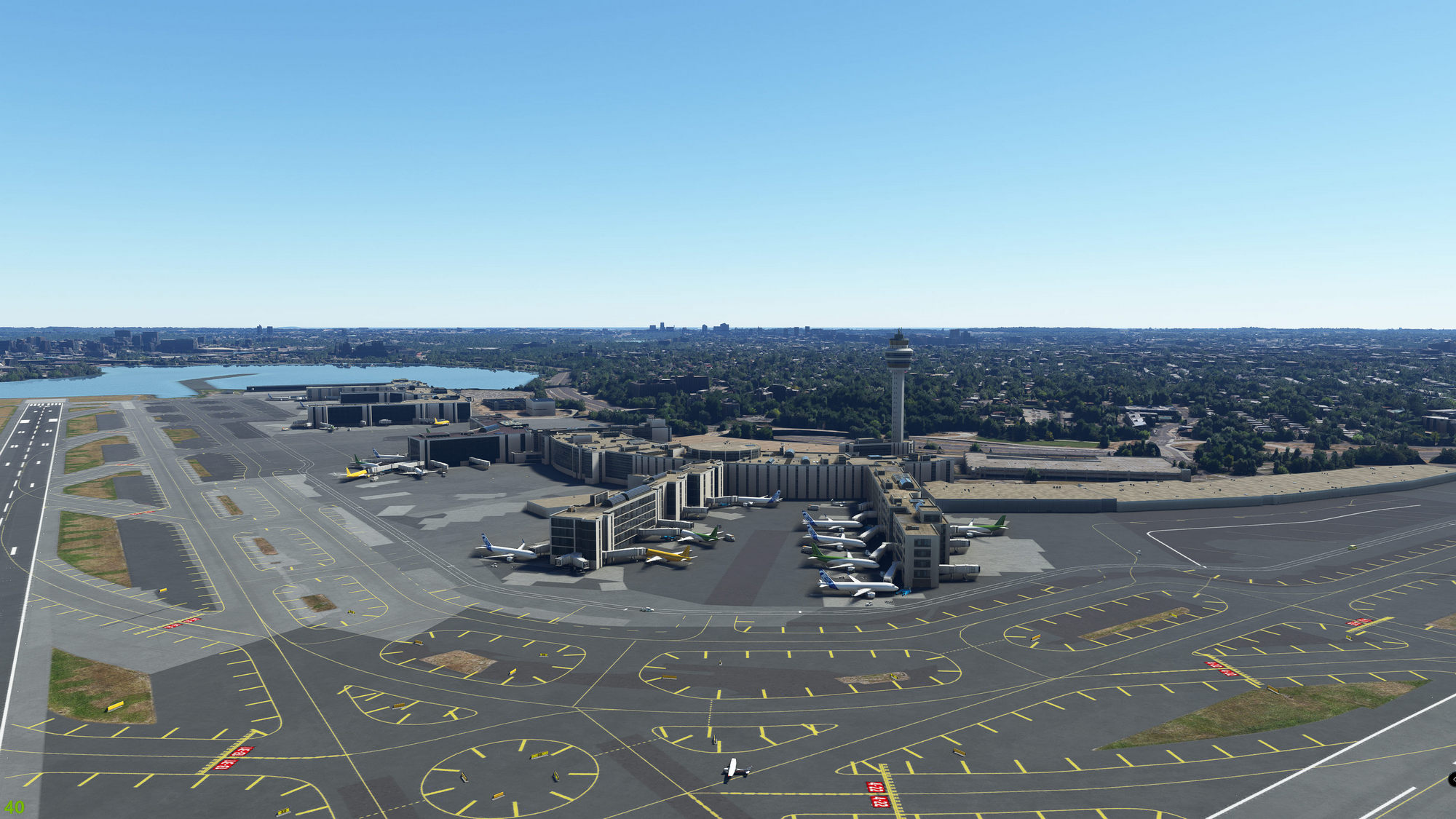
And FWIW I consider the base NY photogrammetry scenery to be very nice indeed.
Just an FYI, but enabling the FPS counter from Developer Mode is a good way to shown performance metrics on screenshots lile this. There’s a lot happening that’s not reflected in the fps.
Thanks: I am not mad keen on enabling Dev mode and for purely FPS I am OK with the basic info GeForce Experience provides. I know what the typical balance between my GPU and CPU is (GPU almost always @ very close to 100% while still have headroom on CPU main thread) so I am not normally in need of the more comprehensive data.
1 Like