Thanks for posting this. I went through a lot of reviews today but only a couple did test MSFS.
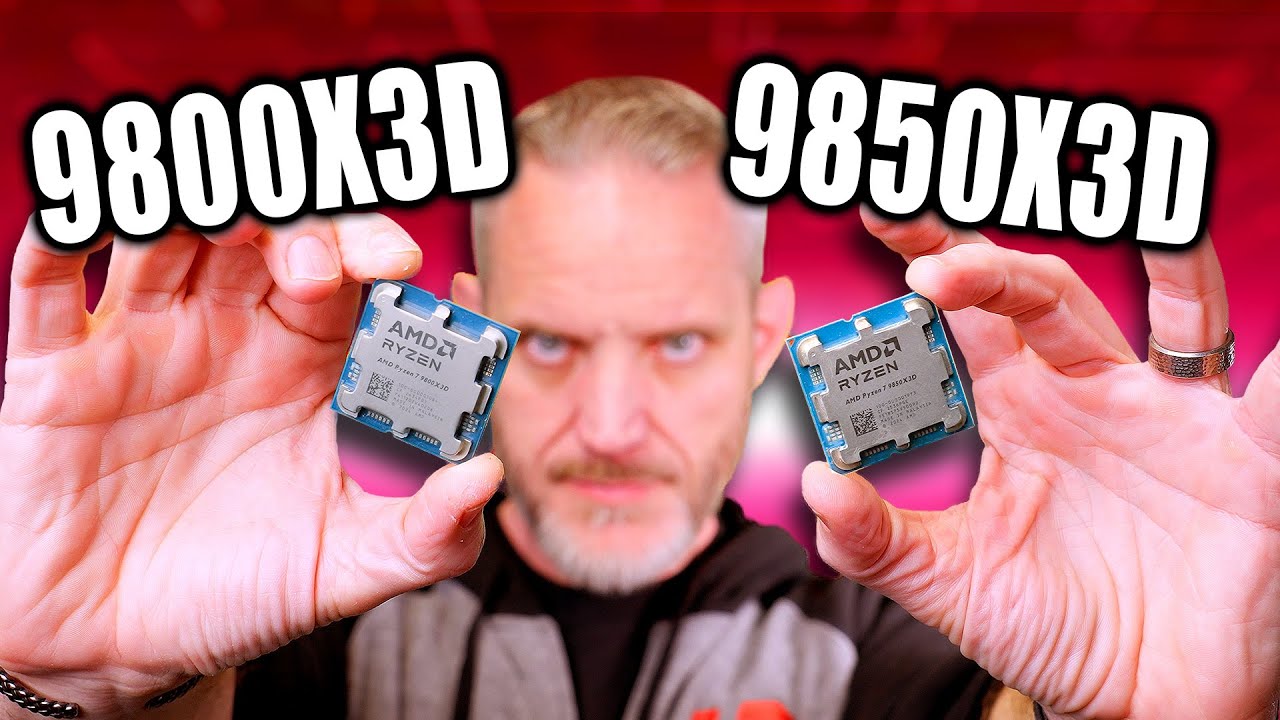
It’s really not a big jump from a 9800X3D but as someone looking to upgrade I might pull the pin on it tomorrow once it becomes available. (I think it’s tomorrow?) Still nothing here for Canadian retailers
I could have ordered it today in one of the stores here in the EU and picked it up in two days, but for a pre-release purchase I’d have to pay an extra 45 euros - I’ll wait until tomorrow. I could buy 3 or 4 airports for that 45 euros
What motherboard model are you using? if you’re already on a 9800X3D I’m assuming you probably won’t need a Bios update for it do you? I know it’s not a new architecture but it still a new model I am unsure if I should wait for my Motherboard Manufacturer to upload a new Bios.
I’m on an Asrock X670E Steel Legend with the latest Bios but it doesn’t mention anything related to Compatiblity with that CPU (was released in October last year…)
Edit: Disregard my last question I looked more closely into their website and it says it’s compatible with my Bios version.
I’m using an MSI X870E Carbon WIFI - MSI released a BIOS supporting the new Ryzen 7 9850X3D back in October, if I remember correctly, and just yesterday a newer version came out which I now have installed.
I’m ready
On top of that, new chipset drivers showed up on MSI’s site and interestingly they’re newer than the ones on AMD’s website. That actually surprised me, because I used to say AMD’s site always had the latest drivers - turns out I was wrong, so I’ll gladly admit it
The main thing I would watch out for on the 9850X3D are the temps of that extra boost clock - you’ll want to make sure your cooling is solid!
To get the most out of that extra boost clock, I recommend spending some time on memory timings and the often forgotten memory “subtimings”. Last summer I went down the rabbit hole of benchmarking in order to learn about the various settings and how they affect the 9800X3D CPU, and discovered:
EXPO enabled is a no-brainer, reducing latency by about 15%
But memory Subtimings have as much extra benefit - reducing latency by another 15% in benchmarking. MSFS moves a HUGE amount of data around in RAM and VRAM, so correctly setting FCLK, UCLK and MEMCLK is key, and optimizing subtimings (and testing stability of those timings) yields a lot of benefit. On my MSI X870E Carbon board, with EXPO enabled, “High Efficiency Mode” appears in BIOS with 4 presets for memory subtimings: Relaxed, Balanced, Tighter and Tightest. Even Relaxed improves benchmarks scores as much as boost clock alone (provided your memory is on QVL list and is stable)
PBO undervolting (all core, or per core if you have the patience) is very beneficial, because it reduces heat and creates thermal / power headroom for that extra boost. But again, modest undervolt is better than maximum undervolt, for stability. MSFS is not a steady demand, but a rapidly shifting demand.
Boost clock benefits from having that thermal headroom and correctly set memory timings
The best result is of course when the above are combined - but with MSFS a modest amount of each is more stable than maximum.
GPU undervolting is also really beneficial for that heat / power draw, again modest undervolt is enough. I use ASUS GPU Tweak III (Asus RTX card) and found that enabling extra voltage etc made MSFS unstable. Simply shifting the active section of the voltage frequency curve (820 to 1000 mV) up by about 200 MHz kept my GPU cool and under 500 W running 3 screens
if useful for anyone, for details on memory timings with the 9800X3D I put lots of charts in this post:
Any CPU needs good cooling, and I don’t expect the Ryzen 7 9850X3D to be a space heater like Intel 13th/14th gen K CPUs. In any case, I’m expecting maybe up to +5°C over my current Ryzen 7 9800X3D, which for me will be basically unnoticeable - I have a large PC case Be Quiet Light Base 900FX and a 420 AIO.
As for BIOS settings, I’ll most likely keep the same ones I’m using now. Of course, I’ll check PBO to see if -15 is still good for the new CPU, and I’d recommend others do the same. Overall, I don’t plan on making any major changes in the BIOS - just the usual things I always recommend and also suggested to you: EXPO, PBO, LLC, and maybe a slight vcore undervolt. Ryzen 7 9800X3D and Ryzen 7 9850X3D are theoretically the same CPUs, so there’s really no need to go crazy in the BIOS.
I’m not going to undervolt the GPU, and I don’t recommend it at all. You never know if FPS drops, spikes, stuttering, or CTDs are coming from GPU undervolting, so I wouldn’t advise it.
And to wrap it up, this topic isn’t about GPUs, so I’ll leave it at that.
When I still had the i9 13900K, I could easily hit 40K points in Cinebench R23 with no issues. Now I see JayzTwoCents only reaching around 38K on the 14900K.
The comparison would’ve been more complete with the Ryzen 7 7800X3D.
Theoretically, it would be a very straightforward CPU swap. The catch is that your motherboard needs to support new Rzyen 7 9850X3D. That usually means the motherboard manufacturer should release a BIOS update that adds support for it. If your motherboard has that update available, then it should all work fine.
If you’re not sure how to update the BIOS, you can check MSI’s official website for instructions or google - there are plenty of guides showing step by step how to do it safely.
My Asus X670e supports it with the latest bios version 3402 that I have already updated. I see the CPU is now avaialble in Canada for $699 CDN. The question is, “Do I or Don’t I?”
I’m currently running the 9800X3D so it’s a bit of cash considering the 6% improvement.
HI, am very interested in your build since I am thinking of giving my wife my machine (As a Valentine’s Day Gift Heh Heh) and building a new one. Not sure if you are familiar with PartsPicker but would be educational if you had a build in there so one could look at the motherboards coolers etc.
This is my rig, which was originally build for astrophotography and was upgraded with a 5080. The original card was just for the CUDA Cores and AI photoprocessing.
I also have a Ryzen 7 9800X3D and I’ve already bought the Ryzen 7 9850X3D - I’m sure I won’t regret it.
If money isn’t an issue, just buy it or wait for the Ryzen 9 9950X3D2 launch and decide then.
But if you’re close to buying the 9850X3D and you live in Canada, I’ve got an important warning for you about Canada Computers.
Click here (reddit).
EDIT
@A68yoSniper
I’m not sure if you were writing to me, but if so, I’ll think about it.
In any case, the users I helped choose components for, or assisted with their builds, haven’t had any issues.
It might be worth considering starting a new thread.
Thanks for the heads-up. I do buy from them but not on-line. I live about 2 KMs away from their nearest store, fortunately, and I like the personal one-on-one experience.
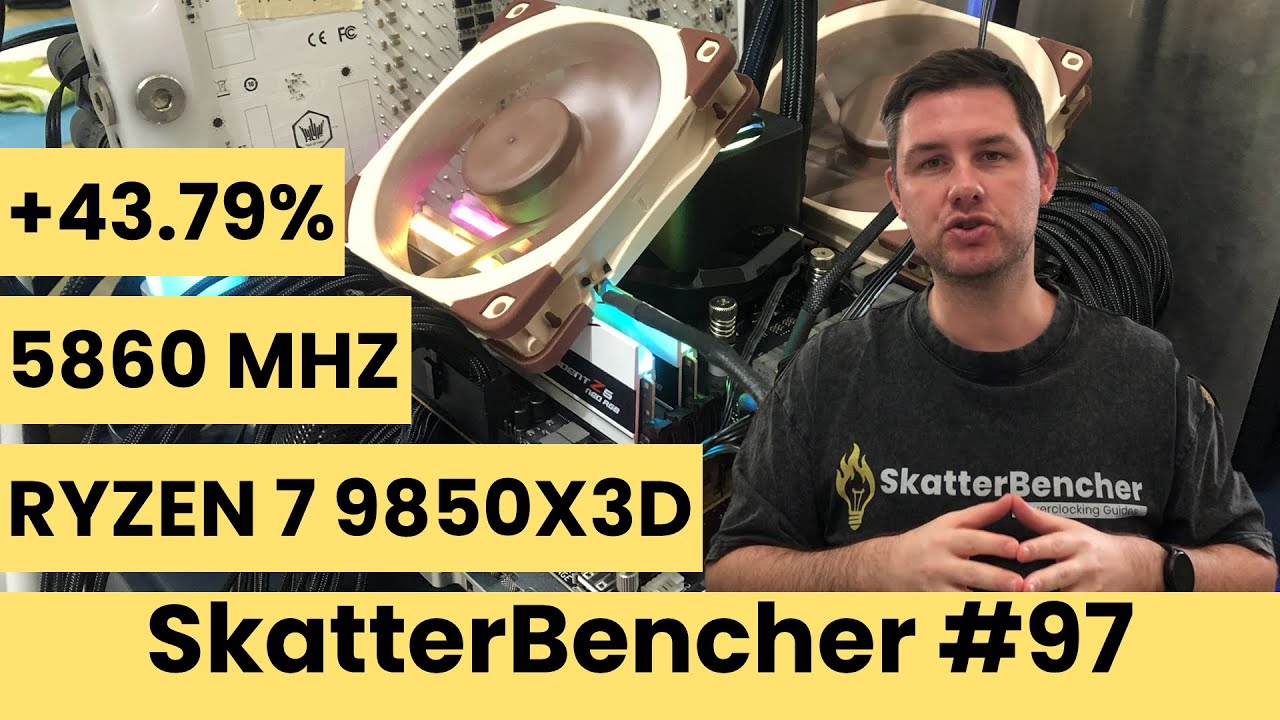
I don’t recommend trying to overclock to the max like Skatterbencher - who actively participates in overclocking competitions and posts his research - but one can learn a lot from his videos. He really understands and explains the specs and the settings for undervolting and over clocking, for anyone interested: