I assume they mean ‘connections’ 
1 Like
This worked for me like magic.
1 Like
I have tried all of the sugestions listed but I still find it to bee “hit & miss” most of the time niether my switches nor autopilot displays work some times the switches work the only thing cosistant are the flaps and gear switches they seem to work consistantly. any suggestions would be apreciated
1 Like
Down to how the individual aircraft manages the inputs/outputs rather than any specific connections or activation issue, the same in 2020.
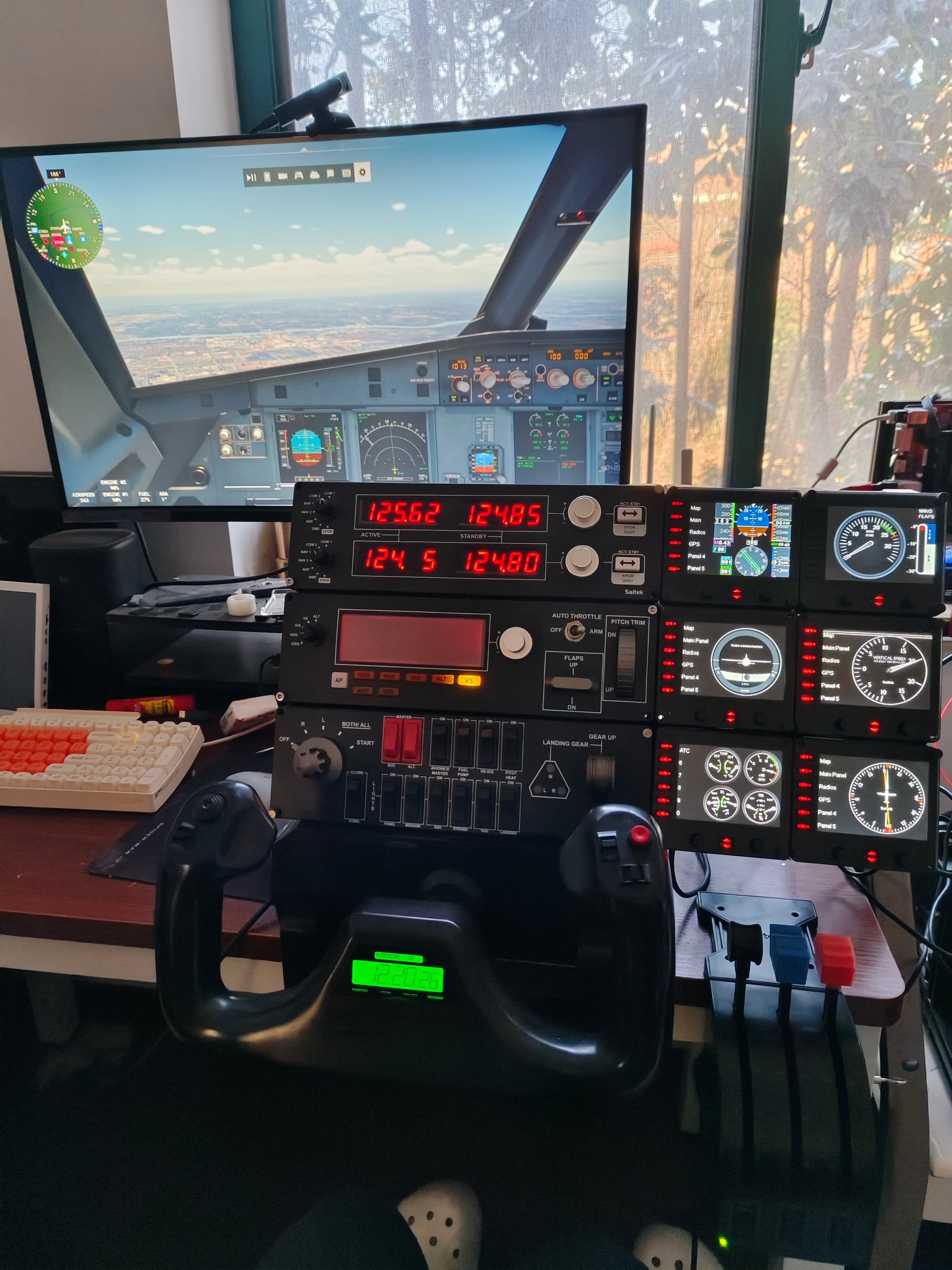
My solution here;
Buy it again. Its worth it. Untill 2024 works right.
Hello, which exe.xml do you mean, where can i find this file ?
Question - anyone using 3 radio panels (asking before I buy 2 more).
Depends if you are on the Steam version or MS Store version but it is in the root folder of the installation on C drive. Example:
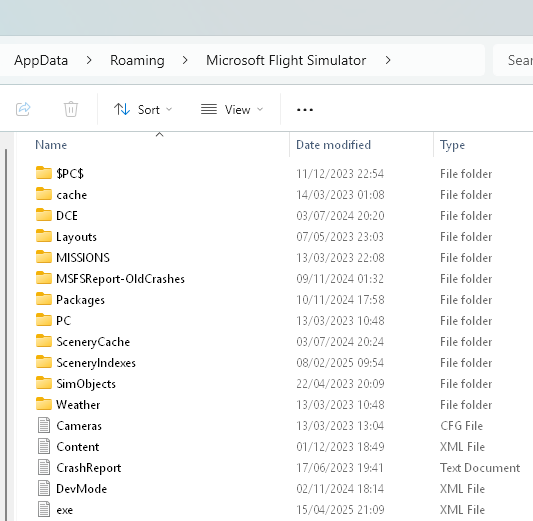
Specifically you need this entry, which you can manually add to a 2024 exe.xml if it already exists. Just be sure to get the formating correct!
<?xml version="1.0" encoding="Windows-1252"?>
<SimBase.Document Type="SimConnect" version="1,0">
    <Descr>SimConnect</Descr>
    <Filename>SimConnect.xml</Filename>
    <Disabled>False</Disabled>

    <Launch.Addon>
        <Name>Logitech Microsoft Flight Simulator Plugin Steam</Name>
        <Disabled>False</Disabled>
        <Path>C:\Program Files\Logitech\Microsoft Flight Simulator Plugin\LogiMicrosoftFlightSimulator.exe</Path>
        <CommandLine>-r</CommandLine>
    </Launch.Addon>

</SimBase.Document>
2 Likes
Does Satitek Switch Panel require special Logitech plugin/software to work with MSFS2024?
Or is it simple USB (HID) device directly visible in the Windows/Sim?
You need the driver installed and the thing in the exe.xml above to start the connection to the sim.
Thank you.
Not good, seems overly complex for simple switch panel (while necessary for the more complex Saitek modules).
You have to run the Logitech plugin for the Saitek instrument panels everytime you start MSFS2024.
It’s a pain. I’ve moved on to Air Manager 5 for my instruments. It works both in MSFS 2020 and 2024.
If the Logitech plug-in is installed, it starts itself from the exe.xml file, basically a batch file that runs when you start the sim.
Works in 2020 but not in 2024.
I’m using Axis and Ohs to assign all my controls to MSFS and seems like it can handle Saitek panels independently without the need for the sim to see the panels directly. I will still need to test it as I don’t have the switch panel yet.
Works for me. But install in 2020, and copy exe.xml to 2024. The old Logitech software expects to load into 2020.
It worked in 2020 but no luck in 2024
Found an open-source driver that’s goodd for up to 3 radio panels as well as the multi-panel. Supposed to work for apple, window,s 10, and linux with xplane. Whether it works with 2020 … there’s only one way to find out, so I’ll go ahead and buy 2 more radio panels in a week or two. Thankks anyway.