Thats for 2024. 2020 you can change avatar in the settings. As this is a 2020 product forwarded to 24 we are stuck with what ever the sim defines as default.
That’s what I said. I asked which you are using….
 lets go round again im looking to change avatar in 2024
1 Like
Have you tried installing a livery and changing the value of avatars in the General Section of the aircraft.cfg of the livery in 2024? If the author (ui_createdby value) of the livery doesn’t match the author of the package, it might work, since it’s a different variant at that point.
I haven’t tried it myself yet and I’m at work, not at my flightsim PC.
No I havent. Not even sure if there are any 24 compatible liveries for it.
Il check .to
If it’s a 2020 model, 2020 liveries will work for it.
In 2024, whether it’s a 2020 aircraft or a 2024 aircraft, those liveries that have ui_createdby=Blackbox Simulation will be the same variant as the main model (or at least that’s how it’s supposed to work). If it uses a different ui_createdby, it will be a different Variant, and therefore different tile in the hangar. I’m hoping as a different Variant, it’s not beholden to most/some of the variables in the base_aircraft aircraft.cfg file and we can change many of them.
I have noticed that in 2024 aircraft, additional variants/liveries, their aircraft.cfg files only contain those lines that are different. I need to learn which variables can be changed / variant and which can’t.
I don’t know if you care, but… They haven’t said this, but I believe they made this change so the “+Marketplace” icon in the variant goes to the correct author for the variant/livery, IOW, as an attempt to bring in more revenue. They could instead have keyed off of the base_aircraft variable and left it all the same, but, whatever.
Another small bug report / fix:
The Maltese version is has
atc_id ="AS20020"
atc_flight_number ="AS20020"
As can be clearly seen in photos and in the skin, the leading 2 should not be there.
1 Like
Thanks very much for this tip on starting cold and dark. Who would have guessed invisible covers?
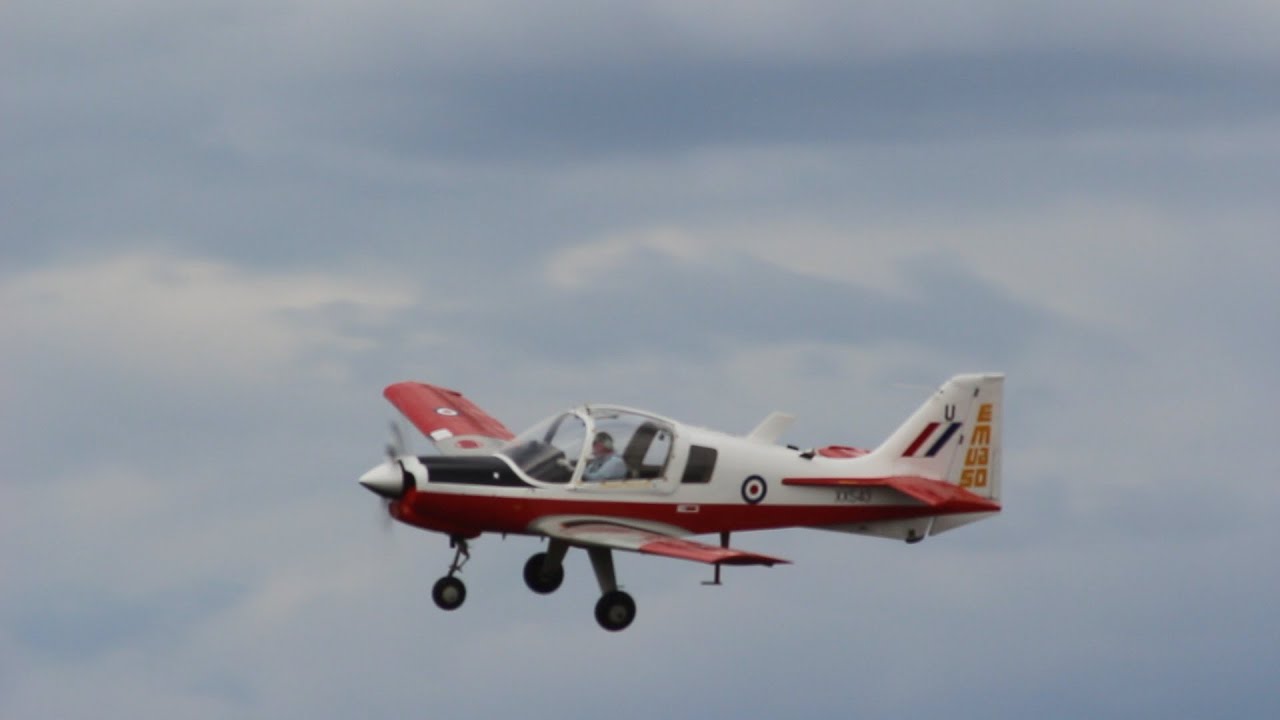
Folks just under estimate how much fun you can have in a Bulldog
3 Likes
I know right, at this point lack or working TACAN in lieu or not having ADF is the biggest downside of this plane. Maybe when BB rework it for native msfs2024? 
1 Like
Here’s to hoping  .
.
There are a few very small things that could do with a once over such as ADF (or a working NAV2 option), the odd lighting glitch which stops the central light over your shoulder actually showing as illuminated either white or red, the shine distance of the taxi and landing lights, and that odd “animated graining” texture that sometimes appears on the dash.
If those were fixed id struggle to find reason to use my other primary trainers.
Wow, I get none of those bugs! The “small gripe” I have is the end of the cabin/screen handle (it is on the bottom panel copilot side) handle end being visible from the pilot’s point of view. The handle should either be long enough to not have its end be visible, or, better, have something block the view, as there is not meant to be an light there.
Realistically though I don’t see it happening - there is not that much to gain, I don’t really think anyone here would say “I wish @NightMercury358 spent months of his time so that I can remove wheel choks for real” - there is no career mode it would be useful in, and while ability to get in and out using cockpit handles and displaying the correct pilot that is the configured avatar is nice to have… just pushing out an update that fixes the fuel tank size and the invisible covers would be good enough to make it useful, and with the above workaround… fuel tank fix about the only thing that affects me.
Although, has anyone noticed that crosswinds well within rated crosswind strength can overpower the steering when taxing?
1 Like
I think the cross wind thing is a sim wide issue.
A gentle crosswind will cause one of the Typhoons to wobble all over the show with many thousands of pounds of fuel and ordinance which wouldnt happen IRL.
But Bulldog is great fun airborne on a windy day
3 Likes
It is, but one that can be overcome. Modders have already done this for many other planes.
1 Like
I found a procedure that works for high crosswinds:
- 0-10kt crosswind: Follow POH, use rudder to maintain centerline
- >10kt crosswind: As above but push the control stick forward during the initial stages of the rollout
This works because loss of steering occurs due to the nosewheel slipping before the rudder has much control authority.
By pushing the stick forward there is more weight on the nosewheel which reduces the slipping and improves ground handling at low speeds.
4 Likes