From yesterday afternoon until late this evening, the SIM wouldn’t start with an error that I’m publishing in the attached screenshot. This morning, without doing anything, everything was fine. This afternoon, problems again and it won’t start, same error.
What’s going on? Is another user outside my area having the same problem? Is it a Microsoft server issue?
What can I do?
Thanks.
We aren’t showing any issues, nor have we received many other mentions of server issues today or yesterday.
We do have a page you can check server issues on:
Online Service Monitoring
There is also this link to a support article on that page that could be some help.
I have the same problem
1 Like
Weird, no issues here.
This recent topic may be of help to those that are experiencing this issue:
Also, could you add some information like:
platform: Xbox, ms-store or Steam ?
version: Live or SU4 beta ?
Same server problem in Italy. Connecting to Unite States with a VPN software, it works again.
1 Like
also for me in Italy
HI…I have the same Server Error 002-902 since Yesterday 5 Nov but only after 5PM , in the morning i can connect and fly, but in the afternoon and night i have this Server Error.
I’m in Italy.
1 Like
I’m using the official msfs2024, the latest update, not beta, and the store version.
I’m in Italy, near Milan, but I’ve heard of others in Italy, such as Bolzano and other areas.
The problem seems to occur in the afternoon after 4:00 PM.
1 Like
Hello, I cannot start MSFS 2024 SU Beta 4 from two days with my Xbox X. I tried also to start in the safe mode but nothing changed. The error indicated coded 002-902 is titled “Server issue detected”. I have a fast 1Gb fibre cabled connection and MSFS2020 works perfectly.
Can some one help me to solve?
Thanks, Lorenzo.
Italy - same error 002-902
this game is joke
Italy: same error 002-902 here. It’s happening more frequently in the last 2 weeks or so.
Using official SU3 PC version
For info, I opened a ticket to the support about this matter.
They replied: “Regarding this situation, we would like to apologize for the inconvenience that has occurred in your region. The development team is currently investigating this matter to fix it as soon as possible, and once the issue is resolved, it will be posted in the same thread you shared with us.” (present thread)
Me too Italy
Ok, like yesterday, this morning it worked again without doing anything, we’ll see if the problem occurs again this afternoon.
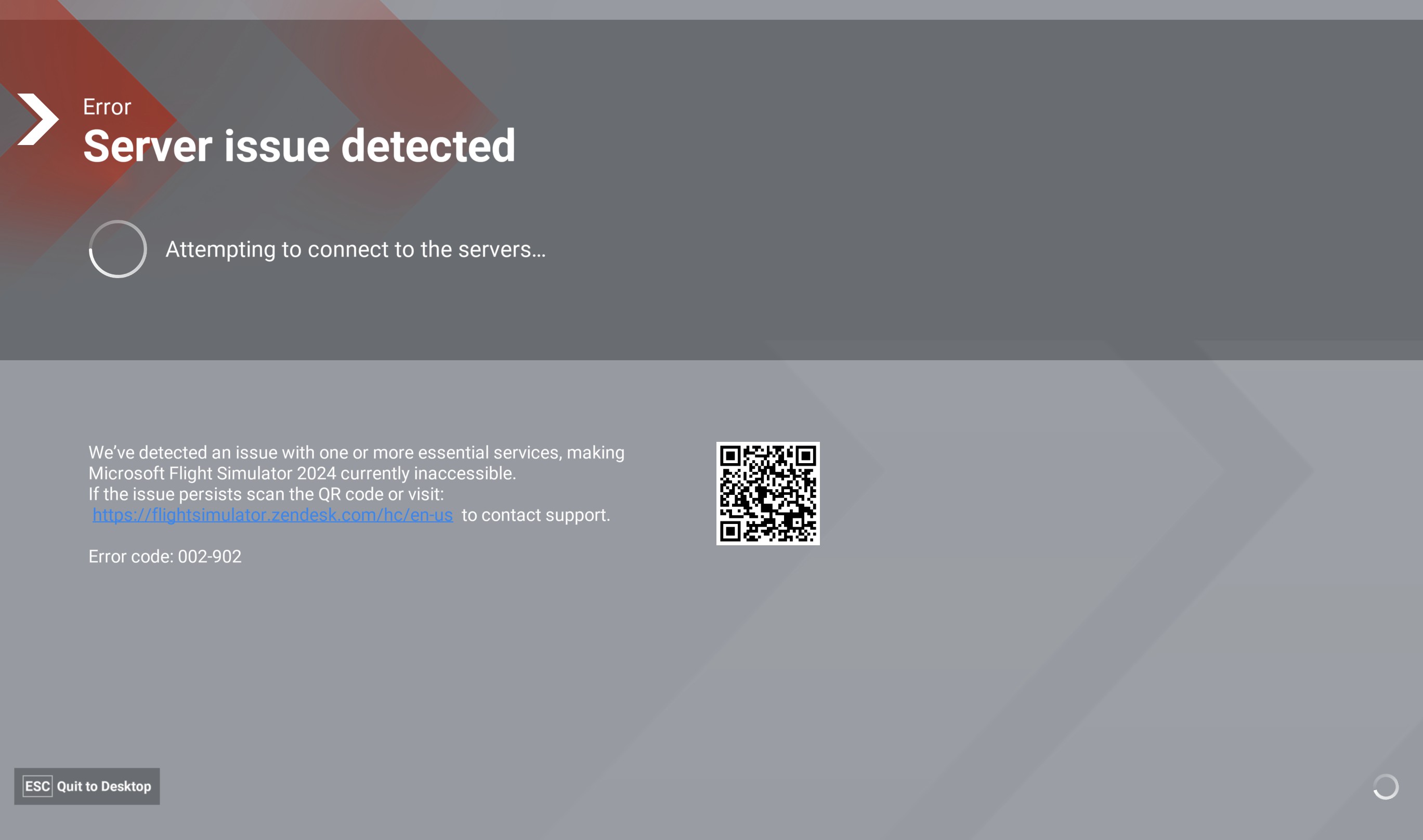
I have a problem 002-902. My config is MS Windows 11 25H2 Steam MFC24 I tried to delete the cache C:\Users\User\AppData\Roaming\Microsoft Flight Simulator 2024\cache\0000_0001_0005 does not help.
Since the weekend I have been having issues with 2024, with the sim launching, but not able to spawn in. I’ve not been able to use it for about three days now. This is where it gets to, but no further:

This developed today to the sim not even loading, getting stuck at around 90% then reporting it has detected slow loading. So I installed a copy of Proton VPN, and with my endpoint in the Netherlands rather than the UK. Despite it being even slowed to launch, it eventually dropped me on to this screen.
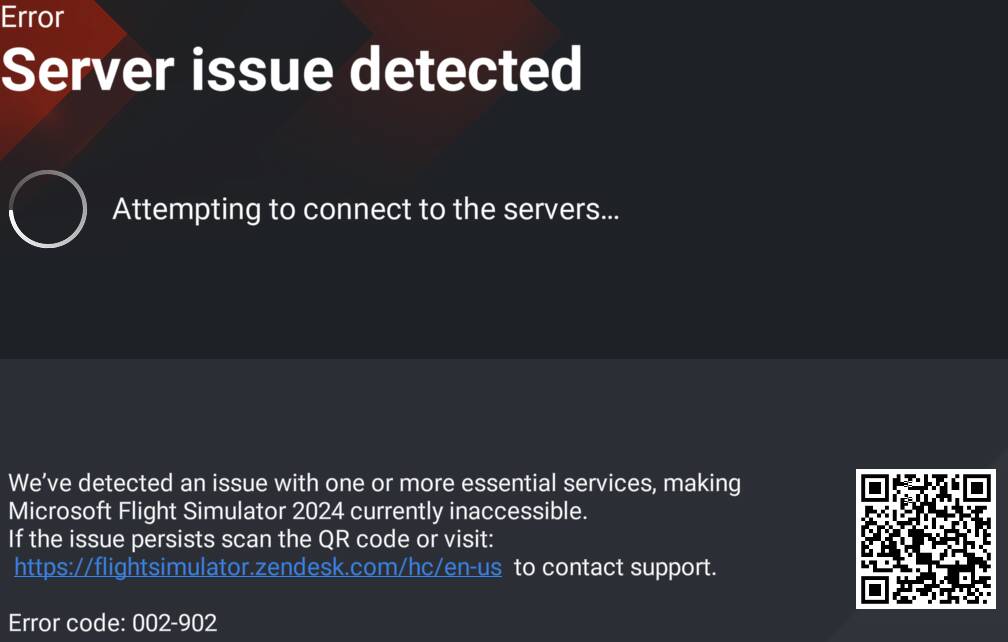
That error code does not appear in the knowledge base. I’ve seen it reported before, so it’s not unknown so I wonder why it isn’t documented.
I used fast.com to check my line speed, as I won’t use Ookla since it has been ens****fied, and there are no issues there:

That’s not my IP, that is the one I had when the VPN was up, which I dropped mid test, so it has reported that, but my non-VPN speeds. Free Proton is awful speed wise.
Modified title to clarify the issue
1 Like