OK, here is a quickie on how to use simbrief.

That makes your plan active in Simbrief.
Now, you need to get this into MSFS.
The Simbrief screen will then change to read briefing.
Near the bottom of the briefing, you will see this
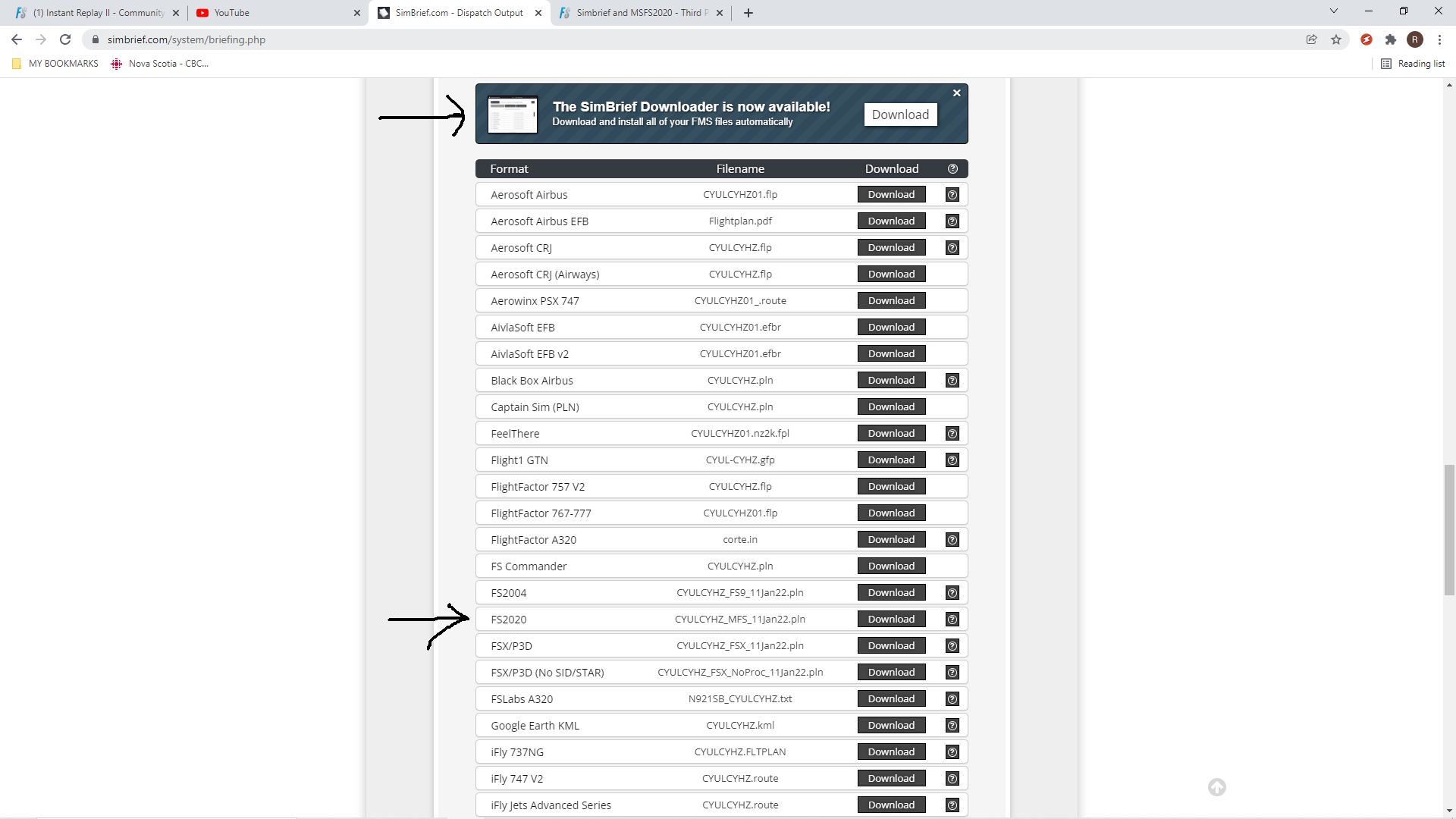
Either obtain and use the simbrief downloader or click the button by the second arrow
Now your flight plan should show up in the sim.
Then follow the directions in my earlier post to start in the sim.