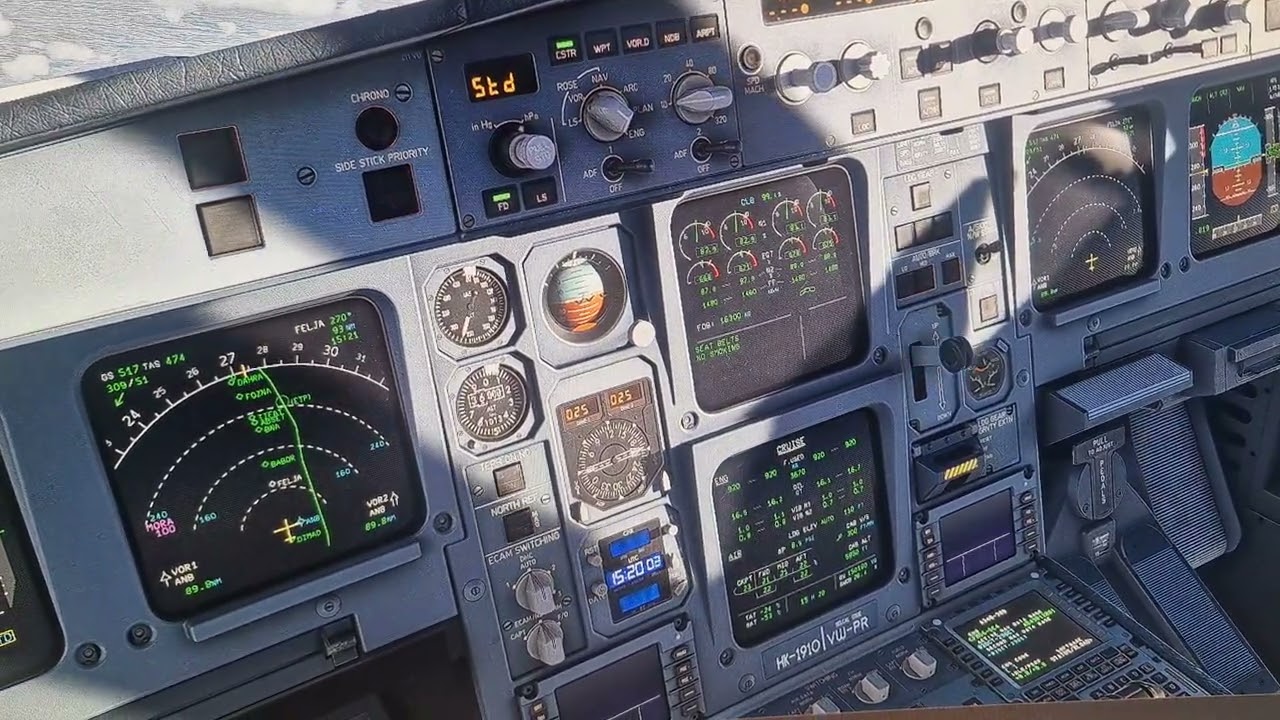
Simulator get’s “soft blocked” camera will work, from Joystick and Mouse, sound will work, physics will work, many buttons and levers move normally, but all controls stop working, it doesn’t matter if i move the joystick, or press any of the hardware or in game buttons. It has happened multiple times in the Inibuilds a340 and a350 mid flight, and one time with the Fenix A320 while taxing, mid turn, so the airplane just kept taxing in circles without any way to stop.
I recorded the last time it happened in the A340.
FREQUENCY OF ISSUE
intermittently
REPRODUCTION STEPS
Please list clear steps you took in order to help our test team reproduce the same issue:
Sim in windowed mode
Mostly after having another program as main focus, firefox or any other app, but it has happened while directly flying as well, without ever changing the main focus from MSFS2024
YOUR SETTINGS
What peripherals are you using: Thrustmaster AIrbus and Saitek Throttle Quadrant
[PC Only] What GPU (Graphics Card) do you use? RX 9070XT, but it also happened with my previos RX 5700XT
[PC Only] What other relevant PC specs can you share? I5 9600k, 40gb ram
Thank you for this report. We’ve moved your topic into the User Support Hub.
The Bug Reporting Hub is for posting suspected or confirmed bugs that other users are able to reproduce without duplicating an existing bug report. Using the template or providing all the relevant information about your bug and sim setup is required in order to provide valuable information, feedback, and replication steps to our test team.
If you are not sure if your issue is a bug or need further input from the community, please use the User Support Hub category. If the community can replicate your issue, first search the Bug category to see if there’s an existing topic. If it already exists, contribute to that report. Duplicate bug reports will be closed.
If you believe it is a new report and no duplicate exists, then create a new bug topic using the provided topic template.
All issues caused by or involving third-party addons/mods should be reported to the third-party developer. Assure that no addons/mods are used when reporting issues in Bug Reports.
@HalleyMerp , Bug Reporting Hub category is only for issues with the base sim and 1st party addons, not 3rd party addons like the aircraft you mentioned.