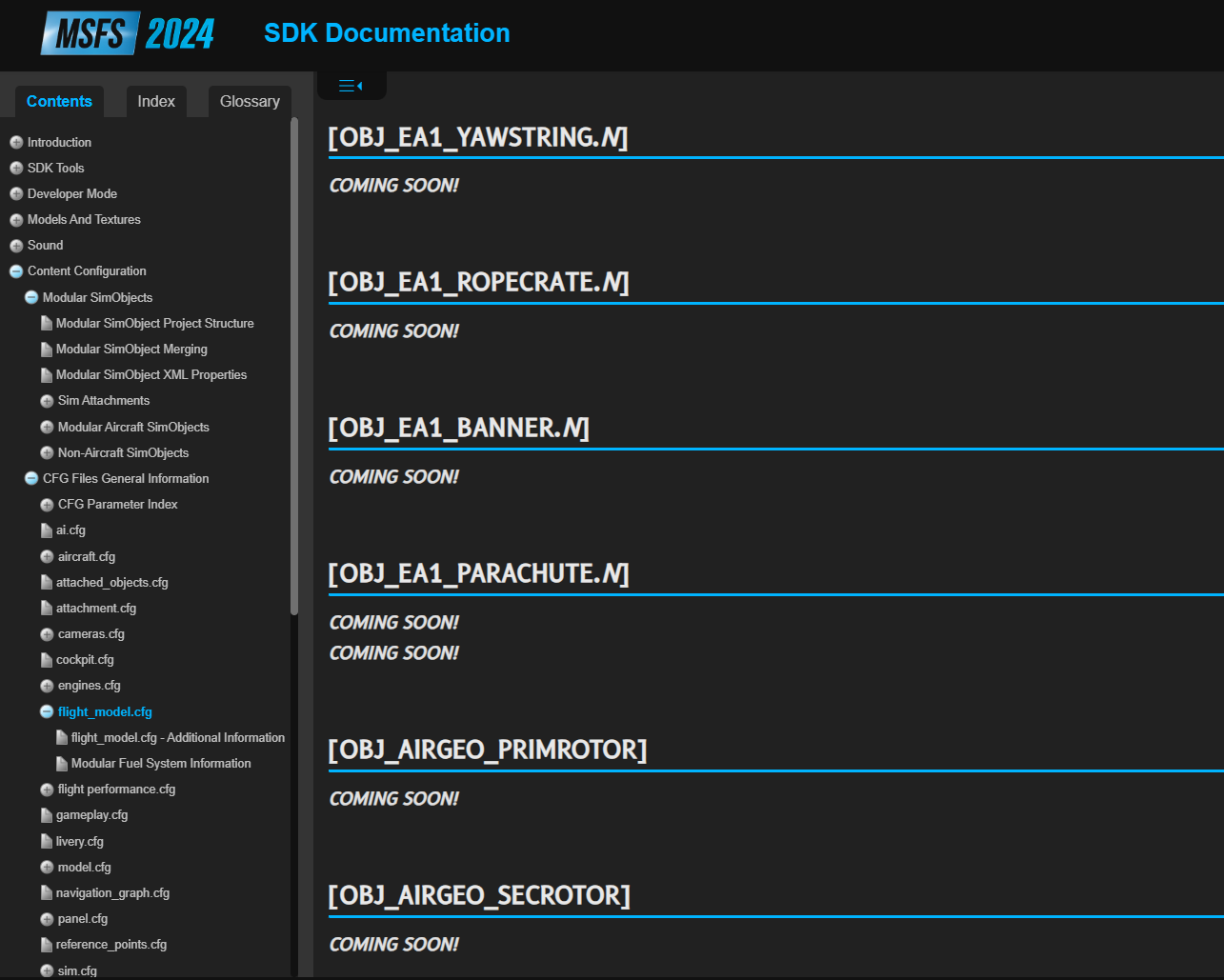
Some very concerning information about developing for 2024 surfacing on the dev forum

For the record

Guys, Raul, Matthias, I’m sorry for starting another negative flame-thread. I shouldn’t have posted this in a sensationalist, “exposing”, conspirationist tone.

I hope this will become an interesting base of knowledge and a place where devs and end users can discuss some things related to MSFS 2024 addons development

2 Likes

I have nothing of real value to add, other than I have throughly enjoyed reading what the devs have said here. I love the transparency.

7 Likes

Didn’t carenado make their own app within the default tablet removing their old standalone one?

Yeah, they’re the first devs to do so - though they’re currently creating an entirely separate app for each of their 2024 aircraft, which is going to get unwieldy pretty quickly. Hopefully they can change that over time.

1 Like

Interesting seems unnecessary, unless their is a really good reason for it.

Maybe not.

I have a GoPiGo-3 robot that was set up to use RaspiOS Buster, all of the libraries being written in Python 3.7.

Porting the GoPiGo libraries to bullseye, bookworm, or even Trixie, (using Python 3.13+), isn’t for the faint of heart, but that doesn’t mean that these libraries need to be totally rewritten from scratch. Some libraries will need extensive work, but the lion’s share will work just fine as is.

And so it is with the 2020-2024 transition.

I suspect that a large part of the original design can be reused after being converted to 2024 native code. Some of the stuff - where there are major changes - will have to be more extensively changed to comply with the 2024 interface.

I suspect that the extensive effort anticipated by @SimbolFSReborn is more like the effort required to build something from scratch.

IMHO, @TheFalconOne’s analysis is more reasonable when upgrading from 2020 to 2024

Ehh nope, you have to take your 3D and implement everything that is new, then all your .XML code and implement what is new, then you WASM modules and implement what is new. I don’t get why people want to rationalize a Microsoft flight simulator SDK with other APIs or like this is some sort of copy / paste situation in Word or Excel, but if that is what they need then put it this way:

Imagine you have an API code in DX11, you have your graphics rendering code all nicely working on DX11, then DX12 comes along and tells you, you need to change the way you were doing things entirely in order to get the performance boost.

While you might have thousands of line of code already, it is now all useless if you wish to use DX12 native as everything changes in the API, parameters, procedures, libraries, methods, design, etc. You cannot just copy and paste your DX11 code to make it all be DX12 code by magic can you?, you have to convert the code, does this make sense?

This is the same with MSFS 2024 guys, you can run MSFS 2020 code yes, but that is BACKWARDS COMPATIBLE and not MSFS 2024 Native (which is what I was discussing).

The MSFS 2024 Native code, is all new, new processes, new libraries, new materials, new methods, new techniques, and new ways to handle 3Ds and even animations in certain areas (Propellers, and gears rotations are an example). A wheel tyre in MSFS 2020, was animated rotating it 360 degrees, where is you want the new type of wheels with weight compression, you must re-do the wheels UV in a new way, create a new texture for this new UV, and perform a new UV animation with very specific parameters instead the traditional simple rotation, then you must skin (with bones / armatures) all the wheels, and perform a new skinned animation so the tyres deform with weight, then use the new Model Behaviours EX1 code to implement this new type of animation.

It doesn;t matter if you are starting from scratch or not, if you want the wheels animations MSFS 2024 fully native, you have to do the steps above.

Similar steps exist for propeller animations, of course if you just cannot be bothered, you can leave the old wheels animations and propellers as they were in MSFS 2020, and just continue using them with old model behaviours code, which obviously means, you not using the new technology available with the platform.

WASM code is the same situation, you can still compile your old C++ modules with MSFS 2020 code and libraries, and that will run in MSFS 2020 and 2024, yes, but it will not be NATIVE MSFS 2024 WASM compiled code, now if you take your old MSFS 2020 WASM module and you change it to MSFS 2024 WASM libraries, the modules will not compile, because all the MSFS events, L:VARS APIs, and many other modules were replaced with new structures and requirements and you will need to sit there, convert and then verify everything works, re-test your product and ensure you got no un-expected behaviours.

This repeats on hundreds of elements all across the SDK, the list I provided is just a portion to simplify key points for people to look at.

My post was related to what is a TRULLY NATIVE MSFS 2024 product and what is not, very important red line there.

If I start a project from scratch it could takes me years (because the fidelity I put on it), taking a MSFS 2020 product and converting it to MSFS 2024 FULLY NATIVE can take me from 2 to 3 months (yes that long, because my products are very complex).

Ask yourself the question, why so little updates of aircraft MSFS 2020 to MSFS 2024 are available on the market? everyone is currently sitting: A) Learning the new SDK, which is VERY different from the previous version. B) Converting their products, C) Creating a new products in order to survive the transition to a new platform since just doing conversions would not yield enough return to continue business operations.

As I said, I seem releases just doing the bare minimum and call it a day (they run lots of stuff in backward compatible mode / old ways), but these are not fully MSFS 2024 native.

Best,
Raul

18 Likes

And I am sure the new SDK is very well documented. :wink:

3 Likes

:sweat_smile:

But to give credit to Asobo, they answer our questions when something is not documented there, and help us all the time, we also have the DA62 source files to look at examples and work out how to do things, like the dirt, mud, etc.

So we use lots of reverse engineering with those examples, help from Asobo with questions, and they are aware of the updated documentation requirements, they do update this quite often.. but yes, sometimes on weekends you are stuck at something, then finally you work out how to do it, or Asobo staff tells you and helps, for example today: Setting custom toltips for EX1 model behaviors - SDK: Tools/Samples/Documentation - MSFS DevSupport

As I said from the beginning, I have a great working relationship with Asobo and Microsoft, they help me a lot, and in return I do the same, of course the key is to always be polite, kind and professional with them, they are human like me, and I am sure their workload is not even closer to mine..

Best,
Raul

8 Likes

Hey @SimbolFSReborn

As an airport developer I agree with most of this. We have been working hard on learning the changes that MSFS 2024 has implemented to be able to bring 2024 Native Products.

We only sell in the MSFS Marketplace and we do not want to change that, but that requires to make products with MSFS 2024 materials, and exported with the MSFS 2024.

Something I said to a couple of friends from my dev perspective, is to not be deceived by products marketed and marked for 2024, while these are only compatible versions compiled and exported with the MSFS 2020 SDK. The good thing is that Asobo/Microsoft included the logo on the thumbnails to indicate which SDK the product was exported with.

It is a learning curve indeed, which takes time, as well as Creating LODs, adapting materials, using the new biomes and lighting features, etc.

Regards

2 Likes

This is interesting because I’ve found a few products that have that logo but aren’t compatible with 2024 products, but only 2020 - namely a few livery packs that are for 2020-native aircraft only. Does that seem possible given your understanding of the SDK, or is something broken here?

1 Like

Not every 2020 addon is compatible with 2024. Even some of our airports from 2020 have a few bugs that were reported to Asobo, but luckily in general were mostly compatible.

It works different for liveries as the 3D models, or the UV mapping for the airplanes could have changed.

I mostly refer to products that were sold in 3rd party sites marked for 2024, with only a week of the sim being released. I think just as the marketplace indicates what the product was exported with, 3rd party stores should indicate if the products were made for 2020 but “compatible” with 2024, or if these are 2024 “Native”

Right, but does it make sense that a livery for a non-2024 aircraft could carry the 2024 tag/logo? The packs for the Longitude even explicitly say in the product description that it only works with the 2020 version, not the 2024 version, and yet it carries the 2024 tag with it.

2 Likes

that I have not seen, perhaps it was opened with the 2024 SDK but it was not checked for complete functionality?

In my personal case, I own a couple products from other devs sold as 2024 versions only to find out these had the 2020 logo when I went to use them.

Can you explain? I dredded, and refused to use simbrief for years as i hate going outside the sim for anything. Im like that with all of it. If its not in a plane, i dont want it. Ie:flow
Now with simbrief in the EFB. thats all i use. No subscriptions, and everything working title has in there has been wirking fantastic. Ground charts , approach. Nav data? What makes navigraph jeppeson data better than lufthsansas? Nobody really has given an answer other than its better. Why? Msfs2020/24 data is updated monthly. So thats not the answer.

1 Like

The available LIDO coverage is not as complete, especially for smaller IAPs. The sim has been able to work around that in the US by integrating the FAA/NACO charts, but globally there’s a gap. For folks who sim heavies, it’s not a big deal, but not all of us do that.

Other than that, I’ve been using Jepp and NACO irl for several decades, so I’m a little biased in terms of preference, but as far as I can tell, the quality of LIDO charts is great. I’m just not used to it and the availability of it isn’t consistent enough for the ops I do to put a lot of energy into it.

2 Likes

This plus the navdata isn’t always the same or as complete. Also to update the TDS GTNXi navdata I need Navigraph. As a VATSIM and PilotEdge user Navigraph is amazing.

For charts, Jeppesen does have additional coverage. For data, the LIDO nav data itself is exceptionally complete and accurate worldwide. We have yet to receive a bug where the source navdata was incorrect, so far.

The LIDO data is now what is in MSFS 2020, as well.

1 Like

I’m concerned that I paid full price for a unfinished product.

5 Likes

Is not access to LIDO navdata restricted in similar way to weather data? 3rd party addons cannot access it properly, hence they don’t use it. Otherwise the new B777 from PMDG built for FS2024 would be using default navdata but it still relies on Navigraph.

Here are two quotes from PMDG forum:

They build in navdata and charts are extremely cumbersome to program for and do not provide the same level of sophistication that we are looking for.

In the last year, PMDG overhauled the internal functions of the FMS and autopilots on all their aircraft. I don’t know the details, but the custom nav database that PMDG uses now, (supplied by Navigraph) is in ARINC 424 format, which is the very same database format used by real airliner FMSs.
The MSFS default Nav database, which is supplied by Lufthansa, is derived from ARINC 424 master files, but is translated to a different form that MSFS default aircraft can use.
It would be a step backwards for PMDG to try to use the default nav database format. That would require undoing all the changes they made to use native ARINC 424 nav data directly.

Full discussion here Charts/Airac - PMDG Simulations