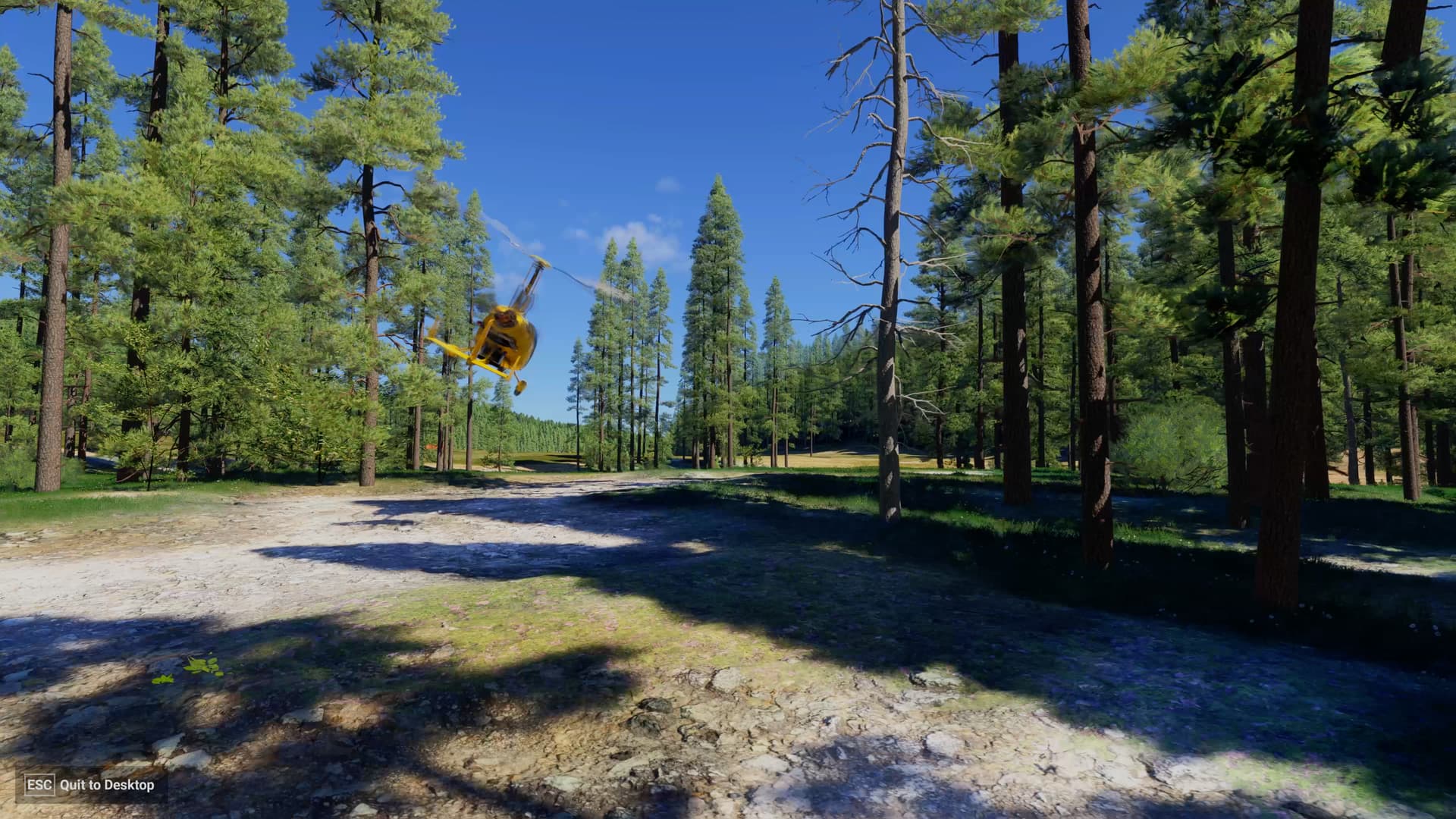
This topic is about the “start” button not showing-up on the initial loading screen of #2024. In the report you created: Start flight button, you are talking about the missing button “start flight” on the world map for msfs-2020. So seems a different issue right ?
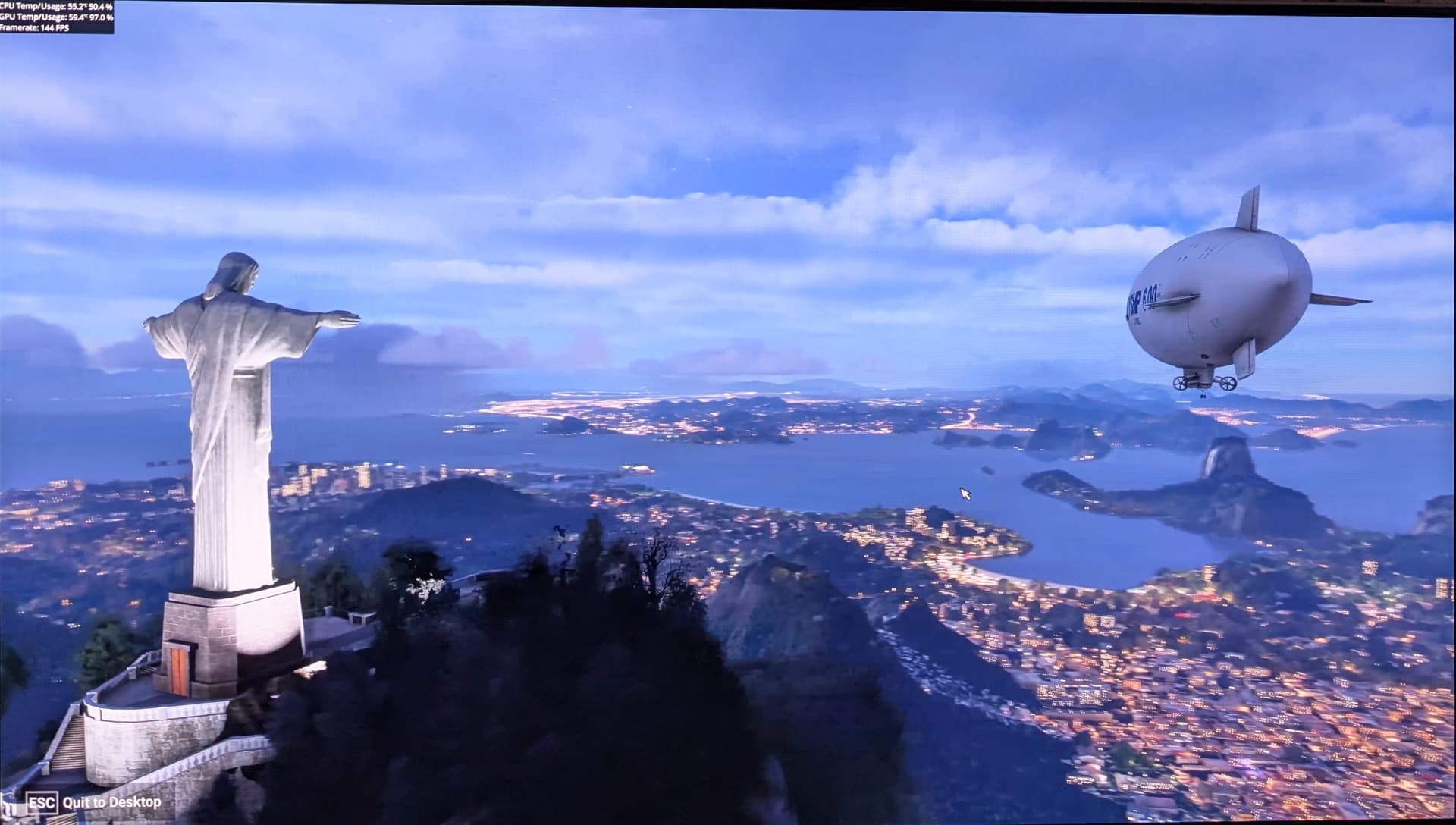
This is happening again to me a lot tonight. Server problems?
me too, a lot!!!
This is not specific to 2024: I have this problem regularly in MSFS2020 too.
The logs never show anything specific while it waits indefinitely.
Happens randomly. Seems to resolve itself eventually. About time Asobo fixed this as it is a total showstopper when it happens, as the SIM becomes totally unusable.
I have found that the 2024 and 2020 problems are slightly different.
2020 - In 2020 this problem only occurs when you exit from free flight. A restart of MSFS 2020 always fixes the problem.
2024 - The Start button doesn’t appear after you load MSFS - in 2024 there is nothing you can do as the only option is the “Exit to desktop” button. I found that restarting MSFS 2024 also doesn’t solve the problem, nor does a PC reboot. Emptying your community folder also doesn’t resolve the problem, nor does opting out of the Beta.
The 2024 problem is a show stopper and must be fixed, as it stops all activity.
While the 2020 problem is just annoying.
I appreciate that not being able to reproduce a problem makes any solution difficult, However, Asobo know when it happens, and knows what happens. The Start and Accessibility buttons fail to appear after the loading bar at the bottom disappears during the initial MSFS 2024 load process.
This information should be enough for Asobo programmers to know where to look at the code and see where the problem might be. Either it is a problem with the loading process isn’t completing (even though its status indicator has disappeared), or the start and accessibility buttons not initiating after the load process is complete. There can’t be that much code in this area that would prevent some investigation.
Having a problem where the only solution is a full reinstall, is something that needs to be fixed.
Did you try the fix I posted in this thread? I realize it might not work for everyone but it’s simple and easy to try.
Since I can’t get to any MSFS 2024 menu it is not possible to change the cache size.
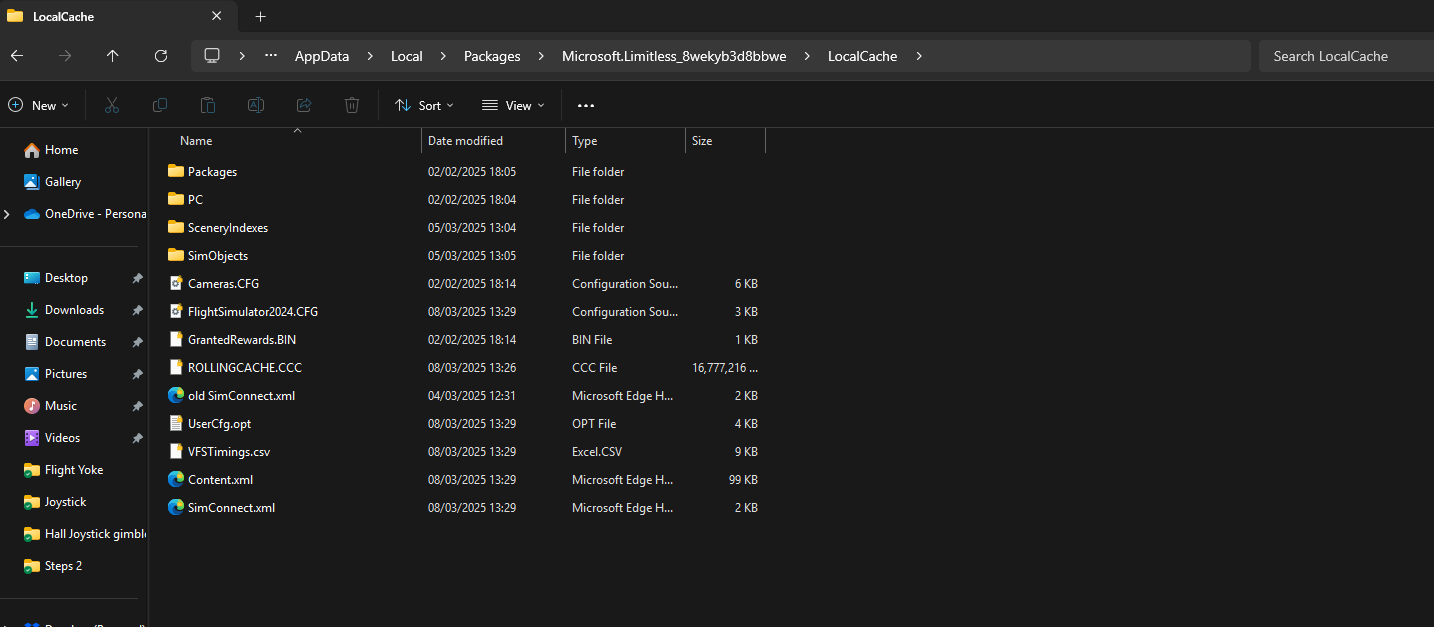
Exit the sim. Delete the rolling cache. Restart the sim and see if the start button appears. If it does enter and increase the cache size.
Thanks, but the rolling cache doesn’t appear to be the issue. I deleted the rolling cache and the problem persisted.
I managed to get iT working again, but after I repopulated my community folder it all started again. Oddly emptying the community folder didn’t fix anything. Tried everything, new community folder, empty community folder, nothing worked. After some testing I managed to get everything to work with my existing community folder contents using an old UserCfg.Opt I had. MSFS worked the 1st load but then failed on the 2nd load.
The only solution that gives me a consistent result using a previously successful UserCfg.Opt and making it read only. As soon as I make it editable, the Start and Accessibility buttons disappear again. 2024 is so inconsistent and unstable, I wonder it works at all.
This is problem is listed as partially fixed in SU01 in the latest development update.

Surely it is either fixed or it’s not, and my experience just now is that it is not fixed.
I had been in an out of MSFS 2024 a couple of times today with no problem. I had even removed the read only flag on the UserOpt.Cfg file and had no problems all day.
But when I logged on tonight I ended up with the missing start button again. Note that I made no config changes when I loaded MSFS successfully a number of times earlier today.
So I am not sure what has been partially fixed, since the problem still exists.

Luckily I have a backup of my last successful UserOpt.cfg file. I did a compare with the current file MSFS is using on the right and my backup file on the left. And I found that MSFS has removed the pink lines relating to supersampling for some reason. This is repeated in the VR section of this file.
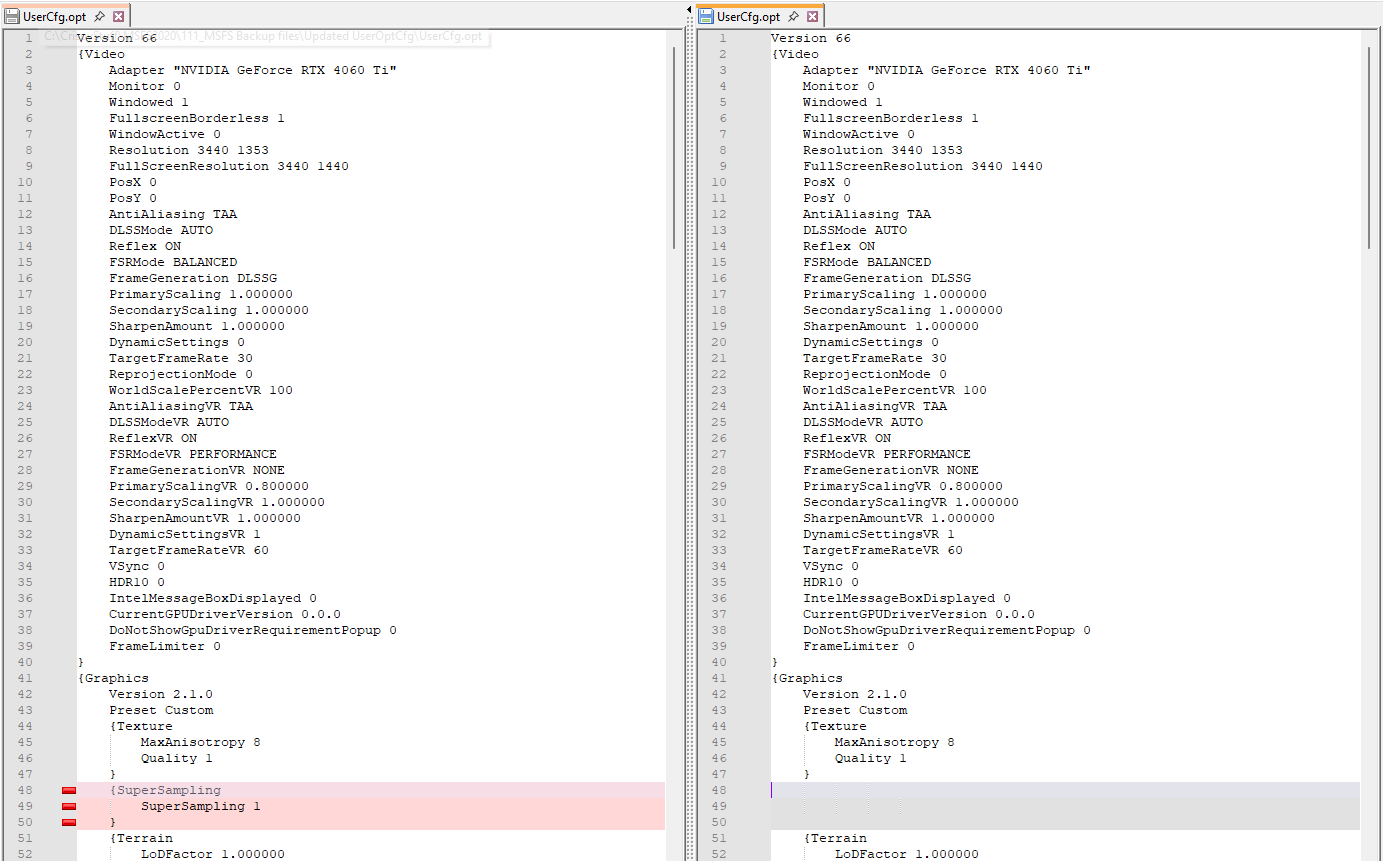
So this seems to be causing MSFS to fail to finish loading successfully and showing the Accessibility and Start buttons.
Restoring the file to its original content didn’t fix the problem as MSFS just removed these lines again as MSFS loaded. I restored the file a second time and tried my old trick of making it read only, to prevent MSFS making it’s damaging update. And as MSFS was unable to damage the UserOpt.cfg file, normal operations returned and the Start button reappeared.

So now we know what is happening, and have a temporary work around. Over to you Asobo to stop this damaging update to the UserOpt.cfg file from happening.
Do you have the same issue if you follow the OP’s steps to reproduce it?
• Yes. Lately about 30% of the time the Start button doesn’t appear.
Provide extra information to complete the original description of the issue:
• Just start the game. RTX 4060.
If relevant, provide additional screenshots/video:
•
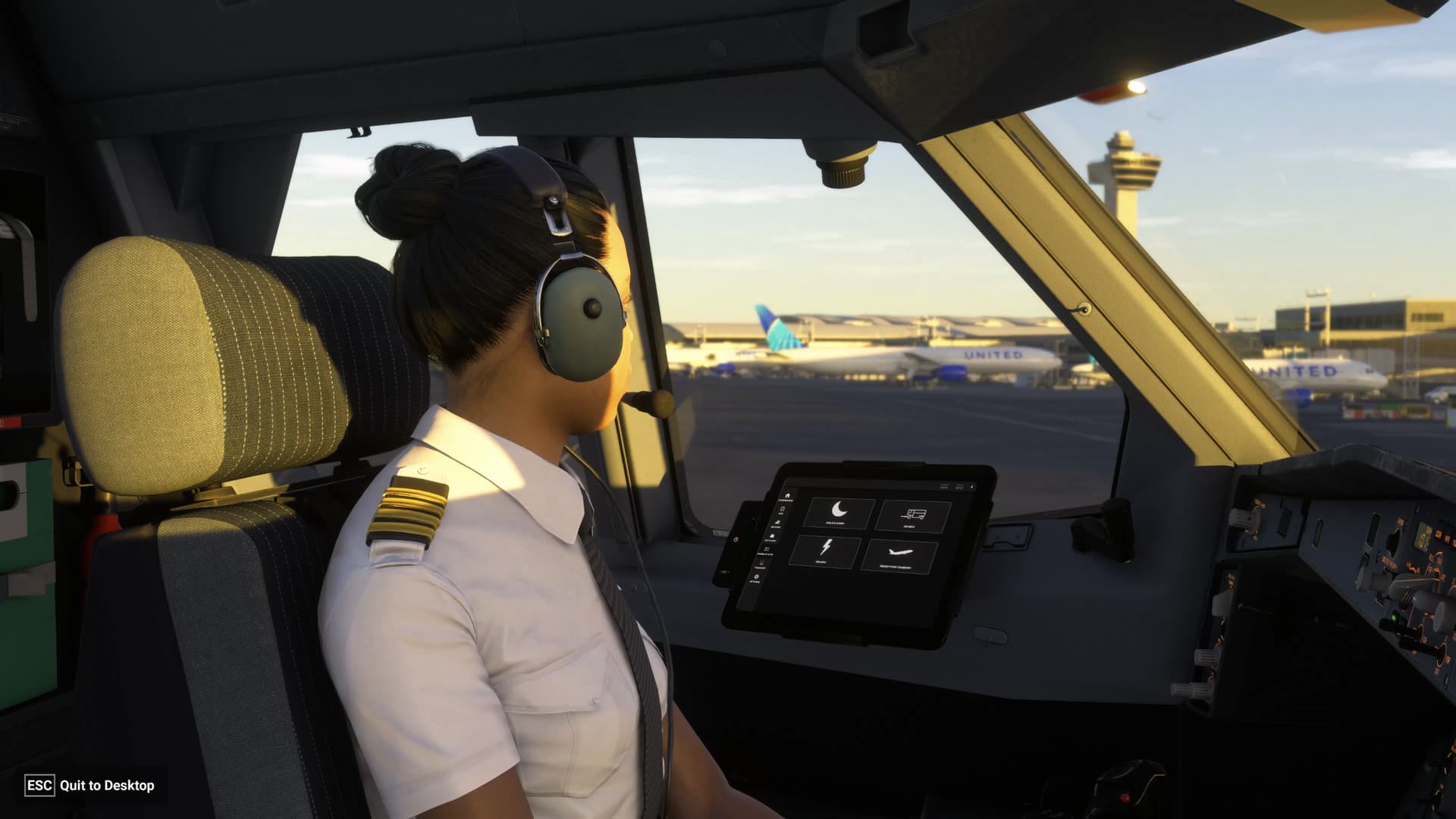
Do you have the same issue if you follow the OP’s steps to reproduce it?
•
yes
Provide extra information to complete the original description of the issue:
•
Every second start of FS24 the start button does not show
If relevant, provide additional screenshots/video:
• Just imagine the normal startup screen minus the start and accessibility buttons
I don’t think the start button itself is necessary. MSFS2020 doesn’t have one.
MSFS2024 SU1 starts up faster, but this button increases the time until flight.
I’m getting this now. Never had it before today?
It’s incredibly ironic that a screen whose only purpose is to allow access to the accessibility options makes the sim completely inaccessible.
Why can’t there be an option in the general settings to just skip it and go straight to the main menu?