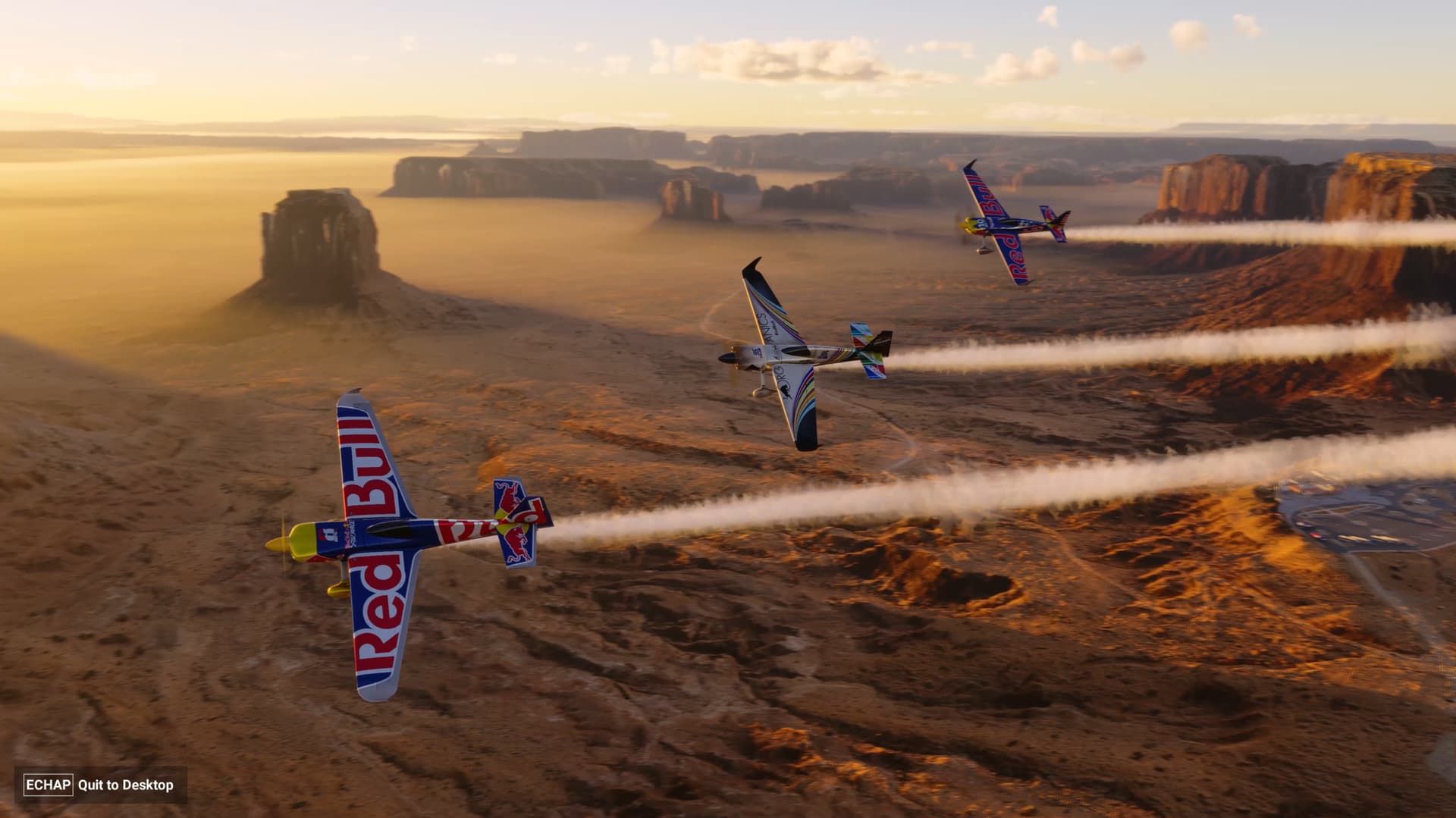
Changed nothing, and then restarted and the Start button is back. Then works for a couple of starts then is gone again. I have this failure about half of the time now. What is going on? Any simulator that won’t even load each time has some serious problems.
Do you have the same issue if you follow the OP’s steps to reproduce it?
• Yes, Start or Accessibility option is never displayed despite the loading appearing to have completed.
Provide extra information to complete the original description of the issue:
• Load the sim up, all was working fine before 18th March 2024, on occasions it was working but now the Start button is not showing at all. Left with only the Quit to Desktop button.
If relevant, provide additional screenshots/video:
• Same as others have shown in previous posts.
The only thing I can think of is that it appears to load 90% and then the loading bar disappears, almost as if there is a problem loading data and silently fails as a posed to being stuck on 95% or whatever.
I’ve removed the indexes and streaming data but this doesn’t fix it. The really weird thing is that I’ve not seen this problem before even though this specific issue was first reported in November 2024.
I appreciate Jayne has reached out to the community and I dearly hope that Asobo have been able to reproduce this since then as it’s super frustrating once this problem occurs.
It’s like the sim has been cursed or something. Maybe there is a way of enabling more debugging to support the development teams, happy to help in this regard if there are any instructions to follow.
Haven’t had a single occurrence of this problem since using the Update 2 beta. I exited from the beta and the problem returned. Enabled the update 2 beta again and the problem disappeared.
So looks like this has been fixed.
Thanks @BilingualHarp7 that’s really good to know. I did have a look at the release notes for SU2 and there are numerous infinate loading bugs which have been quashed, so I’m delighted this has been addressed!
Possible cause / workaround found on my system for this issue
I just attempted to launch FS2024 via the “icon” file that was created with the installation, and I ended up with the “quit to desktop” as the only option situation.
Then I then launched Microsoft Flight Simulator 2024 from the MS Store app on my PC and it worked perfectly. Note that I did not restart my PC or do anything else. Just launched the sim from MS Store. Hope this works for everyone else as well. I will be investigating to see if I can fix the “desktop icon” issue.
I can confirm (on my PC) that by replacing the fs2024.exe with a new FS2024.exe shortcut fixed the issue for me.
I first created a new FS2024.exe shortcut from the XBox Games Folder and it worked from that .exe.
I then deleted my original FS2024 shortcut (pinned to my task bar in my instance) then re-pinned a new one from going to the start menu and searching for FS2024.
This resolved the issue for me no matter which new FS2024 shortcut I use.