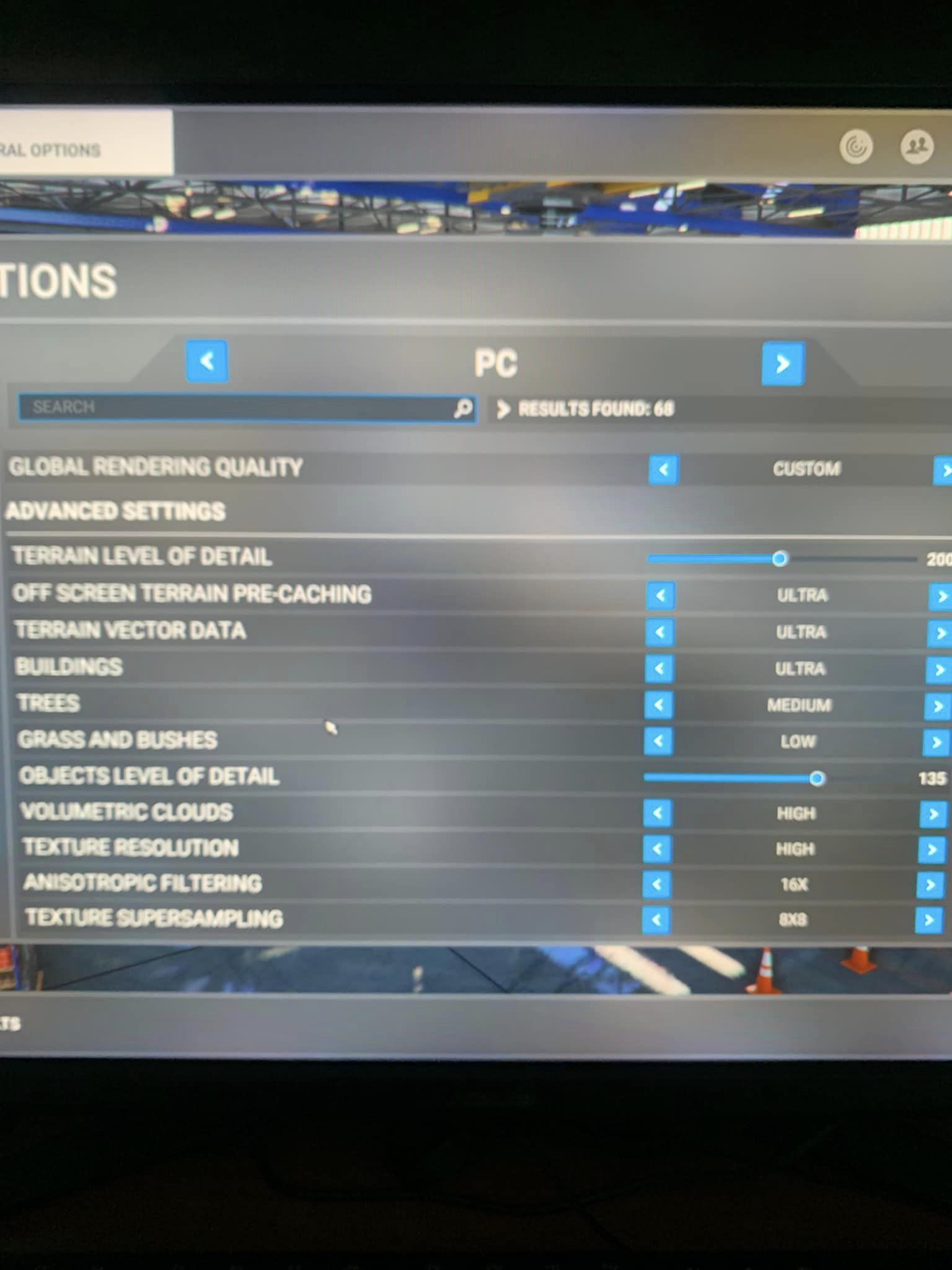
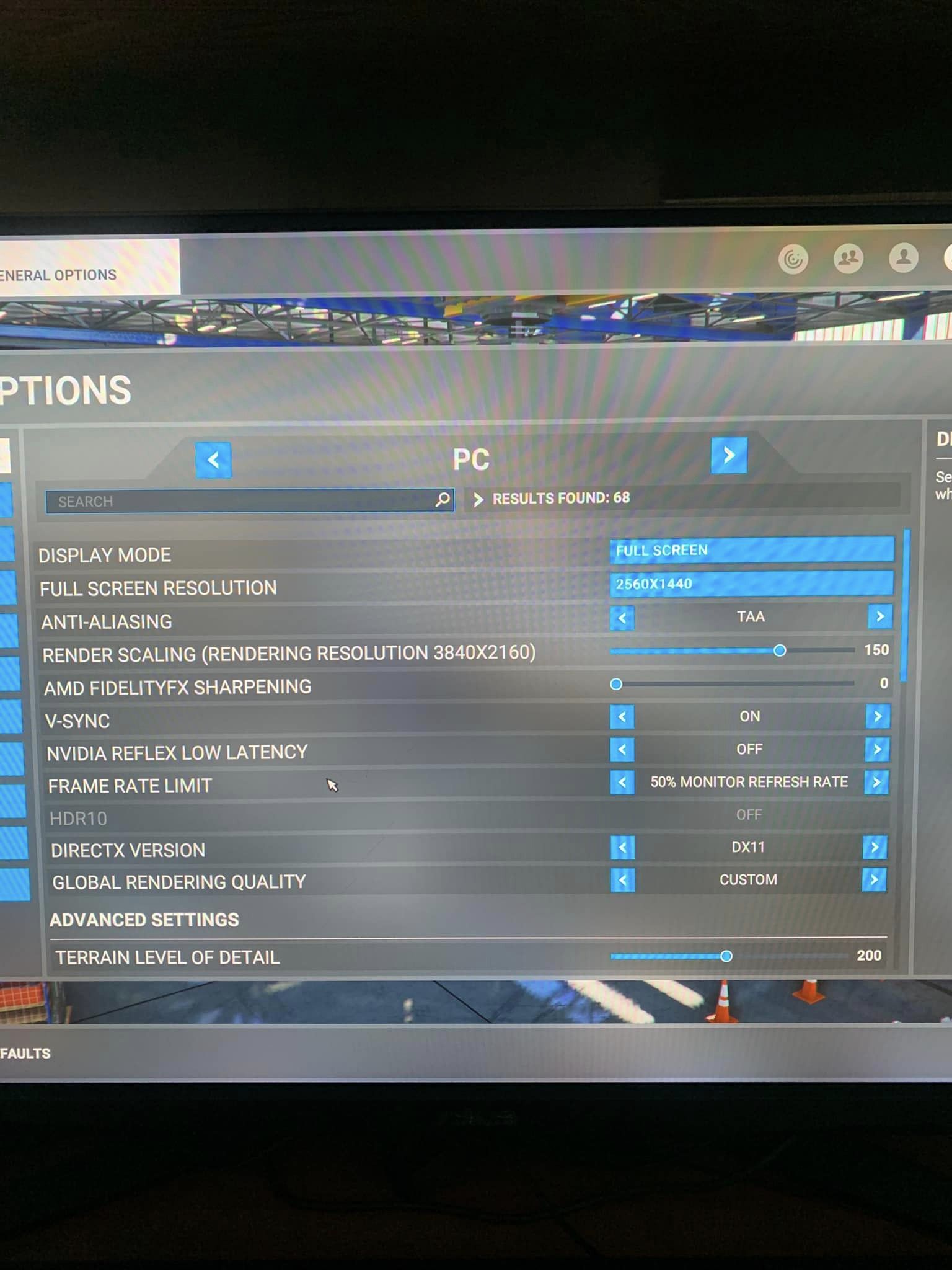
I am having severe tearing/Bounciness issues when panning around the cockpit.
This started 1 month ago without changing any settings. I contacted msfs support and have done everything they have told me such as unstalled and reinstall etc.
I have also contacted dell suppport as i use an allienware r12 desktop and they could not fix the problem.
are you having the same issues or know how to rectify my issue? I enjoy msfs and play on it everyday how ever since this occurred its making the platform hard to play.
my operating system are -
NVDIA Geforce rtx 3090
driver version 556.12
11th gen intel core i9-900kf @ 3500ghz
63.68GB RAM
2560x1440 144hz
It was better but I went back to using DX11/TAA instead of DX12/DLSS and my performance has improved considerably. Something has really changed but I don’t know what. I just know that I had been having no problems for months with DX12 until recently.
Yeah same for me, when panning the camera it feels choppy and stuttery a bit, even with stable and high framerate. Also no mainthread issue. Tried vsync on/off gsync on/off, ultra lagacy mode on/off, frame limiter on/off.
my alienware desktop is being sent into dell to have a look at my system.
MSFS support haven’t been that great on sorting the issue.
I have tried everything they have mentioned, only last thing i can think of is getting another monitor. even changed my hdmi cables and made sure my hardware was all up to date.