The most common thread I see among people with performance problems is running 4K. What size is the monitor? And I would cap frame rates at a divisor of your refresh rate, e.g. 60x2.
I honestly think airliners and “high” tlod/olod are the main part of the “problem”. They use huge resources and are vastly complex. I would assume if I were to go from the HJet, to a 3rd party airliner, and up my tlod/olod significantly, that I would not have such a smooth experience. lol.
My tlod/olod is also some of the lowest I have seen posted here. I think that helps tremendously. 60/150 ground and 200/50 above FL100.
The stutters ain’t coming from the GPU.
Who knows where they’re coming from… Switching from DLSS frame generation to FSR 3 helped me a lot, and I’m not the only one. The obvious culprit is the CPU/GPU pipeline falling out of sync.
All true imo. And I would agree with you and Island that the 5090 is not the cause. Probably cpu as you stated. There is always going to be a bottleneck. With my 14700k/5080, the 5080 is the bottleneck. If I were to step up to a 5090, my 14700k would most definitely be the bottleneck.
Now what happens if I upgrade to a 5090? Sweet! Crank settings! 5090! Add 3rd party airliner, crank the tlod/olod. Up this setting, up that setting. Next thing I know I have stutters because my cpu is topping out.
I have kept my tweaking as close to KISS as I can.
BIOS is basically standard. ReBar on. CPU in performance mode (all cores 5.5ghz all the time), and memory XMP 6800 and it is on QVL for my MB. All those BIOS settings would be there with msfs24 or not.
I turned HAGS off and added all the msfs24 folders to the Defender exclusion list. That’s it for my Win 11 tweaks.
I don’t use nvidia swapper. Just latest nvidia driver and app. App set to preset M.
My Pimax Play settings are very basic. Resolution set to 80, which is = to 3448x4080 per eye(approx. 3.4k per eye). 120hz and hidden mask area. No frame caps, no quad views, no motion smoothing, etc.
OpenXR Toolkit used only to view the FPS counter.
Software which is taboo and censored here. tlod/olod 60/150 ground. 150/100 5k ft. 200/50 above FL100. Linear increase.
In sim I adjust settings to what gives me a good, smooth flight at my most demanding airport. I pretty much know what the heavy hitters are and adjust accordingly.
Somehow I am able to get smooth flight in VR with a 5080 that has to drive approx. 6.8k resolution. Airliners and tlod/olod main culprit. That’s my opinion. And sprinkle in a couple other heavy hitter settings set too high = stutters, especially on the ground and landing.
I notice you post frequently about settings, and in multiple threads on the same day even, and offer LOD setting suggestions broadly and I don’t always see this important bit of information on many of your posts. This might be good for folks to know who have not read your other posts where you discuss/disclose how you approximate in-game Dynamic settings, ex-game. The missing information may read as misleading to those not so in the know, if you get my crab angle here? Just a thought, please give it some thought, if you please. You don’t want to mislead inadvertently in the course of offering assistance, I believe!
Oh I totally understand and agree. I am just trying to respect and play within the rules. I have had posts deleted and my hand slapped allready for being too specific.
There is only so much I can say without getting in trouble. I try to say enough so that people can Google, but also so that I am not breaking the rules.
In general in life, folks don’t know what they don’t know. One cannot assume that folks will get the settings shared out if they are not using Dynamic, either in-game or out. Cheers!
From the screenshots of the settings you posted, it didn’t look like you had tested my settings and you also didn’t mention that you had already tried them. That’s why I brought it up again - I thought you may have simply forgotten to test them.
Now that you’ve confirmed it, we have a much clearer picture of the situation. Next time, please try to mention exactly what you’ve already tested or done, so the people trying to help understand the current situation better. It also helps avoid misunderstandings or making it seem like we’re being rude or trying to lecture someone.
The reality is that when someone has spent years helping people, they know that sometimes you have to ask the same thing twice because important details are often missed.
In any case, your resolution - 4K - is not the cause of the issue. I’m also using a 4K monitor with RTX 5090 and I don’t get any stuttering during taxi, takeoff, or landing. That’s also why I suggested checking how MSFS 2024 behaves at a different airport.
No stutters, no WASM crashes (no simbrief). Low Setting Preset, then Texture Resolution = Ultra, Offscreen Terrain Cache = Ultra, LOD’s = 100, Foveated Rendering, Max FPS 40. This is the FBW a380 4k Dev. If these settings are smooth for you, you can start to raise the graphics settings one by one until stutters starts happening, then back it off a notch.
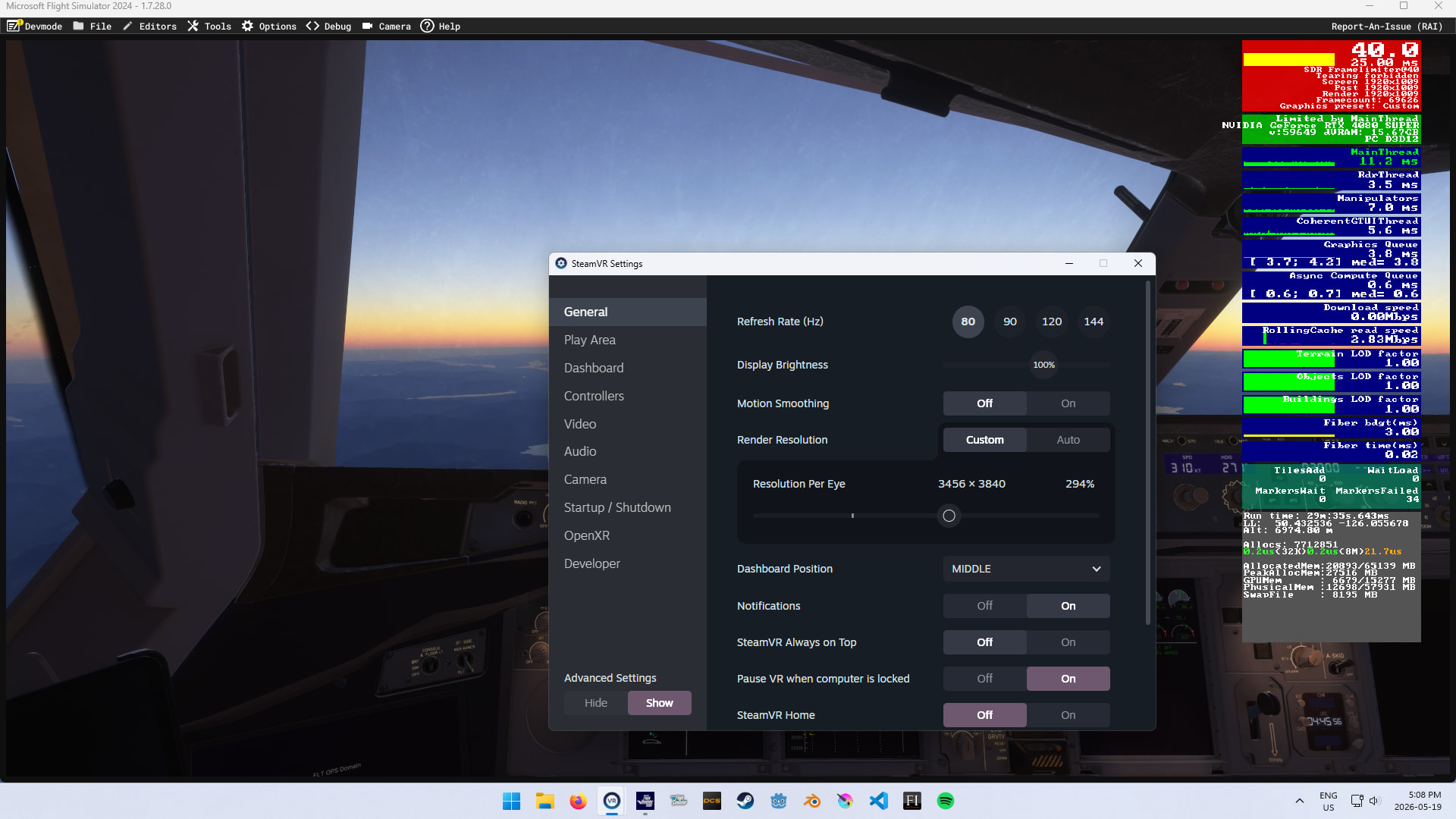
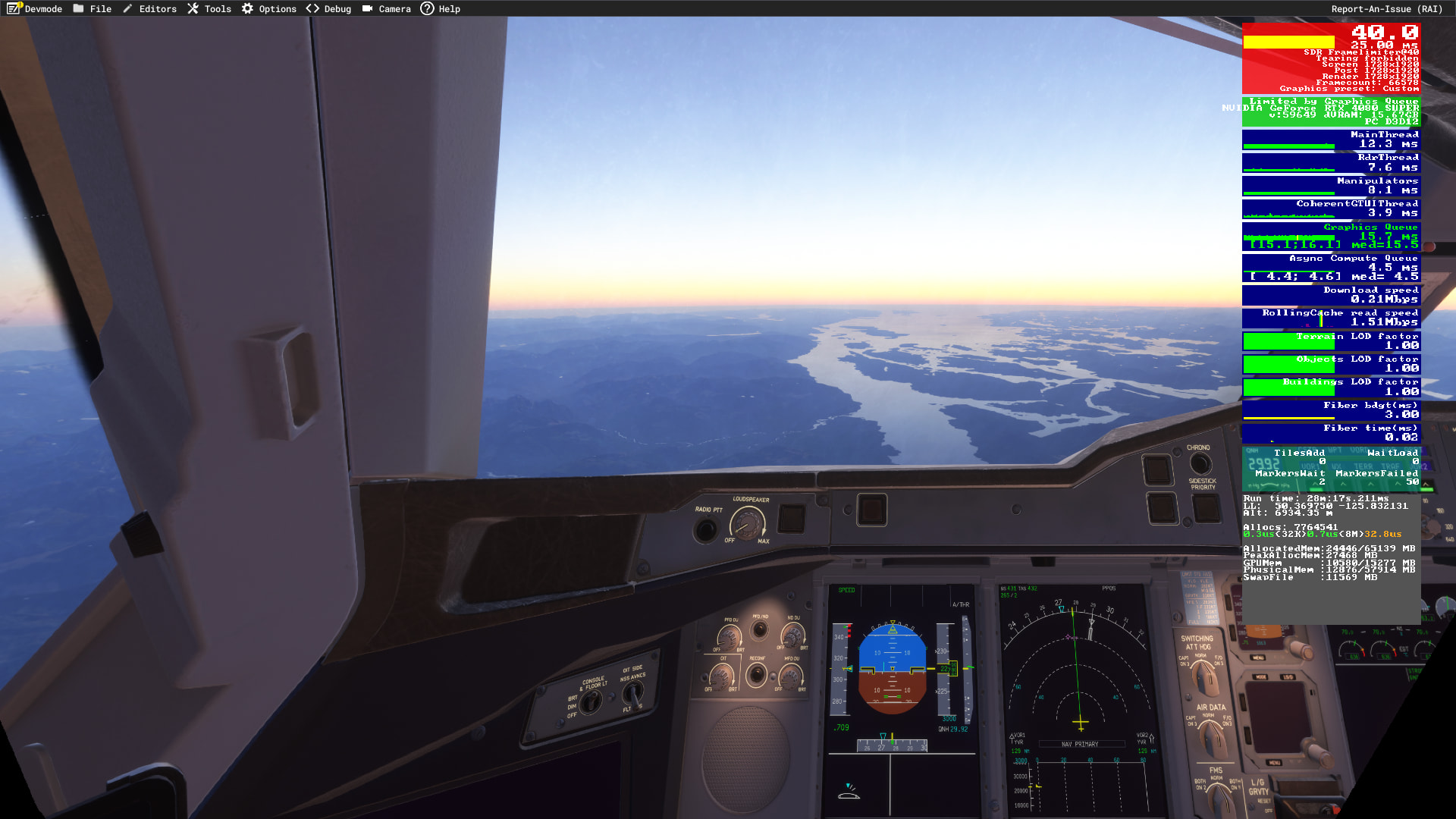
If I remember correctly, when I removed my fps cap, my latency (ms) dropped significantly and I was no longer in the red as your fps counter is. Some people live by this capping your frames thing, and that is fine. I have tried both, and I much prefer my fps uncapped and lower latency when my gpu can provide it. Don’t confuse an fps cap with a target fps for dynamic settings. They are two different things.
If I remember correctly again, Texture Resolution has little to zero effect on glass cockpits. I am currently using medium. I have a 5080. You may or may not find this interesting…
Key Texture Resolution Settings Compared
-
Low: Drastically reduces dimensions of internal aircraft, tarmac, and cockpit textures. Ideal for GPUs with less than 6GB of VRAM. It can cause a slightly “blurry” cockpit display.
-
Medium: The “sweet spot” for 8GB VRAM cards (like the RTX 3070 or 4060). It uses significantly less memory without noticeably compromising visual quality in the cockpit.
-
High: The default setting for high-end presets. Requires 10GB–12GB of VRAM for completely sharp dials and markings in intricate aircraft.
-
Ultra: Designed for top-tier cards (16GB+ VRAM). Offers native maximum resolution but provides diminishing returns unless you fly low, slow, and zoom closely into instruments.
I like how you start with low settings, bring up a few key settings, and then tweak from there.
If you don’t mind me asking…back in Nov you posted your settings with your prior GPU/CPU and in the NVIDIA control panel your Max Frame Rate was capped and Vert-Sync was on, now it appears you have them off in the control panel and on in the game settings. Is this due to the upgrade in your hardware or have the game updates / software caused you to make these changes?
Only during takeoff and landing ? Have you tried testing it in offline mode ?
I’m really, really glad you asked this question. You actually reassured me that including game settings in my posts does make sense - even if only one person draws the right conclusions instead of accusing someone of being rude or “trying to teach others”. People like you are exactly why I keep sharing my settings, so thank you again for asking.
So yes -I’ve done tons of testing and what I noticed is that over time something in MSFS 2024 started changing regarding mainthread behavior. The differences are almost unnoticeable at first glance, but they are there.
Because of that, I eventually decided to cap FPS and vsync enabled inside MSFS 2024 instead of through the NVIDIA Control Panel, simply because on my system it works better that way. That’s specifically for my hardware though - I can’t guarantee you’ll notice the same difference on your setup.
And one important thing: charts and numbers don’t always reflect the actual feeling of smoothness. That’s also why I won’t post all my benchmark results on the forum. What feels perfectly smooth and acceptable to me may feel completely different to you, so raw numbers and tables can sometimes be misleading.
Also worth keeping in mind - every single test of the same scenario in MSFS 2024 can give slightly different results. To get anything even remotely reliable, you’d realistically need to repeat the exact same run maybe 100 times, and even then there’s no guarantee the outcome would be fully “correct”.
Of course, that doesn’t stop anyone from testing things themselves or sharing their own findings - quite the opposite, it’s always good when people compare results and experiences.
EDIT
In short - FPS cap in MSFS 2024 together with vsync enabled in the game feels smoother to me than the same settings set via the NVIDIA Control Panel. This may change in the future depending on Windows Updates, MSFS 2024 updates or NVIDIA drivers updates.
A lot of people have had the same experience switching to FSR. I’m curious about one thing: do you have ReBAR disabled?
Increase your Rolling Cache (Settings/Online) to 200.0 for long sessions. Of course you may have to make room in your PC hard drive first. See this post. User Interface & Activities - Microsoft Flight Simulator Forums
Well yes, that’s a given. The cap is literally putting more ms between frames so the FPS doesn’t exceed the cap, that’s the point 
Apologies I’m new to msfs2024. I thought you could only use it online?
Huh, well, I guess that makes sense. lol
I don’t like it. 