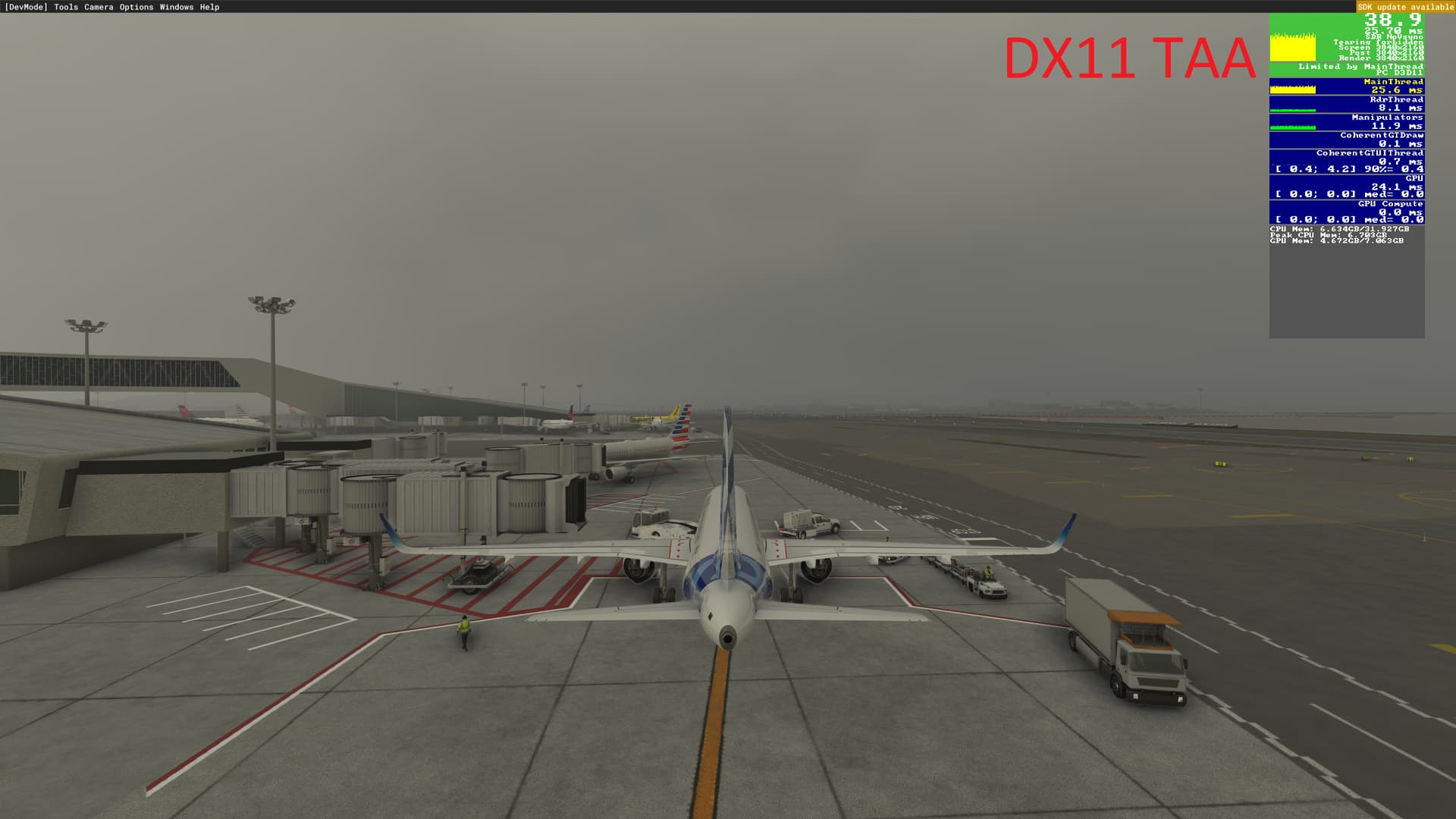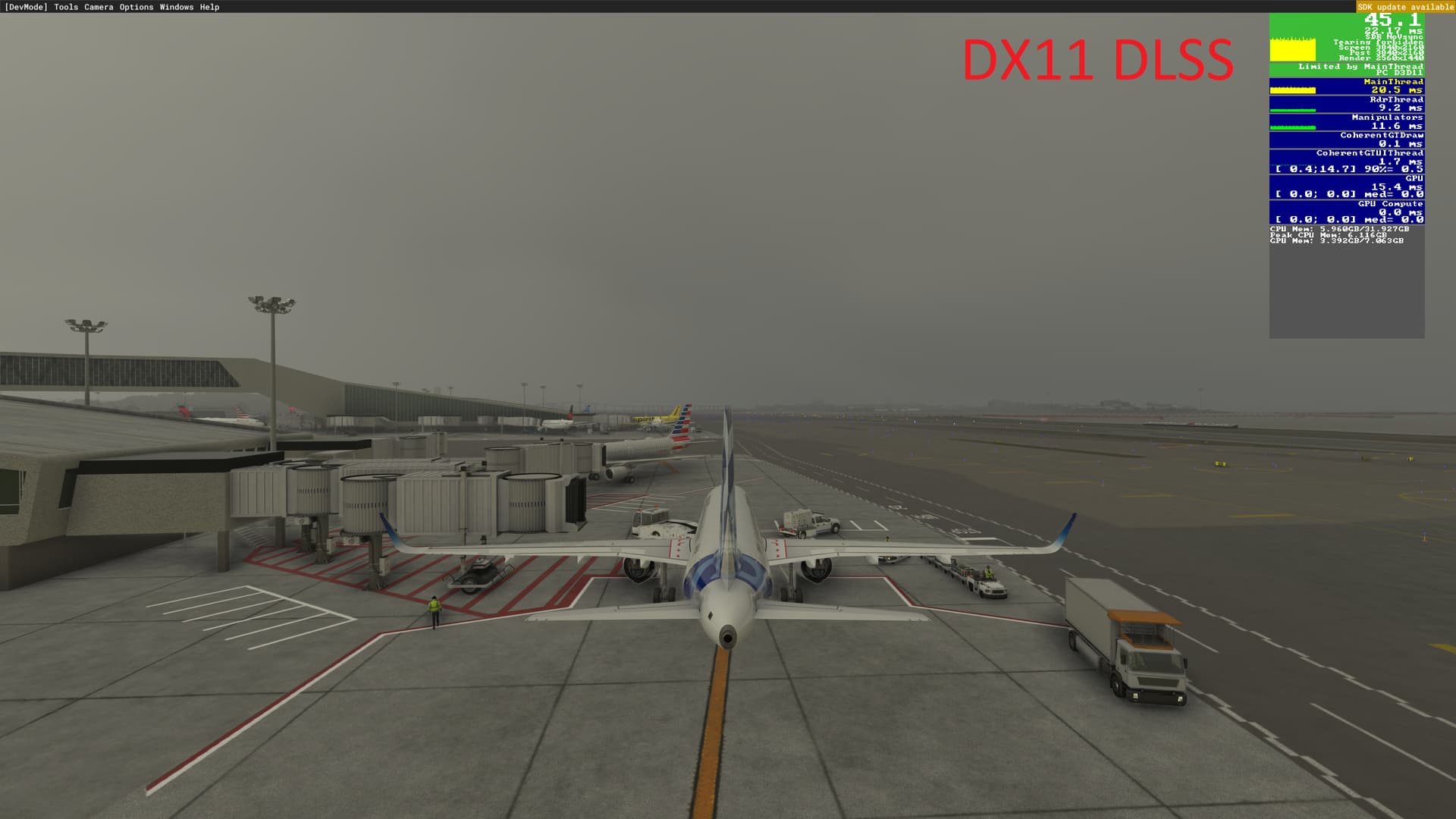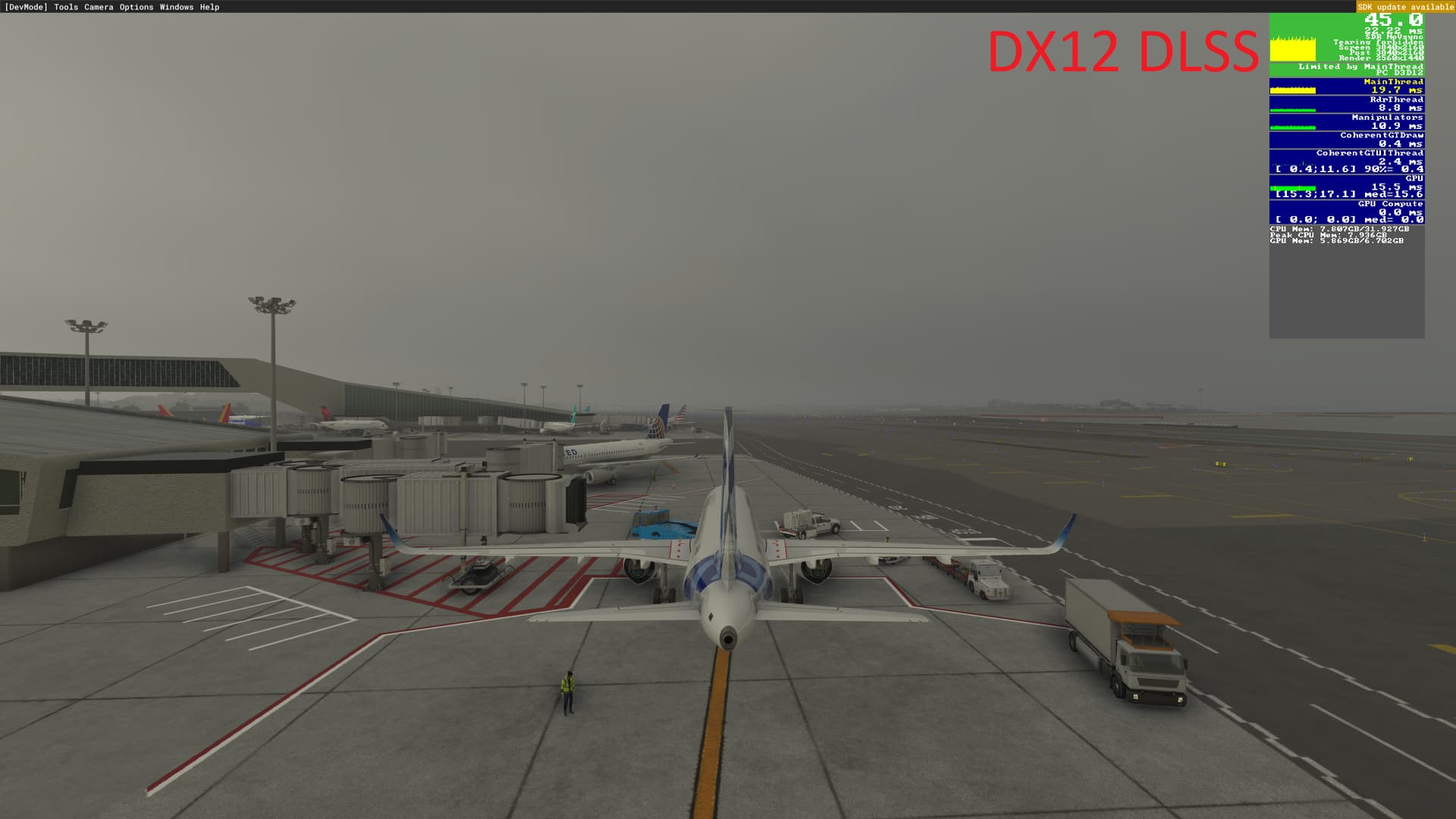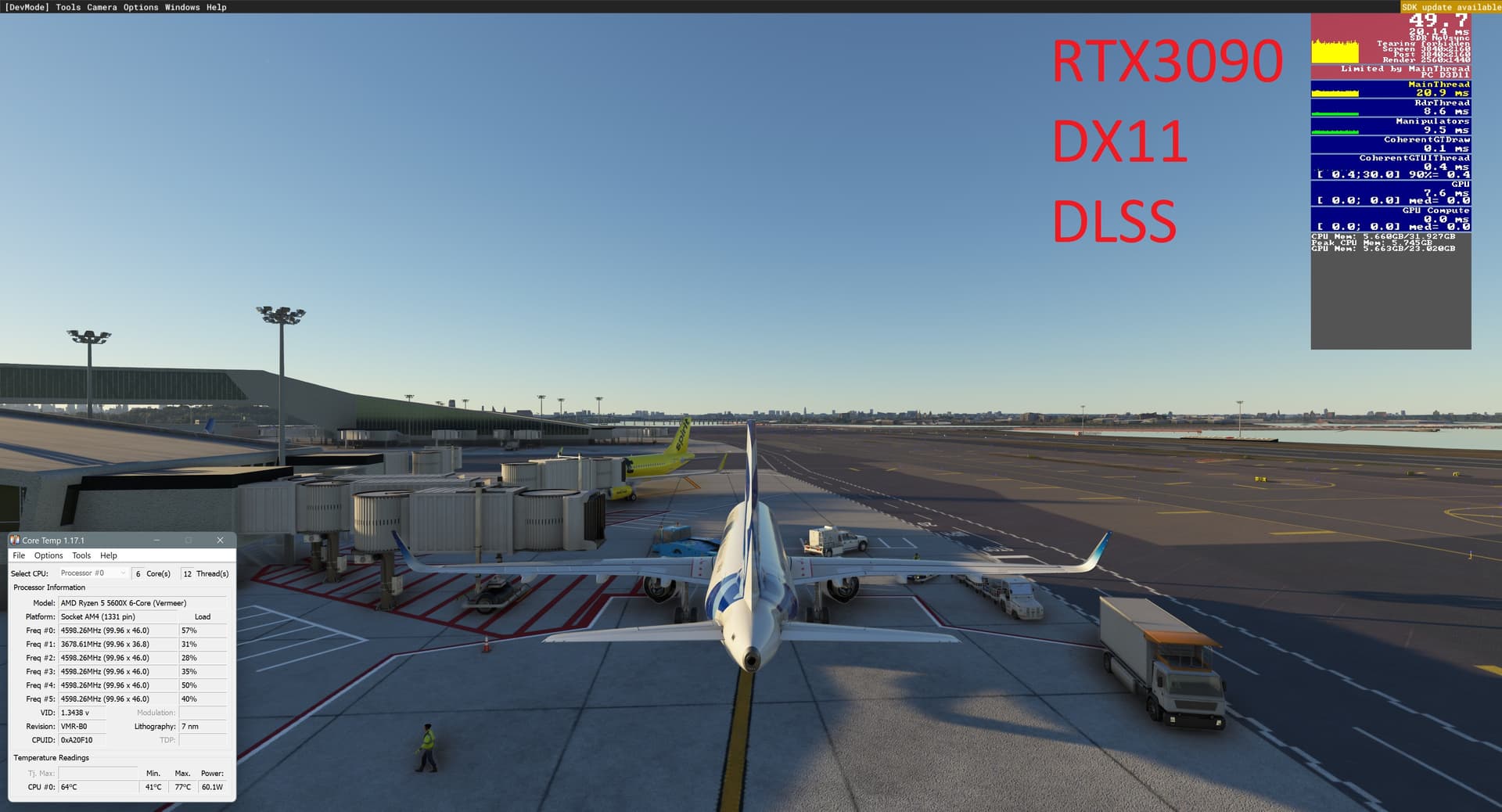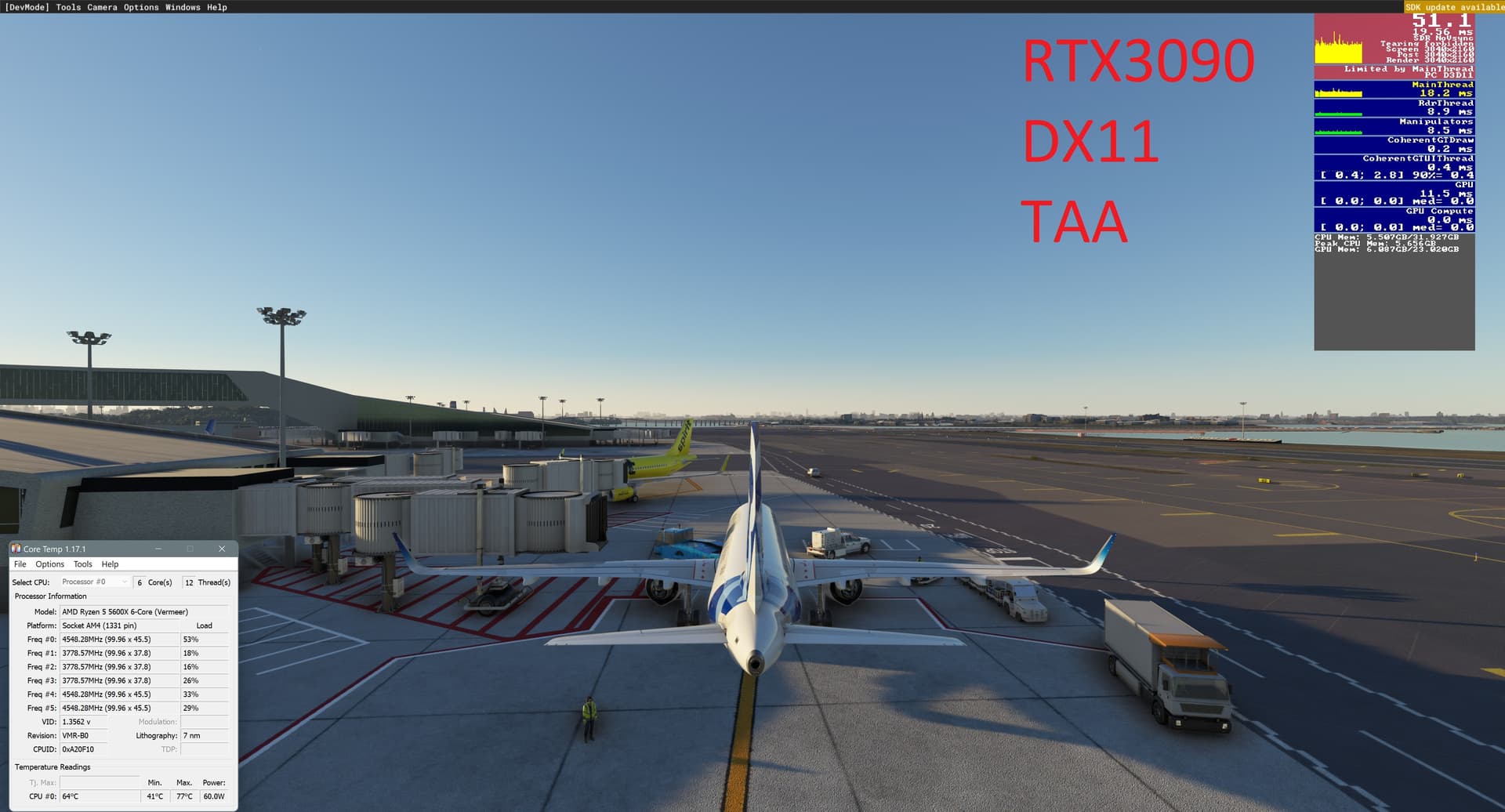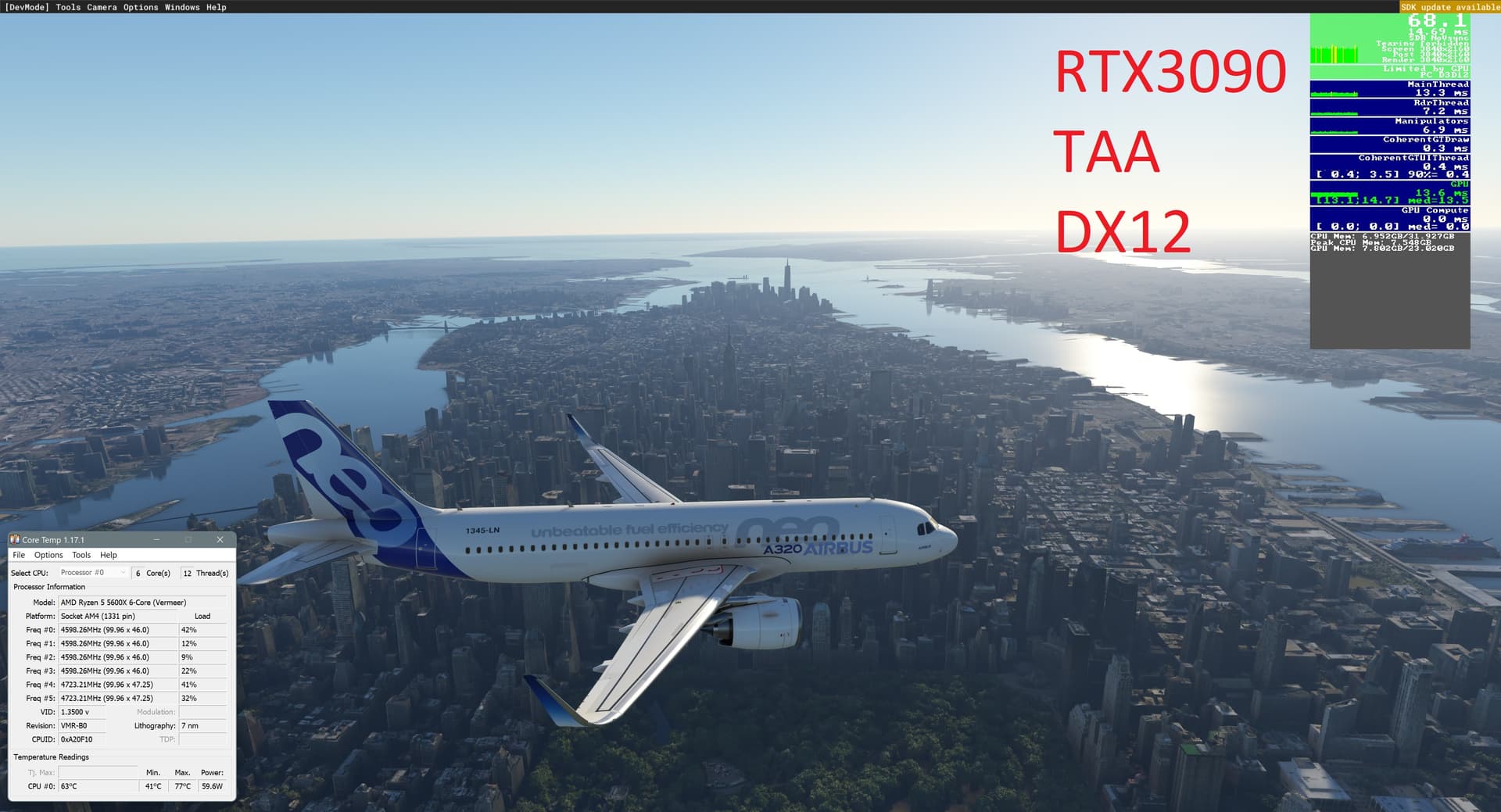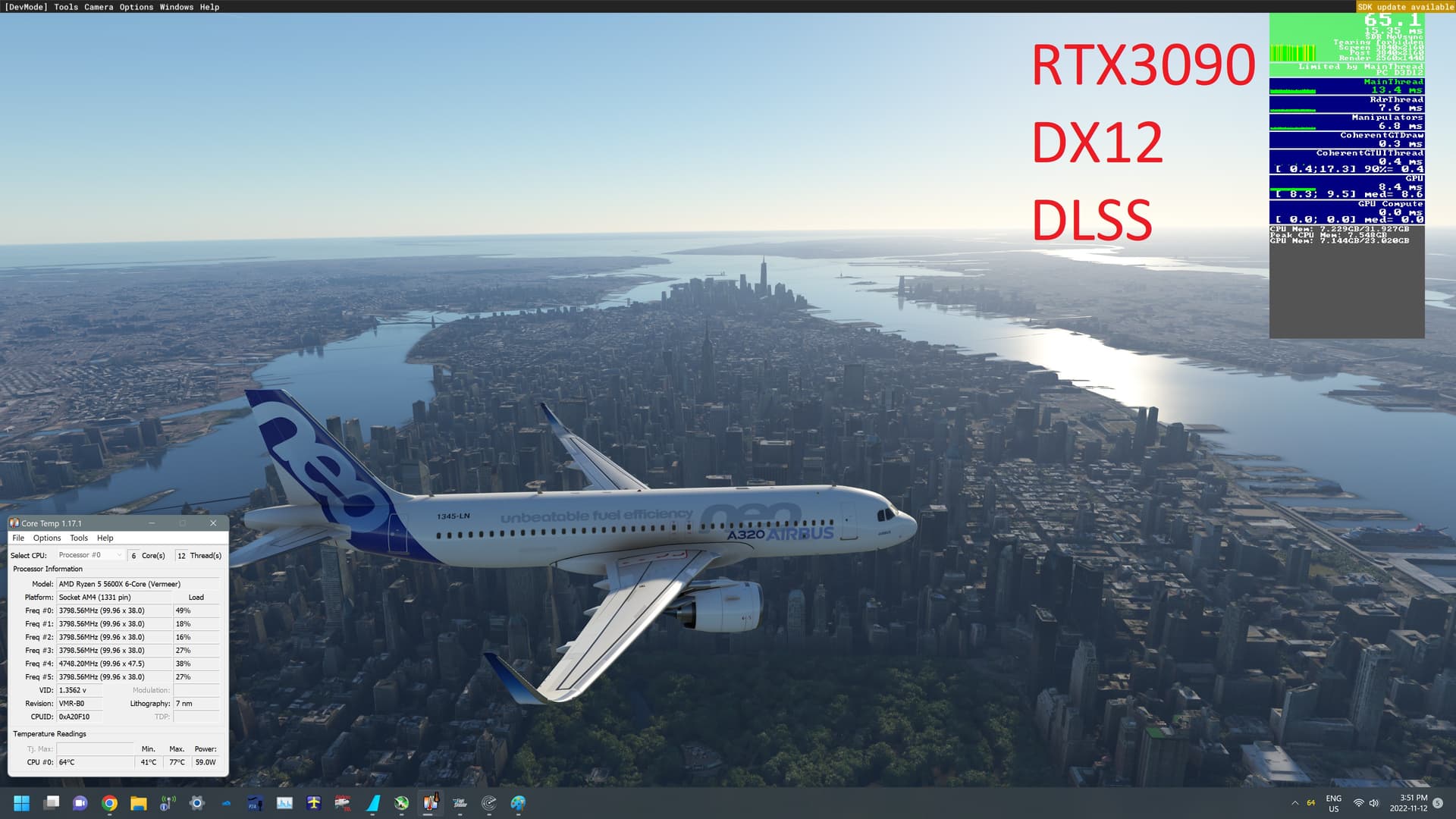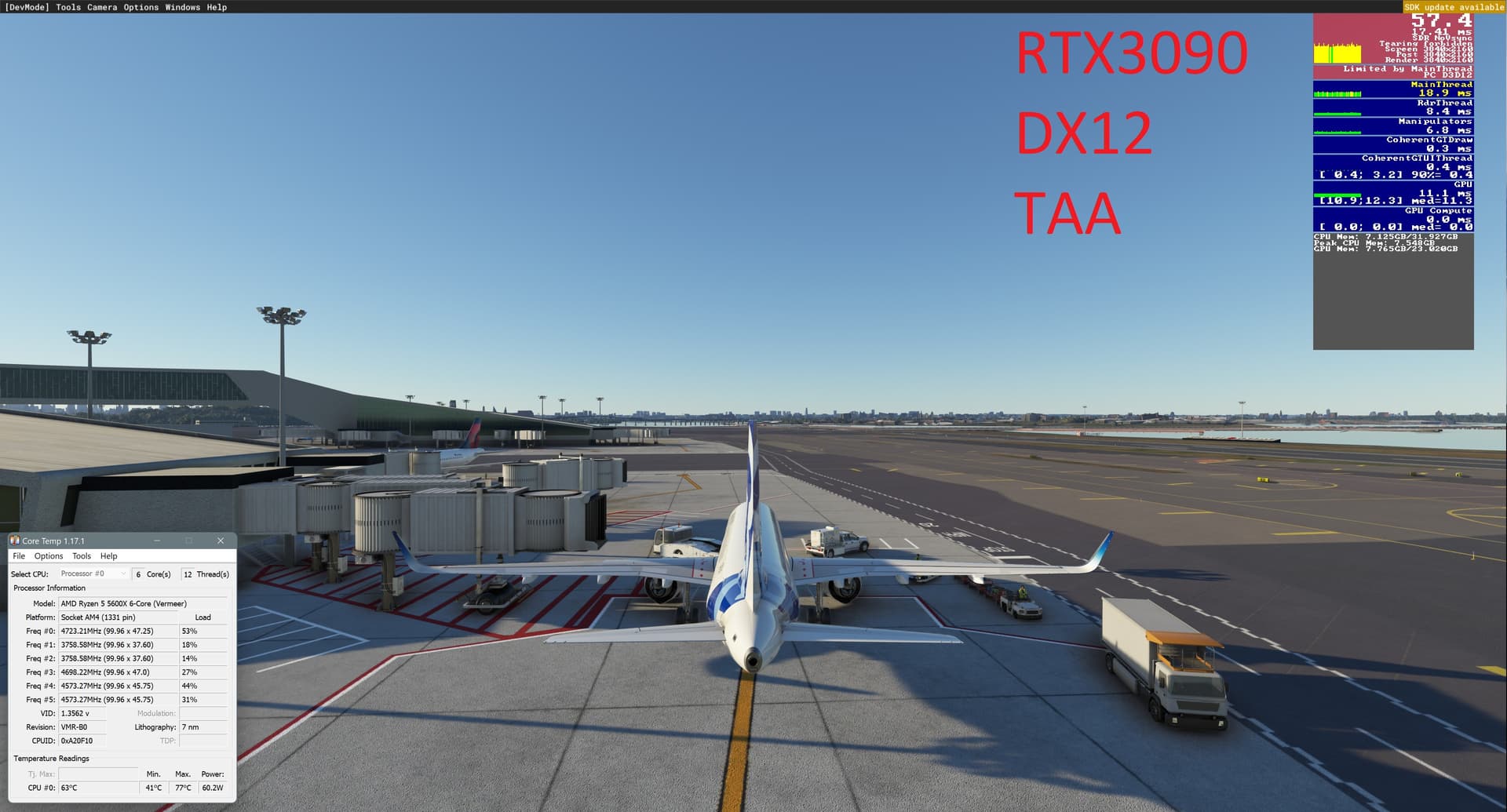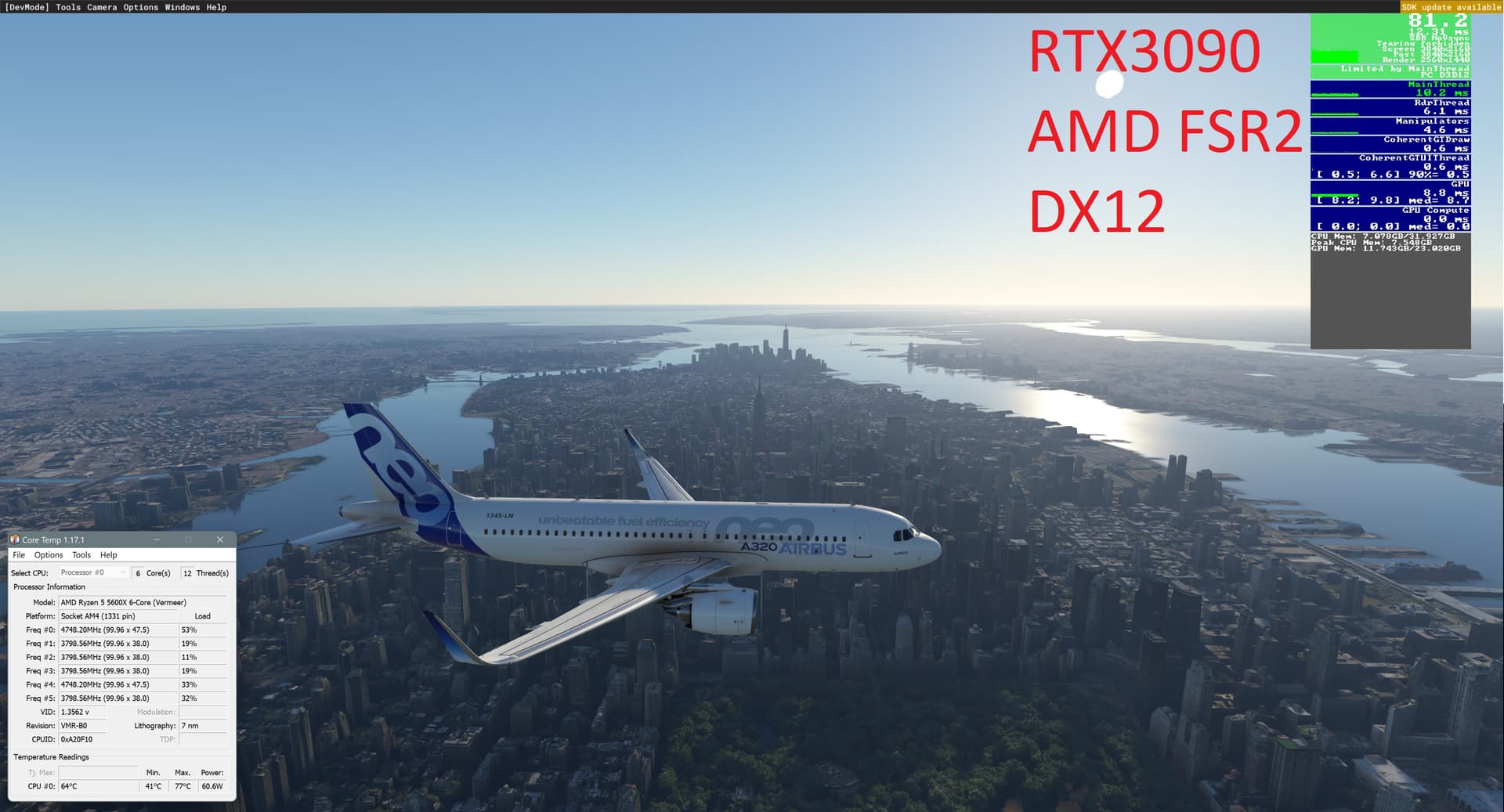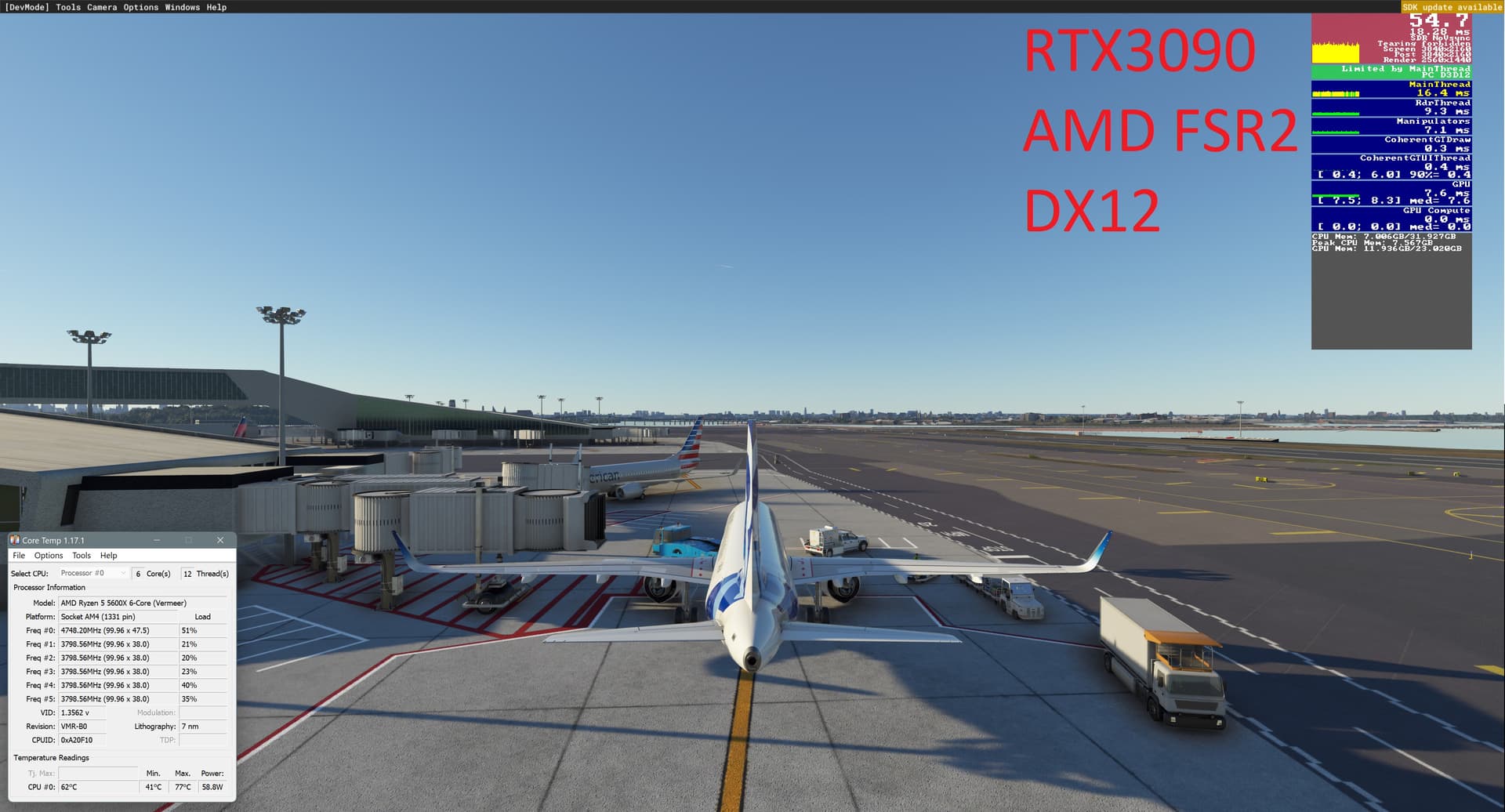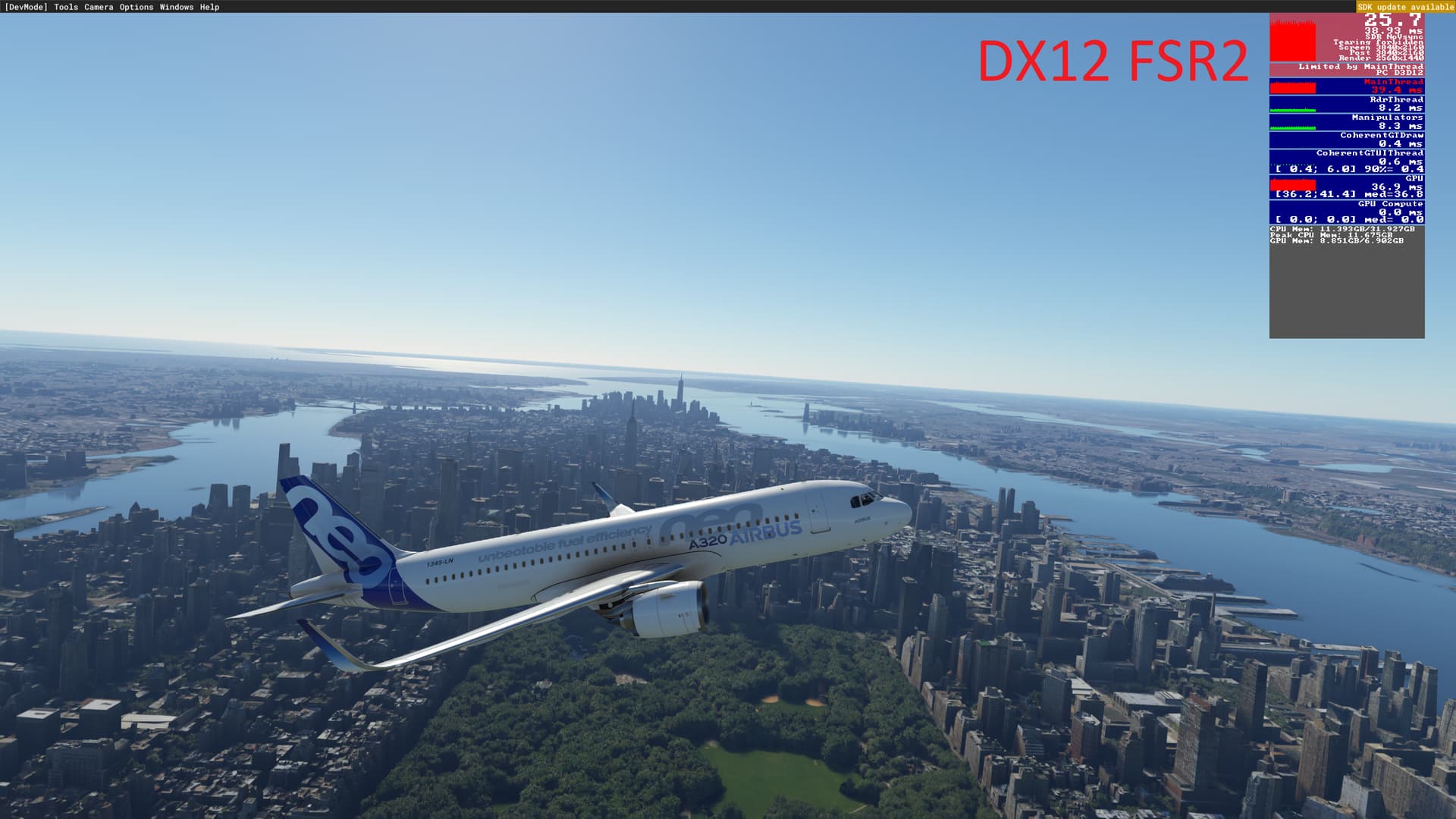
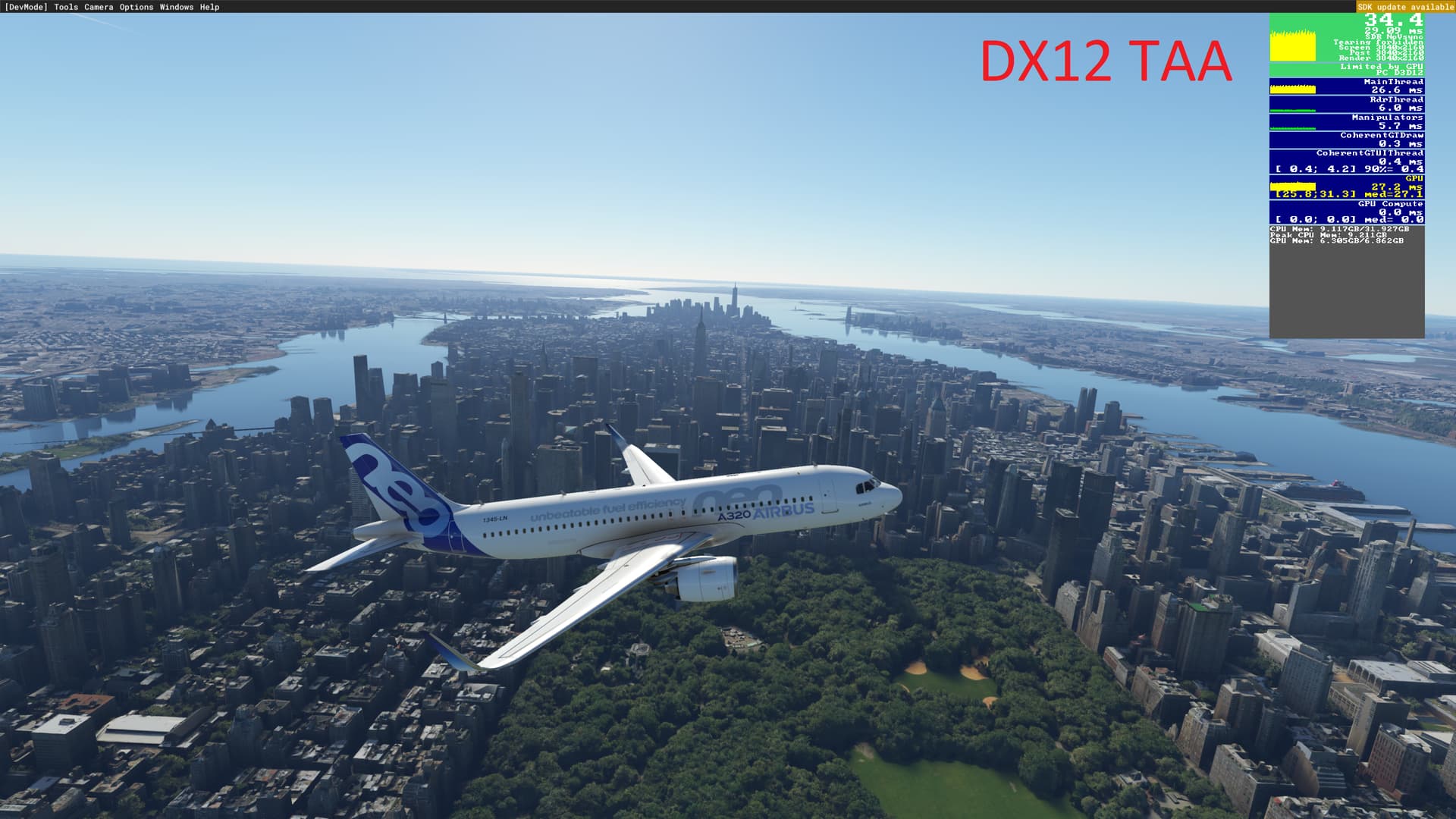
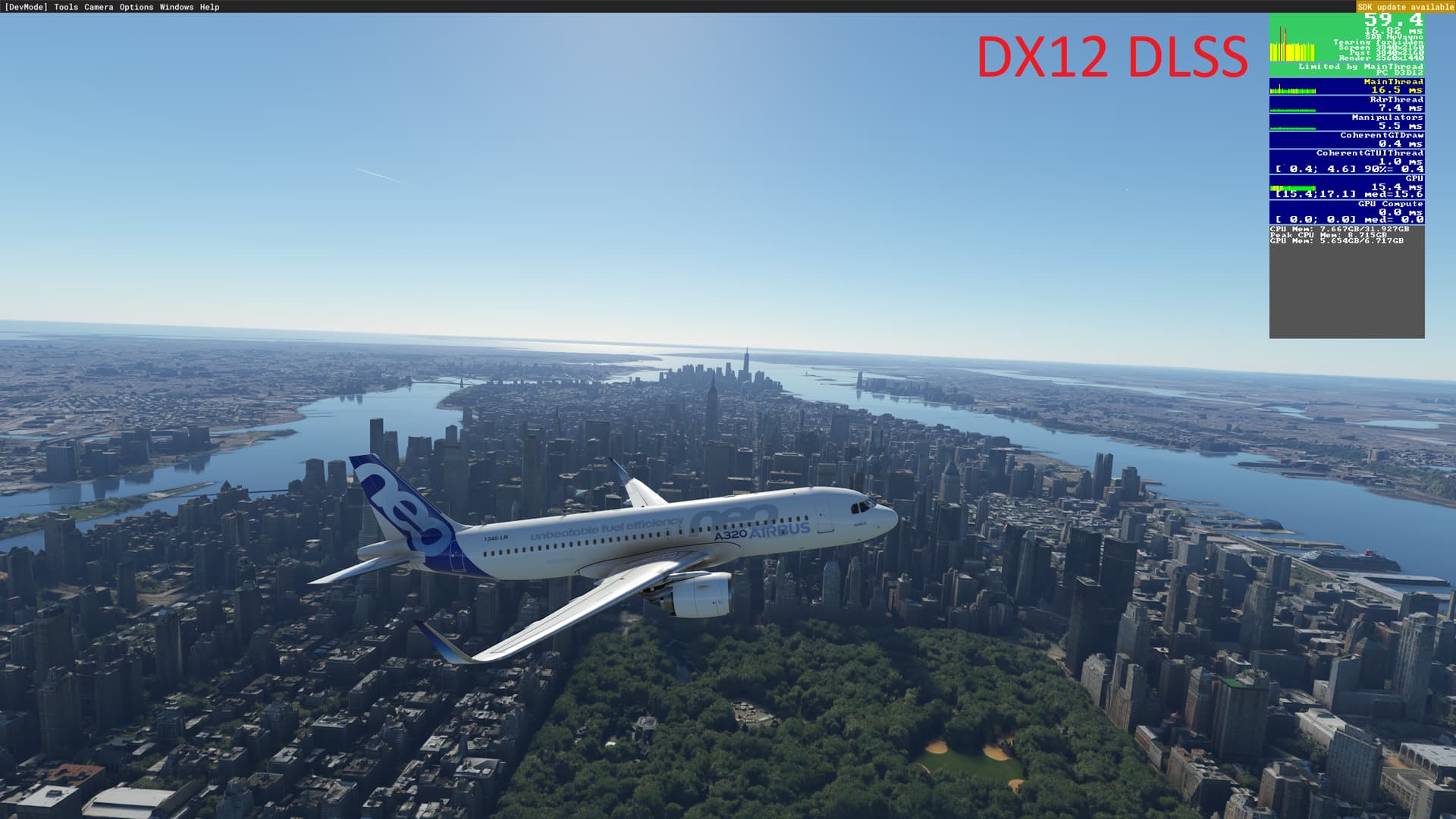
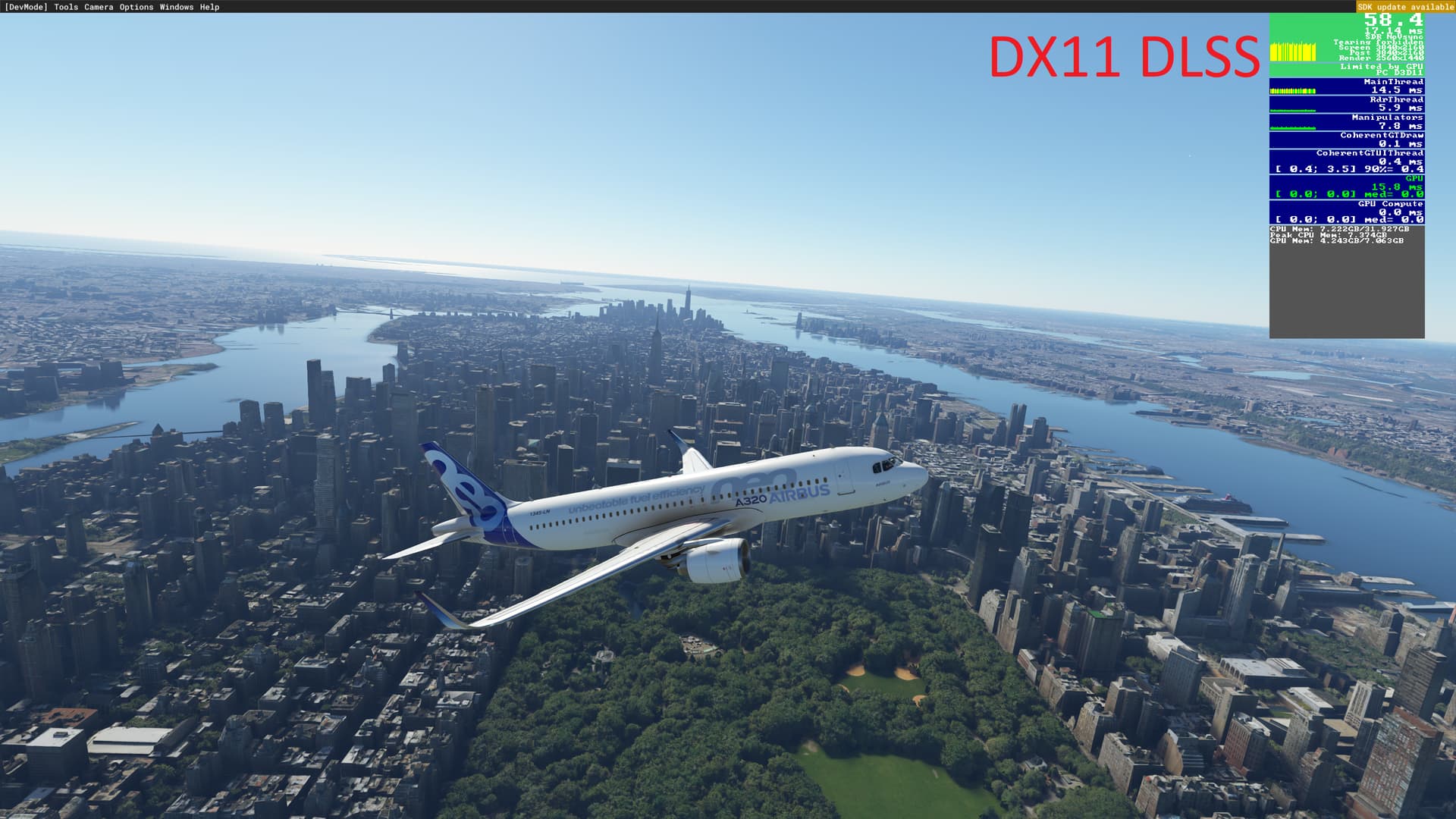
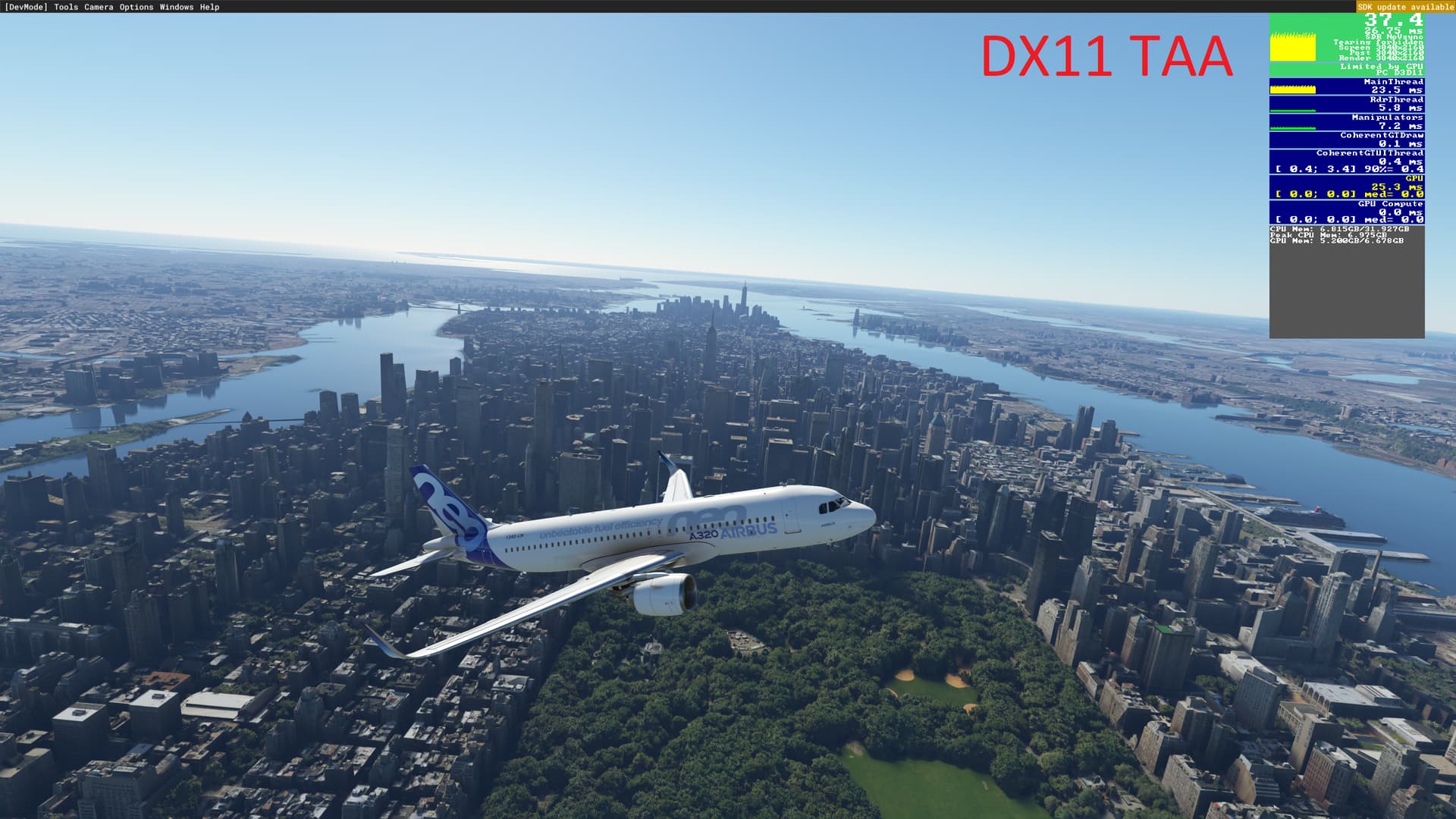
PC specs are as follows:
AMD 5600X curve optimized
RTX 2080S undervolted 2xDP to 27" 4K monitors
32GB DDR4 RAM
Windows 11
1TB NVME
Intel AC9260 160Mhz
Sagecom Router - 802.11ax/WiFi6 WiFi 5.7Ghz 1.7 Gbps Broadband
Testing Location and Settings:
All tests were at 4K resolution
KLGA and NYC
1 set with clear weather, 12 PM
1 set with live weather, live time (see next post)
FSLTL enabled default settings
Stock A320neo Aircraft
Live Traffic Off
Multiplayer Off
My Graphics Settings:
Only the AntiAliasing and DirectX version were changed. Every other settings was left the same, include DLSS Mode (quality or 1440p rendering) .
UserCfg.opt dump:
Version 66
{Video
	Adapter "NVIDIA GeForce RTX 2080 SUPER"
	Monitor 0
	Windowed 1
	FullscreenBorderless 1
	WindowActive 0
	Resolution 3840 2160
	FullScreenResolution 3840 2160
	PosX 0
	PosY 40
	AntiAliasing DLSS
	DLSSMode QUALITY
	DLSSG 1
	Reflex ON
FSRMode QUALITY
	PrimaryScaling 1.000000
	SecondaryScaling 1.000000
	SharpenAmount 1.200000
	ReprojectionMode 0
	WorldScalePercentVR 100
	AntiAliasingVR TAA
	DLSSModeVR PERFORMANCE
	DLSSGVR 0
	ReflexVR ON
FSRModeVR PERFORMANCE
	PrimaryScalingVR 0.800000
	SecondaryScalingVR 1.000000
	SharpenAmountVR 1.000000
	VSync 1
	HDR10 0
	Raytracing 1
	PreferD3D12 1
}
{Graphics
	Version 1.1.0
	Preset Custom
	{Texture
		MaxAnisotropy 8
		Quality 1
	}
	{SuperSampling
		SuperSampling 0
	}
	{Terrain
		LoDFactor 1.000000
	}
	{OffscreenTerrainPreCaching
		Enabled 1
		Quality 3
	}
	{ObjectsLoD
		LoDFactor 1.100000
	}
	{Shadows
		MaxSliceCount 4
		Size 768
		DLightContributionCullingThresholdS0 0.100000
		DLightContributionCullingThresholdS1 0.100000
		DLightContributionCullingThresholdS2 0.100000
		DLightContributionCullingThresholdS3 0.100000
		OmniContributionCullingThreshold 0.020000
	}
	{HeightFieldShadows
		Enabled 1
		Size 512
	}
	{SSRaytracedShadows
		Enabled 1
		Quality 1
	}
	{Water
		FFTSize 512
	}
	{VolumetricClouds
		Enabled 1
		Quality 2
	}
	{VolumetricLights
		Enabled 1
		Quality 1
	}
	{ReflectionProbe
		Size 192
	}
	{SSR
		Enabled 1
		HalfRes 0
		Quality 2
	}
	{WindShield
		Quality 2
	}
	{SSAO
		Enabled 1
		Quality 1
	}
	{Bloom
		Enabled 0
	}
	{DOF
		Enabled 1
		Quality 1
	}
	{MotionBlur
		Enabled 0
		Quality 0
	}
	{Buildings
		Enabled 1
		Quality 1
	}
	{VegetationLarge
		Enabled 1
		Quality 1
	}
	{VegetationSmall
		Enabled 1
		Quality 1
	}
	{TextureSynthesis
		Quality 2
	}
	{PostProcess
		Enabled 1
		EyeAdaptation 0
		ColorGrading 0
		Sharpen 0
		Fringe 0
		LensDistortion 0
		Dirt 0
		LensFlare 0
		FilmGrain 0
		Vignette 0
		LensBlurMultiplier 1.000000
		FringeMultiplier 1.000000
	}
	{VectorDataTessellation
		Enabled 1
		Quality 2
	}
}
{GraphicsVR
	Version 1.1.0
	Preset VRDefault
	{Texture
		MaxAnisotropy 4
		Quality 1
	}
	{SuperSampling
		SuperSampling 0
	}
	{Terrain
		LoDFactor 1.000000
	}
	{OffscreenTerrainPreCaching
		Enabled 1
		Quality 0
	}
	{ObjectsLoD
		LoDFactor 1.000000
	}
	{Shadows
		MaxSliceCount 4
		Size 768
		DLightContributionCullingThresholdS0 0.100000
		DLightContributionCullingThresholdS1 0.100000
		DLightContributionCullingThresholdS2 0.100000
		DLightContributionCullingThresholdS3 0.100000
		OmniContributionCullingThreshold 0.050000
	}
	{HeightFieldShadows
		Enabled 1
		Size 256
	}
	{SSRaytracedShadows
		Enabled 0
		Quality 0
	}
	{Water
		FFTSize 128
	}
	{VolumetricClouds
		Enabled 1
		Quality 1
	}
	{VolumetricLights
		Enabled 1
		Quality 1
	}
	{ReflectionProbe
		Size 128
	}
	{SSR
		Enabled 0
		HalfRes 0
		Quality 0
	}
	{WindShield
		Quality 1
	}
	{SSAO
		Enabled 0
		Quality 0
	}
	{Bloom
		Enabled 1
	}
	{DOF
		Enabled 0
		Quality 0
	}
	{MotionBlur
		Enabled 0
		Quality 0
	}
	{Buildings
		Enabled 1
		Quality 1
	}
	{VegetationLarge
		Enabled 1
		Quality 1
	}
	{VegetationSmall
		Enabled 0
		Quality 0
	}
	{TextureSynthesis
		Quality 0
	}
	{PostProcess
		Enabled 1
		EyeAdaptation 1
		ColorGrading 1
		Sharpen 1
		Fringe 0
		LensDistortion 0
		Dirt 0
		LensFlare 0
		FilmGrain 0
		Vignette 0
		LensBlurMultiplier 1.000000
		FringeMultiplier 1.000000
	}
	{VectorDataTessellation
		Enabled 1
		Quality 1
	}
}
InstalledPackagesPath "D:\MSFS"