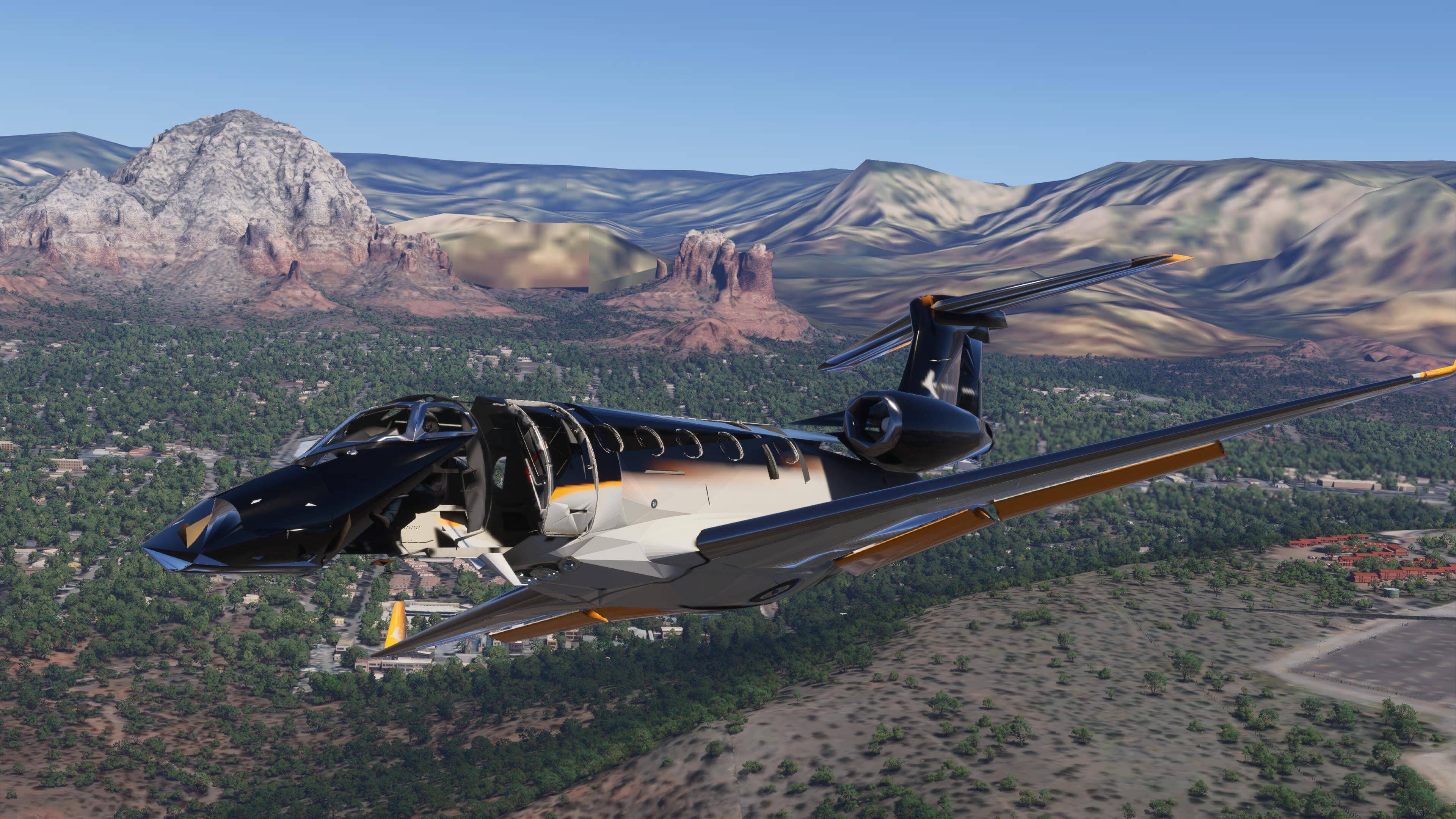
The performance and rendering on big Airliners (such as 747 Freight and 787, both included in the premium deluxe edition is completely broken after SU6 on PS5.
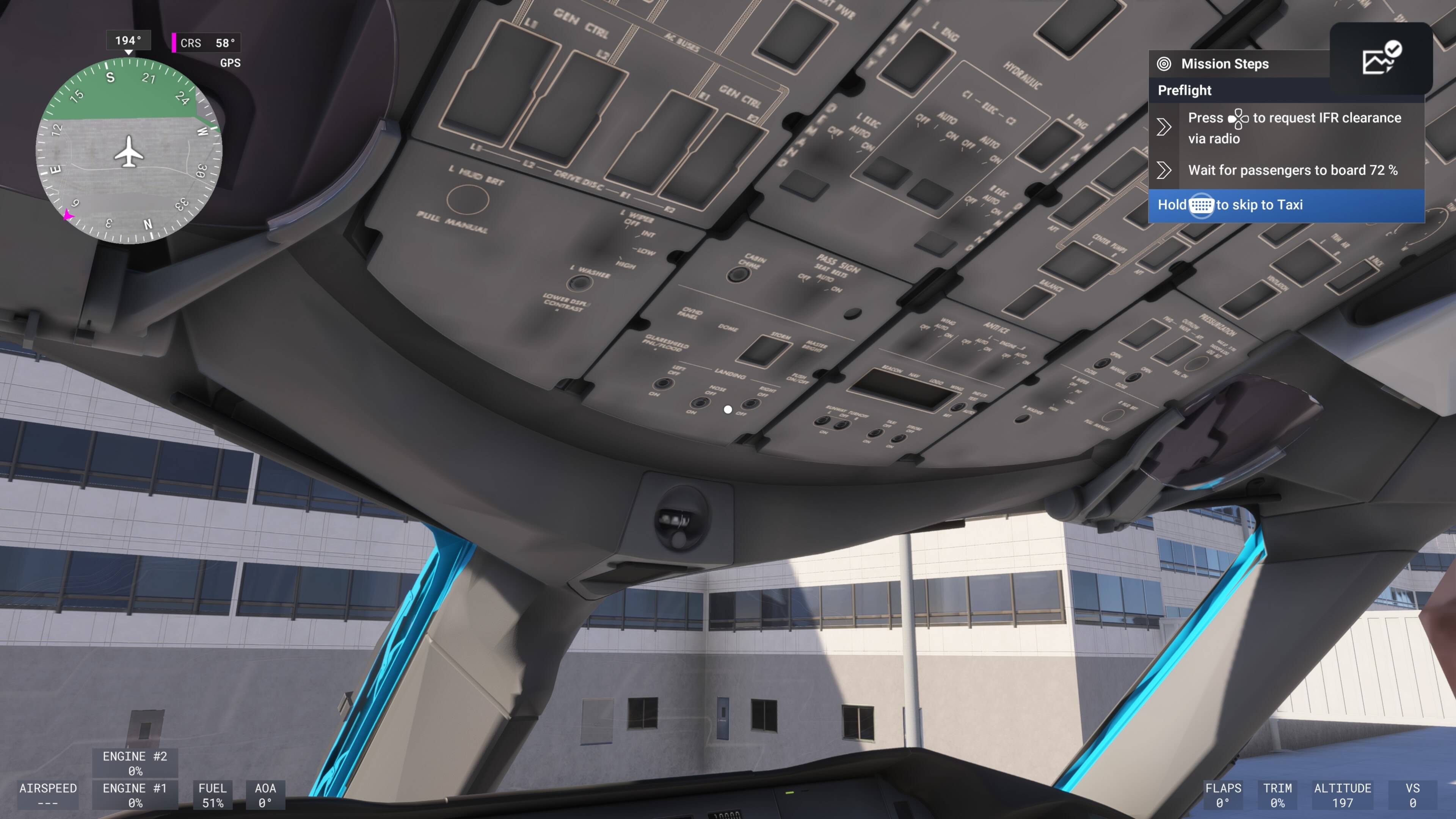
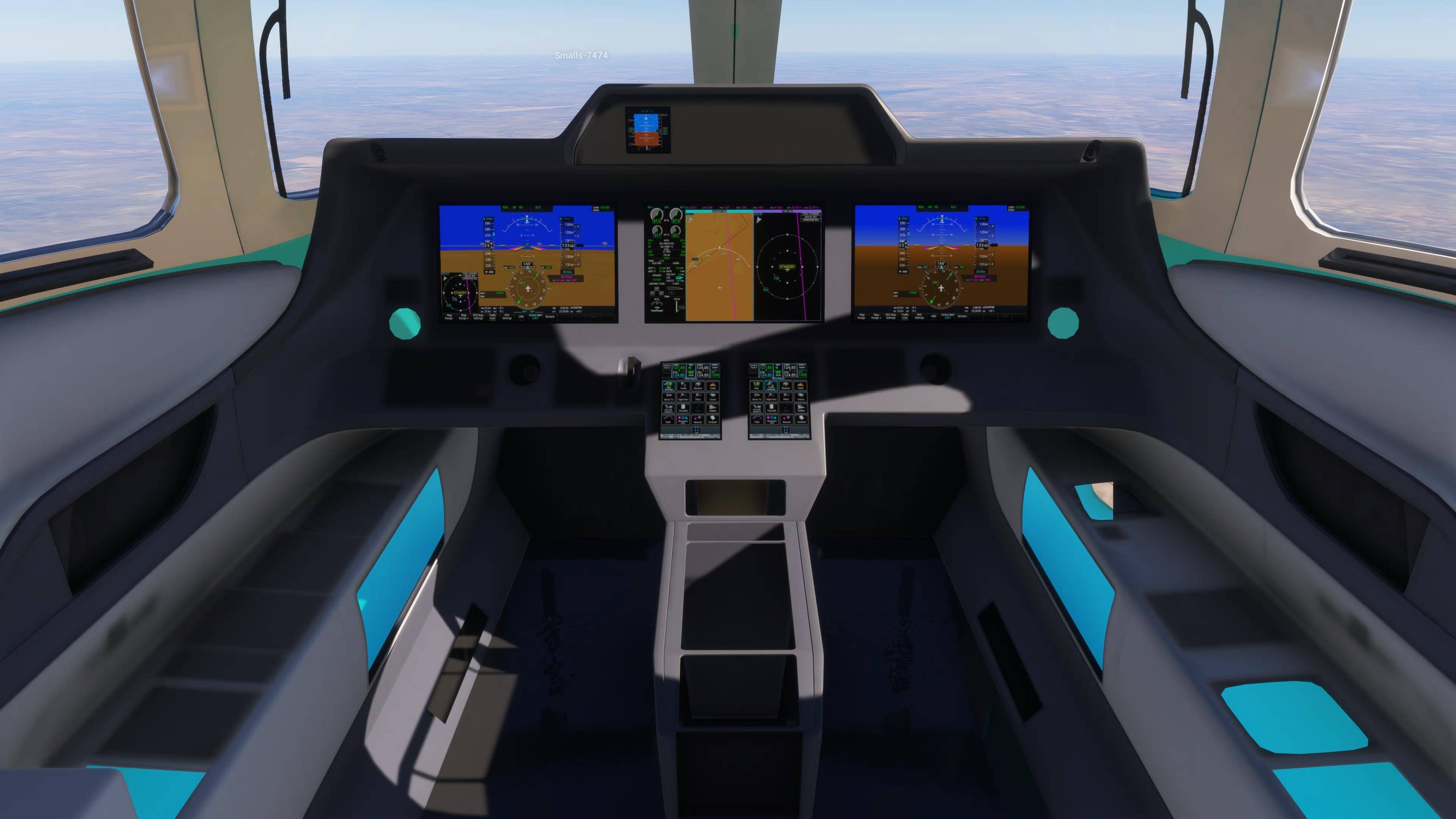
Observation 1: 747 freight… cockpit does not render anymore after switching from outside to inside view.
If you do some oversized careermode missions or airline passenger missions on a freshly booted MSFS 2024 in a 747- freight version and you switch from inside to outsideview a few times, you reach a point, where the cockpit does not render anymore at all. Evidence picture:
Observation 2:
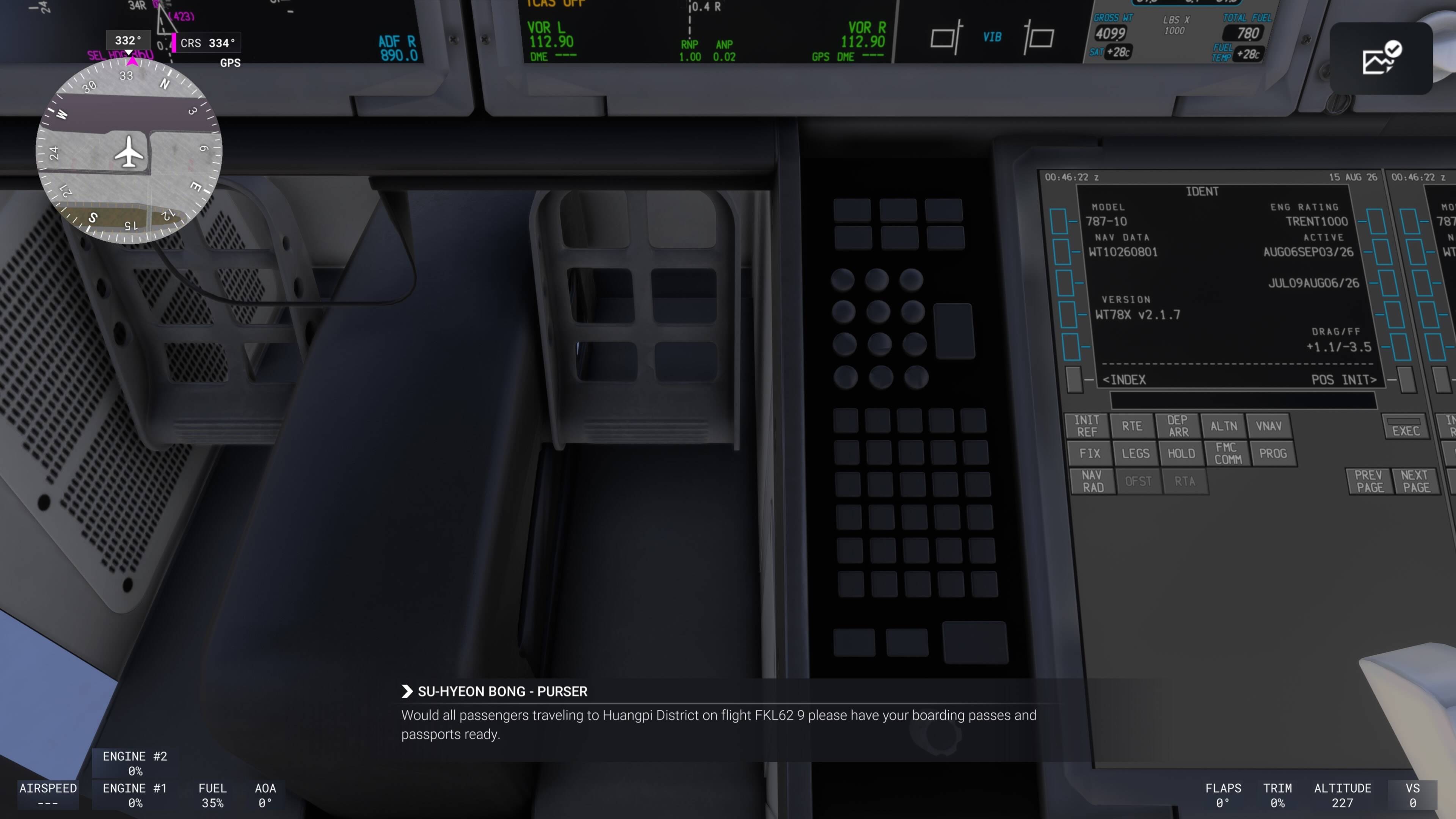
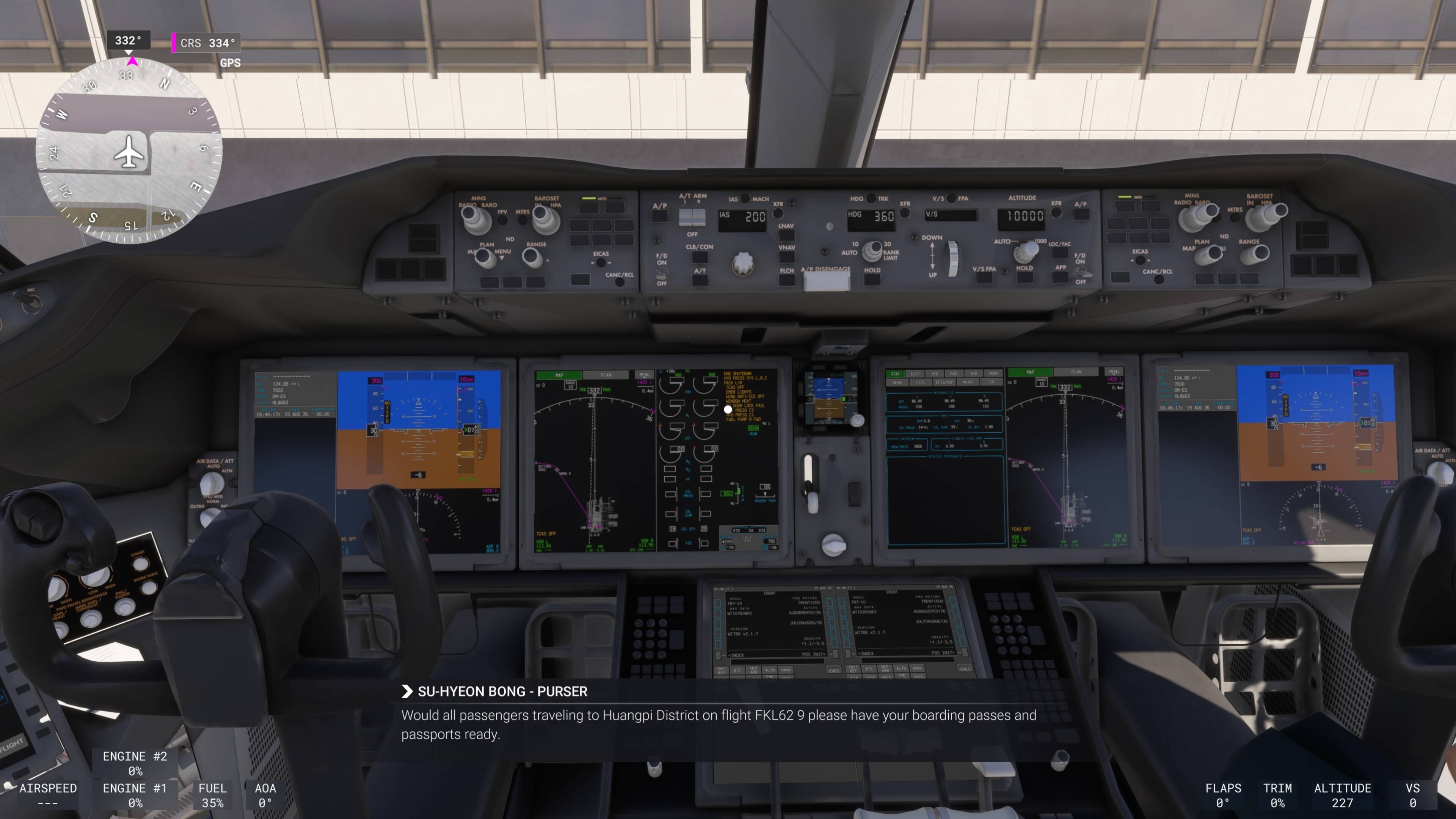
If I try to do a mission on my beloved 787. I once got the memory low message with disabled avionics (msfs and console were freshly booted!) right when loading into the scene.
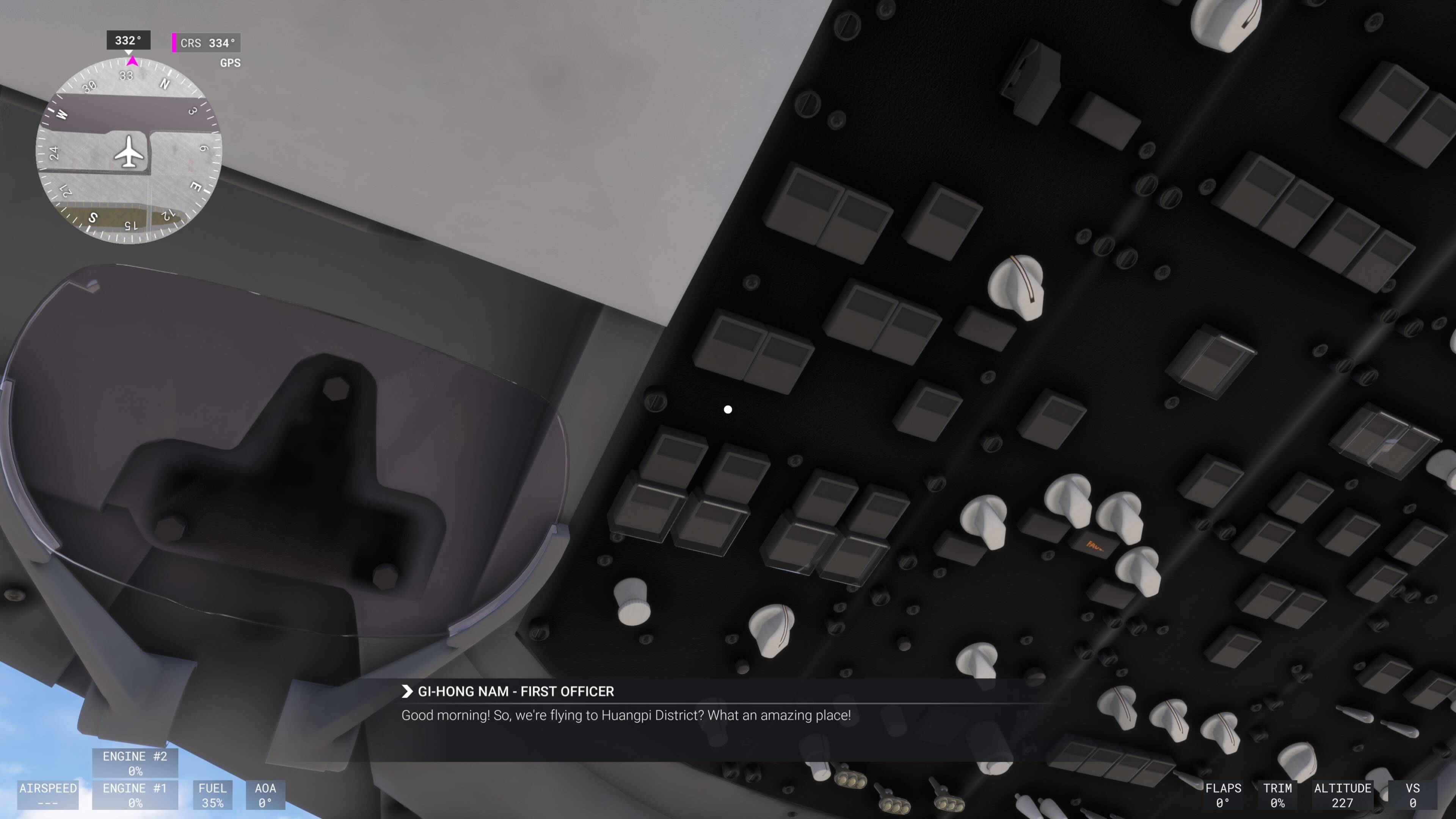
On the other attempt i managed to load in but after switching inside and outside view a few times (because I like that outside view during cruise!!), the cockpit only rendered blurry with missing buttons. Also my copilot was broken. Evidence pictures:
FREQUENCY OF ISSUE
How often does this occur for you (Example: Just once, every time on sim load, intermittently)?
Everytime
REPRODUCTION STEPS
Please list clear steps you took in order to help our test team reproduce the same issue:
Try to fly a big airliner mission
Start and fly some minutes. Switch between outside and inside view
See at some point the cockpit not render anymore or blurry with low polygon knobs and handles.
Potential relation to this, because I got the low memory message at a 787 flight begin even with a freshly booted console!
YOUR SETTINGS
Base PS5. Between ALL attempts the whole console was rebooted to make sure that it is not accumulated memory leaks after several flights !!!
AGAIN A COMPLETELY BROKEN SIM UPDATE AFTER THE SU5 DISASTER. Yet we need another x.1 update ???!!! I am very upset.
I can’t see your images (says not viewable in my region (UK)), but the cockpit on my Cessna citation isn’t rendering properly either so think this a bigger issue than just the big jets - literally every button is blank in the cockpit so I’m entirely reliant on the tooltips to know what I’m pressing! Cockpit is generally extremely low res now and the copilot looks like they belong on ps1, plane was fine before updating to SU6.
I uploaded my pics to imgur.com. maybe it is blocked for you.
I did more tests using the 787 in free flight mode. Even if I don’t switch to outside view, the longer the flight does take, the more blurry the cockpit textures get - at some point ypu can’t read anymore whats written on the panel and the buttons. The details get more and more degraded. If you then switch to outside view you the landacape tiles pop in one after another. Getting back to the cockpit then makes all buttons and textures to go maximum blurry or disappear.
You simply can not fly any more. Nothing is usable.
How can that be tested in any shape or form on console ??? This is a bad joke.
I am glad and sad to hear, that you encountered the same issues with the cessna citation. This issue seems to be a fundamental one. We need an emergency fix. This is the second time, that i am grounded, as I love flying jetliners and SU5 was already a showstopper until SU5.1 came around after months (!!!).
And yes, my copilot gets also degraded to a ps1 era look. The whole memorymanagement seems to be broken again.
One further info: If everything is blurry and you restart your flight without restarting the whole sim, even the pushback car gets a extremely low-poly version. Also the world map in free flight becomes slow upon zooming in. Rebooting the msfs fixes it.
I tried to clear my console system cache of the ps5: No improvement !!!
Please upvote the issue if you share the problems !
I played with all the affected planes until yesterday on my PS5. So the console itself is fine. Just SU6 ist completely broken like SU5.0 was. I am very very very upset about the lack of testing. This time I did not test any beta-build (it is not my 2nd job) - and voilà: Everything is broken again !!!
Just came here to check I’m not insane and this is actually an issue. Can confirm I’m experiencing all of the above on base PS5 flying a 737 max. SU5.1 made the game mostly playable and I’ve enjoyed it a fair amount so it’s absolutely maddening when an update not only takes the game backwards but breaks it completely to a point I can’t even play it at all. Completely unacceptable and an absolute joke.
I thought exactly the same ! I thought: This can not be true again.
@DementedCorn327 : As this issue is a complete showstopper for a whole branch of the players (PS5, maybe other platforms like xbox are affected too) I politely ask, if you could bring the issue to Asobo/MS on a fast track. This is a complete disaster (again!).
We politely beg for help, because we are grounded (again!).
Same thing: base PS5, only bought the game a few days ago, everything was running fine until today’s patch and now it’s pretty much unplayable… Had the game crash completely this morning when I clicked to open Flight plan on G1000 in a Cessna 172, and then had the memory exceeded message when I tried to open it again just now so now I’m staring at blank avionics screens.
If this is happening in even the most basic plane for the career, something is seriously wrong.
Can concur with you on this issue I’ve only tried the 787 and not any other one yet besides the Beluga same issue over here overhead panel doesent load all the way in and when I switch to 3rd person view and back into cockpit it completely loses it self and everything just goes wonky looking can’t even turn autopilot on or hit any buttons same with the cdu the text on buttons just disappear
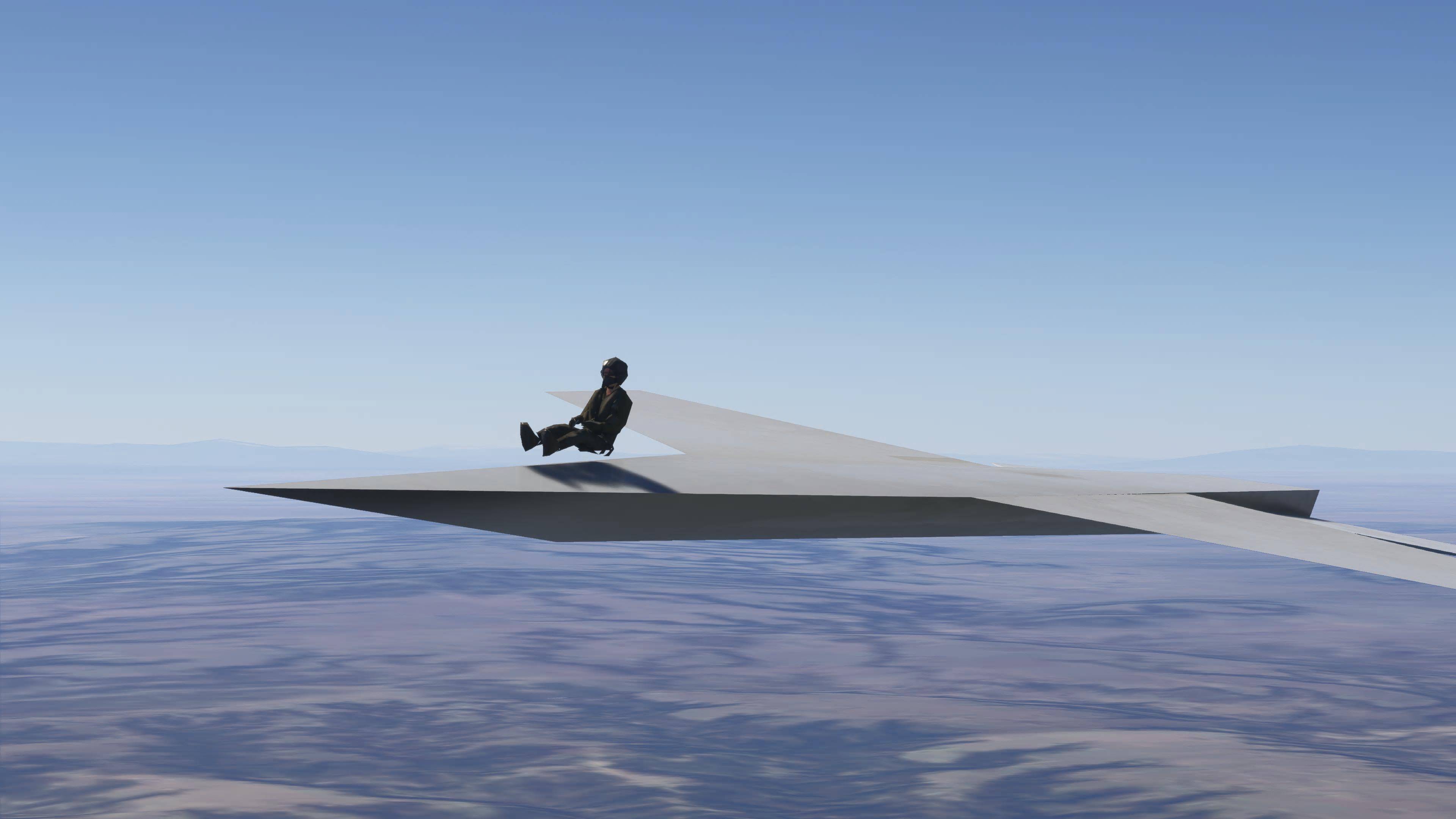
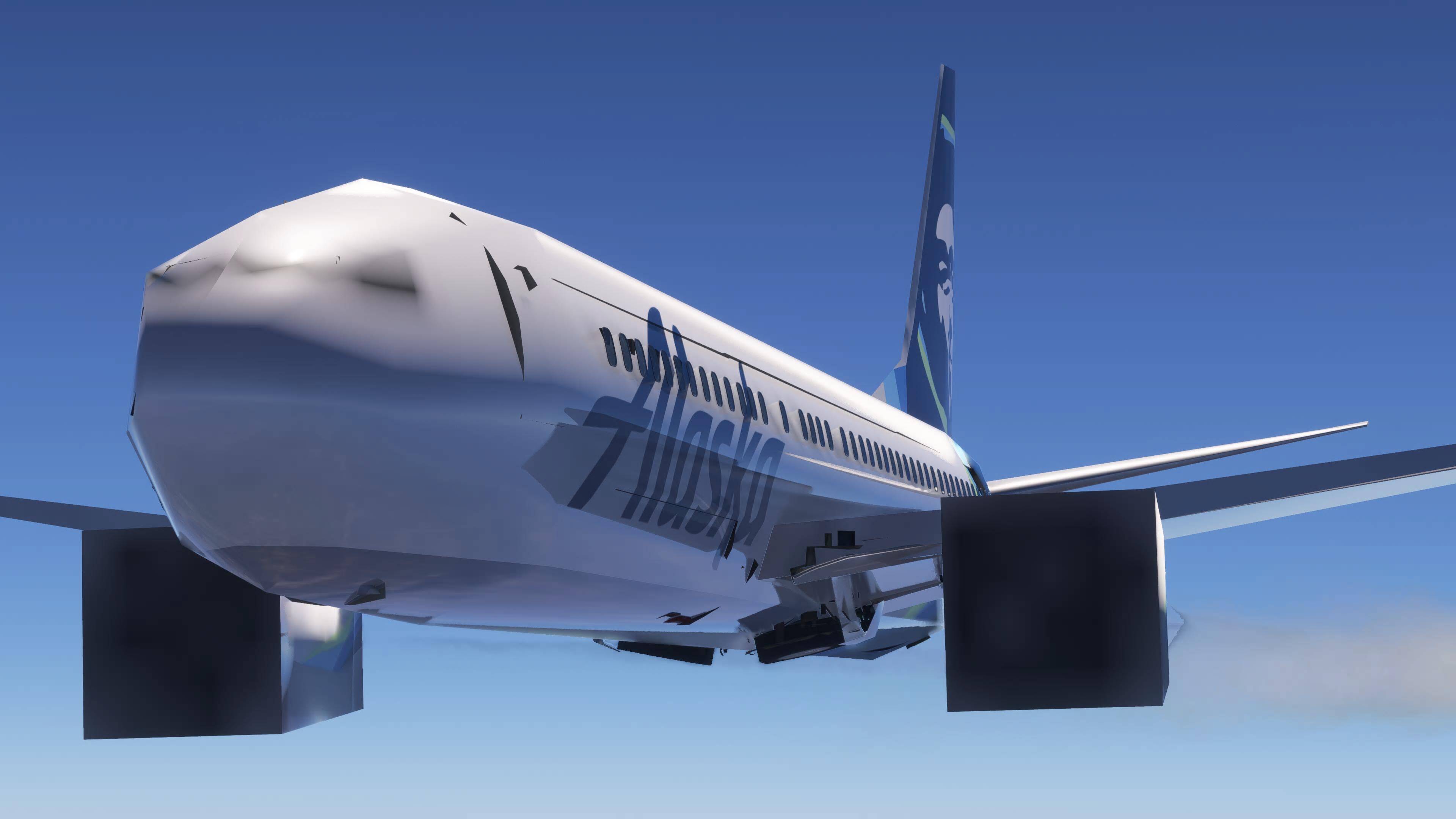
Yup seeing the same on PS5 Pro when the plane model breaks, LOD of everything from the plane, terrain, satellite imagery, multiplayer models get broken. Here’s some pictures of all of that.
Ps5 digital version all graphics settings are on medium I tested the airbus a330 and it seemed to work just fine but the 787 and 747 didn’t also when the edb would come up it wouldn’t show the heading or distant to the waypoints either
Can confirm I had the same issue in the 737 Max. Cockpit goes all grey after switching from external view to internal view often enough. Guess for the time being, gonna try using a few tricks I used when SU5 produced similar issues (fully turning away from the cockpit instruments before switching to external cam). Haven’t tried it yet but I hope that works.