SU6 Scenery Level of Detail Survey

Another example of something strange going on.

This glitch appeared after a few subtle pans/rotation of the external camera - not more than perhaps 30 degrees max either side, and after having looked just fine seconds ago, in same external camera view, this highlighted part screwed up somehow.

Remember to click ‘download image’ and see 1:1 zoomwise for proper judgement.

3 Likes

PS5 PSVR2, Departed LOWI in A400, RW26 OBED4H departure. Mountain ranges to the left as we climbed over was good, in cruise at a mere 12000ft was good, on approach into LOWK terrain detail ahead was low, out the window to the left was ok, could barely make out runway and PAPI lights until I got closer.

1 Like

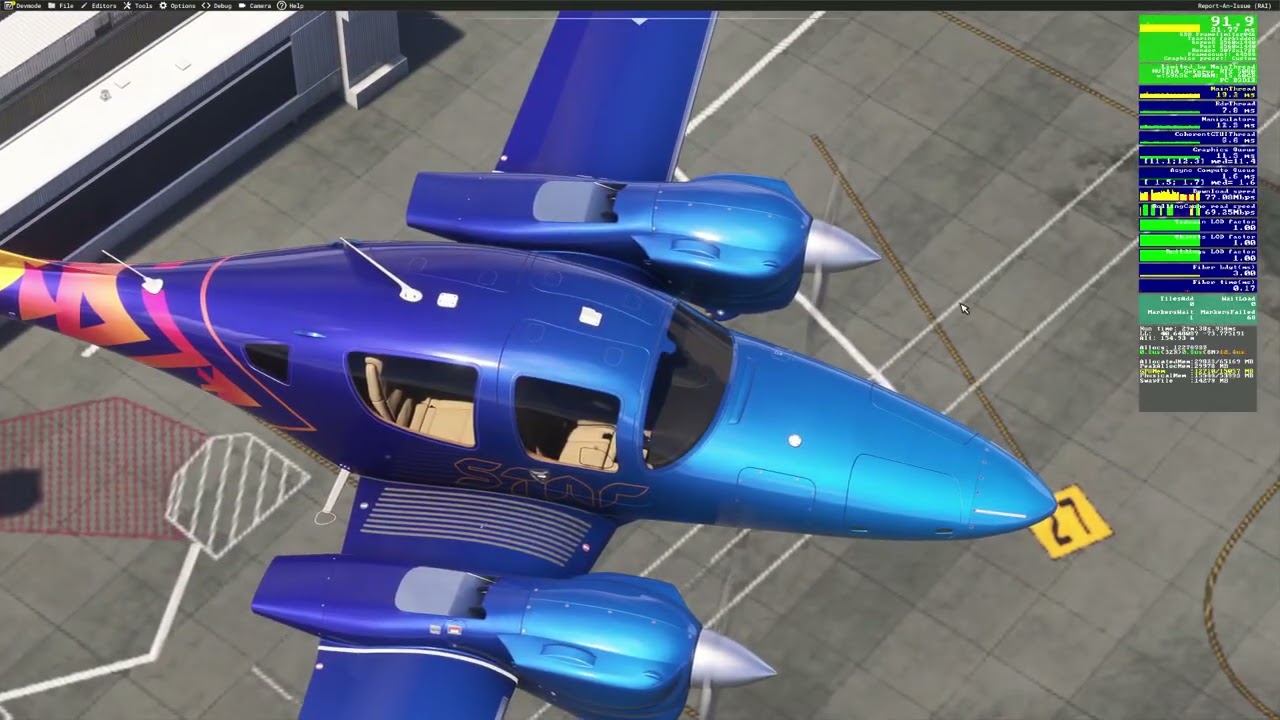
I encountered some texture LOD issues above KJFK (look at the apron markings):

The system still seemed to download textures, and even got to show high res textures while loading in, but then seem to settle for the low res ones. It seemed to switch from low-res to high-res when tilting the camera. After everything is loaded in it seem to stay on the lower res.

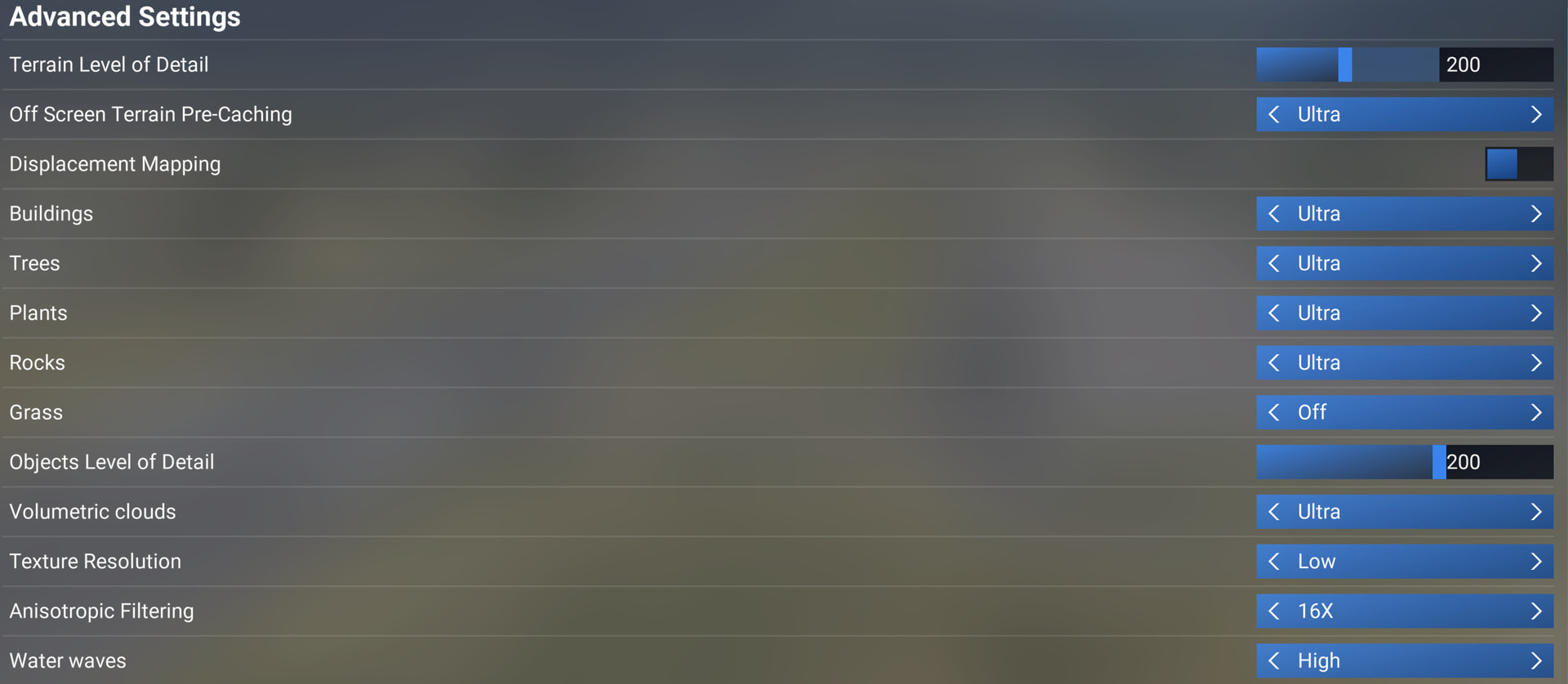
This is at 300 TLOD / 200 OLOD all settings ultra. No dynamic settings.

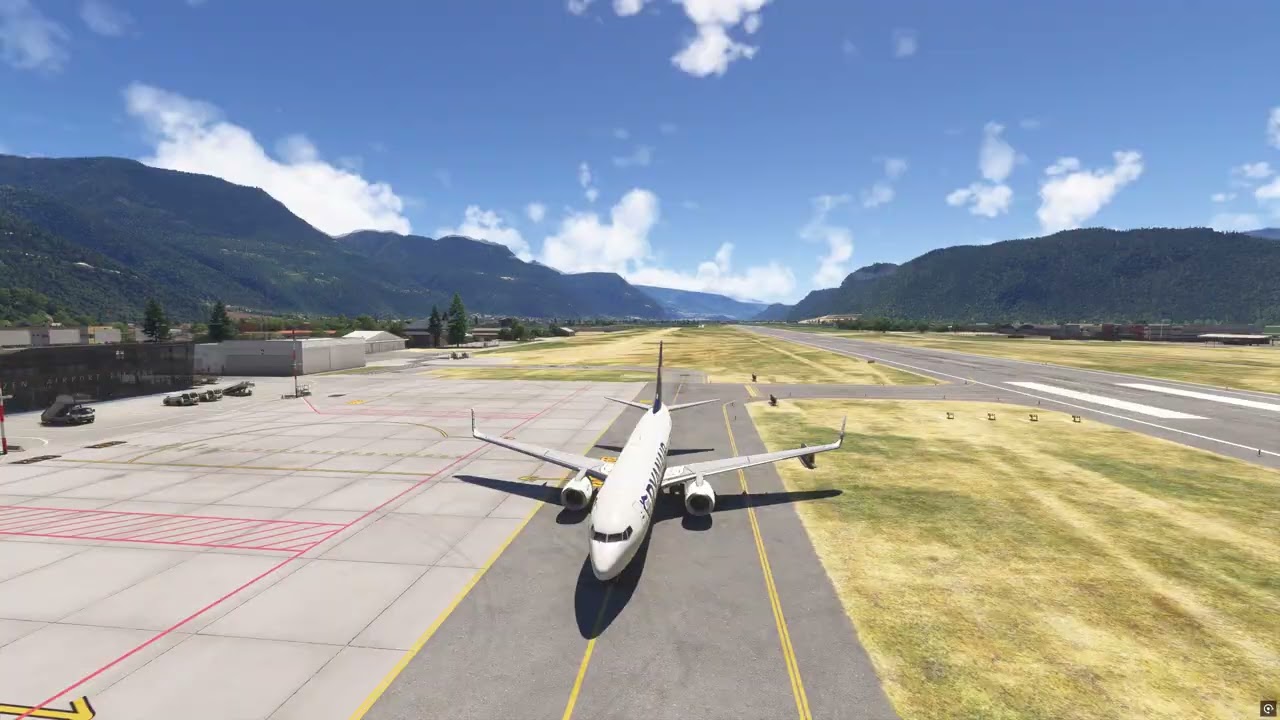
Had to make a youtube channel, cause could not find a service that would store the video at high enough res.

1 Like

Interesting example. Good catch, and demo in the video.

Just a wild guess (Asobo?), but could this in any way be related to line of sight calculations and subsequent LOD calculations?

Are some assumptions going on related to what you are expected to see, like almost straight down being not thought of as normal/relevant, as if being in the cockpit you couldn’t look through the floor. But then this calculation isn’t suited if moving out of cockpit seat position, close to windows, or externally, looking at terrain at angles not realistic/possible from cockpit seating position.

Being a developer I know how irrelevant some outside guesses can be, so excuse any noise on the line for this, if completely off the rails.

Nevertheless, let’s continue providing Asobo devs and forum team examples like this, so at least observations can be documented and Asobo can make their own analysis of it.

Not sure about terrain LoD issues on my side, so far noticed nothing obvious.

But I’m having an extreme LoD problem with the yellow taxiway signs at night (tested at generic airports for the new lighting).

The illuminated signs have an extremely low visibilty range now and popup far too late.

Win11 Steam, 4K TAA with Object-LOD and Terrain-LOD set on 200

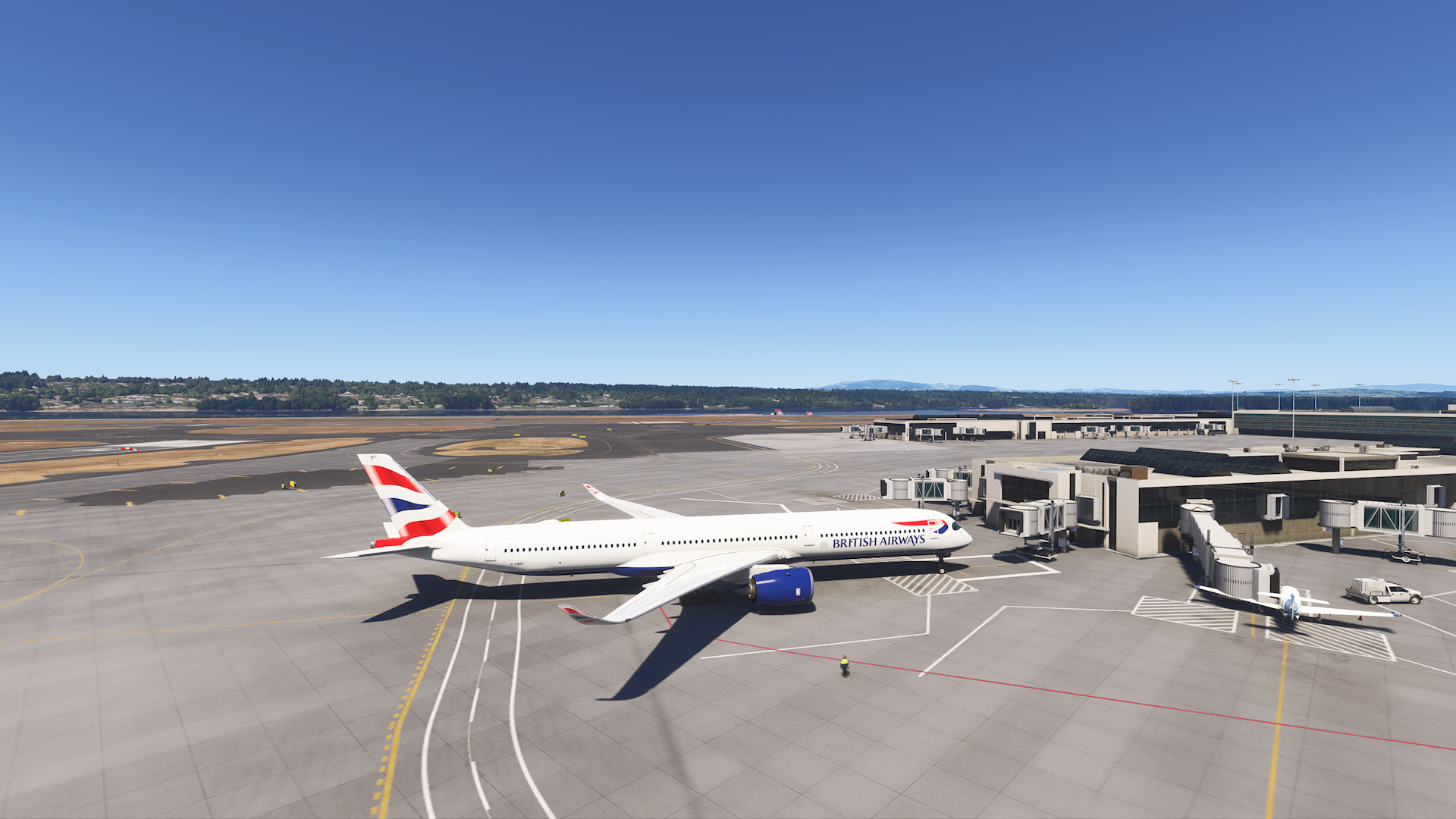
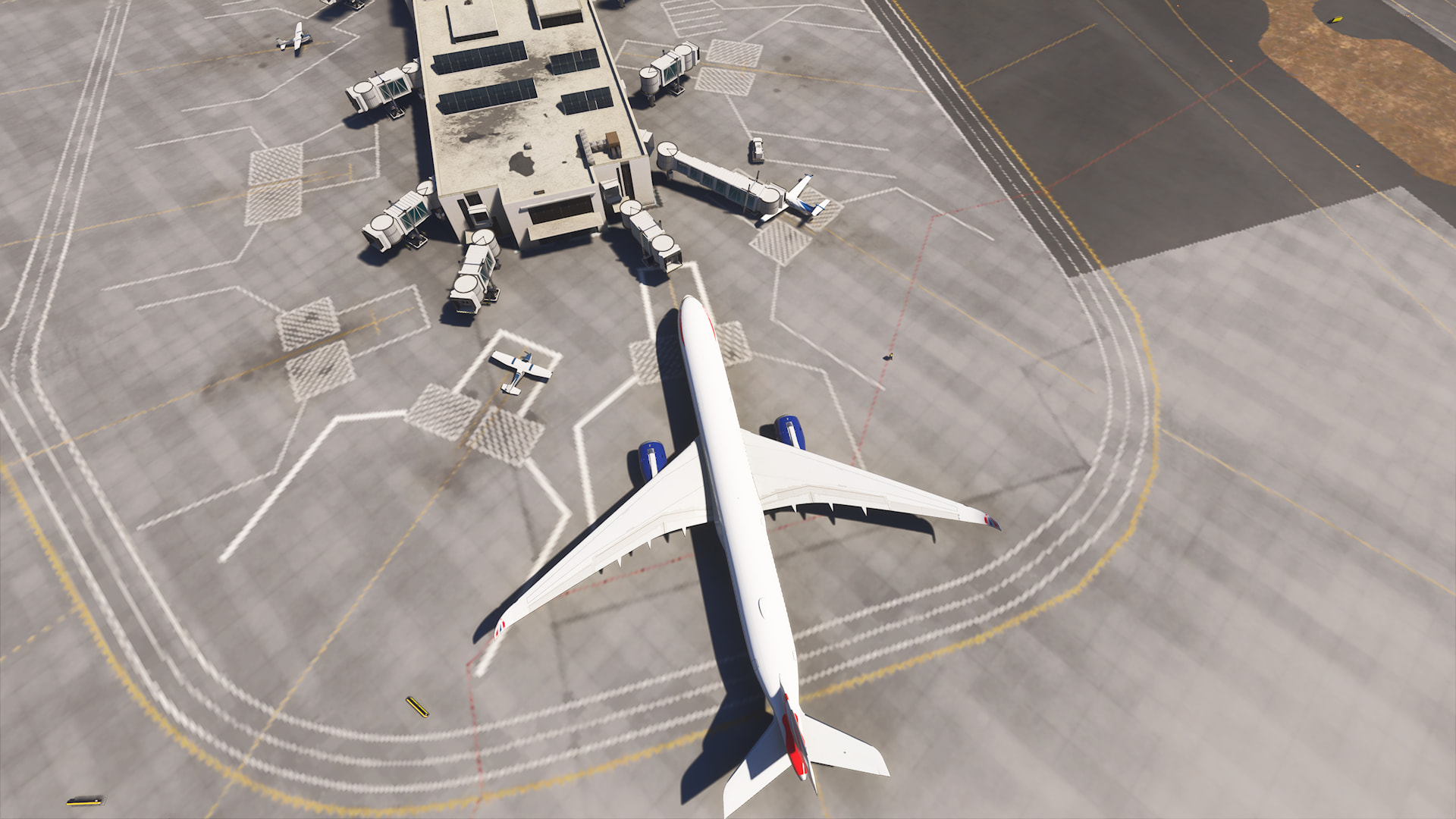
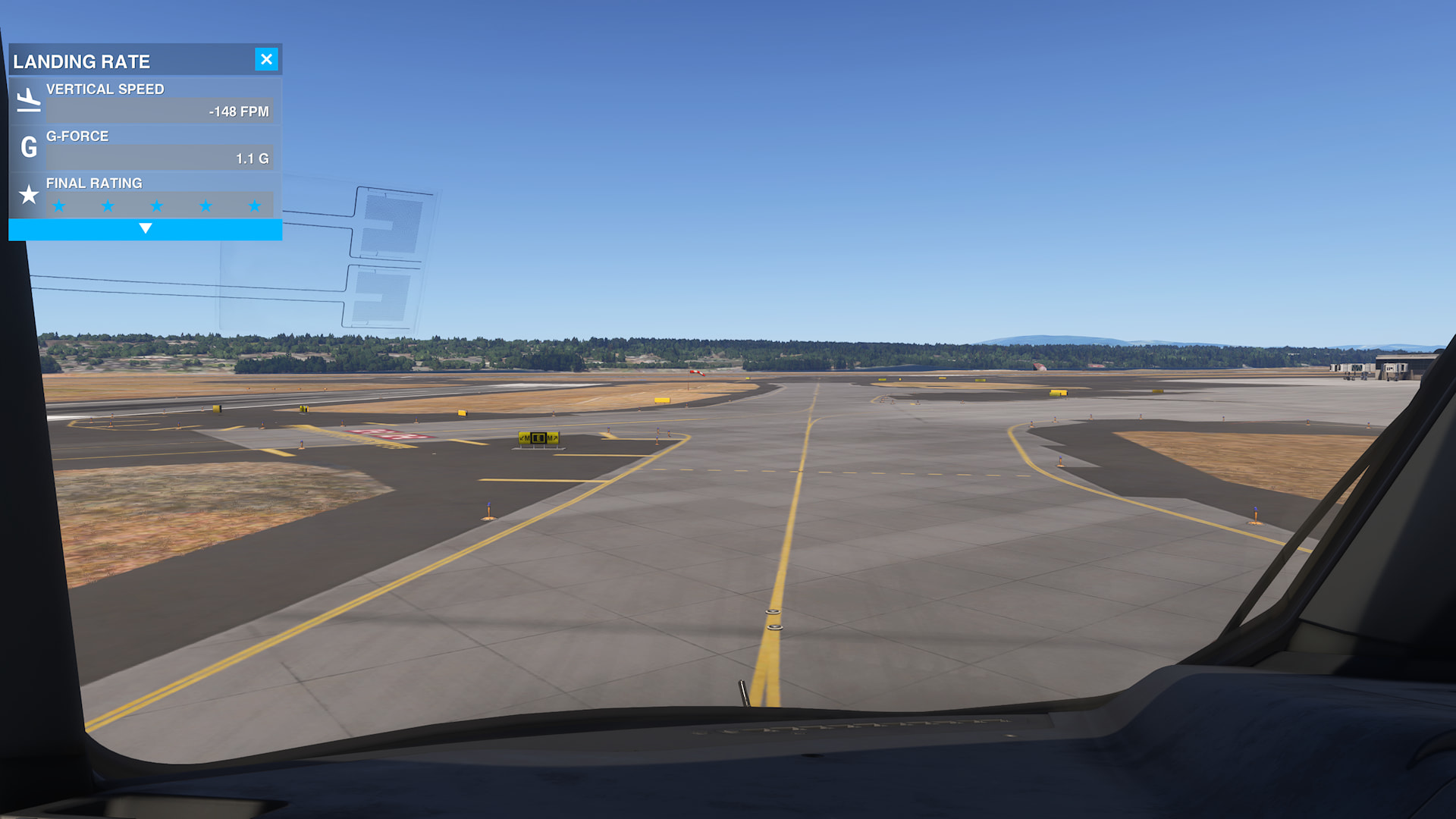
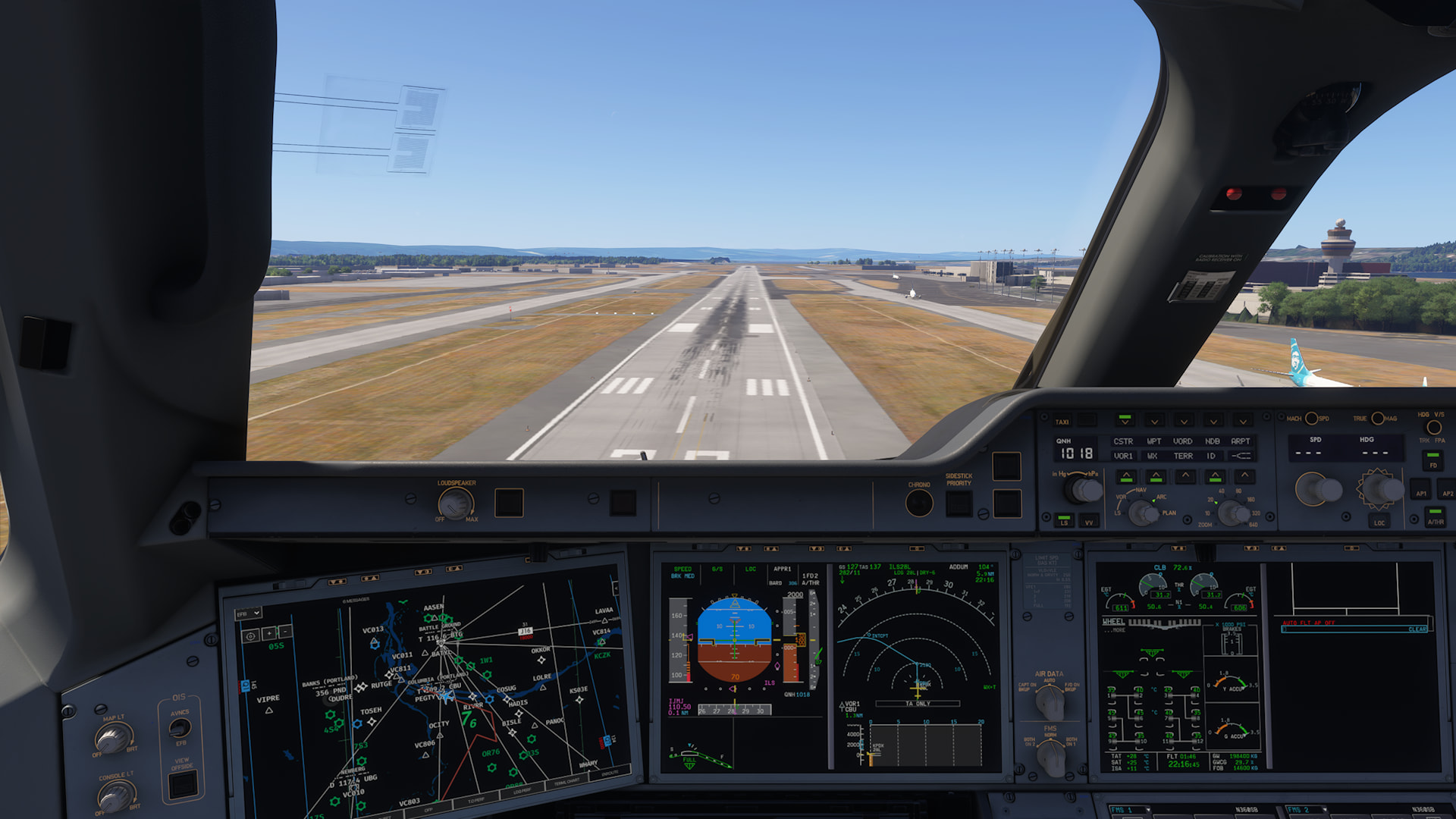
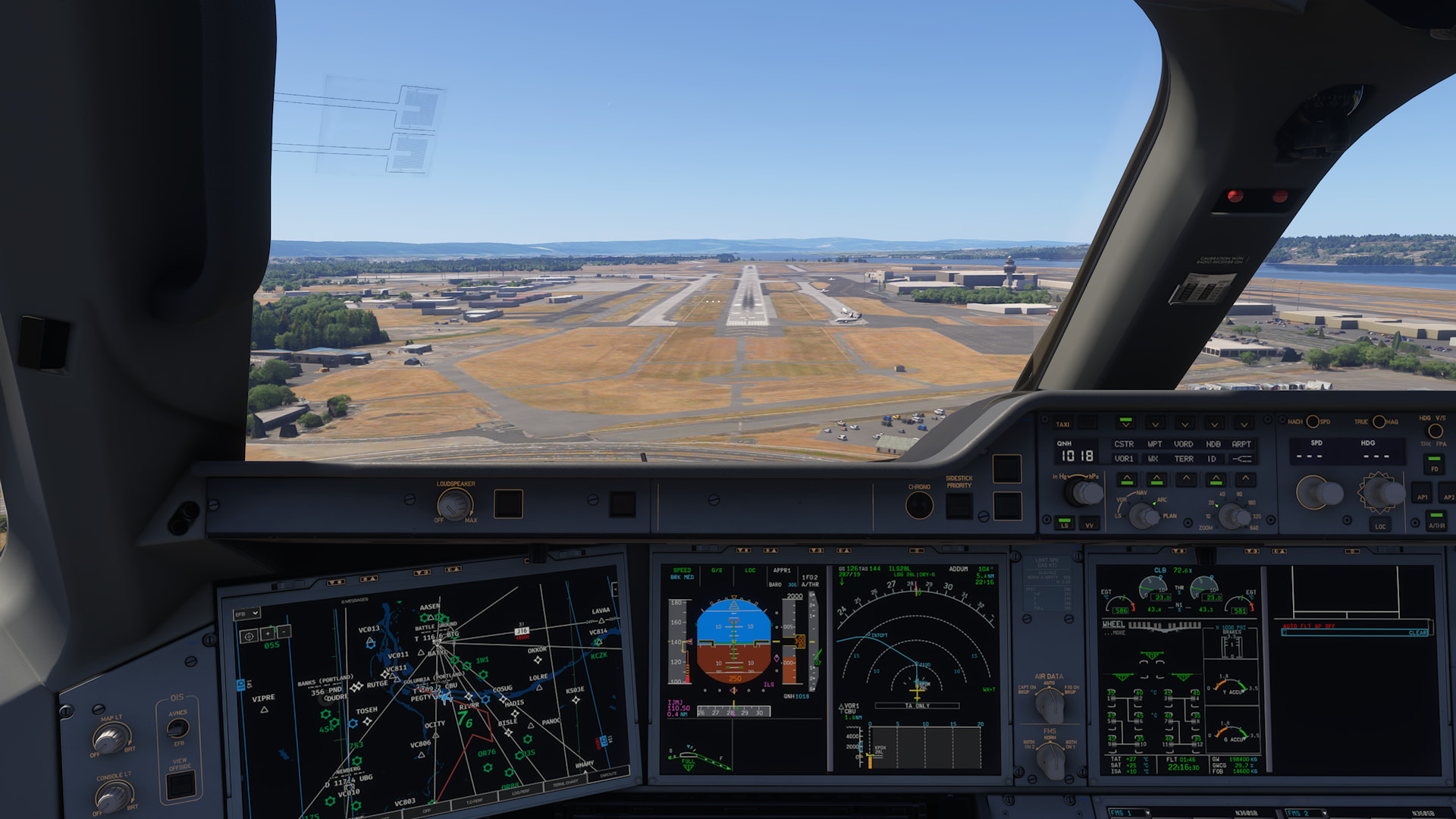
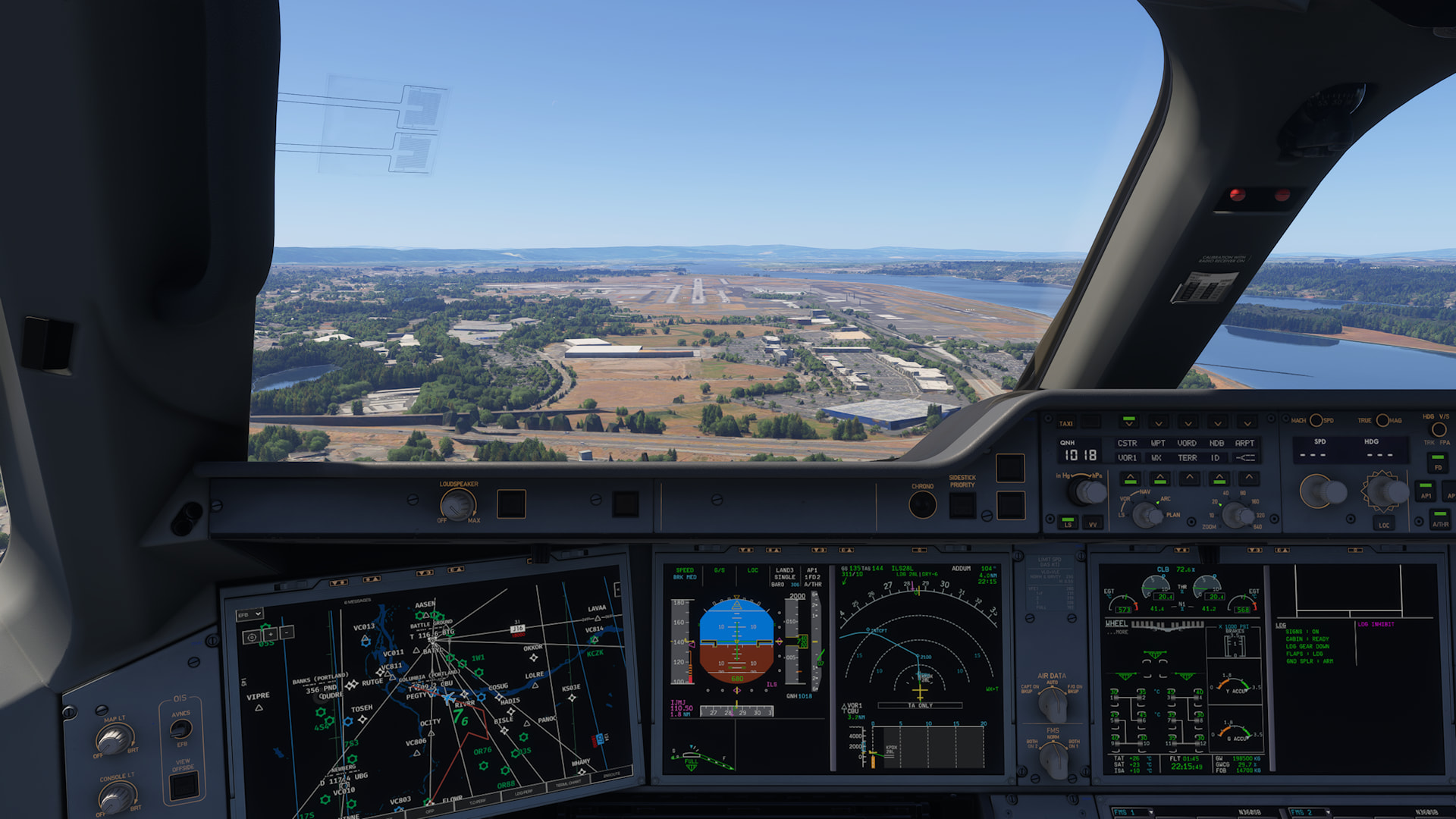
Thought I’d try a 2-hour flight from KLAS to KPDX to see if America is any different. These are the screenshots on (very short) final and then taxing at arrival (KPDX), which clearly show terrain not fully loading in. All settings at max for Xbox X, photogrammetry on, live weather etc.

1 Like

Not alterable on Xbox.

At range, sure, but not when the thing you are observing is nearby, unless you have a very low spaced computer.

Do you mean that the Xbox version of MSFS 2024 doesn’t let you adjust the LOD manually at all? So there’s no option to set the Terrain/Object LOD to your own preference like on PC?

1 Like

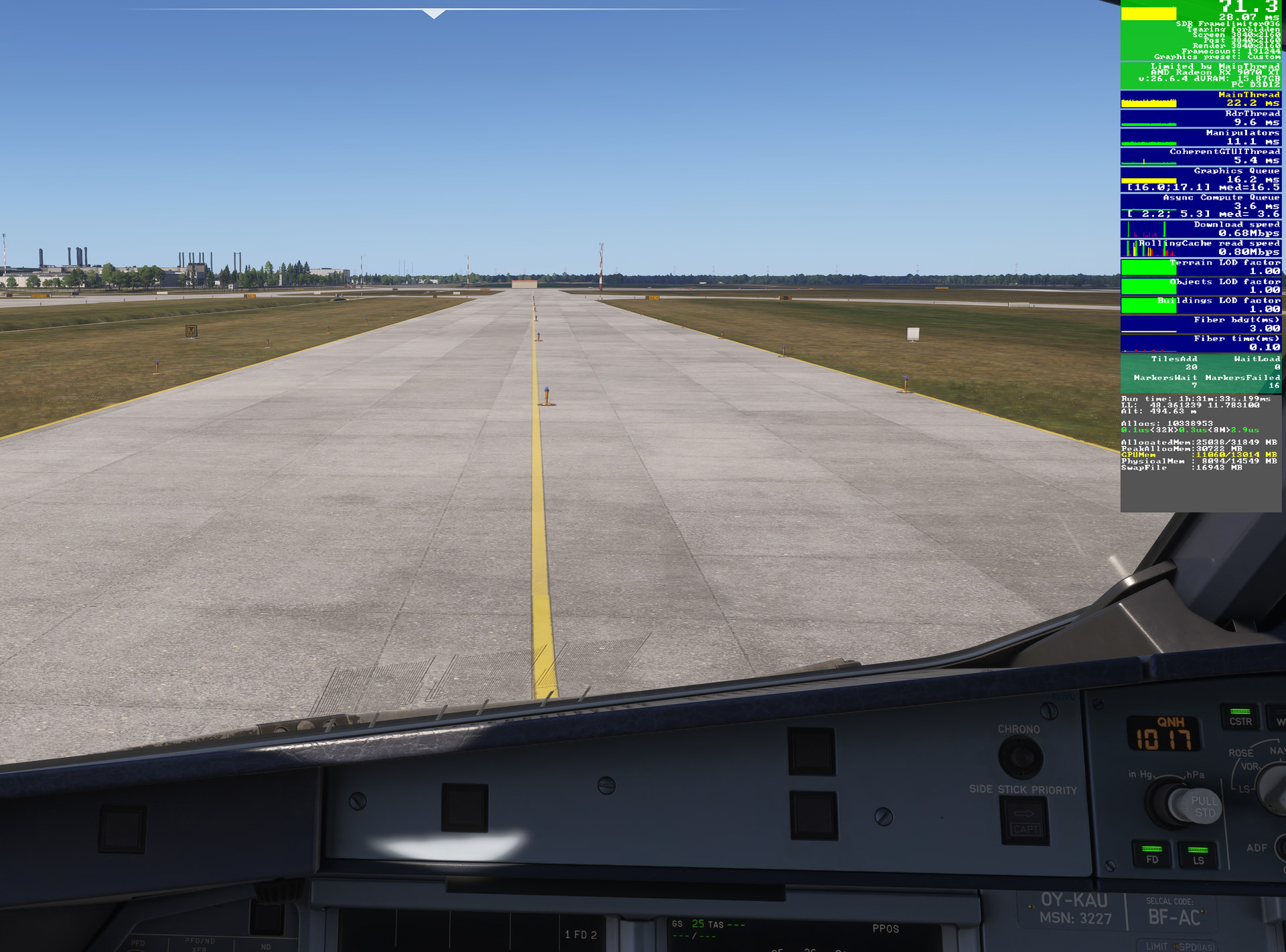
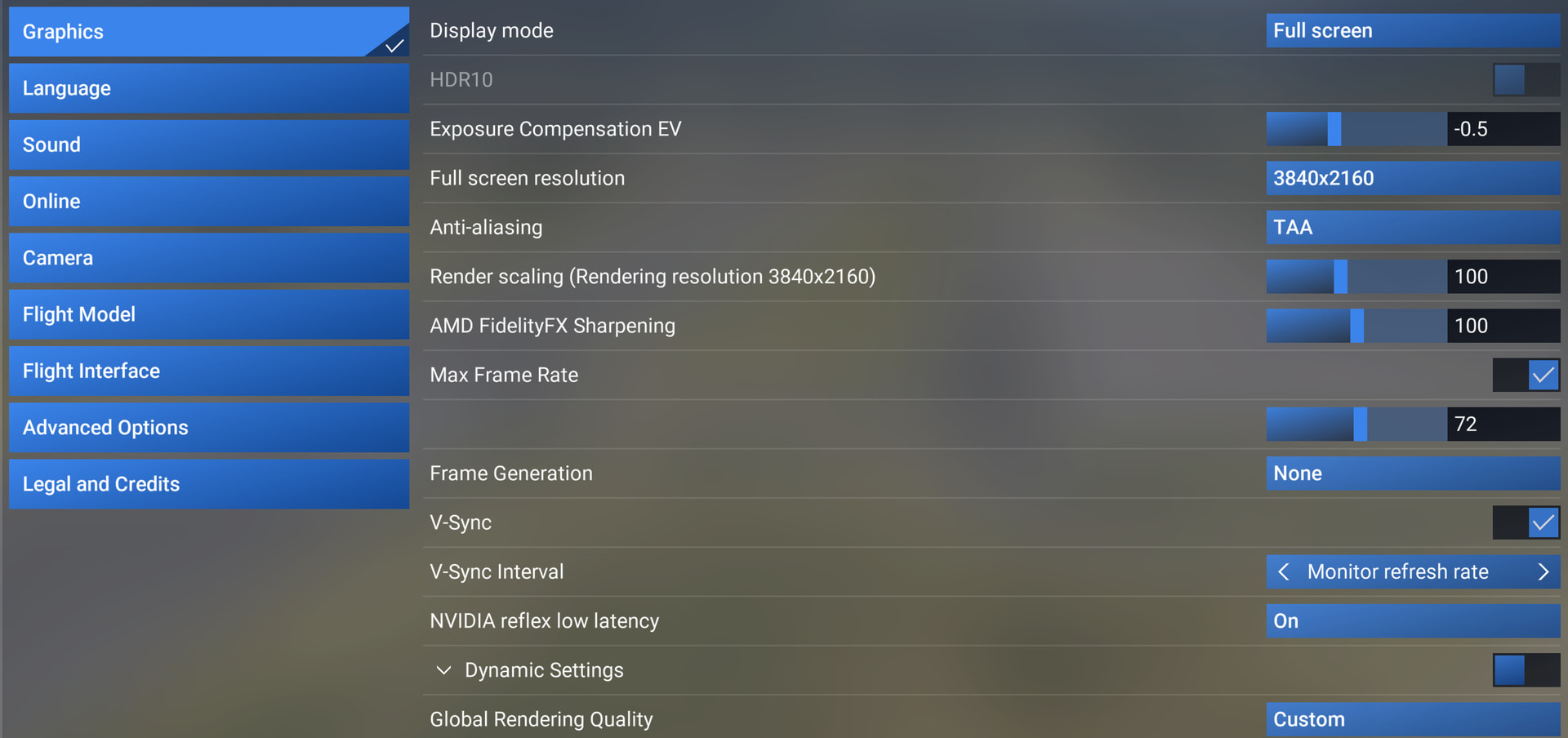
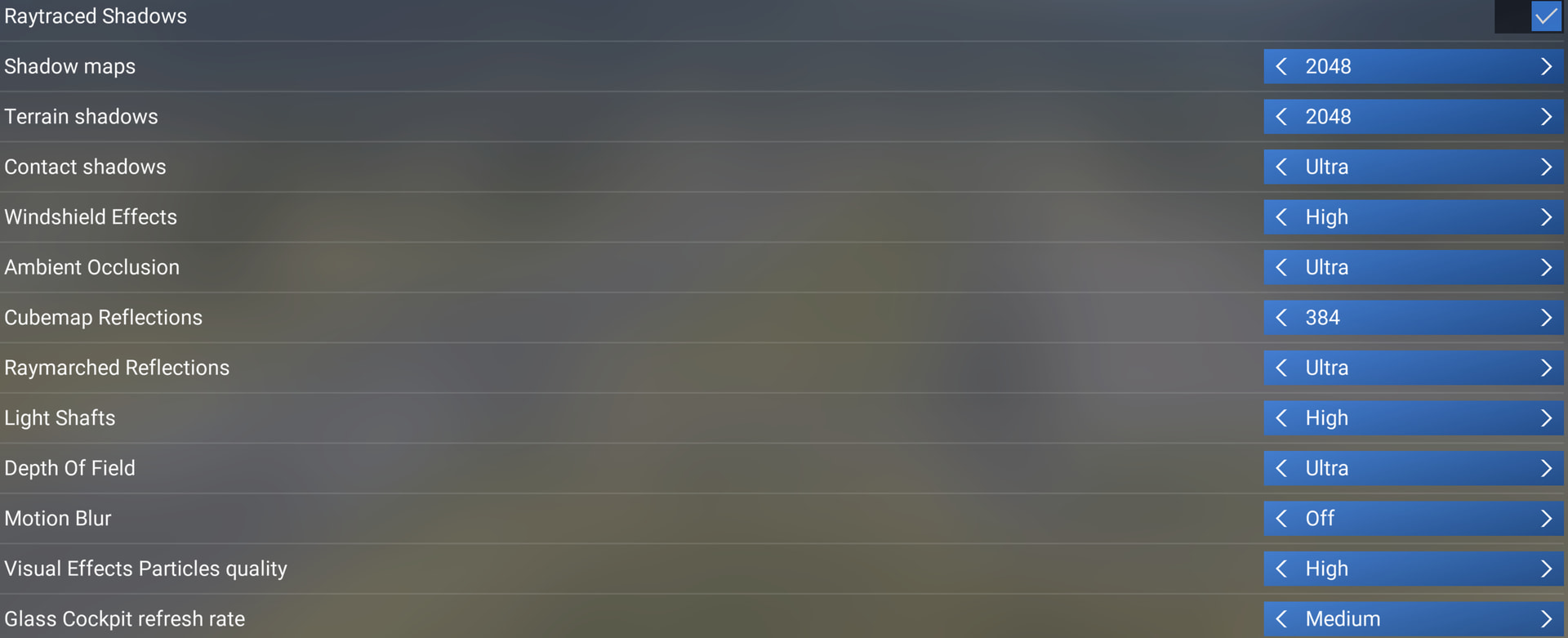
Running MSFS 2024 SU6 beta 1.8.5.0, 7800X3D, RX 9070 XT, 32 GB RAM, NVMe, 1 gbit internet connection, 4K, FSR Native AA, 72 max framerate, FSR FG, dynamic setting to 35. Rebar off. LOD around 200-400 and OLOD 150. See other graphics settings in earlier post. And let me know if this info should be included on every post.

I have taken my time to highlight observations that stick out, and upload them in full res. Please judge them by following links, click ‘download image’ and watch at 1:1 pixel scale(!), to ensure you see what I see. I’m on a 4K 32" screen BTW.

1:1 scaling like this:

or similar in your viewer of choice.

--

Today from LSZH to EDDM:

First of, again, look how very nice it can look, when working well. Great job Asobo! Look how sharp everything looks, and even sharpness and detail all around, not a mixed look. I love this.

Above is likely the way it’s always meant to look, but unfortunately often not the case. But let’s get there!

Below then comes a series of examples where there are artifacts that I can’t imagine are intentional. They suddenly disturb the immersion from the excellent looking result above, where nothing catches your eye, other that just enjoyment of looking at the scenery.

Very low res texture / lack of detail, all of a sudden.

And these two… Ouch.

Small black artifacts.

RWY 28 LSZH. Ugly looking runway textures. Even way worse when looking from above in external view (sorry, can’t find that screenshot, but others have shown the effect). Also notice how wonderfully good, on the other hand, the details in the highlands/terrain in the far distance looks - this is great!

Well, not regarding LOD, but these taxi lights showed up in the middle of taxi lane in EDDM on M approaching A4, heading west.

Do you want more of these examples? Or are they enough to work on?
4 Likes

Same config and settings as earlier in my posts in this thread.

MS EDDM, stand 195 and 252 as examples.

Ground textures look, well, not so great…

What’s going on?

Correct. You can’t adjust anything like that on Xbox. The graphics menu on Xbox is only for stuff like parked aircraft, airport vehicles, fauna density etc. everything else is dealt with by the sim using dynamic LOD

1 Like

Changing camera views forces terrain to be re-rendered. Instead of keeping already loaded scenery (such as mountains and terrain) in RAM/VRAM, MSFS 2024 reloads and redraws it every time the camera changes. This causes unnecessary terrain pop-in and performance drops, even though the scenery was already visible moments earlier.

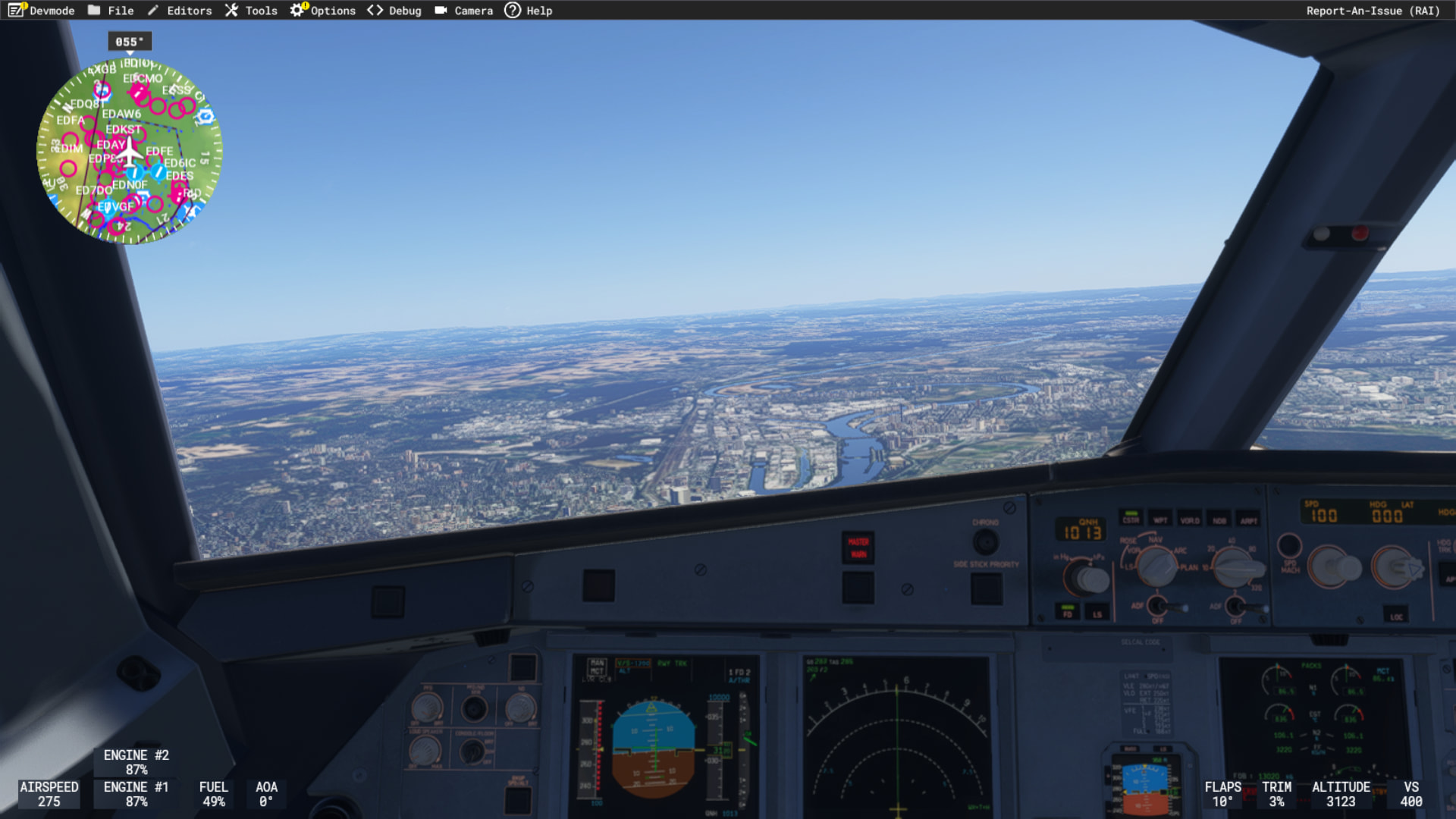
LIPB, PMDG 737-800

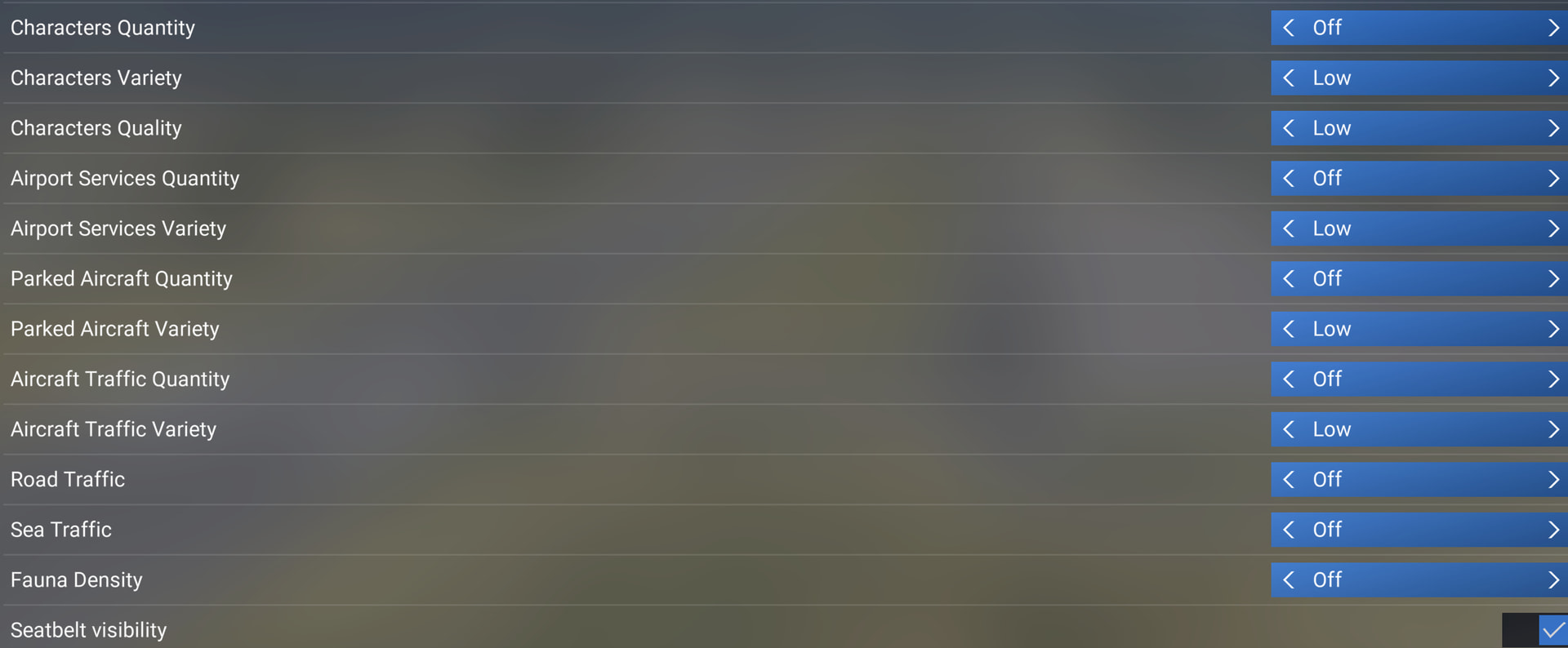
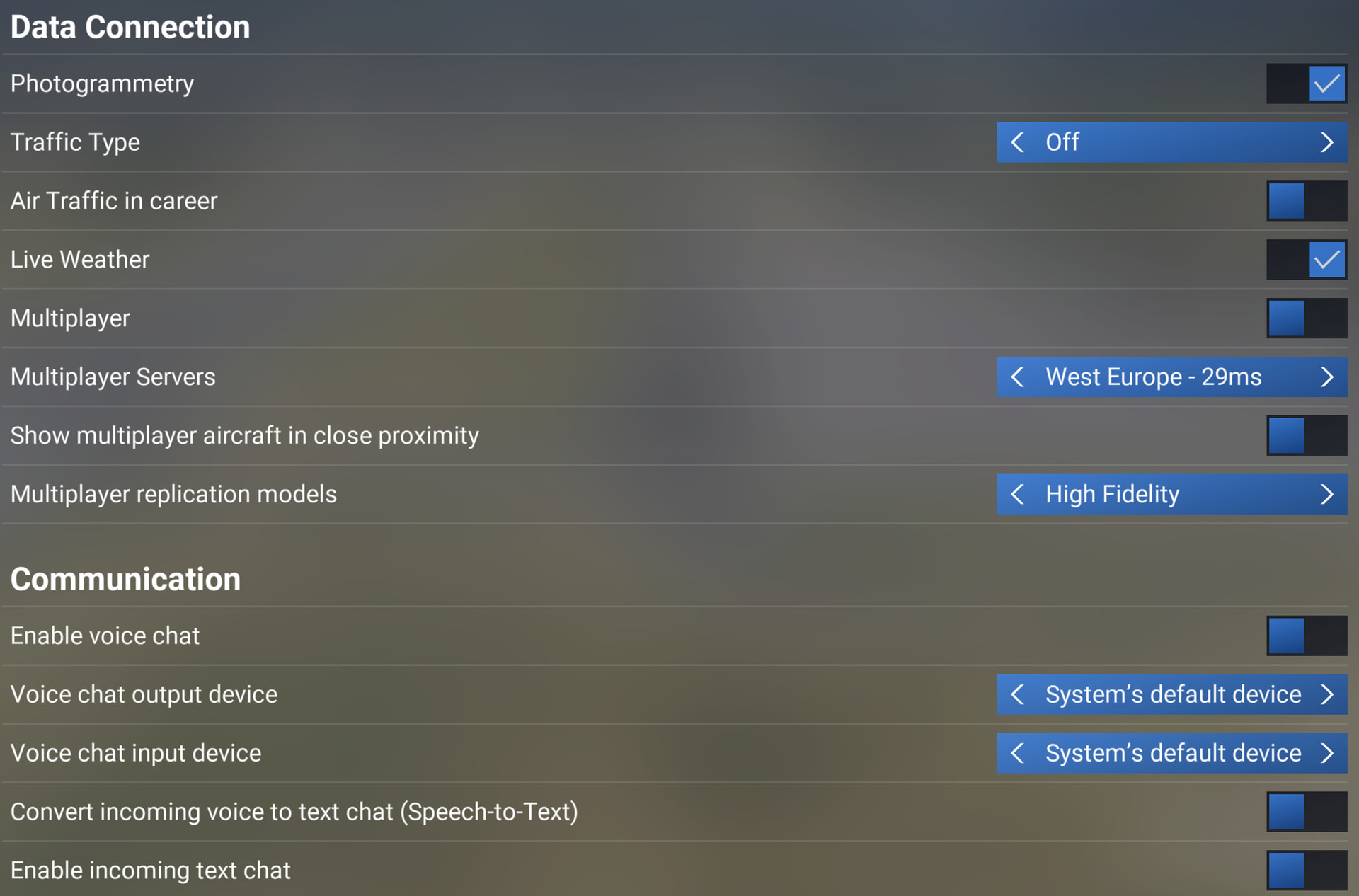
MSFS 2024 partial settings


Gaming rig
  • PC Case Be Quiet Light Base 900 FX
  • MSI MPG X870E Carbon WIFI - BIOS 1A8
  • Virtualization - disabled
  • Re-size bar - enabled
  • PSU ASRock Phantom Gaming 1600W
  • Ryzen 7 9850X3D
  • AIO Arctic Liquid Freezer III 420
  • 64GB Ram CL26 DDR5 6000 2x32GB G.Skill
  • AOC Agon Pro AG326UD
  • MSI MAG 271QPX E2
  • Gigabyte RTX 5090 Gaming OC / 610.74
  • USB HUB
  • Logitech X56 H.O.T.A.S
  • VKB Gladiator NXT Evo Space Combat Edition
  • Honeycomb Alpha Flight Controls XPC Yoke
  • Logitech Flight Rudder Pedals
  • Airbus EFIS Winwing
  • Airbus FCU Winwing
  • Airbus MCDU Winwing
  • Boeing 737 MCP Core Flight
  • Boeing 737 EFIS Panel Core Flight
  • Boeing FMC/PFP 3N Winwing
  • Thrustmaster T300 RS racing wheel
  • Sound Blaster X5
  • Sound Blaster Katana v2
  • 4xNVMe // 4TB for MSFS2022/2024
  • 2xSSD
  • 2xHDD
  • Windows 11 PRO 25H2
8 Likes

I noticed this too, it didn’t happen with 5.1. Needs to be fixed.

5 Likes

Running MSFS 2024 SU6 beta 1.8.5.0 on XBOX X, my connection is 500 Gb, server east america, And getting poor LOD on take off, cruise and landing. but I saw one thing. on ATR that flyes in slow speeds, the LOD wasn´t so ugly, but with PMDG 737-700 it was very ugly.

I think this might be an attempt at progressive loading (or re-loading) to avoid burst loading that causes spikes / stutters … ?

And IF that’s the case, it’s a trade off I can live with, IF it also reduces the stuttering as objects load tile by tile approaching landing. If I have to choose between a stutter and progressive loading / re-loading, I think I would prefer progressive. A lot of assumptions on my part tho.

I wish the logic could look at a user’s system resources and use a percentage scale (if it doesn’t already) to allow retaining loaded assets / renders in memory if resources are available to avoid having to re-draw, etc.

1 Like

I understand that you can live with it, but I personally can’t. I can’t stand watching this happen because it ruins the overall experience. I expect the same behavior as in MSFS 2020, where already loaded objects stayed visible and didn’t have to be constantly redrawn.

MSFS 2024 is slowly becoming a complete disappointment when it comes to LOD, objects loading and VRAM utilization.

4 Likes

More scenery examples. Now from MS LFMN to Jetstream/Orbx LSGG.

Please remember to actually click “download image” after clicking the preview links, and then watch them at 1:1 in prefered viewer. Else no one can compare equally.

Rough looking ground textures selecting starting position in World Map.

And also when at gate in sim.

Nice details here at the start of the trip going north from Nice.

Then things/terrain/mountains get all weird looking. Way too simplistic in form and texture it seems. Unclear why it happens, but the Alps are not looking great at all here.

And from looking ok, on approach I’m suddenly faced with this rough/low fidelity ground texture on short approach :\.

Also at touchdown.

And it keeps staying bad, also when taxying in.

One factor that hasn’t been mentioned, is the Azure CDN and caching. Only speculating, but it’s possible that if ground textures are programmed to load progressively - low res first, then fill in with more detail in a 2nd, 3rd pass - that the CDN thinks it’s already loaded in cache and doesn’t fetch the next higher resolution data for the client? Or, that the MSFS engine doesn’t follow up requesting the next higher resolution, etc. It might explain a lot.

Jorg did highlight they had a new source for base map imagery in a Dev Q&A that would allow them to do what was needed (he didn’t elaborate on what that was). Combine that with the evolving settings for Terrain Pre-Caching - they reduced the default by 1 notch, so if you had the “High” global preset, Terrain Pre-Caching would be “Medium”. Reading between the lines, I think this is what we are seeing, and it needs work…

4 Likes