Default A320 Salt Lake Simulations livery
Verticalsim KONT - FlyTampa KLAS + strip (Latin VFR KLSV also enabled)
The last two C-17 flights in 6.1 were so disappointing graphically that I stopped playing before I got to my usual Vegas test. While this isn’t a comparison to SU6.1 and I realize performance isn’t really the focus this time around, I still want to report my current experience.
No noticeable improvement in KONT: Ground markings lost definition once the plane was powered on, nearby mountains continue to morph even when the camera is still, and the ones farther away are so blurry that they look as if they are from a different game.
Photogrammetry in California was crisp regardless of altitude, loading far enough that I can’t confidently say that it’s been any better around this particular add-on. Cruise at FL270 was flawless except the strange tiles below the aircraft are still there. I can’t see a difference in their level of detail, just that they have a slightly darker shade.
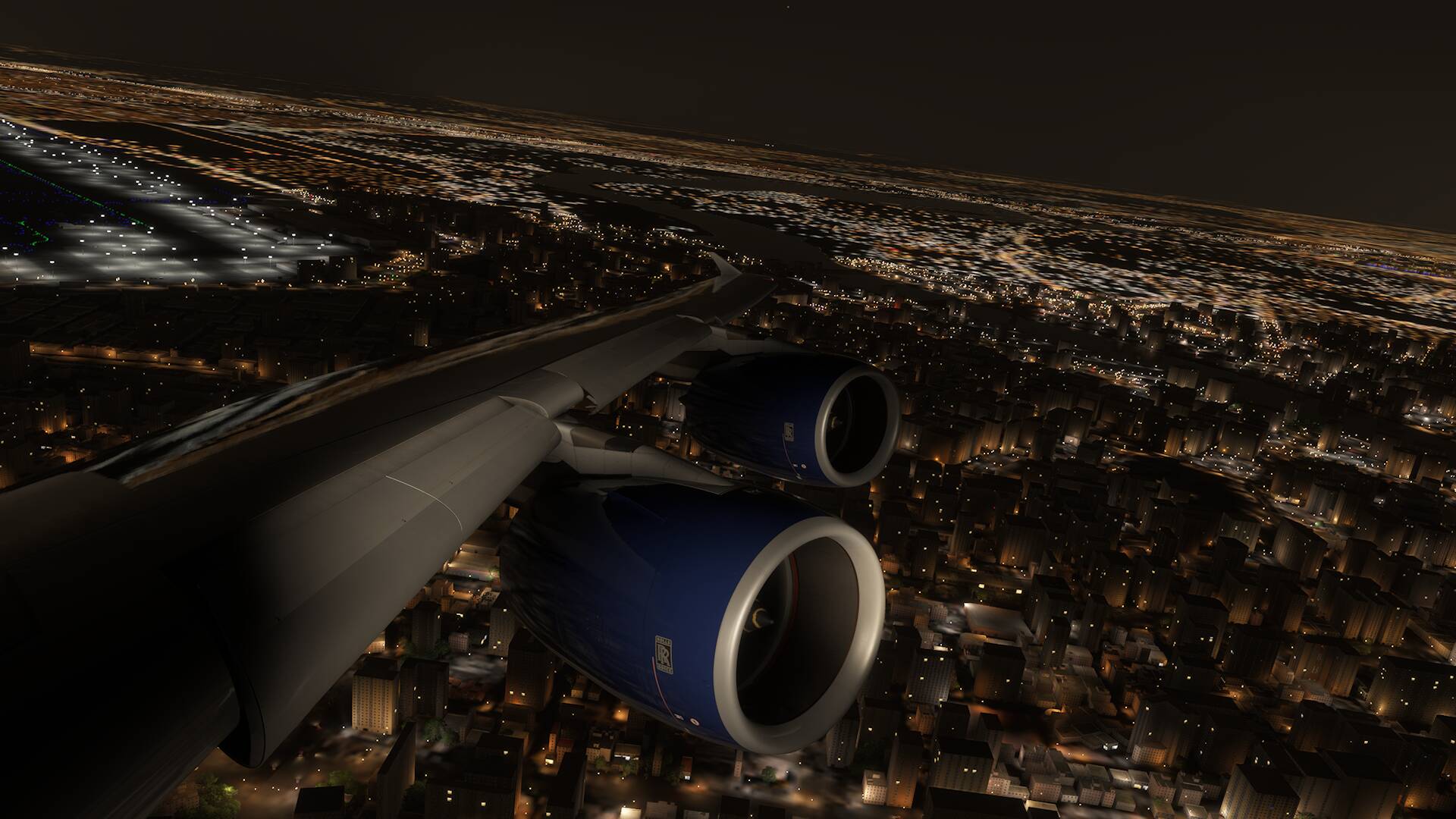
Approach to Vegas wasn’t the worst or the best with PG loading up to the add-on scenery, but beyond it nothing appeared, not even when I was very close on downwind runway 26L. The tiles next to the airport + strip had their details flicker in and out which was almost as unsightly as the extremely low resolution terrain during final. I remember there was a moment months ago when the betas were heading in a good direction and the PG was visible behind the airport throughout the approach.
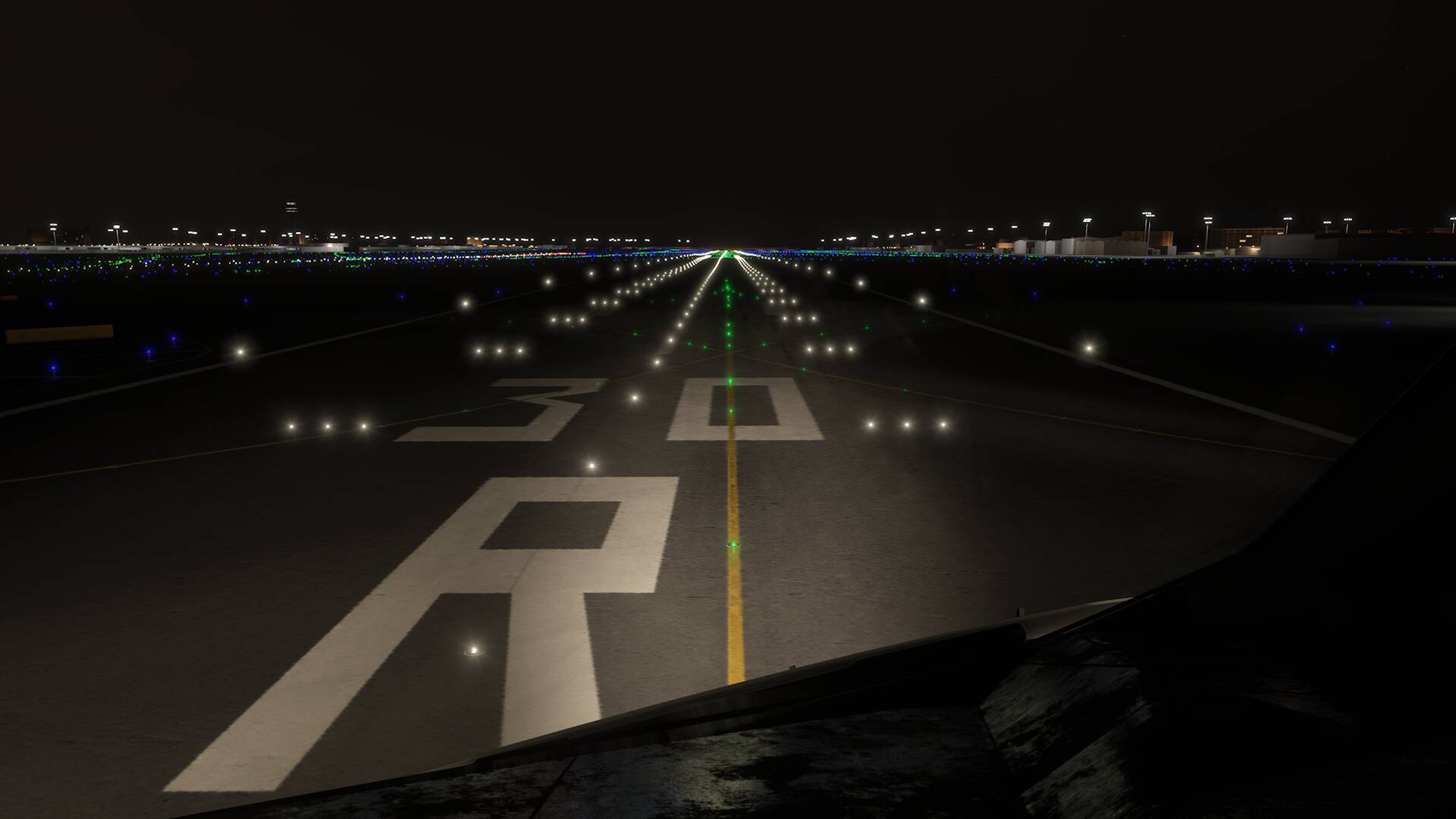
Biggest surprise was that the runway was properly loaded in for a few seconds during landing, though unfortunately the entire ground texture did its usual vanishing act again when turning to face the strip. Taxiing back to the other end of the airport, hideously blurry ground markings finally showed up, only to disappear again when approaching terminal 3. Memory warning/black screens just before turning to the gate ensured a proper shutdown in Vegas remains only a dream.
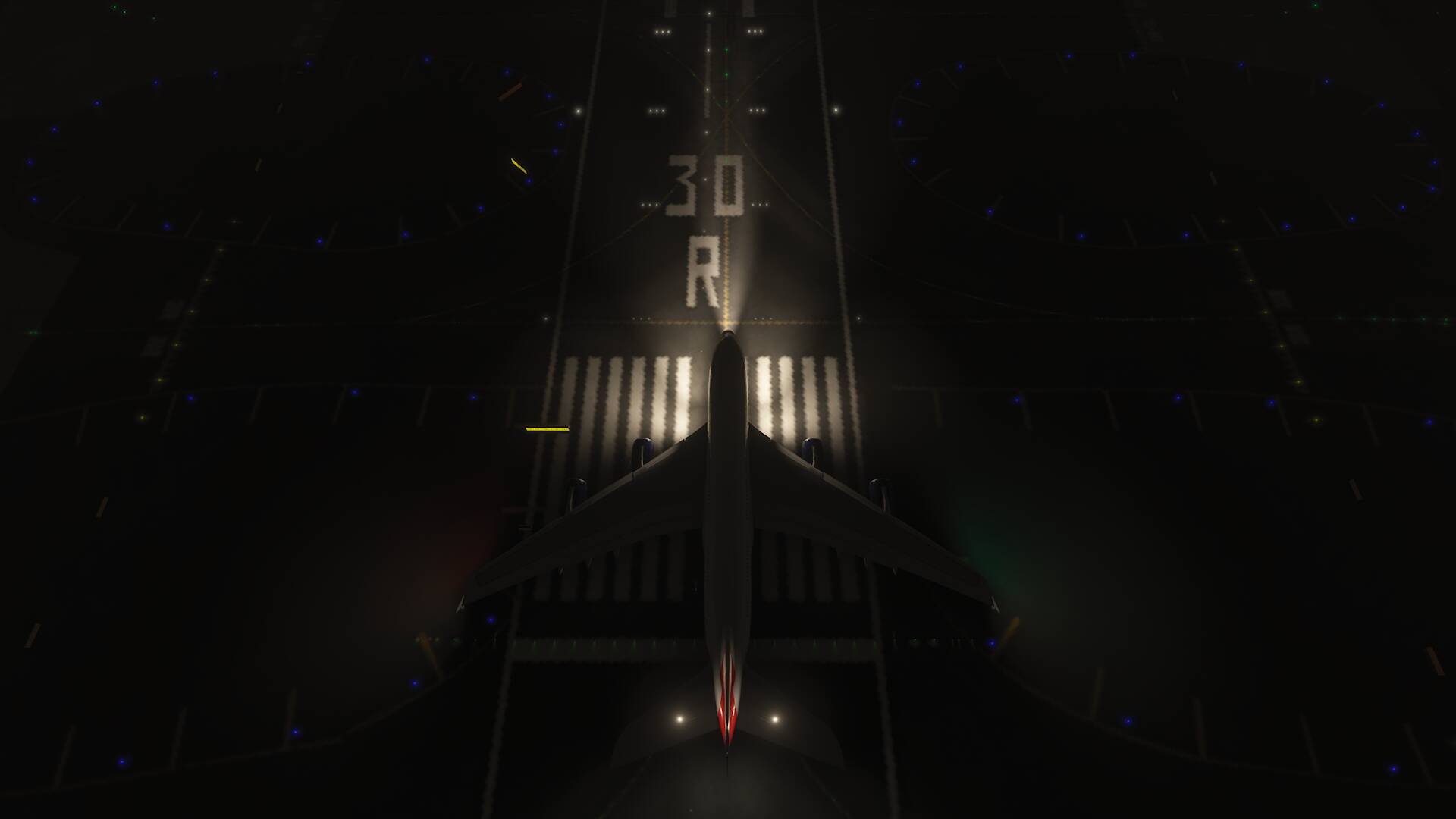
Without avionics it managed to bring back the blurry ground texture after a very long wait, which gave me a chance to play with the drone cam before ending the flight. The camera needs to be at or below walkaround level for the sharp texture to load, and even then it isn’t good enough for a screenshot. Despite all these concessions, the textures on clutter objects as well as the terminal kept disappearing periodically—the graphical hit under heavy load is big enough that the experience isn’t any better than a flight ending in a CTD.
No further conclusions after just one flight.
Tonight or tomorrow I’ll try something that’s more feasible on a console (non-airliner) to see how massive the gap still is. Settings will also be in the next one, since they (or anything else really) won’t make a difference in this Vegas airliner test with the add-ons I listed.
(I humbly request that I’m allowed to post my reports in a dedicated Xbox thread. Identical hardware is the only advantage Xbox testers have, and therefore it doesn’t make much sense to mix this feedback with the endless pc arguments)