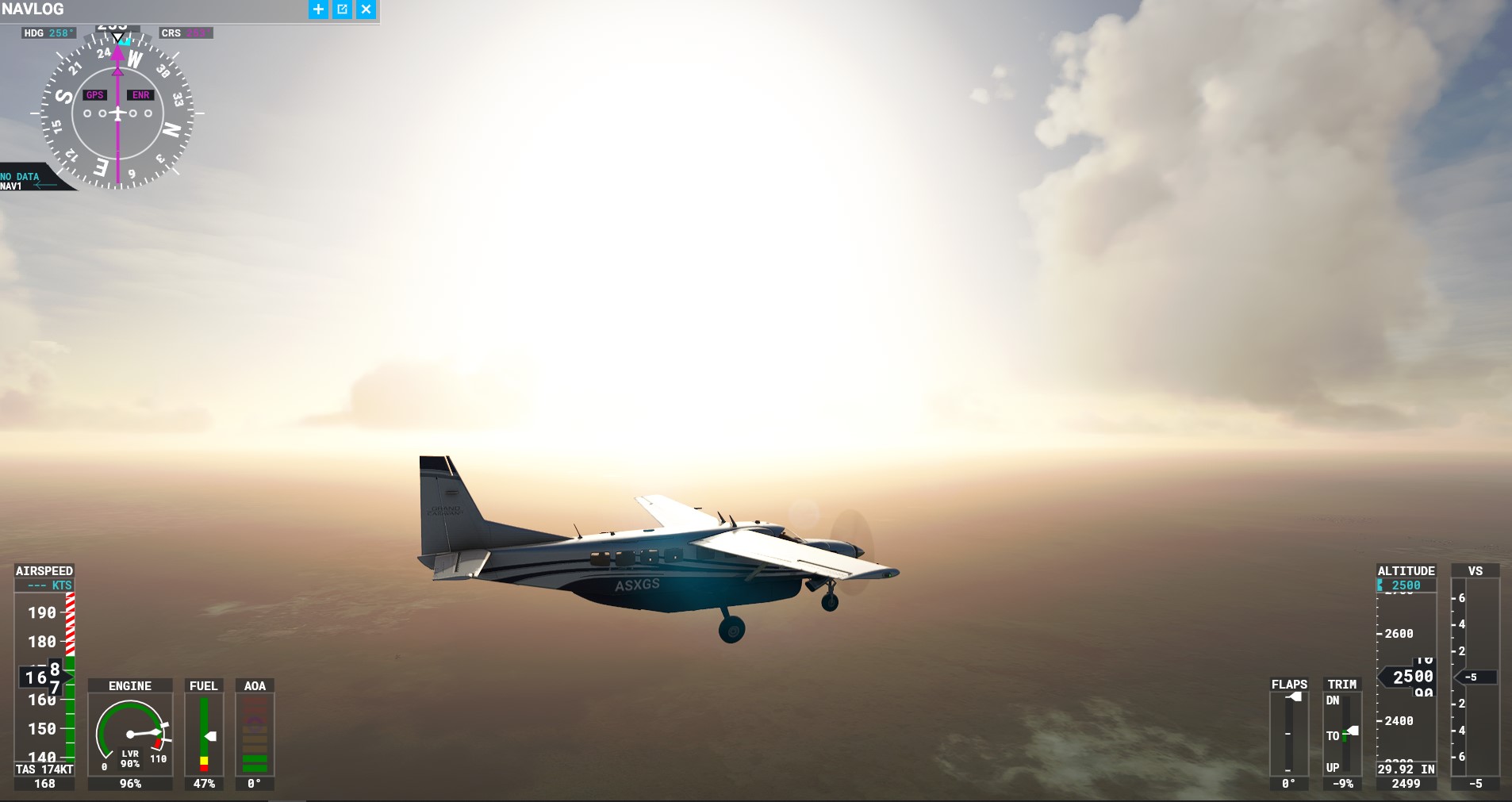
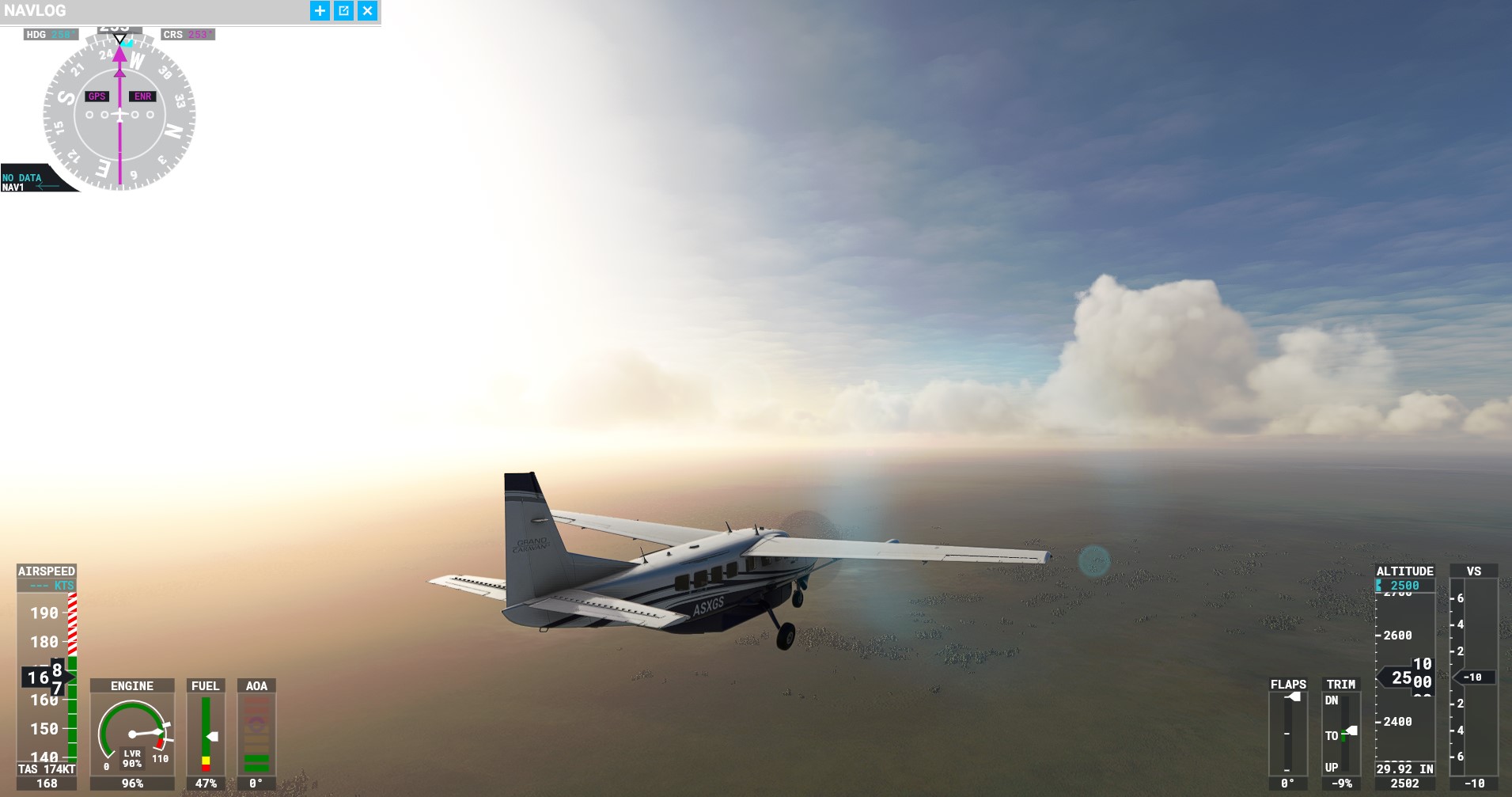
Does this look normal to you? Or is something wrong with my graphics settings/weather? Whenever the sun is close to the horizon in the locations near the poles, it looks like an H-bomb exploding. Im pretty sure that it doesen’t look like this irl. I literally cant see a single pixel when landing into the sun, its all plain white… Is there any way to fix this? I dont have bloom setting or HDR active.
6 Likes
I had that in one of the landing challenges, norway i think.
2 Likes
Yep as you already mentioned, you can barely make out the runway sometimes… This was from a test flight I did yesterday.
“Alexa, add Welding Goggles to my shopping list.”

1 Like
Try looking at the real sun.
It’s very bright isn’t it 


17 Likes
I found the same, especially with the aerosol effect of REX Weather Force 2020 activated. I agree that the sun shines, but it doesn’t look like a nuclear explosion like that.
1 Like
Well…the sun is a gigantic nuclear fusion ball, and they’re pushing for accuracy, as jörg said.. Jokes aside, it’s way too extreme and needs to be reduced.
2 Likes
Yes this is just wrong. It looks the same on my LG Oled with HDR on.
You know that totally goes away if you switch to a 4k setup. I had the same problem on my 1080 setup, always faded out because the sun was so bright. Then I grabbed the 4k tv hooked it up to my computer, same setting other then switching from 3840 virt to 3840 4k and guess what that washed out look goes away completely and the over bright sun looks just like you would think it should.
This is what it looks like now with 4k:
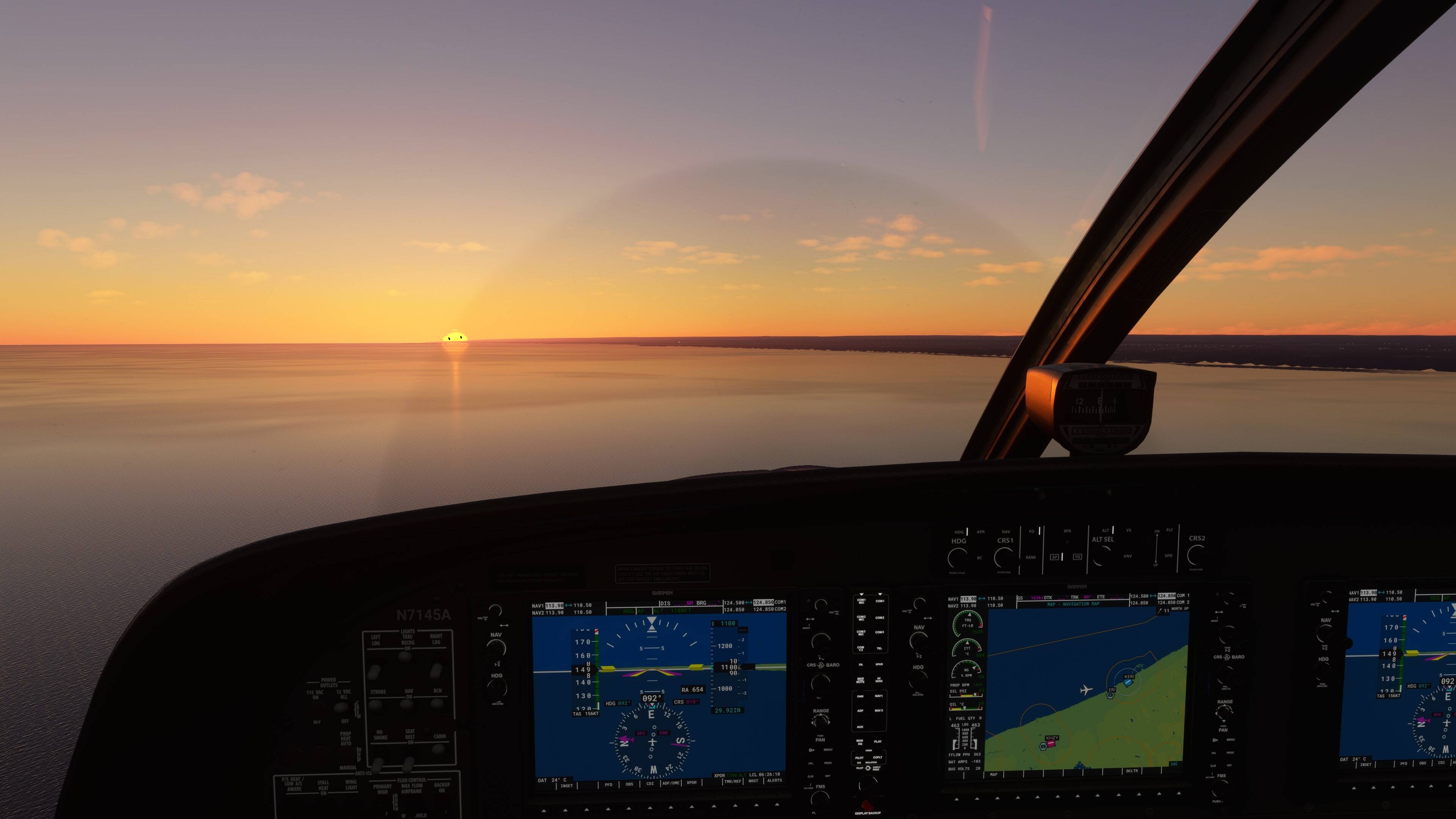
For the time being the only thing you can do is go into you cards control panel and make adjustments from there or like I said switch to 4k.
4 Likes
The Sun is bright in real life also, put on sunglasses … in pilot style 
3 Likes
The problem is not the bright sun, but the way the aerosol particles are transmitting that bright to other parts of the screen/image and/or the way the eye adaptation logic works. I too agree the aerosol effect is way too bright.
6 Likes
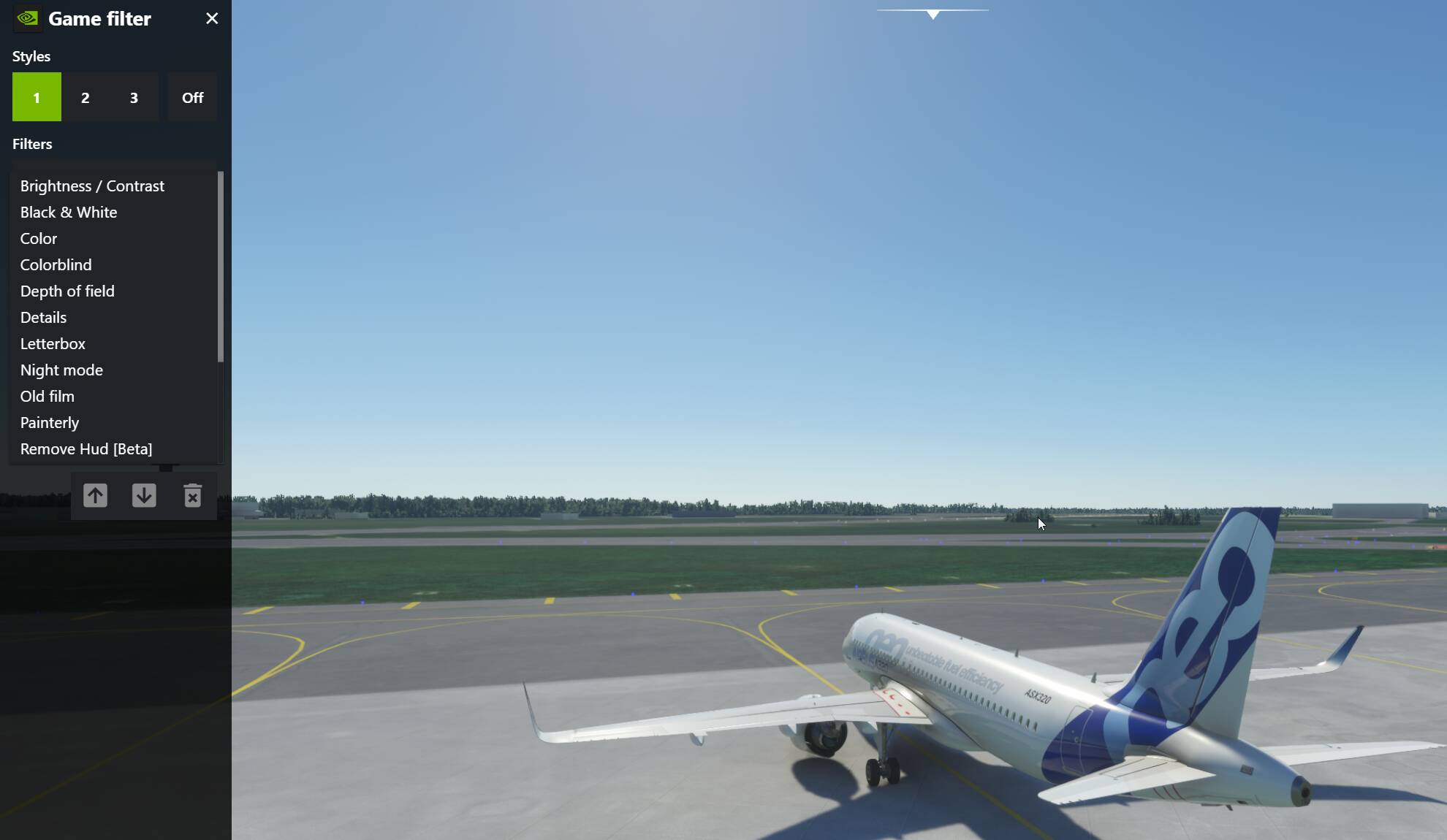
If you have an Nvidia card you can use the freestyle filters in the Geforce experience to adjust many parameters.
I have used it since the sim was released to adjust the image to my preferences.
What if there were different “sun filters” to choose from in the weather menu? UV protection… secondary! 
Joking aside, I generally have the impression that the weather depictions are a bit romanticized, sometimes a bit exaggerated. Even in thunderstorms, wind and rain. 
The image posted in the thread is irrelevant to brightness of the sun. Indeed it is aerosolized air in which zillions of particles cover and generate a layer beneath the atmosphere. Needless to say the sun is always the brightest thing on Earth. Degrading colors of the sun pretty sum it up.
Use an airplane with a fold-down sun visors, jokes aside, maybe it needs to be reduced a bit.
Nvidia freestyle doesnt work for me in mfs2020, it says: “a supported game is required”
Turn up aerosol density and take a pic in the same setting.
As for the explanation to what’s happening here. It’s the buggy aerosol density shader that makes the sun look like a supernova.
1 Like
From a physical point of view this is correct. The sun is melting hydrogen into helium… You are looking into a fusion recator.
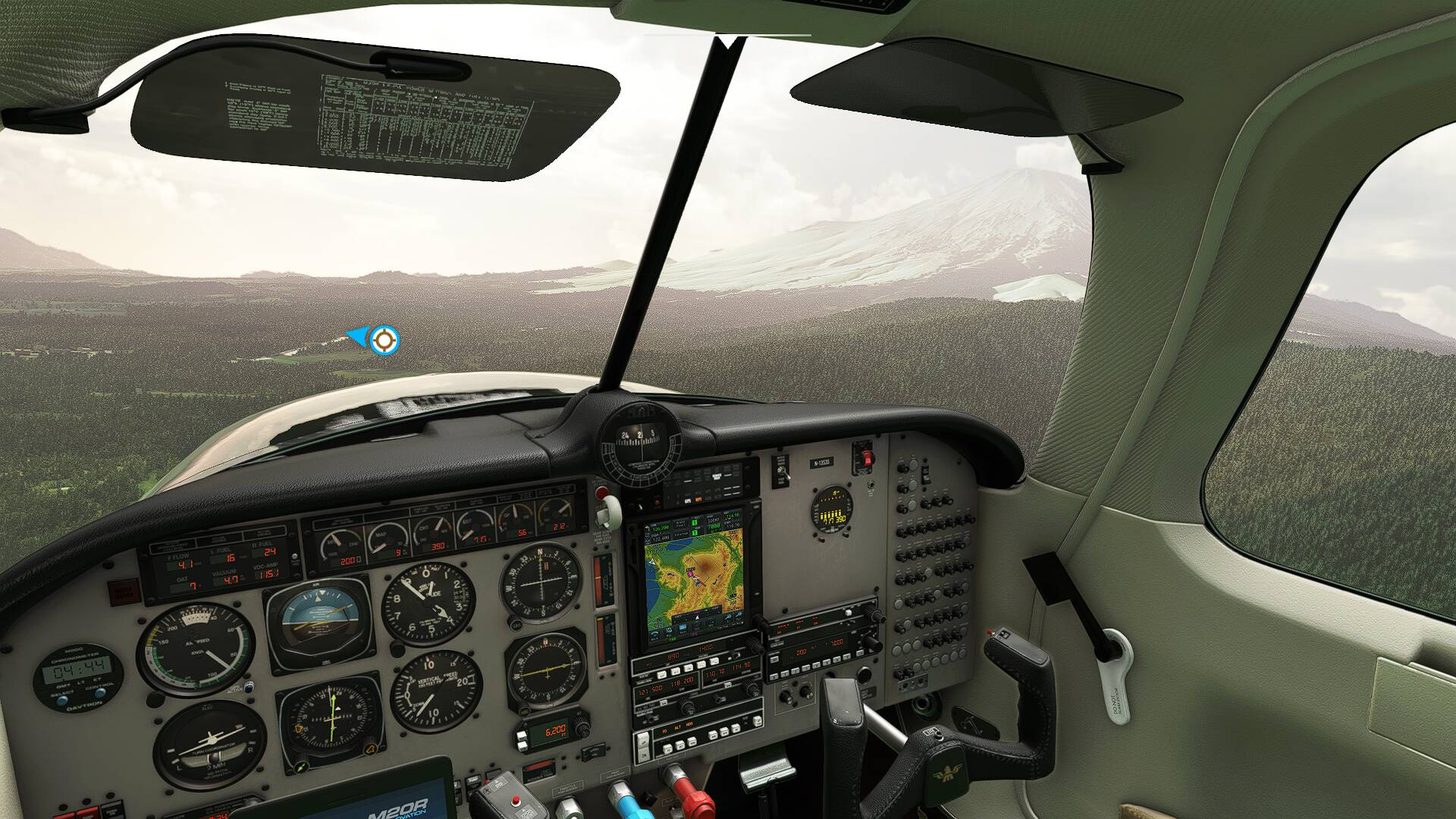
But yes the sun is so overbright that sometimes the horizon and mountains cannot be seen anymore when panning the camera near the direction where the sun shines.
This for example would be Mount Fuji, if it would not become almost invisible in the shine of the over-blooming.
1 Like
Hahaha yeaa LOOOL
I have both ‘monitors’ sitting right here, if I switch to the 1080i yes things are washed out, but if I drag it over to the 4k monitor its like the ss I posted.
We’ve been fussing about it for at least a month or two. Think it was the 2nd to the last Q/A they said they were going to add a slider for brightness. That’s not gonna fix it. There is another thread around here about it already and I am surprised this hasn’t been merged with that one already.