TBM930 Hours Meter stop working

Using the template below will greatly help the team reproduce the issue and ease the process of fixing it. Before posting, search for an existing report. If you are not sure it’s a bug, please first report in User Support Hub.

3 tags are required - add them in the tag section next to the title above:

Feel free to delete this quote section after adding your appropriate tags.

ISSUE DESCRIPTION

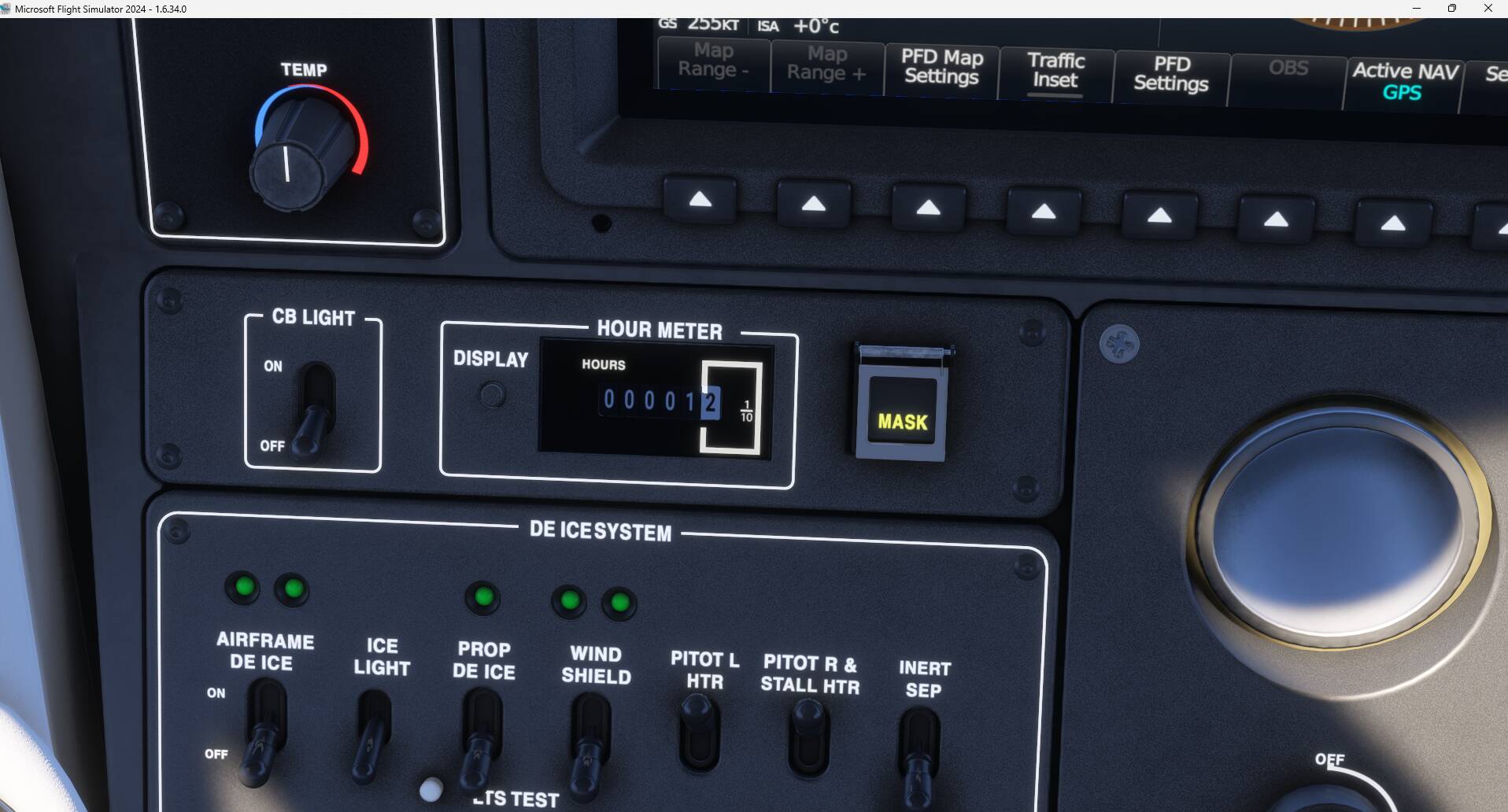
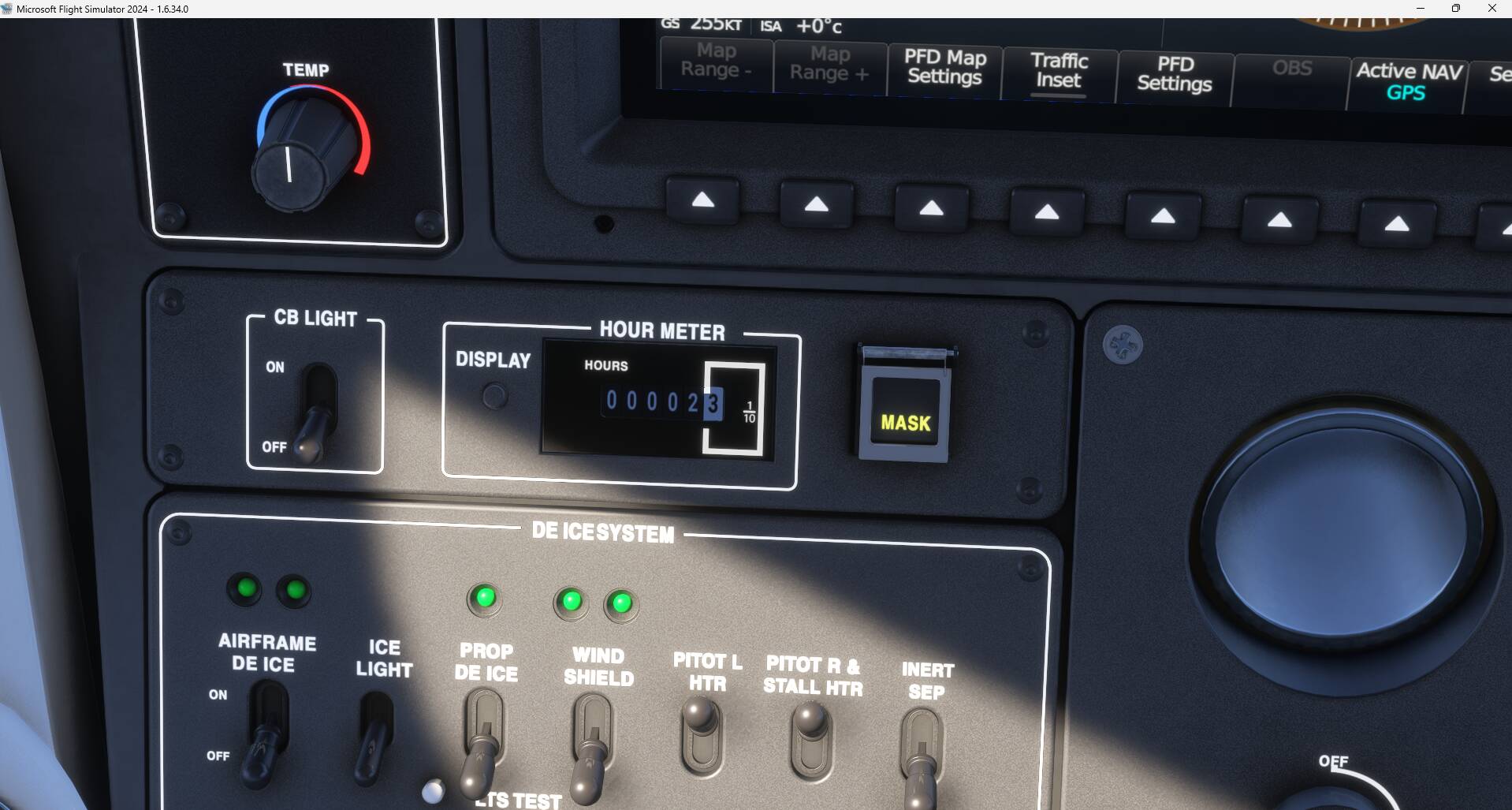
Description of the issue:After numerous flights TBM930 Hour meter stop working. Blocked ON 197h00

Starting a new flight increments 1/10 hours counter but after 197.9 back to 197.00

FREQUENCY OF ISSUE

How often does this occur for you (Example: Just once, every time on sim load, intermittently)?Each flight

REPRODUCTION STEPS

Please list clear steps you took in order to help our test team reproduce the same issue:

  1. Start a flight cold and dark

  2. Hour Counter display 197.x

  3. Fly and after 197.9 hours meter dispaly 197.0

YOUR SETTINGS

If the issue still occurs with no mods and add-ons, please continue to report your issue. If not, please move this post to the User Support Hub.

What peripherals are you using, if relevant:

[PC Only] Are you using Developer Mode or have you made any changes to it? NO

[PC, MSFS 2020 Only] Are you using DX11 or DX12?DX11

[PC Only] What GPU (Graphics Card) do you use? Asus RTX4070 Ti Super 16Gb

[PC Only] What other relevant PC specs can you share?

MEDIA

Please add a screenshot or video

of the issue occurring.

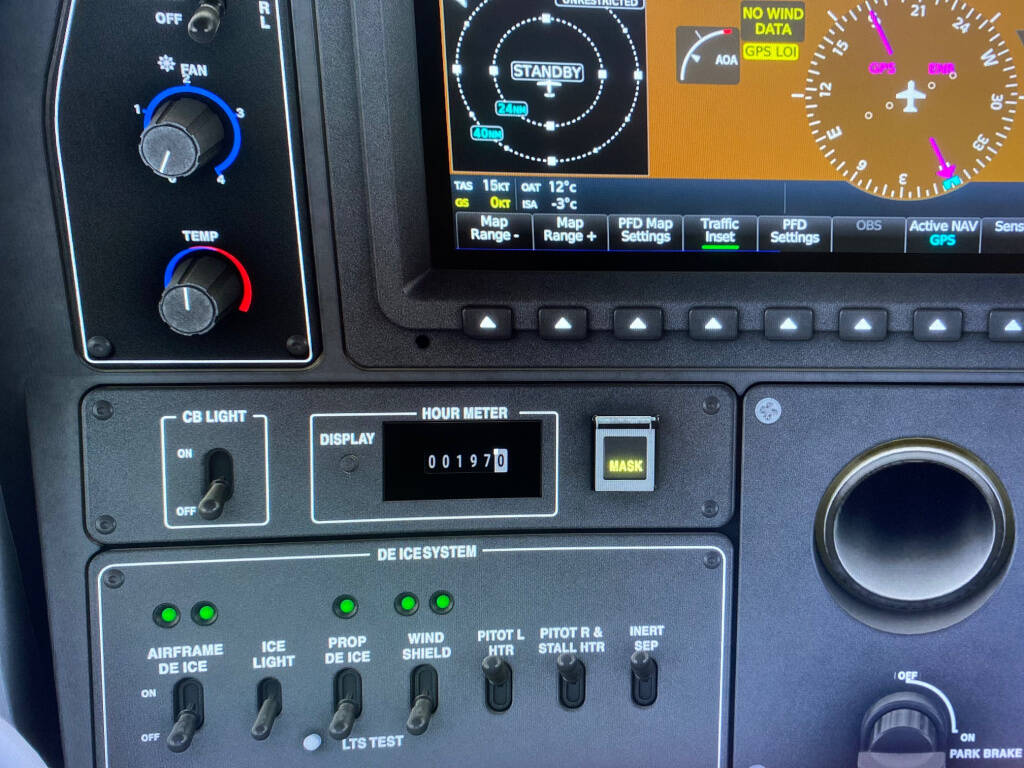
Cannot replicate. I have noticed your hobbs looks different than mine, I have like a white square an inscription that says 1/10:


I have the TBM enhanced installed but don’t think it could make a difference:

Dou have any community/marketplace addons installed ?, if so test disabling them.

Due to Picture resize 1/10 into Hour meter is not readable but is present

I have only Navigraph Suite in my MSFS 2024 Community

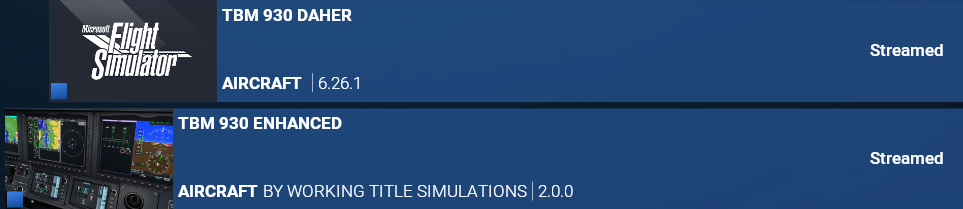
I have also TBM930 Enhanced WT 2.0

It’s not a major bug …but….TBM930 hour meter was working before SU4

Any 3rd party Marketplace addons that could impact ?, like liveries ? Do you have it streamed or downloaded ?
It works on my side so don’t know why not on your. Or maybe there is an issue when reaching out 198 ?

Your last idea may be the problem.

Not sure there is a lot of simmers with more than 197 TBM930 hours !!!

Any way thank’s for your help

Yesterday happy to see my TBM930 Hours Meter suddenly working again !

Done nothing !

Now increasing above 197 hours …and not resetting to 197 hours after each flight

Don’t understand where was the problem and what was the solution !

1 Like

Interesting. I just ran across this thread. I don’t really fly that plane, but I do have the same problem with the Cessna 182Q. It rolls from 10.9 back to 10 instead of to 11. I’ve tested it multiple times. Carenado said they’d fix it in an update. That took them months instead of “soon™” but it still didn’t fix it. They said they’d look at it again. It’s the only plane I’ve run across with that problem, but I wonder if it’s actually a specific Sim issue.

Moved to User Support Hub since issue does not happen anymore.

Unfortunately, this bug is BACK after 2 TBM930 flights . Now after any TBM930 power On the hour meter is reseted on 199 hours !!! Was 197 before ! :weary_face:

Moved back to Bug Reporting Hub > Aircraft & Systems

When you end a flight, do you then load up another aircraft before quitting the sim?

If you don’t do that, the Hobbs won’t keep the new record. This is true for all aircraft and was a bug that started in SU4.

1 Like

Thank’s for help

Will try that !

Thank you for this..I have the same issue..Will try as well, :+1:

So maybe this time issue is different than originally posted here for the TBM, as mentioned by @TheBlackWind977 there was an issue introduced in SU4: [Regression] - Hobbs meter not saving in the last few beta versions

As TheBlackWind977 said tested changing aircraft before closing FS2024

Next flight again with TBM930 hour counter was correct, hour meter value was recorded

So you UFN when you fly with TBM930 you have to load other aircraft before closing MSFS2024.

Crazy !

This kind of bug will need to be corrected with the coming update SU5

It’s all aircraft. And you don’t have to load the same aircraft again. Doesn’t matter, long as you load one. Loading up and running a quick challenge mission works as well.
@Coleo91 : so the issue you reported in this report is fixed isn’t it ?. The issue that remains is the ones I mentioned above right ?