I have an rtx3070. I was able to run TLOD at 400 until 40th anniversary.
If you fly at 30000ft it doesn’t look good. And it used to look a lot better, and draw distance was greater.
Now it’s very obvious where draw distance stops both day and night.
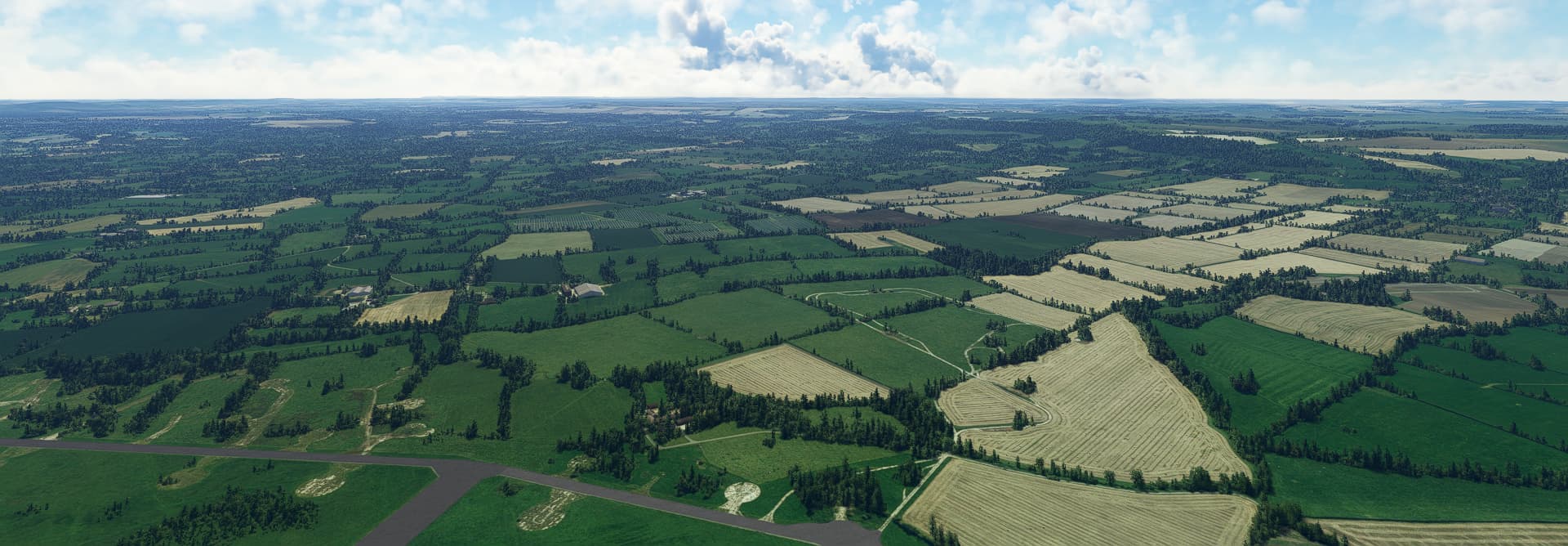
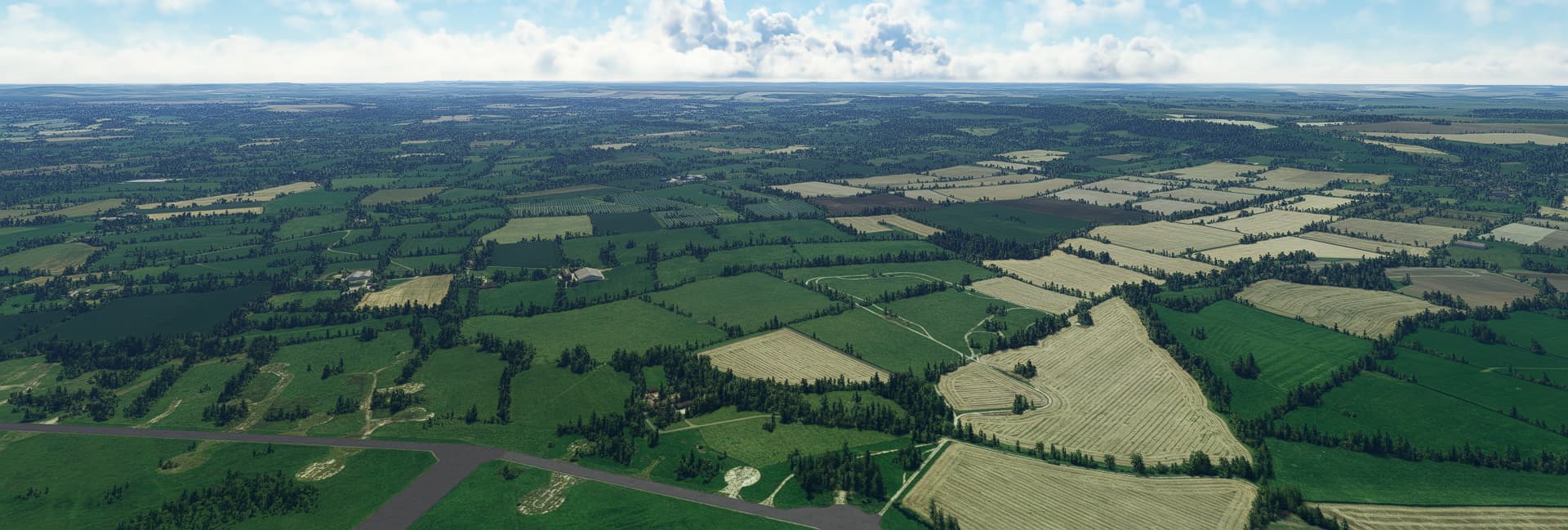
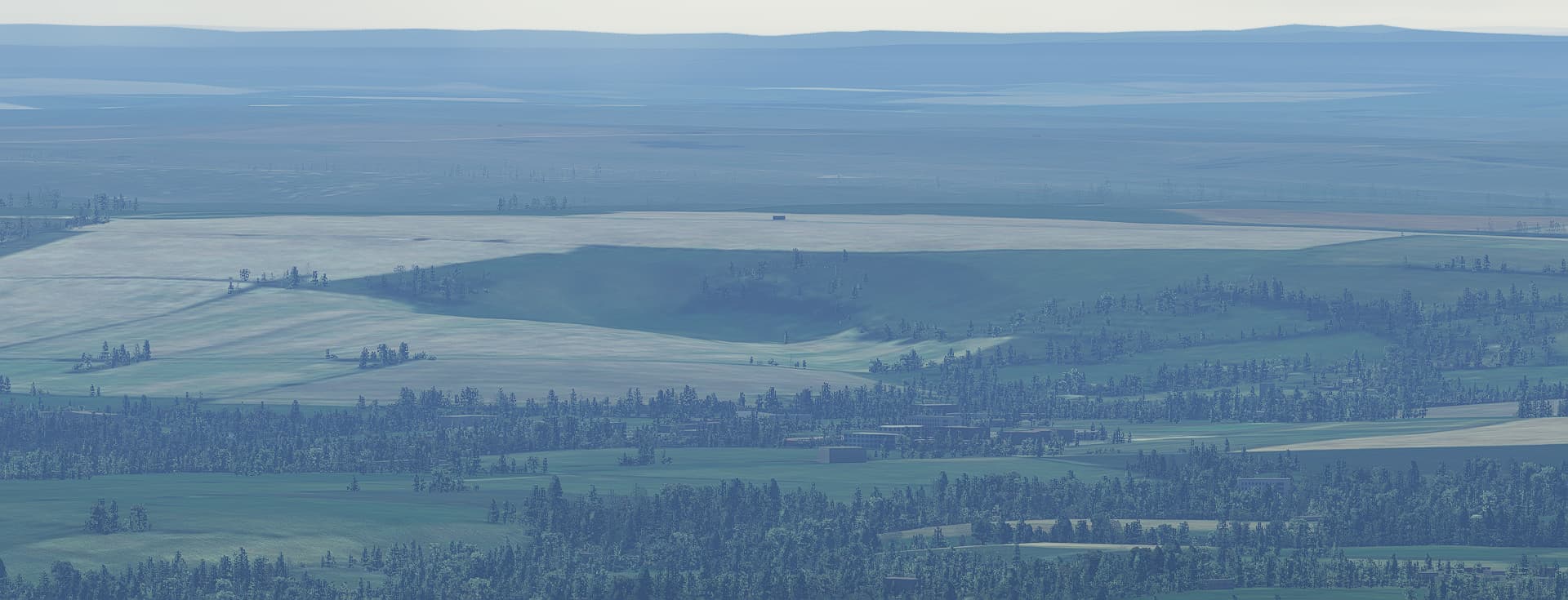
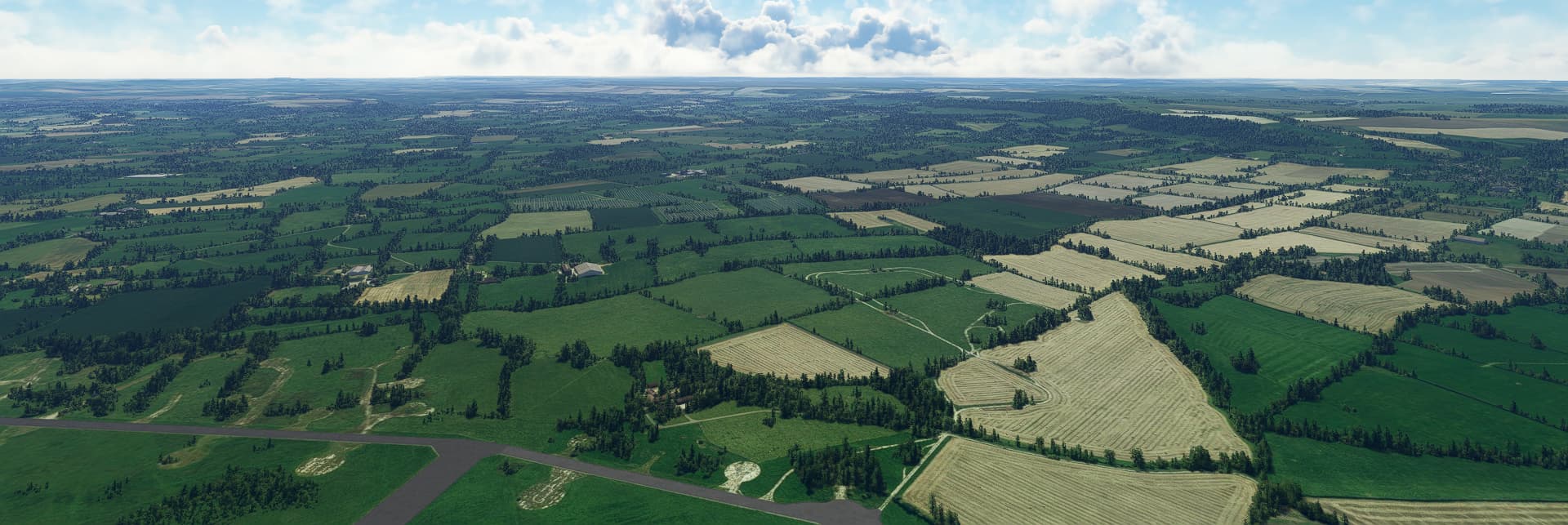
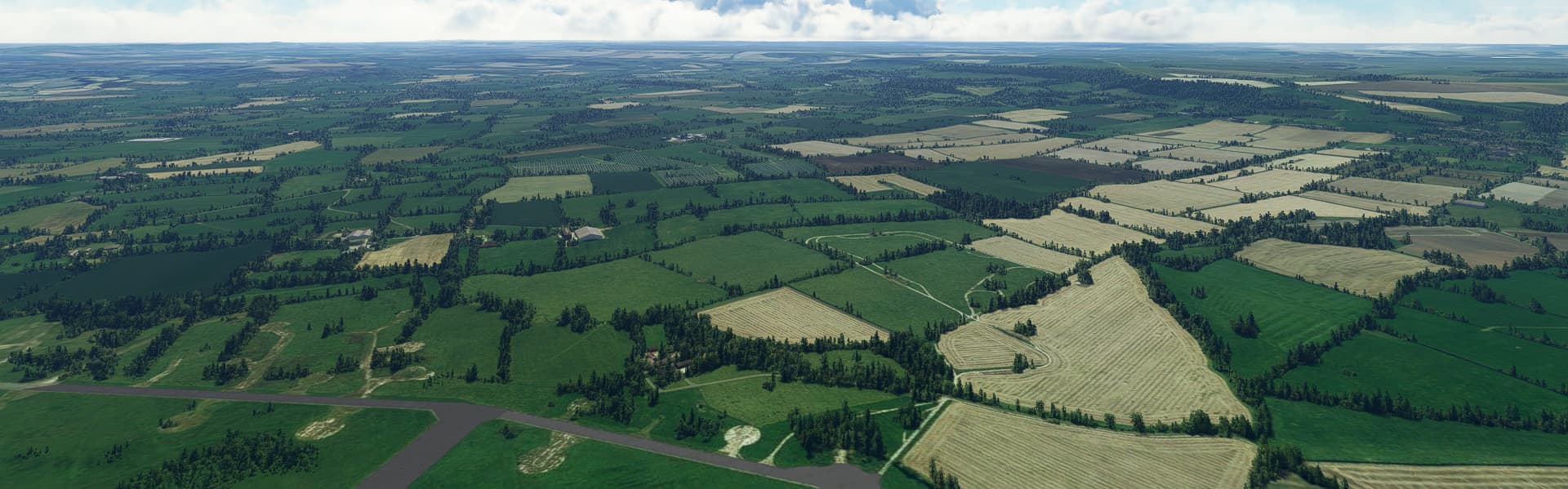
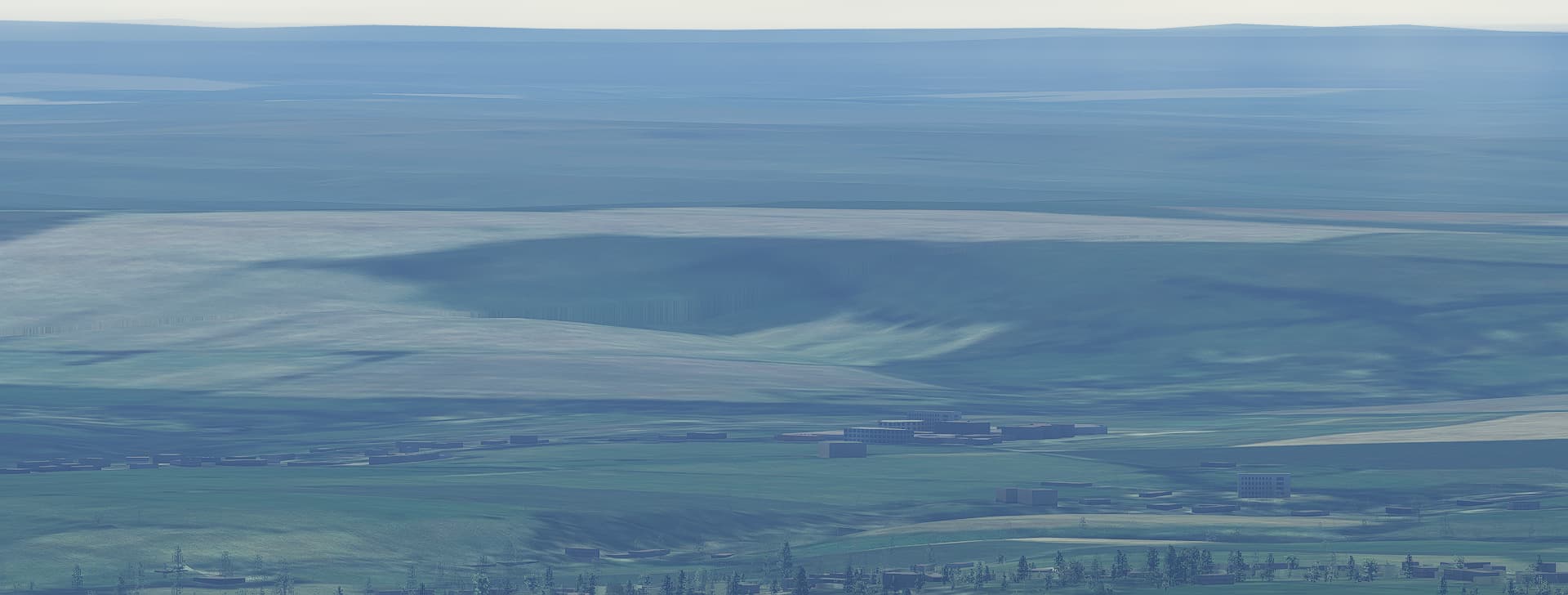
I just wanted to upload some shots at varying LOD levels, looking over an airport just SE of Bristol. I’ll show each LOD level from 400 down to 50, one shot at normal zoom of 50, and one zoomed all the way in. 60FPS was maintained across all imagery, as you might expect for such a simple scene.
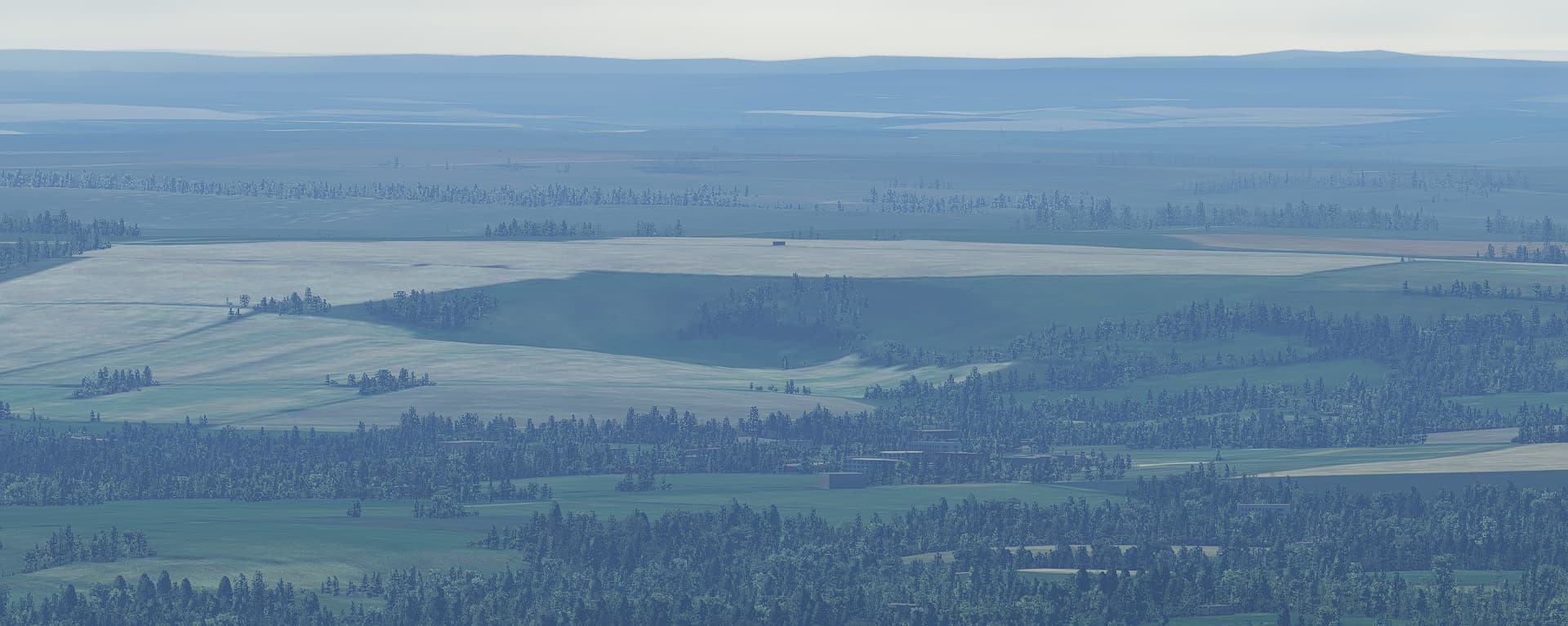
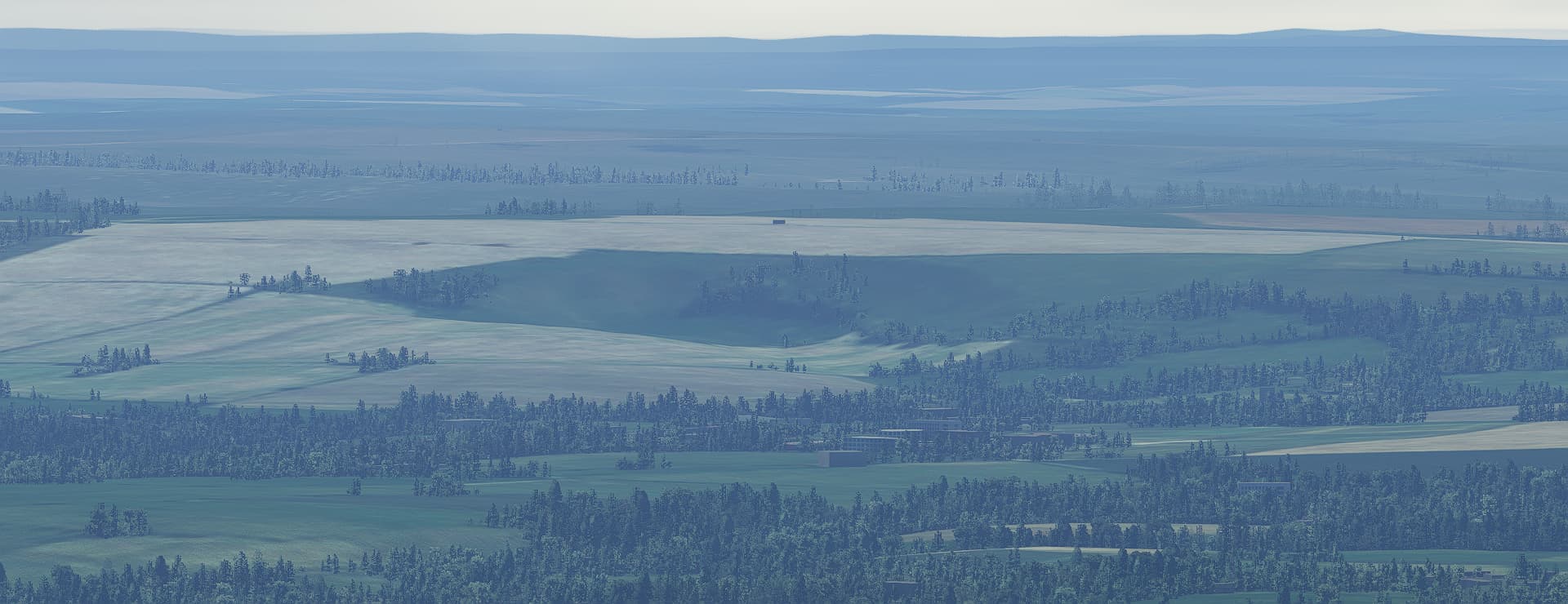
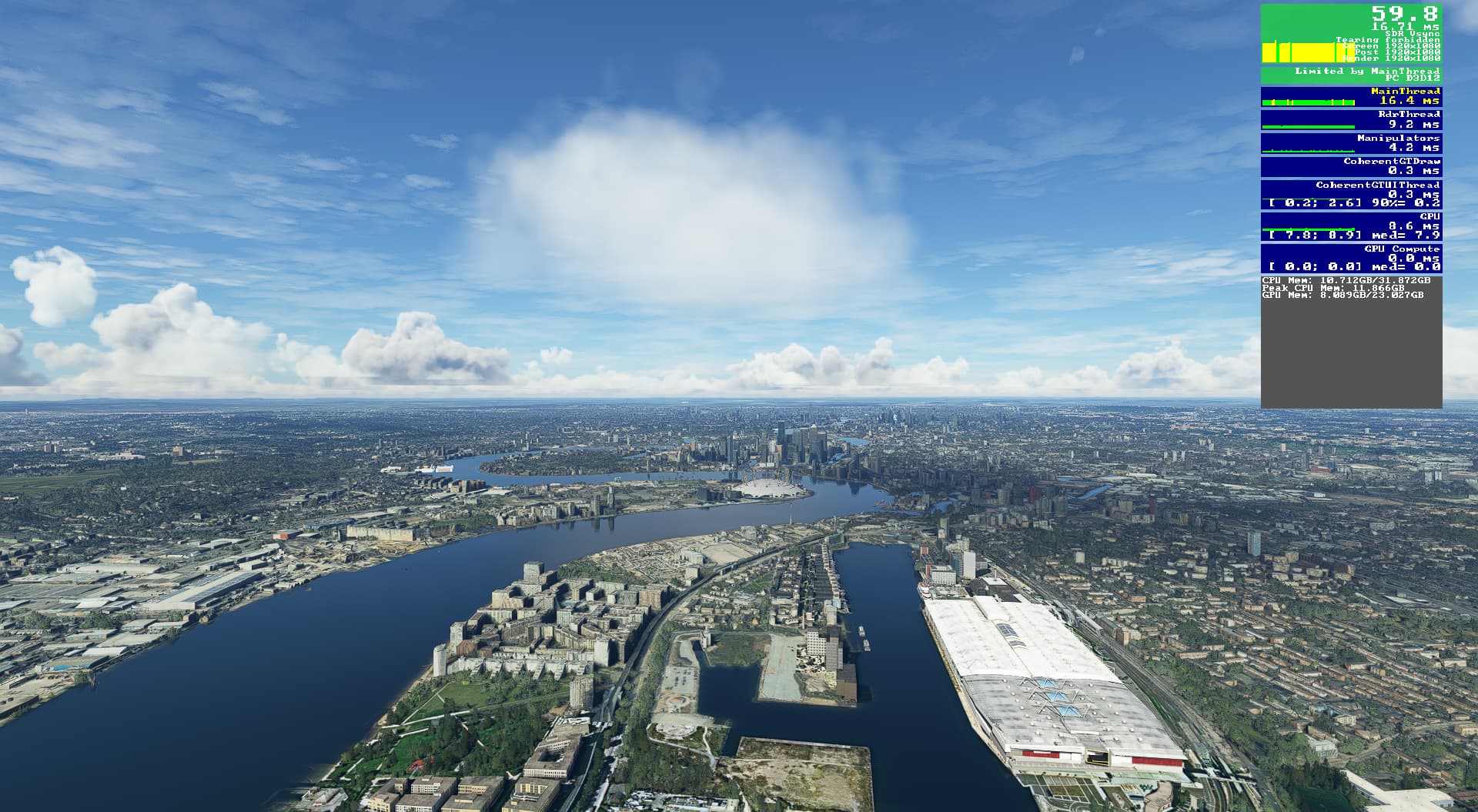
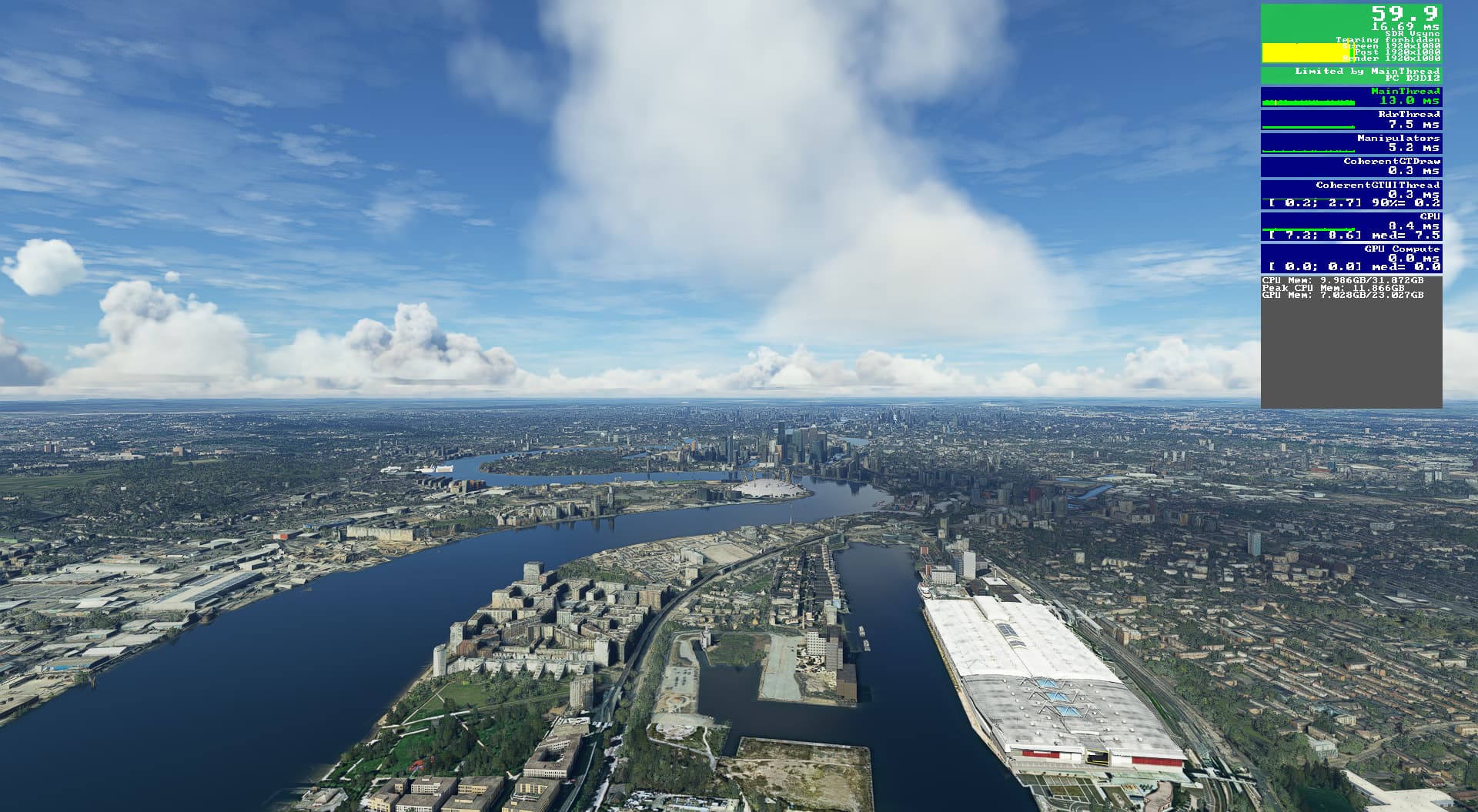
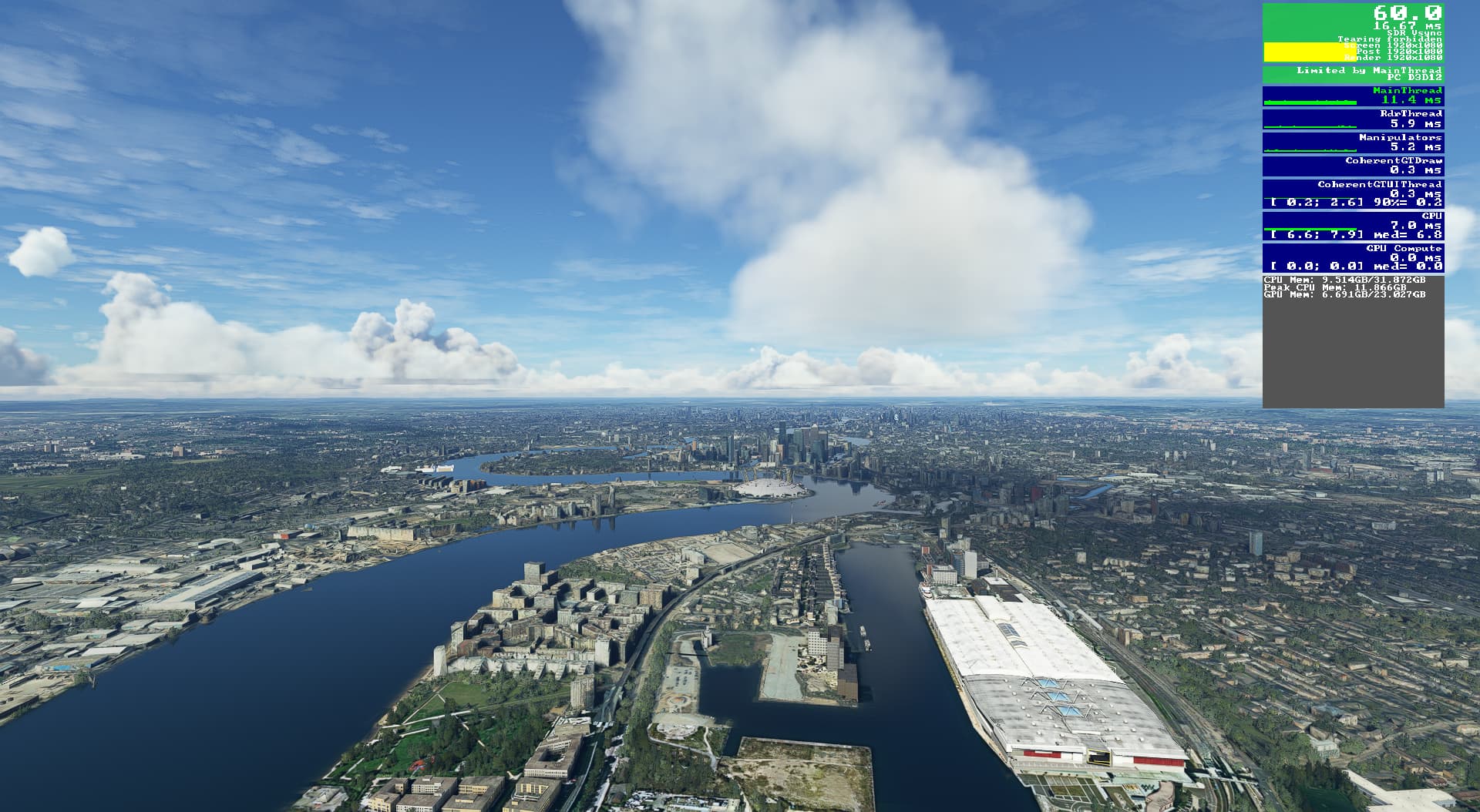
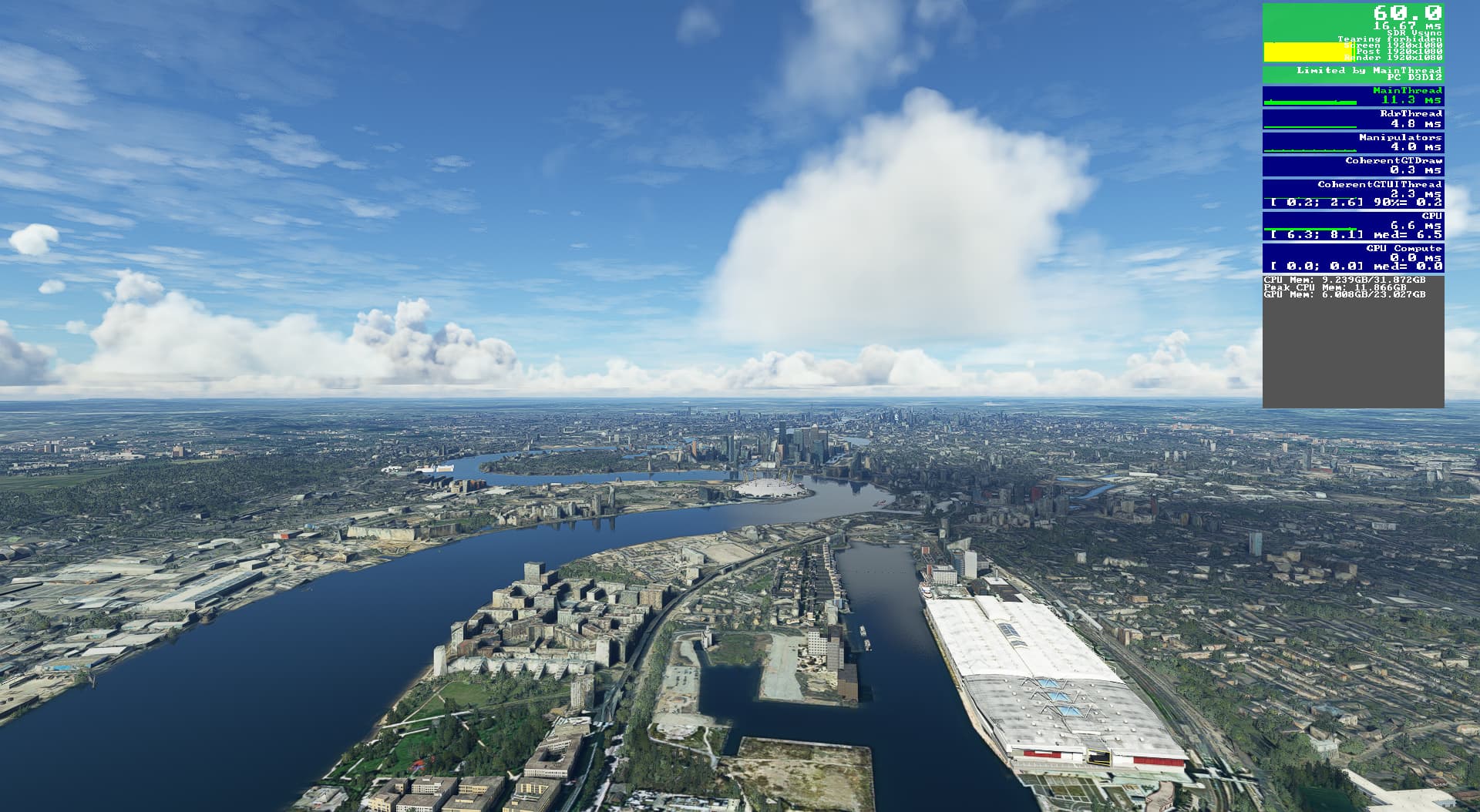
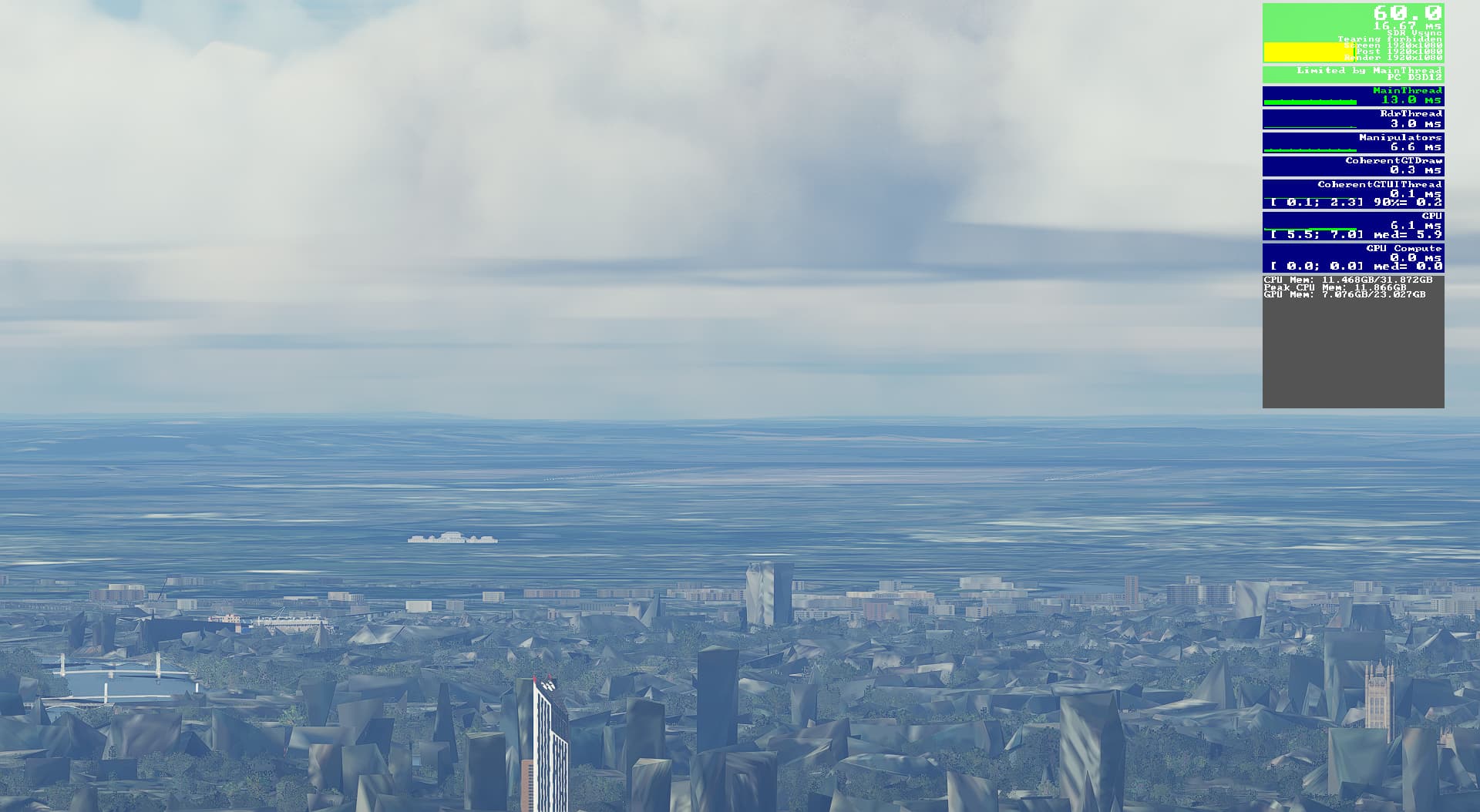
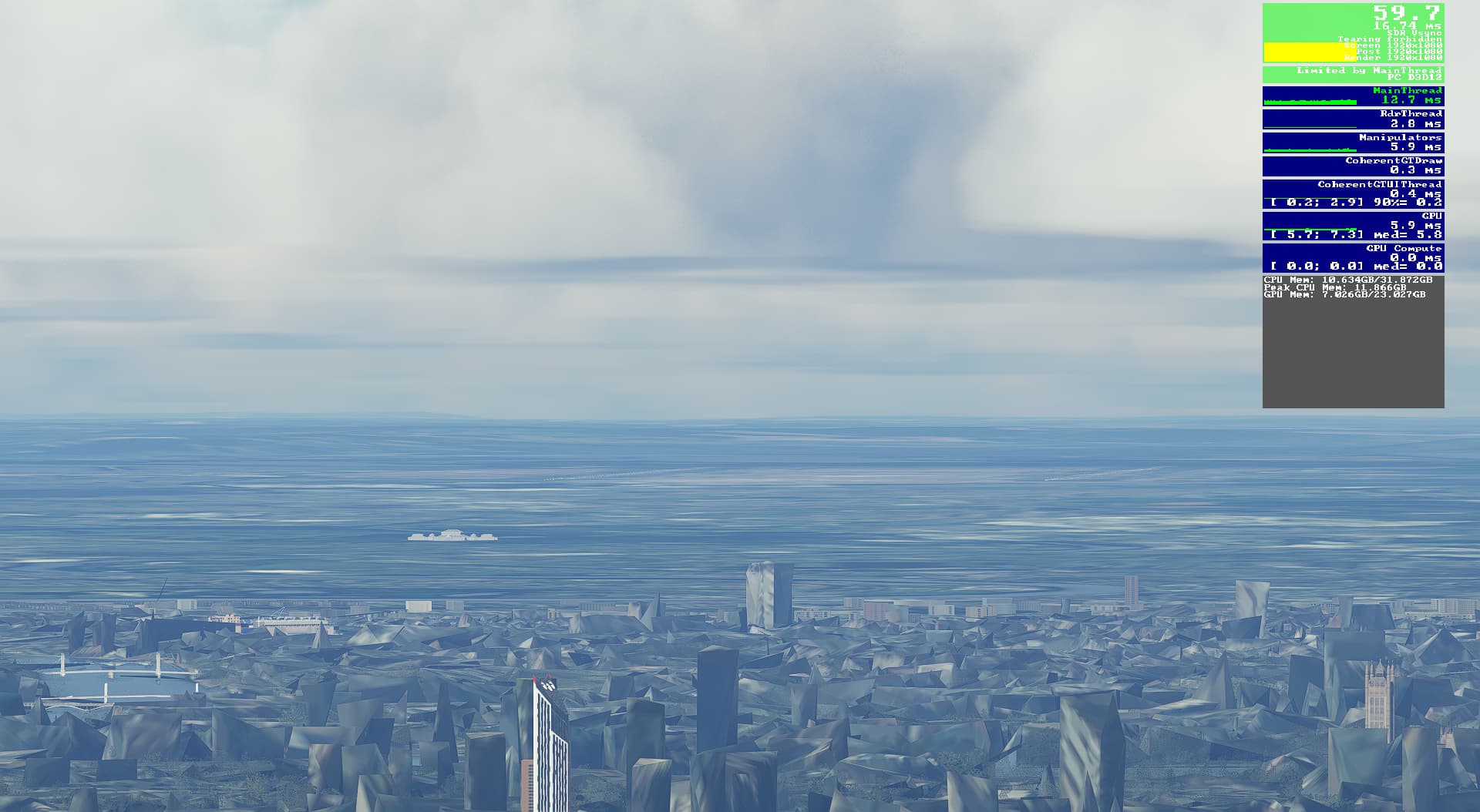
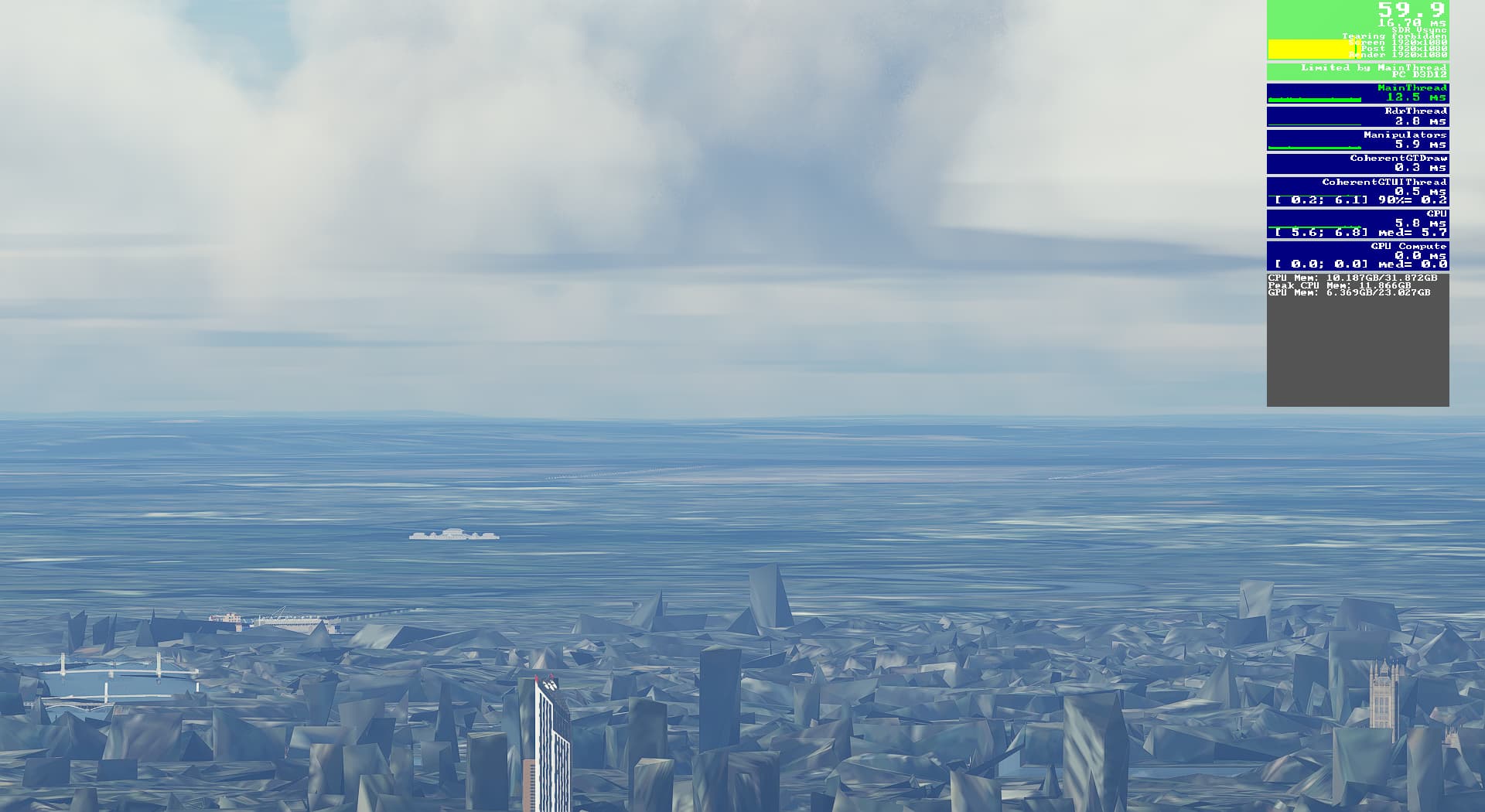
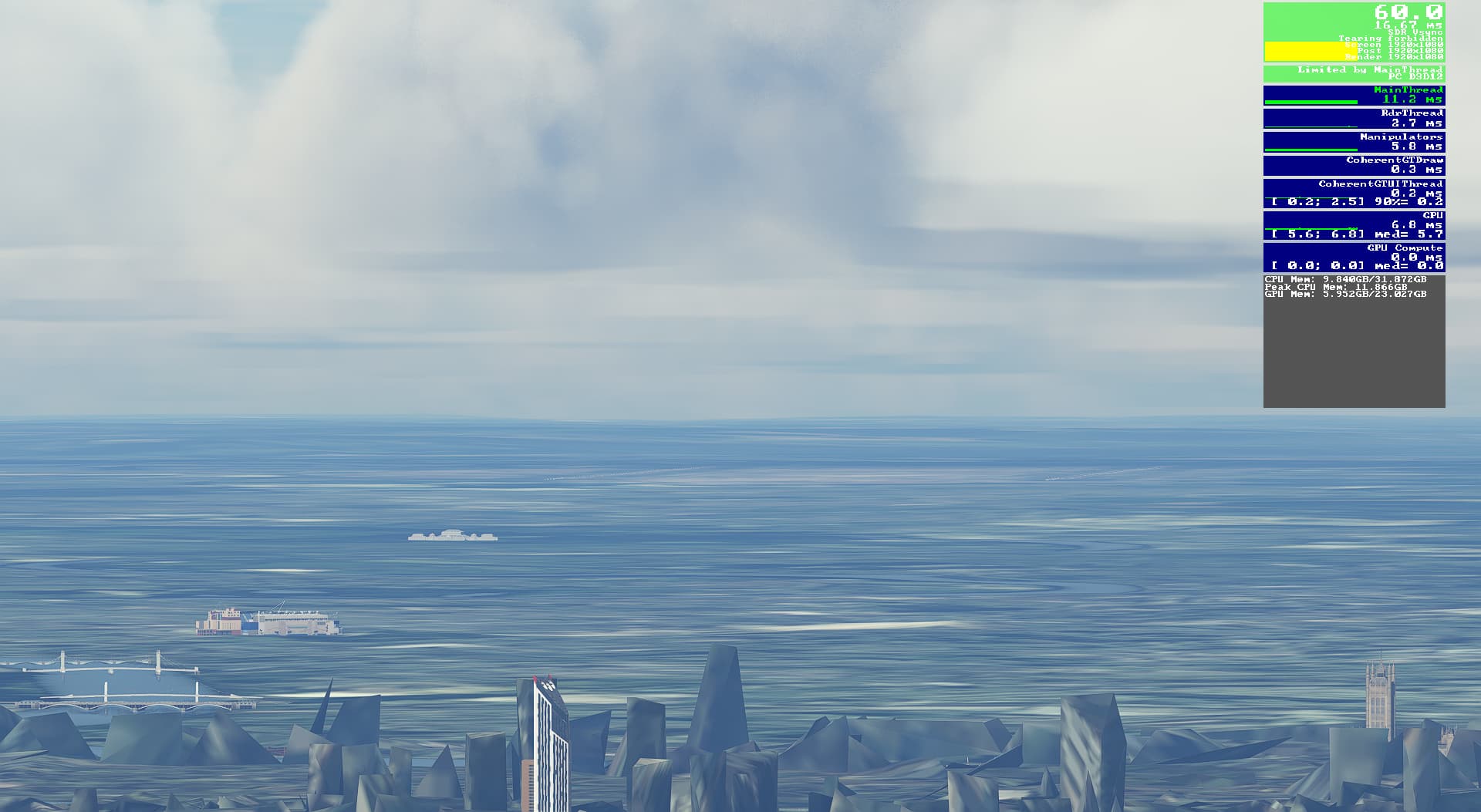
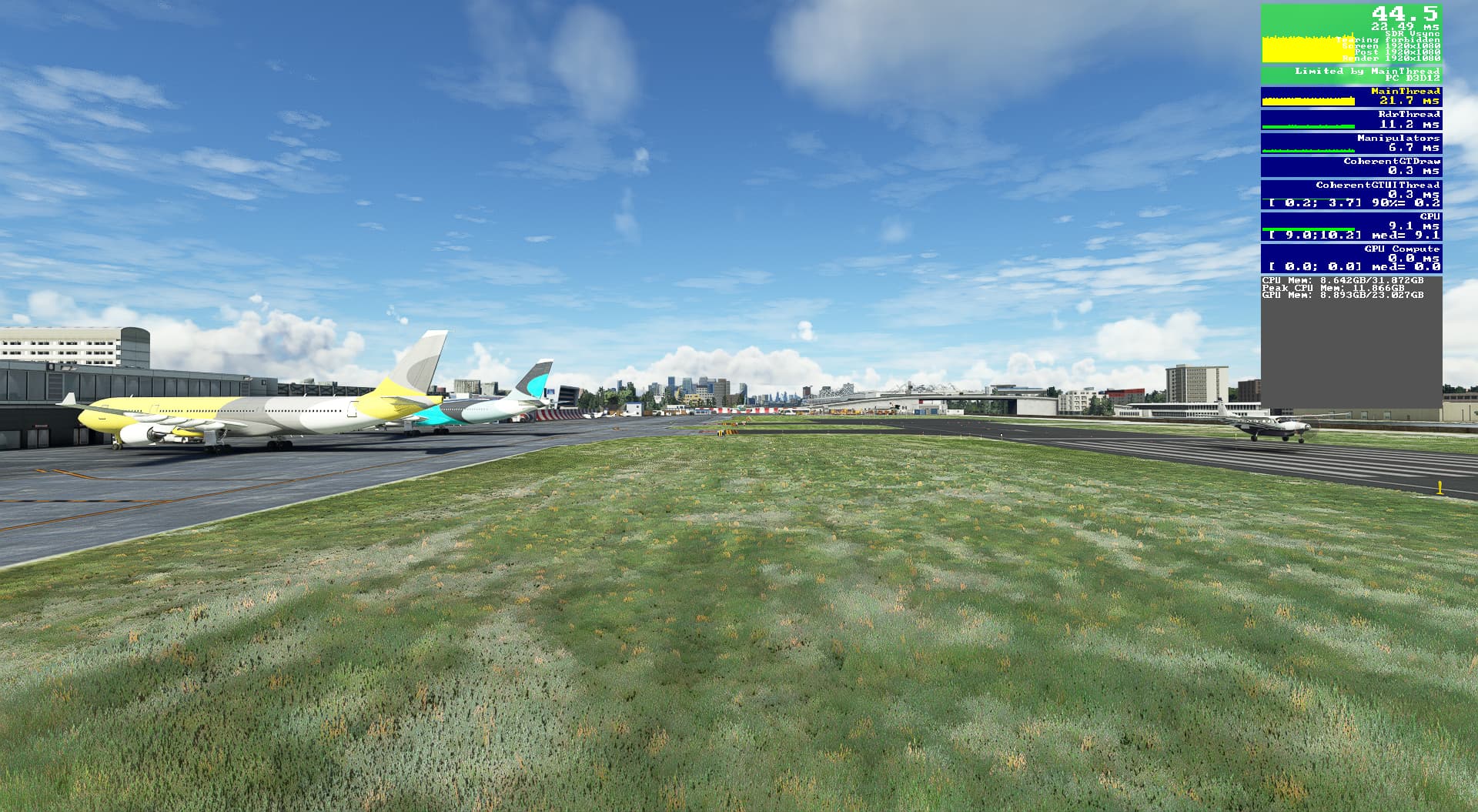
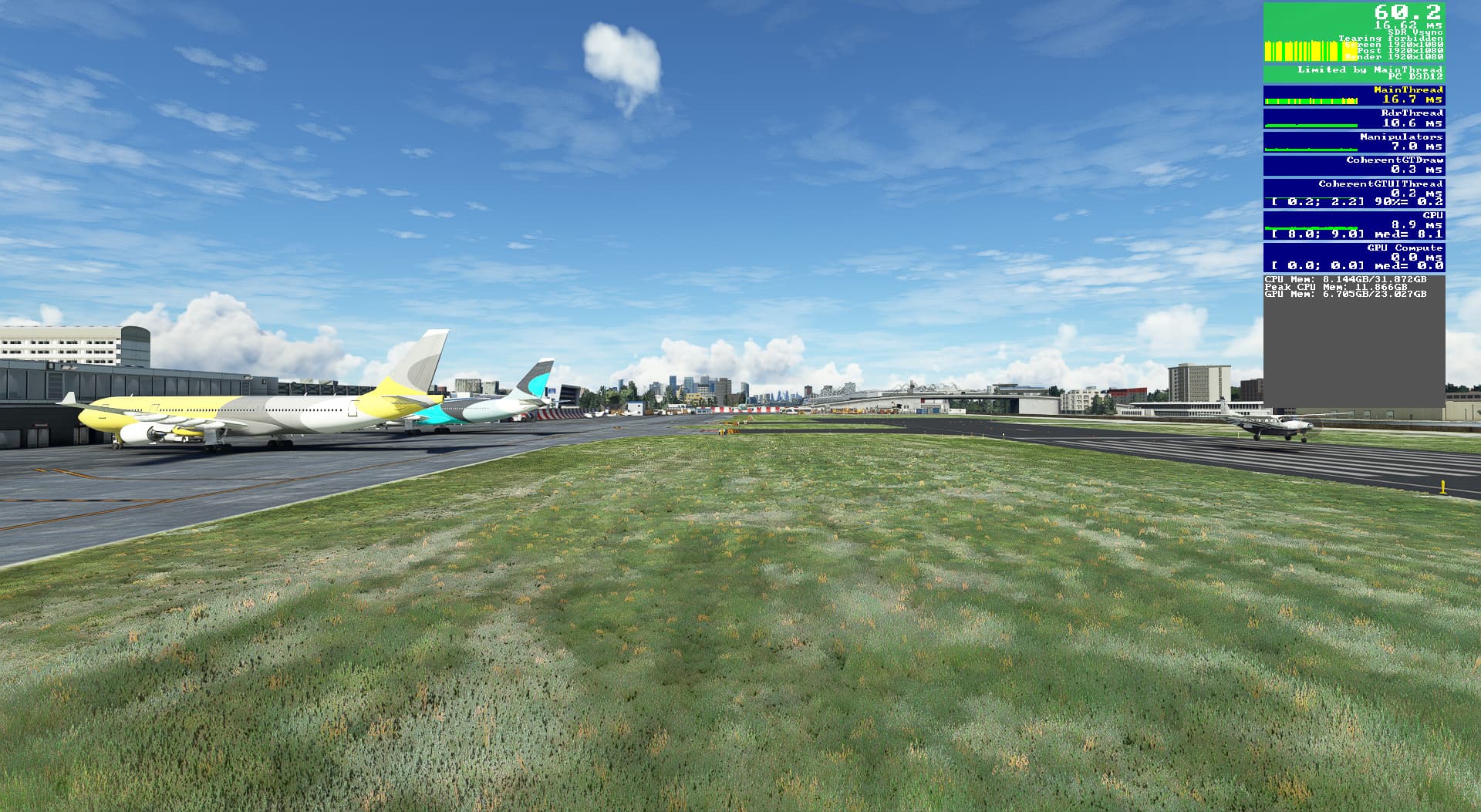
Repeating the test at EGLC, looking west to EGLL, with FPS shown. I’ve switched to few clouds here as there is a lovely haze of London that obscures the visuals, but I wanted to have some clouds in the scene so there was some load on the system.
There is almost no discernible difference on the ground between LOD 50 to LOD 400, yet a huge improvement in frame rate. I honestly the think the sweet spot between performance, and visuals lies somewhere between 200-300. Anything more just isn’t worth the frame rate drop.
This is why some form of dynamic LOD would be ideal, nay necessary. Above a 1000ft or so LOD has next to no effect on framerate, but it can be horrible on the ground. The stills don’t do it justice, but there is noticeable stuttering when turning your view about in anything above 200. This doesn’t feel very nice when using a head tracker. I’d be happy to back off LOD to somewhere between 200-300 to improve performance, knowing that some trees in the distance I cannot see will not be drawn.
I did notice some buildings in the foreground in some of those images change, and yet ones further away did not. I haven’t inspected them closely but I wonder if this is an autogen vs PG thing?
If you have a better CPU than me, then your sweet spot could be adjusted upwards somewhat.
Try this with PG and it’s a different story, lower lods and close in buildings can get really warped. Fortunately for me (powerful cpu, mediocre gpu) performance (fps) at LOD 400 hardly differs.
PG has always been quite good for close-up viewing in U.S. cities. Still is, which is why from the beginning I’ve been of the opinion that the problem is caused by very poor quality datasets in places like London and Wien, just for example, not by overtaxed servers or slow Internet connections as was commonly believed by many.
the reason being that the LODS are being dictated by the concentric rings outwards from the camera.
So everything up close will look good nomatter 50 or 500LOD. The issue is how far out each LOD reaches.
Keep in mind that Trees and grass quality (low->ultra) also affects the density as well as the draw distance. (Which I hate, because there is no way to chose low density with far range).
Without me going into a rant aobut how horrible the entire settings/option issue is for msfs, lets just say that it is both misleading and increadible confusing.
They lump complexity, density, draw distance into one slider/option for several of these things - which is just awful imo.
I understand that. Which was the thrust of my argument about dynamic LOD, in that you can get away with very low LOD levels at ground level as you can’t so easily see the horizon. As altitude AGL increases, a higher LOD is desirable. Taxiing about a busy airport does not require LOD 400.
oh I fully agree with you.
Dynamic LODs and better control over the options/settings would fix alot of the complaints, but somehow it seems like the dev team has been busy for this last year…
Ideally, and if the sim configurations could be accessed via hotkey, I’d probably assign one button LOD50-100 for when I spawn in, and start to taxi, and when I’m ready to enter the runway I’d press another button to set it to a higher preset. Lower framerates are not so noticeable when moving or looking forwards, but its horrible if you are looking about for other traffic during taxi.
there is a massive difference in bing streaming with LOD levels.
check the airport ground tiles beneath your airplane, LOD400 adds PBR while 100-200 misses it.
mountain ranges are more defined with their shapes at LOD400 while it’s rounded in most cases and pops in with 200.
see the difference for yourself open the image in a new tab it’s not forum compressed.
These are shots i took with my previous rig with a 10700k, im on a x3d chip by now but lod400 is still too much.
(right click open in new tab)
“This BUG REPORT was opened by me on January 12th. The issues with LOD, PG, low resolution ground textures and slow loading in general has not been fixed, and not even addressed by Asobo.”
Maybe because they have been shifting their development efforts to MSFS 2024 for some while now?
This MSFS 2024 does not come out of the blue, internally, and such lack of reaction certainly fuels the fears of those suspecting that MSFS 2020 will go into deprecation.
I found it odd that I could not replicate some of the LOD pop-in that appeared in some videos I have seen. I even lowered the TLOD to 150, and it still looked fine. I didn’t go any lower than that so perhaps that is where it occurs?
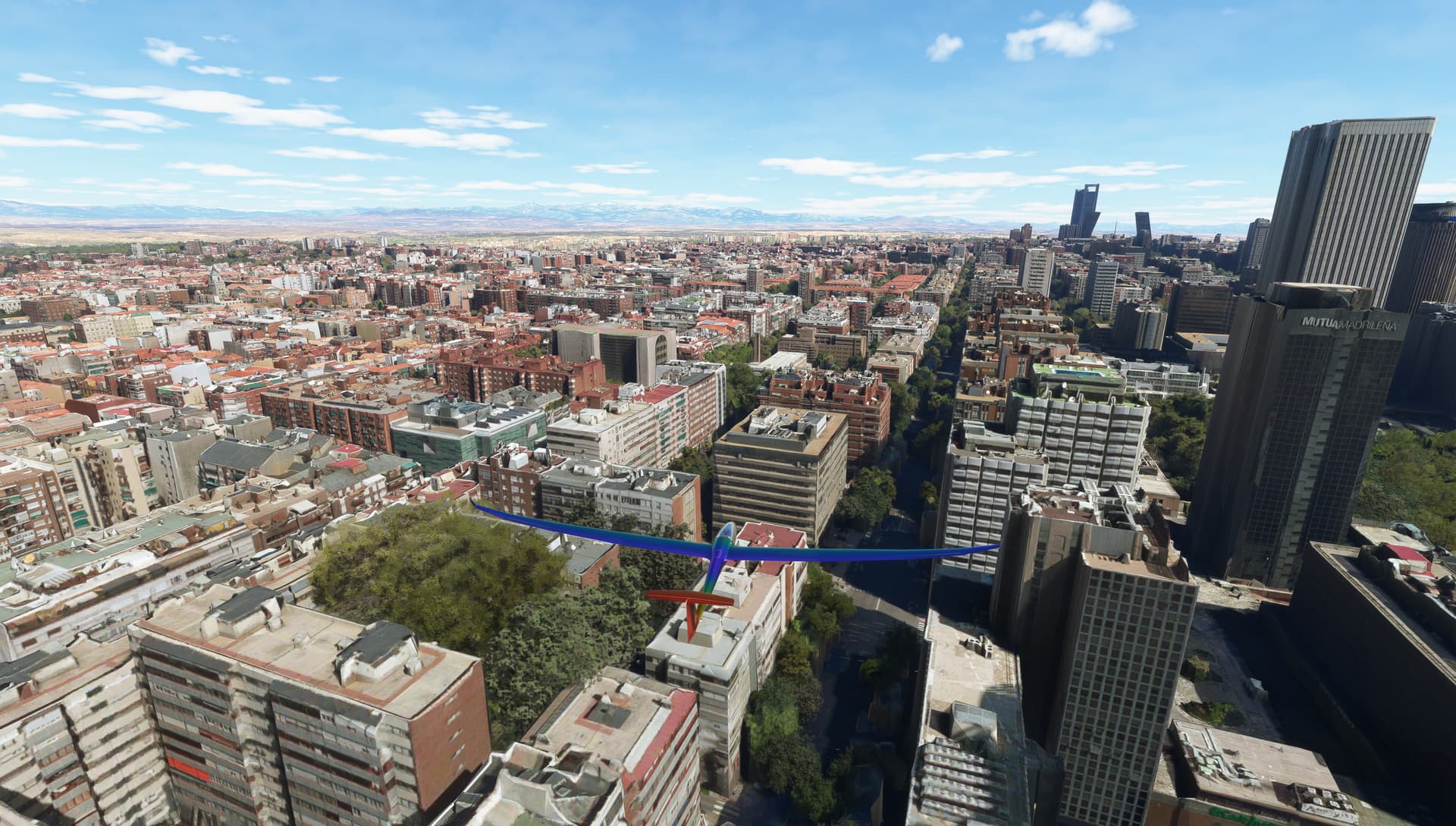
Just tried it again at 50, going from KJFK to Manhattan by drone. I saw plenty of changes to PG in front of me as I moved forward, but I didn’t see that weird blocking in that was in the 737NG Driver video.
LOD 250 gave me a nice balance over Manhattan, able to lock at 60FPS…until you rotate your view, and you lose a lot of frame briefly. The sims never been the same since they added that scenery caching option. Despite it saying Ultra it does not cache all the scenery.
If you set the drone camera to a very slow speed, you see next to no frame rate impact. Set it to full speed and the frame rate plummets as it starts to load in all the new scenery ahead.
If feel sorry for those who only fly airliners. They have to cope with increased load due to airplane complexity, as well as their approach speed being higher than GA, meaning scenery is loading more aggressively.
I’d love to have some aspects of the sim <SU5 to come back.
The most interesting bit of news from the 2024 announcement for me is that it’s an improved engine. I don’t know if they meant that it’s just stuff to support those missions, or if they have actually improved / optimised or, heaven forbid, made it actually benefit from multi-core CPU’s (like we have had for a decade+)?
I am sure I read somewhere that there is a new LOD system, but can’t find it now in the tsunami of posts so don’t quote me on that!