You won’t need a toggle switch for WASM.
If a plane uses it, it uses it. If it doesn’t, it doesn’t. There isn’t going to be some overhead running in the background like a process. It’s a programming language.
You won’t need a toggle switch for WASM.
If a plane uses it, it uses it. If it doesn’t, it doesn’t. There isn’t going to be some overhead running in the background like a process. It’s a programming language.
Completely agree that all fixes shouldnt be rolled into on SU, as that is setting issues off in other places. One step forward, two steps back spring to mind
I must admit i haven’t touched the A310 yet, its on the to do list.
It’s incredibly awesome and works fantastic on my Series X. If you’re not on the beta, I’d either enroll or wait for SU12 to release before you try it.
The ATC fixes are the main reason, but the texture improvements on the flight deck are another. I’m about to take-off and test to see if the VOR navigation fixes have been implemented.
(Man, I need to raise my hand here. Guilty! — of helping to completely derail this thread. We need a general Xbox chat thread.)
I will have to check that out!
Is it much different from the A320? I’ve done a few flights with that.
It’s always nice to know that the issues are happening, as sometimes you cant find anyone else being affected
It’s completely different. I mean you even can’t move it if you don’t study your lesson. 
I do like A310. Just wishing we can have high resolution model and cabin too.. at least maybe a passenger seat window view like Neo has…
How does it work with default atc because you can’t use world map as flight planner does atc pick up your manually inputted flight plan ifr?
I plan in game with world map then make the same plan on simbrief or similar. And import it to mcdu via simbrief.
Cheers and with simbrief can you choose ils runways?
With the new version of simbrief you may see SID/STAR and may choose. But for the ILS runway, i don’t know. I mean sure you choose runways for departure and arrival but it doesn’t say if the runway has (?) ILS. But you may check it in game via world map or from an other source. So that’s a part of the flight plan.
I try to choose and plan it due to the weather. If ATC clears me to the runway in my plan then I am good if not you can change it on mcdu.
Btw someone please correct me if I am wrong .
Great many thanks these questions were bugging me with a310 I am going to study the aircraft next now it’s had a few stability updates 
Yeah this plan is next on my list too!
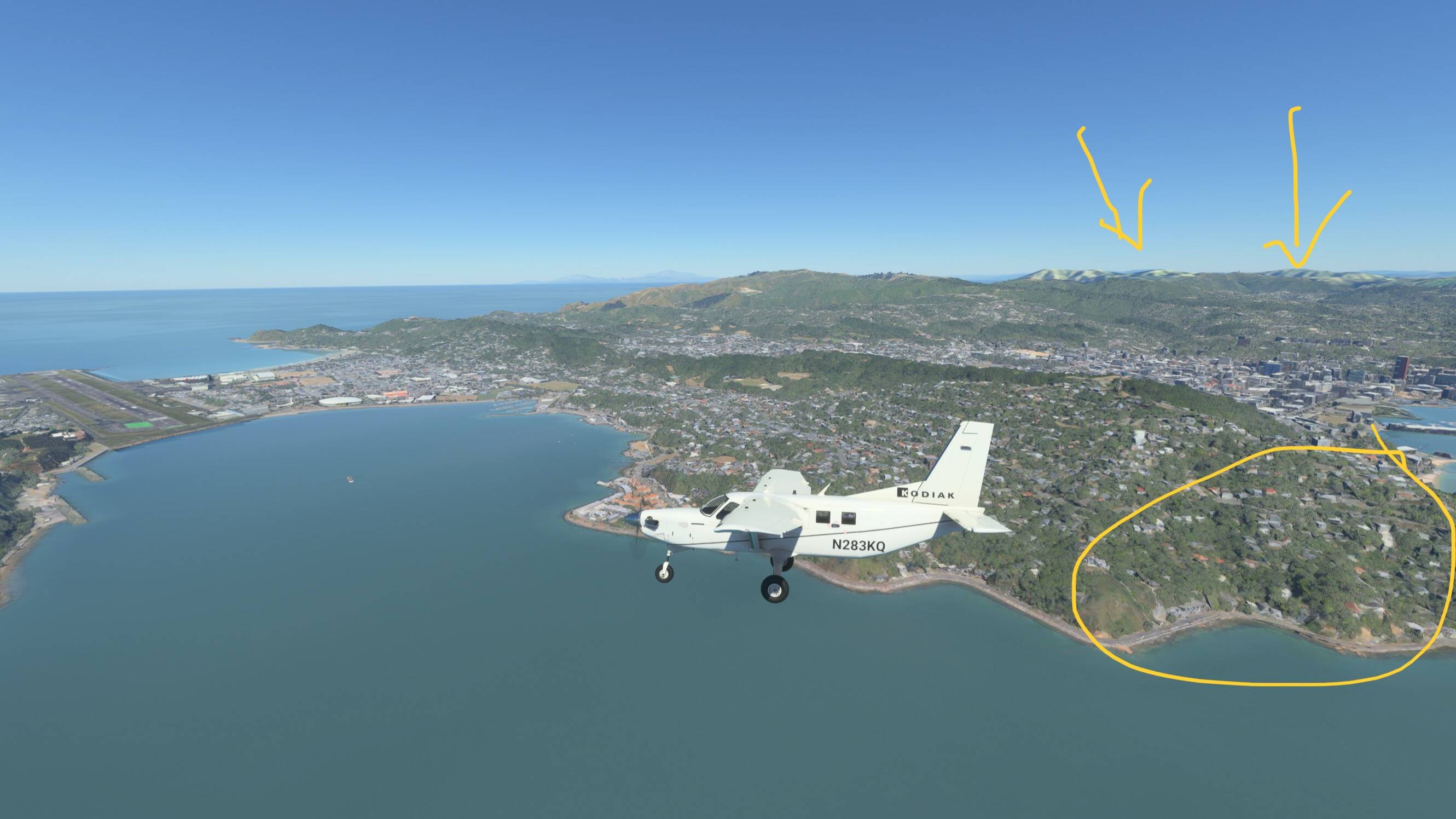
Great job, well done Asobo on WU12! Superb scenery, i really love it. That is when inconsistent LOD/texturing , Graphics throttling down on Series X does not happen, which unfortunately does not happen too often. Yesterday i was able to grasp an idea of the beautiful job you’ve done in places like wellington , auckland and christchurch…
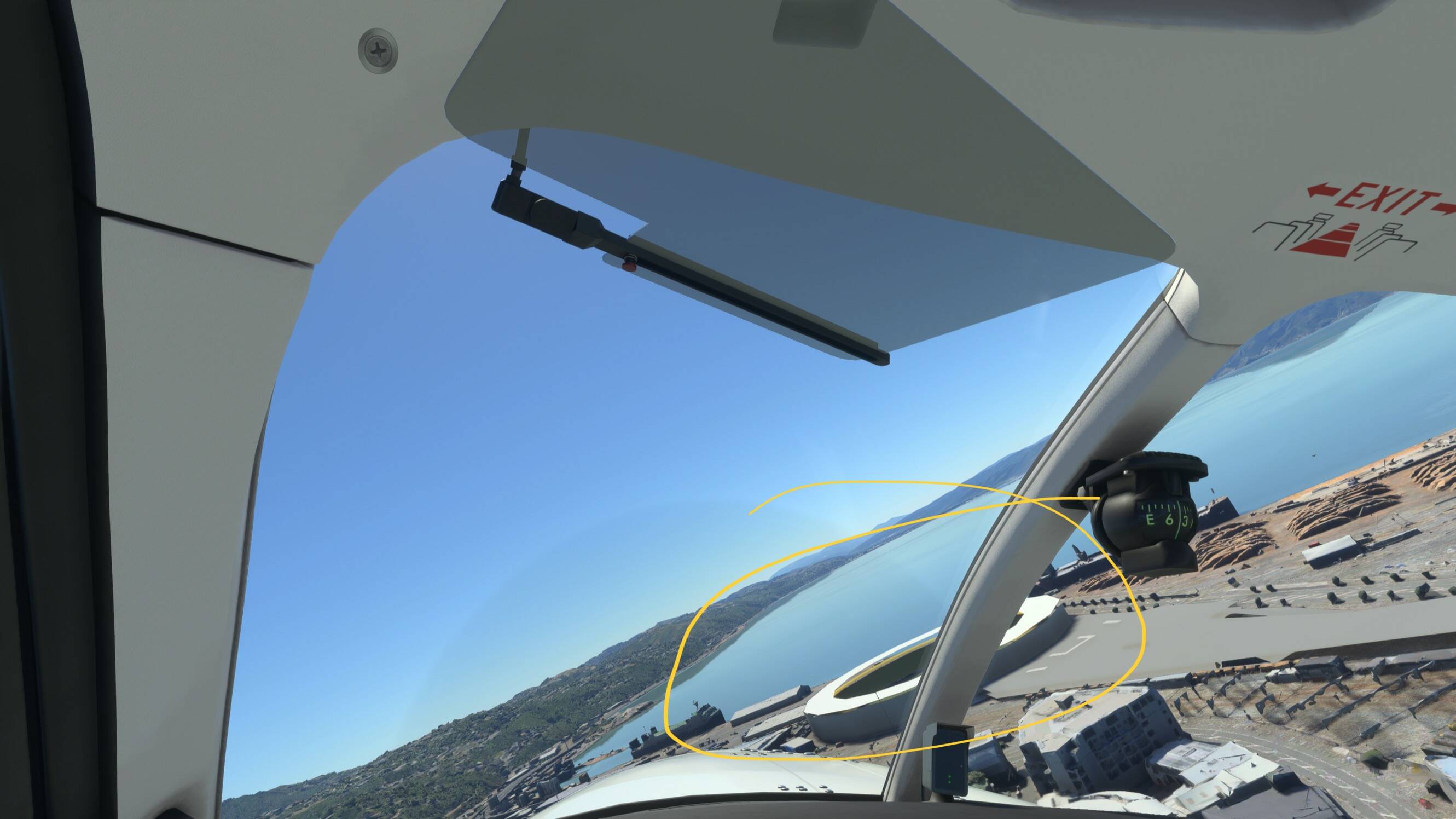
Today the severe throttling down is back , photogrammetry is awful and i started to see FS98 textures again in the distance , massive reduction in polygons even on payware scenery while standing at really close distance.
Please Asobo listen to your users, something is not right since you “fixed” the LOD issue for Xbox, the experience is completely inconsistent and frustrating and most of the times is worse than it’s ever been. I get decent graphics 1 o r2 times out of 10 i play , it’s bad!
+1 to this, great post!
Tested WU12 last night. Approaching Auckland, 3d objects pop in like crazy… Mountain morphing is also more noticeable…
Yeah i had that last night, the morphing was really bad last night, and the pop in north of Wellington was horrendous
The LOD of the whole planet is bad. Too bad. It sucks. It really is discouraging to practice this simulator at the moment.
I really think LOD is broken on the xbox!
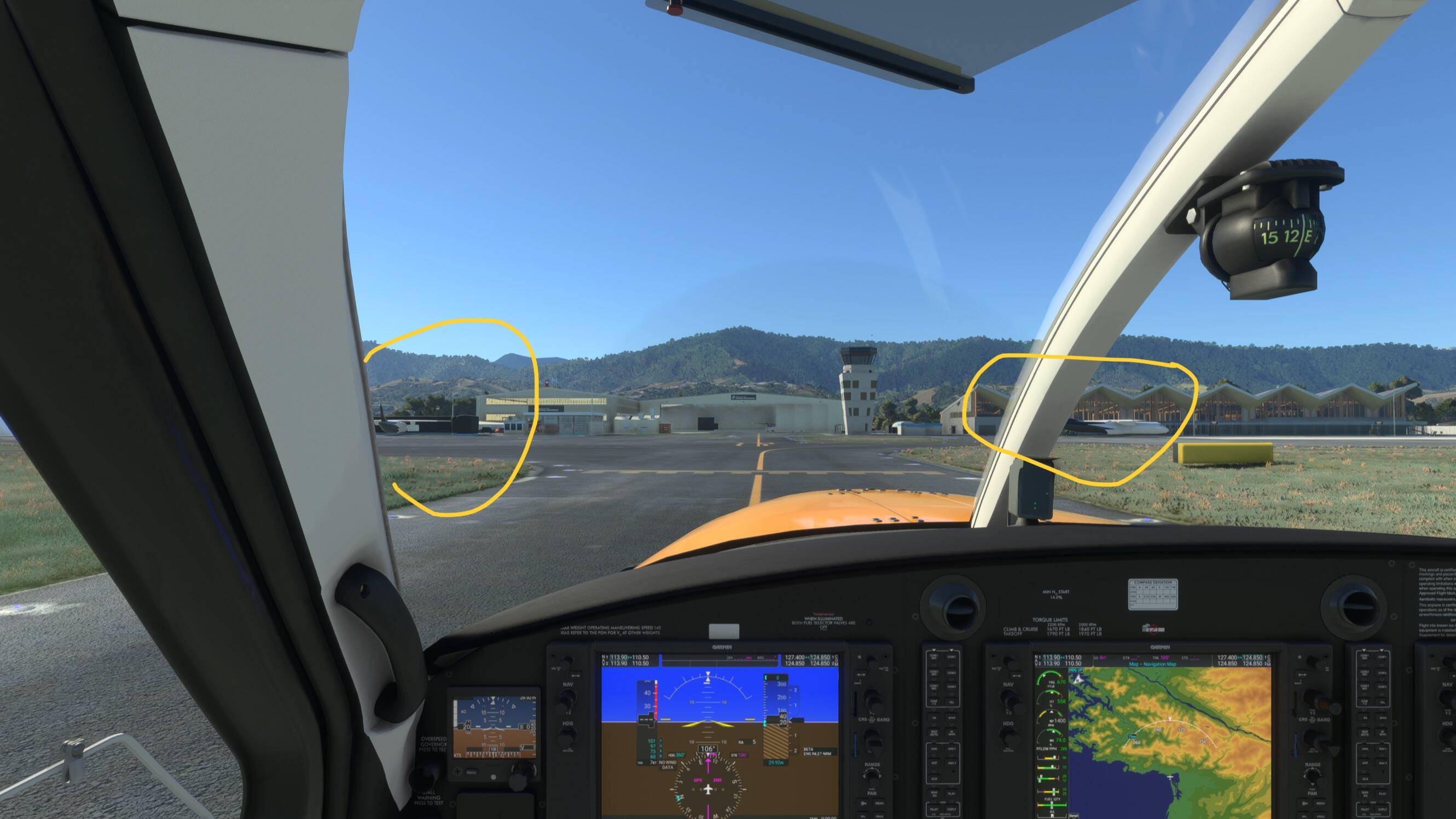
I just bought and installed NZA’s Nelson NZNS. This is a payware airport currently on sale with the release of WU12.
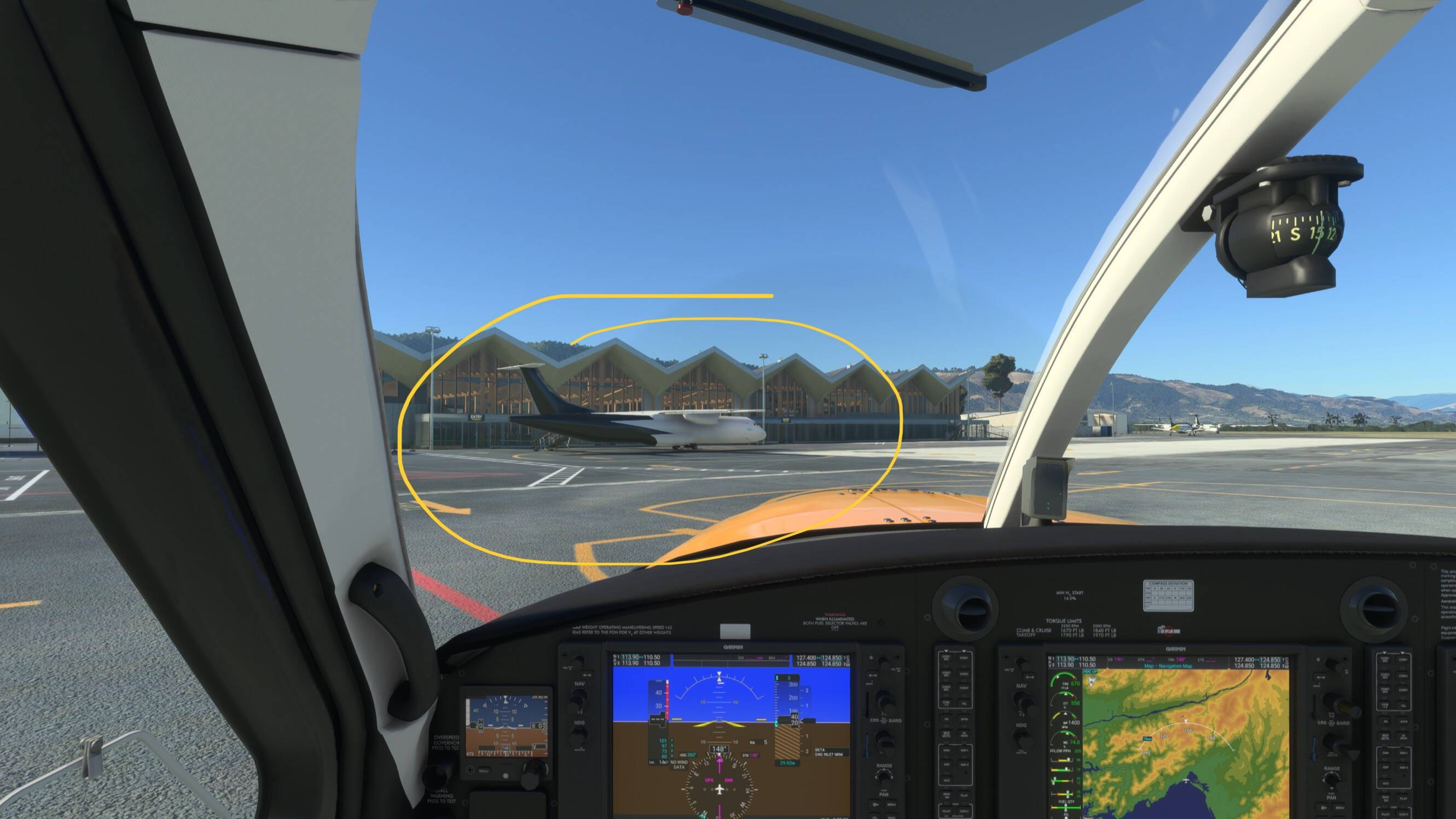
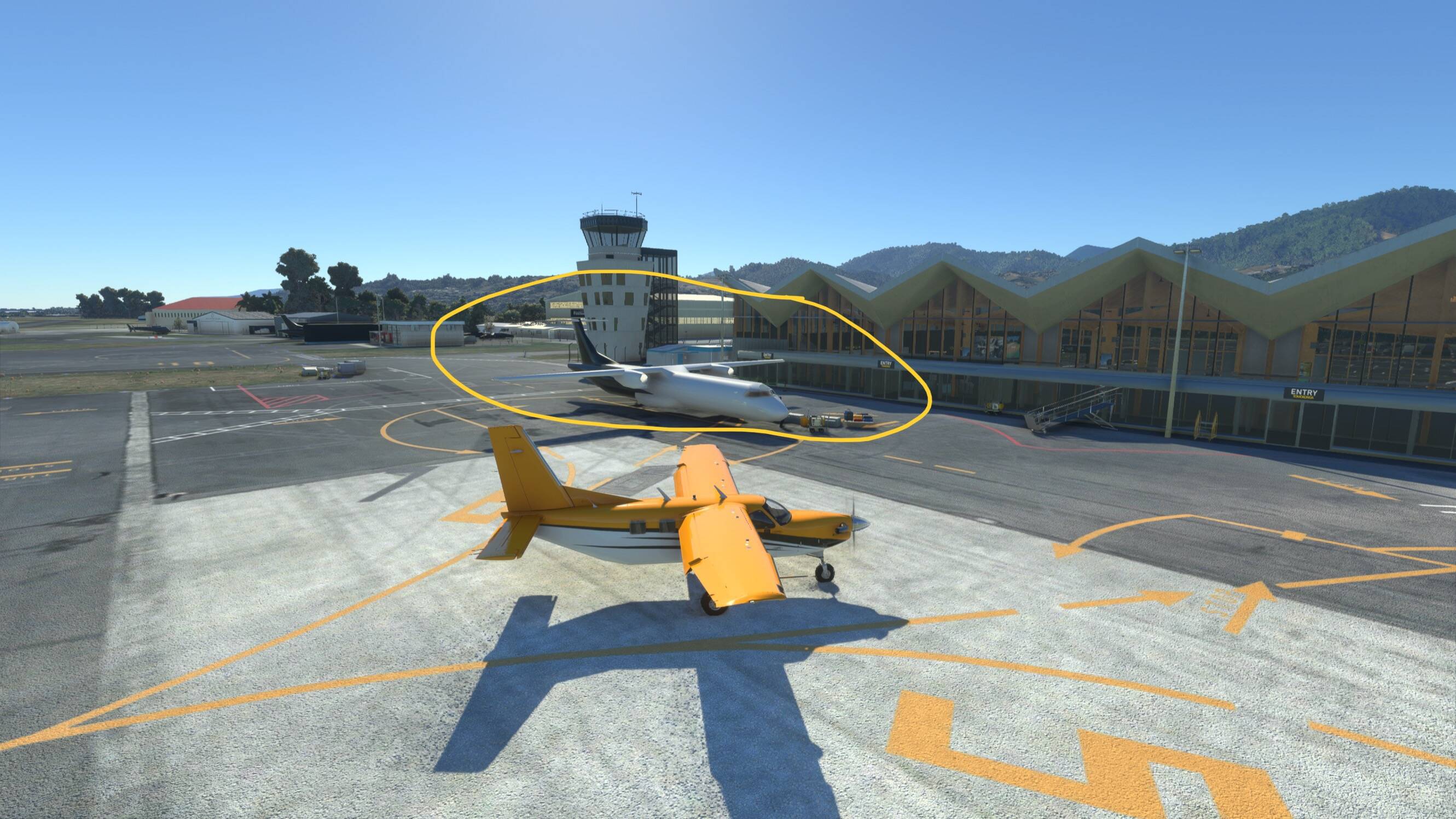
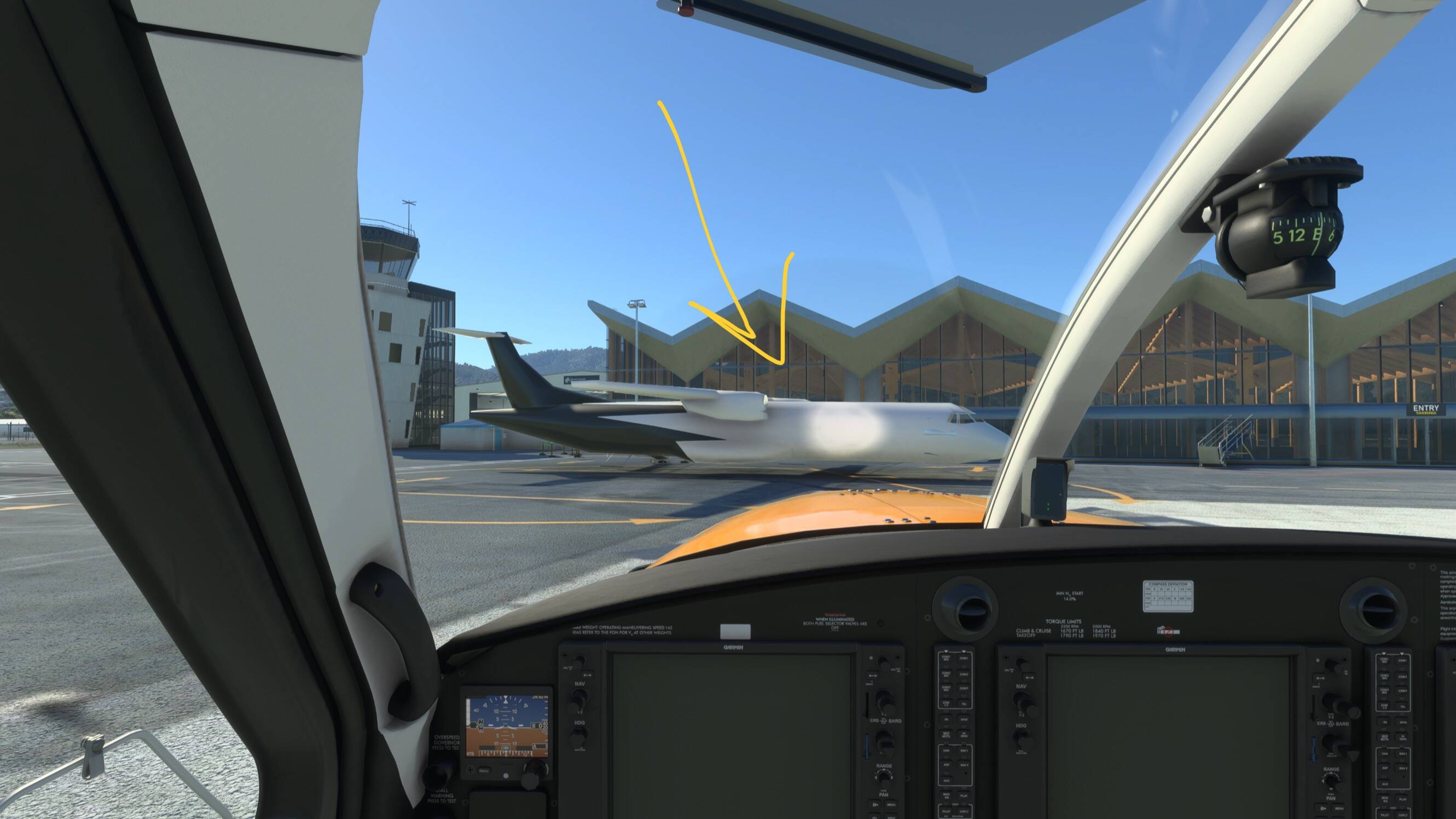
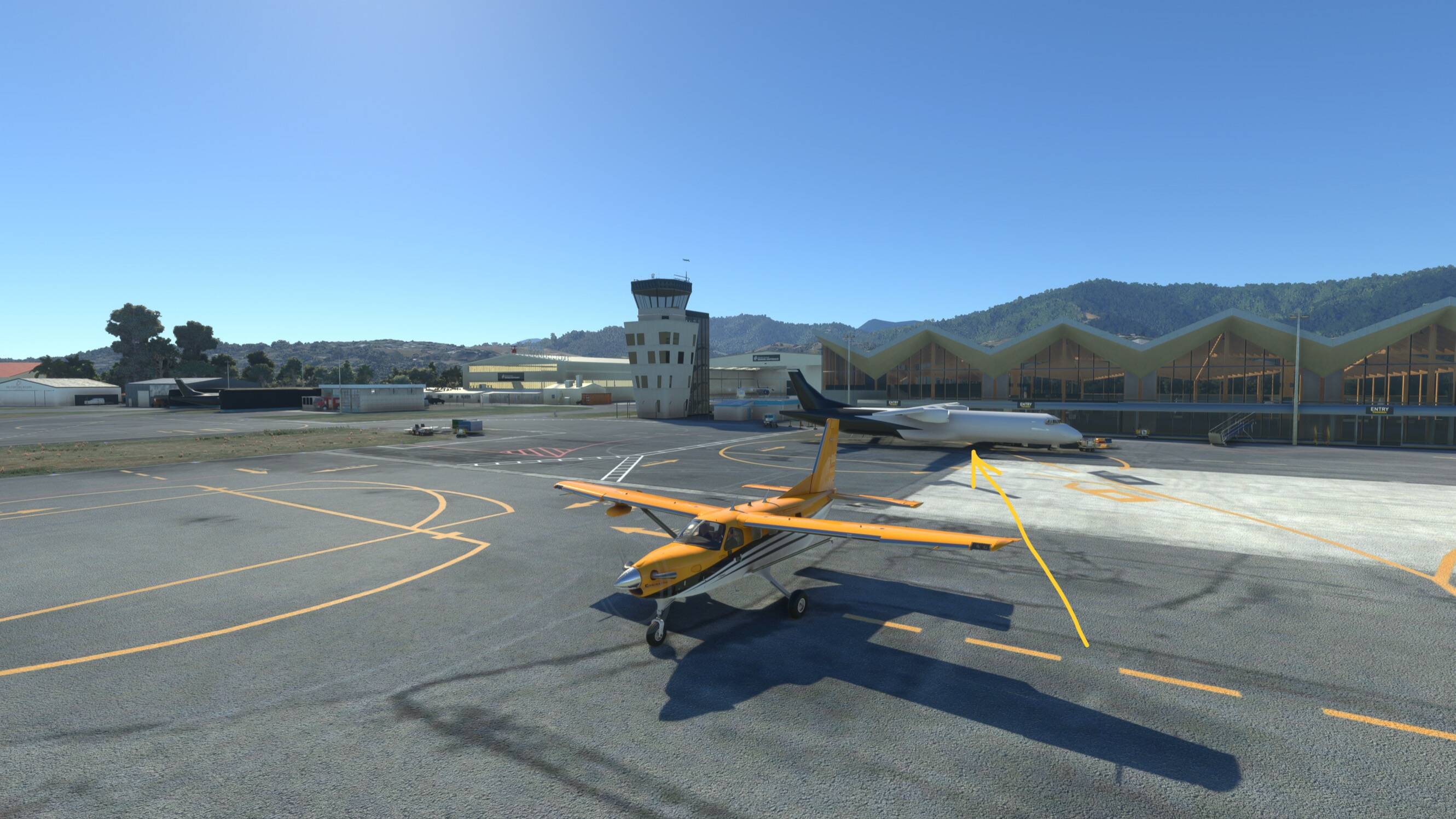
Look, arriving into the airport i see two ATRs with no livery “floating” in the air with no gear . Am i just too far?
Meanwhile, black screens
Please find a short clip showing how the detail on the plane wouldnt load being just meters away !
Before anyone speculates whether this is a problem with the airport itself Wait for my next post, it gets really worse with Mount cook’s and I am going to try to prove this is not related to the payware scenery itself.
In my case, today I had no issues with NZNS.
Asobo Team, can you please look at this video. Can you please explain what is going on?
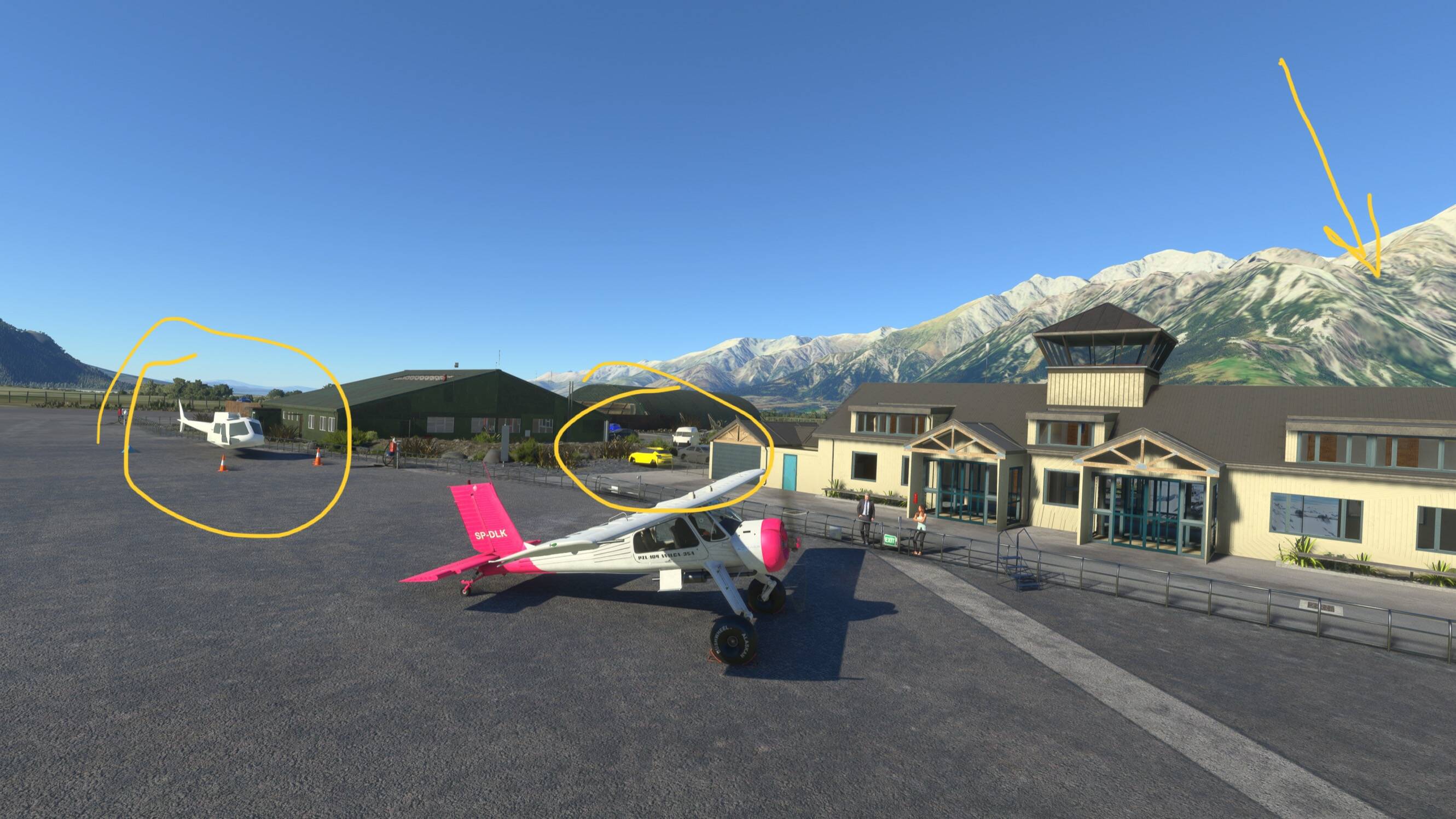
I bought NZA’s Mount Cook scenery long ago, i think I paid full price. This scenery used to look truly amazing, it really matched the screenshots you show in Marketplace with plenty of detail, really crisp textures and image quality , a wonder.
Recently I noticed a strange and noticeable popping of objects and ridiculous reduced polygon rendering … so I just did a test and uninstalled WU12 and completely disabled the online functionality bing maps and photgrammetry ( to discard this being an issue with “servers” as we’ve heard repeatedly in this thread).
Please look at the video, notice how objects & grass start to pop as I move through the runway and then as i approach the buildings the helicopters are so badly rendered, objects continue to pop, then the car parking! , what a mess, this used to look STUNNING! What has happened? Is this what we buy payware add-ons for? To have ultra low polygon cars , helicopters, buildings with no texture ?!
This airport looked completely different in previous versions, even with the first lod fix in beta - it looked absolutely like the screenshots on the Marketplace…. look at the state of this now please!
This is a scandal. Can somebody explain it? , again here servers is not the issue is it?!
Please Asobo this is getting ridiculous , you need to look into this and provide an explanation! I feel ripped off! This is not the scenery i paid for and i used to enjoy before your”fix”.